
Frontier Science Laboratory Queries May 2021 What is
Frontier Science Laboratory Queries May 2021
What is a Lab Query? § A formal, tracked, inquiry sent to your laboratory from Frontier Science § Queries resolve data discrepancies between LDMS and other sources (such as CRFs)
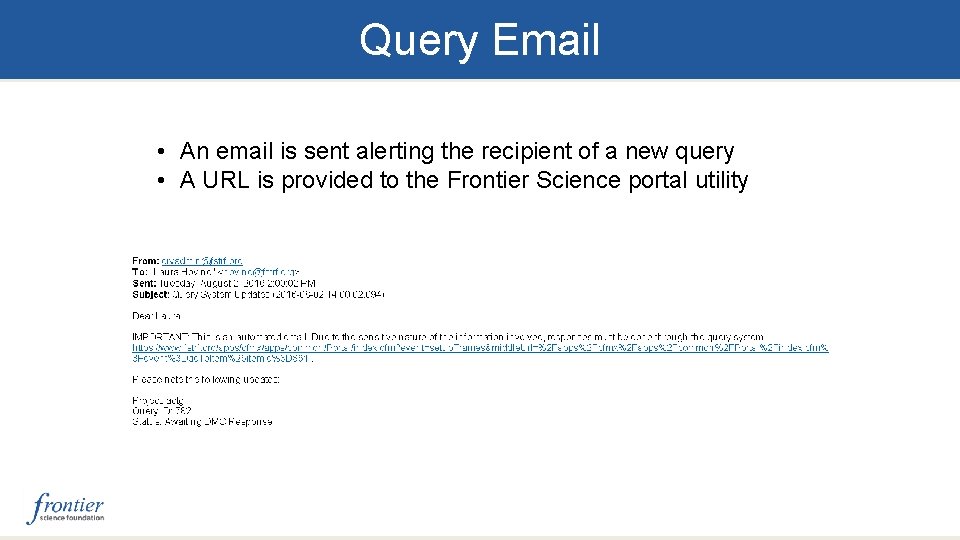
Query Email • An email is sent alerting the recipient of a new query • A URL is provided to the Frontier Science portal utility
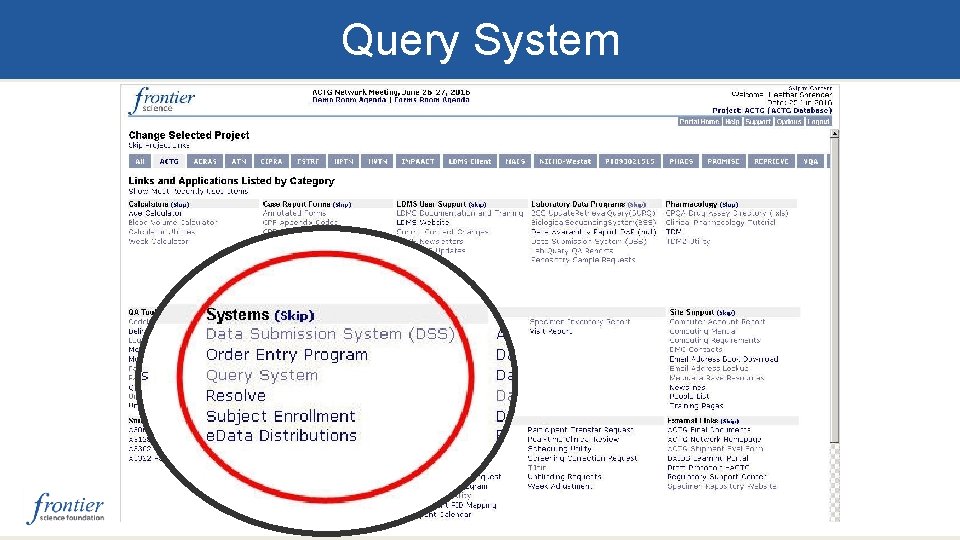
Query System
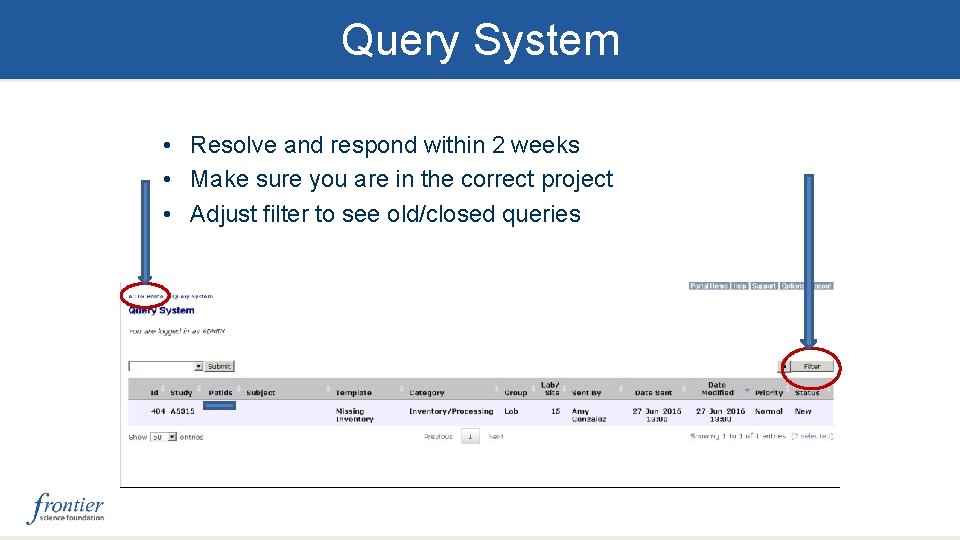
Query System • Resolve and respond within 2 weeks • Make sure you are in the correct project • Adjust filter to see old/closed queries
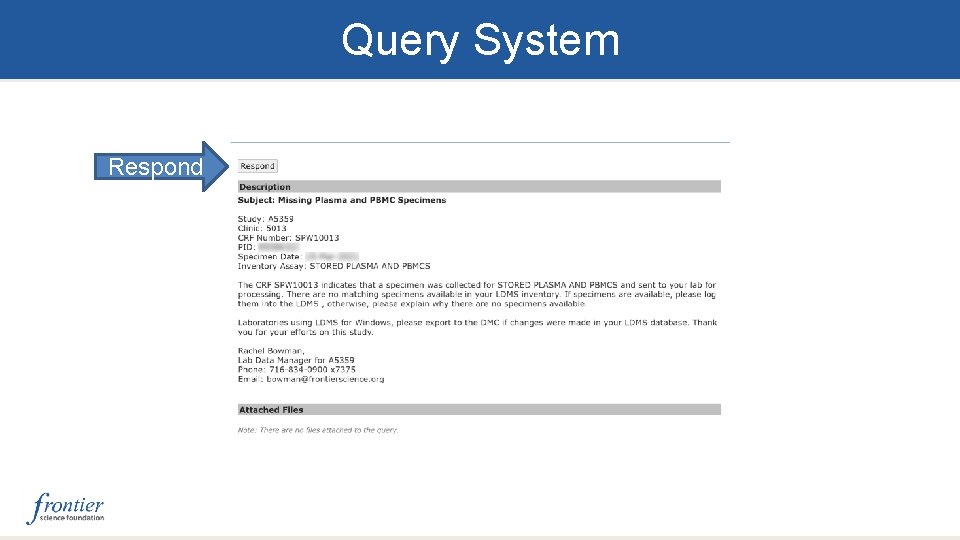
Query System Respond
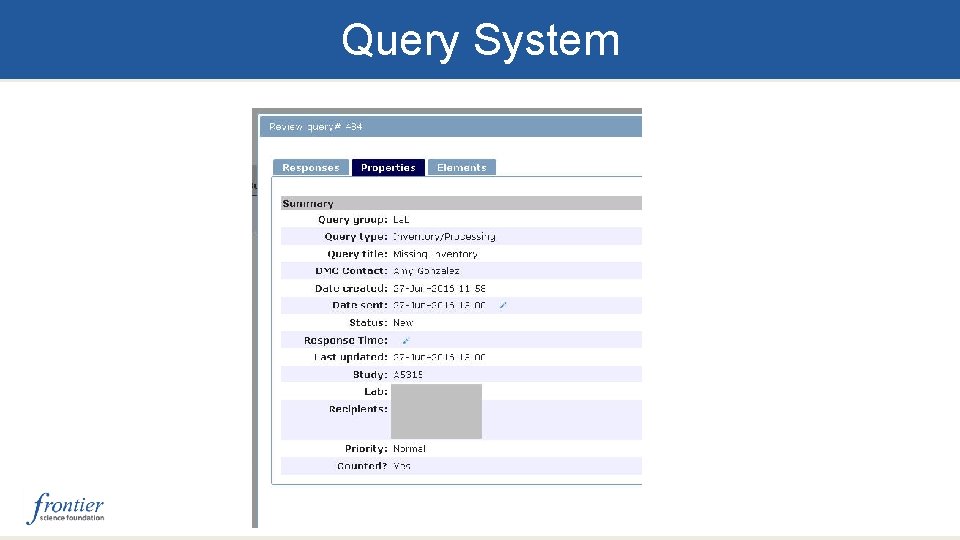
Query System
Common Query Types § Date/Time Discrepancies § Duplicate results § Overdue shipping § Visit Errors § Specimen type in LDMS does not match what was expected § Missing or unexpected inventory § Missing or unexpected assay results
Common Query Types (cont’d) Non-compliance with network mandates • PBMC Processing Fields • Use of LDMS to Report Assay Results • Use of LDMS Storage Module Note: These do not represent all possible query types
Data Entry Errors Data entry errors can be prevented by: § Referencing documents on the Protocol Specific Web Page for ACTG and IMPAACT: § Lab Processing Chart (LPC) § Manual of Operations (MOPS) § Utilizing preloads § All expected samples are populated for a particular visit, as defined in the LPC § Establishing good communication with CRS regarding data corrections
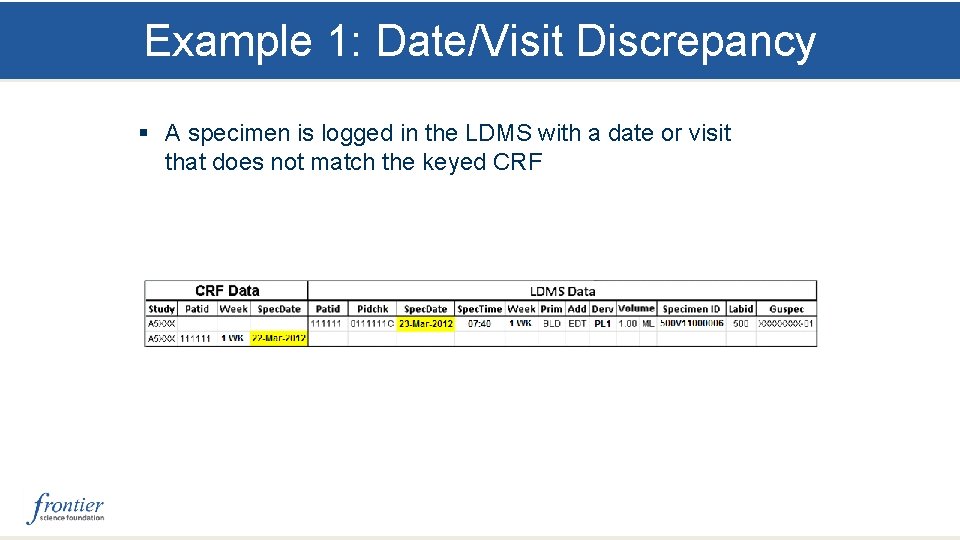
Example 1: Date/Visit Discrepancy § A specimen is logged in the LDMS with a date or visit that does not match the keyed CRF
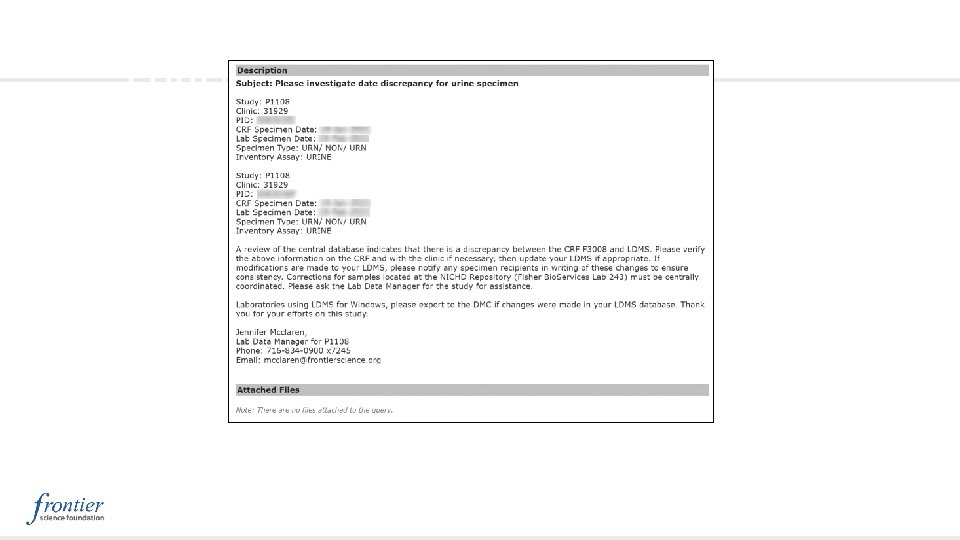
Example 1: Date/Week Discrepancy, cont’d
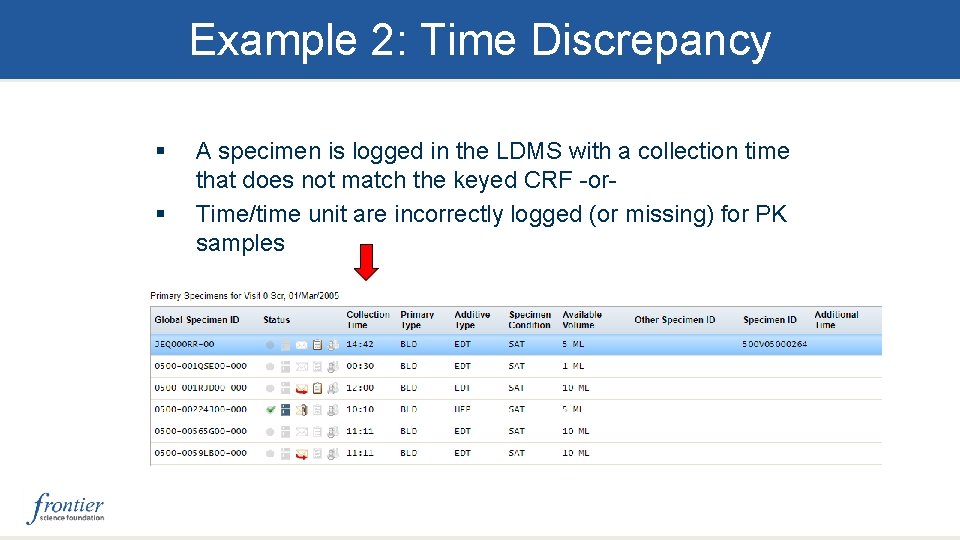
Example 2: Time Discrepancy § § A specimen is logged in the LDMS with a collection time that does not match the keyed CRF -or. Time/time unit are incorrectly logged (or missing) for PK samples
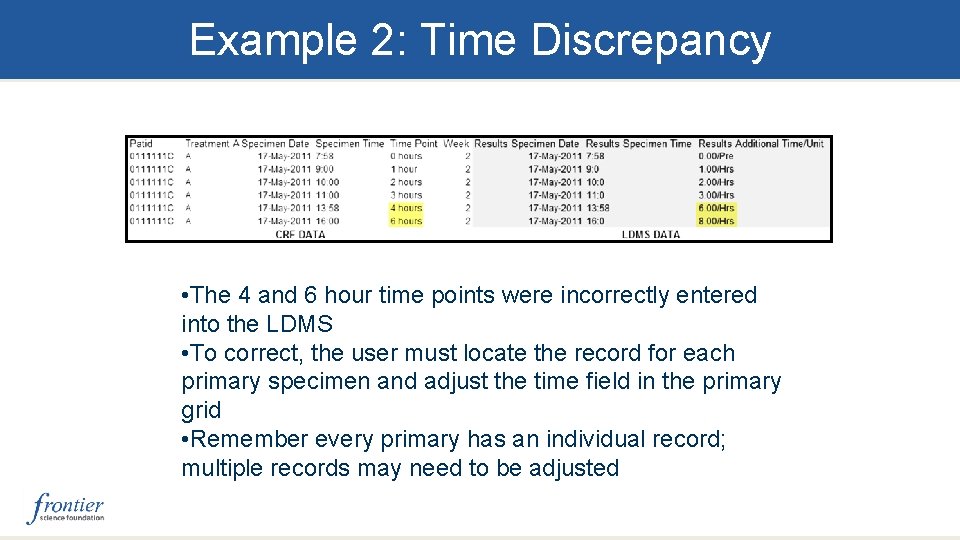
Example 2: Time Discrepancy • The 4 and 6 hour time points were incorrectly entered into the LDMS • To correct, the user must locate the record for each primary specimen and adjust the time field in the primary grid • Remember every primary has an individual record; multiple records may need to be adjusted
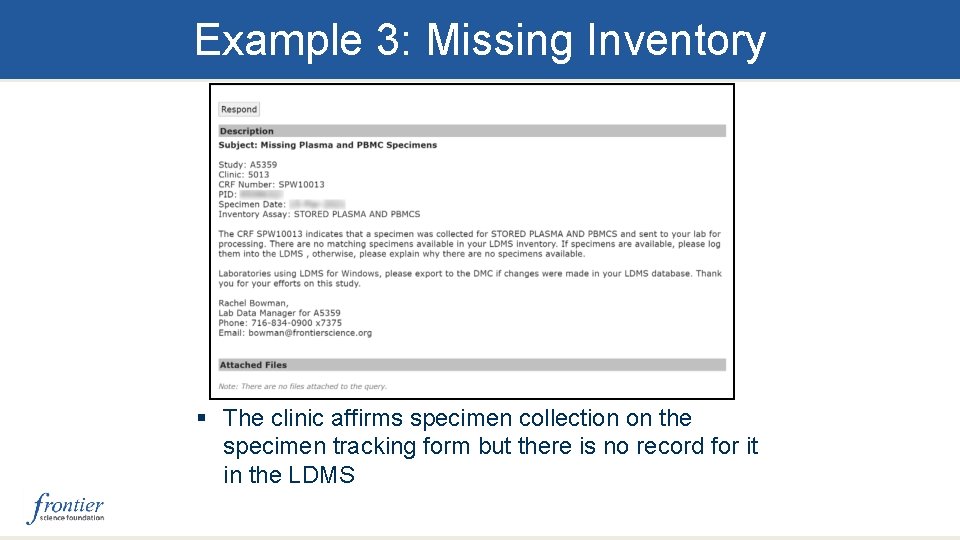
Example 3: Missing Inventory § The clinic affirms specimen collection on the specimen tracking form but there is no record for it in the LDMS
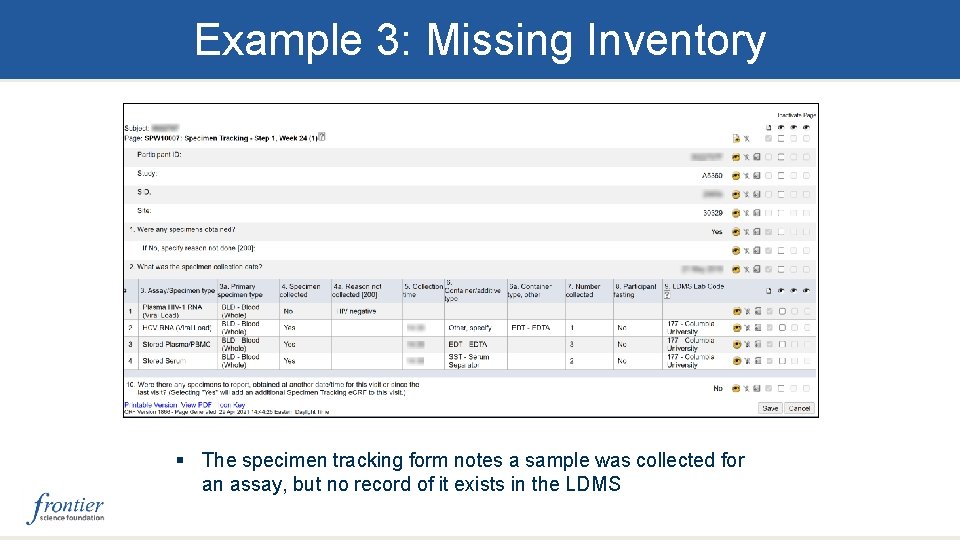
Example 3: Missing Inventory § The specimen tracking form notes a sample was collected for an assay, but no record of it exists in the LDMS
Example 3: Missing Inventory Common scenarios § The lab did not receive the specimen ► Contact clinic to adjust the form § The lab received a short volume sample and were unable to harvest all needed aliquots ►Always be sure to log all expected aliquots for the visit (e. g. , using preloads/quick add templates) ►Adjust the condition codes in the Specimen Management module for the primary and aliquots Once resolved, reply to the query noting the course of action taken.
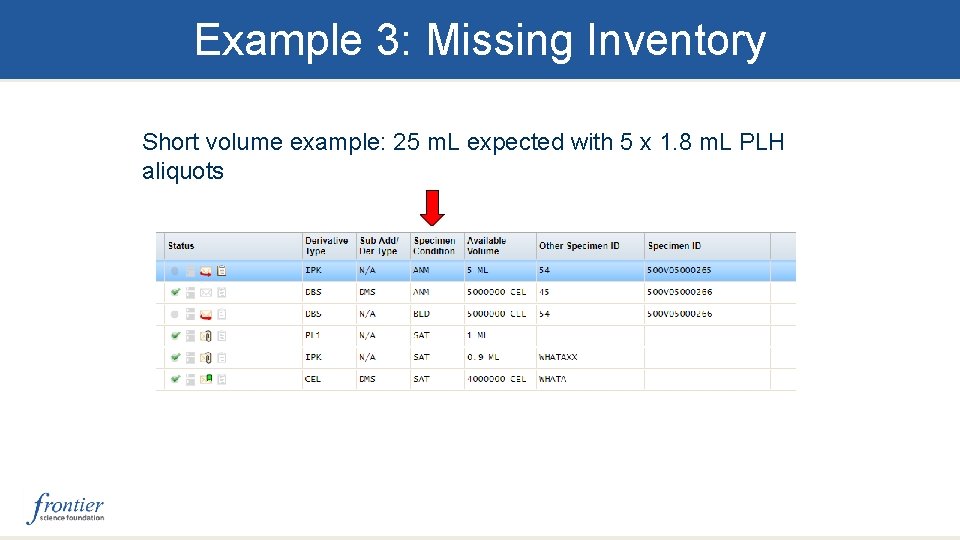
Example 3: Missing Inventory Short volume example: 25 m. L expected with 5 x 1. 8 m. L PLH aliquots
Example 3: Missing Inventory • Adjust the primary’s volume to reflect the actual amount received and the condition code to SHV for short volume • Locate the aliquots associated with the primary and assign the appropriate condition codes. • Aliquots not processed should have an appropriate condition code, i. e. , QNS, SNC, ANP, etc. DO NOT DELETE THE ALIQUOT
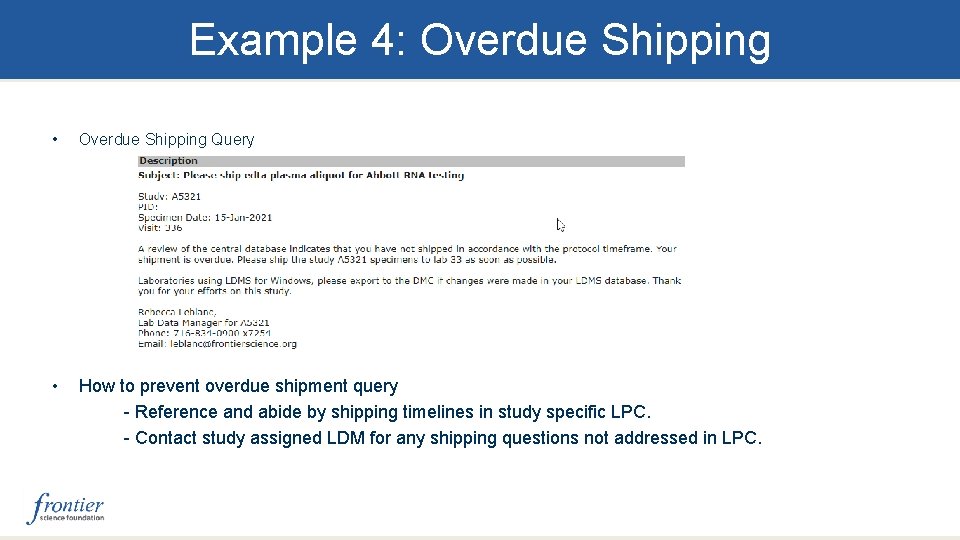
Example 4: Overdue Shipping • Overdue Shipping Query • How to prevent overdue shipment query - Reference and abide by shipping timelines in study specific LPC. - Contact study assigned LDM for any shipping questions not addressed in LPC.
Example 4: Overdue Shipping How to resolve overdue shipment queries: • If shipment has not been created yet – Go to pending shipments page – Click on ‘Add New’ drop down then click ‘Create Shipment’ • If shipment was created but not shipped – Go to pending shipments page – Ensure QAQC was performed on shipment – Click ‘Ship’ in edit/ship button – Generate final paperwork to go along with the shipment
How To Resolve a Query § § Step 1: Investigate the issue Step 2: Find specimen in Specimen Management Step 3: Correct the required fields for the specimen Step 4: Click the “Details” button and use comment field to note the original data that was changed § Step 5: Notify receiving lab of correction, if applicable in writing Note: If the discrepancy is due to an error on the CRF, notify the Clinic of the error and ask them to correct the CRF to resolve the query. § Step 6: Respond to query in the utility § Step 7: Labs should track their query patterns over time and implement the appropriate corrective and preventative measures for process improvement
Unacceptable Responses to Queries Examples of unacceptable query responses: • “We are working on it” • “We will review this query and get back to you”
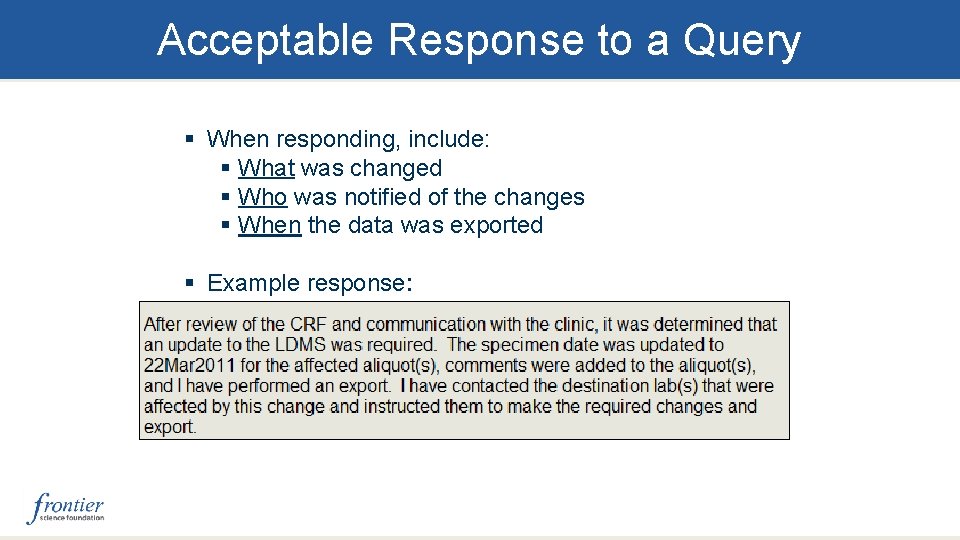
Acceptable Response to a Query § When responding, include: § What was changed § Who was notified of the changes § When the data was exported § Example response:
Questions
- Slides: 25