
From VMware to Proxmox Federico Calzolari Scuola Normale

![Proxmox Installation: server setup [Network]](https://slidetodoc.com/presentation_image/206e84cbc8ee5e77d5cc1b358f75ee38/image-6.jpg "Proxmox Installation: server setup [Network]")
- Slides: 18
From VMware to Proxmox Federico Calzolari Scuola Normale Superiore - INFN Pisa
Outline § VMware ESXi @sns-pisa § § Pro and Contra Proxmox § § Installation How to use § § § Cluster management Virtual machine creation Virtual machine live migration, dump Pro and Contra Command-line
VMware ESXi infrastructure § VMware ESXi @sns-pisa § All the Grid services § § CE, SE, UI 3 WN [testbed] Monitoring and control tools Storage § § Shared storage via NFS DRBD Distributed Replicated Block Device
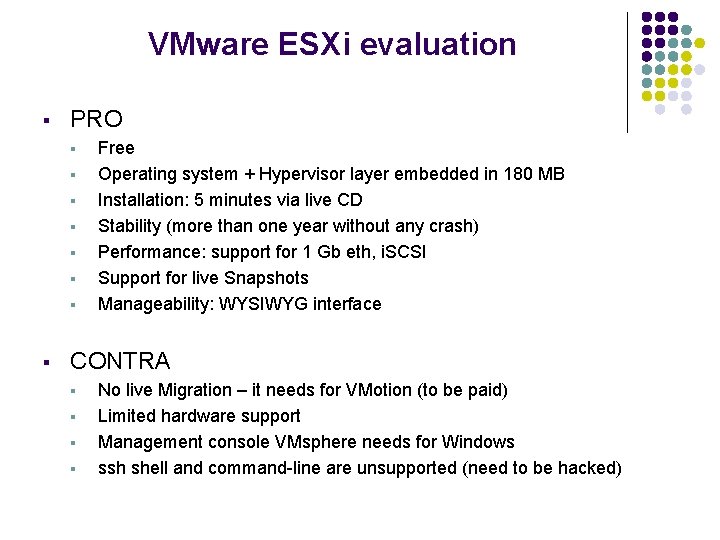
VMware ESXi evaluation § PRO § § § § Free Operating system + Hypervisor layer embedded in 180 MB Installation: 5 minutes via live CD Stability (more than one year without any crash) Performance: support for 1 Gb eth, i. SCSI Support for live Snapshots Manageability: WYSIWYG interface CONTRA § § No live Migration – it needs for VMotion (to be paid) Limited hardware support Management console VMsphere needs for Windows ssh shell and command-line are unsupported (need to be hacked)
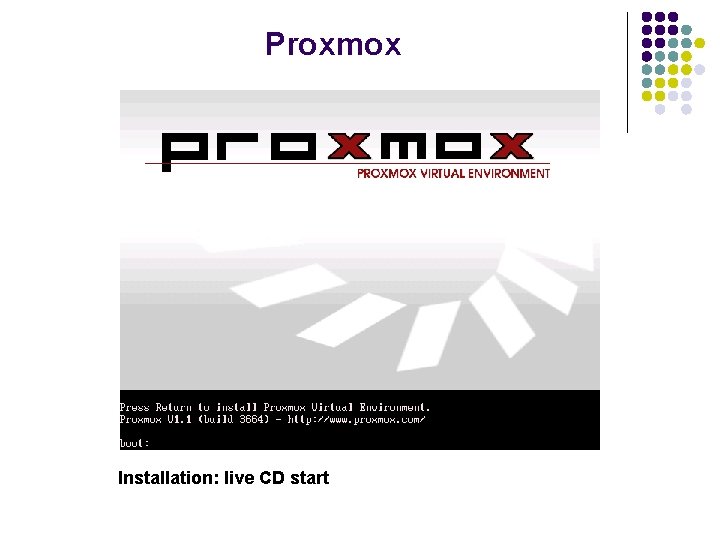
Proxmox Installation: live CD start
Proxmox Installation: server setup [Network]
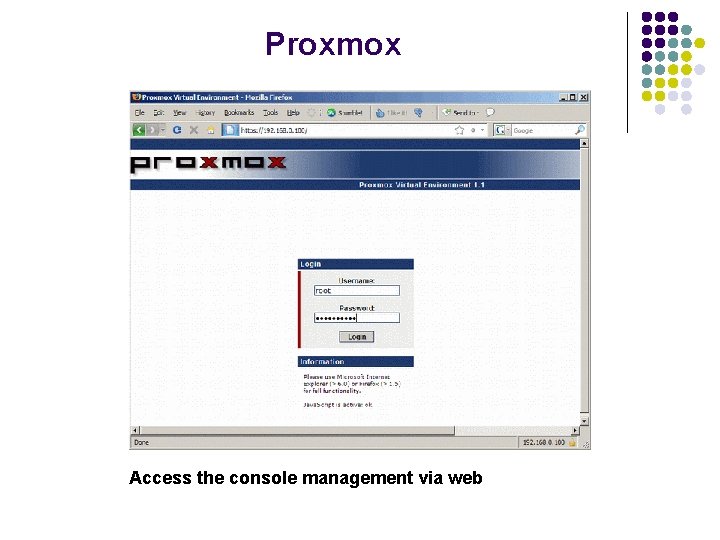
Proxmox Access the console management via web
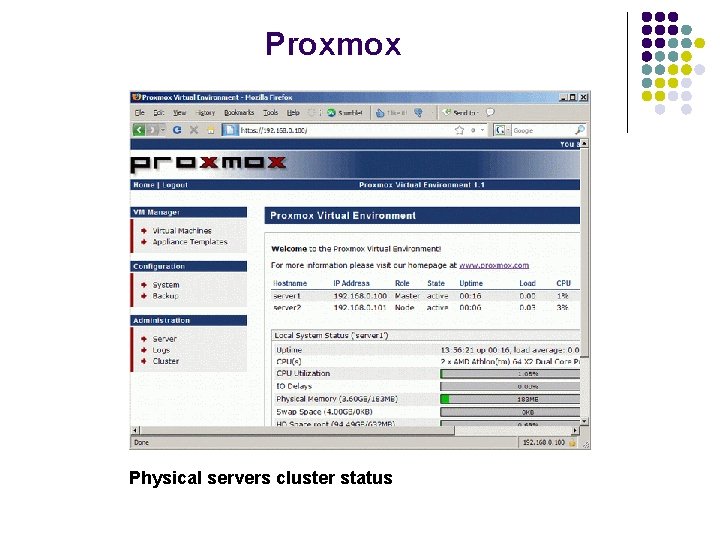
Proxmox Physical servers cluster status
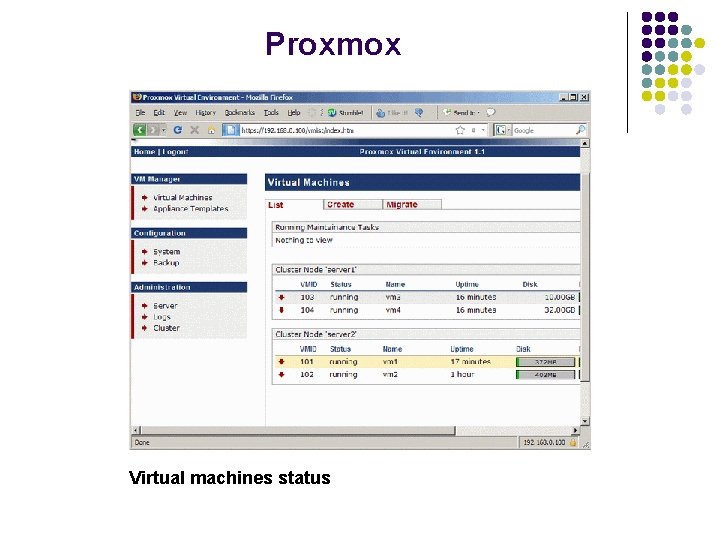
Proxmox Virtual machines status
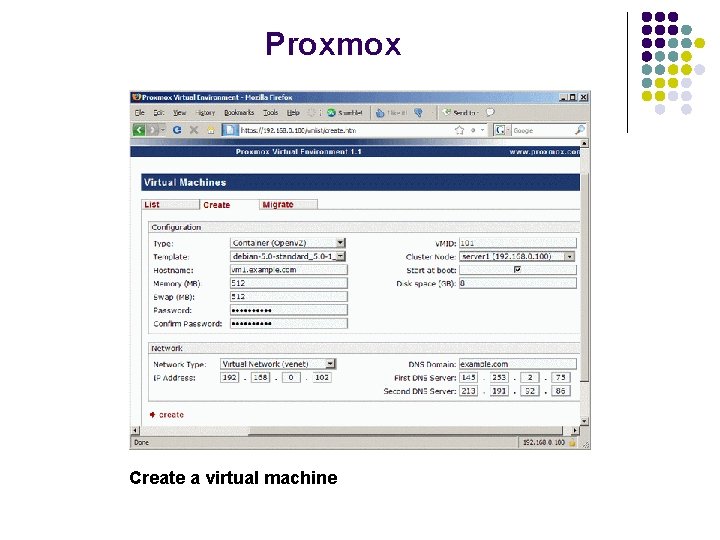
Proxmox Create a virtual machine
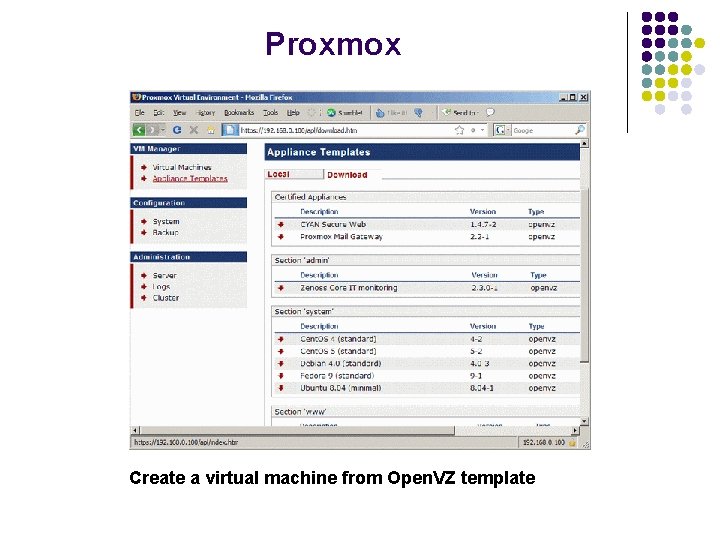
Proxmox Create a virtual machine from Open. VZ template
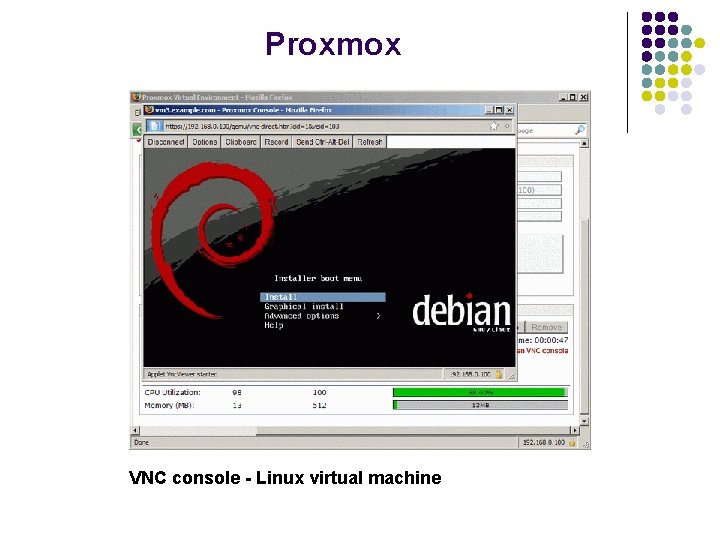
Proxmox VNC console - Linux virtual machine
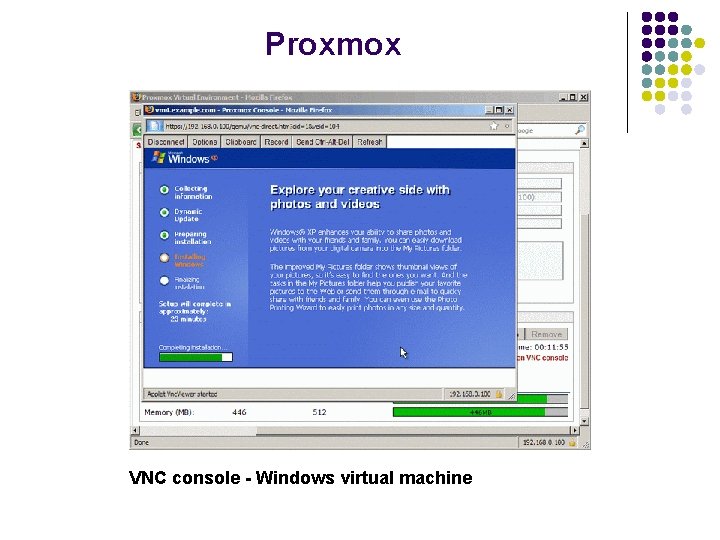
Proxmox VNC console - Windows virtual machine
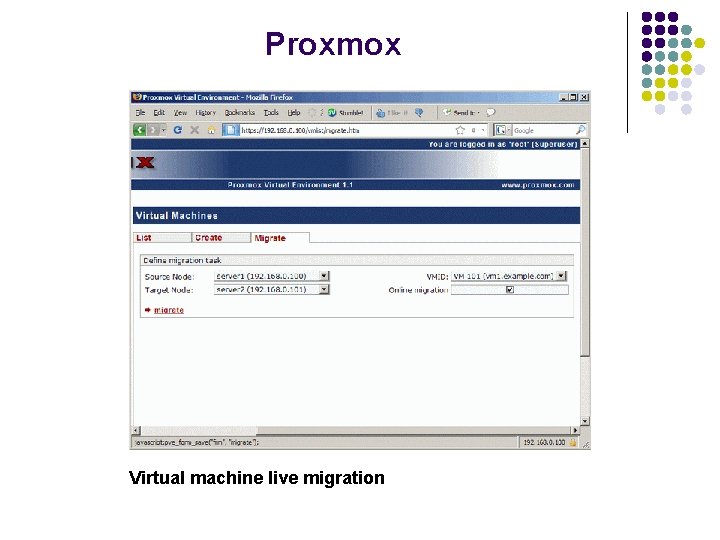
Proxmox Virtual machine live migration
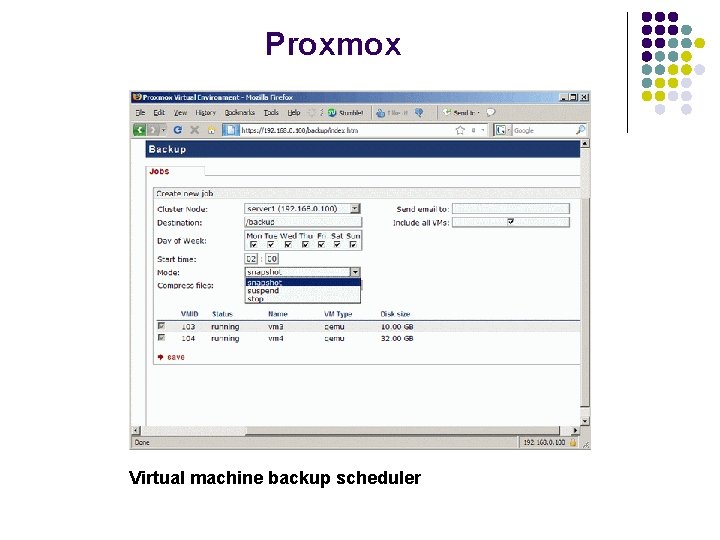
Proxmox Virtual machine backup scheduler
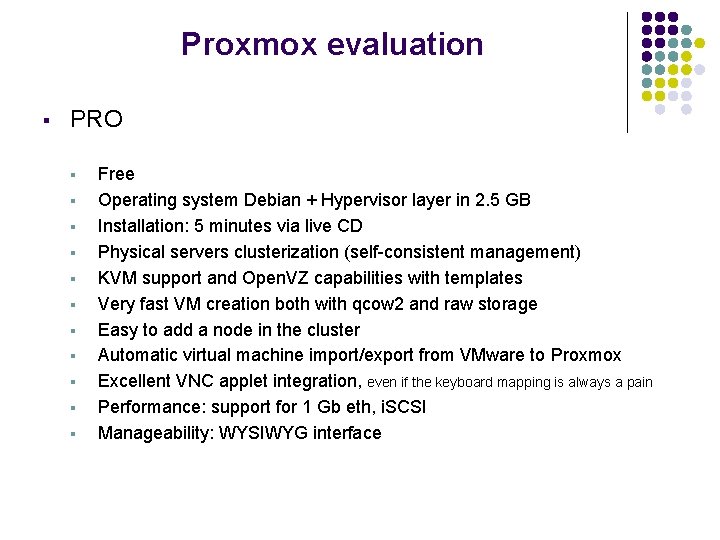
Proxmox evaluation § PRO § § § Free Operating system Debian + Hypervisor layer in 2. 5 GB Installation: 5 minutes via live CD Physical servers clusterization (self-consistent management) KVM support and Open. VZ capabilities with templates Very fast VM creation both with qcow 2 and raw storage Easy to add a node in the cluster Automatic virtual machine import/export from VMware to Proxmox Excellent VNC applet integration, even if the keyboard mapping is always a pain Performance: support for 1 Gb eth, i. SCSI Manageability: WYSIWYG interface
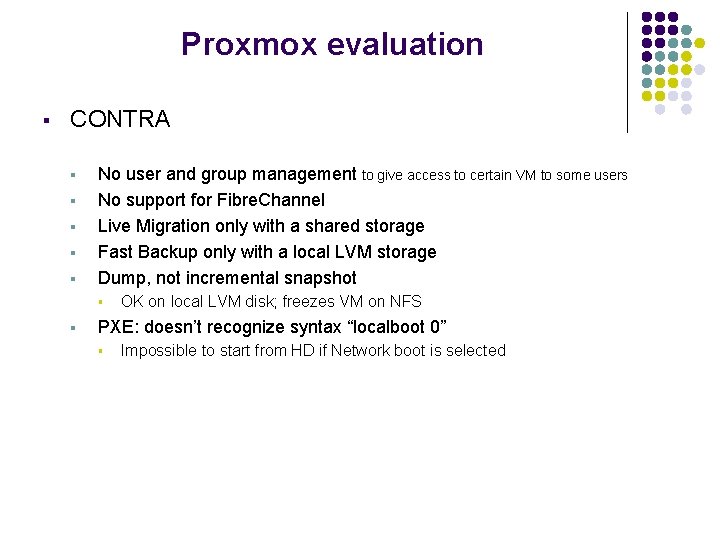
Proxmox evaluation § CONTRA § § § No user and group management to give access to certain VM to some users No support for Fibre. Channel Live Migration only with a shared storage Fast Backup only with a local LVM storage Dump, not incremental snapshot § § OK on local LVM disk; freezes VM on NFS PXE: doesn’t recognize syntax “localboot 0” § Impossible to start from HD if Network boot is selected
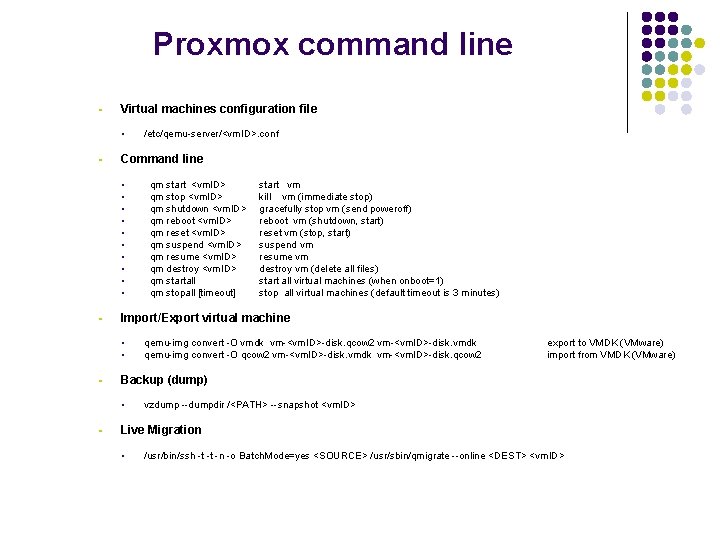
Proxmox command line § Virtual machines configuration file § § Command line § § § start vm kill vm (immediate stop) gracefully stop vm (send poweroff) reboot vm (shutdown, start) reset vm (stop, start) suspend vm resume vm destroy vm (delete all files) start all virtual machines (when onboot=1) stop all virtual machines (default timeout is 3 minutes) qemu-img convert -O vmdk vm-<vm. ID>-disk. qcow 2 vm-<vm. ID>-disk. vmdk qemu-img convert -O qcow 2 vm-<vm. ID>-disk. vmdk vm-<vm. ID>-disk. qcow 2 export to VMDK (VMware) import from VMDK (VMware) Backup (dump) § § qm start <vm. ID> qm stop <vm. ID> qm shutdown <vm. ID> qm reboot <vm. ID> qm reset <vm. ID> qm suspend <vm. ID> qm resume <vm. ID> qm destroy <vm. ID> qm startall qm stopall [timeout] Import/Export virtual machine § § § /etc/qemu-server/<vm. ID>. conf vzdump --dumpdir /<PATH> --snapshot <vm. ID> Live Migration § /usr/bin/ssh -t -t -n -o Batch. Mode=yes <SOURCE> /usr/sbin/qmigrate --online <DEST> <vm. ID>