
Framing Portfolio Name Target Aims of the Project



- Slides: 27
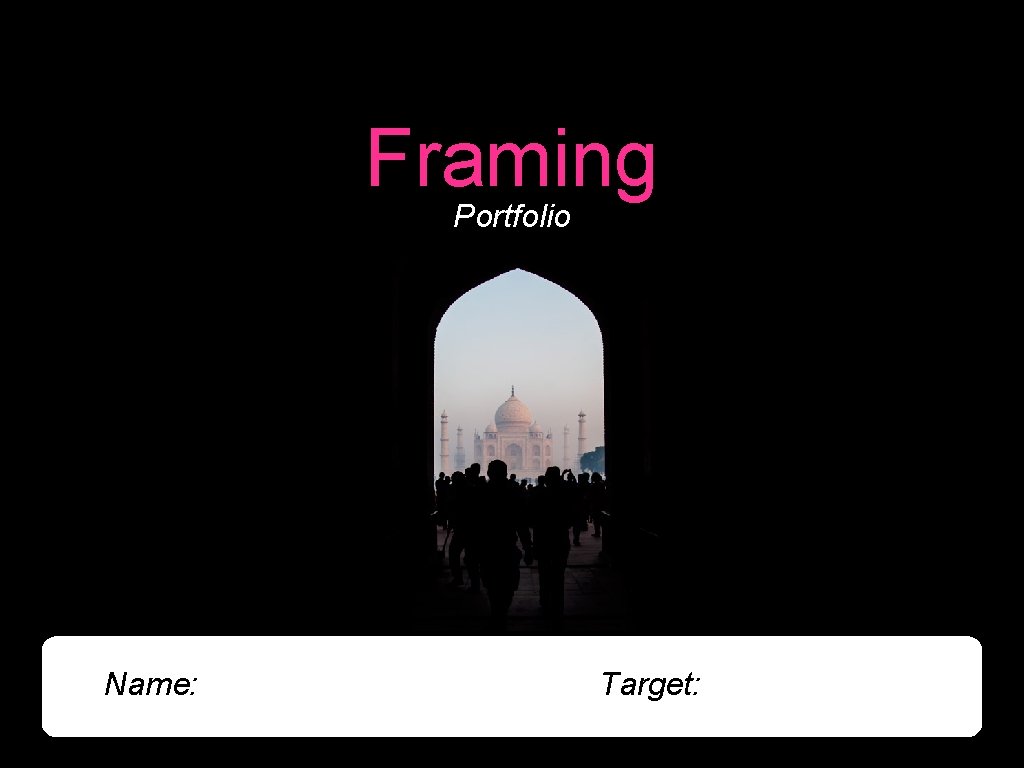
Framing Portfolio Name: Target:
Aims of the Project • To provide you with a ‘taster project’ within Digital Photography. • To enhance your creative and imaginative skills and to improve your technical ability. • To consider Digital Photography as a possible GCSE course in KS 4.
AO 1 My Target Grade At the end of your lesson, review your work. Lesson Objective Lesson 1/2 Grade 7/8 Compare the work of the photographers and respond to their work by taking photos in the style. Grade 5/6 Analyse the work of the photographers using formal elements and photographic language. Grade 3/4 Demonstrate an understanding of ‘Framing’ through images and text. Which objective did you meet today? How do you know that you have completed this activity?
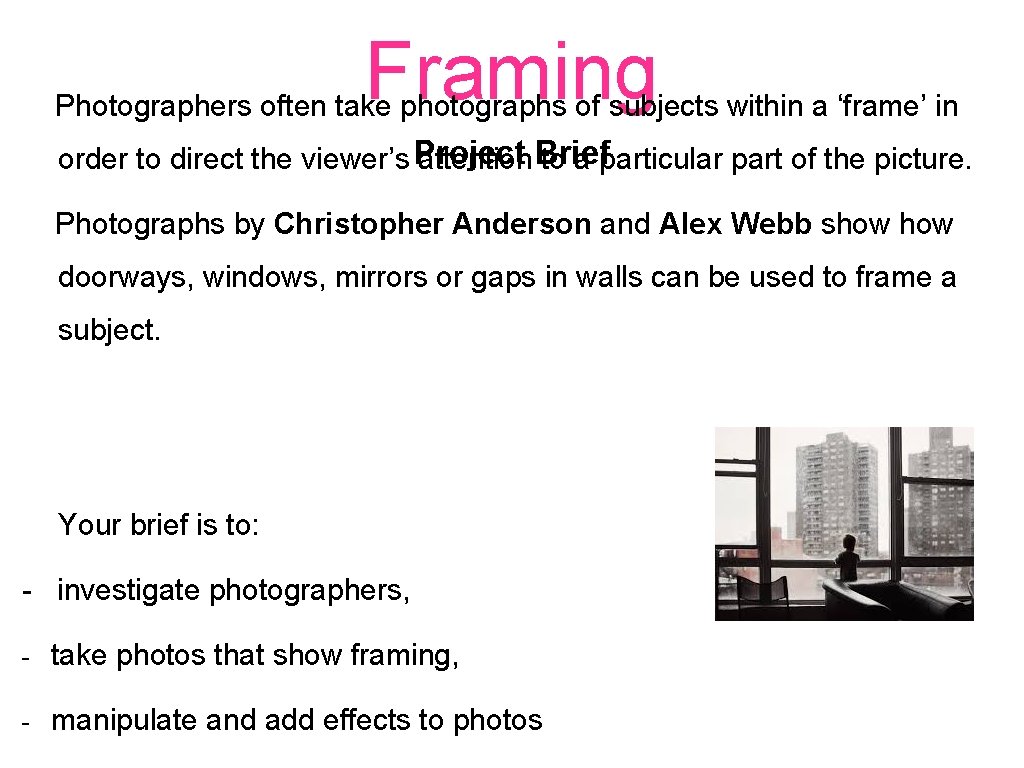
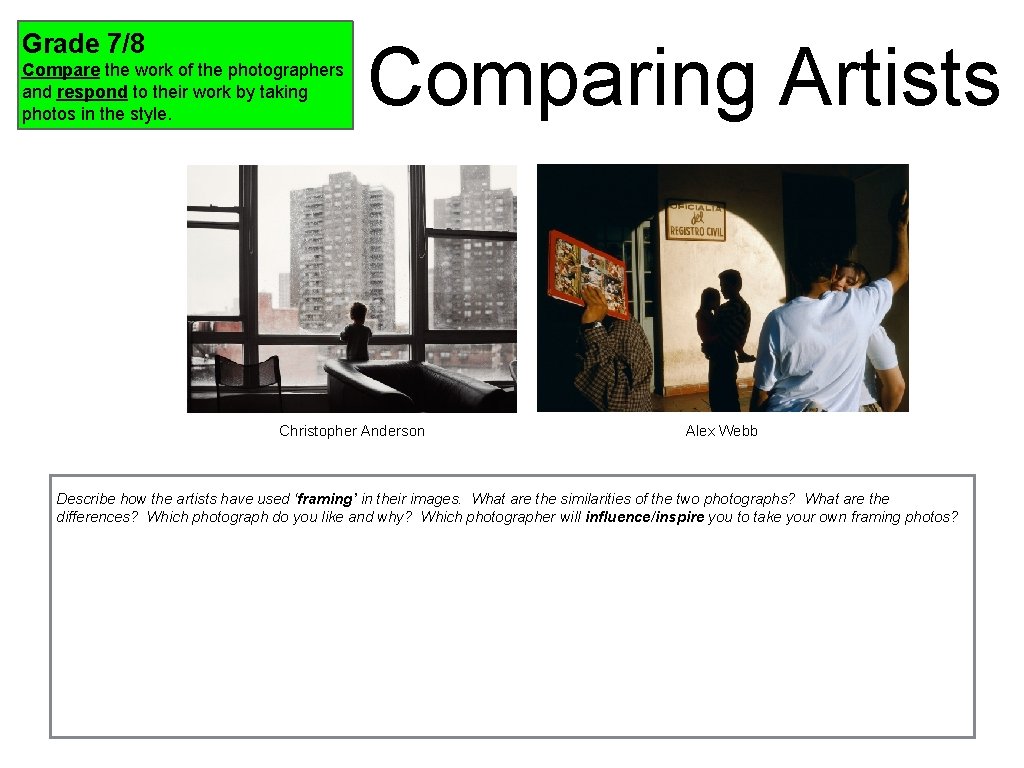
Framing Photographers often take photographs of subjects within a ‘frame’ in order to direct the viewer’s Project attention Brief to a particular part of the picture. Photographs by Christopher Anderson and Alex Webb show doorways, windows, mirrors or gaps in walls can be used to frame a subject. Your brief is to: - investigate photographers, - take photos that show framing, - manipulate and add effects to photos
Grade 3/4 Demonstrate an understanding of ‘Framing’ through images and text. Task One - Visual Collage Produce a slide to show a range of ‘Framing’ photographs. Include photography by Anderson & Webb. Add keywords.
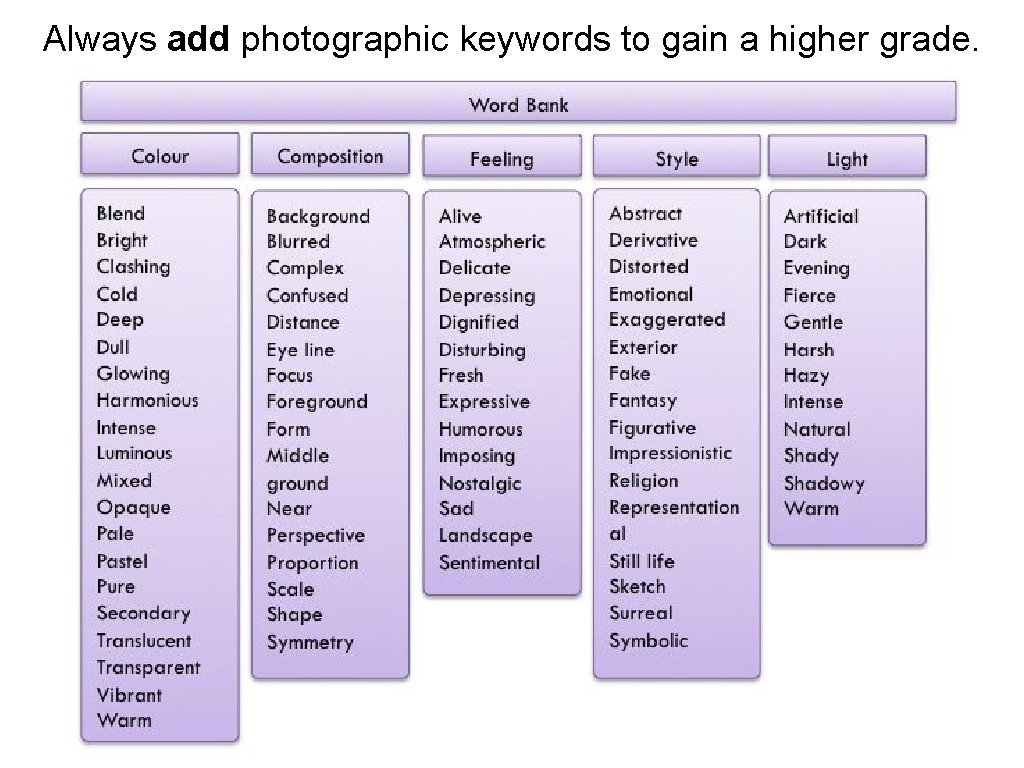
Always add photographic keywords to gain a higher grade.
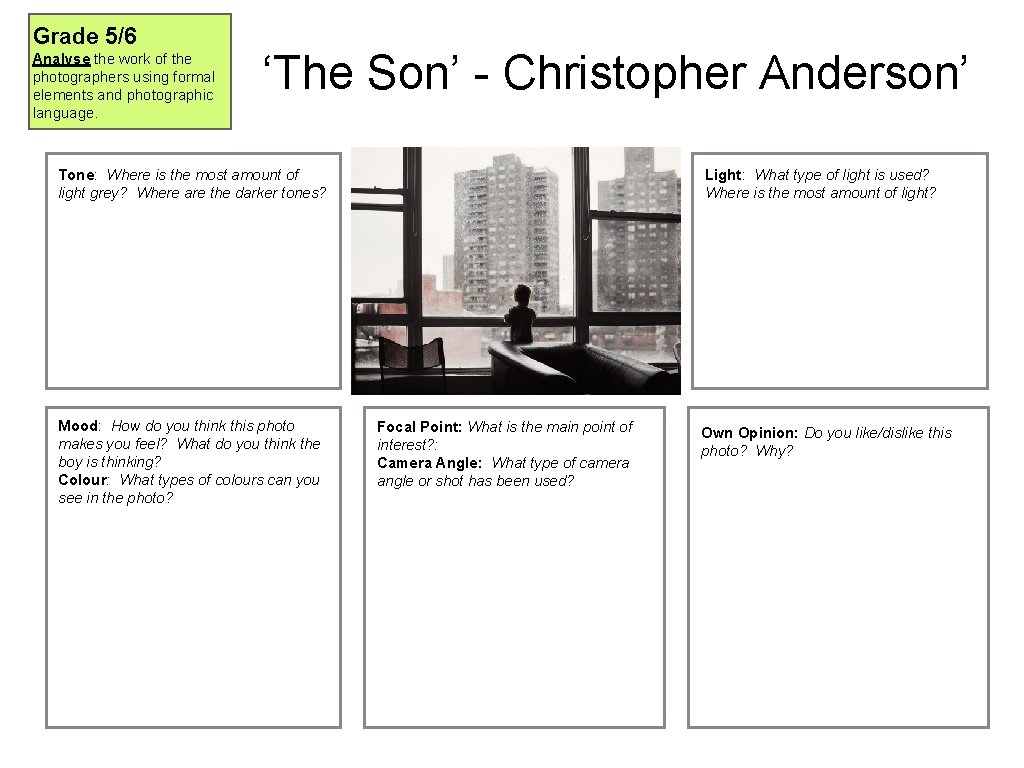
Grade 5/6 Analyse the work of the photographers using formal elements and photographic language. ‘The Son’ - Christopher Anderson’ Tone: Where is the most amount of light grey? Where are the darker tones? Mood: How do you think this photo makes you feel? What do you think the boy is thinking? Colour: What types of colours can you see in the photo? Light: What type of light is used? Where is the most amount of light? Focal Point: What is the main point of interest? : Camera Angle: What type of camera angle or shot has been used? Own Opinion: Do you like/dislike this photo? Why?
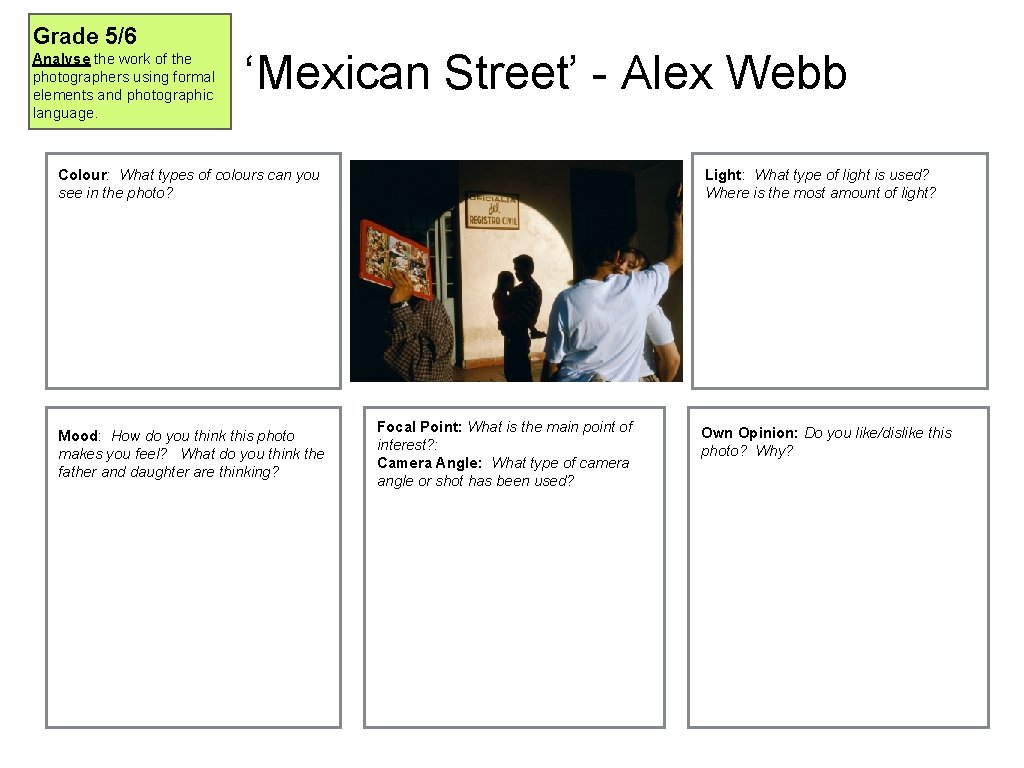
Grade 5/6 Analyse the work of the photographers using formal elements and photographic language. ‘Mexican Street’ - Alex Webb Colour: What types of colours can you see in the photo? Mood: How do you think this photo makes you feel? What do you think the father and daughter are thinking? Light: What type of light is used? Where is the most amount of light? Focal Point: What is the main point of interest? : Camera Angle: What type of camera angle or shot has been used? Own Opinion: Do you like/dislike this photo? Why?
Grade 7/8 Compare the work of the photographers and respond to their work by taking photos in the style. Comparing Artists Christopher Anderson Alex Webb Describe how the artists have used ‘framing’ in their images. What are the similarities of the two photographs? What are the differences? Which photograph do you like and why? Which photographer will influence/inspire you to take your own framing photos?
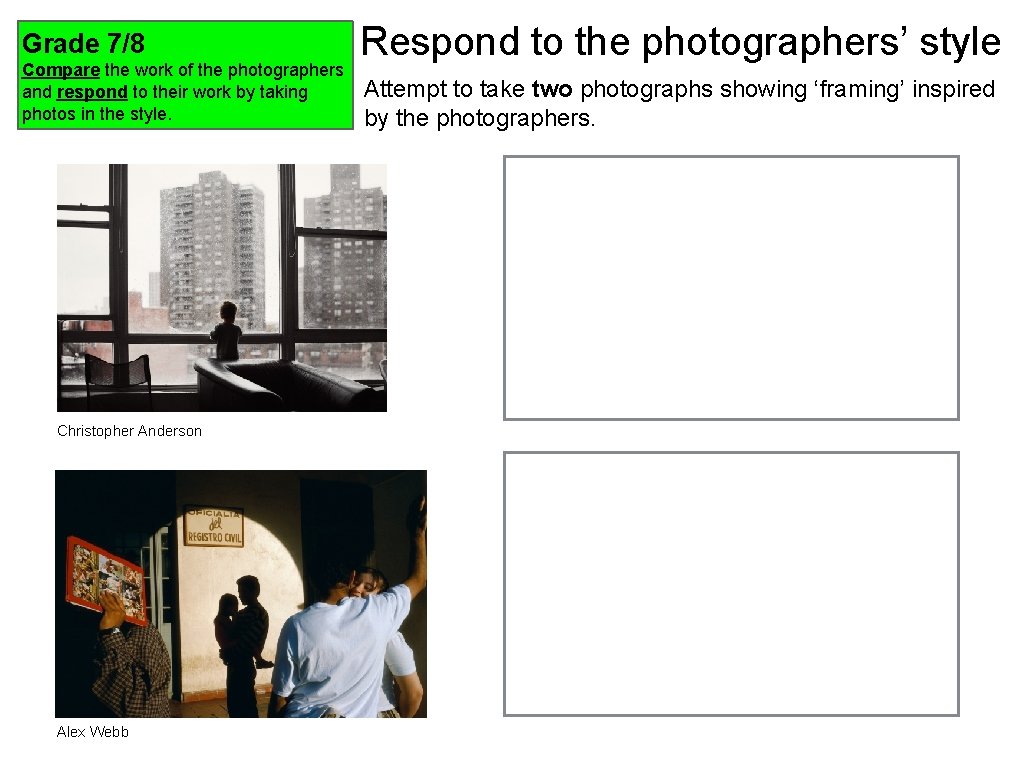
Grade 7/8 Compare the work of the photographers and respond to their work by taking photos in the style. Christopher Anderson Alex Webb Respond to the photographers’ style Attempt to take two photographs showing ‘framing’ inspired by the photographers.
AO 3 My Target Grade At the end of your lesson, review your work. Lesson Objective Lesson 3/4 Grade 7/8 Evaluate framing photographs making links to the photographers’ styles. (photographic language) Grade 5/6 Record photographs that depict ‘framing’. Grade 3/4 Plan and develop ideas for a photoshoot that links to theme ‘Framing’. Which objective did you meet today? How do you know that you have completed this activity?
Grade 3/4 Plan and develop ideas for a photoshoot that links to theme ‘Framing’. Planning for Photoshoot Write down how you intend to start the photographing process. Your planning must show some influence from the photographers. What type of photographs would you like to take based on theme of ‘Framing’? What inspiration can you use from the photographers that you have researched? Add some pictures from the internet to show what type of photography you would like to produce.
Grade 5/6 Record photographs that depict ‘framing’. Take 12 photographs that shows ‘framing’. Be creative and imaginative with camera angles. Contact Sheet One
Grade 5/6 Record photographs that depict ‘framing’. Take 12 photographs that shows ‘framing’. Be creative and imaginative with camera angles. Contact Sheet Two
Grade 7/8 Evaluate framing photographs making links to the photographers’ styles. (photographic language) Evaluation of contact sheets Insert two best photographs below - What were your intentions for taking these photos? What are the successful elements? What has worked well? What didn’t work so well? Why? How do your photographs relate to the photographers’ style? How do you intend to manipulate your photographs?
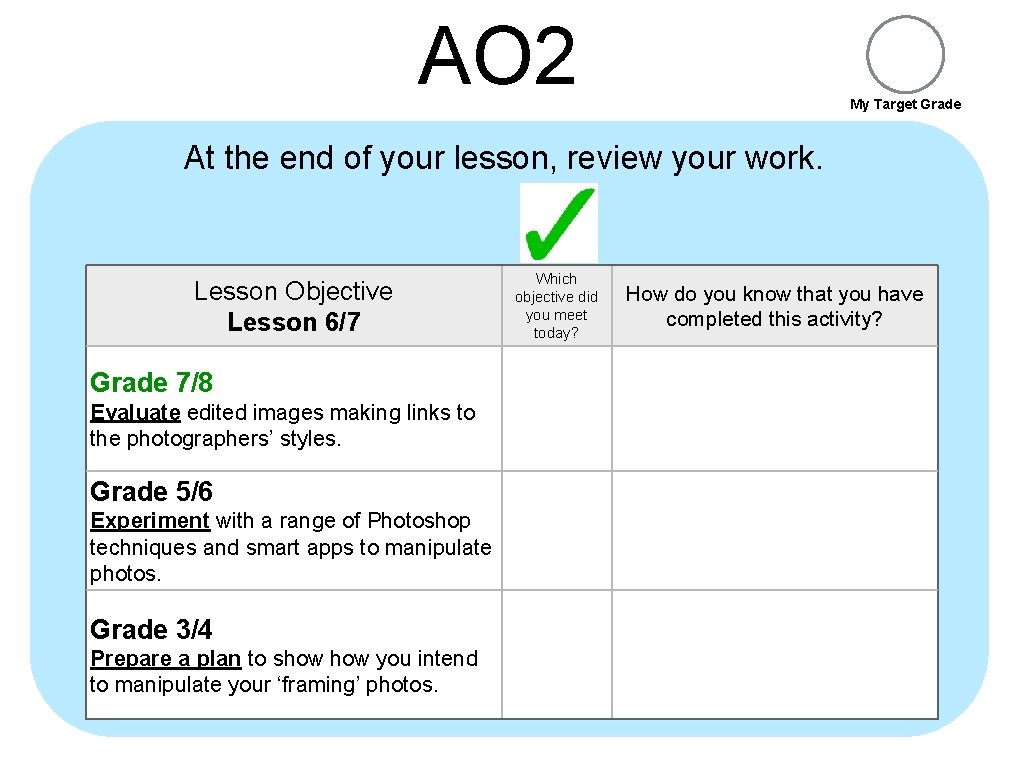
AO 2 My Target Grade At the end of your lesson, review your work. Lesson Objective Lesson 6/7 Grade 7/8 Evaluate edited images making links to the photographers’ styles. Grade 5/6 Experiment with a range of Photoshop techniques and smart apps to manipulate photos. Grade 3/4 Prepare a plan to show you intend to manipulate your ‘framing’ photos. Which objective did you meet today? How do you know that you have completed this activity?
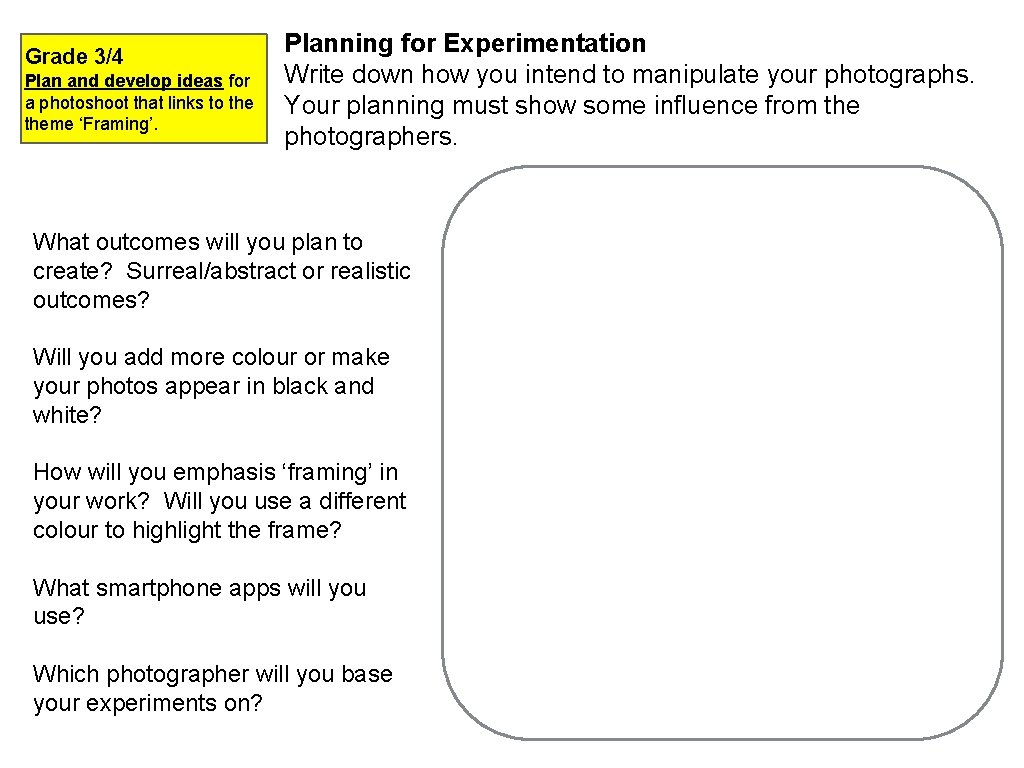
Grade 3/4 Plan and develop ideas for a photoshoot that links to theme ‘Framing’. Planning for Experimentation Write down how you intend to manipulate your photographs. Your planning must show some influence from the photographers. What outcomes will you plan to create? Surreal/abstract or realistic outcomes? Will you add more colour or make your photos appear in black and white? How will you emphasis ‘framing’ in your work? Will you use a different colour to highlight the frame? What smartphone apps will you use? Which photographer will you base your experiments on?
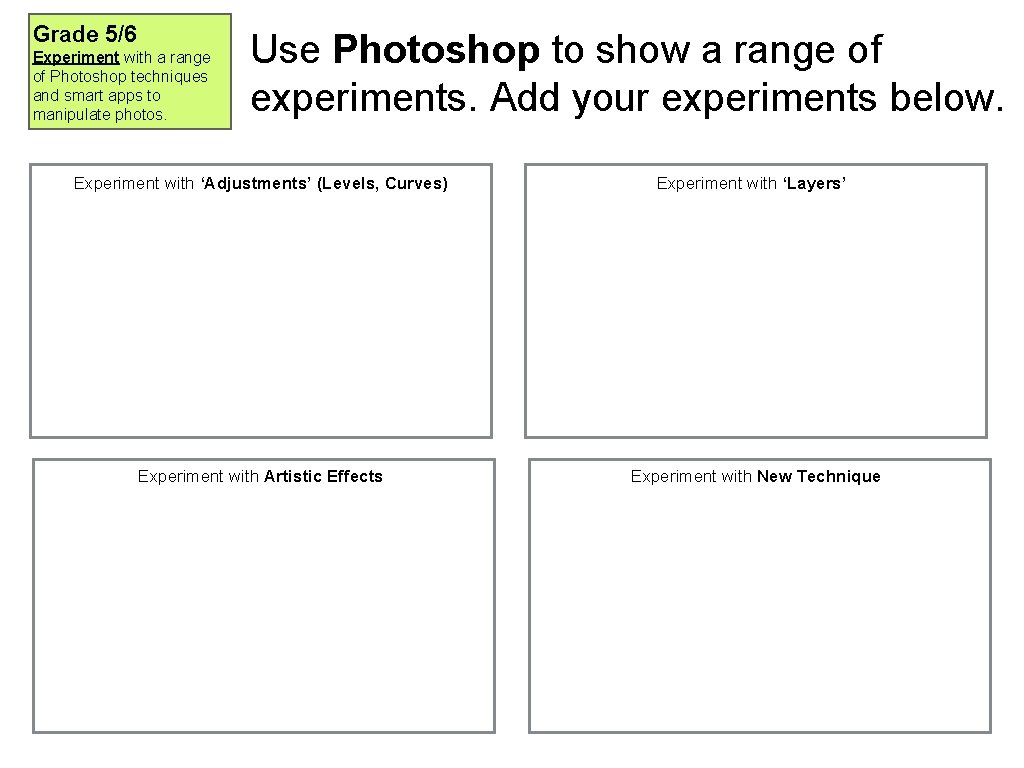
Grade 5/6 Experiment with a range of Photoshop techniques and smart apps to manipulate photos. Use Photoshop to show a range of experiments. Add your experiments below. Experiment with ‘Adjustments’ (Levels, Curves) Experiment with ‘Layers’ Experiment with Artistic Effects Experiment with New Technique
Grade 5/6 Experiment with a range of Photoshop techniques and smart apps to manipulate photos. Use Phone Editing Apps to show a range of experiments. Add your experiments below. Experiment with Phone App - name of app
Grade 7/8 Evaluate edited images making links to the photographers’ styles. Original Image Manipulated Image Evaluating Experiments How did you manipulate your photograph? What adjustments/filters/effects did you use and why? How does your edited image link to the photographers’ style (same colour scheme, same subject, same camera angle? ) Which editing process did you prefer and why? (Using Photoshop or Phone Apps? ) How could you use your manipulated images? (Magazine, website, CD Covers…)
AO 4 My Target Grade At the end of your lesson, review your work. Lesson Objective Lesson 8/9 Grade 7/8 Evaluate the project from start to end making use of photographic language. Grade 5/6 Create a final gallery of three ‘best’ edited photos to summarise theme of ‘Framing’. Grade 3/4 Prepare a plan to show three ‘best’ photos that summarise theme ‘Framing’ Which objective did you meet today? How do you know that you have completed this activity?
Grade 3/4 Prepare a plan to show three ‘best’ photos that summarise theme ‘Framing’ Best Photos Add three best photos that you intend to you for your final gallery. Write down how the photos summarise ‘Framing’. Where do you see the elements of framing in your work?
Framing Gallery Photo 1
Framing Gallery Photo 2
Framing Gallery Photo 3
Grade 7/8 Evaluate the project from start to end making use of photographic language. Visual Evaluation - What is the title of the project? - Which photographers did you study? - What did you take pictures of? - Why did you take these photos and where did you go to take these photos? - How did you manipulate photos? - What was your final outcome? - How does the photographers’ work link to your outcome? - If you had to do this project again, what would you do different to improve it? Add your overall best picture here