
Framescript A case study demonstrating the power of

- Slides: 51
Framescript A case study demonstrating the power of Framescript to automate the generation of a Data Book or Catalogue Structured ASIC Xcellence
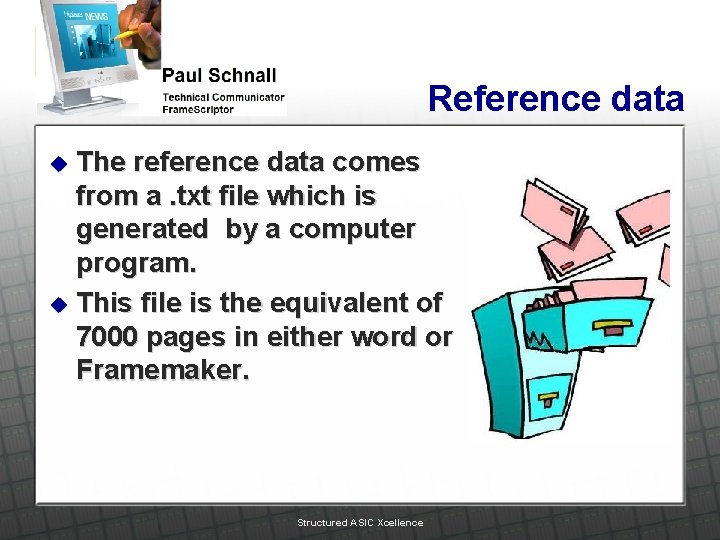
Reference data The reference data comes from a. txt file which is generated by a computer program. u This file is the equivalent of 7000 pages in either word or Framemaker. u Structured ASIC Xcellence
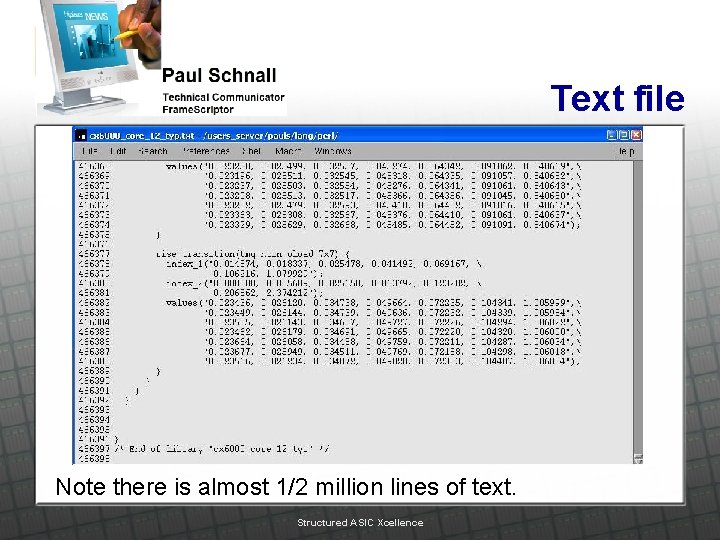
Text file Note there is almost 1/2 million lines of text. Structured ASIC Xcellence
Modifying the reference file This reference file contains information required for the databook but not necessarily in the proper form. u Raw data must be transformed into usable data by running a PERL script on the reference file. u l Some information requires complex mathematical permutations of the raw data. This is done with the PERL Script. Structured ASIC Xcellence
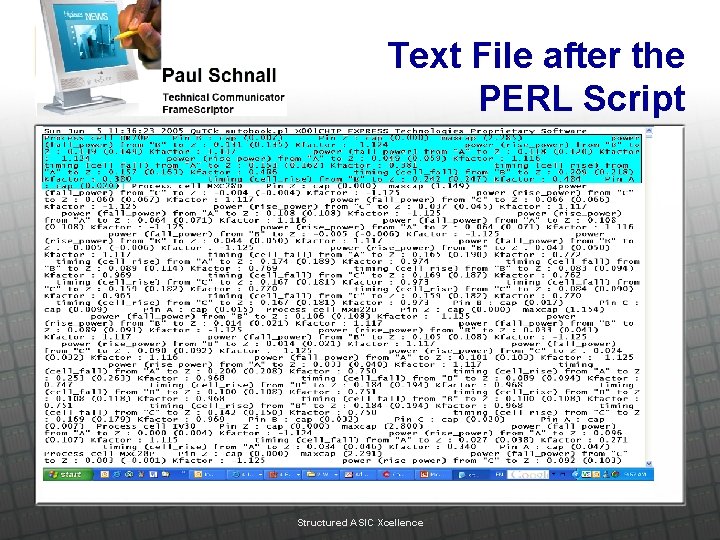
Text File after the PERL Script Structured ASIC Xcellence
The Section in Blue The section in blue above is transformed into the data sheet…. . Structured ASIC Xcellence
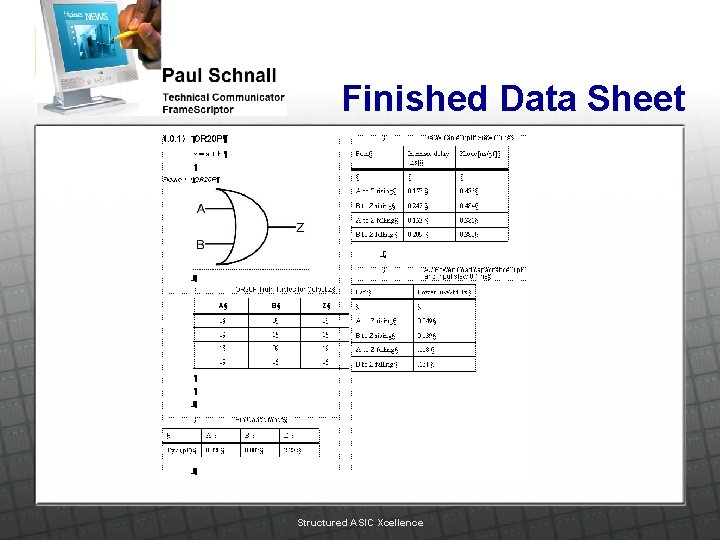
Finished Data Sheet Structured ASIC Xcellence
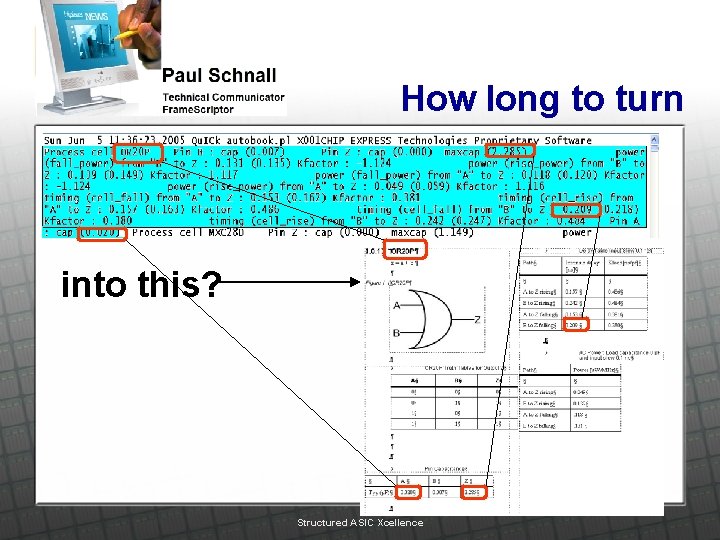
How long to turn into this? Structured ASIC Xcellence
What do you think? Manually, I would have to: Cut and paste the name from the text file Import a graphic Import a table Determine the size of the next three tables Create the tables Fill in the tables using the information in the text file Structured ASIC Xcellence
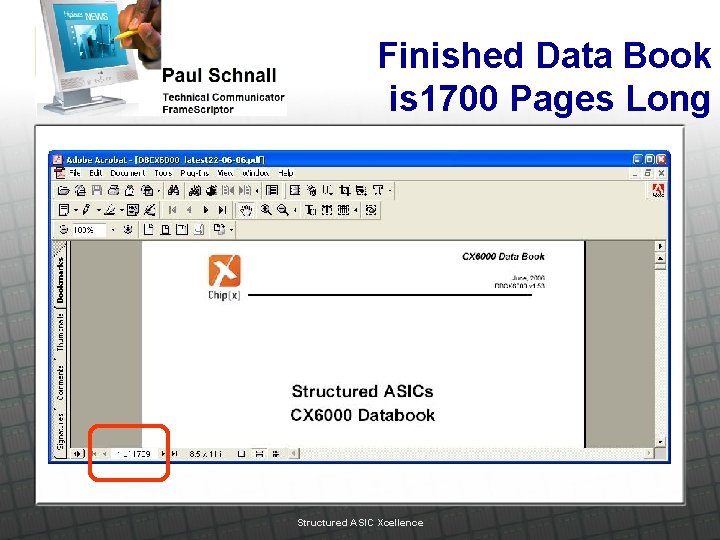
Finished Data Book is 1700 Pages Long Structured ASIC Xcellence
Not 1 button The results of the PERL script is a Preliminary input data file that I use as the input for my suite of scripts. (I did not write the PERL script. ) u The complexity of the data required that I create a suite of scripts. This is not a one button operation. Although it is possible for a less complicated Data Book to be created with a one button process; and I will demonstrate that in a few minutes. u Structured ASIC Xcellence
Breaking down the Preliminary file The preliminary file is very large. I was afraid that data would misalign and mismatch the specifications to the wrong data sheet. I used a system that created a specifications file and a datasheet file for each object to isolate each object and each object’s specifications. In this way I reduced the possibility of inputting the wrong data items. u Structured ASIC Xcellence
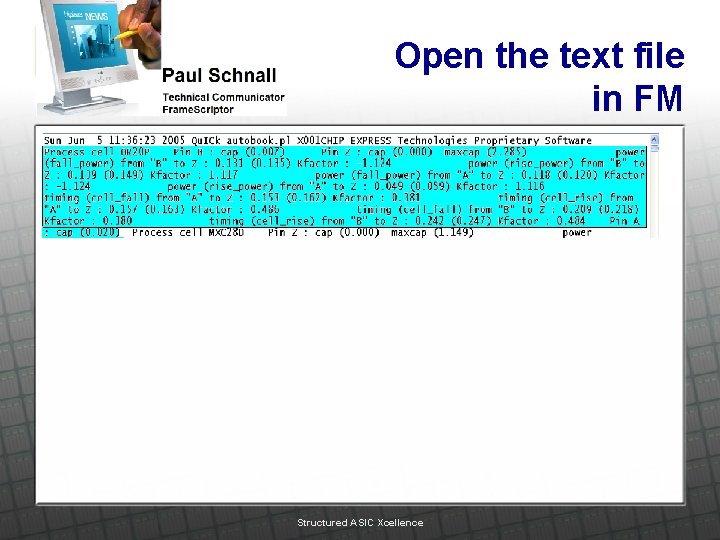
Open the text file in FM Structured ASIC Xcellence
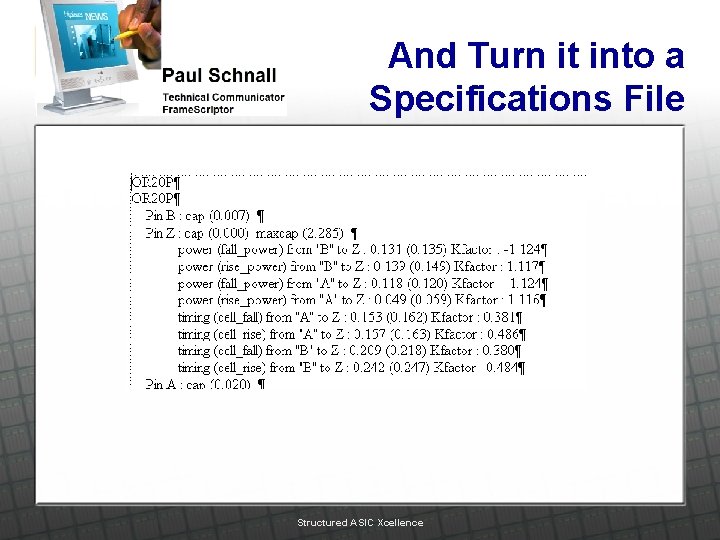
And Turn it into a Specifications File Structured ASIC Xcellence
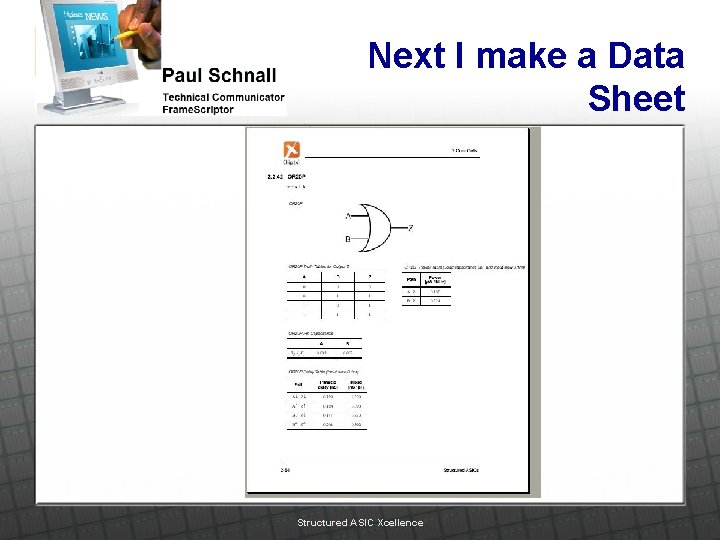
Next I make a Data Sheet Structured ASIC Xcellence
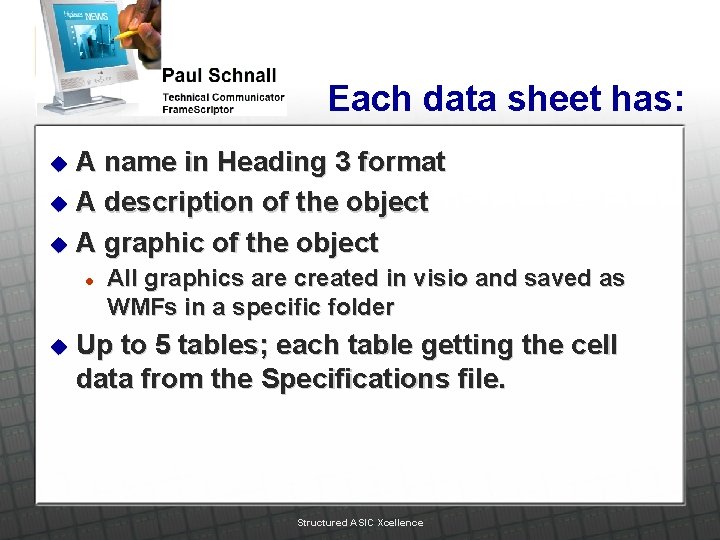
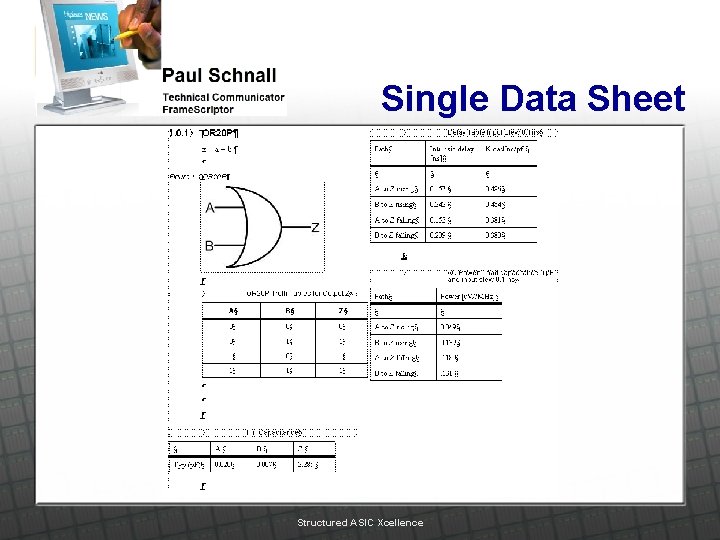
Each data sheet has: A name in Heading 3 format u A description of the object u A graphic of the object u l u All graphics are created in visio and saved as WMFs in a specific folder Up to 5 tables; each table getting the cell data from the Specifications file. Structured ASIC Xcellence
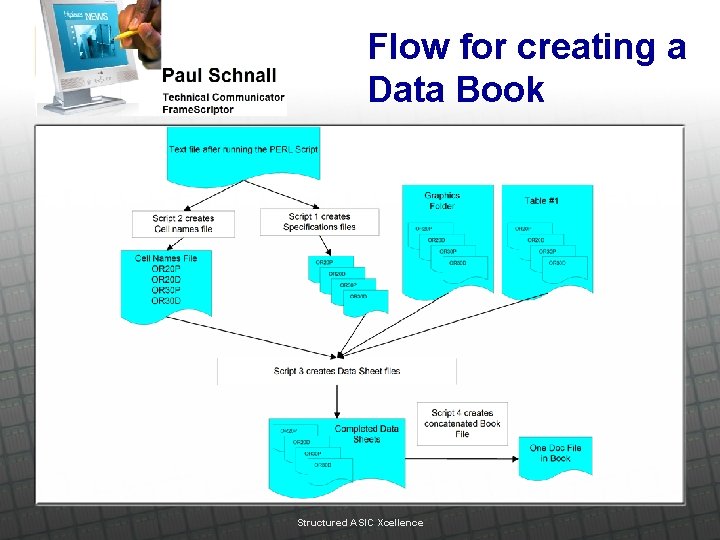
Flow for creating a Data Book Structured ASIC Xcellence
Script 1 Generating Specification files u This script takes the preliminary file and searches for a specific phrase that precedes each name then, u opens a new document file that will contain the relevant data for a single object in the data book Each object has a uniquely named specification file Structured ASIC Xcellence
Script 1 Cont’d Copies each line of the preliminary file one line at a time into the new single object (specifications) doc file. u When it finds the next name it saves and closes the single object (specifications) file using the name as the filename. u Structured ASIC Xcellence
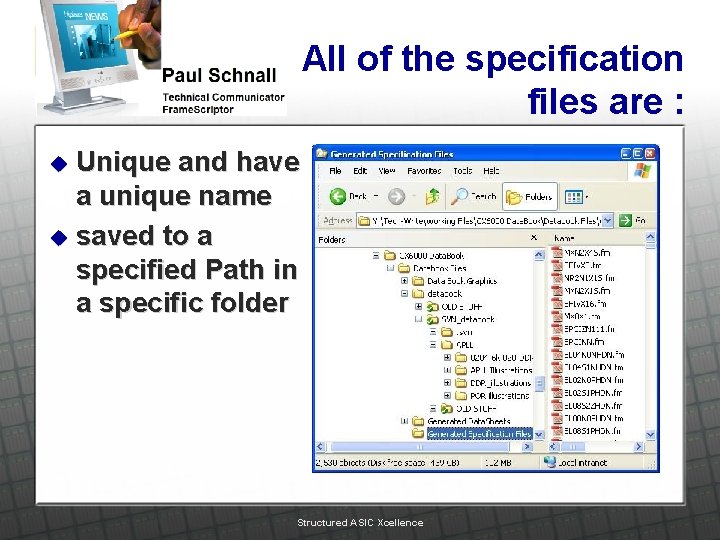
All of the specification files are : Unique and have a unique name u saved to a specified Path in a specific folder u Structured ASIC Xcellence
Script 2 This script runs through the preliminary file and copies and pastes only the paragraph containing the object name. u It then removes all of the text in the paragraph except for the object name. u The script saves and closes the file. The resulting file is a list of all of the Object names. u Structured ASIC Xcellence
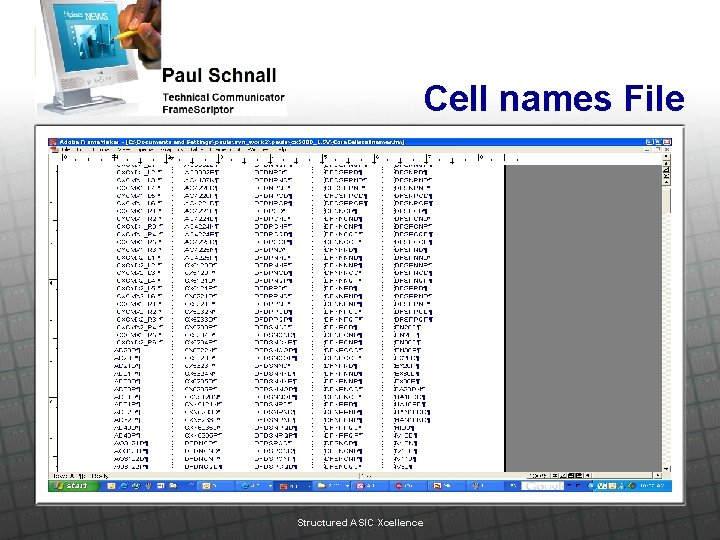
Cell names File Structured ASIC Xcellence
Script 3 This script: opens the Object names file u opens a new document using a predefined template u copies the first name from the Object names file u opens the corresponding specifications file u Structured ASIC Xcellence
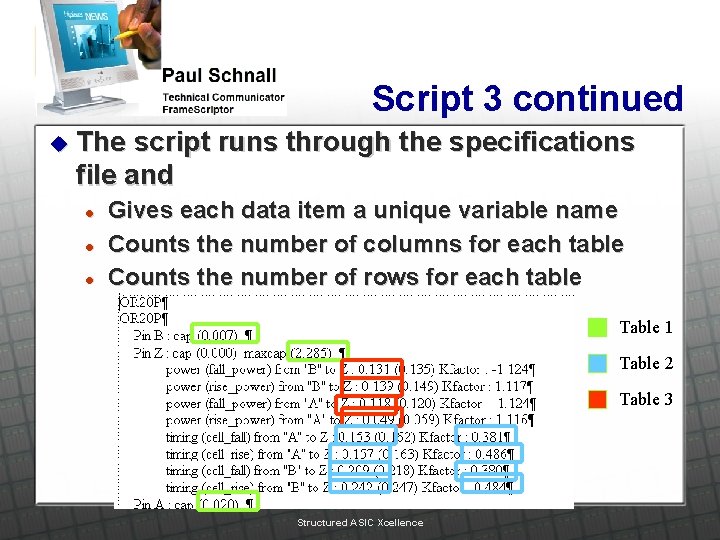
Script 3 continued u The script runs through the specifications file and l l l Gives each data item a unique variable name Counts the number of columns for each table Counts the number of rows for each table Table 1 Table 2 Table 3 Structured ASIC Xcellence
Script 3 continued Once all of the information is acquired for the identified Object the script u copies the object name to the first paragraph of the new document l Formats the paragraph to Heading 3 Structured ASIC Xcellence
Script 3 continued u Runs a description subroutine l u Inserts the results of the subroutine in paragraph 2 of the document. Inserts the correct graphic (as identified using the object name (this uses another subroutine)) from the graphics folder. Structured ASIC Xcellence
Script 3 continued Inserts the first table (this table is not created by the script but inserted into the doc from another folder using another subroutine) Everything is controlled by the object name. u Inserts 3, 4 or 5 blank tables (according to the object and the specifications required for the Data Book). u Each table has a name and table format. u Structured ASIC Xcellence
Script 3 continued The second table is inserted with the exact number of columns and rows required by the specifications file. Some Specifications files have more data than the data sheets require and will sometimes add extra rows. For these instances I have a “Tweaking script ” to remove extra empty table rows. u Structured ASIC Xcellence
Script 3 continued u The table is then filled in using: l l l the data the unique variable names corresponding values for each variable The Generated Data Sheet is saved and closed to a folder again using the object name. u The specifications file is closed without saving (this file was not changed). u Structured ASIC Xcellence
Single Data Sheet Structured ASIC Xcellence
Script 3 continued This whole procedure is repeated for each object name. u In my case one data book had 1200 data sheets and a second had 1500. u Structured ASIC Xcellence
Data Books u Sometimes the data items change and the data book needs to be regenerated. Structured ASIC Xcellence
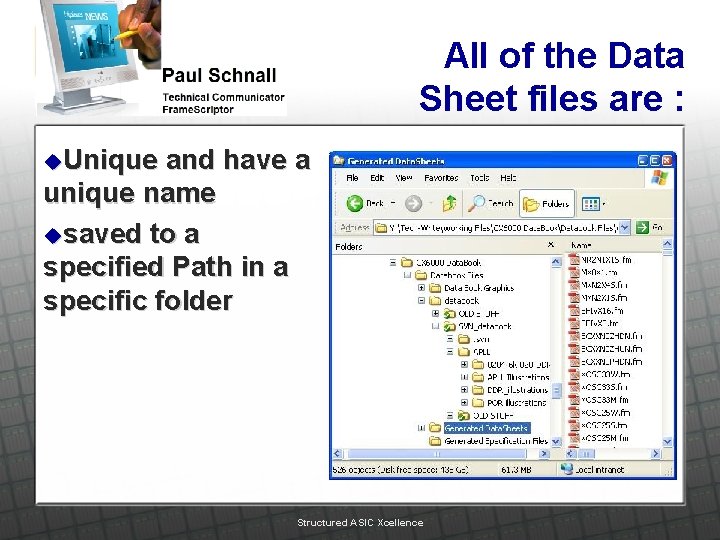
All of the Data Sheet files are : u. Unique and have a unique name usaved to a specified Path in a specific folder Structured ASIC Xcellence
Script 4 This script concatenates the individual data sheets into a larger file identified by category of object. u These concatenated files become files in the book file. u I have 10 to 20 files in the book. This includes general information aside from the datasheets. u Structured ASIC Xcellence
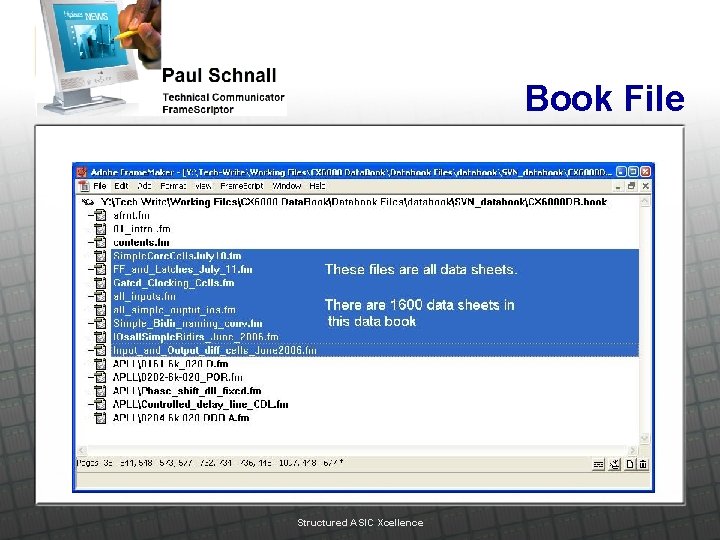
Book File Structured ASIC Xcellence
Tweaking I have about 5 or 6 scripts that tweak the concatenated files. They: u remove empty paragraphs u remove empty table rows u Set column widths for each table Structured ASIC Xcellence
Global Find and Replace u A lot of tweaking is done using global find and replace to remove excess characters. Structured ASIC Xcellence
If a conservative estimate to produce a singe data sheet is 30 minutes then u 1600 * 0. 5 Hrs = 800 hrs. or about 16 weeks for 1 writer. u I can run my scripts and tweak the results within one week. u Structured ASIC Xcellence
Accuracy The scripts increase accuracy of the data book by removing the human error caused by hours of tedious cutting and pasting. Structured ASIC Xcellence
Demonstration Let's see it work on a small scale; 10 data sheets u Structured ASIC Xcellence
Tips for Framescript Structured ASIC Xcellence
Find String This command searches for any string u This command cannot search using wildcards. u Structured ASIC Xcellence
Find From. Text. Loc The wildcard can only be used with this command. u Warning u l This command will find strings or wildcards but it returns the range of the paragraph. The pgf may be the first Pgf in Flow, but this find command jumps to the range where the object is found but the paragraph (cursor location) does not change. The loop only moves one Pgf at a time even though the find range may be at the end of the Doc. Structured ASIC Xcellence
Find In. Range u Find In. Range or In. Object cannot search using wildcards. Structured ASIC Xcellence
Error u Not enough rows or columns in table. l l If there are more cell items than either rows or columns you will get an error for the line of the New Text command. Look for the problem in the New Table command where you specify the number of columns and the number of rows. Structured ASIC Xcellence
Remember the cursor u The cursor does not move when the script changes the paragraph. Structured ASIC Xcellence
Don’t forget field codes! Field codes let you move the cursor location. I use them in my concatenate script. They look like this: Execute FC High. Flow; u Structured ASIC Xcellence
Apostrophes can be trouble New Pgf Prev. Object(v. Pgf) New. Var(v. Pgf) Text(’The second paragraph. ’); This line was copied from ‘Framescript A Crash Course’ The smart quotes were not understood when I ran my script and inserted “ 0” I changed the apostrophe to ' and the script worked fine. u New Pgf Prev. Object(v. Pgf) New. Var(v. Pgf) Text(' The second paragraph. '); u Structured ASIC Xcellence
Don’t forget to reset variables to 0 u When you create a variable and assign a value to it remember at some point in your script you will want to reset the variable to 0 so in the next iteration of the loop the script will not use an old value. Structured ASIC Xcellence
Framescript editors The editor I used was only good for about 1000 lines of code then it hung up. u I downloaded a free script editor from the internet. u Structured ASIC Xcellence
Questions? ? ? Structured ASIC Xcellence