
Formatting Reports NOTES for BCT 3 02 Reports
Formatting Reports NOTES for BCT 3. 02 - Reports
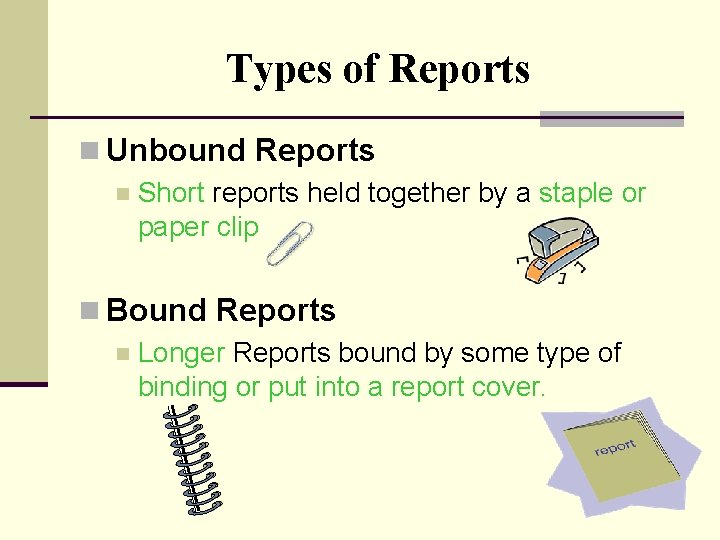
Types of Reports n Unbound Reports n Short reports held together by a staple or paper clip n Bound Reports n Longer Reports bound by some type of binding or put into a report cover.
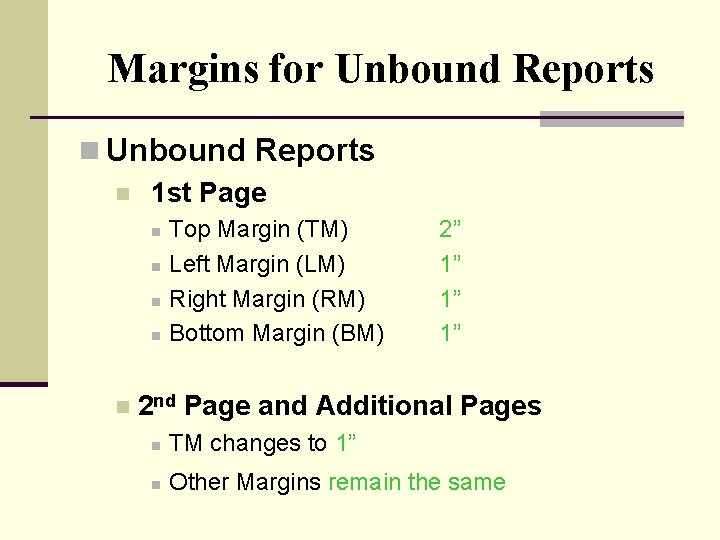
Margins for Unbound Reports n 1 st Page n n n Top Margin (TM) Left Margin (LM) Right Margin (RM) Bottom Margin (BM) 2” 1” 1” 1” 2 nd Page and Additional Pages n TM changes to 1” n Other Margins remain the same
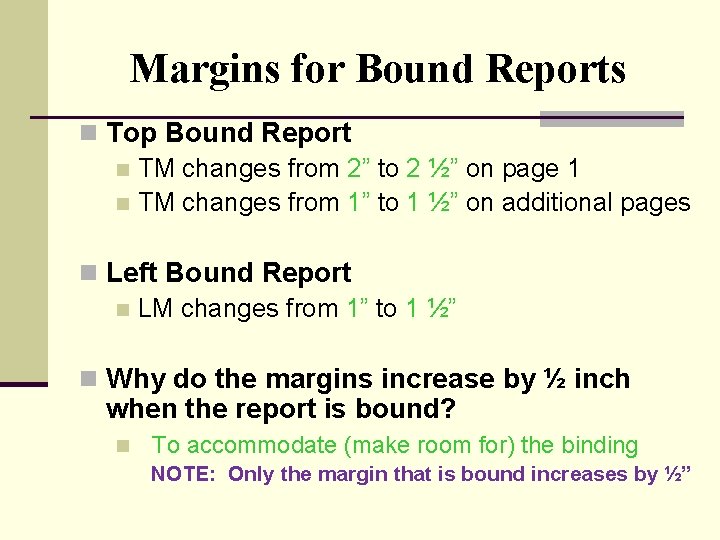
Margins for Bound Reports n Top Bound Report n TM changes from 2” to 2 ½” on page 1 n TM changes from 1” to 1 ½” on additional pages n Left Bound Report n LM changes from 1” to 1 ½” n Why do the margins increase by ½ inch when the report is bound? n To accommodate (make room for) the binding NOTE: Only the margin that is bound increases by ½”
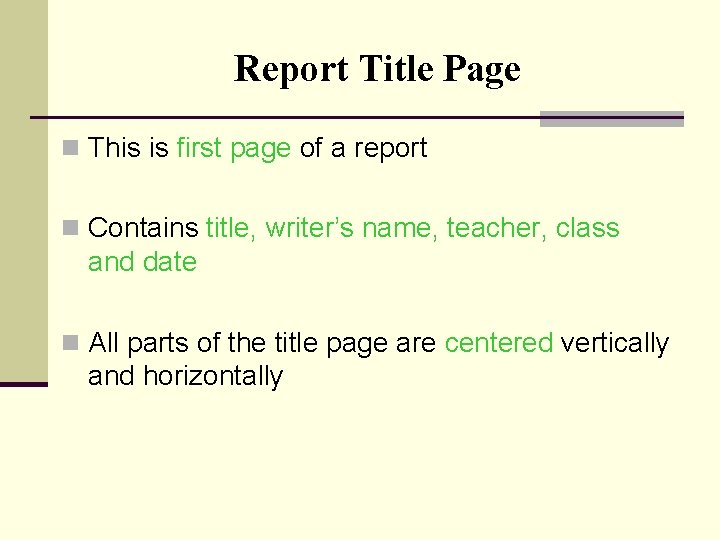
Report Title Page n This is first page of a report n Contains title, writer’s name, teacher, class and date n All parts of the title page are centered vertically and horizontally
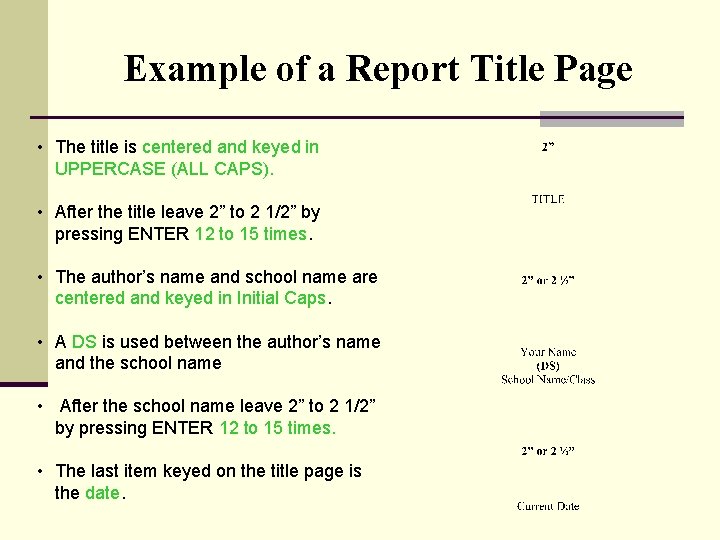
Example of a Report Title Page • The title is centered and keyed in UPPERCASE (ALL CAPS). • After the title leave 2” to 2 1/2” by pressing ENTER 12 to 15 times. • The author’s name and school name are centered and keyed in Initial Caps. • A DS is used between the author’s name and the school name • After the school name leave 2” to 2 1/2” by pressing ENTER 12 to 15 times. • The last item keyed on the title page is the date.
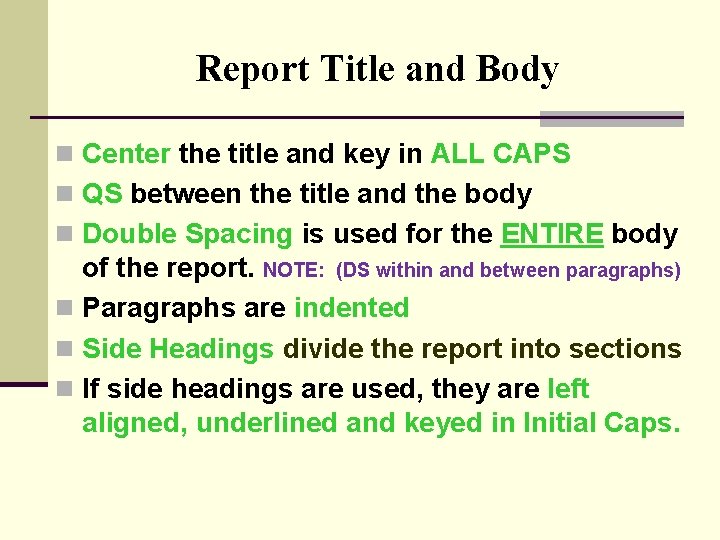
Report Title and Body n Center the title and key in ALL CAPS n QS between the title and the body n Double Spacing is used for the ENTIRE body of the report. NOTE: (DS within and between paragraphs) n Paragraphs are indented n Side Headings divide the report into sections n If side headings are used, they are left aligned, underlined and keyed in Initial Caps.
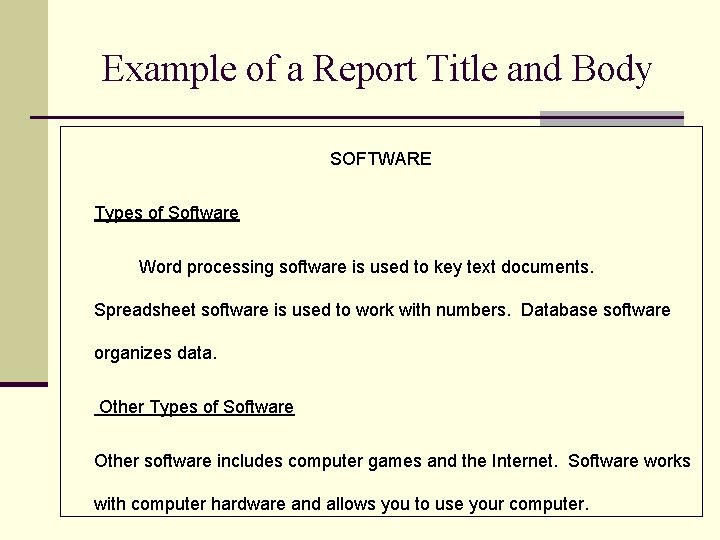
Example of a Report Title and Body SOFTWARE Types of Software Word processing software is used to key text documents. Spreadsheet software is used to work with numbers. Database software organizes data. Other Types of Software Other software includes computer games and the Internet. Software works with computer hardware and allows you to use your computer.
Bibliography Purpose – lists the sources (web sites, books, and etc. ) you used to get information for your report n Comes at the end of the report n Title is centered and keyed in ALL CAPS (Uppercase) and followed by a QS n Also called Works Cited or References n Sources are listed in alphabetical order by author’s last name n
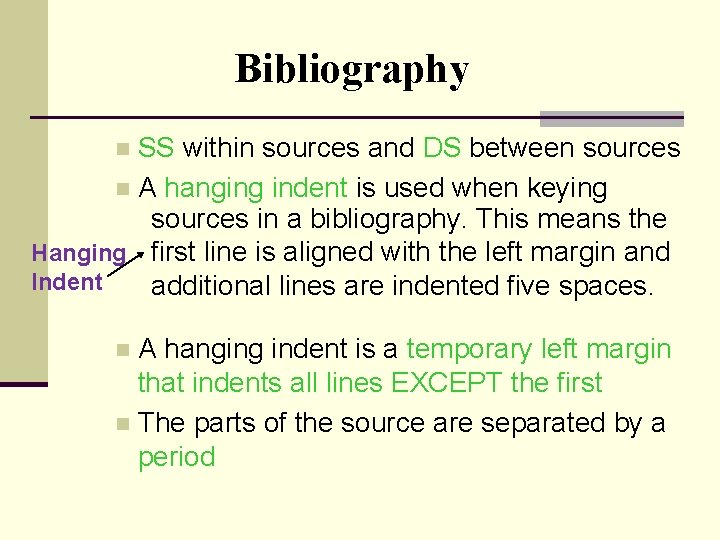
Bibliography SS within sources and DS between sources n A hanging indent is used when keying sources in a bibliography. This means the Hanging first line is aligned with the left margin and Indent additional lines are indented five spaces. n A hanging indent is a temporary left margin that indents all lines EXCEPT the first n The parts of the source are separated by a period n
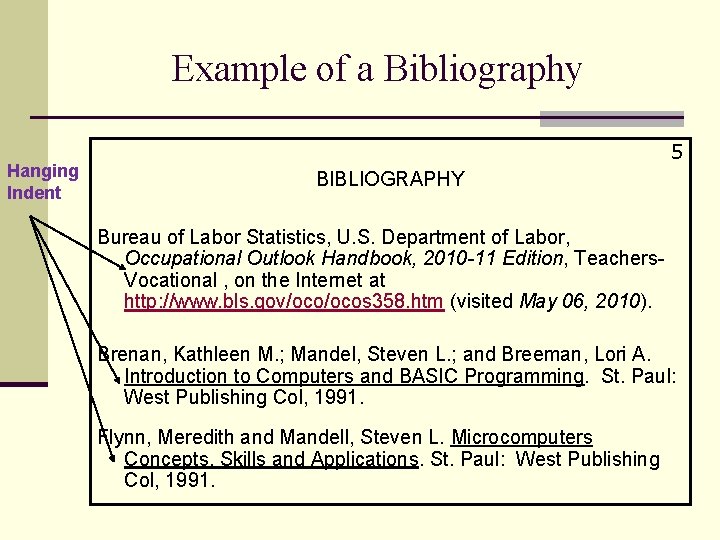
Example of a Bibliography Hanging Indent 5 BIBLIOGRAPHY Bureau of Labor Statistics, U. S. Department of Labor, Occupational Outlook Handbook, 2010 -11 Edition, Teachers. Vocational , on the Internet at http: //www. bls. gov/ocos 358. htm (visited May 06, 2010). Brenan, Kathleen M. ; Mandel, Steven L. ; and Breeman, Lori A. Introduction to Computers and BASIC Programming. St. Paul: West Publishing Col, 1991. Flynn, Meredith and Mandell, Steven L. Microcomputers Concepts, Skills and Applications. St. Paul: West Publishing Col, 1991.
- Slides: 11