
Formatting Reports Apply correct report format Essential Questions
- Slides: 9
Formatting Reports Apply correct report format
Essential Questions • What are reports used for? • What guidelines should be followed when formatting reports?
What is a Report? Reports – documents that give facts, ideas, or opinions about one or more topics Examples: Ø A summary of a science project you created Ø Findings on your research about the United Kingdom Ø A review of a library book you have read
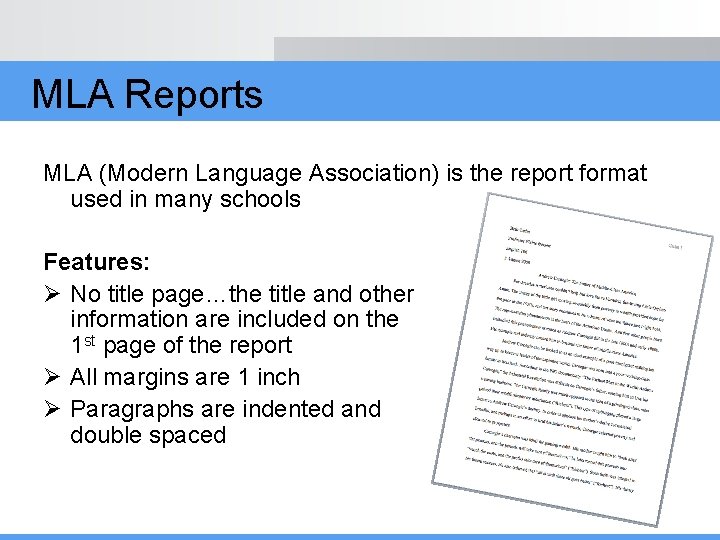
MLA Reports MLA (Modern Language Association) is the report format used in many schools Features: Ø No title page…the title and other information are included on the 1 st page of the report Ø All margins are 1 inch Ø Paragraphs are indented and double spaced
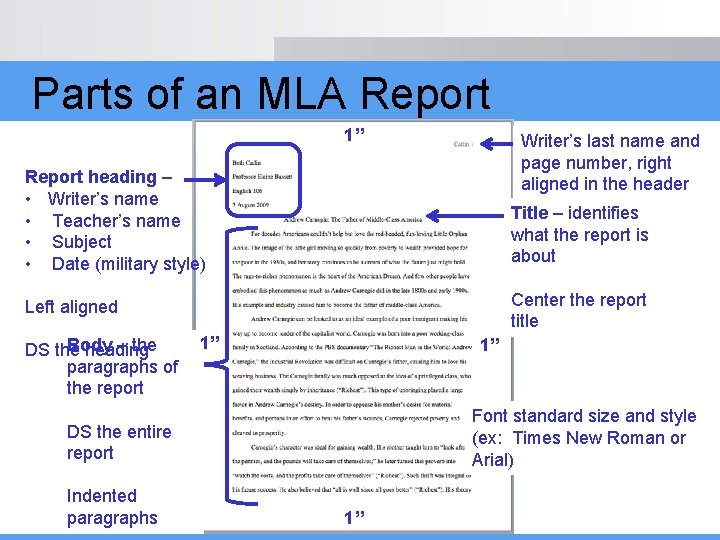
Parts of an MLA Report 1” Writer’s last name and page number, right aligned in the header Report heading – • Writer’s name • Teacher’s name • Subject • Date (military style) Title – identifies what the report is about Center the report title Left aligned Body – the DS the heading paragraphs of the report 1” 1” Font standard size and style (ex: Times New Roman or Arial) DS the entire report Indented paragraphs 1”
Formatting an MLA Report 1. Set margins: 1” all around 2. Set line spacing: DS 3. Insert header: writer’s last name and page number 4. Key the report heading: writer’s name, teacher’s name, subject, and date (day, month, year format) 5. Key the report title: Centered 6. Key the body of the report 7. Proofread the report
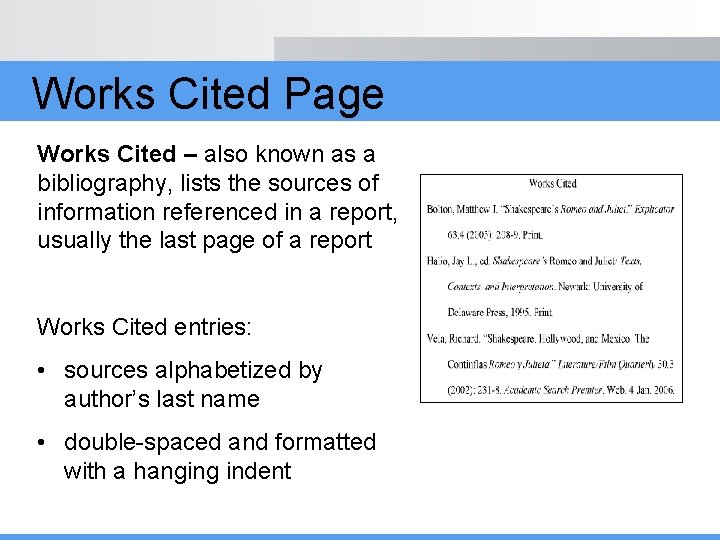
Works Cited Page Works Cited – also known as a bibliography, lists the sources of information referenced in a report, usually the last page of a report Works Cited entries: • sources alphabetized by author’s last name • double-spaced and formatted with a hanging indent
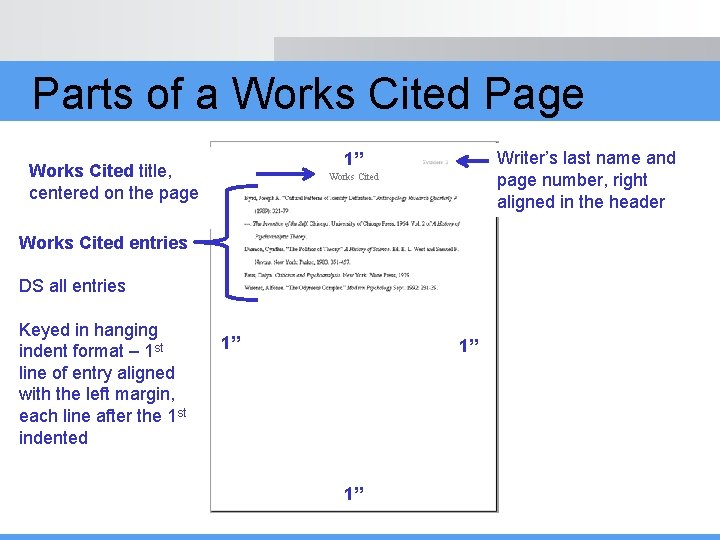
Parts of a Works Cited Page Writer’s last name and page number, right aligned in the header 1” Works Cited title, centered on the page Works Cited entries DS all entries Keyed in hanging indent format – 1 st line of entry aligned with the left margin, each line after the 1 st indented 1” 1” 1”
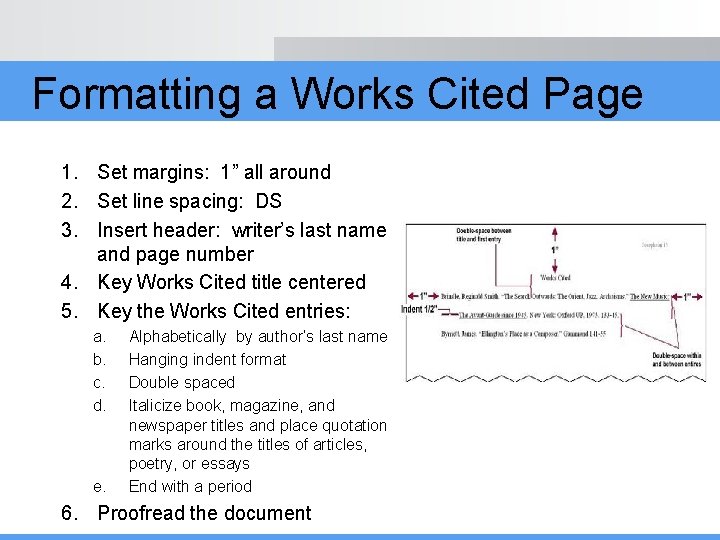
Formatting a Works Cited Page 1. Set margins: 1” all around 2. Set line spacing: DS 3. Insert header: writer’s last name and page number 4. Key Works Cited title centered 5. Key the Works Cited entries: a. b. c. d. e. Alphabetically by author’s last name Hanging indent format Double spaced Italicize book, magazine, and newspaper titles and place quotation marks around the titles of articles, poetry, or essays End with a period 6. Proofread the document