
Formatting Fonts Fonts Designs of type are called
- Slides: 20
Formatting & Fonts
Fonts �Designs of type are called fonts. �Font styles refers to certain standard changes in the appearance of a font.
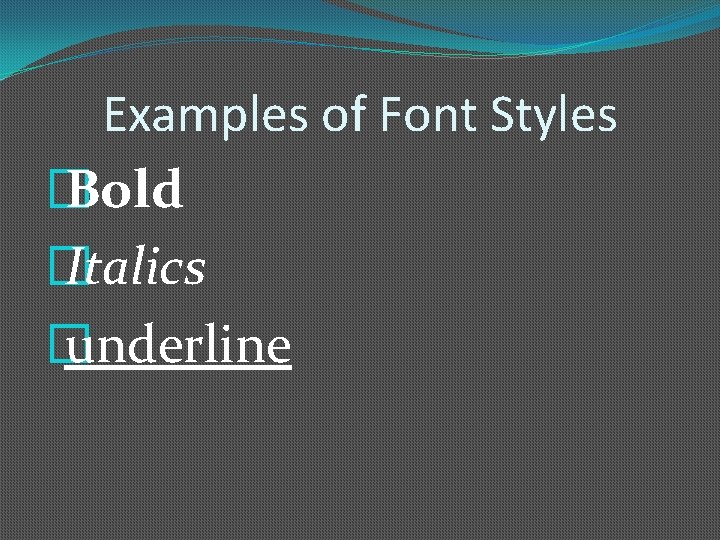
Examples of Font Styles � Bold � Italics � underline
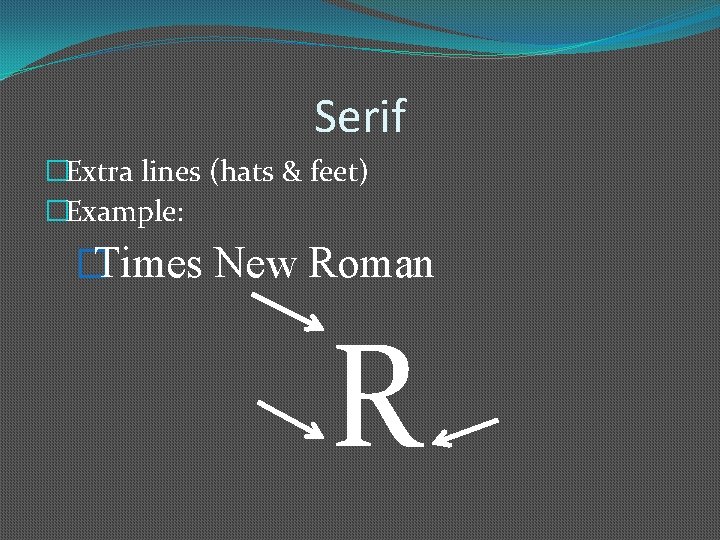
Serif �Extra lines (hats & feet) �Example: �Times New Roman R
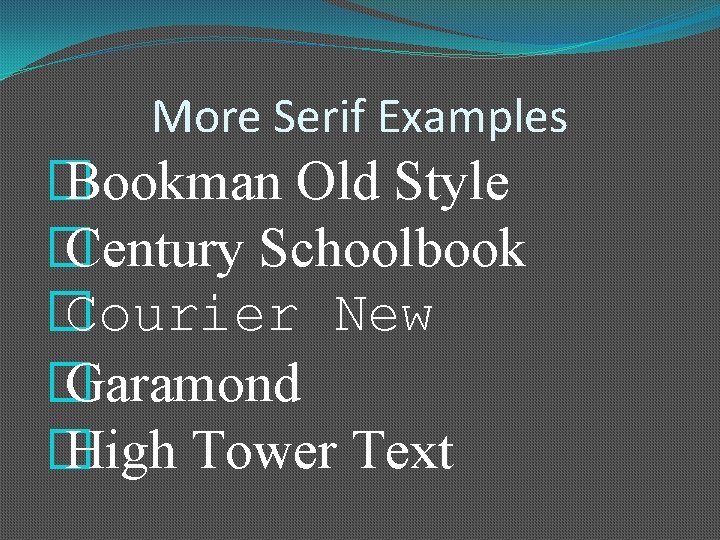
More Serif Examples � Bookman Old Style � Century Schoolbook � Courier New � Garamond � High Tower Text
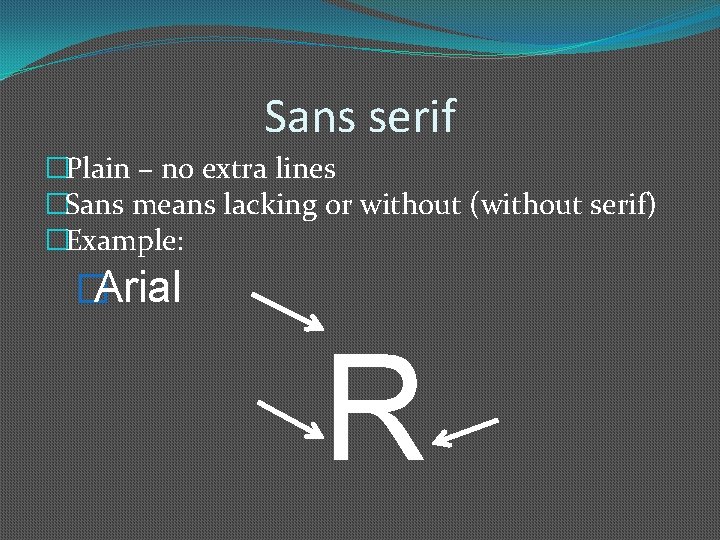
Sans serif �Plain – no extra lines �Sans means lacking or without (without serif) �Example: �Arial R
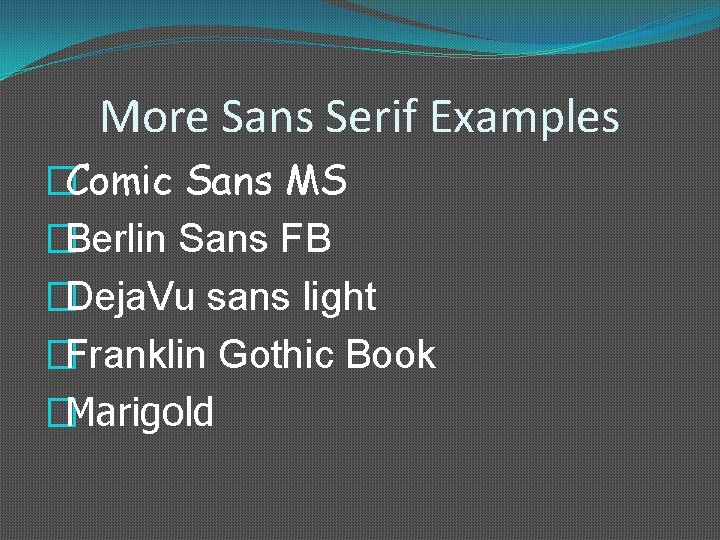
More Sans Serif Examples �Comic Sans MS �Berlin Sans FB �Deja. Vu sans light �Franklin Gothic Book �Marigold
Sans serif fonts are often used for: �Titles �Headings �Page numbers
Font Size �Font size is measured in points. �There are 72 points to 1 inch.
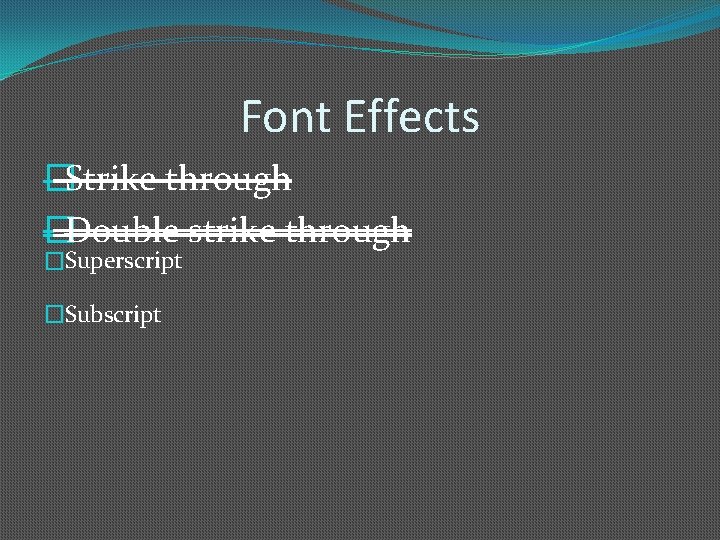
Font Effects �Strike through �Double strike through �Superscript �Subscript
More Font Effects �SMALL CAPS �Hidden
Alignment �Alignment refers to how text is positioned between the margins. � 4 alignments: �Left �Right �Center �Justified
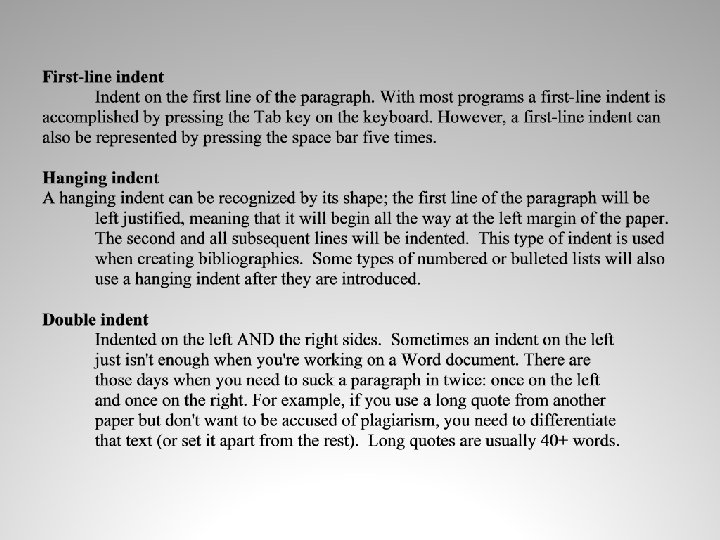
Indents �An indent is the space between text and a document’s margin. � 3 types of indents: �First-line �Hanging �Double
Line Spacing Line spacing refers to the amount of space between lines of text.
Margins are the blank areas around the top, bottom, and sides of a page.
Script Fonts Look like handwriting
Examples of Script Fonts �Brush Script MT �French Script MT �Lucida Calligraphy �Kunstler Script �Old English Text MT
Symbol Fonts Symbol fonts replace letters with symbols.
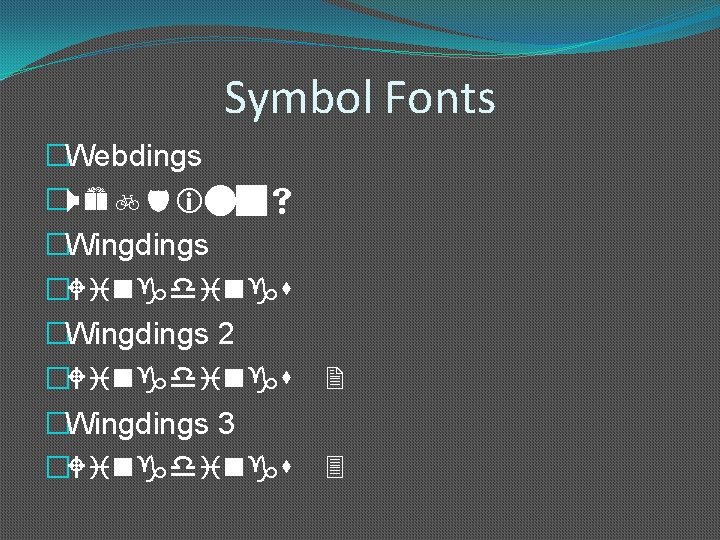
Symbol Fonts �Webdings �Wingdings 2 �Wingdings 3 �Wingdings 2 3