
Fonts and colors Times New Roman quotes Trebuchet
Fonts and colors • • Times New Roman “quotes” Trebuchet "quotes" yellow blue pink green violet

JAXB Java Architecture for XML Binding
What is JAXB? • JAXB is Java Architecture for XML Binding • SAX and DOM are generic XML parsers – They will parse any well-structured XML • JAXB creates a parser that is specific to your DTD – A JAXB parser will parse only valid XML (as defined by your DTD) • DOM and JAXB both produce a tree in memory – DOM produces a generic tree; everything is a Node – JAXB produces a tree of Objects with names and attributes as described by your DTD
Advantages and disadvantages • Advantages: – JAXB requires a DTD • Using JAXB ensures the validity of your XML – – A JAXB parser is actually faster than a generic SAX parser A tree created by JAXB is smaller than a DOM tree It’s much easier to use a JAXB tree for application-specific code You can modify the tree and save it as XML • Disadvantages: – JAXB requires a DTD • Hence, you cannot use JAXB to process generic XML (for example, if you are writing an XML editor or other tool) – You must do additional work up front to tell JAXB what kind of tree you want it to construct • But this more than pays for itself by simplifying your application – JAXB is new: Version 1. 0 is due Q 4 (fourth quarter) 2002
How JAXB works • JAXB takes as input two files: your DTD and a binding schema (which you also write) – A binding schema is an XML document written in a “binding language” defined by JAXB (with extension. xjs) – A binding schema is used to customize the JAXB output – Your binding schema can be very simple or quite complex • JAXB produces as output Java source code which you compile and add to your program – Your program will uses the specific classes generated by JAXB – Your program can then read and write XML files • JAXB also provides an API for working directly with XML • Some examples in this lecture are taken from the JAXB User’s guide, http: //java. sun. com/xml/jaxb/docs. html
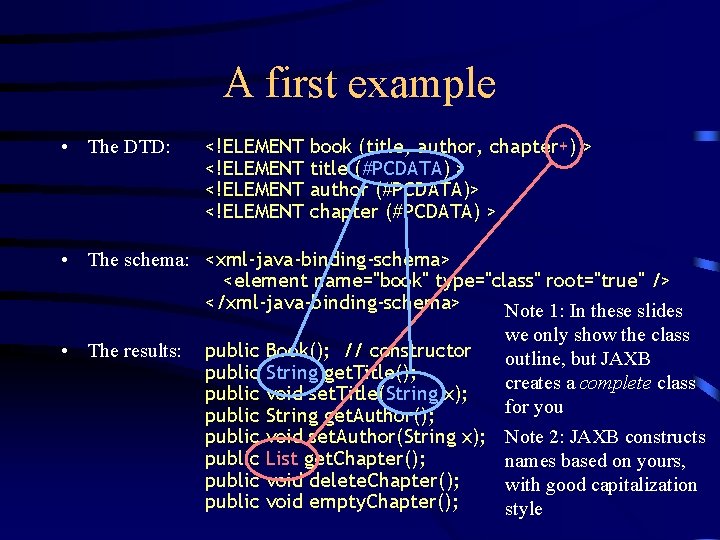
A first example • The DTD: <!ELEMENT book (title, author, chapter+) > title (#PCDATA) > author (#PCDATA)> chapter (#PCDATA) > • The schema: <xml-java-binding-schema> <element name="book" type="class" root="true" /> </xml-java-binding-schema> Note 1: In these slides we only show the class • The results: public Book(); // constructor outline, but JAXB public String get. Title(); creates a complete class public void set. Title(String x); for you public String get. Author(); public void set. Author(String x); Note 2: JAXB constructs public List get. Chapter(); names based on yours, public void delete. Chapter(); with good capitalization public void empty. Chapter(); style
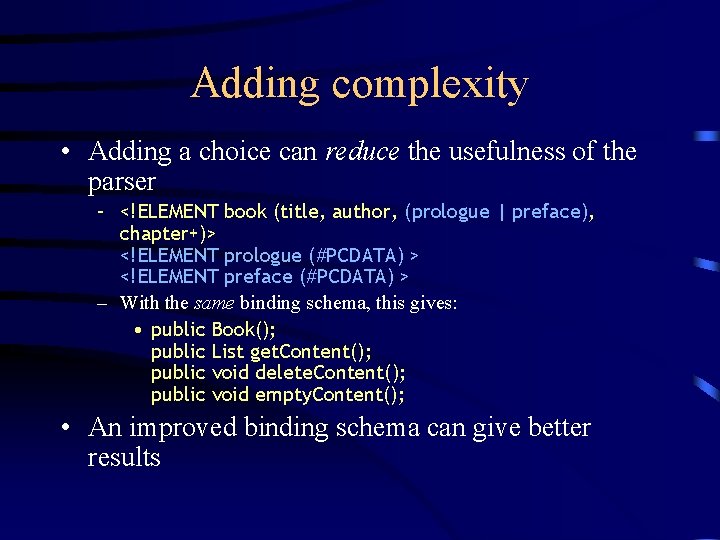
Adding complexity • Adding a choice can reduce the usefulness of the parser – <!ELEMENT book (title, author, (prologue | preface), chapter+)> <!ELEMENT prologue (#PCDATA) > <!ELEMENT preface (#PCDATA) > – With the same binding schema, this gives: • public Book(); public List get. Content(); public void delete. Content(); public void empty. Content(); • An improved binding schema can give better results

Improving the binding schema • <xml-java-binding-schema> <element name="book" type="class" root="true”> <content> <element-ref name="title" /> <element-ref name="author” /> <choice property="prologue-or-preface" /> </content> </element> </xml-java-binding-schema> • Result is same as the original, plus methods for the choice: – public Book(); // constructor. . . public void empty. Chapter(); public Marshallable. Object get. Prologue. Or. Preface(); public void set. Prologue. Or. Preface(Marshallable. Object x);
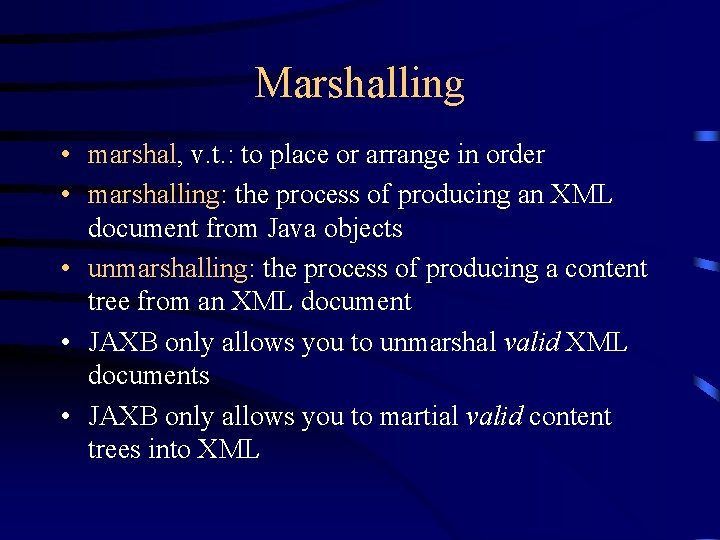
Marshalling • marshal, v. t. : to place or arrange in order • marshalling: the process of producing an XML document from Java objects • unmarshalling: the process of producing a content tree from an XML document • JAXB only allows you to unmarshal valid XML documents • JAXB only allows you to martial valid content trees into XML
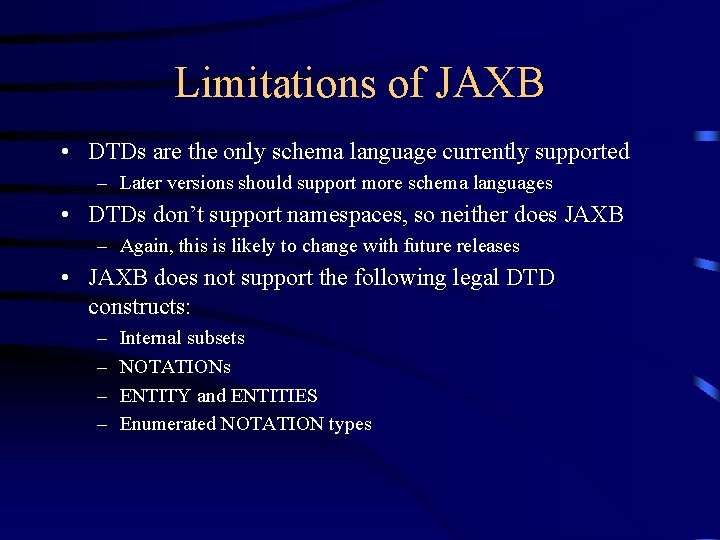
Limitations of JAXB • DTDs are the only schema language currently supported – Later versions should support more schema languages • DTDs don’t support namespaces, so neither does JAXB – Again, this is likely to change with future releases • JAXB does not support the following legal DTD constructs: – – Internal subsets NOTATIONs ENTITY and ENTITIES Enumerated NOTATION types
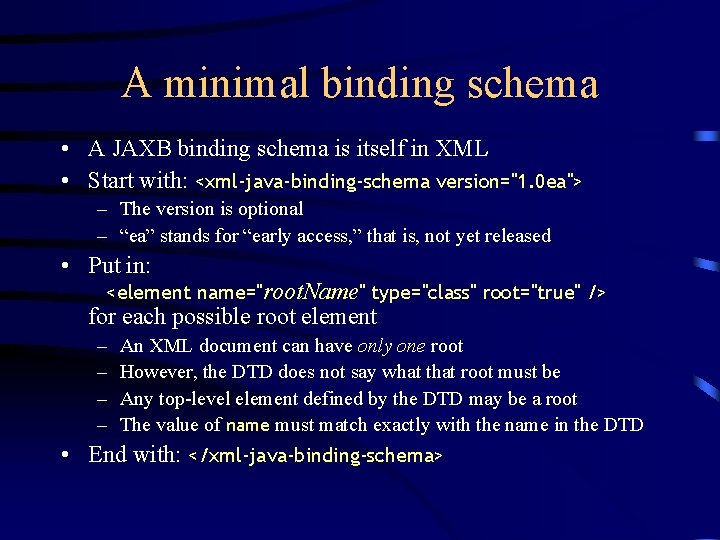
A minimal binding schema • A JAXB binding schema is itself in XML • Start with: <xml-java-binding-schema version="1. 0 ea"> – The version is optional – “ea” stands for “early access, ” that is, not yet released • Put in: <element name="root. Name" type="class" root="true" /> for each possible root element – – An XML document can have only one root However, the DTD does not say what that root must be Any top-level element defined by the DTD may be a root The value of name must match exactly with the name in the DTD • End with: </xml-java-binding-schema>
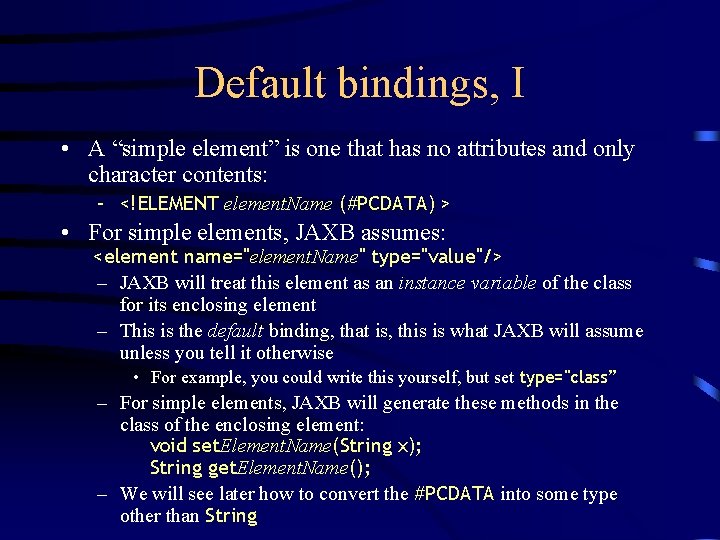
Default bindings, I • A “simple element” is one that has no attributes and only character contents: – <!ELEMENT element. Name (#PCDATA) > • For simple elements, JAXB assumes: <element name="element. Name" type="value"/> – JAXB will treat this element as an instance variable of the class for its enclosing element – This is the default binding, that is, this is what JAXB will assume unless you tell it otherwise • For example, you could write this yourself, but set type="class” – For simple elements, JAXB will generate these methods in the class of the enclosing element: void set. Element. Name(String x); String get. Element. Name(); – We will see later how to convert the #PCDATA into some type other than String
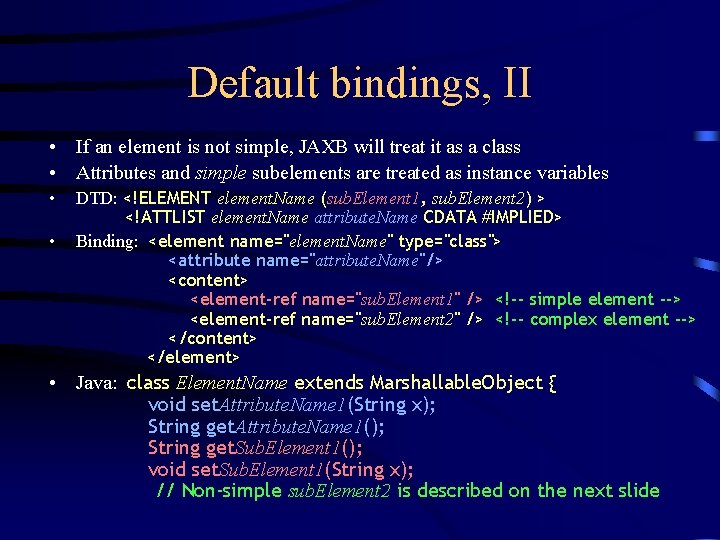
Default bindings, II • If an element is not simple, JAXB will treat it as a class • Attributes and simple subelements are treated as instance variables • • DTD: <!ELEMENT element. Name (sub. Element 1, sub. Element 2) > <!ATTLIST element. Name attribute. Name CDATA #IMPLIED> Binding: <element name="element. Name" type="class"> <attribute name="attribute. Name"/> <content> <element-ref name="sub. Element 1" /> <!-- simple element --> <element-ref name="sub. Element 2" /> <!-- complex element --> </content> </element> • Java: class Element. Name extends Marshallable. Object { void set. Attribute. Name 1(String x); String get. Attribute. Name 1(); String get. Sub. Element 1(); void set. Sub. Element 1(String x); // Non-simple sub. Element 2 is described on the next slide
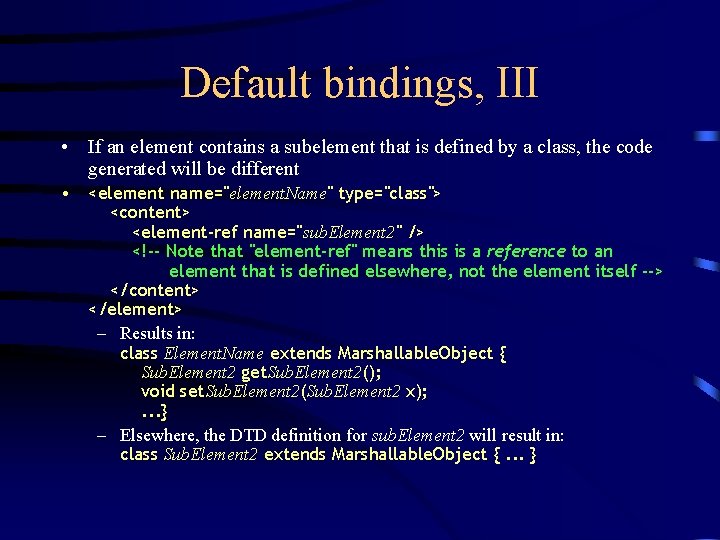
Default bindings, III • If an element contains a subelement that is defined by a class, the code generated will be different • <element name="element. Name" type="class"> <content> <element-ref name="sub. Element 2" /> <!-- Note that "element-ref" means this is a reference to an element that is defined elsewhere, not the element itself --> </content> </element> – Results in: class Element. Name extends Marshallable. Object { Sub. Element 2 get. Sub. Element 2(); void set. Sub. Element 2(Sub. Element 2 x); . . . } – Elsewhere, the DTD definition for sub. Element 2 will result in: class Sub. Element 2 extends Marshallable. Object {. . . }
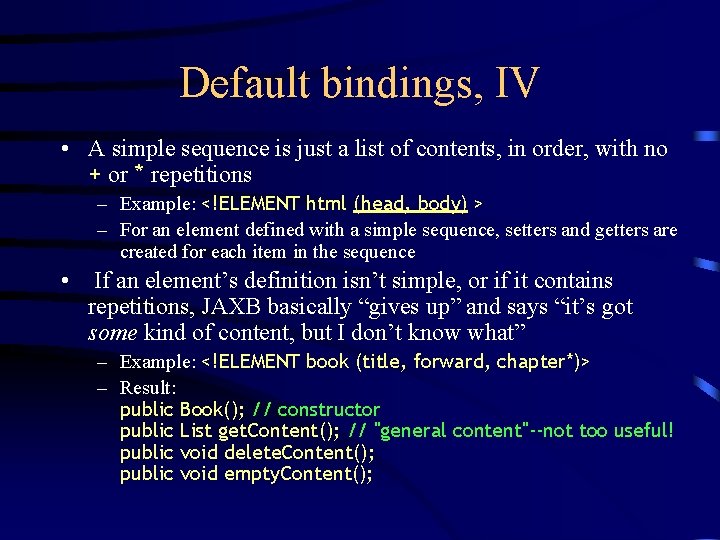
Default bindings, IV • A simple sequence is just a list of contents, in order, with no + or * repetitions – Example: <!ELEMENT html (head, body) > – For an element defined with a simple sequence, setters and getters are created for each item in the sequence • If an element’s definition isn’t simple, or if it contains repetitions, JAXB basically “gives up” and says “it’s got some kind of content, but I don’t know what” – Example: <!ELEMENT book (title, forward, chapter*)> – Result: public Book(); // constructor public List get. Content(); // "general content"--not too useful! public void delete. Content(); public void empty. Content();
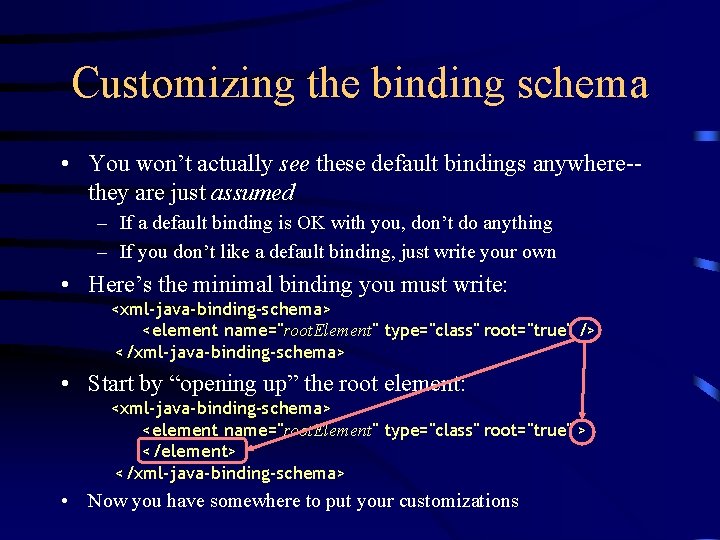
Customizing the binding schema • You won’t actually see these default bindings anywhere-they are just assumed – If a default binding is OK with you, don’t do anything – If you don’t like a default binding, just write your own • Here’s the minimal binding you must write: <xml-java-binding-schema> <element name="root. Element" type="class" root="true" /> </xml-java-binding-schema> • Start by “opening up” the root element: <xml-java-binding-schema> <element name="root. Element" type="class" root="true" > </element> </xml-java-binding-schema> • Now you have somewhere to put your customizations
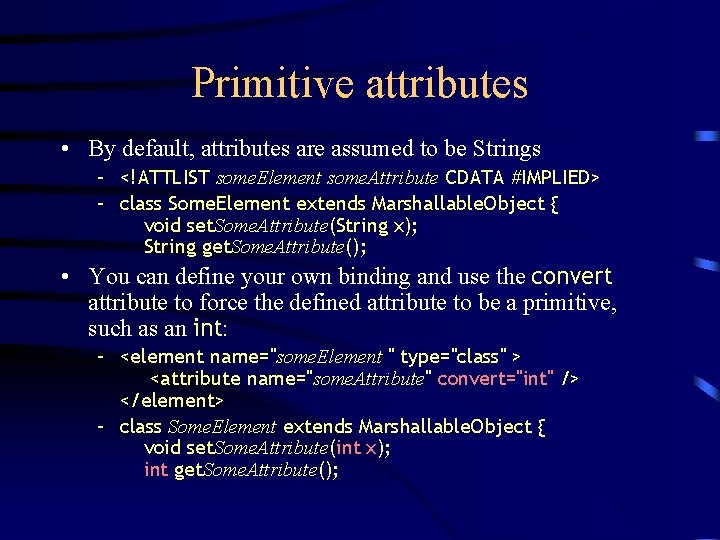
Primitive attributes • By default, attributes are assumed to be Strings – <!ATTLIST some. Element some. Attribute CDATA #IMPLIED> – class Some. Element extends Marshallable. Object { void set. Some. Attribute(String x); String get. Some. Attribute(); • You can define your own binding and use the convert attribute to force the defined attribute to be a primitive, such as an int: – <element name="some. Element " type="class" > <attribute name="some. Attribute" convert="int" /> </element> – class Some. Element extends Marshallable. Object { void set. Some. Attribute(int x); int get. Some. Attribute();
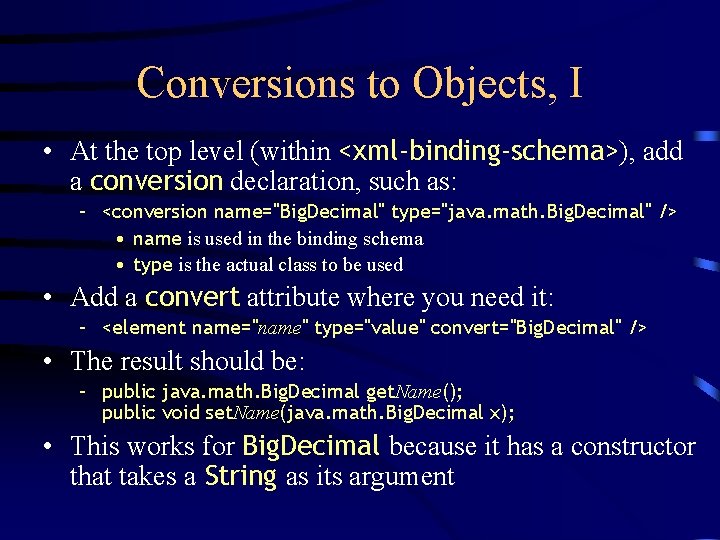
Conversions to Objects, I • At the top level (within <xml-binding-schema>), add a conversion declaration, such as: – <conversion name="Big. Decimal" type="java. math. Big. Decimal" /> • name is used in the binding schema • type is the actual class to be used • Add a convert attribute where you need it: – <element name="name" type="value" convert="Big. Decimal" /> • The result should be: – public java. math. Big. Decimal get. Name(); public void set. Name(java. math. Big. Decimal x); • This works for Big. Decimal because it has a constructor that takes a String as its argument
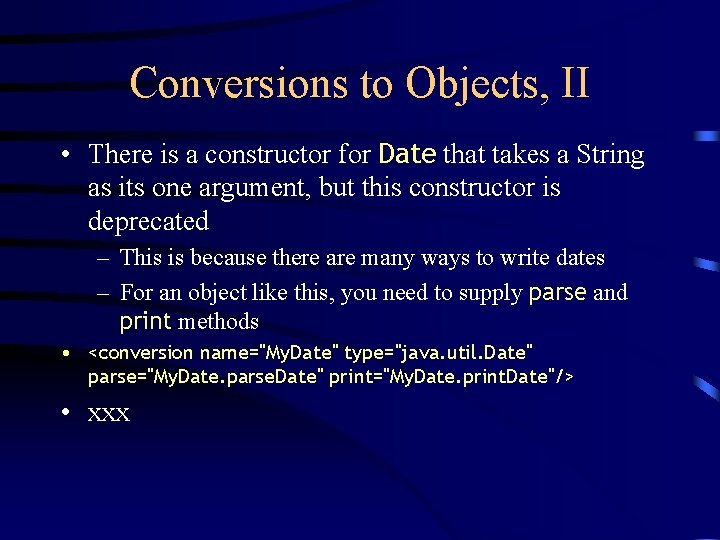
Conversions to Objects, II • There is a constructor for Date that takes a String as its one argument, but this constructor is deprecated – This is because there are many ways to write dates – For an object like this, you need to supply parse and print methods • <conversion name="My. Date" type="java. util. Date" parse="My. Date. parse. Date" print="My. Date. print. Date"/> • xxx
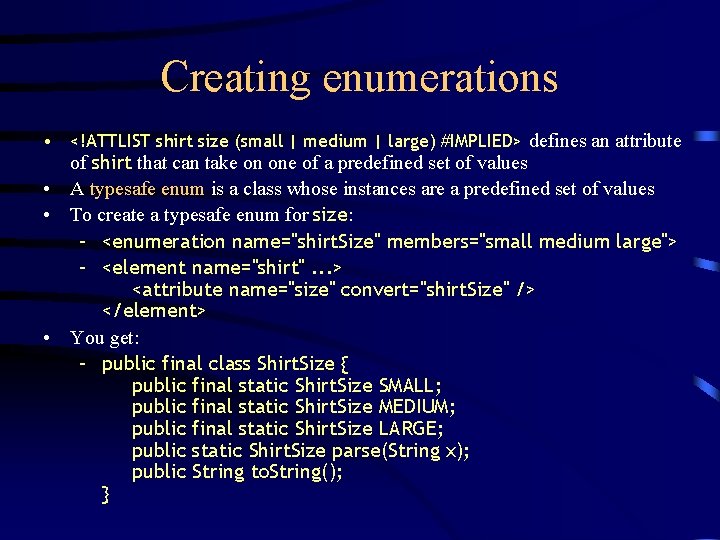
Creating enumerations • <!ATTLIST shirt size (small | medium | large) #IMPLIED> defines an attribute of shirt that can take on one of a predefined set of values • A typesafe enum is a class whose instances are a predefined set of values • To create a typesafe enum for size: – <enumeration name="shirt. Size" members="small medium large"> – <element name="shirt". . . > <attribute name="size" convert="shirt. Size" /> </element> • You get: – public final class Shirt. Size { public final static Shirt. Size SMALL; public final static Shirt. Size MEDIUM; public final static Shirt. Size LARGE; public static Shirt. Size parse(String x); public String to. String(); }
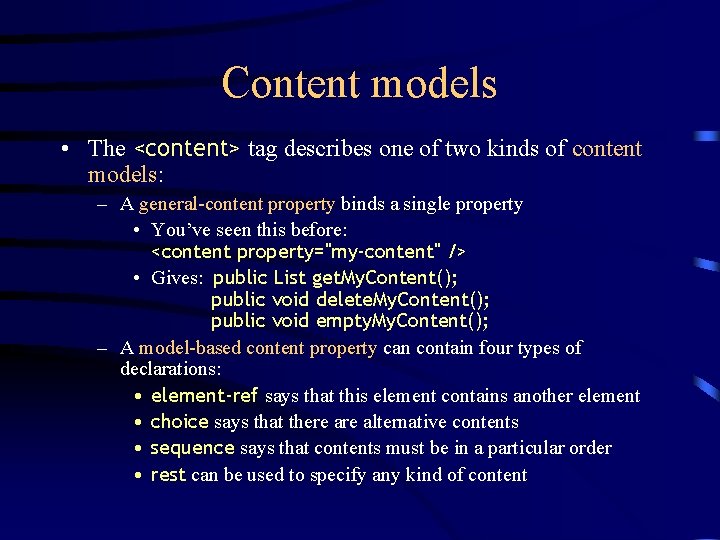
Content models • The <content> tag describes one of two kinds of content models: – A general-content property binds a single property • You’ve seen this before: <content property="my-content" /> • Gives: public List get. My. Content(); public void delete. My. Content(); public void empty. My. Content(); – A model-based content property can contain four types of declarations: • element-ref says that this element contains another element • choice says that there alternative contents • sequence says that contents must be in a particular order • rest can be used to specify any kind of content
Using JAXB
- Slides: 22