
Followup Case Report Forms SCHARP Followup Visit CRFs

- Slides: 77
Follow-up Case Report Forms SCHARP
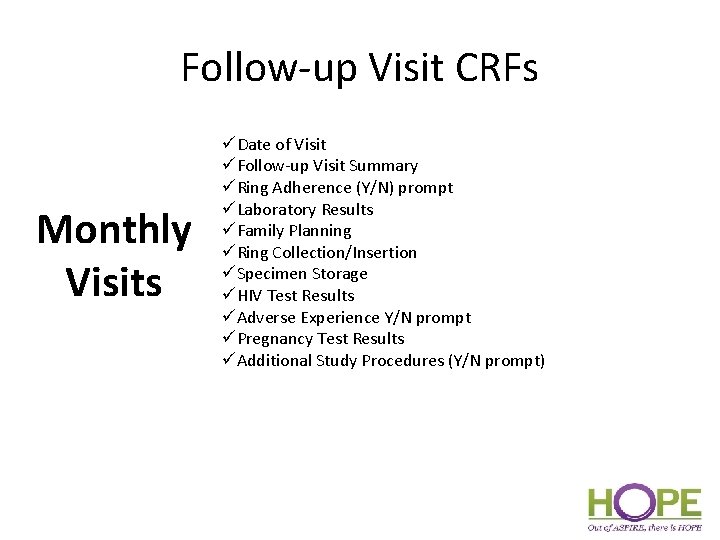
Follow-up Visit CRFs Monthly Visits üDate of Visit üFollow-up Visit Summary üRing Adherence (Y/N) prompt üLaboratory Results üFamily Planning üRing Collection/Insertion üSpecimen Storage üHIV Test Results üAdverse Experience Y/N prompt üPregnancy Test Results üAdditional Study Procedures (Y/N prompt)
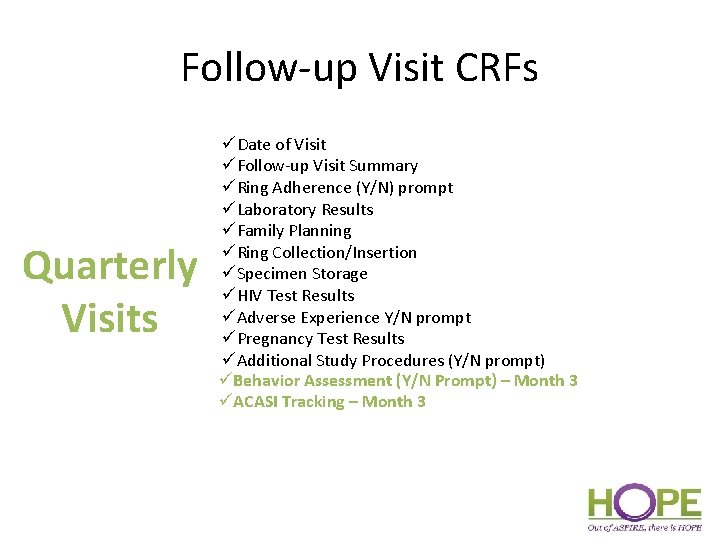
Follow-up Visit CRFs Quarterly Visits üDate of Visit üFollow-up Visit Summary üRing Adherence (Y/N) prompt üLaboratory Results üFamily Planning üRing Collection/Insertion üSpecimen Storage üHIV Test Results üAdverse Experience Y/N prompt üPregnancy Test Results üAdditional Study Procedures (Y/N prompt) üBehavior Assessment (Y/N Prompt) – Month 3 üACASI Tracking – Month 3
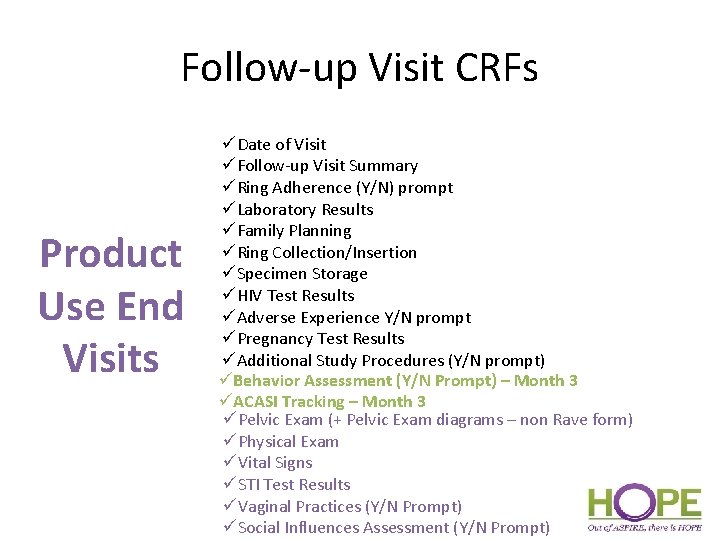
Follow-up Visit CRFs Product Use End Visits üDate of Visit üFollow-up Visit Summary üRing Adherence (Y/N) prompt üLaboratory Results üFamily Planning üRing Collection/Insertion üSpecimen Storage üHIV Test Results üAdverse Experience Y/N prompt üPregnancy Test Results üAdditional Study Procedures (Y/N prompt) üBehavior Assessment (Y/N Prompt) – Month 3 üACASI Tracking – Month 3 üPelvic Exam (+ Pelvic Exam diagrams – non Rave form) üPhysical Exam üVital Signs üSTI Test Results üVaginal Practices (Y/N Prompt) üSocial Influences Assessment (Y/N Prompt)
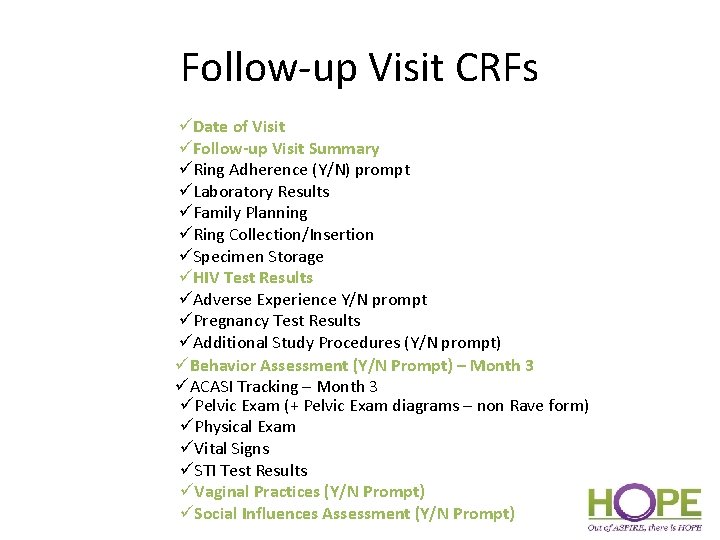
Follow-up Visit CRFs üDate of Visit üFollow-up Visit Summary üRing Adherence (Y/N) prompt üLaboratory Results üFamily Planning üRing Collection/Insertion üSpecimen Storage üHIV Test Results üAdverse Experience Y/N prompt üPregnancy Test Results üAdditional Study Procedures (Y/N prompt) üBehavior Assessment (Y/N Prompt) – Month 3 üACASI Tracking – Month 3 üPelvic Exam (+ Pelvic Exam diagrams – non Rave form) üPhysical Exam üVital Signs üSTI Test Results üVaginal Practices (Y/N Prompt) üSocial Influences Assessment (Y/N Prompt)
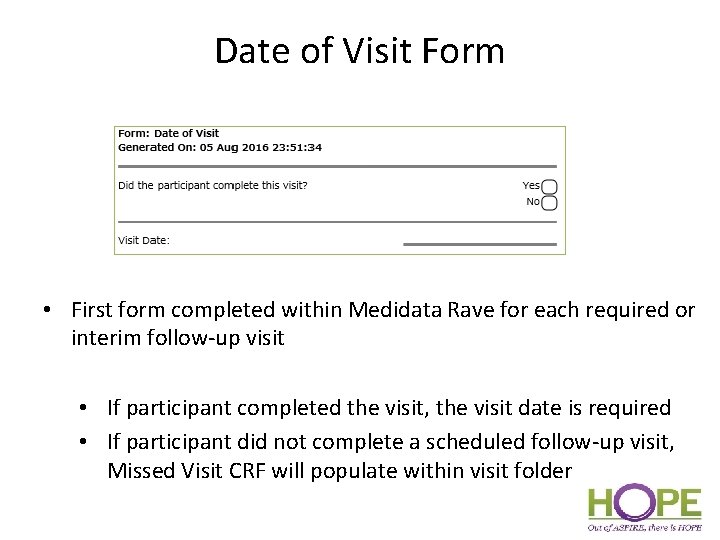
Date of Visit Form • First form completed within Medidata Rave for each required or interim follow-up visit • If participant completed the visit, the visit date is required • If participant did not complete a scheduled follow-up visit, Missed Visit CRF will populate within visit folder
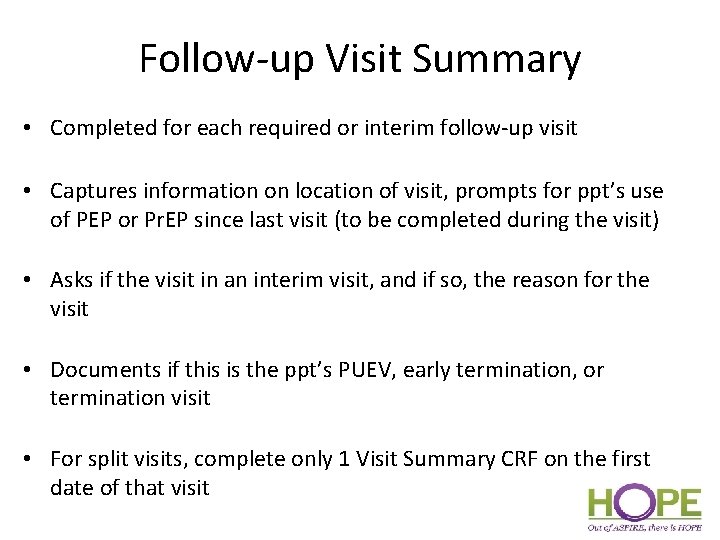
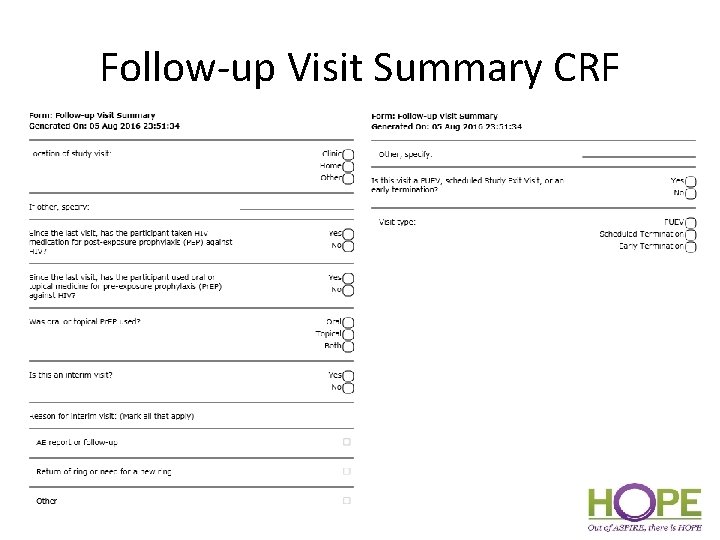
Follow-up Visit Summary • Completed for each required or interim follow-up visit • Captures information on location of visit, prompts for ppt’s use of PEP or Pr. EP since last visit (to be completed during the visit) • Asks if the visit in an interim visit, and if so, the reason for the visit • Documents if this is the ppt’s PUEV, early termination, or termination visit • For split visits, complete only 1 Visit Summary CRF on the first date of that visit
Follow-up Visit Summary CRF
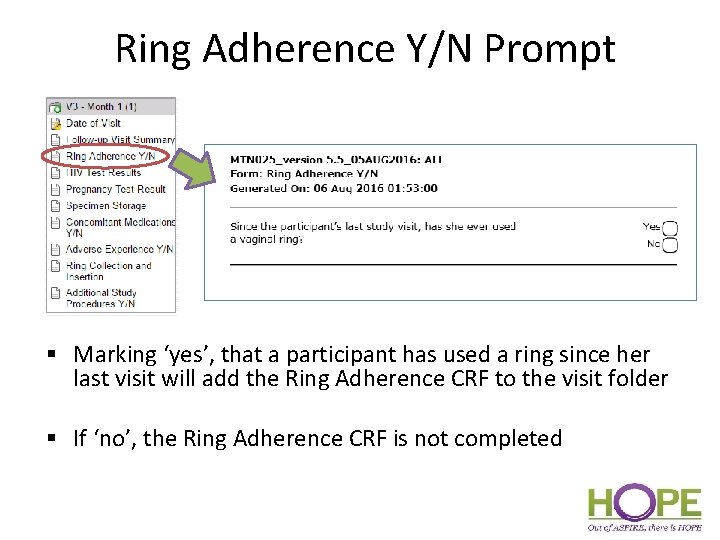
Ring Adherence Y/N Prompt § Marking ‘yes’, that a participant has used a ring since her last visit will add the Ring Adherence CRF to the visit folder § If ‘no’, the Ring Adherence CRF is not completed
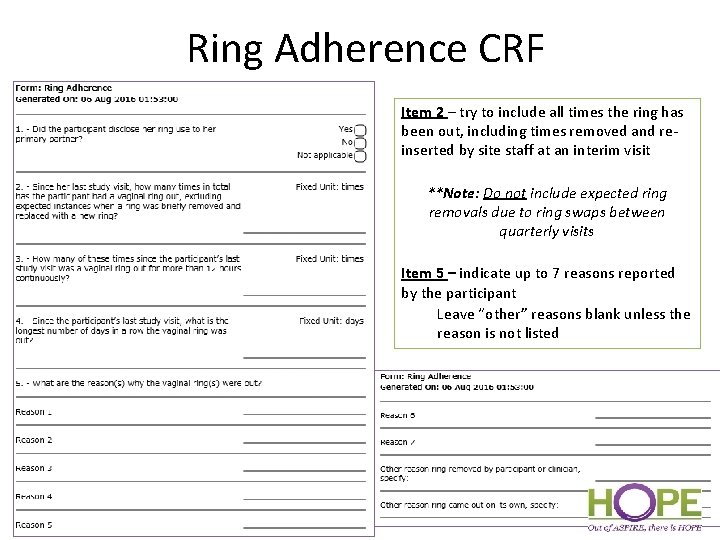
Ring Adherence CRF Item 2 – try to include all times the ring has been out, including times removed and reinserted by site staff at an interim visit **Note: Do not include expected ring removals due to ring swaps between quarterly visits Item 5 – indicate up to 7 reasons reported by the participant Leave “other” reasons blank unless the reason is not listed
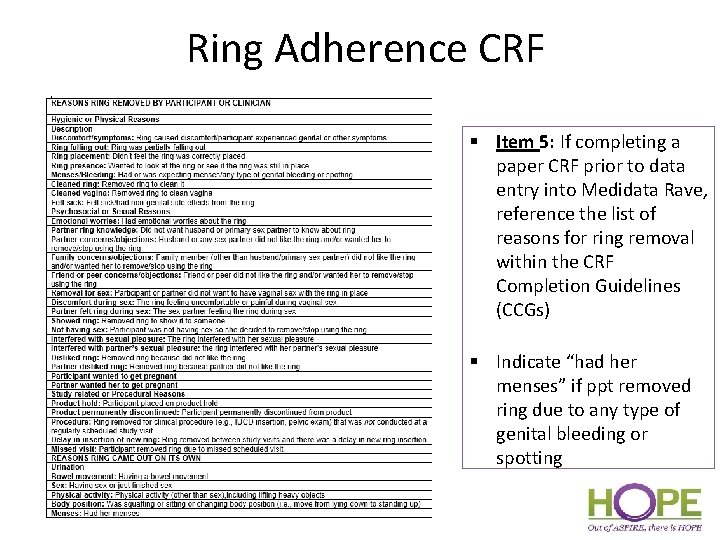
Ring Adherence CRF § Item 5: If completing a paper CRF prior to data entry into Medidata Rave, reference the list of reasons for ring removal within the CRF Completion Guidelines (CCGs) § Indicate “had her menses” if ppt removed ring due to any type of genital bleeding or spotting
Ring Adherence CRF • Form is not interviewer-administered (read aloud word-forword and translated), but is completed based on information obtained from the participant regarding her ring use • Use participant’s best estimates for number of ring outages since the last visit • Completed at all scheduled follow-up visits through PUEV for participants who have used the ring since the last study visit. - Not completed at interim visits
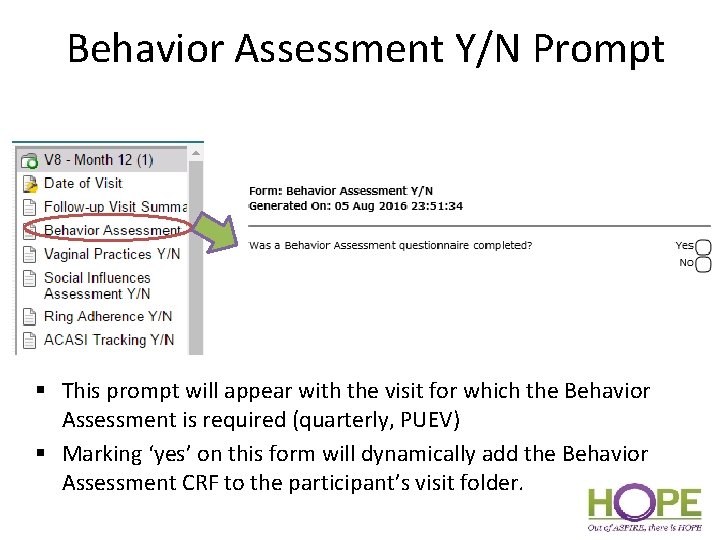
Behavior Assessment Y/N Prompt § This prompt will appear with the visit for which the Behavior Assessment is required (quarterly, PUEV) § Marking ‘yes’ on this form will dynamically add the Behavior Assessment CRF to the participant’s visit folder.
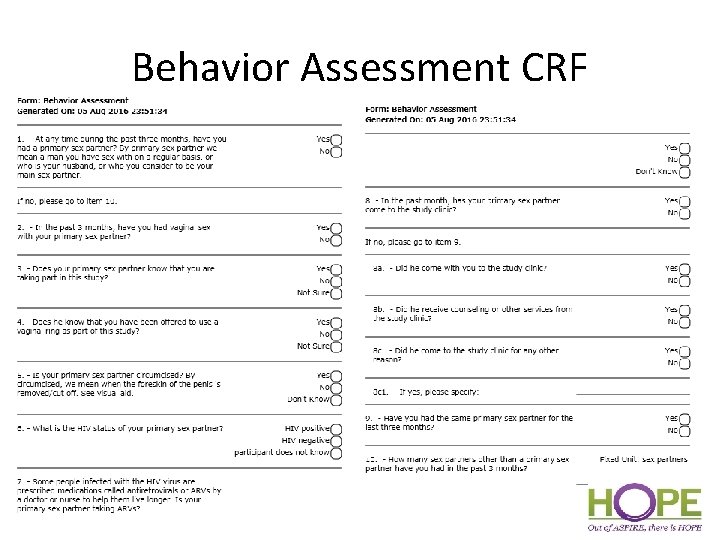
Behavior Assessment CRF
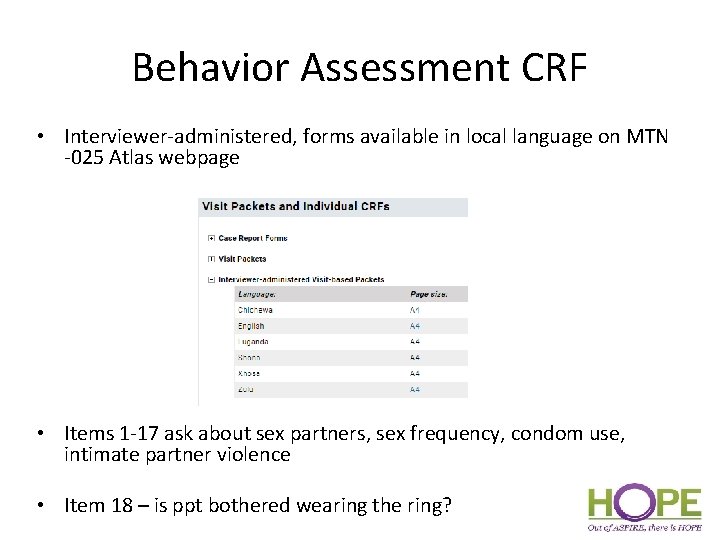
Behavior Assessment CRF • Interviewer-administered, forms available in local language on MTN -025 Atlas webpage • Items 1 -17 ask about sex partners, sex frequency, condom use, intimate partner violence • Item 18 – is ppt bothered wearing the ring?
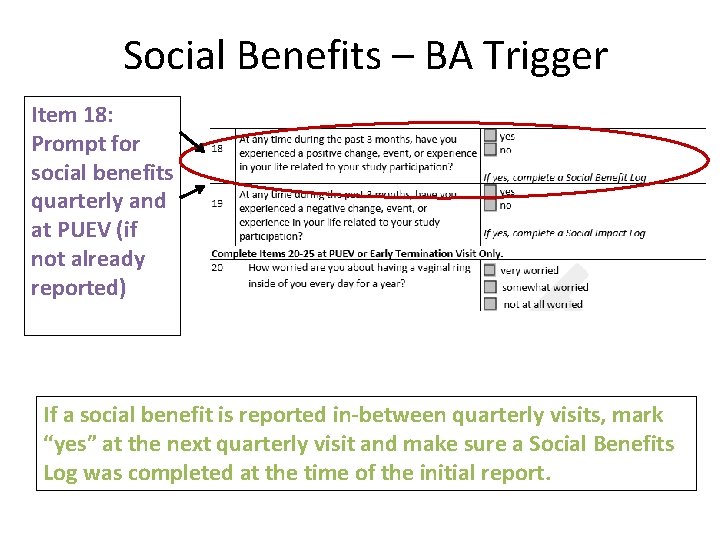
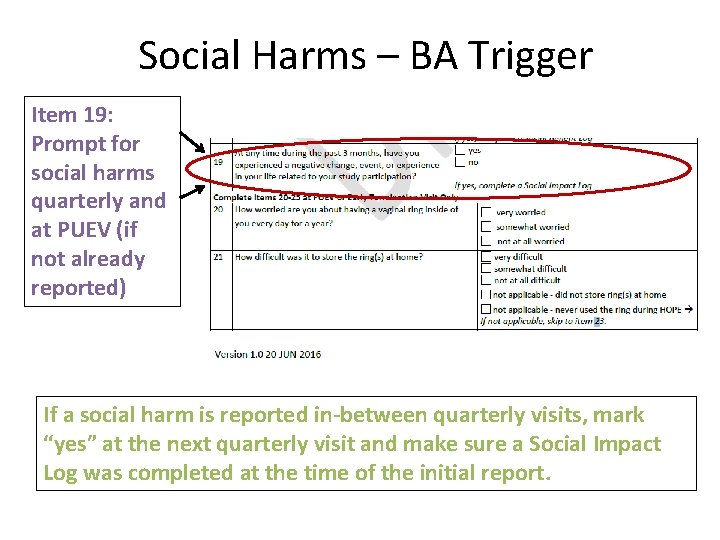
Behavior Assessment CRF • Item 19 – social benefit related to study participation in last 3 months; complete Social Benefits Log CRF • Item 20 – social harm related to study participation in the last 3 months’ complete Social Impact Log CRF • Items 21 -26 - completed at PUEV or Early Termination Only – Items ask about ring worries, vaginal practices, ring storage issues and partner preferences, HIV prevention methods – Leave these items blank at all other visits
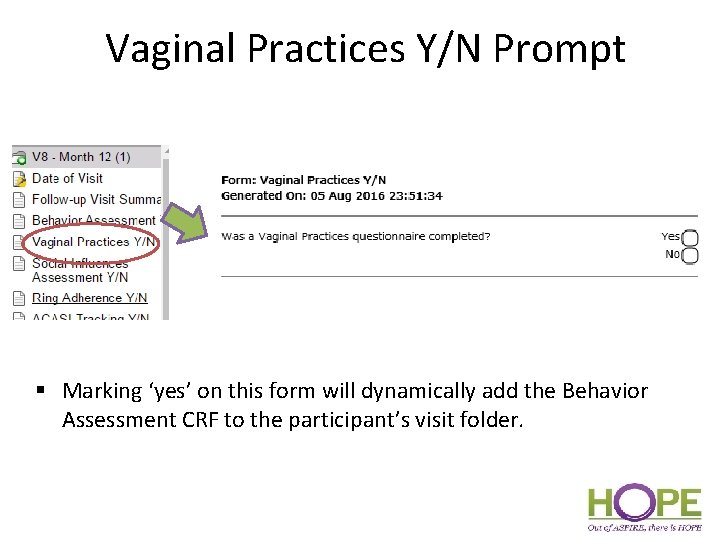
Vaginal Practices Y/N Prompt § Marking ‘yes’ on this form will dynamically add the Behavior Assessment CRF to the participant’s visit folder.
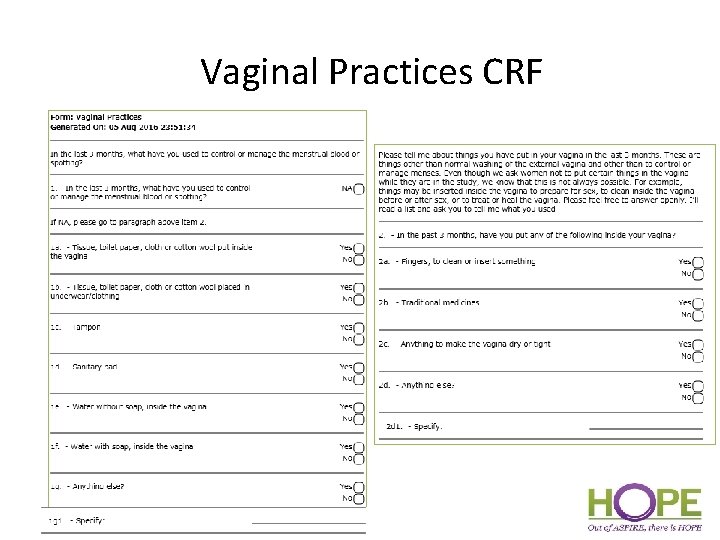
Vaginal Practices CRF
Vaginal Practices CRF § Required at PUEV § Interviewer-administered in local language Similar questions as Baseline Vaginal Practices § Item 1 § In the past 3 months, what have you used to control or manage the menstrual blood or spotting? § Item 2 § Sub-item 2 a (whether ppt has inserted fingers to clean or insert something the past 3 months does not include Vaginal Ring insertion
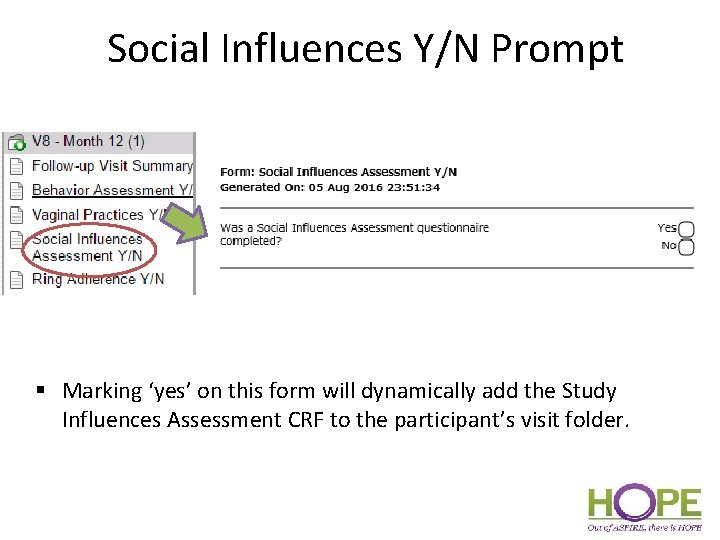
Social Influences Y/N Prompt § Marking ‘yes’ on this form will dynamically add the Study Influences Assessment CRF to the participant’s visit folder.
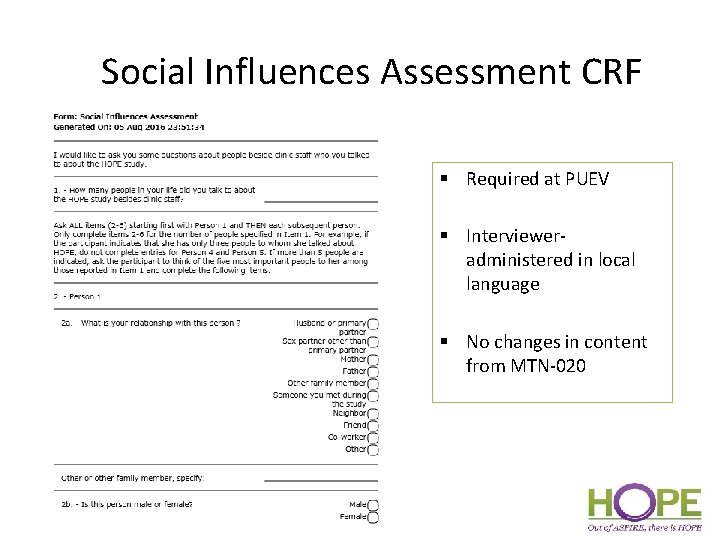
Social Influences Assessment CRF § Required at PUEV § Intervieweradministered in local language § No changes in content from MTN-020
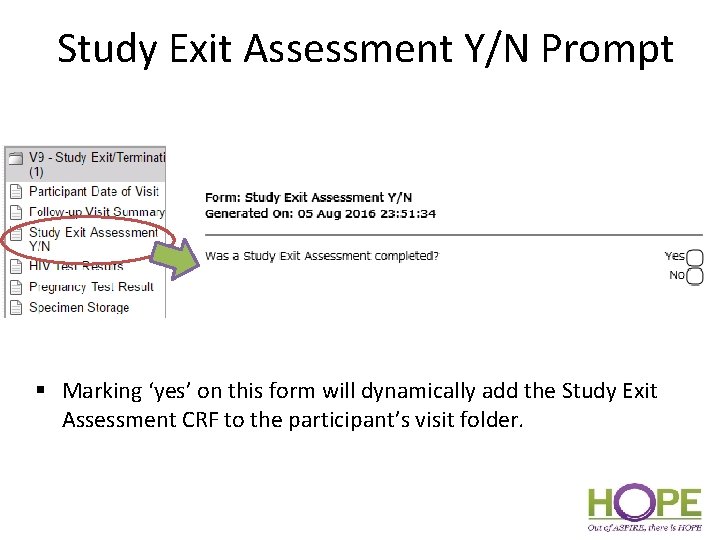
Study Exit Assessment Y/N Prompt § Marking ‘yes’ on this form will dynamically add the Study Exit Assessment CRF to the participant’s visit folder.
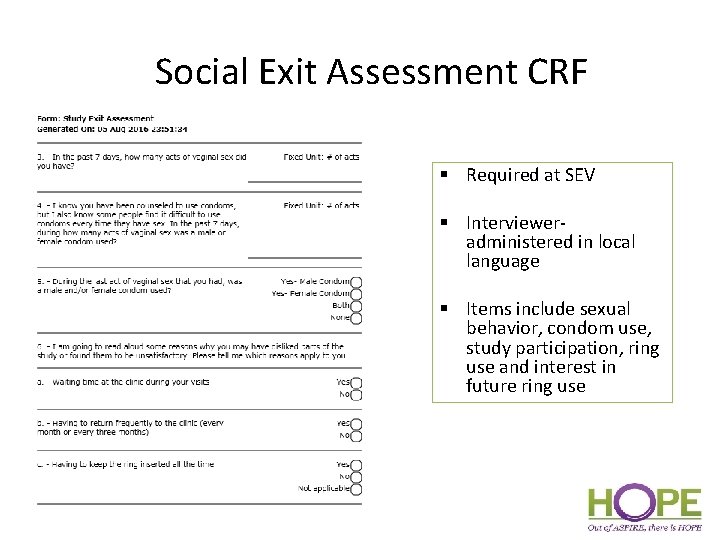
Social Exit Assessment CRF § Required at SEV § Intervieweradministered in local language § Items include sexual behavior, condom use, study participation, ring use and interest in future ring use
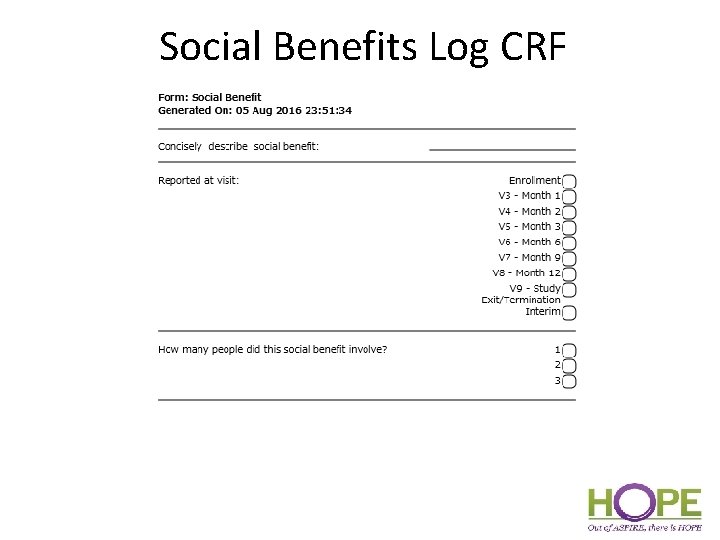
Social Benefits Log CRF • New form for HOPE • Social Benefit – positive change, event, or experience in participant’s life related to HOPE study participation • Ppts will be specifically asked about social benefits every 3 months and at PUEV (via BA CRF), but can report (and site to document) a social benefit at any time during the study
Social Benefits – BA Trigger Item 18: Prompt for social benefits quarterly and at PUEV (if not already reported) If a social benefit is reported in-between quarterly visits, mark “yes” at the next quarterly visit and make sure a Social Benefits Log was completed at the time of the initial report.
Social Benefits Log CRF
Other Follow-up CRFs – Notes • Physical Exam – Only General Appearance and Abdomen/Gastrointestinal required during if physical exam assessment completed during follow-up – Required at PUEV; completed if indicated at other visits • Vital Signs – Height is not required at follow-up – Required at PUEV; completed if indicated at other visits • Family Planning – Update Family Planning Log as needed during follow-up with entries for new FP/contraceptives taken and end dates for any methods stopped. – Leave baseline items blank (If FP method is the same as in ASPIRE and if not, the reason for changing/stopping) • Note: The Family Planning Log is accessed through the V 2 - Enrollment visit folder. • Vaginal Ring Tracking Log – Close out any open entries on the log to indicate an outcome for each ring provided to the participant
Social Harms Reporting in HOPE
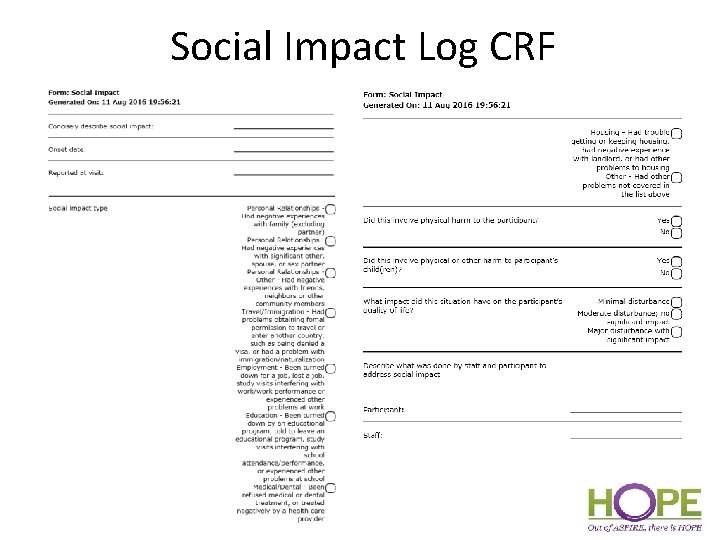
Social Harms • Social Harm - non-medical adverse social consequence of study participation • Ex: stigma/discrimination from members of community or family, difficulties in personal relationships with partners, family, or friends • Ppts will be specifically asked about social harms every 3 months and at PUEV (via BA CRF), but can report (and site to document) a social harm at any time during the study • Documented on Social Impact Log
Social Harms – BA Trigger Item 19: Prompt for social harms quarterly and at PUEV (if not already reported) If a social harm is reported in-between quarterly visits, mark “yes” at the next quarterly visit and make sure a Social Impact Log was completed at the time of the initial report.
Social Impact Log CRF
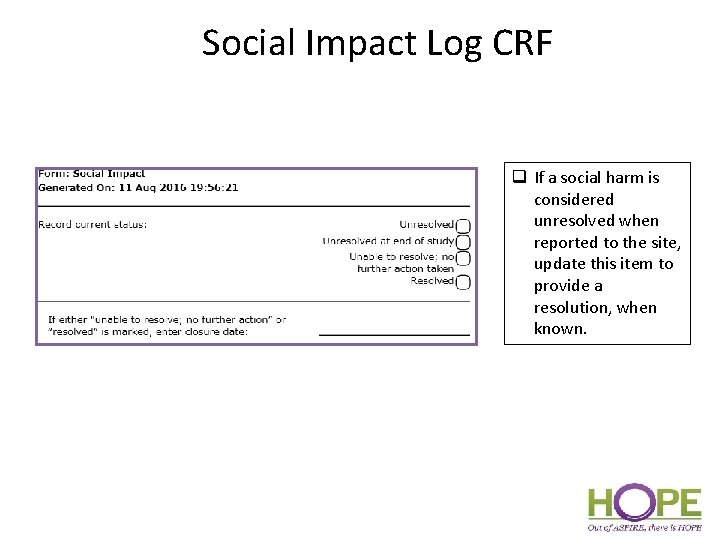
Social Impact Log CRF q If a social harm is considered unresolved when reported to the site, update this item to provide a resolution, when known.
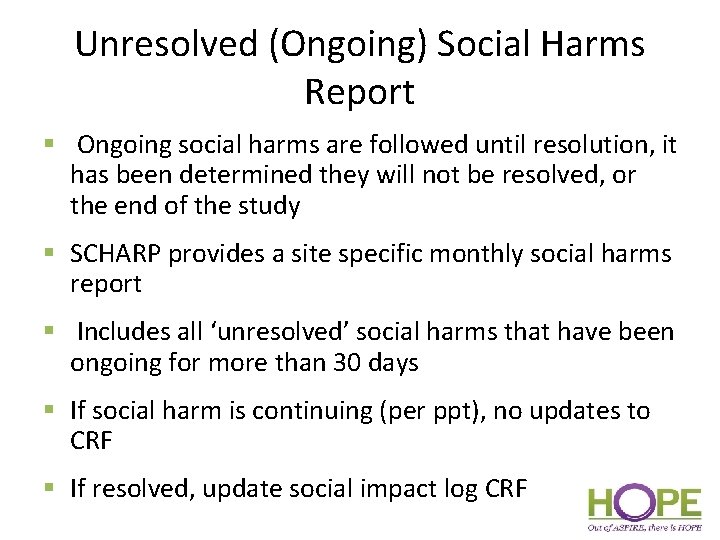
Unresolved (Ongoing) Social Harms Report § Ongoing social harms are followed until resolution, it has been determined they will not be resolved, or the end of the study § SCHARP provides a site specific monthly social harms report § Includes all ‘unresolved’ social harms that have been ongoing for more than 30 days § If social harm is continuing (per ppt), no updates to CRF § If resolved, update social impact log CRF
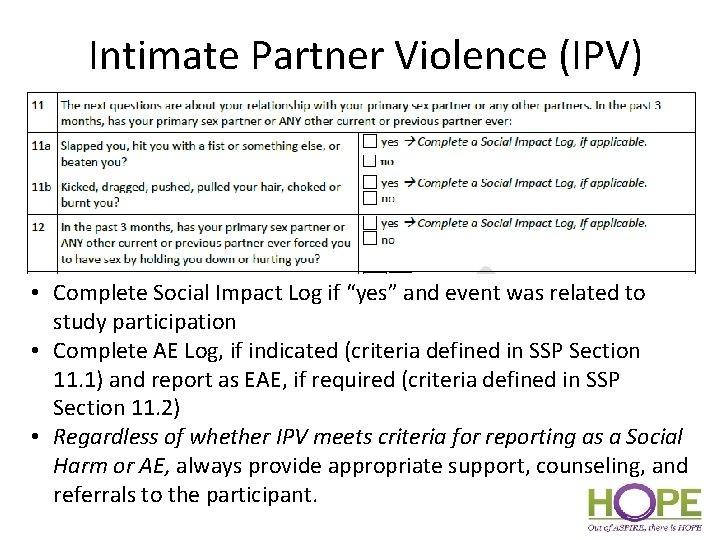
Intimate Partner Violence (IPV) • Complete Social Impact Log if “yes” and event was related to study participation • Complete AE Log, if indicated (criteria defined in SSP Section 11. 1) and report as EAE, if required (criteria defined in SSP Section 11. 2) • Regardless of whether IPV meets criteria for reporting as a Social Harm or AE, always provide appropriate support, counseling, and referrals to the participant.
Adverse Event Documentation: AE Log and GAE Log CRF Completion SCHARP
Reportable AEs – Report on AE Log CRF • All genital, genitourinary, and reproductive system AEs except: – Fetal losses – Expected genital bleeding per clinical assessment • All Grade 2 and higher AEs • All SAEs • All AEs that results in permanent product discontinuation • All lab AEs • All EAEs Any AE not covered above will go on a Grade 1 AE Log CRF
Why both an AE and GAE CRF? • AE Log is submitted to SCHARP – used to collect reportable AE data in the database • Grade 1 AE Log (paper CRF) is not submitted to SCHARP – used to document non-reportable AEs – used in case these AEs become reportable perprotocol at some point in the future • Used together, they can be source for AE and follow-up med history documentation
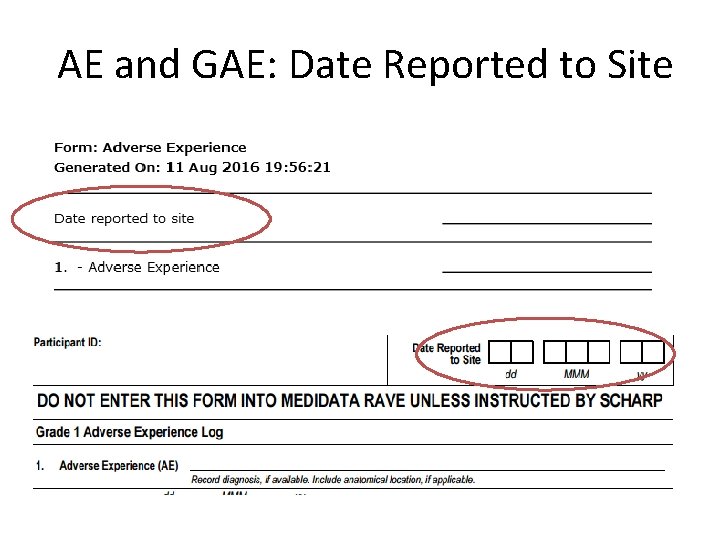
AE and GAE: Date Reported to Site
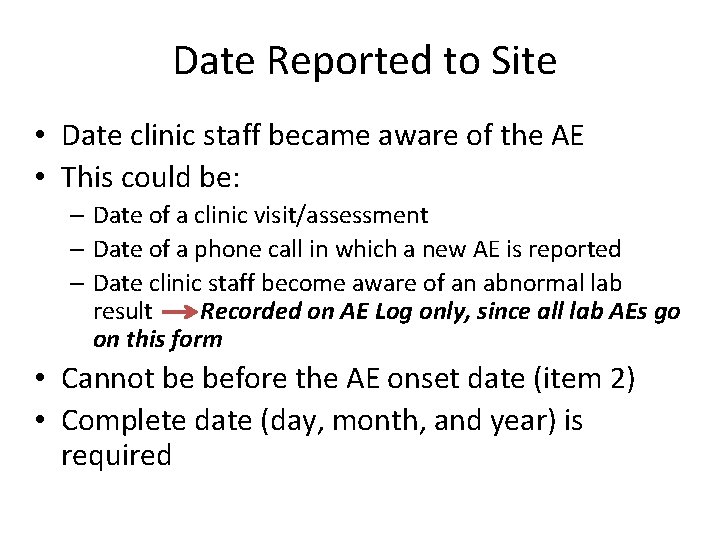
Date Reported to Site • Date clinic staff became aware of the AE • This could be: – Date of a clinic visit/assessment – Date of a phone call in which a new AE is reported – Date clinic staff become aware of an abnormal lab result Recorded on AE Log only, since all lab AEs go on this form • Cannot be before the AE onset date (item 2) • Complete date (day, month, and year) is required
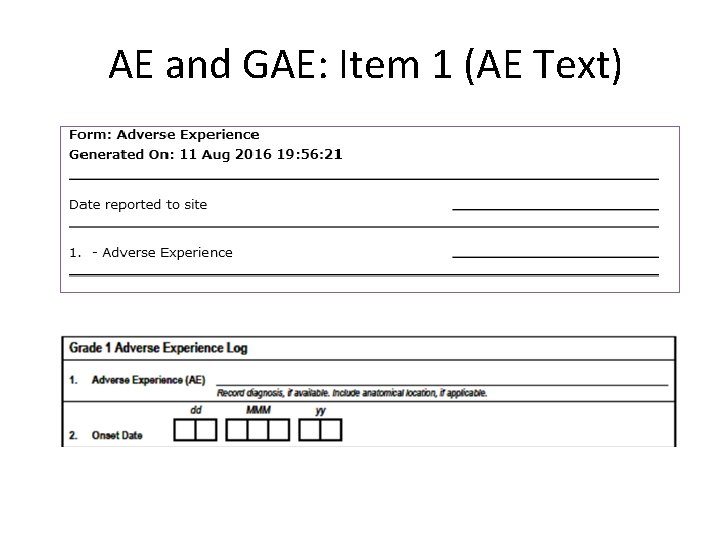
AE and GAE: Item 1 (AE Text)
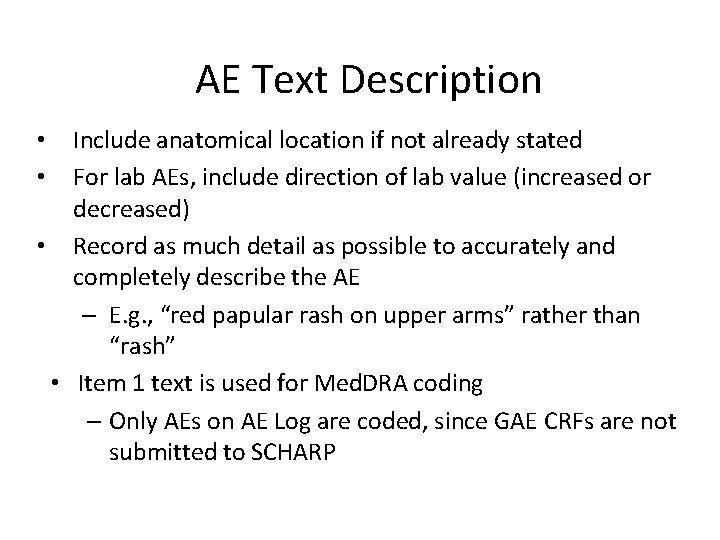
AE Text Description • Report only one diagnosis, symptom or sign per page – Record a unifying diagnosis whenever possible • Avoid using abbreviations – Abbreviations for the following laboratory tests acceptable: • AST (SGOT), ALT (SGPT), WBC, MCV, Hgb, Hct • Review for correct spelling – Variations in spelling can lead to differences in AE coding, which means similar AEs will appear differently in AE safety reports • Do not report surgeries as AEs – These are treatments listed within an AE log form
AE Text Description Include anatomical location if not already stated For lab AEs, include direction of lab value (increased or decreased) • Record as much detail as possible to accurately and completely describe the AE – E. g. , “red papular rash on upper arms” rather than “rash” • Item 1 text is used for Med. DRA coding – Only AEs on AE Log are coded, since GAE CRFs are not submitted to SCHARP • •
Med. DRA Coding – Brief Overview • Med. DRA: standardized dictionary of medical terminology • Results from ICH initiative to standardize terms used world-wide to describe safety events in research studies • ASPIRE and IPM studies – also coded using Med. DRA - Since both studies are evaluating the same product in similar populations, the more we can do to ensure consistency of safety data across studies, the more informative the study results will be
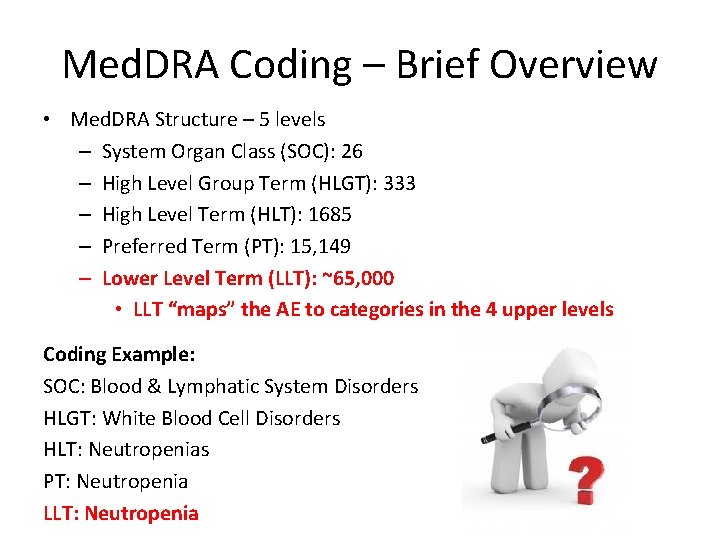
Med. DRA Coding – Brief Overview • Med. DRA Structure – 5 levels – System Organ Class (SOC): 26 – High Level Group Term (HLGT): 333 – High Level Term (HLT): 1685 – Preferred Term (PT): 15, 149 – Lower Level Term (LLT): ~65, 000 • LLT “maps” the AE to categories in the 4 upper levels Coding Example: SOC: Blood & Lymphatic System Disorders HLGT: White Blood Cell Disorders HLT: Neutropenias PT: Neutropenia LLT: Neutropenia
Med. DRA Coding at SCHARP • AEs are coded once two data entry passes have occurred • Automatic coding when there is an exact match between AE text and a Med. DRA LL term • Manually-coded if no exact match • SCHARP will send a Clinical Query to the sites if they need more or better information in order to code – AE text ambiguous, inconsistent with comments, or not descriptive enough
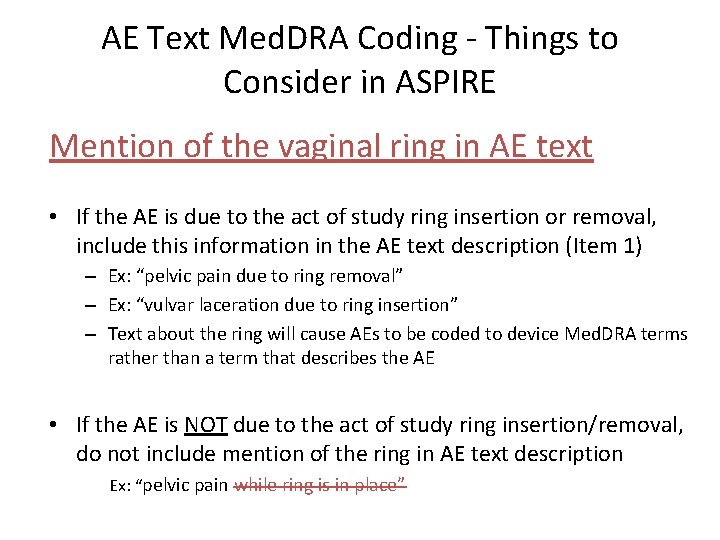
AE Text Med. DRA Coding - Things to Consider in ASPIRE Mention of the vaginal ring in AE text • If the AE is due to the act of study ring insertion or removal, include this information in the AE text description (Item 1) – Ex: “pelvic pain due to ring removal” – Ex: “vulvar laceration due to ring insertion” – Text about the ring will cause AEs to be coded to device Med. DRA terms rather than a term that describes the AE • If the AE is NOT due to the act of study ring insertion/removal, do not include mention of the ring in AE text description Ex: “pelvic pain while ring is in place”
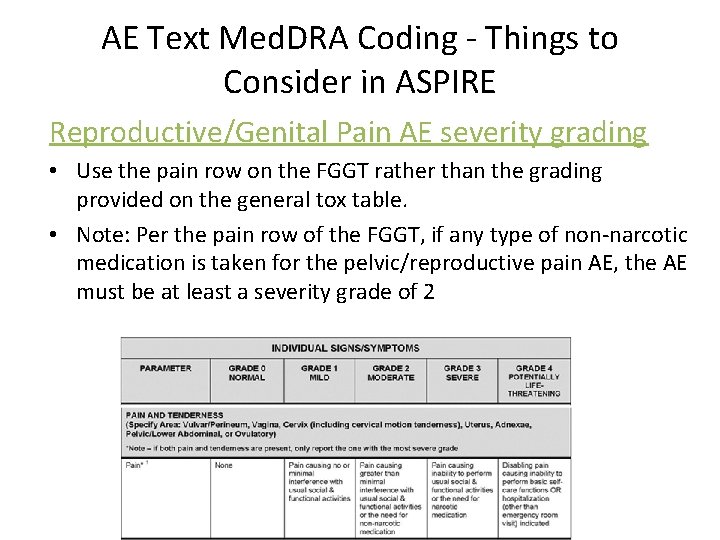
AE Text Med. DRA Coding - Things to Consider in ASPIRE Reproductive/Genital Pain AE severity grading • Use the pain row on the FGGT rather than the grading provided on the general tox table. • Note: Per the pain row of the FGGT, if any type of non-narcotic medication is taken for the pelvic/reproductive pain AE, the AE must be at least a severity grade of 2
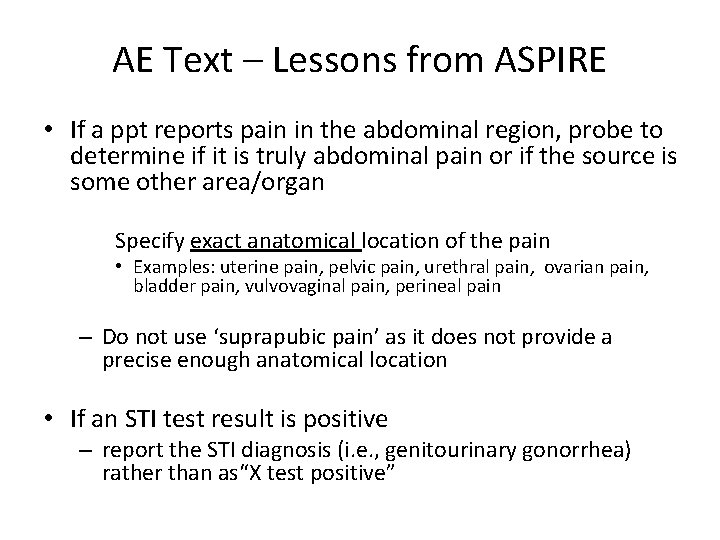
AE Text – Lessons from ASPIRE • If a ppt reports pain in the abdominal region, probe to determine if it is truly abdominal pain or if the source is some other area/organ Specify exact anatomical location of the pain • Examples: uterine pain, pelvic pain, urethral pain, ovarian pain, bladder pain, vulvovaginal pain, perineal pain – Do not use ‘suprapubic pain’ as it does not provide a precise enough anatomical location • If an STI test result is positive – report the STI diagnosis (i. e. , genitourinary gonorrhea) rather than as“X test positive”
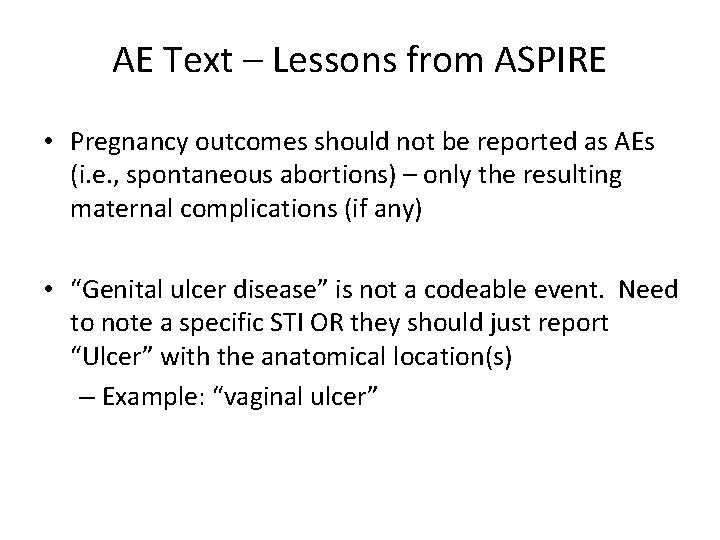
AE Text – Lessons from ASPIRE • Pregnancy outcomes should not be reported as AEs (i. e. , spontaneous abortions) – only the resulting maternal complications (if any) • “Genital ulcer disease” is not a codeable event. Need to note a specific STI OR they should just report “Ulcer” with the anatomical location(s) – Example: “vaginal ulcer”
A Bit More on Clinical Queries • Applied within Medidata Rave by SCHARP Clinical Affairs • AE clinical coding clarification or a safety query AE clarification; product hold clarification • Are resolved by making additions or corrections on applicable e. CRF to the data in question and submitting updates – Any corrections to e. CRFs should also be made to paper CRFs completed, if applicable.
Onset and Outcome Dates • Onset and outcome dates can be based on – Participant self-report – Physical and/or pelvic exam dates – Specimen collection dates (laboratory AEs) • Record a complete date whenever available – month and year required
Severity (Toxicity) Grade • AE Log - mark severity grade per FGGT or General Tox Table – If condition appears on both tox tables, use FGGT to assess for severity • GAE Log has ‘Grade 1’ box marked for you – no need to complete this item • If you start a GAE for a Grade 2 or higher AE: – Stop the form at item 1 – Draw a diagonal line across page, add note “Recorded on AE Log page XYZ”, initial and date – Keep this GAE page in binder; do not delete!
Relationship to Study Product • If “not related”, record rationale or known cause of AE in the Comments section of the form • May use “not biologically plausible” • For example: earache
Study Product Administration • “No change” if the AE does not warrant any change to the ppt’s use or non-use of study product – Ppt is using product and will continue to use product – Ppt is on a product hold (for a reason other than this AE) and will continue to remain on a hold • “Held” for each AE that requires a clinical product hold – Mark even if ppt is already on a product hold or if the ppt did not accept the ring previously – Do not mark if ppt refuses product based on this AE Note: For each AE Log with “Held” marked, SCHARP will expect a “matching” Product Hold/Discontinuation Log with reason for hold = AE and the matching AE Log page #
Study Product Administration • “Permanently discontinued” for each AE that requires permanent discontinuation § Mark even if the ppt did not accept the ring previously • “N/A” should be marked if the AE is reported § on or after the PUEV § on or after the visit where ppt is permanently discontinued from study product
Status/Outcome: • If AE is ongoing when the CRF page is first completed, mark “continuing” and leave outcome date – Will need to update status at some point; SCHARP will provide listings to help – Note instructions for “resolved” status – if a med is used to control the AE, keep the AE as “continuing” as long as the medications is indicated • Once a “continuing” AE’s outcome is determined: – Line through (on a paper CRF) and/or update (in Rave) the “Continuing” box – Mark the appropriate box for item 6 – Record the appropriate outcome date – Initial and date any paper CRFs, resave e. CRFs within Rave • Use “continuing at end of study participation” if AE ongoing at time participant is terminated
Status/Outcome • If an AE on an AE Log or GAE Log increases in severity grade: – Close out the current CRF page (lower grade) by updating item 6 to “severity/frequency increased”, record the date of increase, and resubmit the form. – Complete a new AE Log page for the new (higher grade) AE. Onset Date = outcome date of previous AE. Use same AE text as lower grade, if applicable.
Status/Outcome • Improvements in AE severity do not require changes to AE Log CRF – Document in chart notes • For example, a Grade 4 AE improves to Grade 3. No changes to AE Log CRF item 6 – must wait until AE resolves or returns to baseline status
Treatment • Mark all treatments the ppt reports using for the AE – Ppt self-report is fine • Only mark treatments/meds that have used (not ones indicated but not yet used); use “other” for meds/actions indicated but not yet used – Once med or procedure has taken place, update this item and resubmit the form. • All meds taken should also go on the Con Meds Log – Specify the concomitant medication log line associated with the AE • Hospitalization – GAE form contains a note to stop and report AE on AE Log – Document AE on AE Log per previous guidance on reportable AEs
SAE and EAE • SAE item: mark “yes” if AE meets SAE criteria – On GAE, the SAE question is already pre-marked as “no” • EAE item: mark “yes” if AE has been or will be reported as an EAE • Enter in the EAE number in the space provided in the AE log CRF – On GAE this item has been pre-marked as “no”; if yes, stop GAE, – Document on AE Log per previous guidance
For AEs Reported as EAEs • Compare AE Log form and EAE form for consistency: – Protocol and PTID – AE term – Onset date – Severity – Relationship to study product • Note that some cases may involve 1 EAE report but several AE Log forms (for example, a motor vehicle accident) • Discrepancies will result in a clinical query • If a previously-reported EAE is updated, update the matching AE Log form when applicable and re-fax • Fax the AE Log form to SCHARP at the same time as submitting the EAE report • Contact SCHARP CDM or Clinical Affairs with any questions related to AE/EAE consistency
Baseline Medical Condition Ø Will need to review completed Baseline Medical History Log forms to see if the AE is a worsening of an ongoing baseline medical condition. ØIf the AE is a worsening of a baseline condition, complete end date for this condition within the applicable log line.
Comments Field • Comments field is a required field to capture rationale for relatedness of AE to study product • Tell the “story” for why the AE is considered related • Use Comments to record additional notes as needed, making sure any comments are consistent with the AE text I. If the AE is not due to the act of study ring insertion/removal, do not include mention of ring in the comments II. If there is text that the AE is related to act of ring insertion/removal, ensure the same text is also in Item 1
Log Form Storage • Recommendation = store all AE Log forms for a participant within one section of her study notebook; same for GAE Log • Consider methods to identify AE/GAE Log pages that have “continuing” AEs to help ensure these are reviewed and updated at each visit until outcome • Each month, SCHARP will provide an “Unresolved AE” listing that lists AEs that have been continuing for 90 or more days • Submit AE Log CRFs within 3 days of site awareness, whenever possible
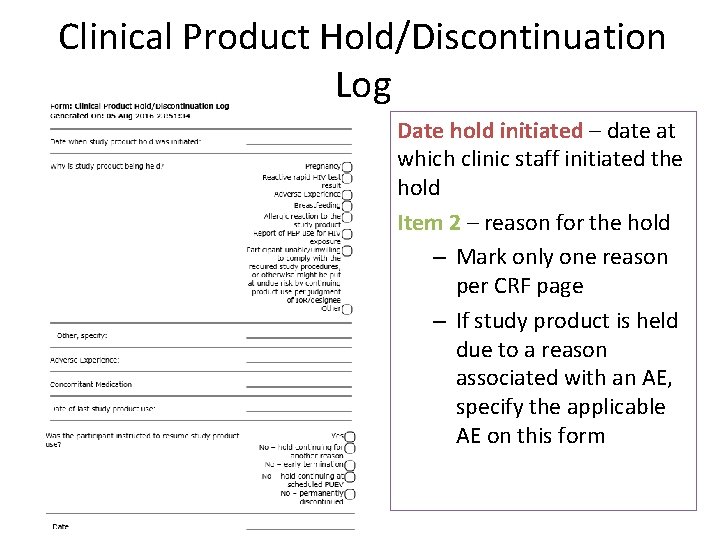
Clinical Product Hold/Discontinuation Log q All clinical product holds and permanent discontinuations initiated by study staff should be documented § Form not completed in cases of ppt decline q Complete a separate log CRF for each reason a hold or perm d/c is required § 1 PH Log CRF per reason, even if multiple reasons for hold at a given visit § Complete even if ppt is already on hold (e. g. , a pregnant ppt has a genital finding requiring a hold) § CRF updated once product hold outcome is determined q Should also be completed for participants who are not currently using study product/have never used product § 1 Document any clinical reasons that would have required a product hold had the participant been using the ring
Clinical Product Hold/Discontinuation Log Date hold initiated – date at which clinic staff initiated the hold Item 2 – reason for the hold – Mark only one reason per CRF page – If study product is held due to a reason associated with an AE, specify the applicable AE on this form
Product Hold/Discontinuation Log CRF, cont’d Date Vaginal Ring Was Last in Place – Can be per participant report – Use best estimate if exact day is not known • Unless it is known that this is a permanent discontinuation, leave the remaining items blank and save the page, if completing an e. CRF. • Once staff have determined if product use will be resumed or not, complete item 4 and resubmit the form to SCHARP
Product Hold/Discontinuation Log CRF, cont’d Was the Participant Instructed to Resume Product? – “yes” if ppt will resume product use • Record date ring inserted or date product would have been resumed for participant who did not accept the ring previously – “no – hold continuing for another reason” if ppt would have resumed product use based on the reason marked on this form, but is continuing on product hold for another reason (documented on a separate PH Log CRF) • Record date use would have resumed – “no – early termination” if ppt terminates early and the hold was ongoing at time of early termination • Record date of early termination
Product Hold/Discontinuation Log CRF, con’t Was the Participant Instructed to Resume Product? – continued – “no – hold continuing at scheduled PUEV” if hold ongoing when ppt completes her scheduled PUEV • Record PUEV date – “no – permanently discontinued” if ppt was permanently discontinued prior to PUEV/early termination • Record date it was determined by study staff the ppt would be permanently discontinued from study product
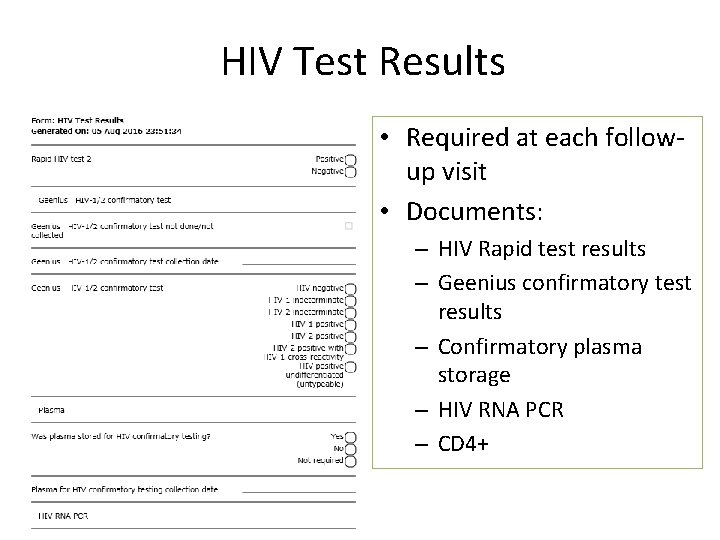
HIV Test Results • Required at each followup visit • Documents: – HIV Rapid test results – Geenius confirmatory test results – Confirmatory plasma storage – HIV RNA PCR – CD 4+
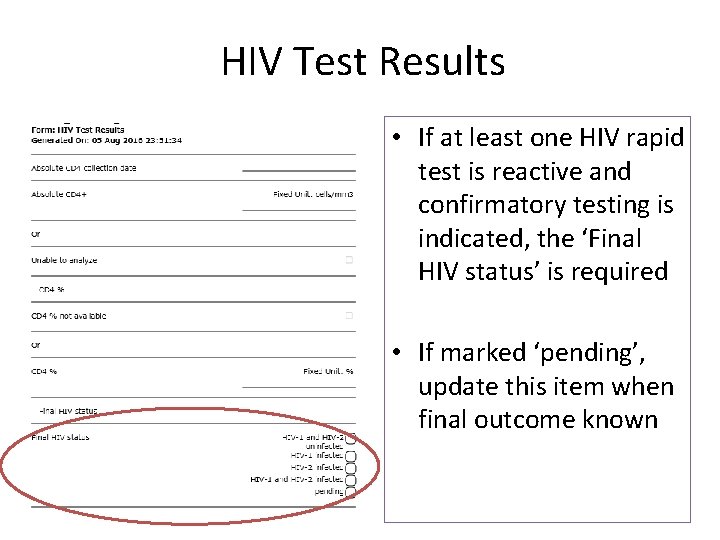
HIV Test Results • If at least one HIV rapid test is reactive and confirmatory testing is indicated, the ‘Final HIV status’ is required • If marked ‘pending’, update this item when final outcome known
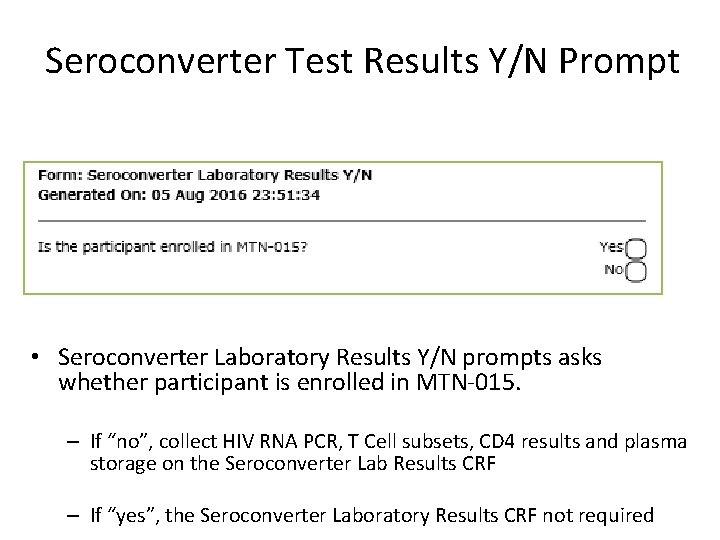
Seroconverter Test Results Y/N Prompt • Seroconverter Laboratory Results Y/N prompts asks whether participant is enrolled in MTN-015. – If “no”, collect HIV RNA PCR, T Cell subsets, CD 4 results and plasma storage on the Seroconverter Lab Results CRF – If “yes”, the Seroconverter Laboratory Results CRF not required
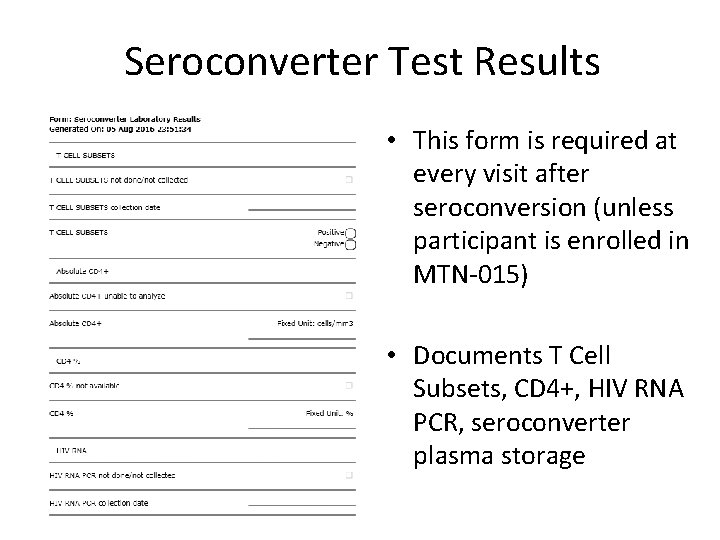
Seroconverter Test Results • This form is required at every visit after seroconversion (unless participant is enrolled in MTN-015) • Documents T Cell Subsets, CD 4+, HIV RNA PCR, seroconverter plasma storage
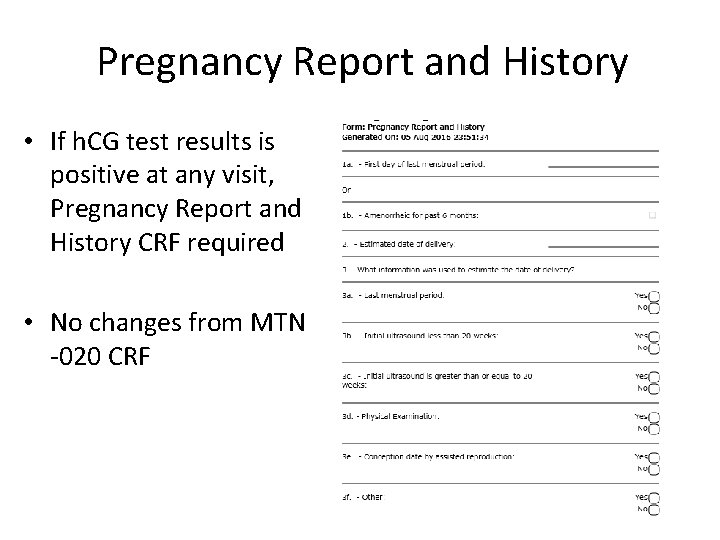
Pregnancy Report and History • If h. CG test results is positive at any visit, Pregnancy Report and History CRF required • No changes from MTN -020 CRF
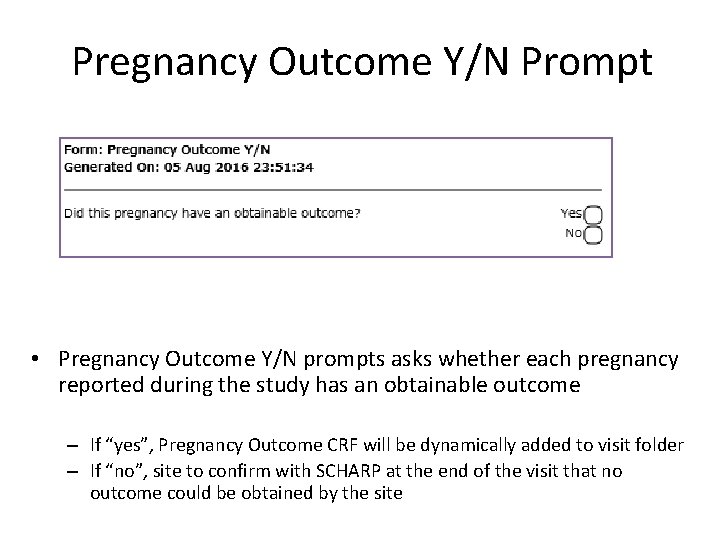
Pregnancy Outcome Y/N Prompt • Pregnancy Outcome Y/N prompts asks whether each pregnancy reported during the study has an obtainable outcome – If “yes”, Pregnancy Outcome CRF will be dynamically added to visit folder – If “no”, site to confirm with SCHARP at the end of the visit that no outcome could be obtained by the site
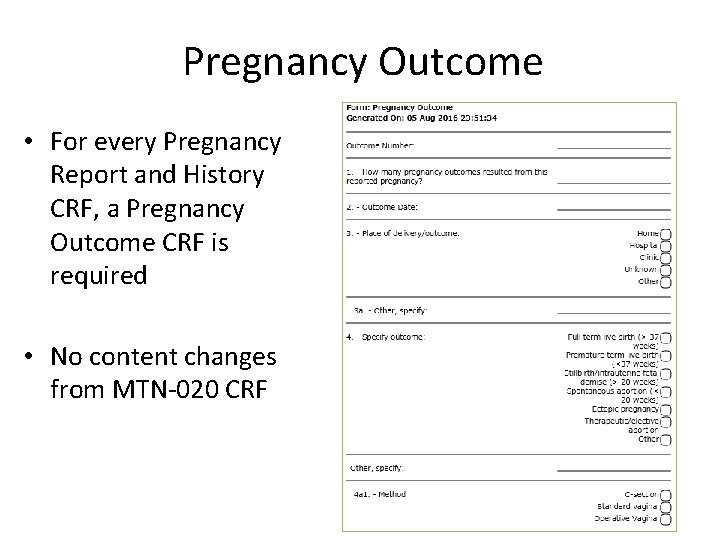
Pregnancy Outcome • For every Pregnancy Report and History CRF, a Pregnancy Outcome CRF is required • No content changes from MTN-020 CRF
Questions?