
Fluvial Architecture Knowledge Transfer System FAKTS database interrogation
Fluvial Architecture Knowledge Transfer System (FAKTS): database interrogation through SQL queries Luca Colombera, Nigel P. Mountney Fluvial & Eolian Research Group – University of Leeds
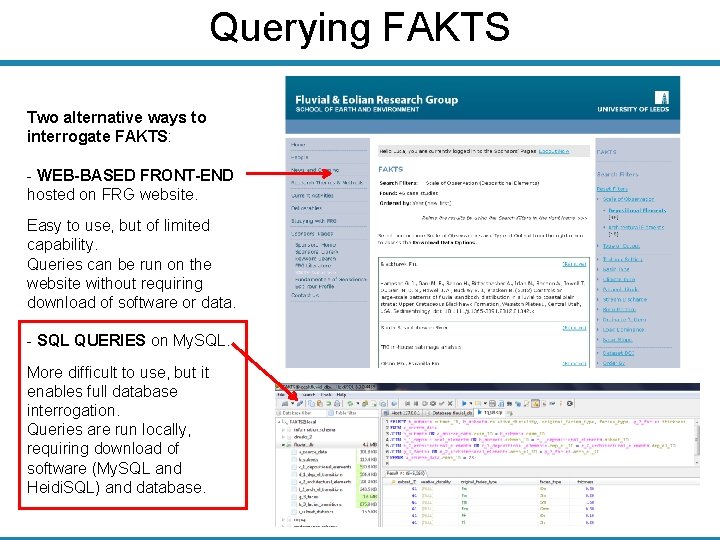
Querying FAKTS Two alternative ways to interrogate FAKTS: - WEB-BASED FRONT-END hosted on FRG website. Easy to use, but of limited capability. Queries can be run on the website without requiring download of software or data. - SQL QUERIES on My. SQL. More difficult to use, but it enables full database interrogation. Queries are run locally, requiring download of software (My. SQL and Heidi. SQL) and database.
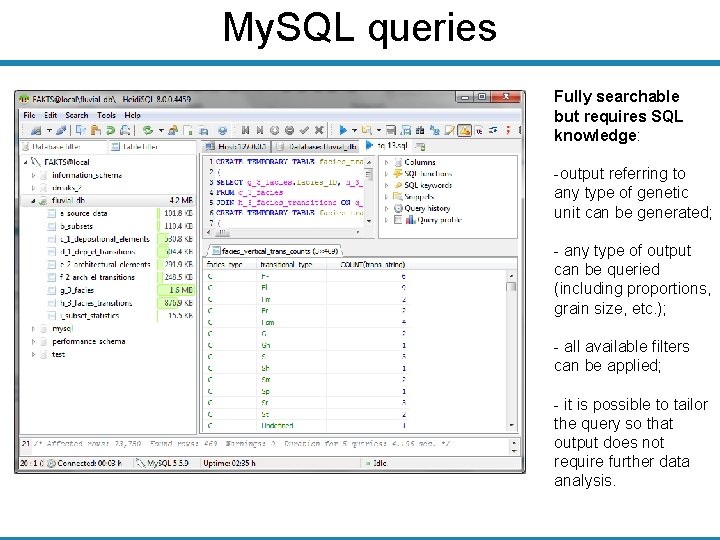
My. SQL queries Fully searchable but requires SQL knowledge: -output referring to any type of genetic unit can be generated; - any type of output can be queried (including proportions, grain size, etc. ); - all available filters can be applied; - it is possible to tailor the query so that output does not require further data analysis.
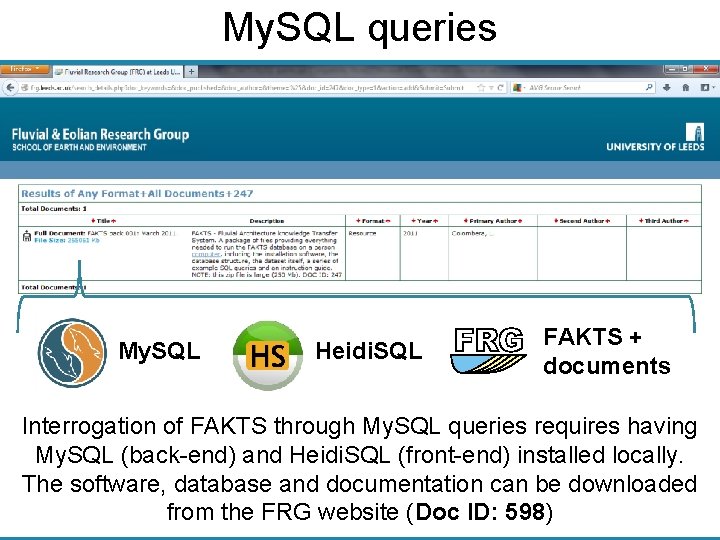
My. SQL queries My. SQL Heidi. SQL FAKTS + documents Interrogation of FAKTS through My. SQL queries requires having My. SQL (back-end) and Heidi. SQL (front-end) installed locally. The software, database and documentation can be downloaded from the FRG website (Doc ID: 598)
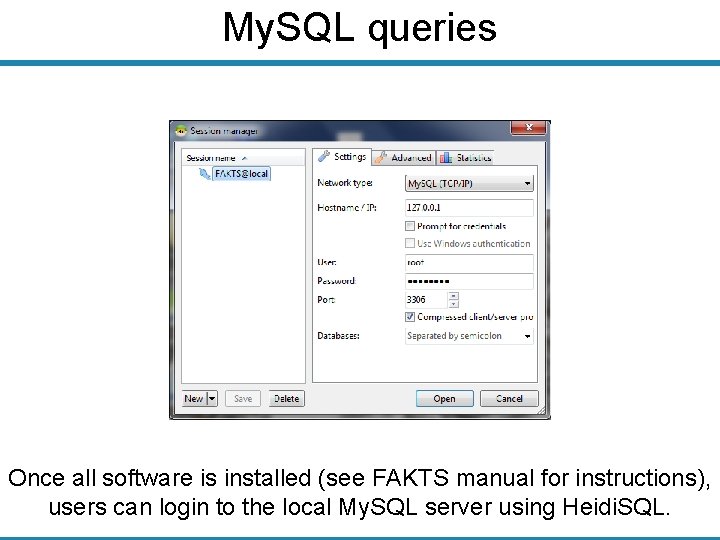
My. SQL queries Once all software is installed (see FAKTS manual for instructions), users can login to the local My. SQL server using Heidi. SQL.
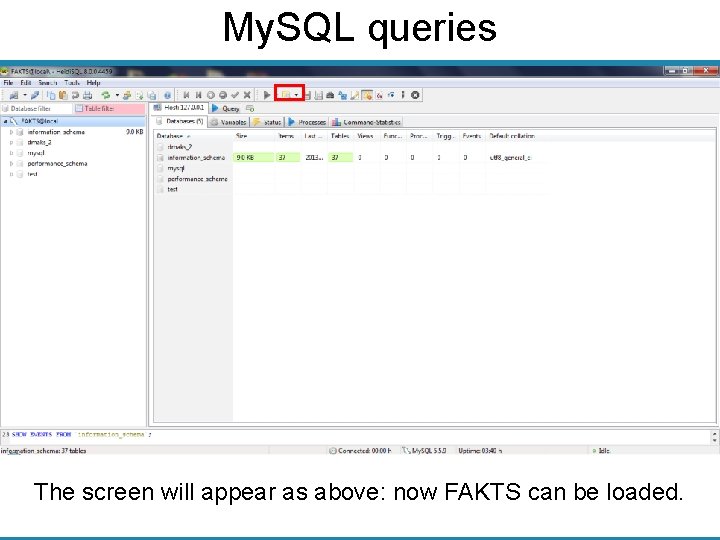
My. SQL queries The screen will appear as above: now FAKTS can be loaded.
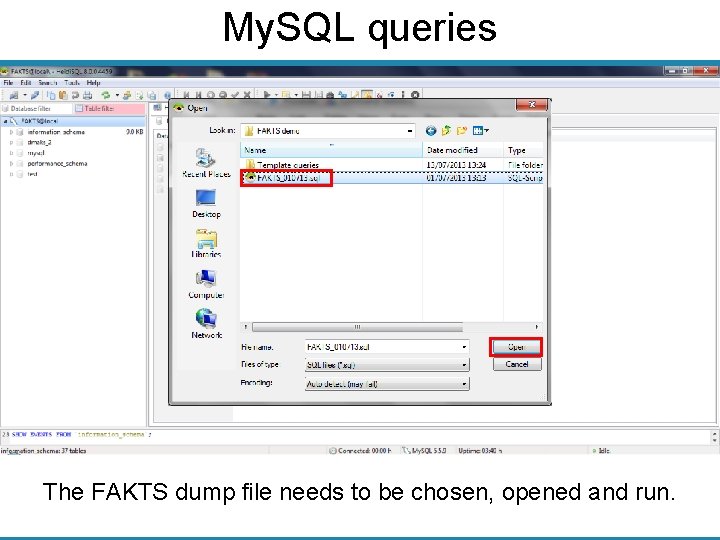
My. SQL queries The FAKTS dump file needs to be chosen, opened and run.
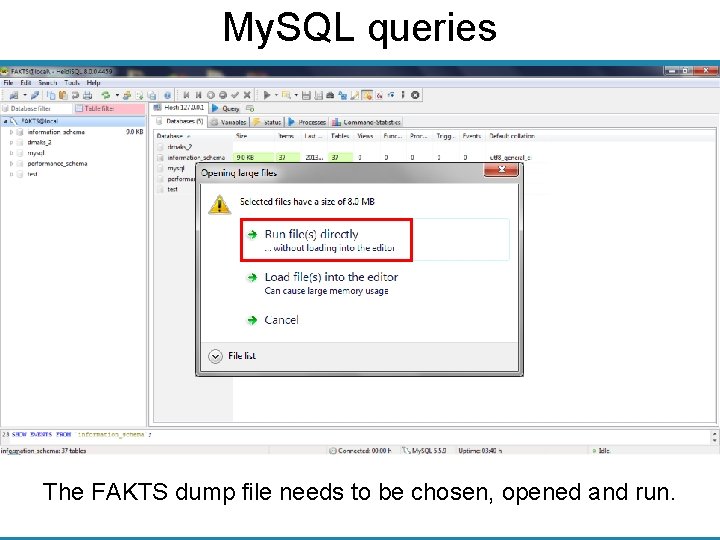
My. SQL queries The FAKTS dump file needs to be chosen, opened and run.
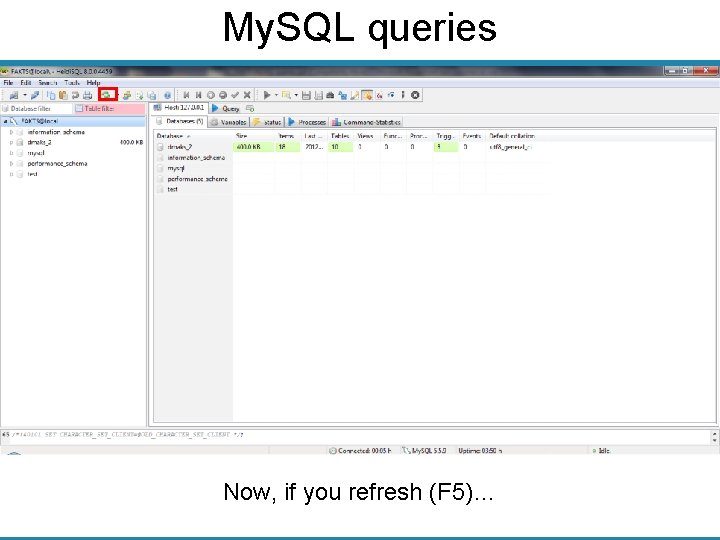
My. SQL queries Now, if you refresh (F 5)…
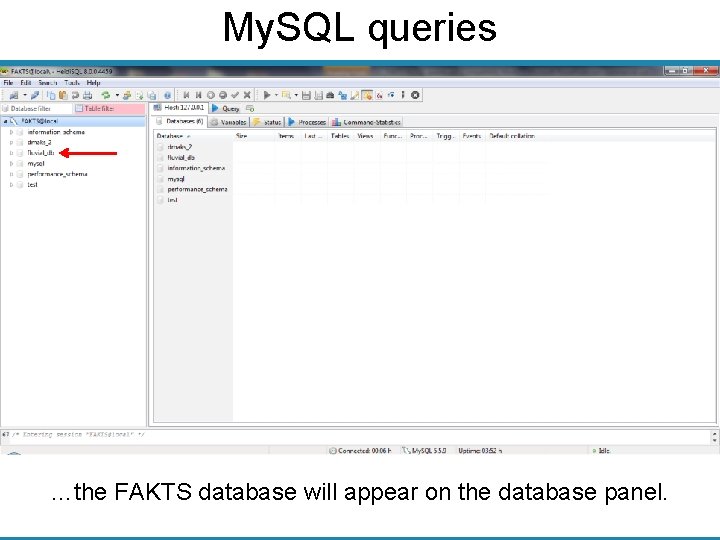
My. SQL queries …the FAKTS database will appear on the database panel.
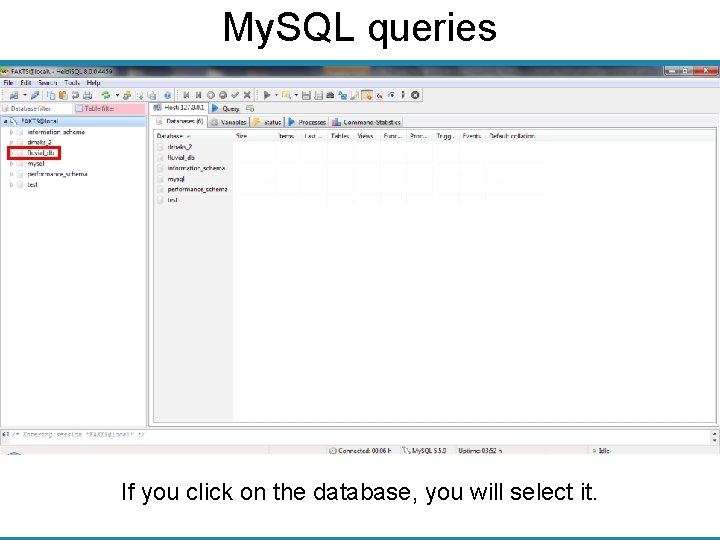
My. SQL queries If you click on the database, you will select it.
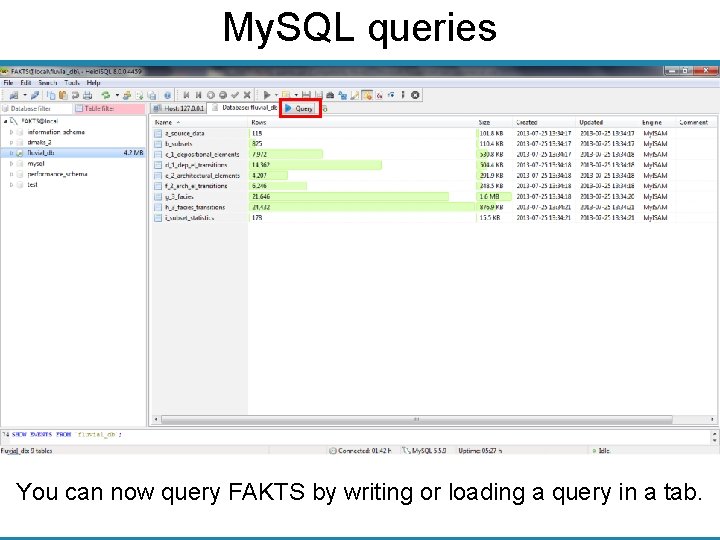
My. SQL queries You can now query FAKTS by writing or loading a query in a tab.
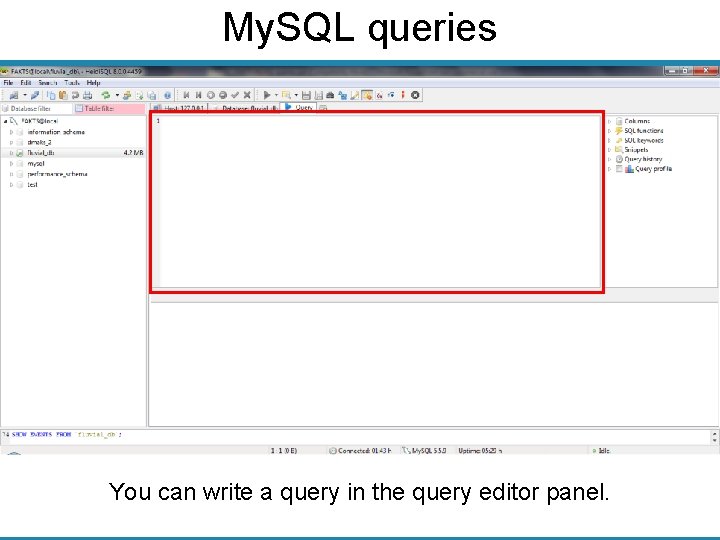
My. SQL queries You can write a query in the query editor panel.
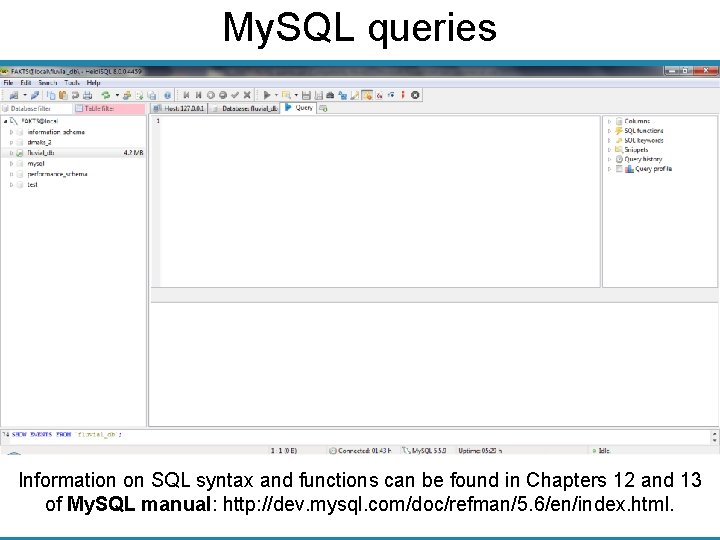
My. SQL queries Information on SQL syntax and functions can be found in Chapters 12 and 13 of My. SQL manual: http: //dev. mysql. com/doc/refman/5. 6/en/index. html.
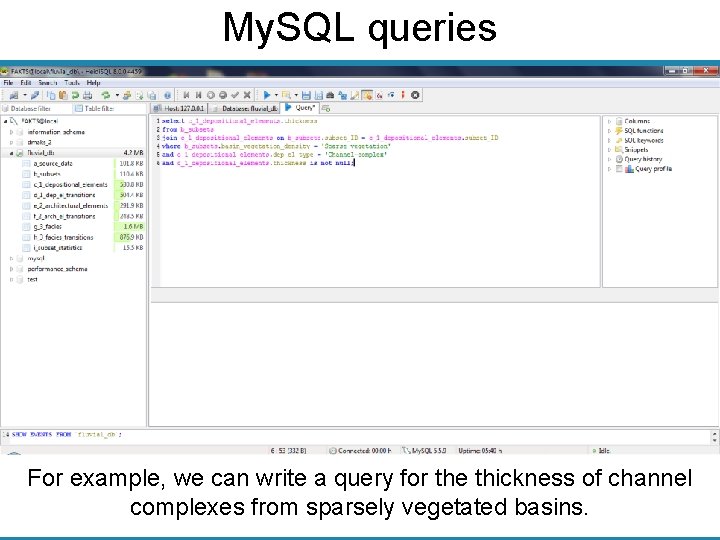
My. SQL queries For example, we can write a query for the thickness of channel complexes from sparsely vegetated basins.
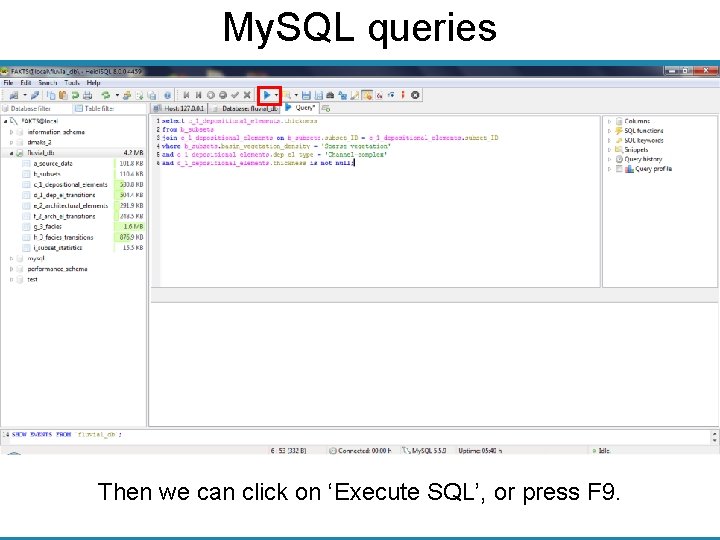
My. SQL queries Then we can click on ‘Execute SQL’, or press F 9.
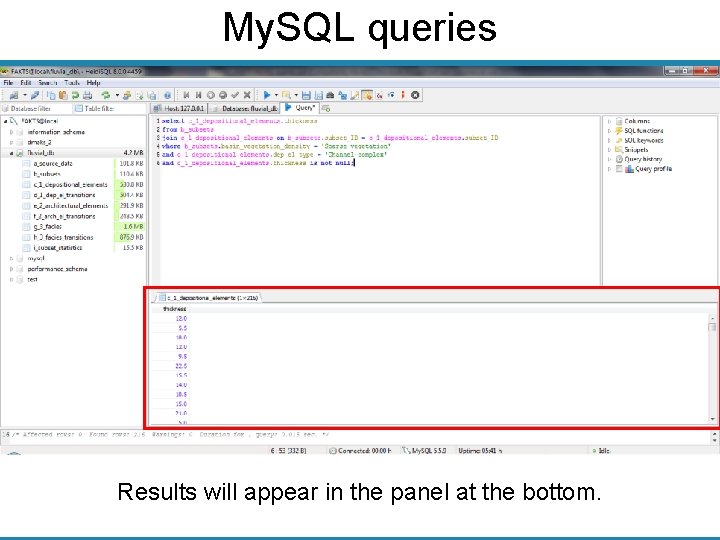
My. SQL queries Results will appear in the panel at the bottom.
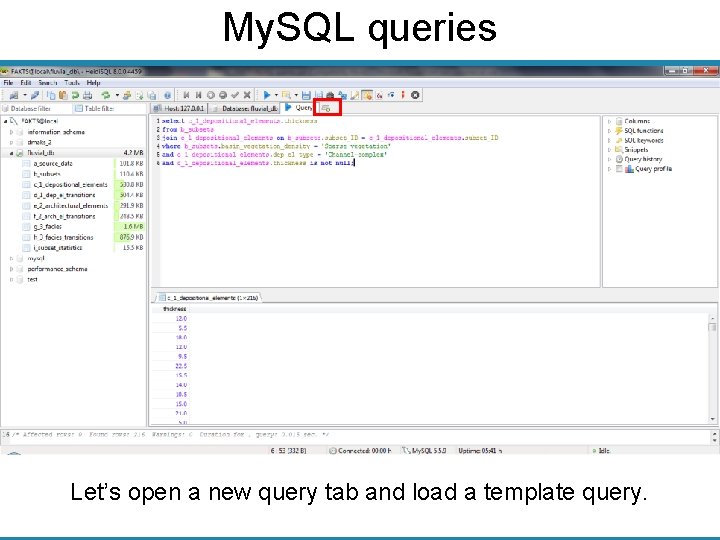
My. SQL queries Let’s open a new query tab and load a template query.
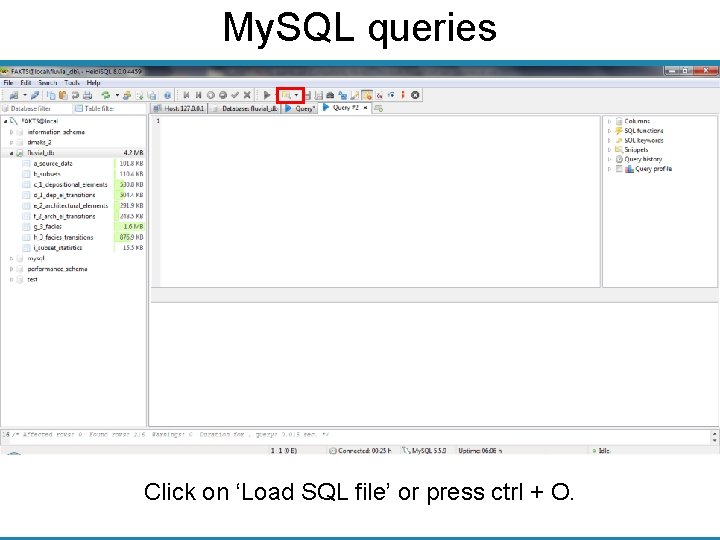
My. SQL queries Click on ‘Load SQL file’ or press ctrl + O.
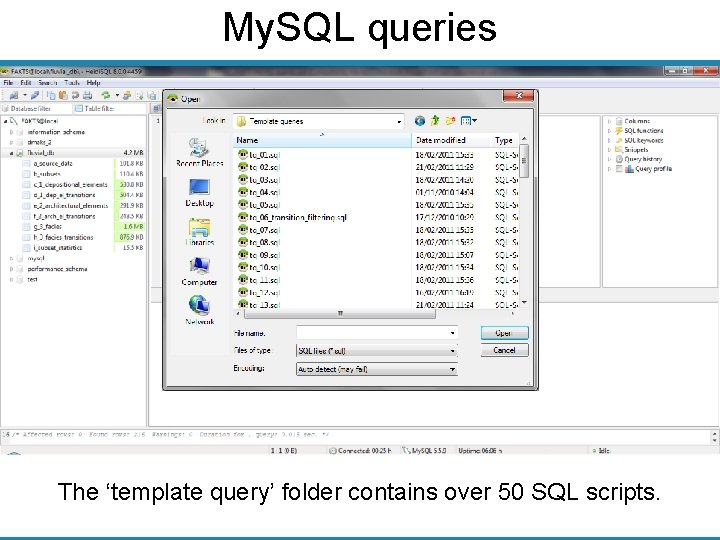
My. SQL queries The ‘template query’ folder contains over 50 SQL scripts.
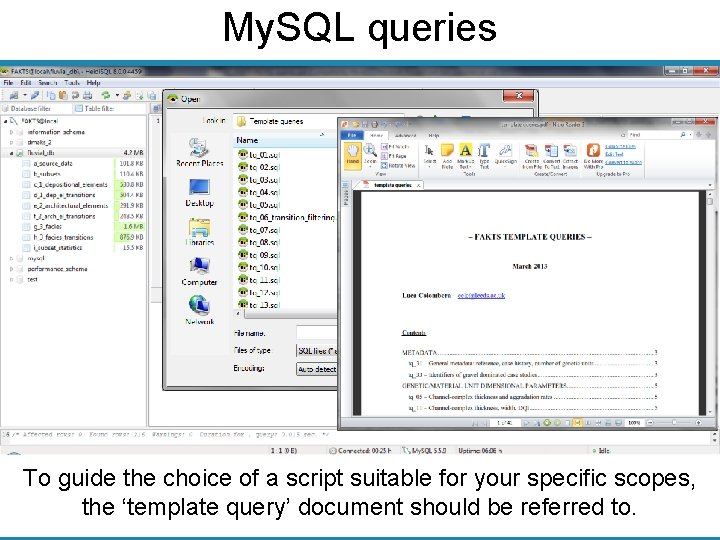
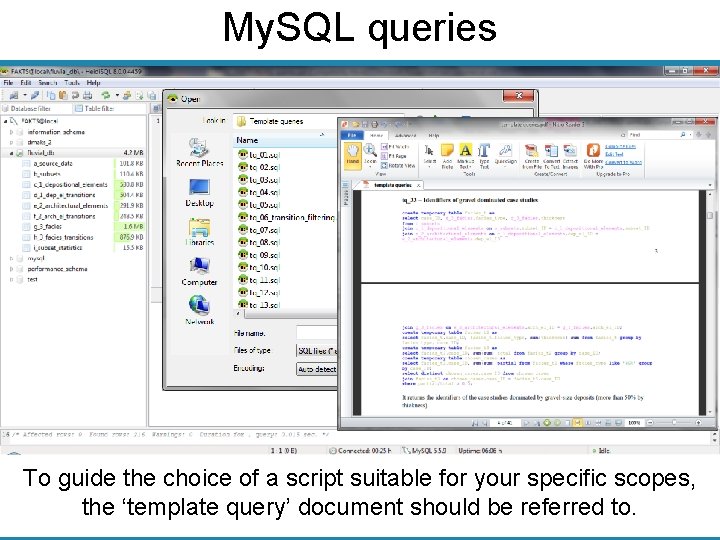
My. SQL queries To guide the choice of a script suitable for your specific scopes, the ‘template query’ document should be referred to.
My. SQL queries To guide the choice of a script suitable for your specific scopes, the ‘template query’ document should be referred to.
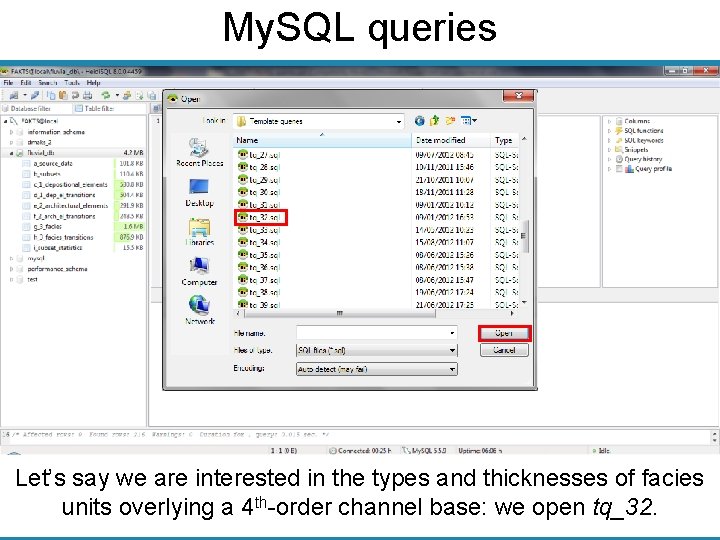
My. SQL queries Let’s say we are interested in the types and thicknesses of facies units overlying a 4 th-order channel base: we open tq_32.
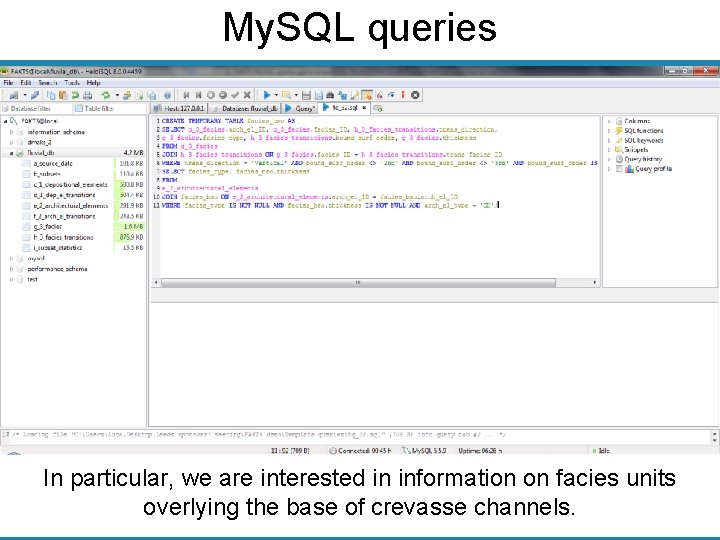
My. SQL queries In particular, we are interested in information on facies units overlying the base of crevasse channels.
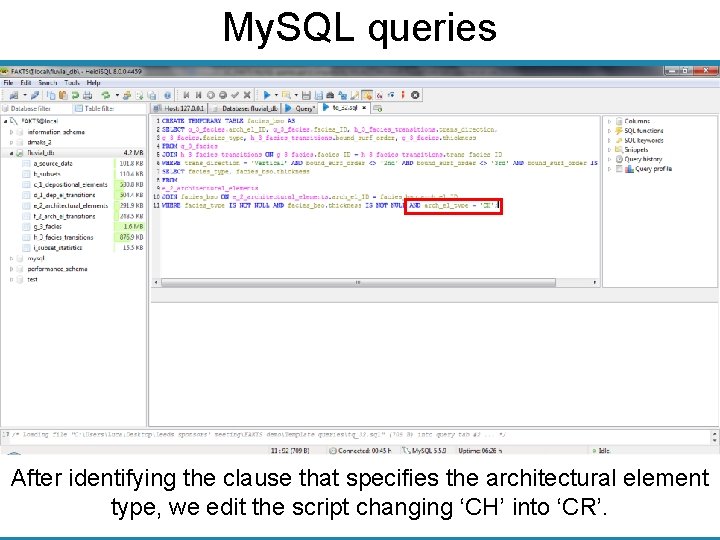
My. SQL queries After identifying the clause that specifies the architectural element type, we edit the script changing ‘CH’ into ‘CR’.
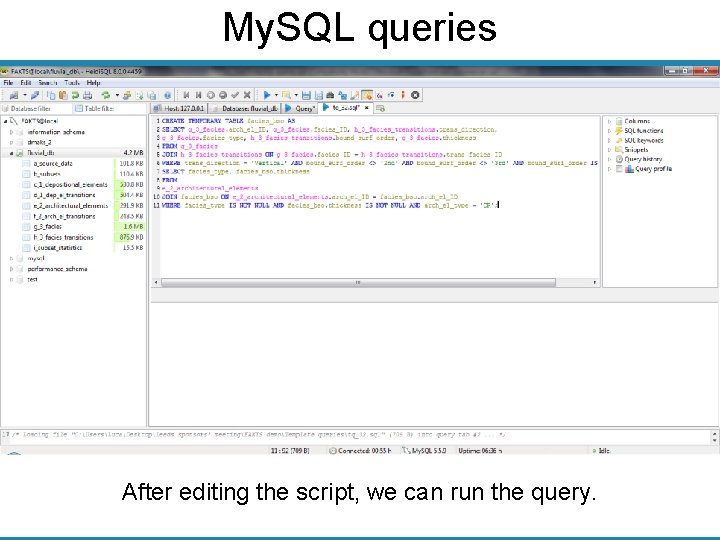
My. SQL queries After editing the script, we can run the query.
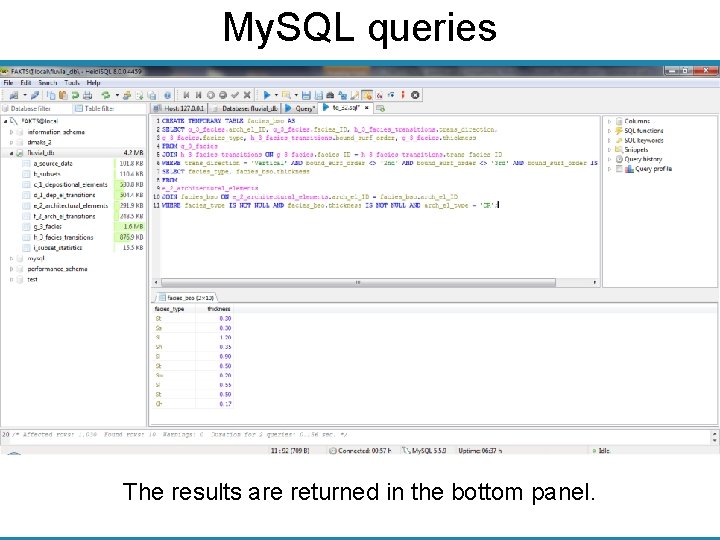
My. SQL queries The results are returned in the bottom panel.
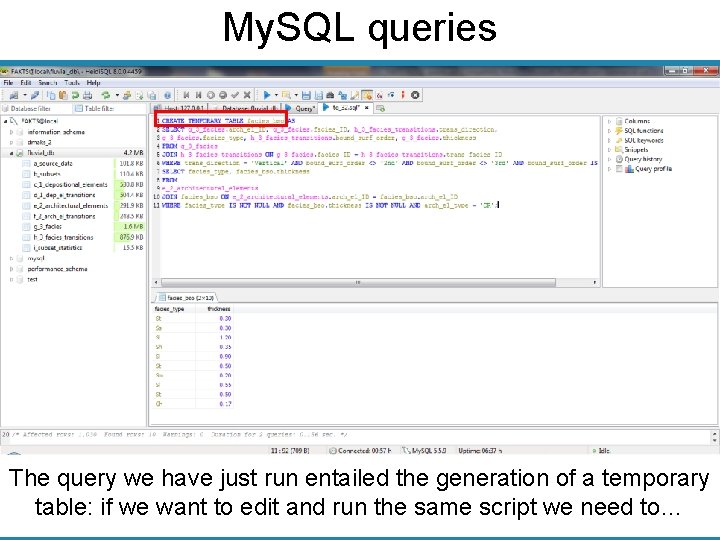
My. SQL queries The query we have just run entailed the generation of a temporary table: if we want to edit and run the same script we need to…
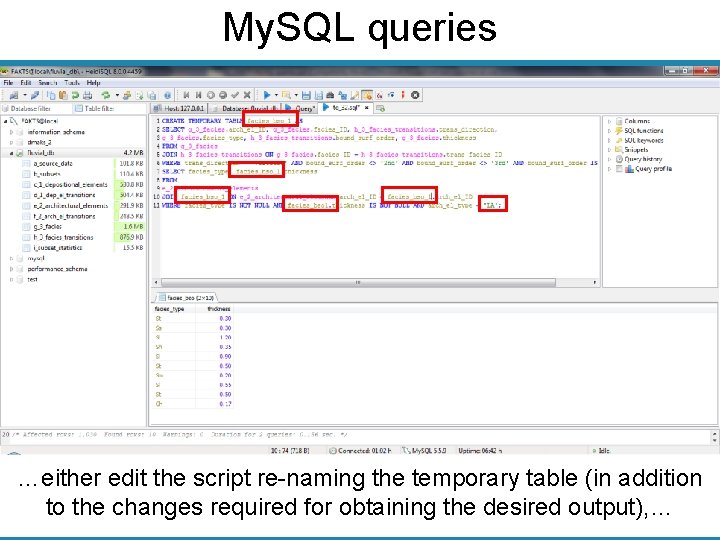
My. SQL queries …either edit the script re-naming the temporary table (in addition to the changes required for obtaining the desired output), …
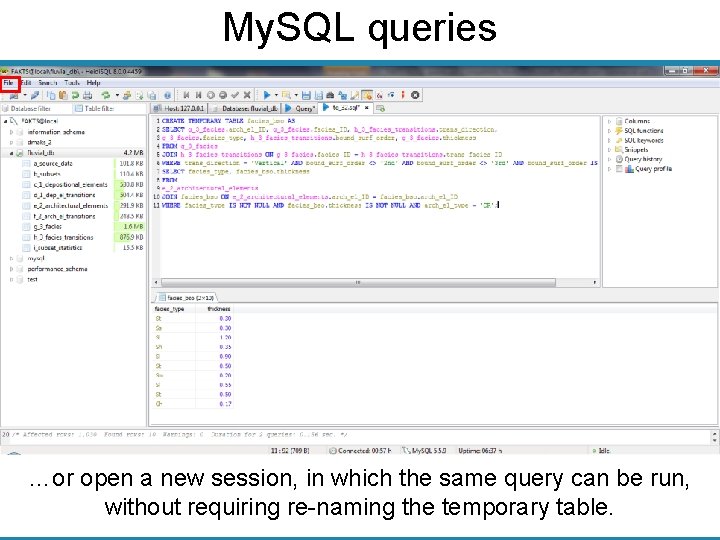
My. SQL queries …or open a new session, in which the same query can be run, without requiring re-naming the temporary table.
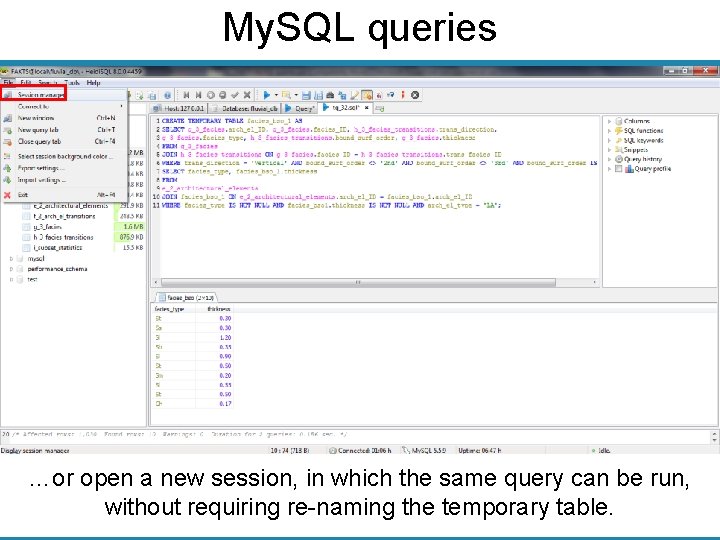
My. SQL queries …or open a new session, in which the same query can be run, without requiring re-naming the temporary table.
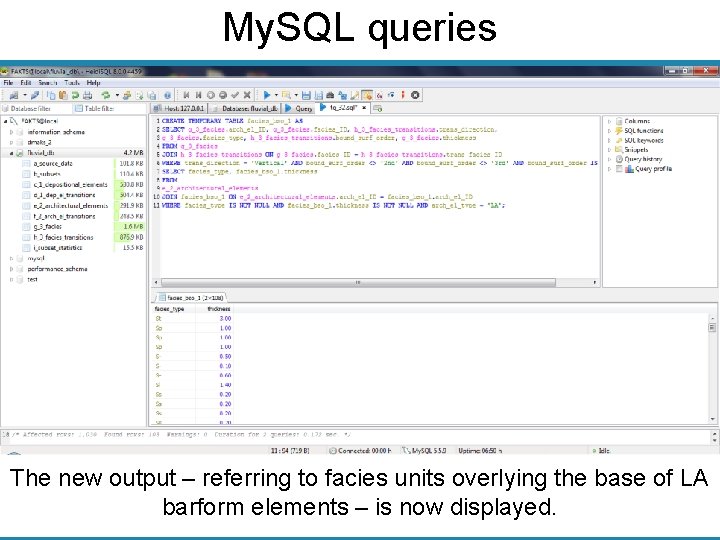
My. SQL queries The new output – referring to facies units overlying the base of LA barform elements – is now displayed.
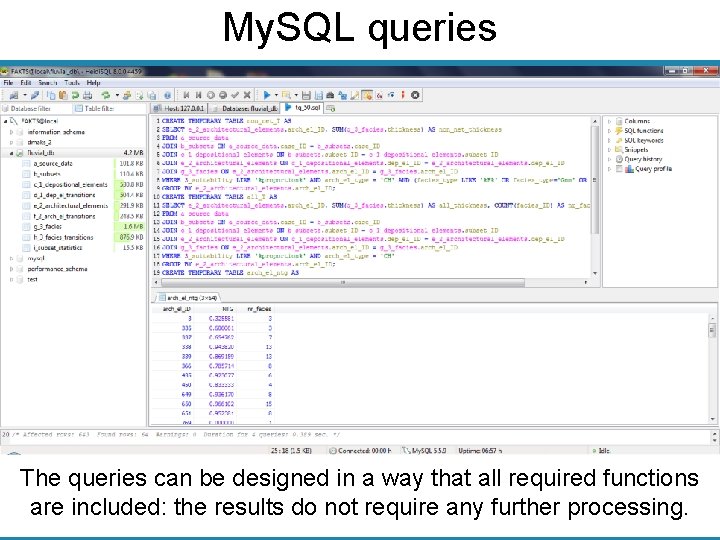
My. SQL queries The queries can be designed in a way that all required functions are included: the results do not require any further processing.
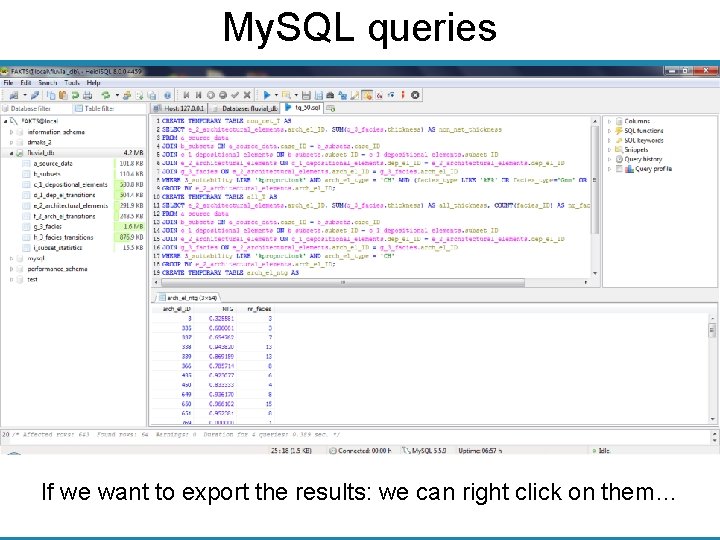
My. SQL queries If we want to export the results: we can right click on them…
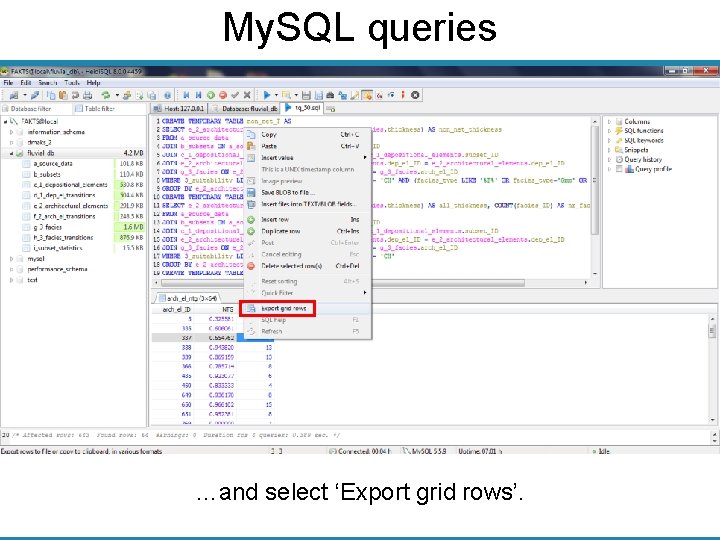
My. SQL queries …and select ‘Export grid rows’.
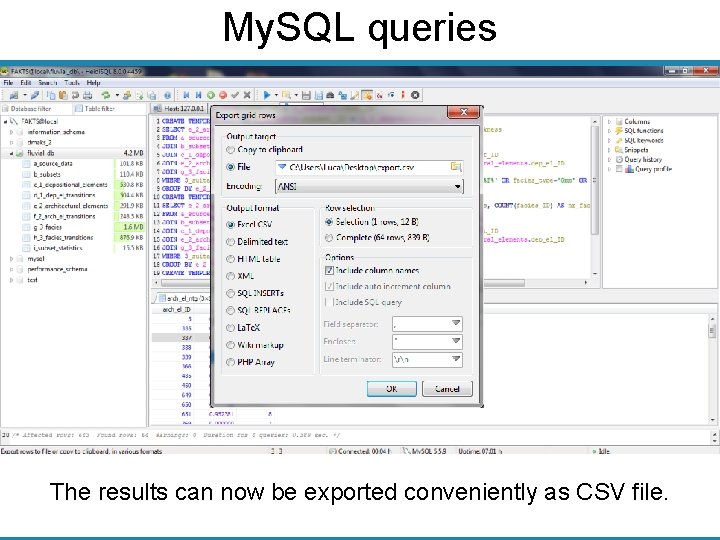
My. SQL queries The results can now be exported conveniently as CSV file.
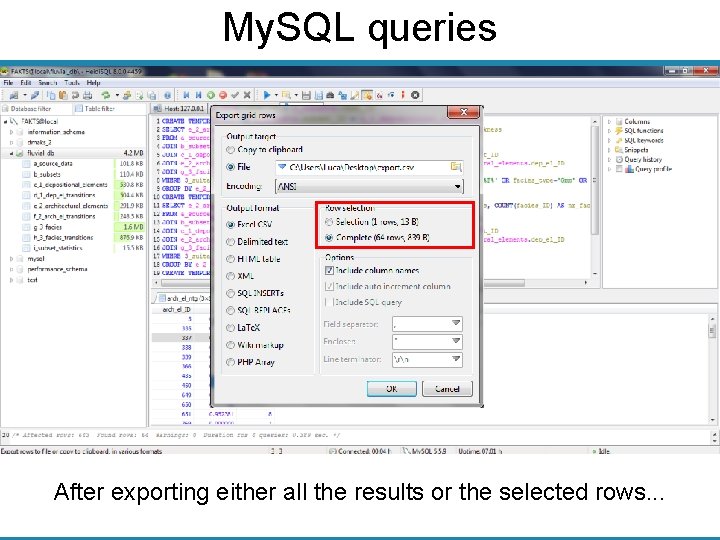
My. SQL queries After exporting either all the results or the selected rows. . .
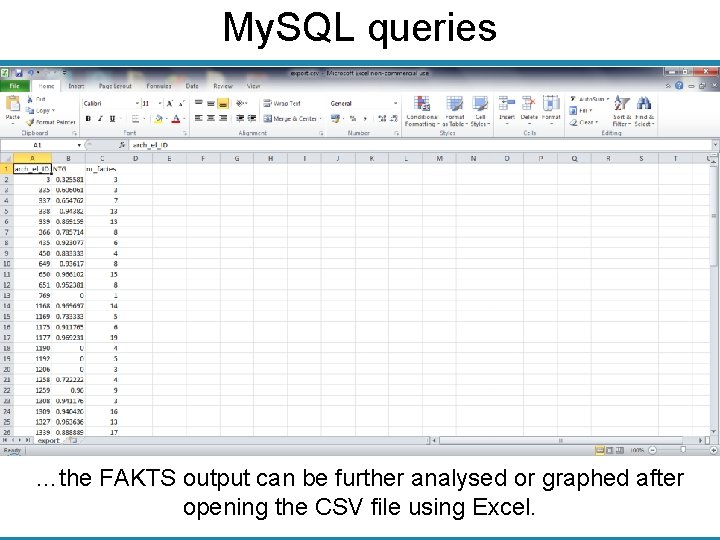
My. SQL queries …the FAKTS output can be further analysed or graphed after opening the CSV file using Excel.
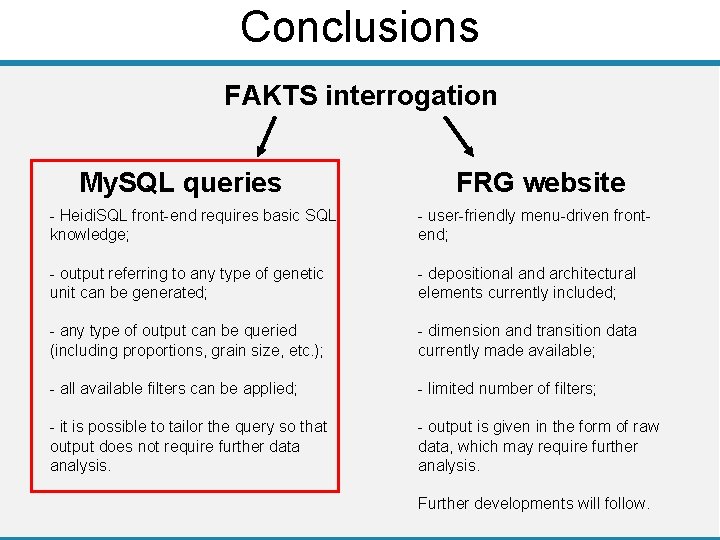
Conclusions FAKTS interrogation My. SQL queries FRG website - Heidi. SQL front-end requires basic SQL knowledge; - user-friendly menu-driven frontend; - output referring to any type of genetic unit can be generated; - depositional and architectural elements currently included; - any type of output can be queried (including proportions, grain size, etc. ); - dimension and transition data currently made available; - all available filters can be applied; - limited number of filters; - it is possible to tailor the query so that output does not require further data analysis. - output is given in the form of raw data, which may require further analysis. Further developments will follow.
- Slides: 39