
Flow of Control Loops Module 4 Objectives Design
Flow of Control: Loops Module 4
Objectives • Design a loop • Use while, do, and for in a program • Use the for-each with enumerations • Use assertion checks
Java Loop Statements: Outline • The while statement • The do-while statement • The for Statement
Java Loop Statements • A portion of a program that repeats a statement or a group of statements is called a loop. • The statement or group of statements to be repeated is called the body of the loop. • A loop could be used to compute grades for each student in a class. • There must be a means of exiting the loop.
The while Statement • Also called a while loop • A while statement repeats while a controlling boolean expression remains true • The loop body typically contains an action that ultimately causes the controlling boolean expression to become false.
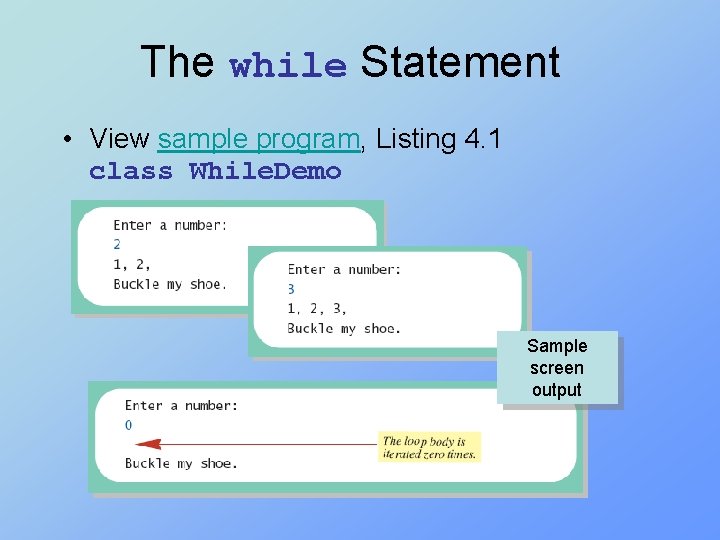
The while Statement • View sample program, Listing 4. 1 class While. Demo Sample screen output
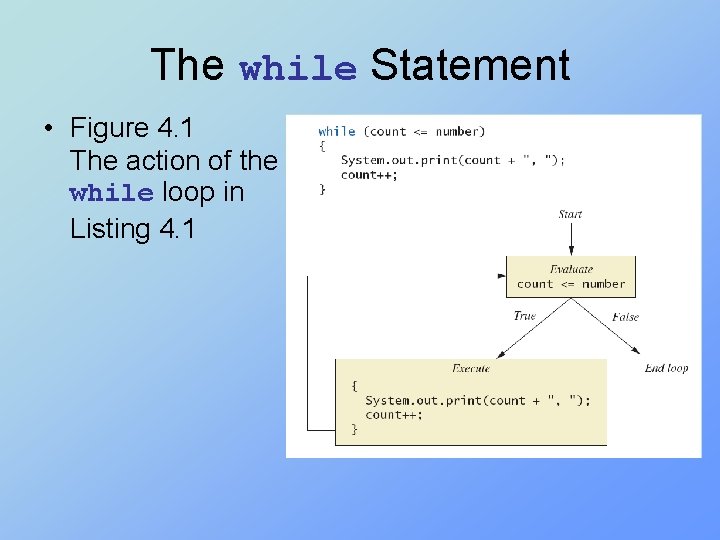
The while Statement • Figure 4. 1 The action of the while loop in Listing 4. 1
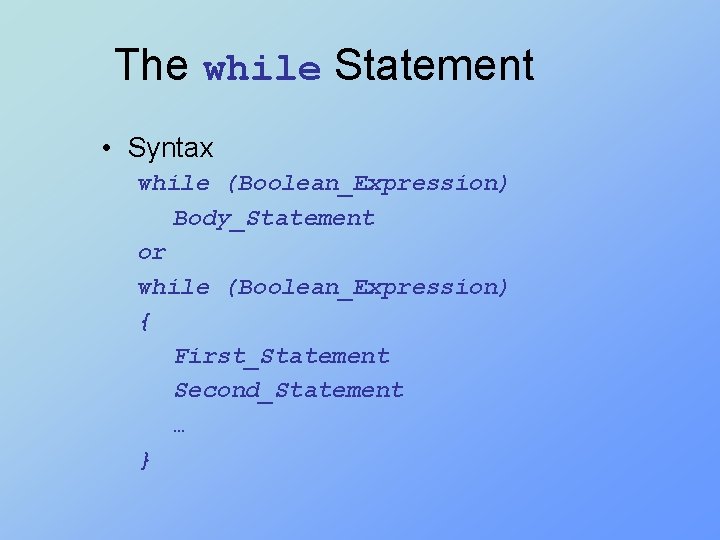
The while Statement • Syntax while (Boolean_Expression) Body_Statement or while (Boolean_Expression) { First_Statement Second_Statement … }
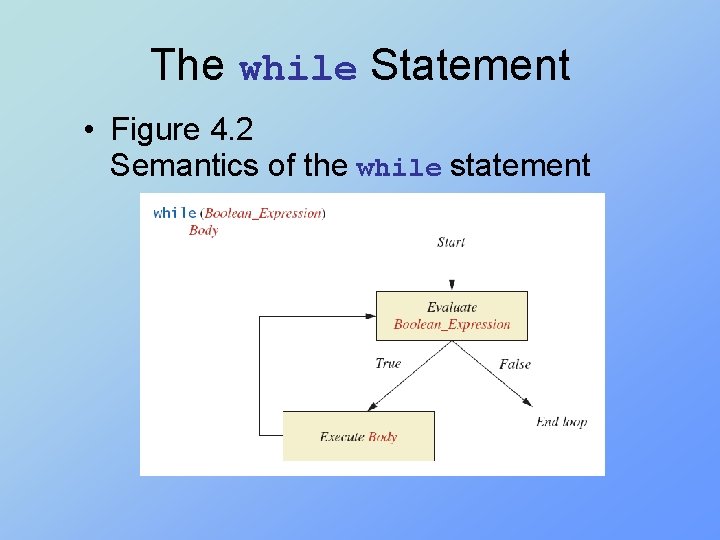
The while Statement • Figure 4. 2 Semantics of the while statement
The do-while Statement • Also called a do-while loop • Similar to a while statement, except that the loop body is executed at least once • Syntax do Body_Statement while (Boolean_Expression); • Don’t forget the semicolon!
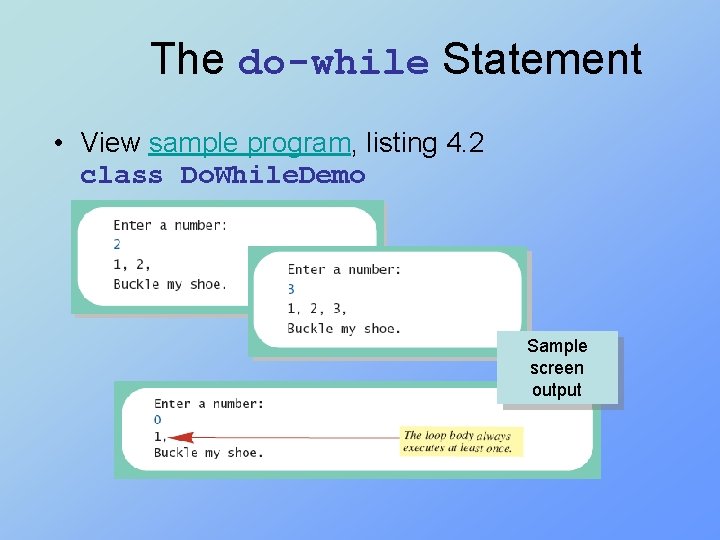
The do-while Statement • View sample program, listing 4. 2 class Do. While. Demo Sample screen output
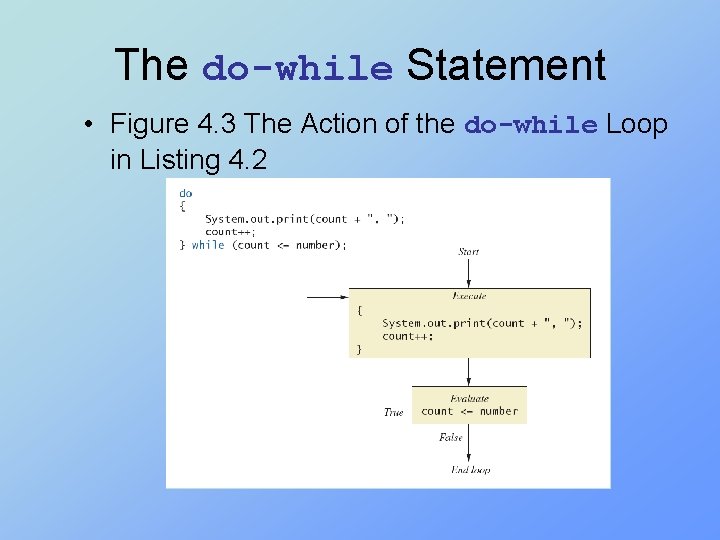
The do-while Statement • Figure 4. 3 The Action of the do-while Loop in Listing 4. 2
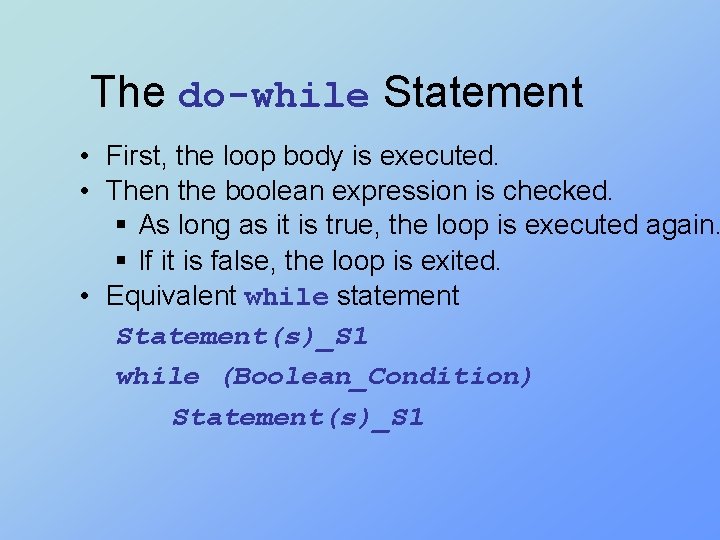
The do-while Statement • First, the loop body is executed. • Then the boolean expression is checked. § As long as it is true, the loop is executed again. § If it is false, the loop is exited. • Equivalent while statement Statement(s)_S 1 while (Boolean_Condition) Statement(s)_S 1
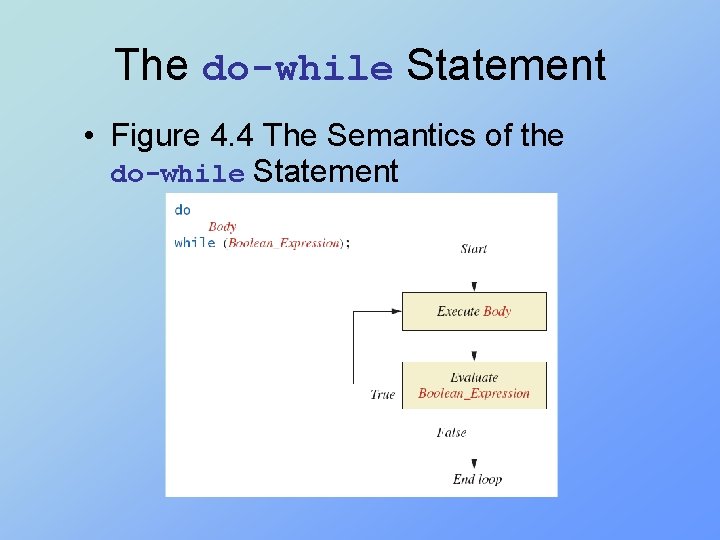
The do-while Statement • Figure 4. 4 The Semantics of the do-while Statement
Nested Loops • The body of a loop can contain any kind of statements, including another loop. • In the previous example § The average score was computed using a while loop. § This while loop was placed inside a dowhile loop so the process could be repeated for other sets of exam scores.
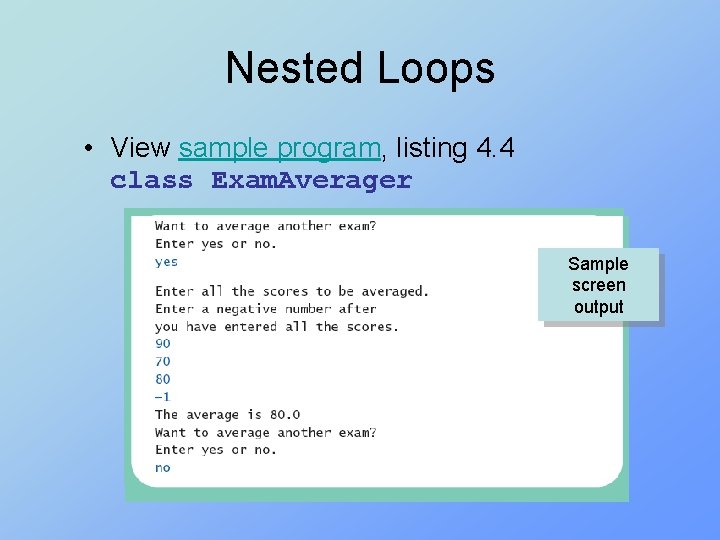
Nested Loops • View sample program, listing 4. 4 class Exam. Averager Sample screen output
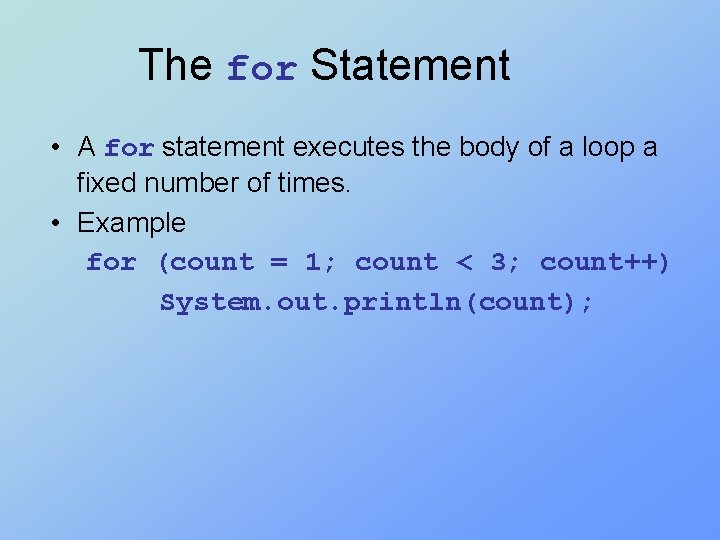
The for Statement • A for statement executes the body of a loop a fixed number of times. • Example for (count = 1; count < 3; count++) System. out. println(count);
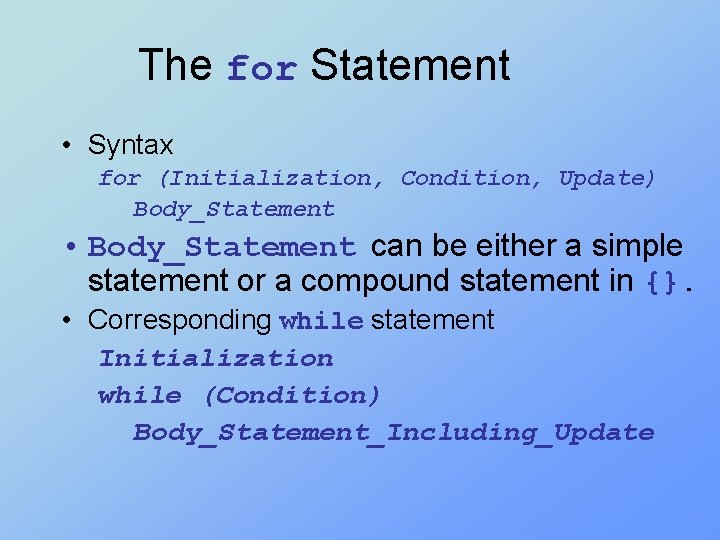
The for Statement • Syntax for (Initialization, Condition, Update) Body_Statement • Body_Statement can be either a simple statement or a compound statement in {}. • Corresponding while statement Initialization while (Condition) Body_Statement_Including_Update
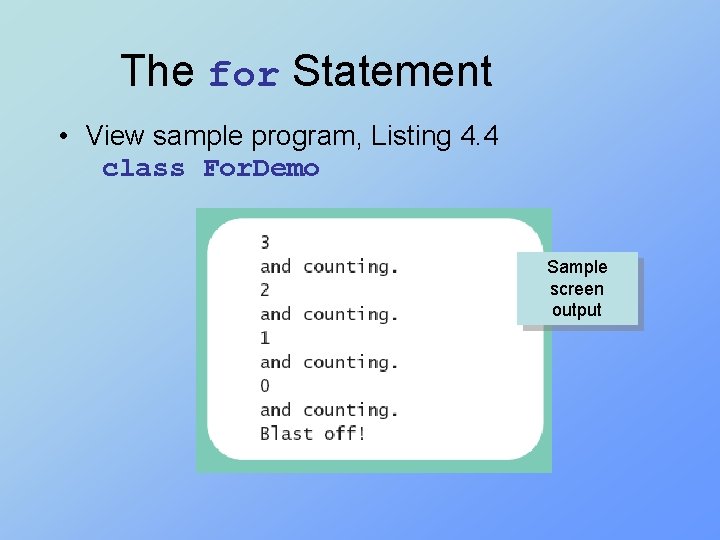
The for Statement • View sample program, Listing 4. 4 class For. Demo Sample screen output
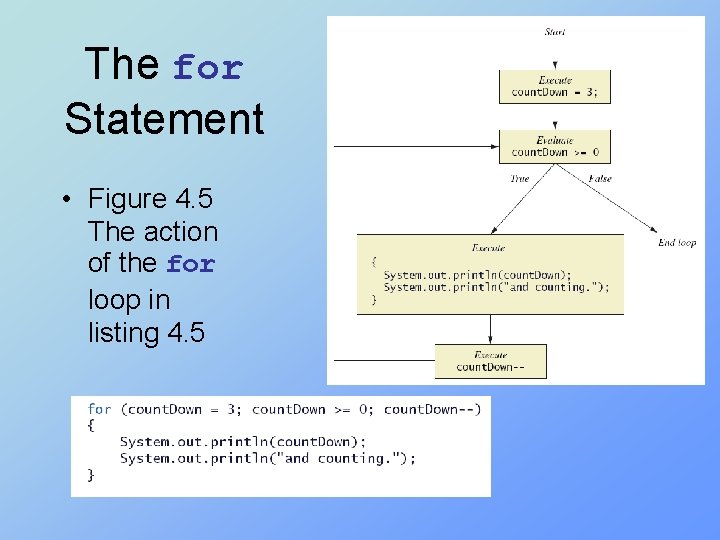
The for Statement • Figure 4. 5 The action of the for loop in listing 4. 5
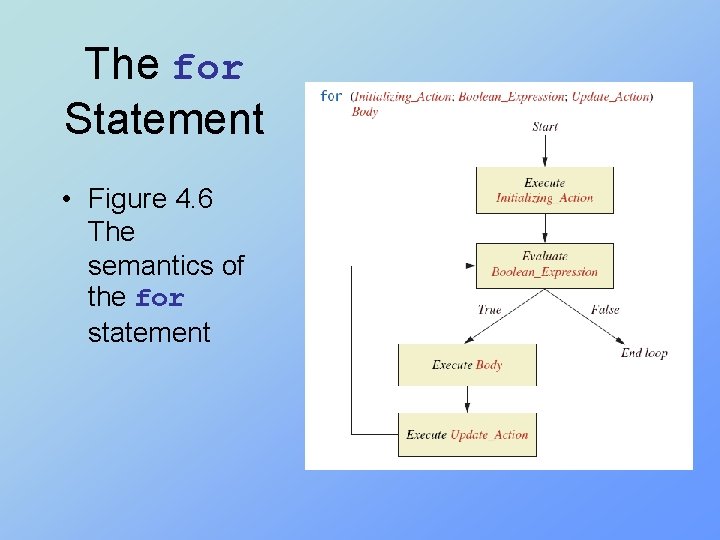
The for Statement • Figure 4. 6 The semantics of the for statement
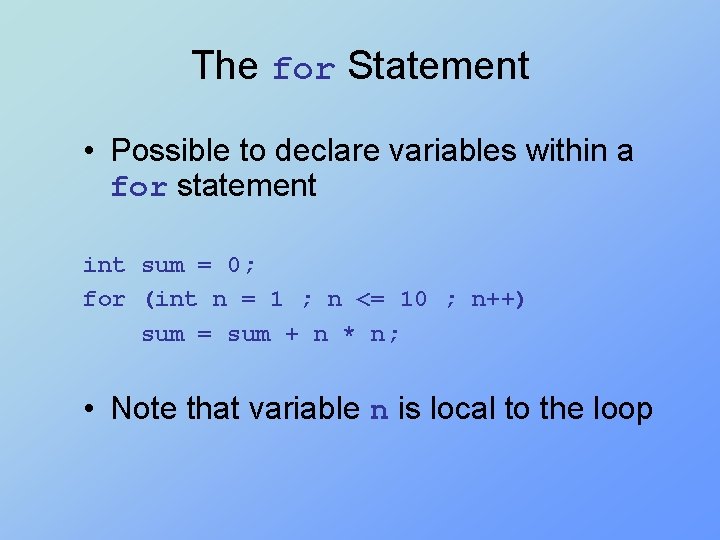
The for Statement • Possible to declare variables within a for statement int sum = 0; for (int n = 1 ; n <= 10 ; n++) sum = sum + n * n; • Note that variable n is local to the loop
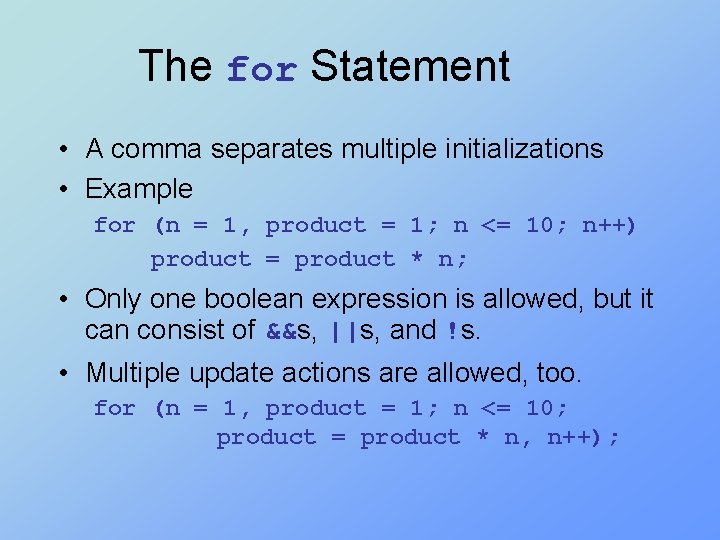
The for Statement • A comma separates multiple initializations • Example for (n = 1, product = 1; n <= 10; n++) product = product * n; • Only one boolean expression is allowed, but it can consist of &&s, ||s, and !s. • Multiple update actions are allowed, too. for (n = 1, product = 1; n <= 10; product = product * n, n++);
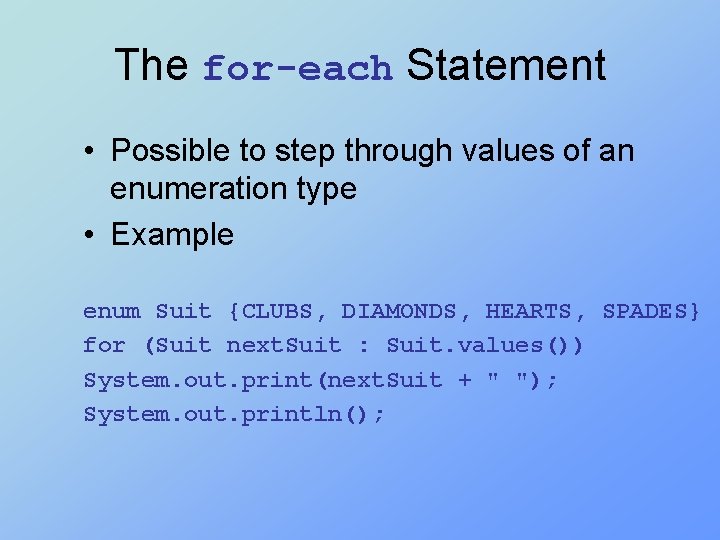
The for-each Statement • Possible to step through values of an enumeration type • Example enum Suit {CLUBS, DIAMONDS, HEARTS, SPADES} for (Suit next. Suit : Suit. values()) System. out. print(next. Suit + " "); System. out. println();
Programming with Loops: Outline • • The Loop Body Initializing Statements Controlling Loop Iterations break and continue statements • Loop Bugs • Tracing Variables • Assertion checks
The Loop Body • To design the loop body, write out the actions the code must accomplish. • Then look for a repeated pattern. § The pattern need not start with the first action. § The repeated pattern will form the body of the loop. § Some actions may need to be done after the pattern stops repeating.
Initializing Statements • Some variables need to have a value before the loop begins. § Sometimes this is determined by what is supposed to happen after one loop iteration. § Often variables have an initial value of zero or one, but not always. • Other variables get values only while the loop is iterating.
Controlling Number of Loop Iterations • If the number of iterations is known before the loop starts, the loop is called a countcontrolled loop. § Use a for loop. • Asking the user before each iteration if it is time to end the loop is called the ask-beforeiterating technique. § Appropriate for a small number of iterations § Use a while loop or a do-while loop.
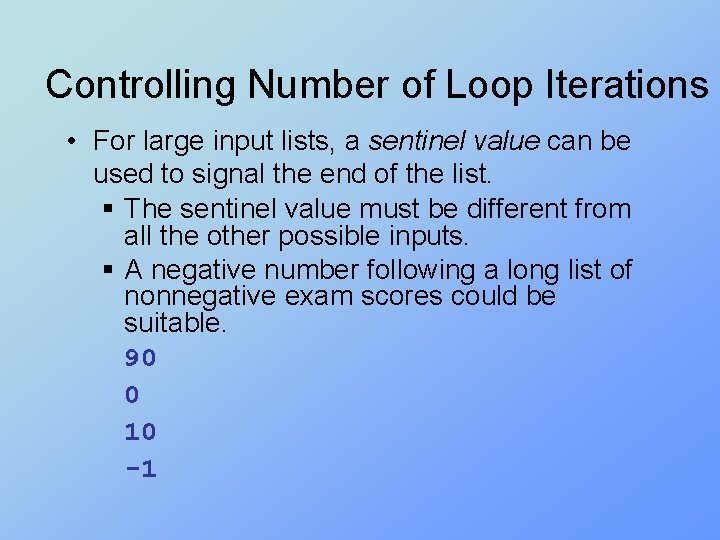
Controlling Number of Loop Iterations • For large input lists, a sentinel value can be used to signal the end of the list. § The sentinel value must be different from all the other possible inputs. § A negative number following a long list of nonnegative exam scores could be suitable. 90 0 10 -1
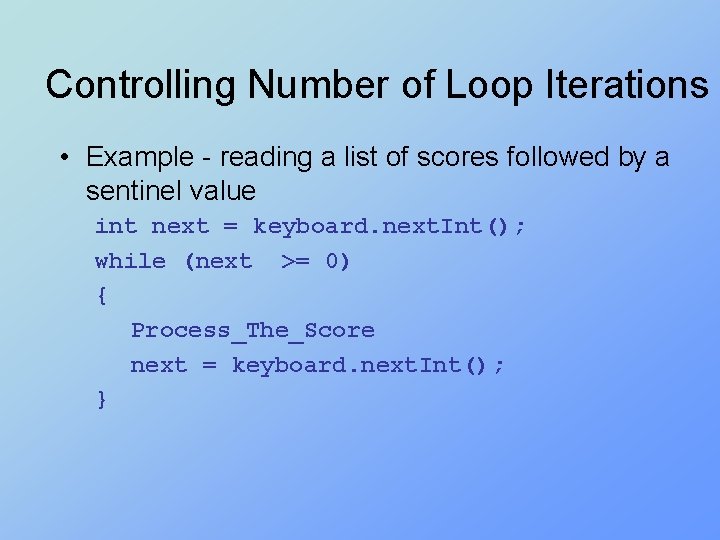
Controlling Number of Loop Iterations • Example - reading a list of scores followed by a sentinel value int next = keyboard. next. Int(); while (next >= 0) { Process_The_Score next = keyboard. next. Int(); }
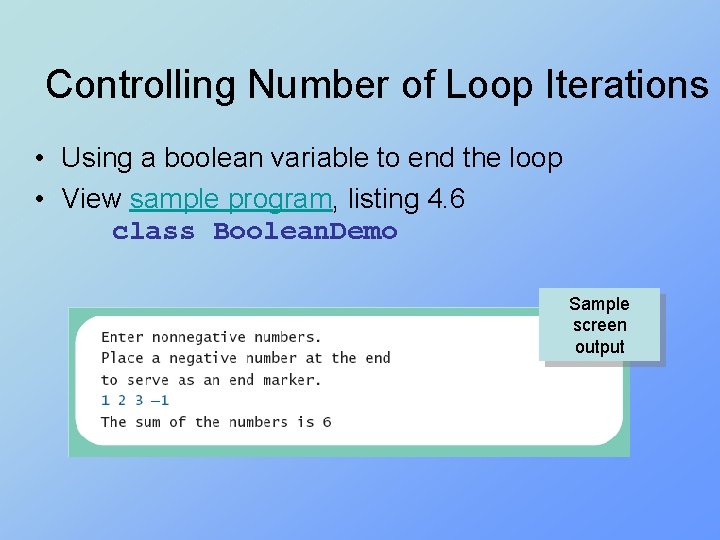
Controlling Number of Loop Iterations • Using a boolean variable to end the loop • View sample program, listing 4. 6 class Boolean. Demo Sample screen output
Programming Example • Spending Spree § You have $100 to spend in a store § Maximum 3 items § Computer tracks spending and item count § When item chosen, computer tells you whether or not you can buy it • Client wants adaptable program § Able to change amount and maximum number of items • View sample algorithm
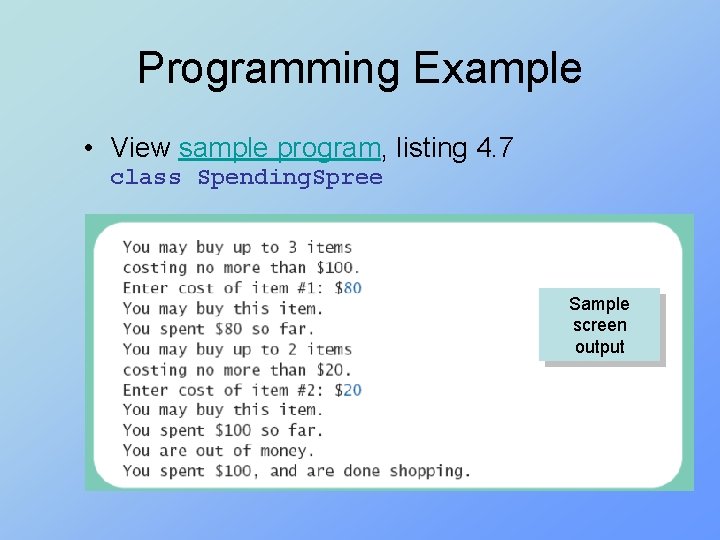
Programming Example • View sample program, listing 4. 7 class Spending. Spree Sample screen output
The break Statement in Loops • A break statement can be used to end a loop immediately. • The break statement ends only the innermost loop or switch statement that contains the break statement. • break statements make loops more difficult to understand. • Use break statements sparingly (if ever).
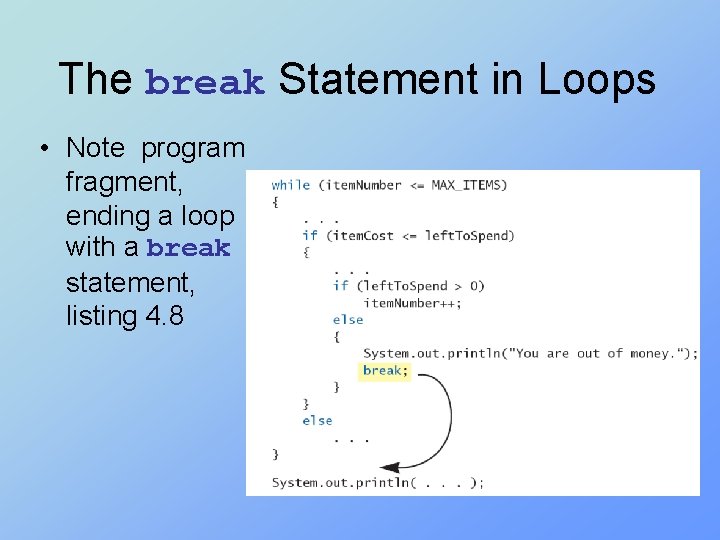
The break Statement in Loops • Note program fragment, ending a loop with a break statement, listing 4. 8
The continue Statement in Loops • A continue statement § Ends current loop iteration § Begins the next one • Text recommends avoiding use § Introduce unneeded complications
Tracing Variables • Tracing variables means watching the variables change while the program is running. § Simply insert temporary output statements in your program to print of the values of variables of interest § Or, learn to use the debugging facility that may be provided by your system.
Assertion Checks • Assertion : something that says something about the state of the program § Can be true or false § Should be true when no mistakes in running program
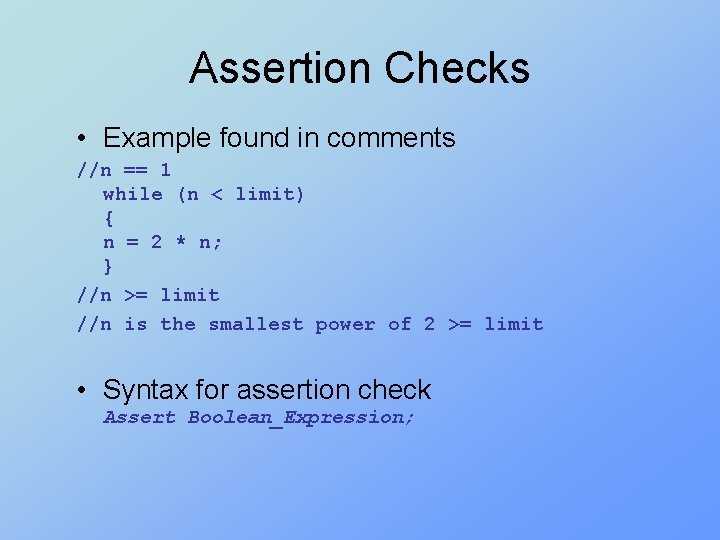
Assertion Checks • Example found in comments //n == 1 while (n < limit) { n = 2 * n; } //n >= limit //n is the smallest power of 2 >= limit • Syntax for assertion check Assert Boolean_Expression;
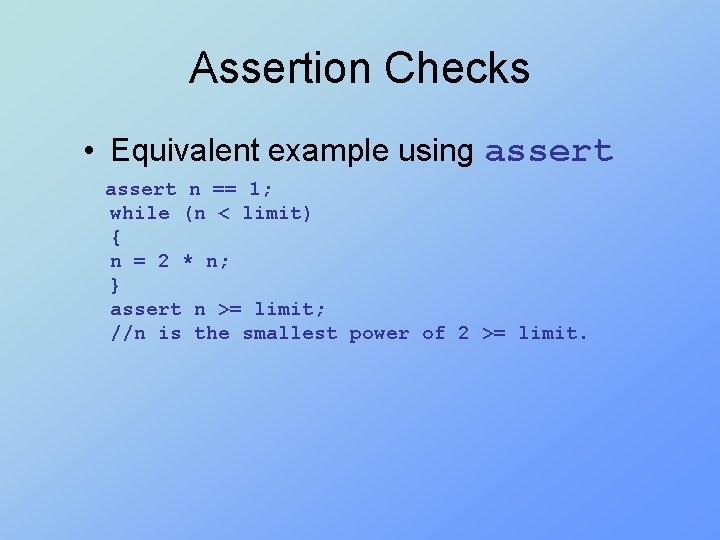
Assertion Checks • Equivalent example using assert n == 1; while (n < limit) { n = 2 * n; } assert n >= limit; //n is the smallest power of 2 >= limit.
Loop Bugs • Common loop bugs § Unintended infinite loops § Off-by-one errors § Testing equality of floating-point numbers • Subtle infinite loops § The loop may terminate for some input values, but not for others. § For example, you can’t get out of debt when the monthly penalty exceeds the monthly payment.
Summary • A loop is a programming construct that repeats an action • Java has the while, the do-while, and the for statements • The while and do-while repeat the loop while a condition is true • The logic of a for statement is identical to the while
Summary • Loops may be ended using a sentinel value or a boolean value • Typical loop bugs include infinite loops or loops which are off by 1 iteration • Variables may be traced by including temporary output statements or a debugging utility • The assert statement can be used to check conditions at run time
- Slides: 43