
Flip Tutoring Facebook Success Bob Martinez Eddie Tchertchian
Flip + Tutoring + Facebook = Success Bob Martinez & Eddie Tchertchian Pierce College FTLA 2018

How to set up and run a Flip Math class • Guiding principle: Your flip must be ridiculously organized (or it will not work) • Follow the sections you’ll be using in your book, OER, or materials to make several “worksheets”. • Make worksheets with a 2 column multi-row table and follow the READ, WATCH, DO format

Example of flip worksheet Item # 1 Item 2 Watch and take notes on these videos: 1) Find first 5 terms of sequence by hand with a calculator method, and, Find the general nth term of a sequence: http: //youtu. be/q. Fgbt. UF_DW 4 2) More videos on finding the general nth term of a sequence: https: //www. youtube. com/watch? v=FUWSMl. I 1 QXI , https: //www. youtube. com/results? search_query=find+general+term+of+a+sequence 3) Definition of Limit of a sequence and examples: http: //youtu. be/-Me. Ei 1 U-5 m 8 4) Bounded sequence, Convergence of a monotonic & bounded sequence: http: //youtu. be/u. J 5 GMwyk. Qy. A 5) Find whether a sequence converges or diverges; If convergent, find the limit: http: //youtu. be/V_sr. Rs. UXy 80 6) Recursively defined sequences, Fibonacci and nth term approx. ; Find a recursive def. for a sequence; Show general term satisfies recursive definition: http: //youtu. be/Kpie. Sg. SIWek 7) Recursively defined sequences of the form : http: //youtu. be/r. S 8 Zj 06 ft 5 Y ; The applet used at the end of the video to obtain a graph of [ sequence terms vs. n ] was obtained at this site: http: //www. shodor. org/interactivate/activities/Recursion/ 3 Do section 9. 1 #1 – 33 odd, 34, 41 – 59 odd (27 problems) Sequences: Read and take notes on section 9. 1 Sequences
READ and take notes • Clearly state what you want students to read and take notes on. Students put their reading notes in the READ section of their notebook. Notes are labeled by the item numbers on your worksheet so they can be accessed easily. WATCH and take notes • Clearly state which videos you want students to watch and take notes on. Students put their video notes in the WATCH section of their notebook. Notes are labeled by the item numbers on your worksheet so they can be accessed easily. DO and show work • Clearly state what problems you want students to do and show all work on. Students put their problem solutions in the DO section of their notebook. Notes are labeled by the item numbers on your worksheet so they can be accessed easily.
About your worksheets • Make about 5 or 6 worksheets • Post the worksheets and calendar on your web page so students can access them in class on cell phones or laptops. • Make sure the video links and other links all work on i -phones, androids, laptops. • Nothing about the logistics can ever be your fault or the whole thing will unravel!
About your videos • Make short videos (3 to 8 min. max. ) • Why? How? - Recording a movie of yourself lecturing on the board is NOT recommended. - Get a tablet PC (a Surface Pro or equivalent) - Use a screen recorder (like Screencast-O-Matic) - Prepare the screen(s) before recording, then start, and pause if you need to think or sneeze or bring in some other content. - Prepare the screen? – Have graph grids on the screen, tables to fill in, definitions to read ALREADY on the screen before recording.
What to show in your videos • Show content you would have covered in class but more: - Illustrations - Technology uses to discover concepts - Problem and example solutions - Animations - “How to” do a particular mathematical method, use calculator methods in the class, format a student notebook, Anything you’re tired of re-explaining for the 1000 th time.
Class strategy (logistics) • Students Read and take notes and Watch videos and take notes BEFORE coming to class • Students DO (work on problems) in class and rewatch some videos. • Sometimes you do a clarification mini lecture or presentation (make it short!) • Again, Nothing about the logistics can ever be your fault or the whole thing will unravel!
“If my students won’t do homework, then how do I get them to read and watch videos? ” answer: PAIN ! �Make reading notes, video notes, and problem solution work count as points in the class (15% is recommended) �Have reading, video, and/or problem work checks at the beginning and/or at the end of class for the whole class or a random subset. � 2 pts. for thorough notes or work, 1 pt. for sketchy notes or work, 0 pts for being absent or having no notes or work. �Your schedule of due dates has to be VERY organized as on the next slide
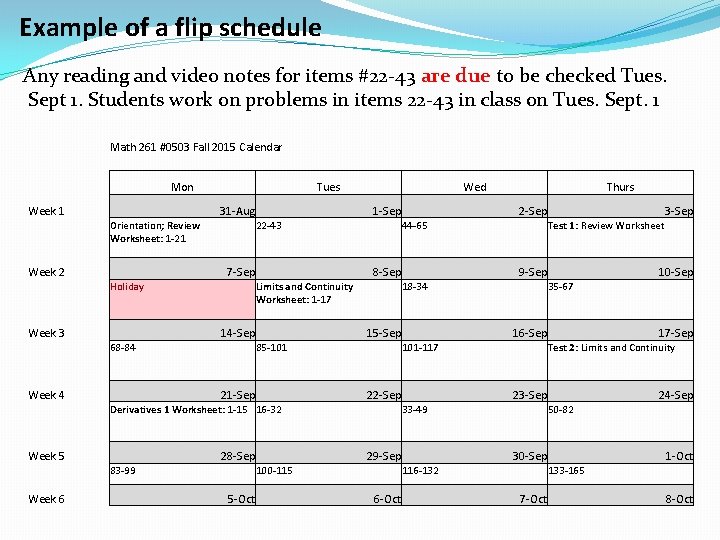
Example of a flip schedule Any reading and video notes for items #22 -43 are due to be checked Tues. Sept 1. Students work on problems in items 22 -43 in class on Tues. Sept. 1 Math 261 #0503 Fall 2015 Calendar Mon Week 1 Tues 31 -Aug Orientation; Review Worksheet: 1 -21 Week 2 1 -Sep 22 -43 7 -Sep Holiday Week 3 Week 6 5 -Oct 16 -Sep 23 -Sep 29 -Sep 24 -Sep 50 -82 30 -Sep 116 -132 6 -Oct 17 -Sep Test 2: Limits and Continuity 33 -49 100 -115 10 -Sep 35 -67 101 -117 22 -Sep 28 -Sep 83 -99 9 -Sep 15 -Sep Derivatives 1 Worksheet: 1 -15 16 -32 3 -Sep Test 1: Review Worksheet 18 -34 85 -101 21 -Sep Week 5 2 -Sep 8 -Sep 14 -Sep Thurs 44 -65 Limits and Continuity Worksheet: 1 -17 68 -84 Week 4 Wed 1 -Oct 133 -165 7 -Oct 8 -Oct

Example video
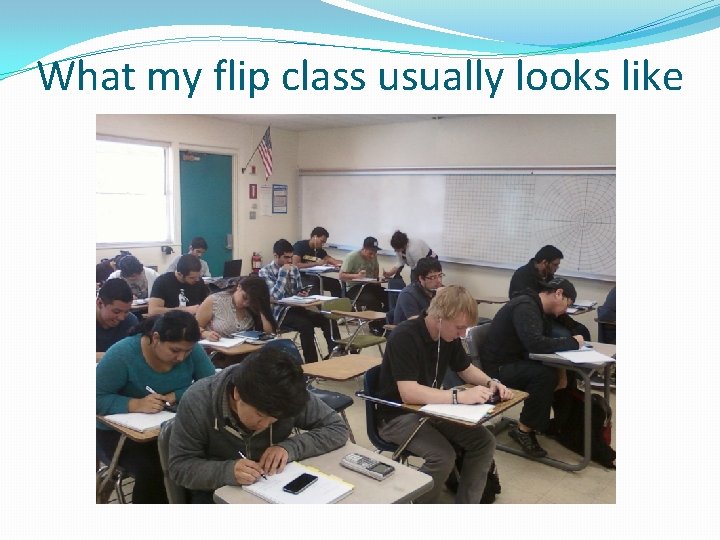
What my flip class usually looks like
Do a Flip – get an embedded tutor! �Free volunteer embedded (in-class) tutor to walk around the class helping students with you. Interns are volunteers looking for resume building activities. They don’t have to be full time students, they don’t have to even go to your college! �Or see your tutoring center to get an imbedded tutor that is paid. �Since you are doing a Flip (and not lecturing for that lesson or lessons), you are totally justified to have one. �Talk to your Learning Center director about it.

Embedded tutoring program �Equity funded (BSI, General, grants, volunteers) �Designed to support gatekeeper courses, English, ESL

Peer educators �Peer educators - tutors with additional training, assigned to facilitate peer-assisted learning in the gatekeeper courses. �Through faculty liaisons, work closely with faculty in the department to identify the common learning needs for students enrolled in those courses. �New: 17. 5 hours of paid mandatory tutor training �Can’t start without first training �Mentor sessions �Continuing: 7 hours per semester + “advanced” option

Good tutoring is… �Participatory – Tutors are the ultimate guide to helping students help themselves. �Transferrable - Not subject experts (yet)… BUT… are experts at learning, succeeding in classes. �Leadership – Role models for learning

Year 10 -11 Total hours of in-house tutoring 8, 034 Total hours – MATH tutoring Year # Departments # Faculty # Tutors 6, 085 Fall 14 2 4 23 11 -12 12 -13 13 -14 20, 255 20, 961 31, 726 42, 769 49, 790 49, 646 17, 104 24, 186 27, 904 31, 497 32, 444 16, 048 Fall 15 3 8 131 Fall 16 18 27 177 14 -15 Fall 17 39 28 188 15 -16 16 -17

Making the most of embedded tutoring

Making the most of embedded tutoring (Thanks to FRED FELDON!)
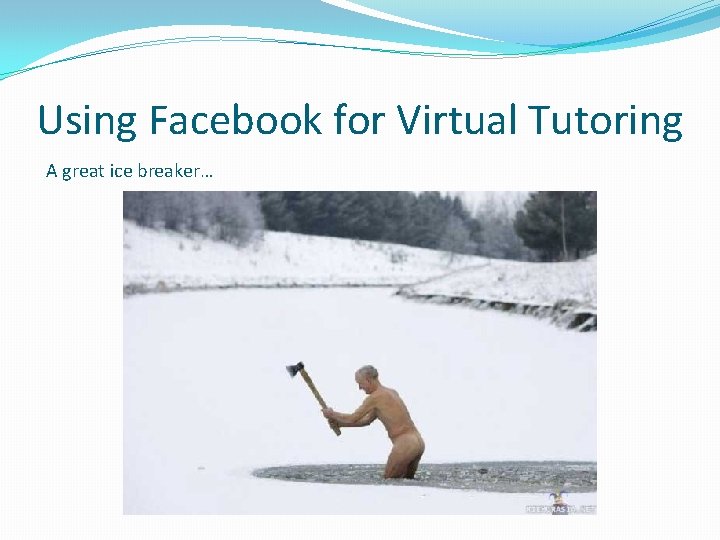
Using Facebook for Virtual Tutoring A great ice breaker…
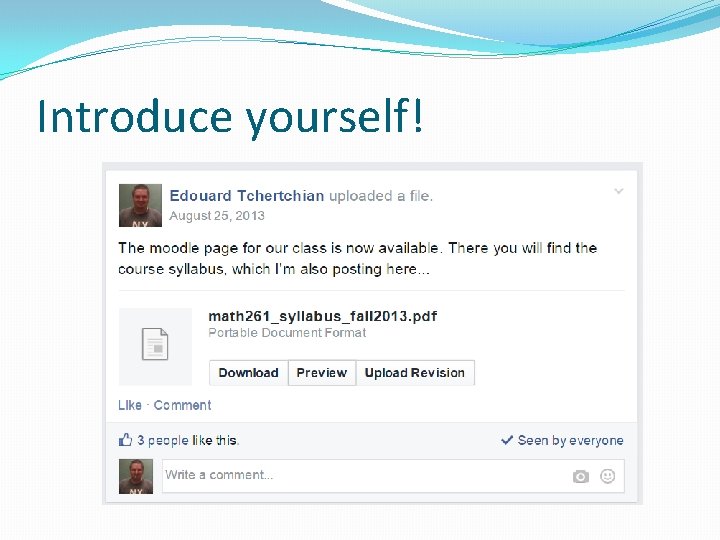
Introduce yourself!
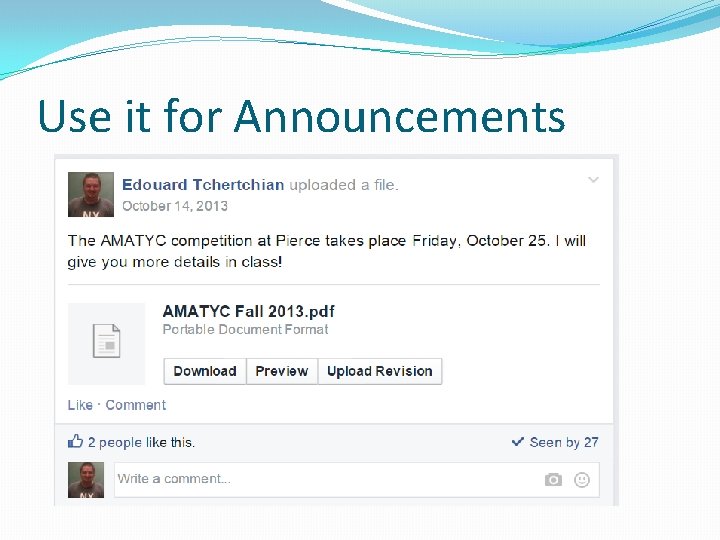
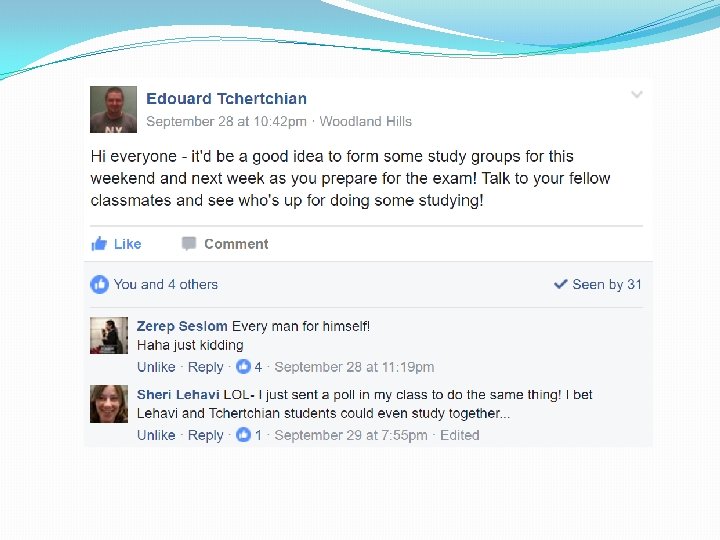
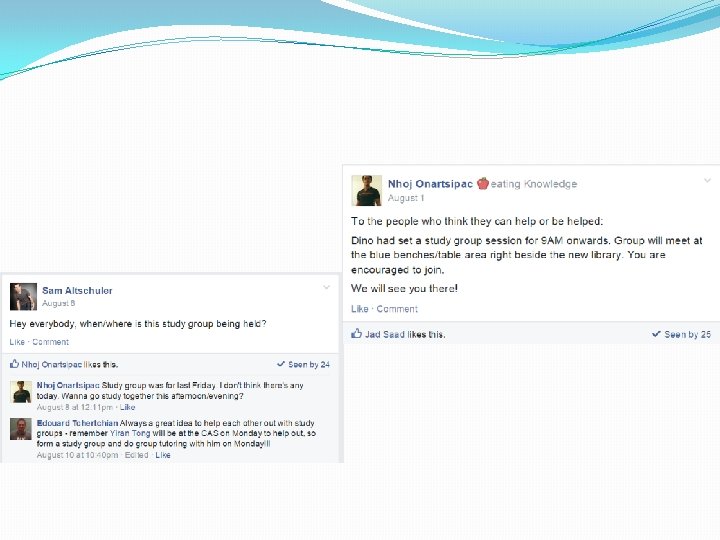
Use it for Announcements
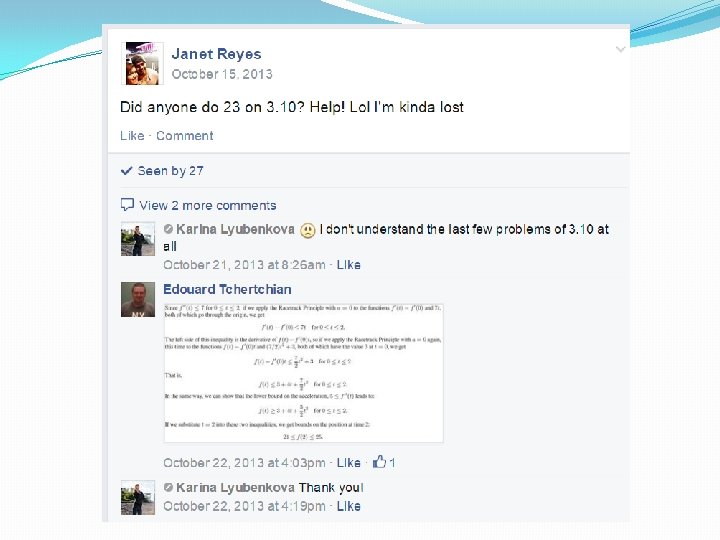
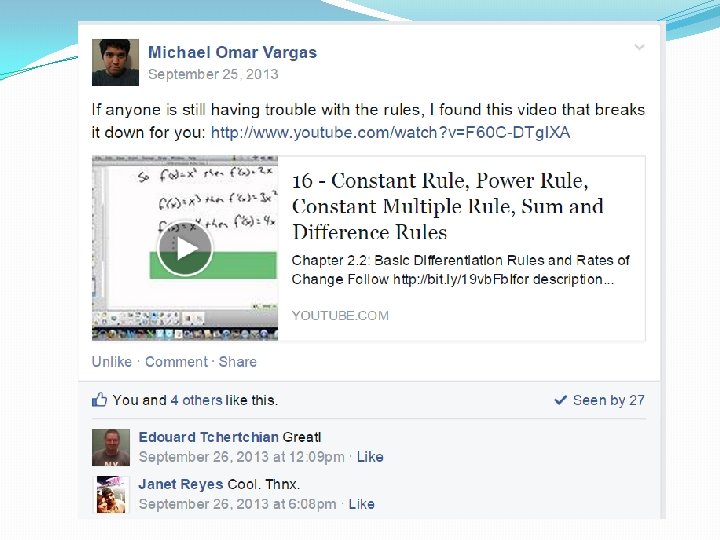
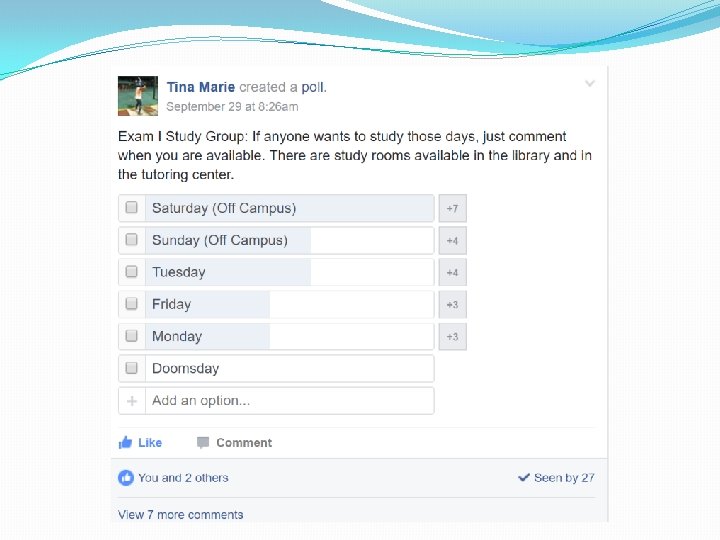
A virtual tutoring room…
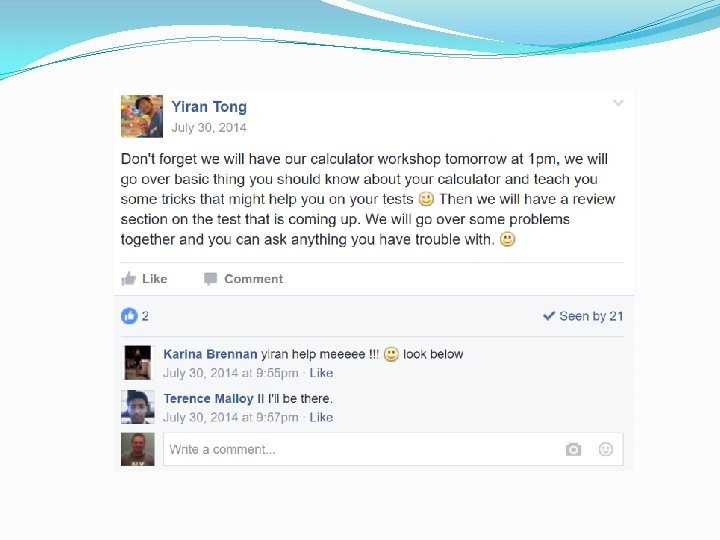
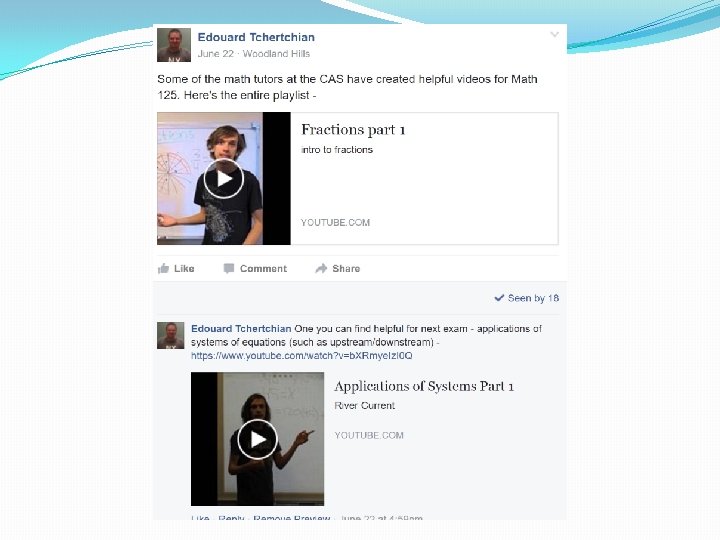
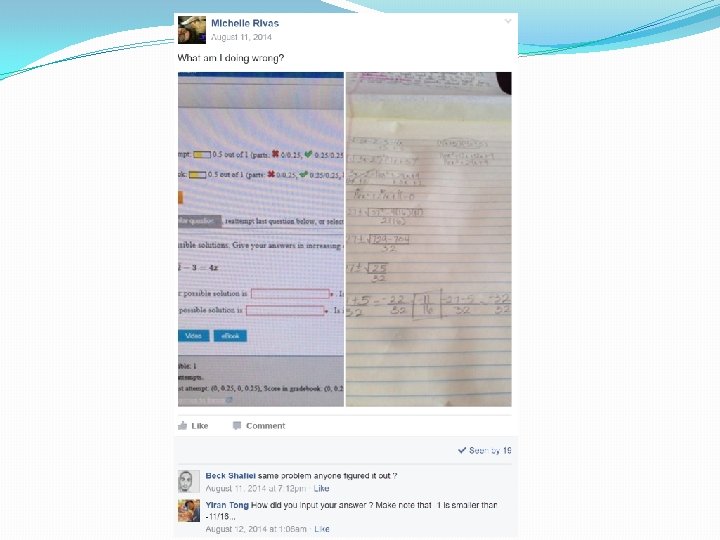
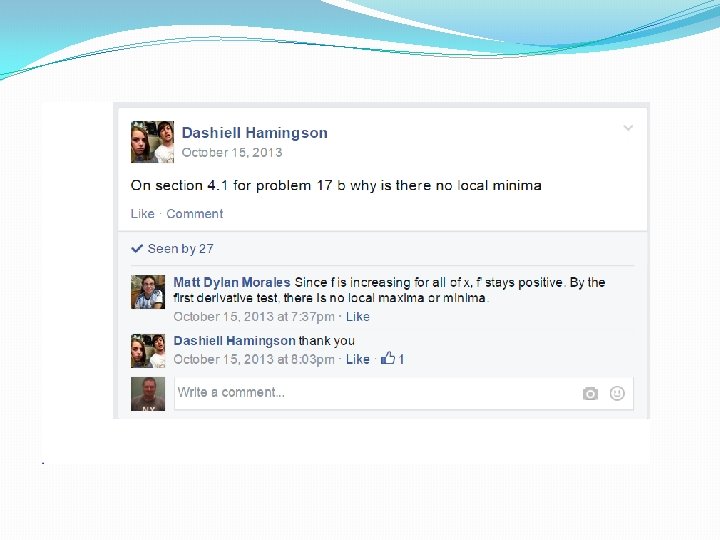
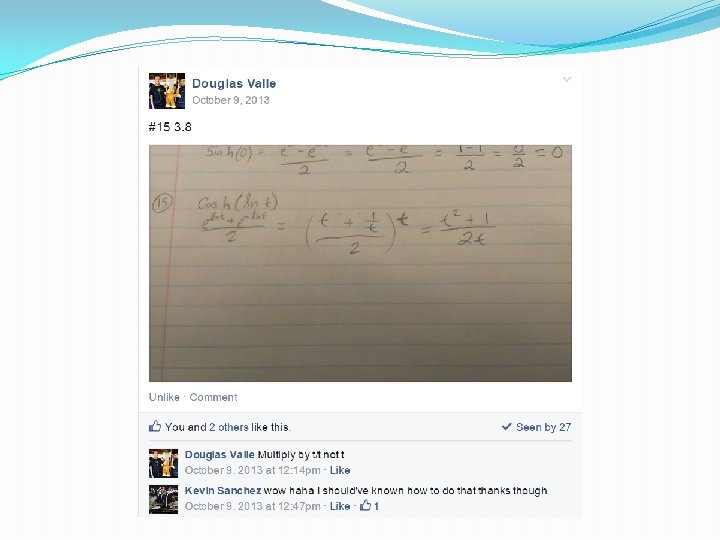
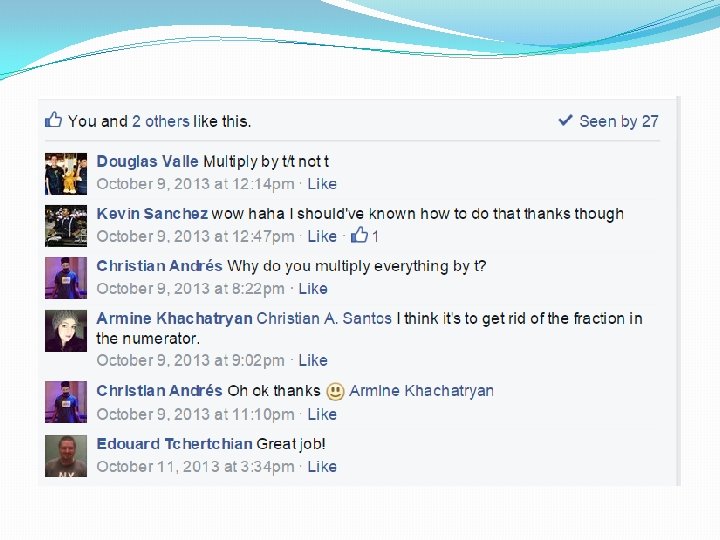
A Show and Tell…
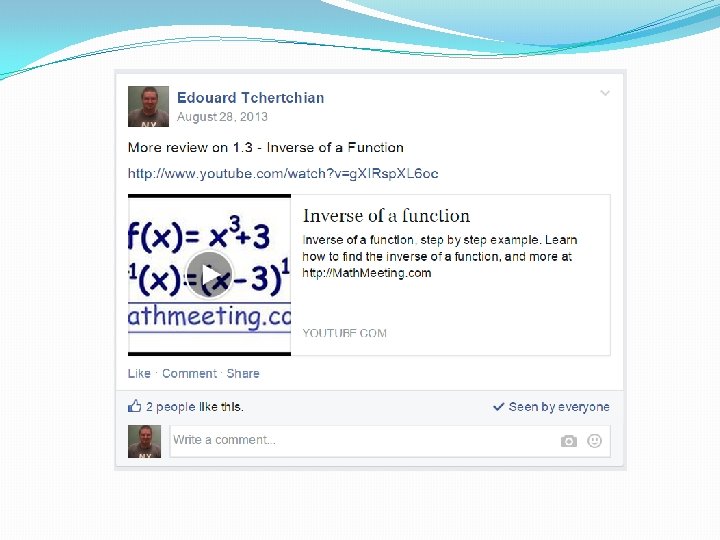
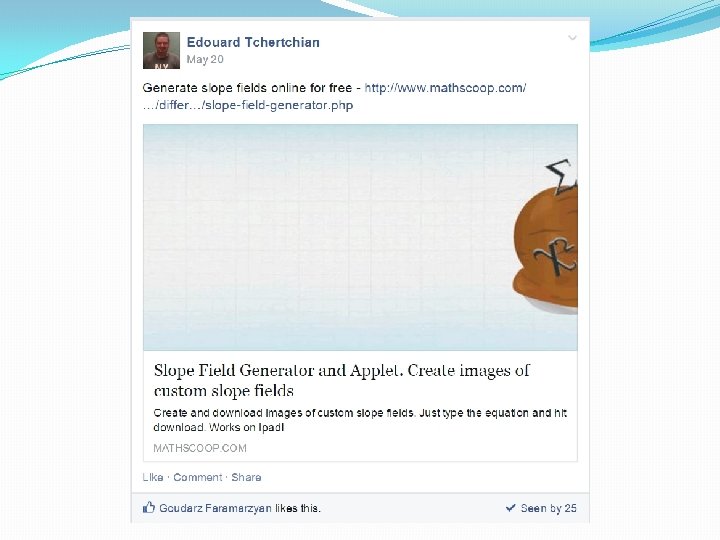

A Hangout Place…

Thank you! Bob Martinez L. A. Pierce College martinrm@piercecollege. edu Eddie Tchertchian L. A. Pierce College tchertea@piercecollege. edu
- Slides: 43