
FLIGHTHUB Flight School Total Management Software online Start
FLIGHTHUB Flight School Total Management Software online
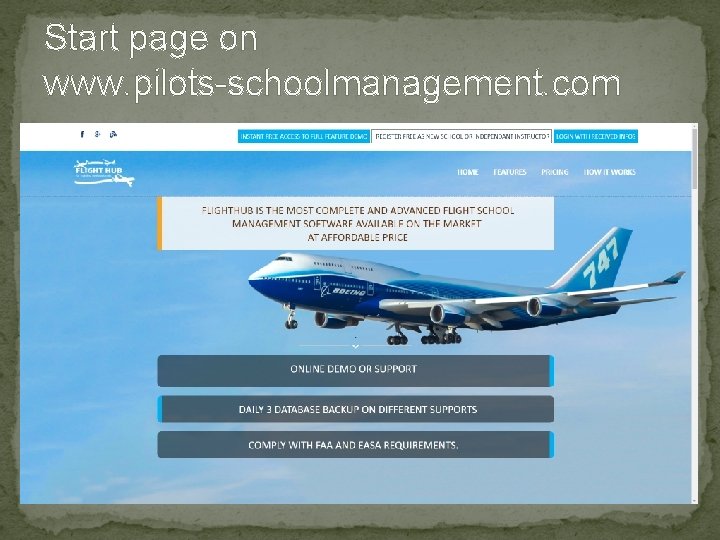
Start page on www. pilots-schoolmanagement. com
Contents �Privileges �Daily Planning �Search Function �Student – Instructors Files �Course and Grading Templates �Student course follow-up. �Occurence (Incident ) report �Hazard Identifcation. �Audit follow-up. �Aircraft Defect Report.
Access Privileges �Student – unlimited number �Instructors – unlimited number �Admin – As decided by Super Admin �Super Admin – only 1 �Authorities – Read only
Active Accounts �Super Admin and Admin can deactivate Student and/or Intructors temporarely. �Super Admin can Delete Student and/or Instructors Accounts.
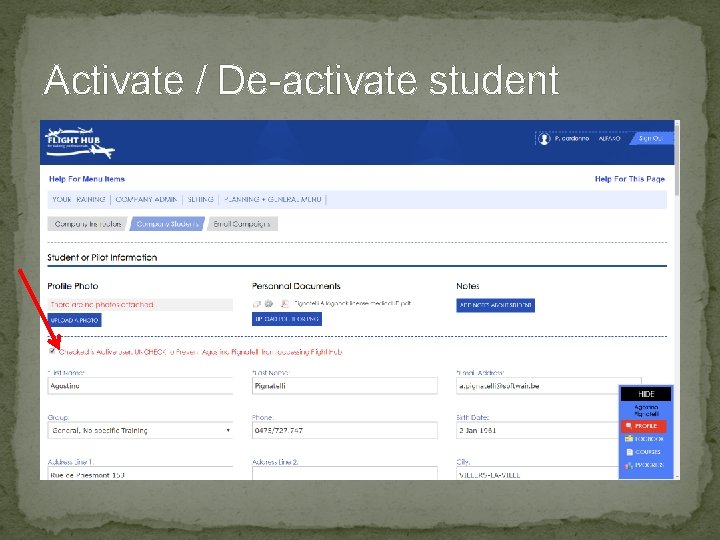
Activate / De-activate student
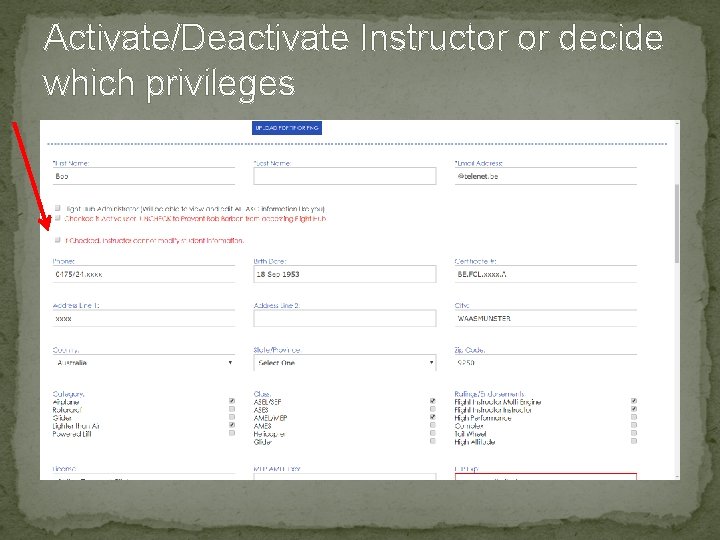
Activate/Deactivate Instructor or decide which privileges
Planning �Daily �Weekly and Monthly. �Recurrent bookings. �Standby bookings. �Booking can be edited or deleted. �Auto mail to student, Instructor and Admin.
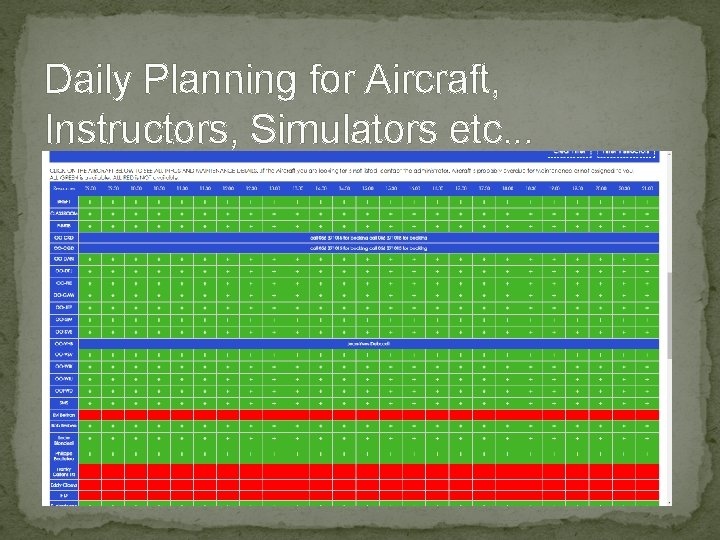
Daily Planning for Aircraft, Instructors, Simulators etc. . .
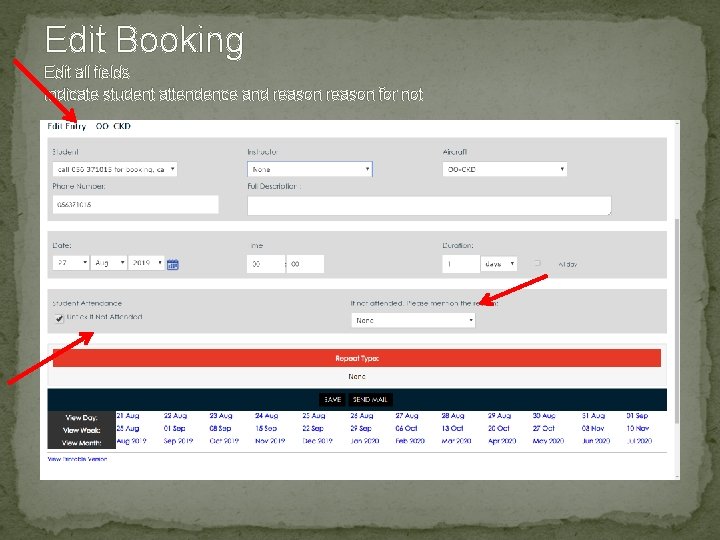
Edit Booking Edit all fields Indicate student attendence and reason for not
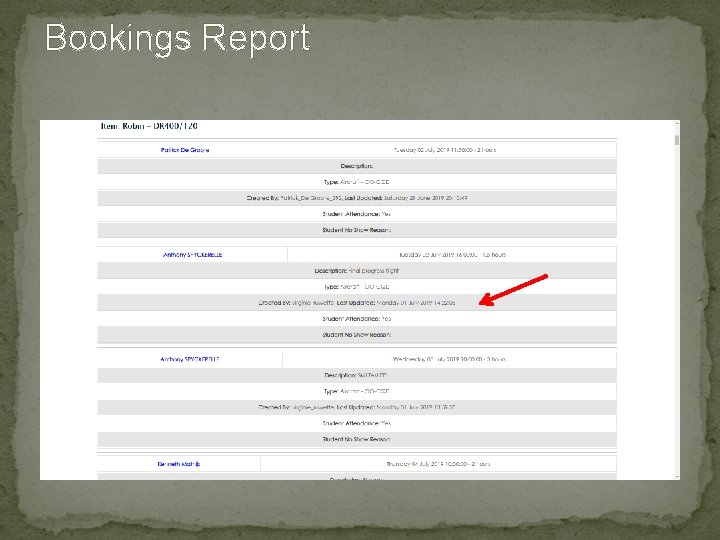
Bookings Report
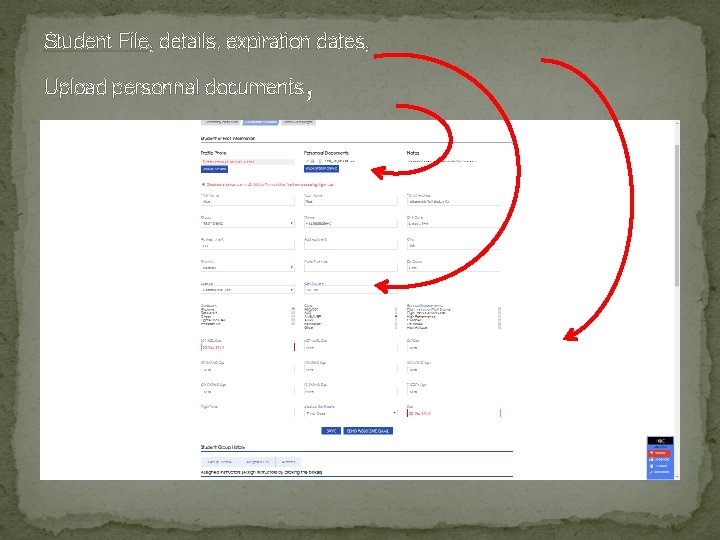
Student File, details, expiration dates, , Upload personnal documents
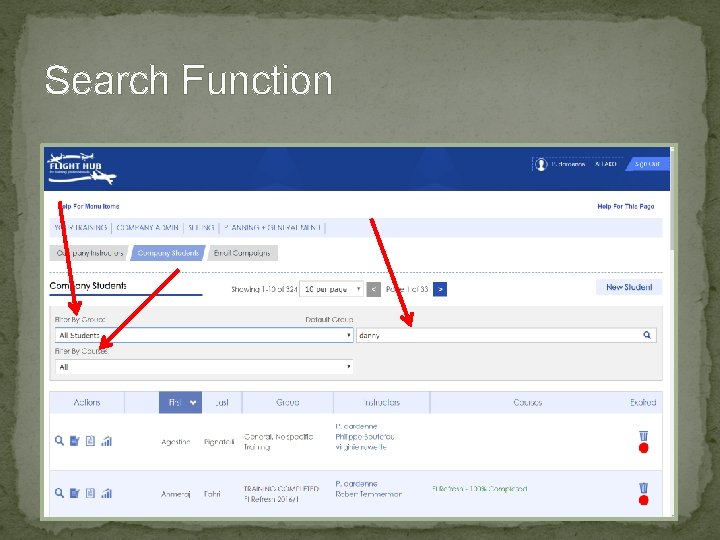
Search Function
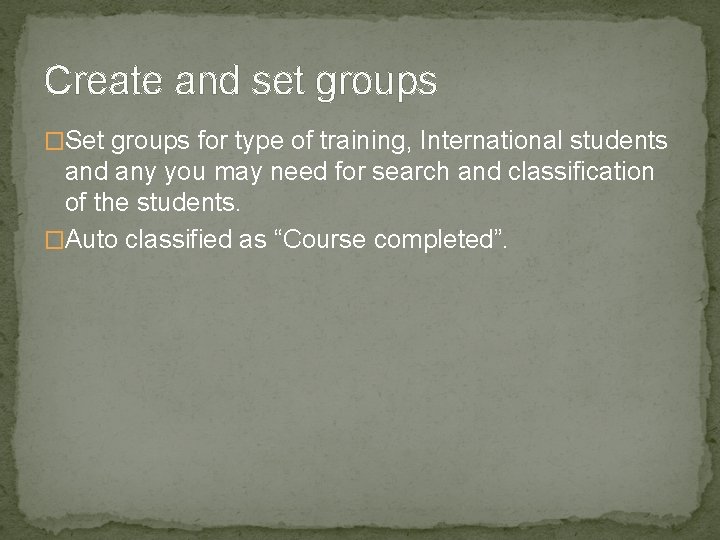
Create and set groups �Set groups for type of training, International students and any you may need for search and classification of the students. �Auto classified as “Course completed”.
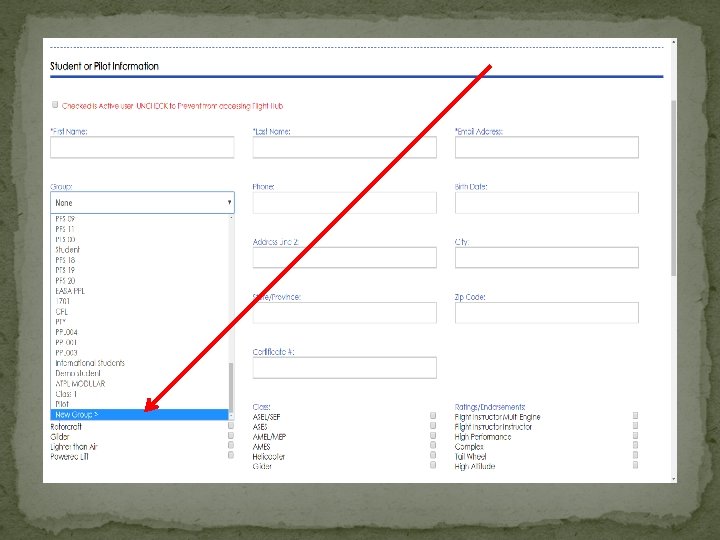
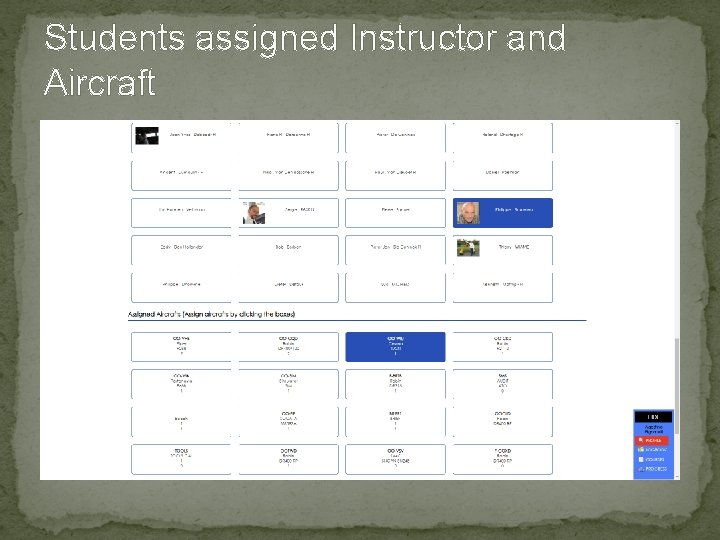
Students assigned Instructor and Aircraft
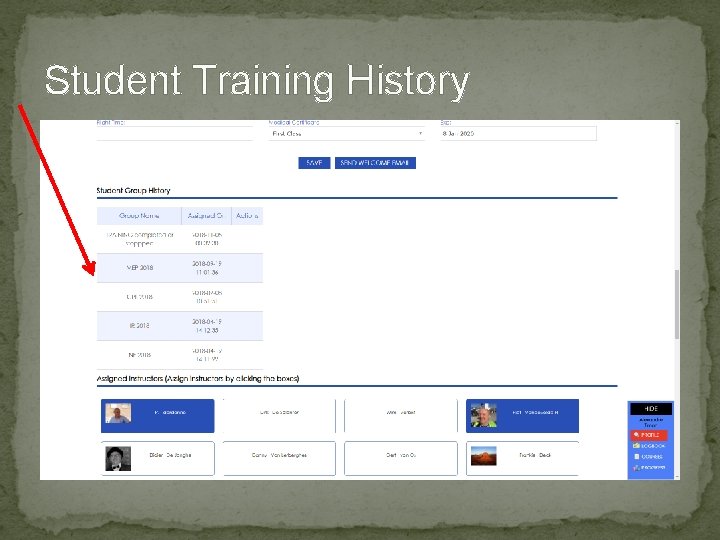
Student Training History
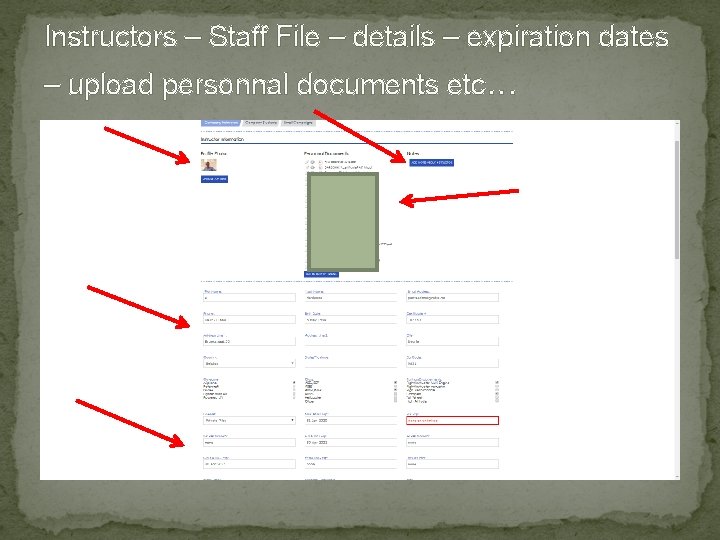
Instructors – Staff File – details – expiration dates – upload personnal documents etc. . .
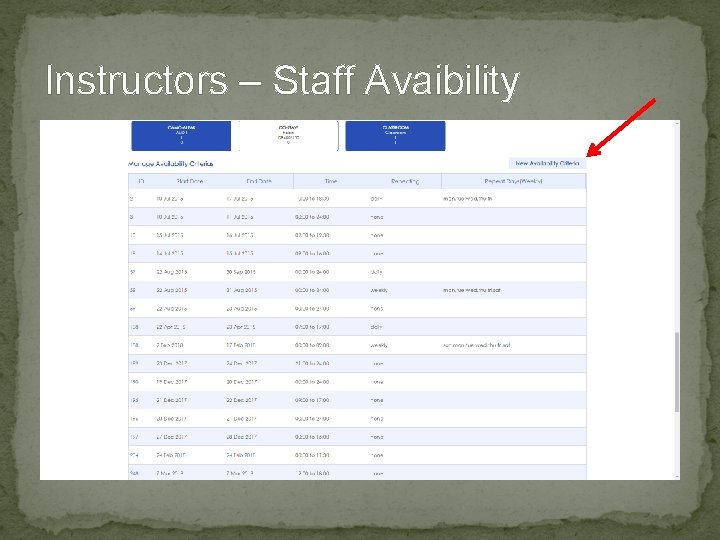
Instructors – Staff Avaibility
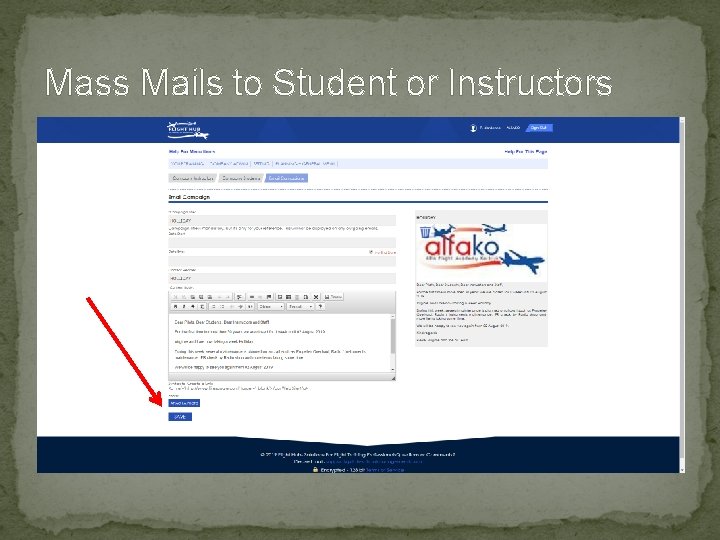
Mass Mails to Student or Instructors
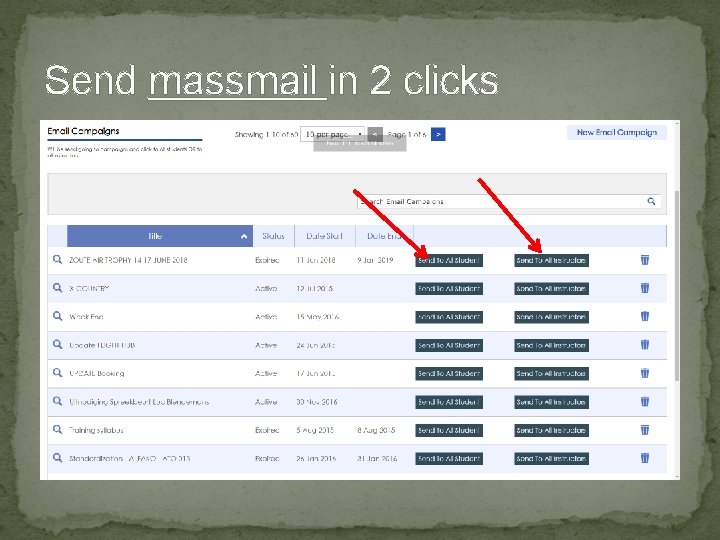
Send massmail in 2 clicks
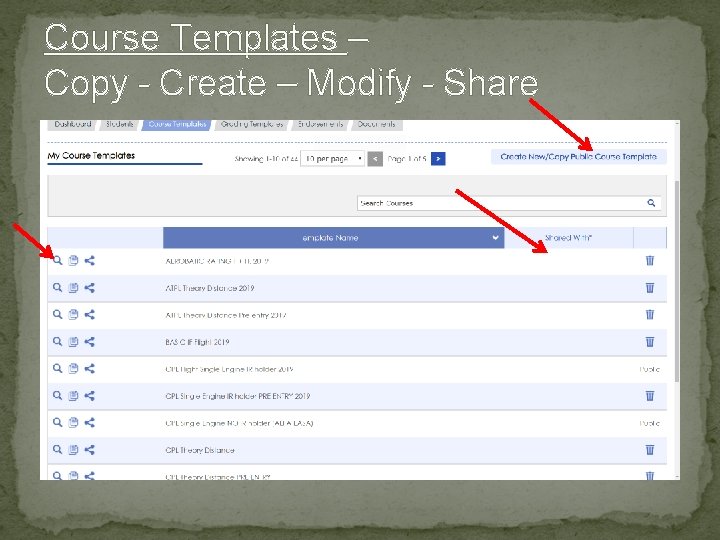
Course Templates – Copy - Create – Modify - Share
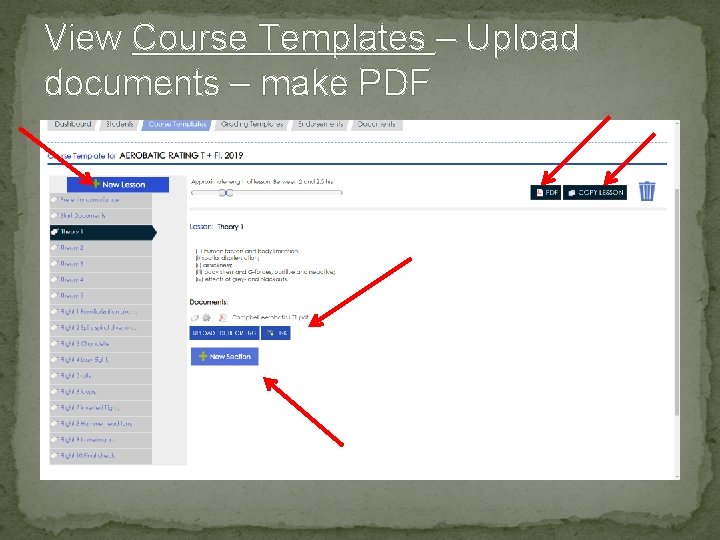
View Course Templates – Upload documents – make PDF
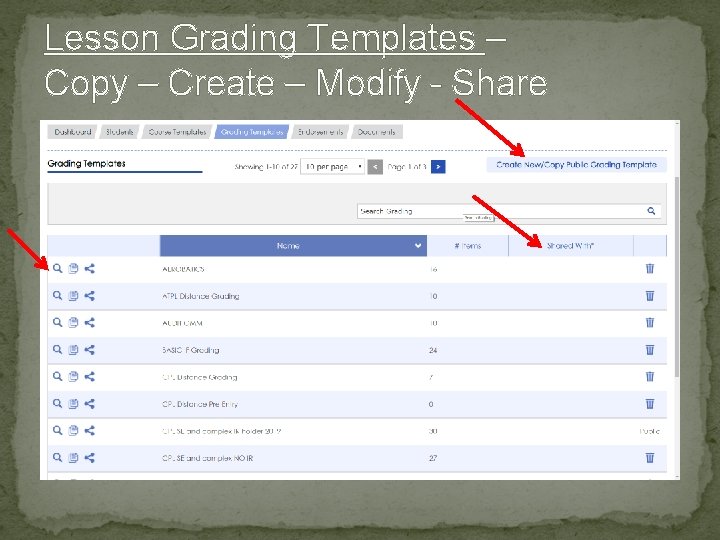
Lesson Grading Templates – Copy – Create – Modify - Share
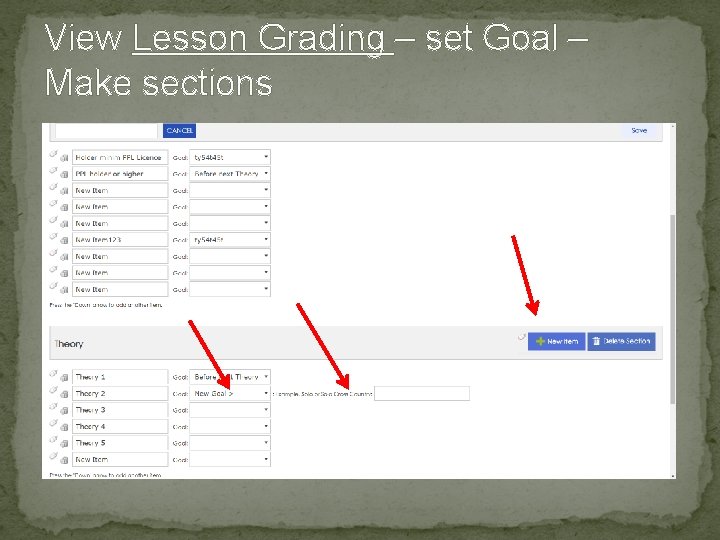
View Lesson Grading – set Goal – Make sections
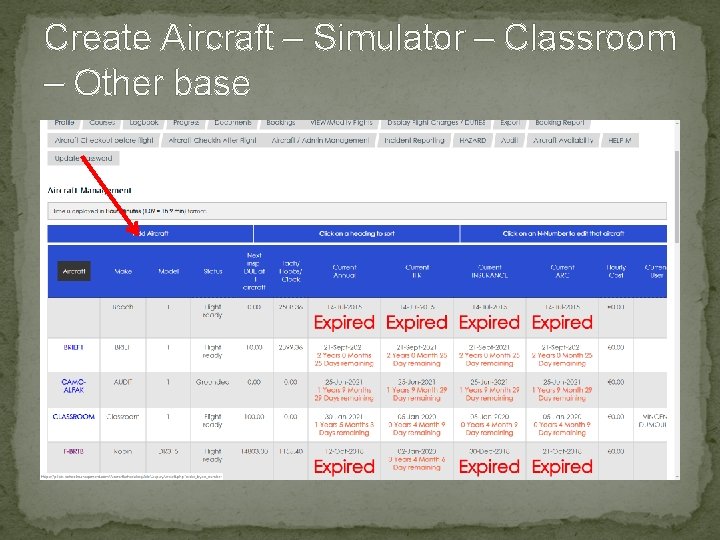
Create Aircraft – Simulator – Classroom – Other base
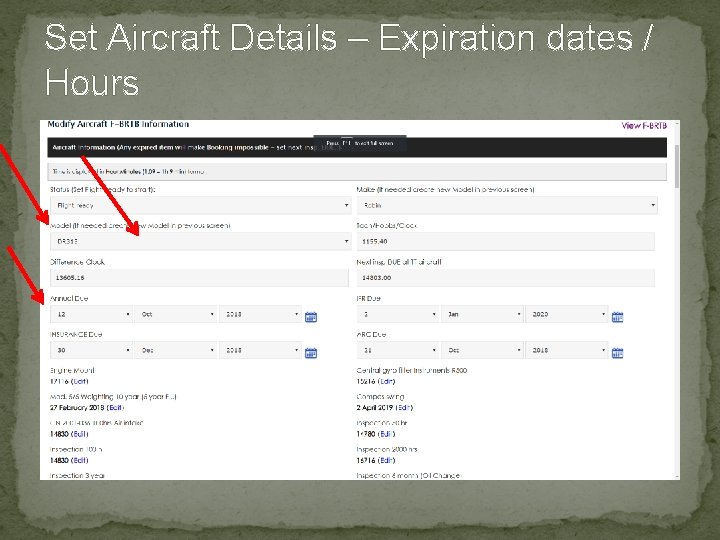
Set Aircraft Details – Expiration dates / Hours
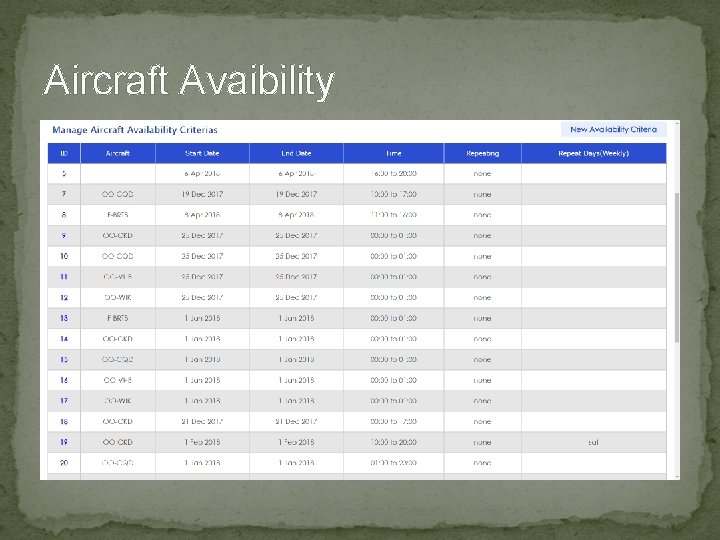
Aircraft Avaibility
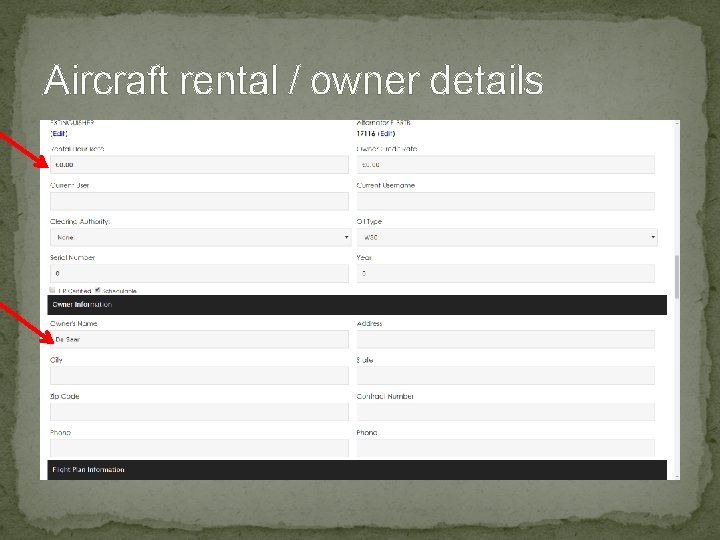
Aircraft rental / owner details
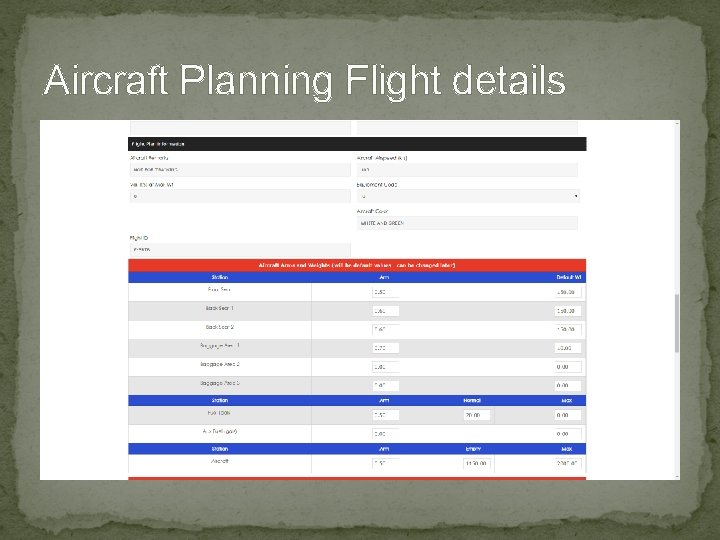
Aircraft Planning Flight details
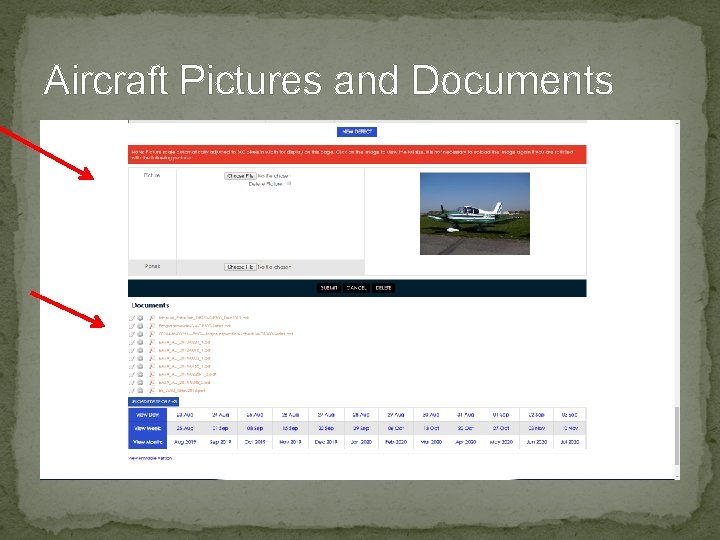
Aircraft Pictures and Documents
Set Aircraft Maintenance Follow Up �Manage the All Maintenance Items and Block bookings if Expired. �As CAMO / Maintenance Organisation, you can use and share with the school. �Create Maintenance Items (time-calender limited – AD’s – SB’s - Inspections – Special Inspections – Limited Components �Aircraft Total Time Updated automaticelly
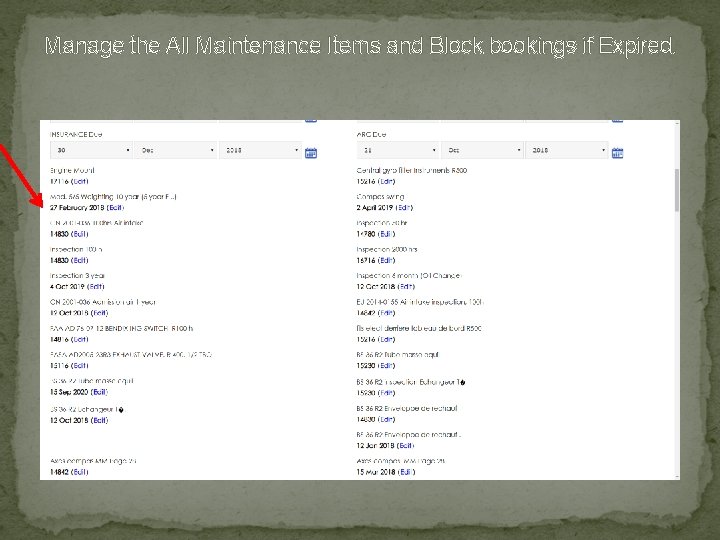
Manage the All Maintenance Items and Block bookings if Expired.
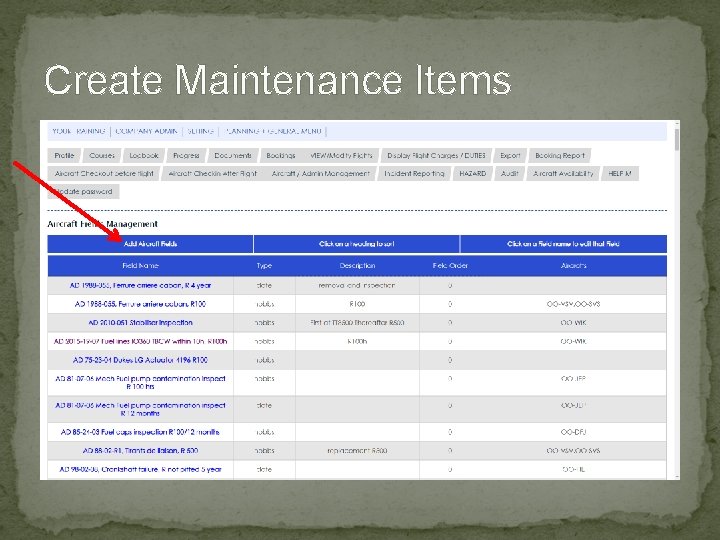
Create Maintenance Items
Create Aircraft DEFECT Report �Can be created by anyone online. �Will be visible by anyone. �Direct mail to Admin and Maintenance. �Aircraft can be grounded by Anyone. �Release to service by Admin. �Upload Release documents. �History available.
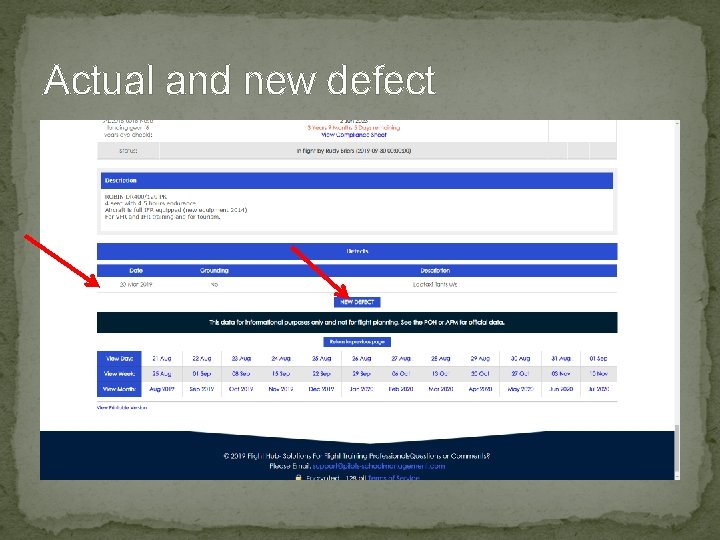
Actual and new defect
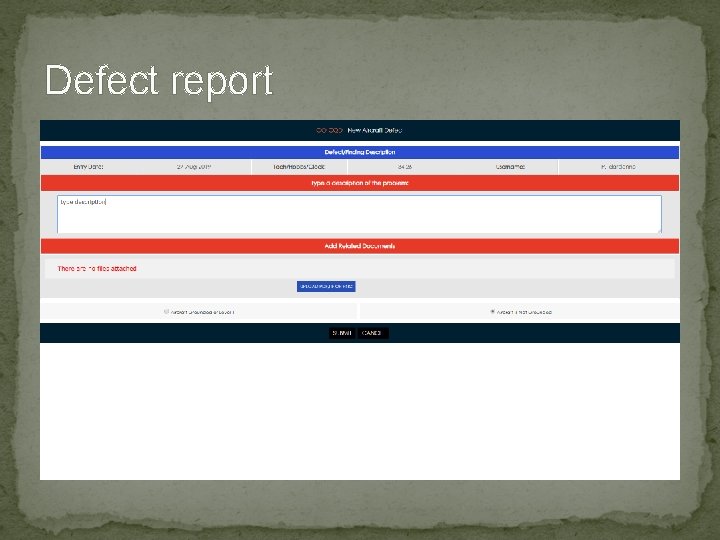
Defect report
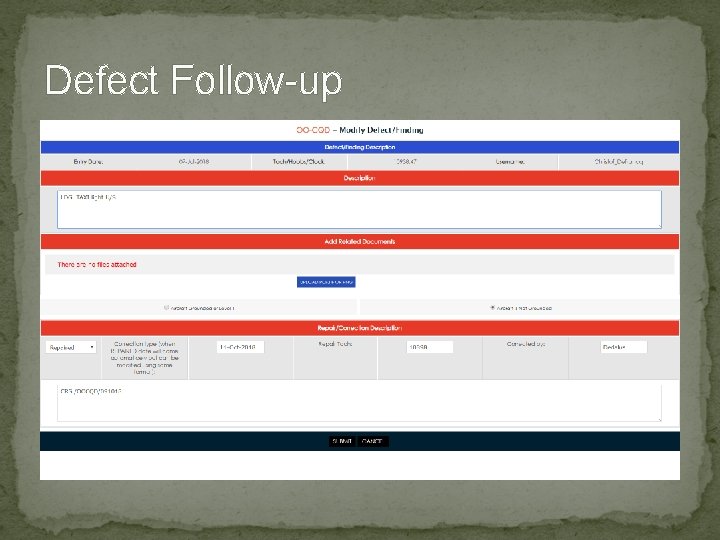
Defect Follow-up
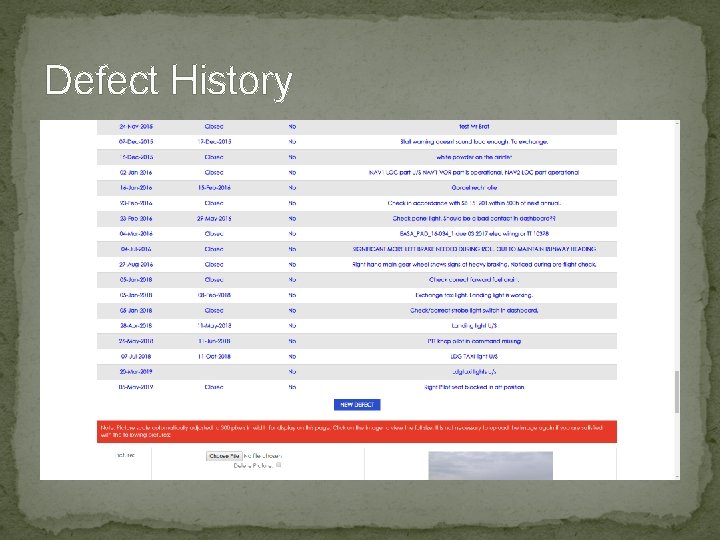
Defect History
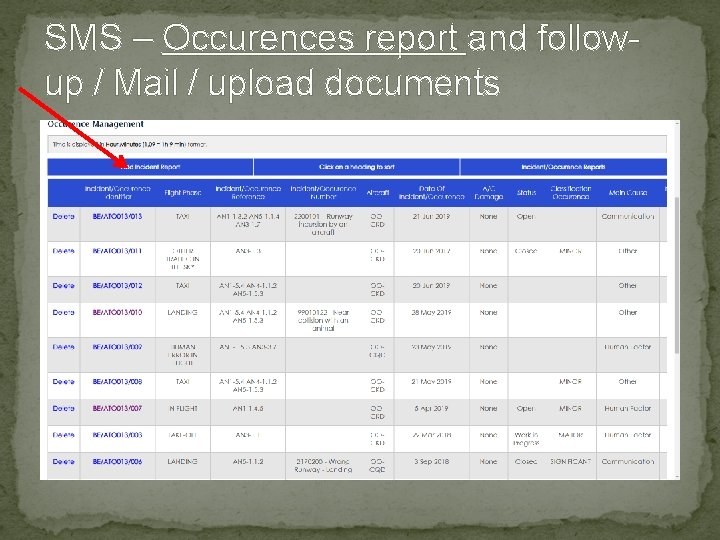
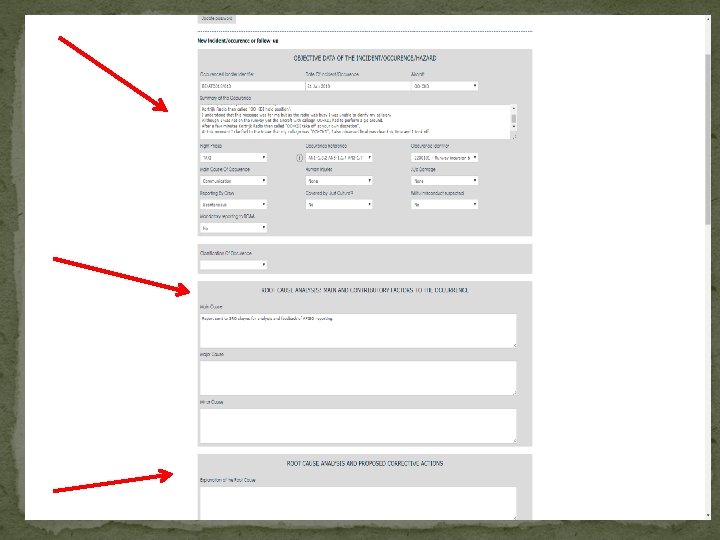
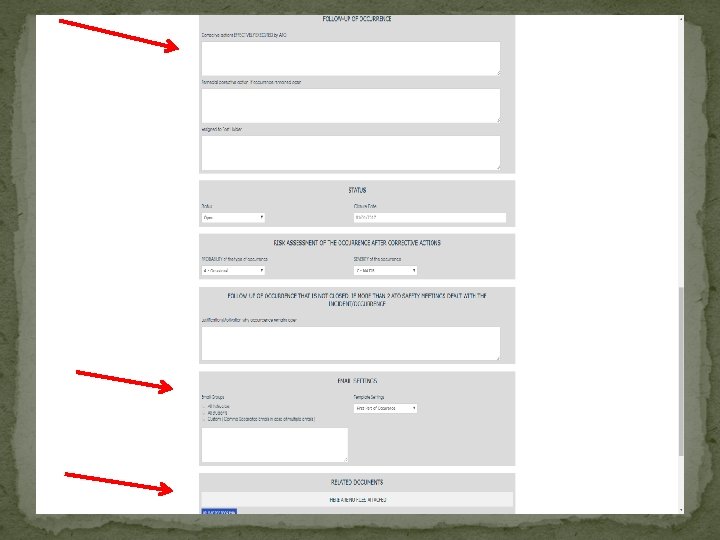
SMS – Occurences report and followup / Mail / upload documents
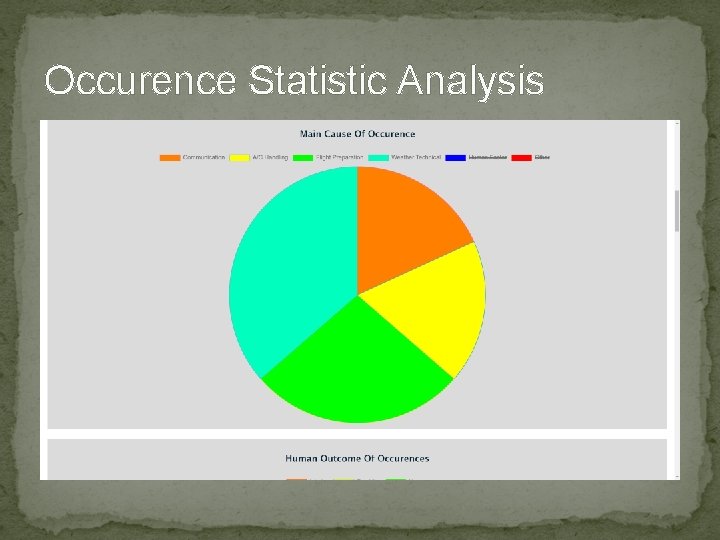
Occurence Statistic Analysis
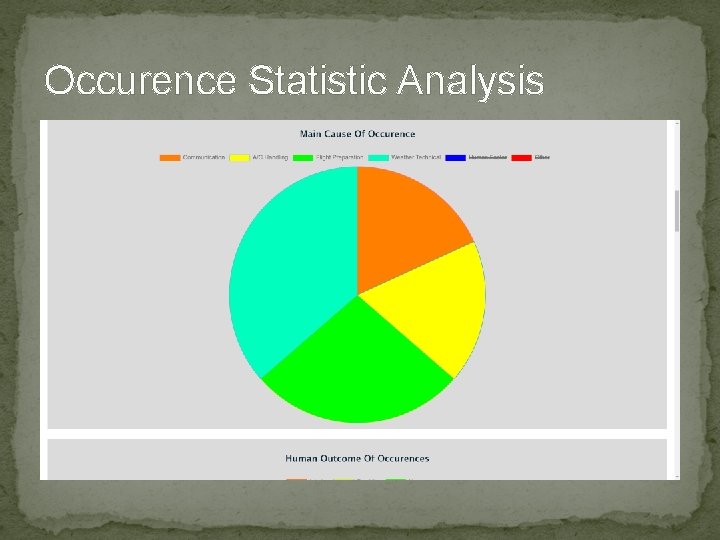
Occurence Statistic Analysis
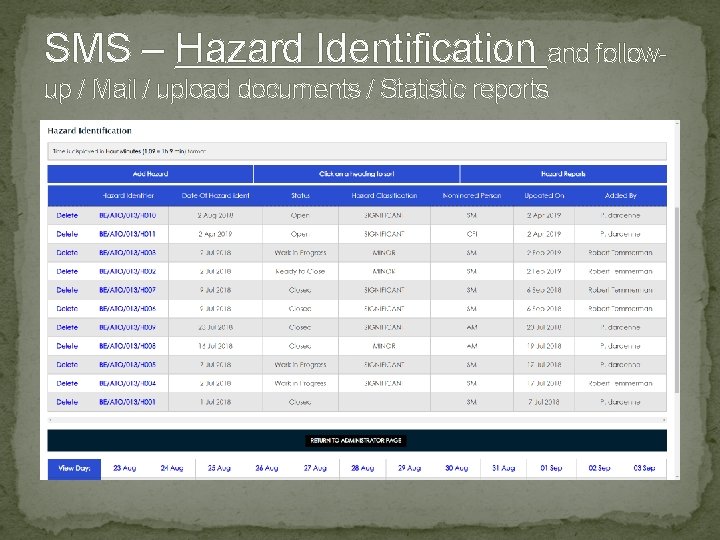
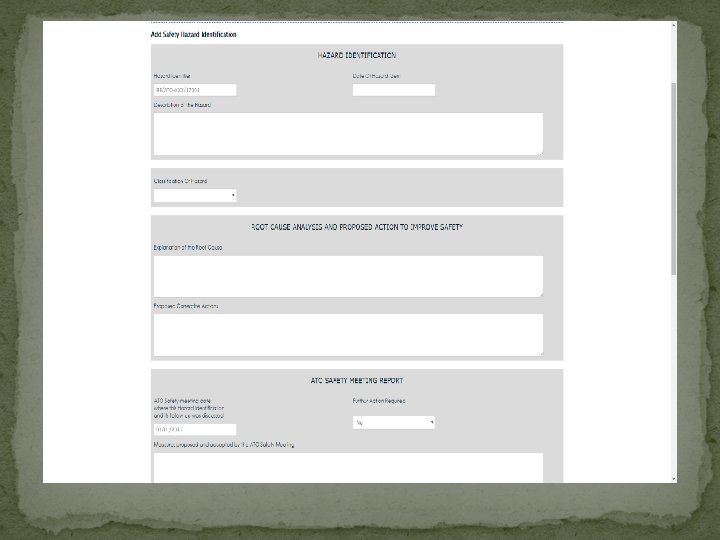
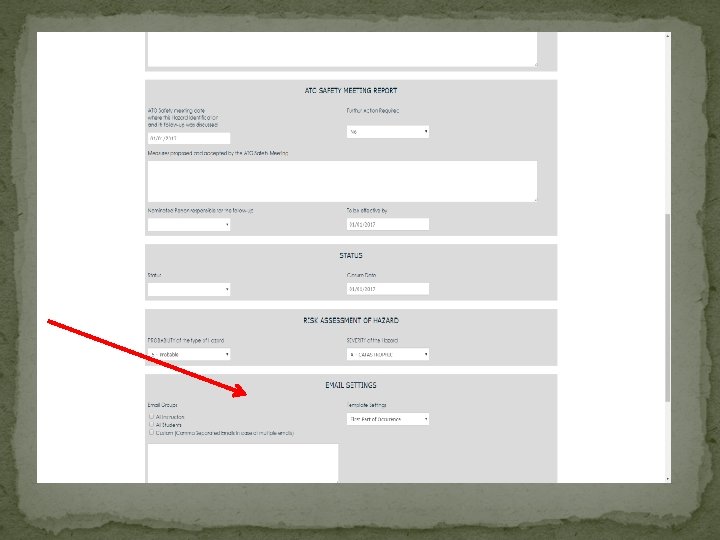
SMS – Hazard Identification and followup / Mail / upload documents / Statistic reports
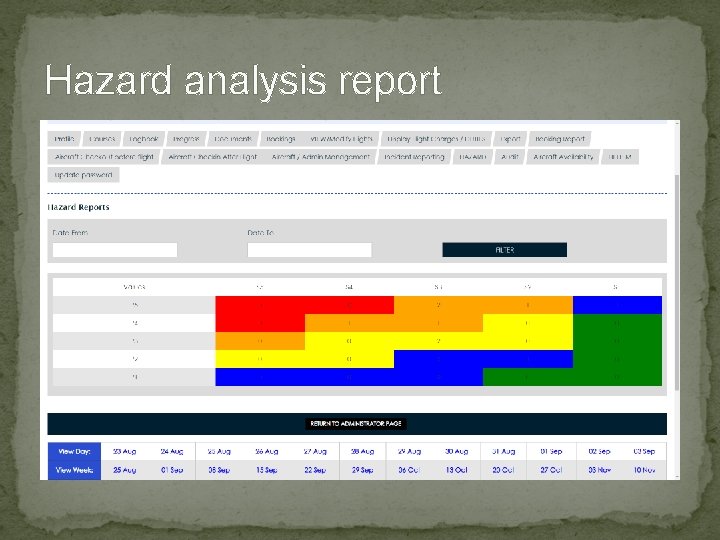
Hazard analysis report
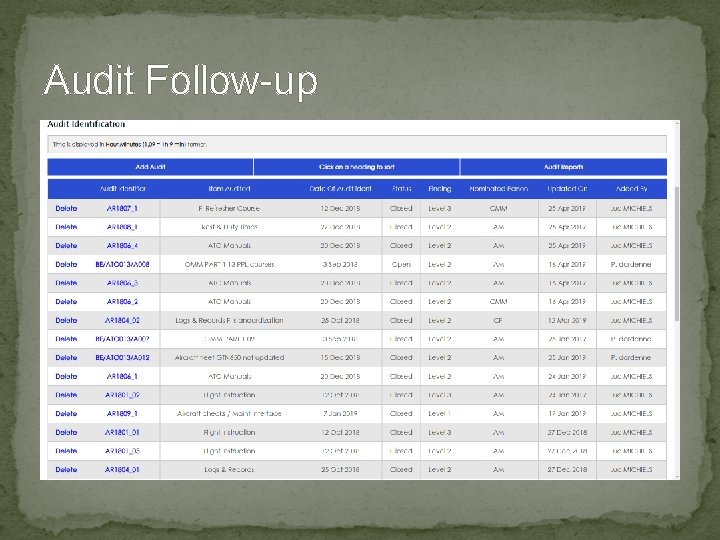
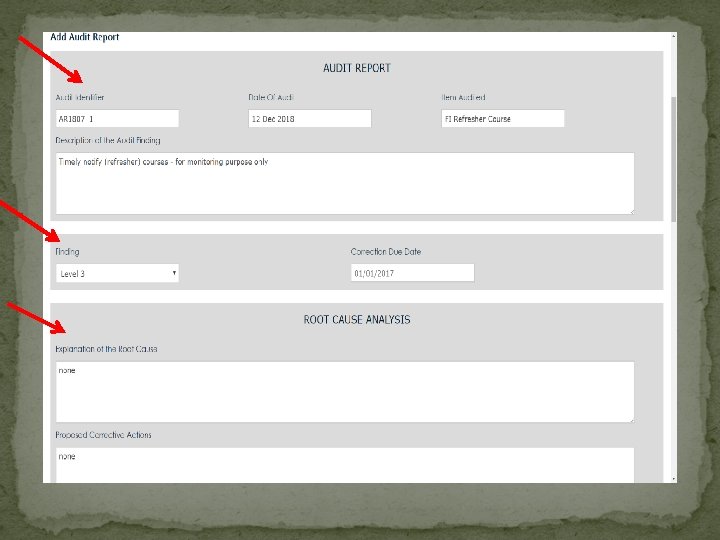
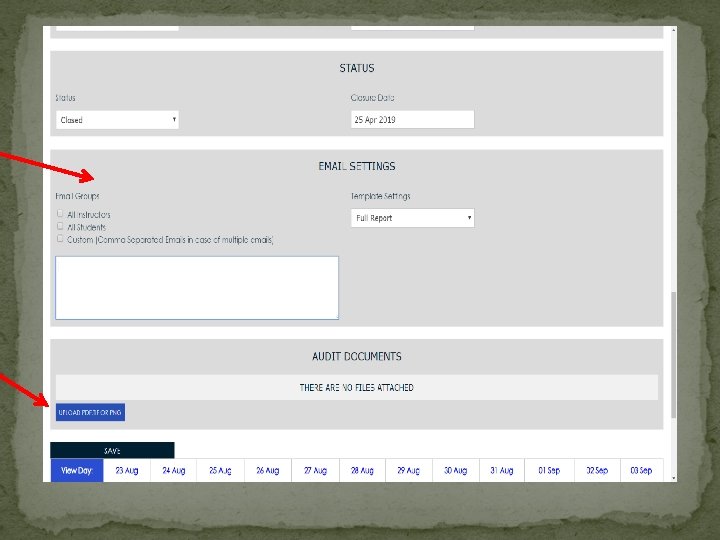
Audit Follow-up
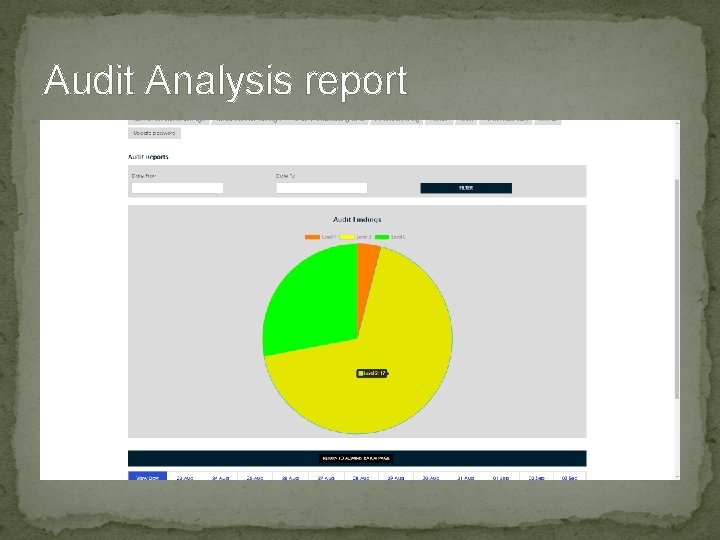
Audit Analysis report
STUDENT Training and follow-up �Training Flight Check. OUT and Check. IN �Only Available Aircraft can be selected. �Aircraft with Maintenance or other item expired can NOT be selected.
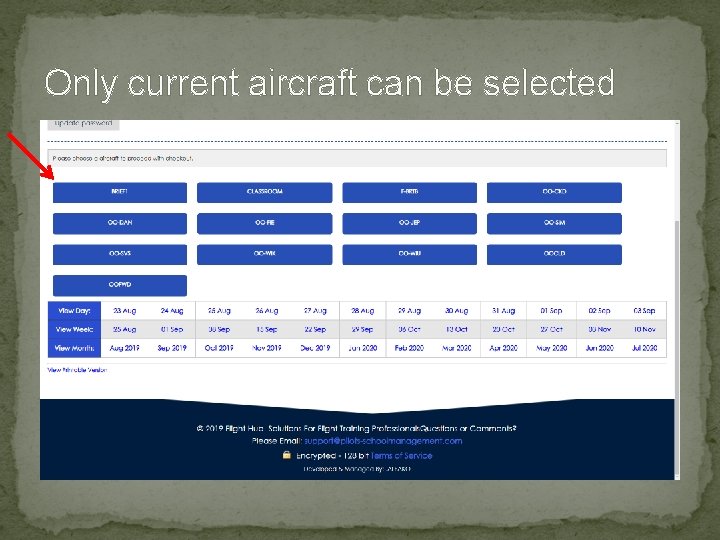
Only current aircraft can be selected
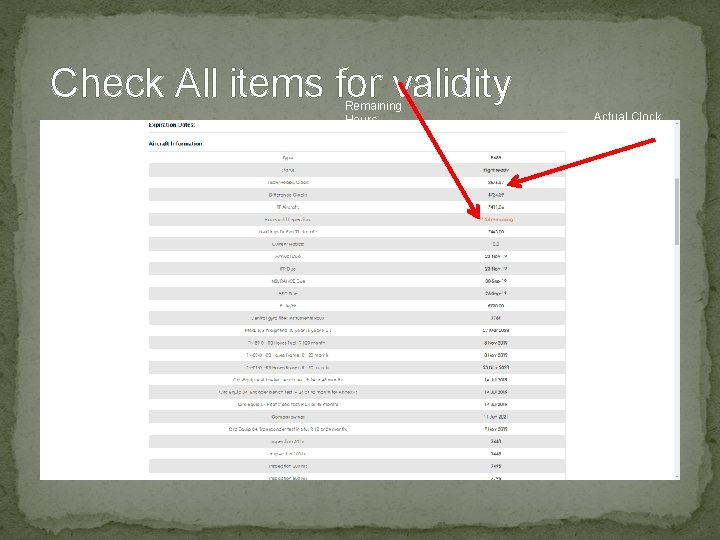
Check All items for validity Remaining Hours Actual Clock or Hobbs
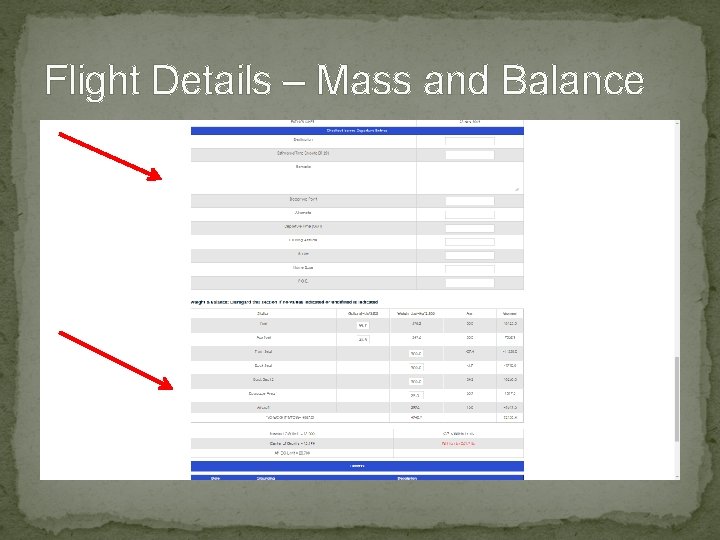
Flight Details – Mass and Balance
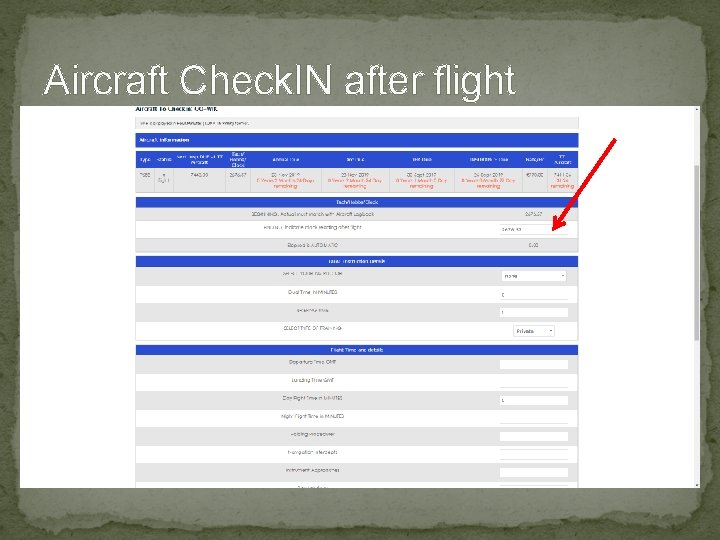
Aircraft Check. IN after flight Clock at the end will update all and ready for Invoice
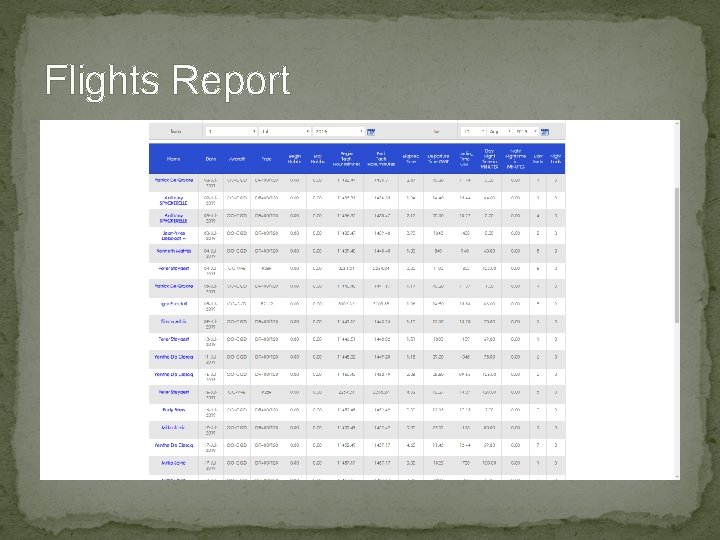
Flights Report
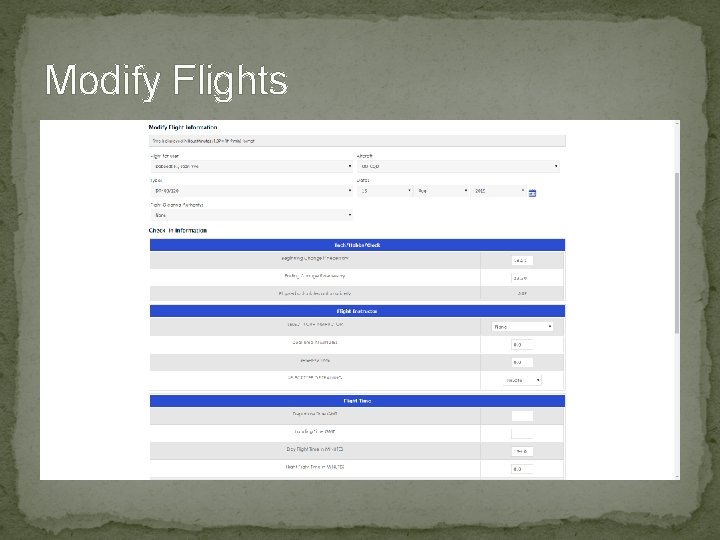
Modify Flights
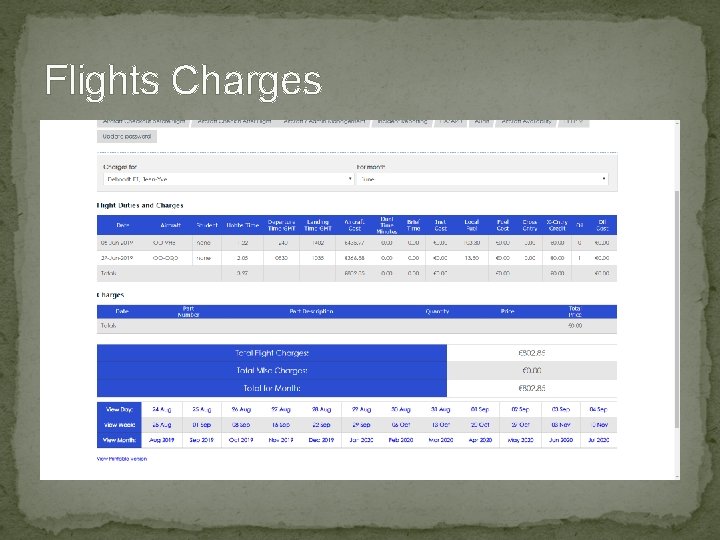
Flights Charges
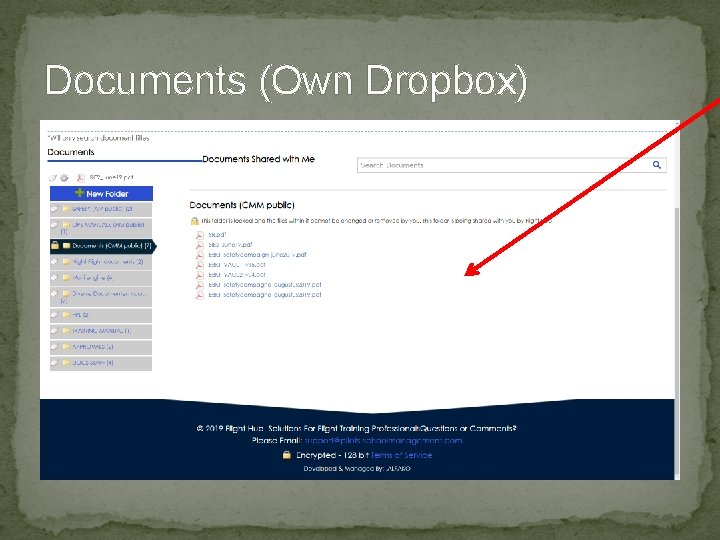
Documents (Own Dropbox) Upload Documents, make them Public or Share with specific User.
Student Training Follow-up � Copy / Edit / Create Course Template. � Assign to the Student. � Follow the Lesson plan for next training. Detailed Description and Reference Documents Uploaded (Available for both Student and Instructor). � After each lesson, Instructor opens the lesson, grade / comment / write next step etc. . . � When Saving the Grading a mail is sent to the Student, the Instructor and the Admin. Also Upcoming lesson is sent. � Training Logbook is Auto-Updated. � Progress is Auto-updated.
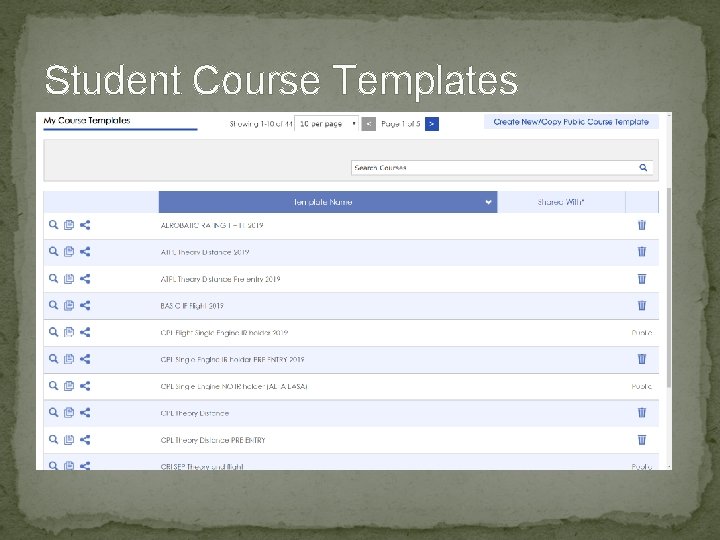
Student Course Templates
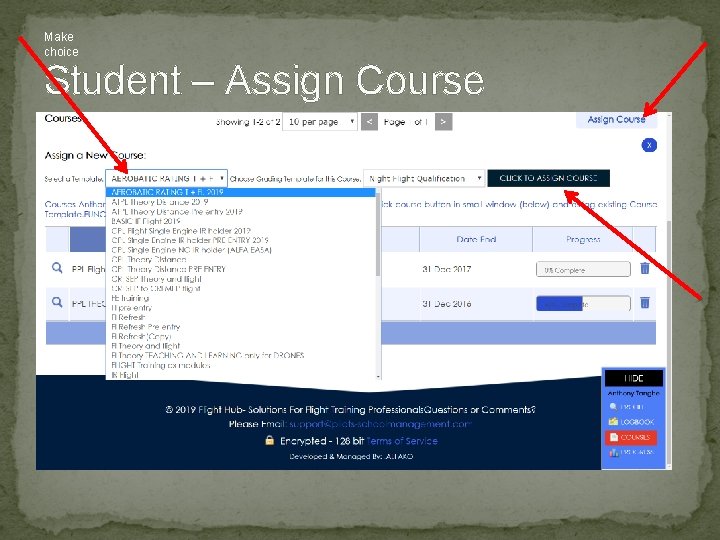
Make choice Student – Assign Course
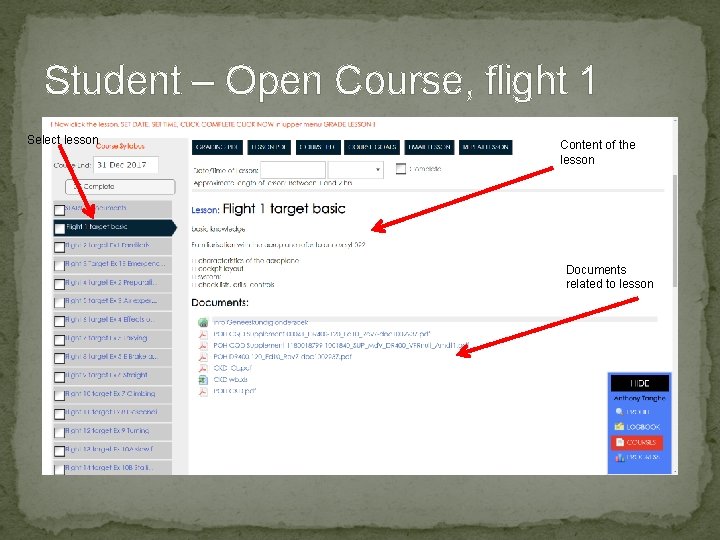
Student – Open Course, flight 1 Select lesson Content of the lesson Documents related to lesson
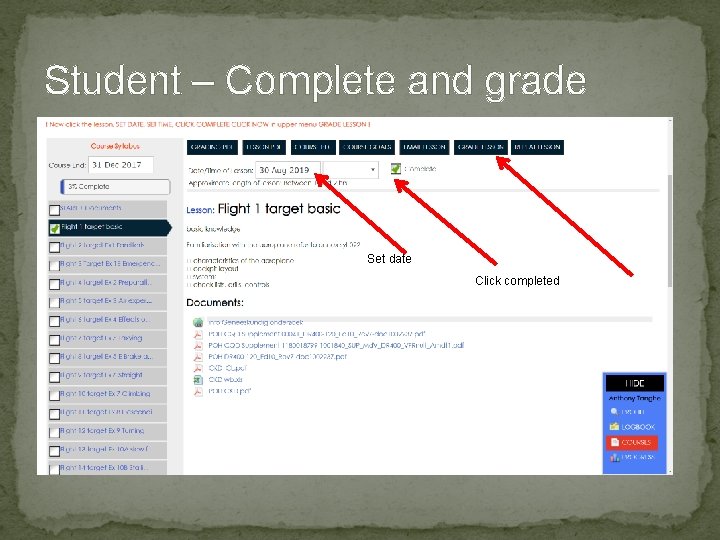
Student – Complete and grade Set date Click completed
Student – Complete and grade All details saved for logbook
Student – Complete and grade All details saved for logbook
Student – Save Grading and send mail
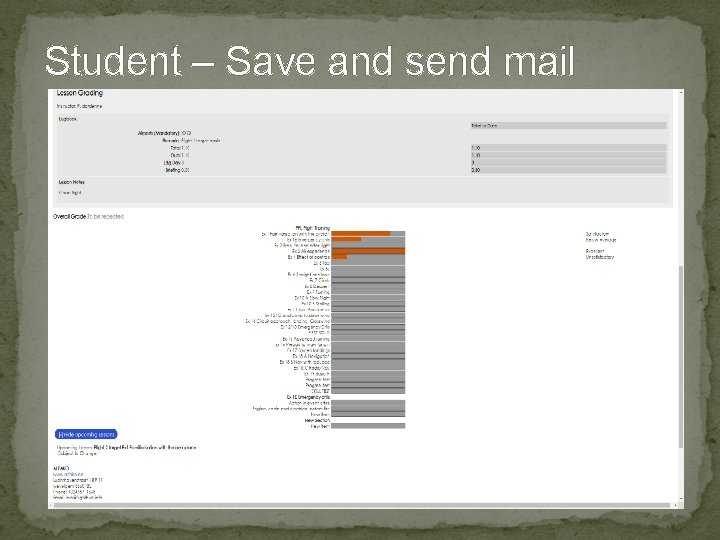
Student – Save and send mail
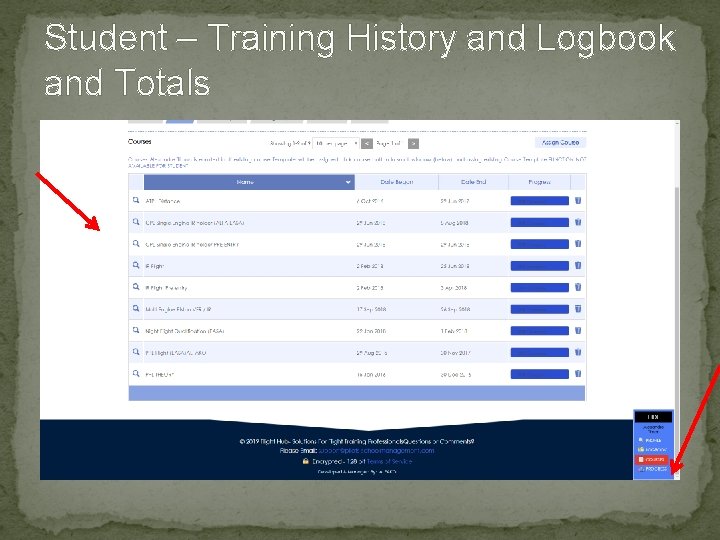
Student – Training History and Logbook and Totals
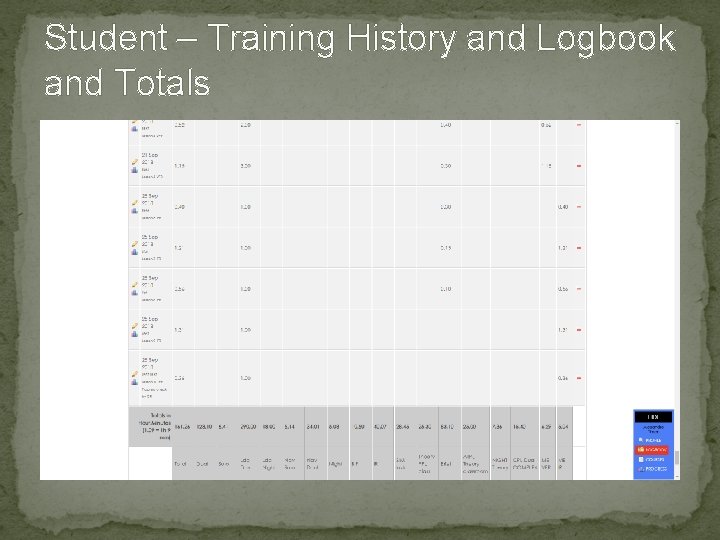
Student – Training History and Logbook and Totals
- Slides: 72