
Flexible Workflow using UPS Unified Procedure Step Kevin
Flexible Workflow using UPS: Unified Procedure Step Kevin O’Donnell Toshiba Medical Systems
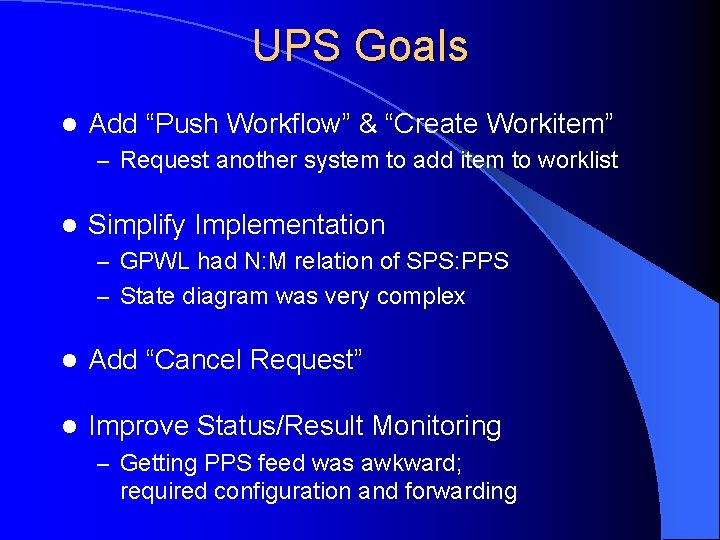
UPS Goals l Add “Push Workflow” & “Create Workitem” – Request another system to add item to worklist l Simplify Implementation – GPWL had N: M relation of SPS: PPS – State diagram was very complex l Add “Cancel Request” l Improve Status/Result Monitoring – Getting PPS feed was awkward; required configuration and forwarding
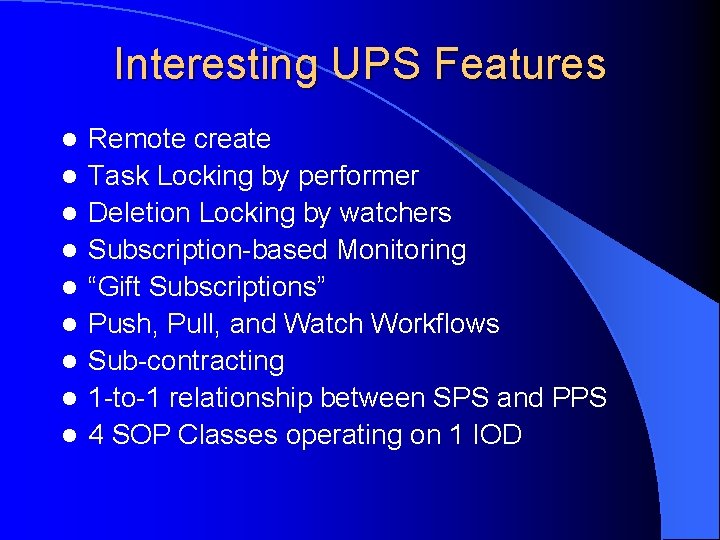
Interesting UPS Features l l l l l Remote create Task Locking by performer Deletion Locking by watchers Subscription-based Monitoring “Gift Subscriptions” Push, Pull, and Watch Workflows Sub-contracting 1 -to-1 relationship between SPS and PPS 4 SOP Classes operating on 1 IOD
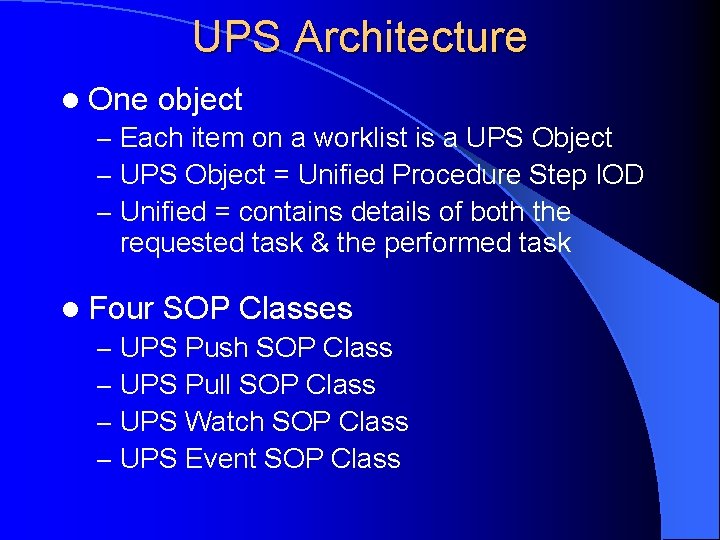
UPS Architecture l One object – Each item on a worklist is a UPS Object – UPS Object = Unified Procedure Step IOD – Unified = contains details of both the requested task & the performed task l Four SOP Classes – UPS Push SOP Class – UPS Pull SOP Class – UPS Watch SOP Class – UPS Event SOP Class

UPS Object Relationship A UPS Object has its attributes grouped into 4 Modules: Sched. Task Details Progress Perf. Task Details (this does not affect processing; just for logical organization)
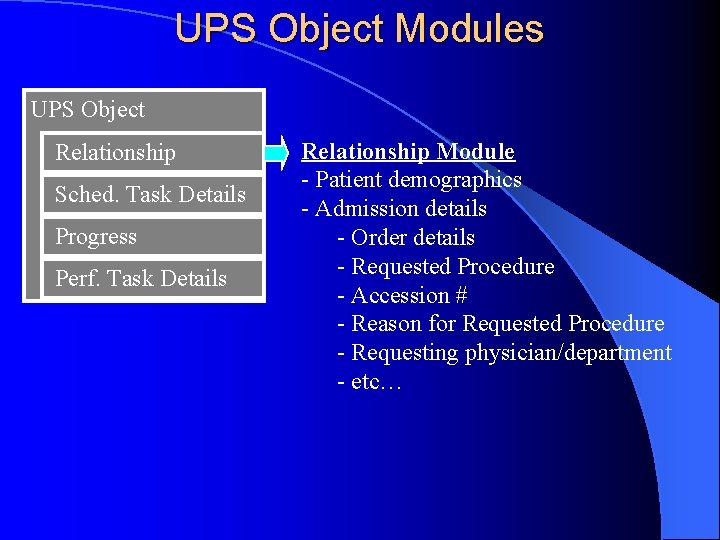
UPS Object Modules UPS Object Relationship Sched. Task Details Progress Perf. Task Details Relationship Module - Patient demographics - Admission details - Order details - Requested Procedure - Accession # - Reason for Requested Procedure - Requesting physician/department - etc…
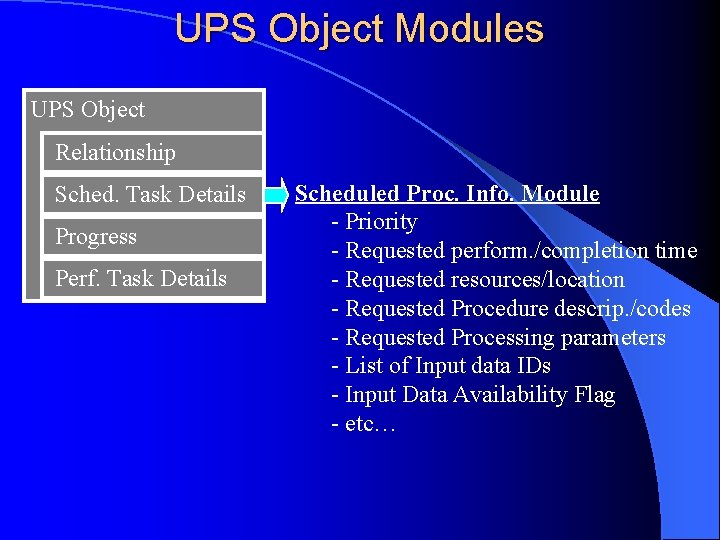
UPS Object Modules UPS Object Relationship Sched. Task Details Progress Perf. Task Details Scheduled Proc. Info. Module - Priority - Requested perform. /completion time - Requested resources/location - Requested Procedure descrip. /codes - Requested Processing parameters - List of Input data IDs - Input Data Availability Flag - etc…
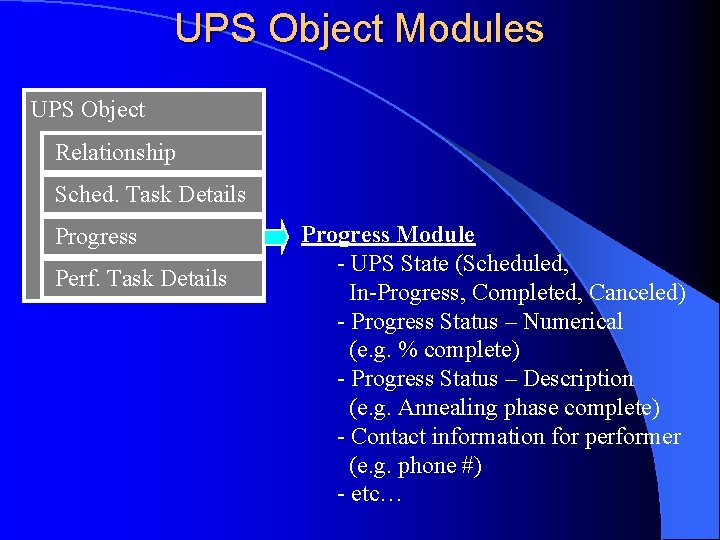
UPS Object Modules UPS Object Relationship Sched. Task Details Progress Perf. Task Details Progress Module - UPS State (Scheduled, In-Progress, Completed, Canceled) - Progress Status – Numerical (e. g. % complete) - Progress Status – Description (e. g. Annealing phase complete) - Contact information for performer (e. g. phone #) - etc…

UPS Object Modules UPS Object Relationship Sched. Task Details Progress Perf. Task Details Performed Proc. Info. Module - Time Performed/completed - Performing resources/location - Performed Procedure descrip. /codes - Performed Processing parameters - List of Output data IDs - etc…
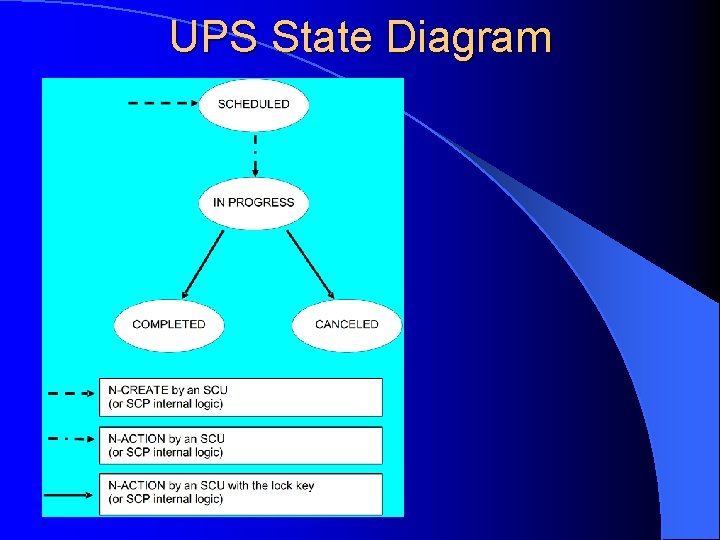
UPS State Diagram
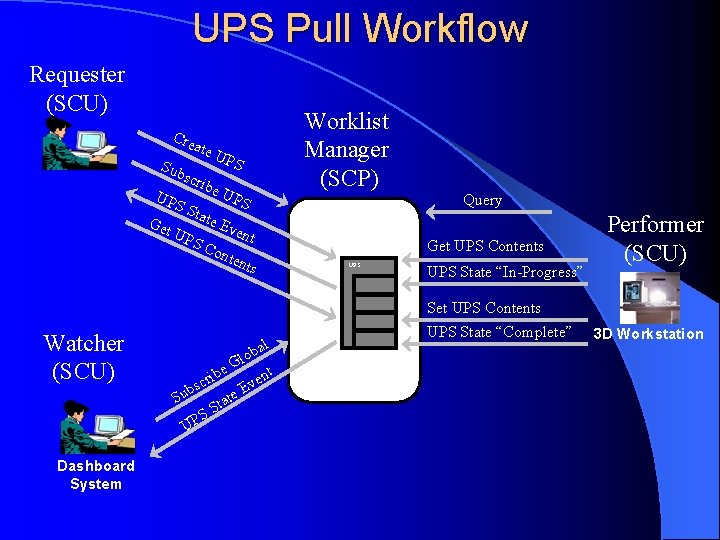
UPS Pull Workflow Requester (SCU) Cre ate Sub UP Get scri SS UP be tate SC Watcher (SCU) S UP S Eve nt ont UPS bal lo r bsc te UP ta S S Query Get UPS Contents G ibe Su Dashboard System UP Worklist Manager (SCP) nt e Ev UPS State “In-Progress” Set UPS Contents UPS State “Complete” Performer (SCU) 3 D Workstation
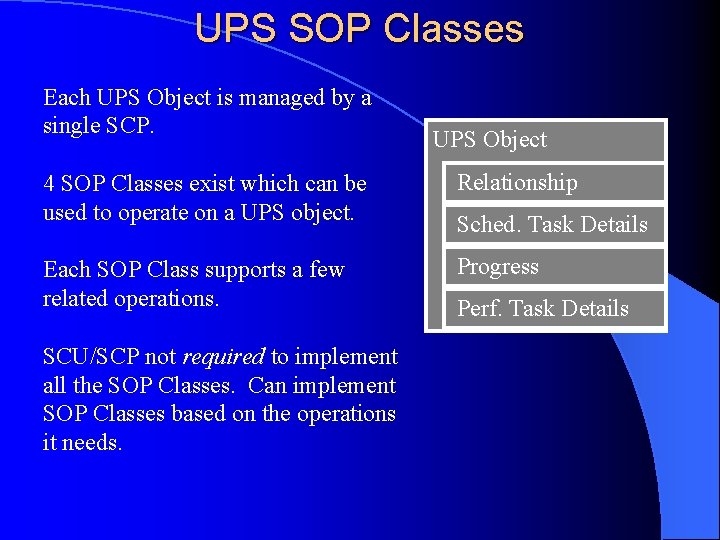
UPS SOP Classes Each UPS Object is managed by a single SCP. 4 SOP Classes exist which can be used to operate on a UPS object. Each SOP Class supports a few related operations. SCU/SCP not required to implement all the SOP Classes. Can implement SOP Classes based on the operations it needs. UPS Object Relationship Sched. Task Details Progress Perf. Task Details
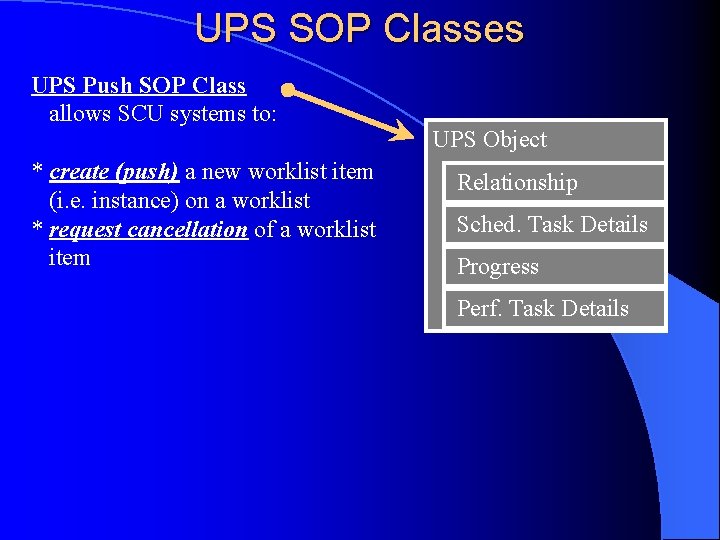
UPS SOP Classes UPS Push SOP Class allows SCU systems to: * create (push) a new worklist item (i. e. instance) on a worklist * request cancellation of a worklist item UPS Object Relationship Sched. Task Details Progress Perf. Task Details
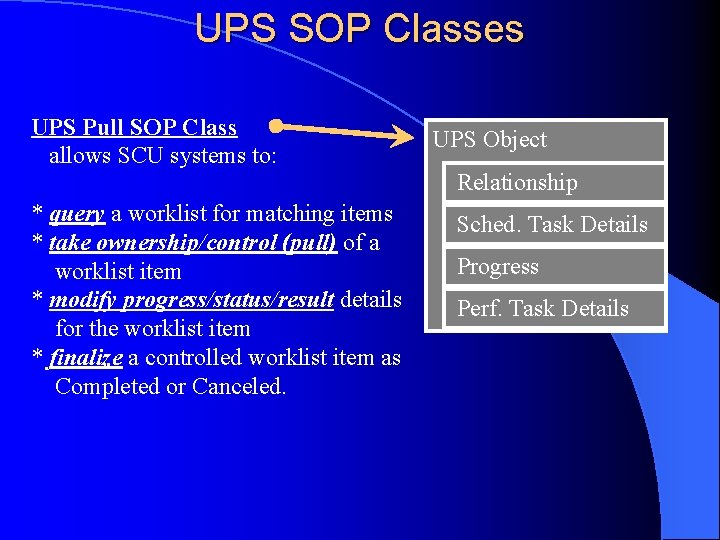
UPS SOP Classes UPS Pull SOP Class allows SCU systems to: * query a worklist for matching items * take ownership/control (pull) of a worklist item * modify progress/status/result details for the worklist item * finalize a controlled worklist item as Completed or Canceled. UPS Object Relationship Sched. Task Details Progress Perf. Task Details
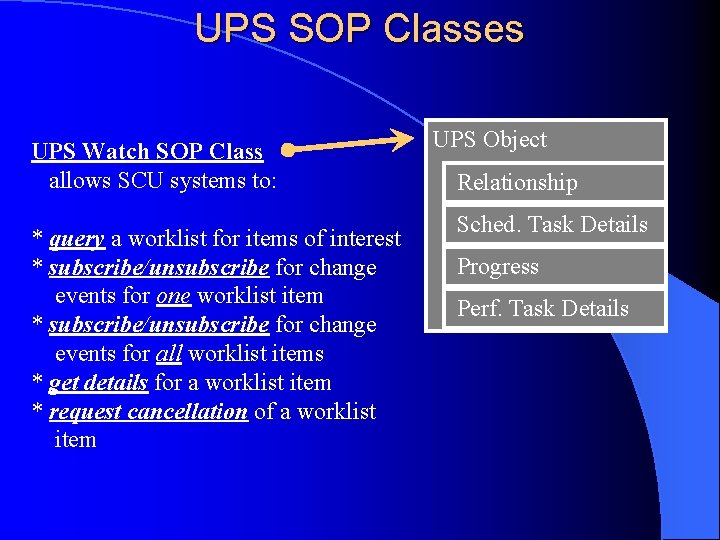
UPS SOP Classes UPS Watch SOP Class allows SCU systems to: * query a worklist for items of interest * subscribe/unsubscribe for change events for one worklist item * subscribe/unsubscribe for change events for all worklist items * get details for a worklist item * request cancellation of a worklist item UPS Object Relationship Sched. Task Details Progress Perf. Task Details
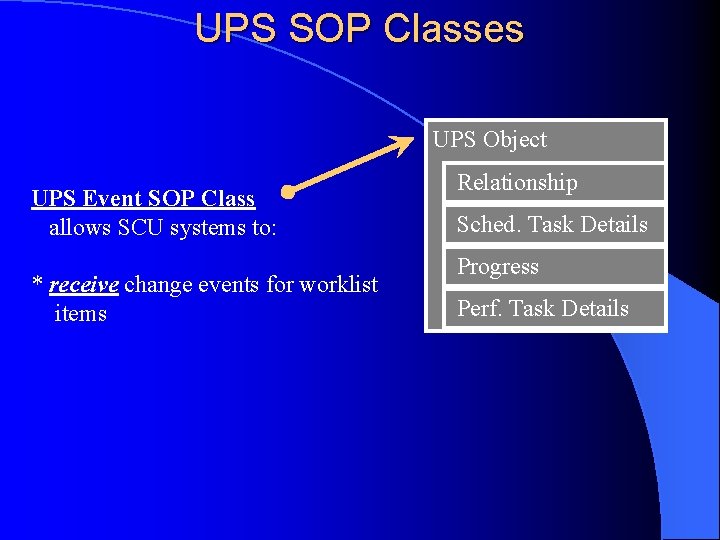
UPS SOP Classes UPS Object UPS Event SOP Class allows SCU systems to: * receive change events for worklist items Relationship Sched. Task Details Progress Perf. Task Details
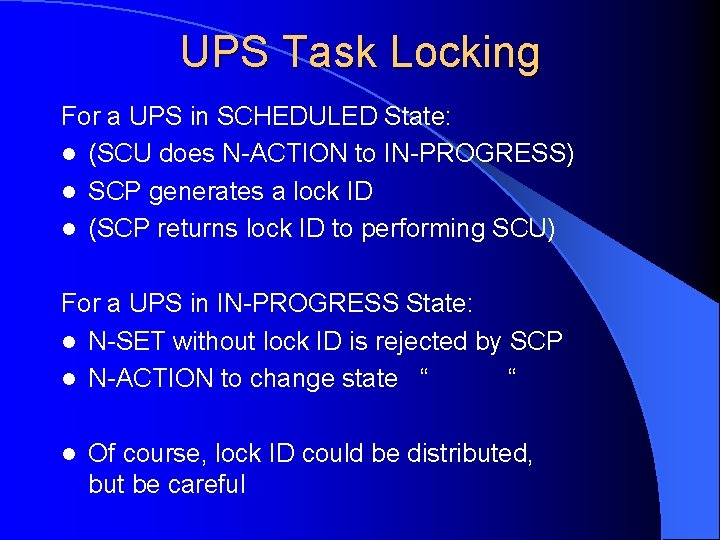
UPS Task Locking For a UPS in SCHEDULED State: l (SCU does N-ACTION to IN-PROGRESS) l SCP generates a lock ID l (SCP returns lock ID to performing SCU) For a UPS in IN-PROGRESS State: l N-SET without lock ID is rejected by SCP l N-ACTION to change state “ “ l Of course, lock ID could be distributed, but be careful
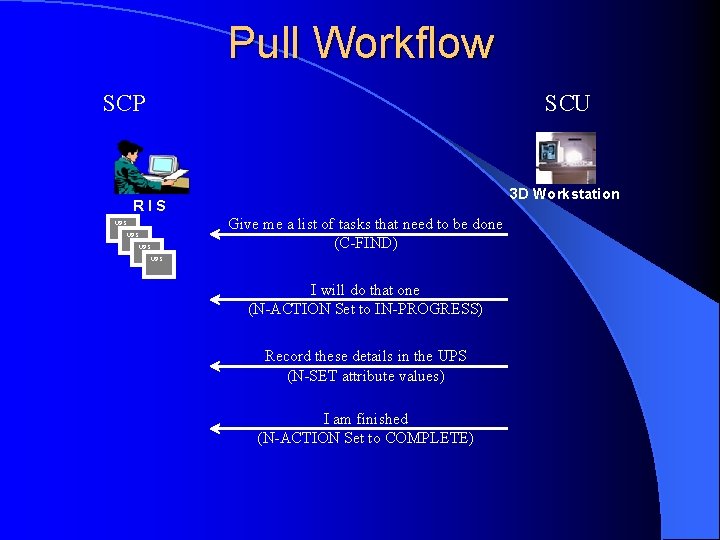
Pull Workflow SCP SCU 3 D Workstation RIS Give me a list of tasks that need to be done (C-FIND) UPS UPS I will do that one (N-ACTION Set to IN-PROGRESS) Record these details in the UPS (N-SET attribute values) I am finished (N-ACTION Set to COMPLETE)
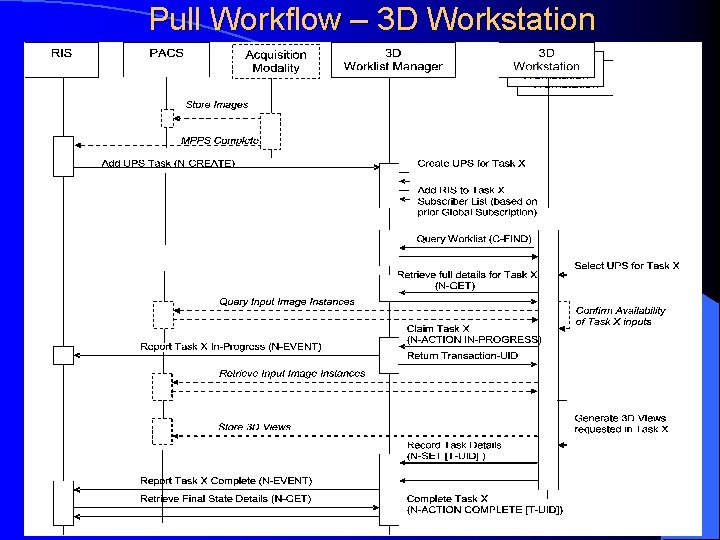
Pull Workflow – 3 D Workstation
Comparison to Modality Worklist l MWL is like UPS Pull-mode, except – UPS combines SPS and MPPS in a single object – UPS has extra features l UPS will not generally replace MWL – MWL does it’s (limited) job reasonably well – MWL has a large install base l UPS might supplement MWL for specific applications that need it’s features – e. g. Push Workflow for X-Ray clinics
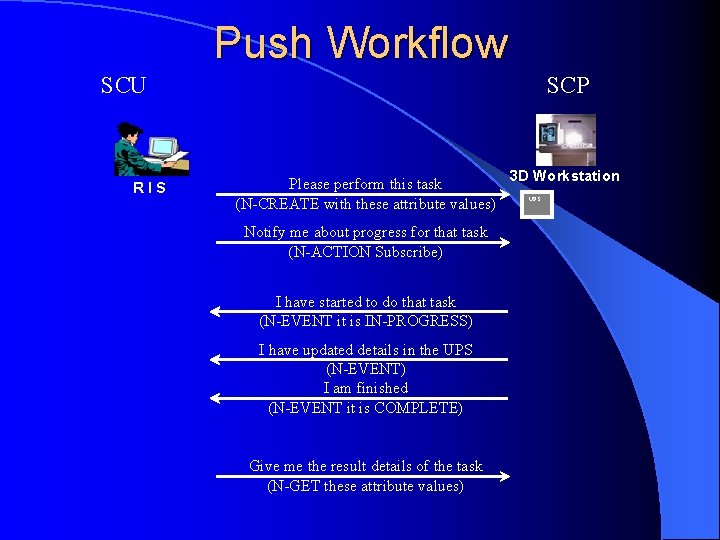
Push Workflow SCU RIS SCP Please perform this task (N-CREATE with these attribute values) Notify me about progress for that task (N-ACTION Subscribe) I have started to do that task (N-EVENT it is IN-PROGRESS) I have updated details in the UPS (N-EVENT) I am finished (N-EVENT it is COMPLETE) Give me the result details of the task (N-GET these attribute values) 3 D Workstation UPS
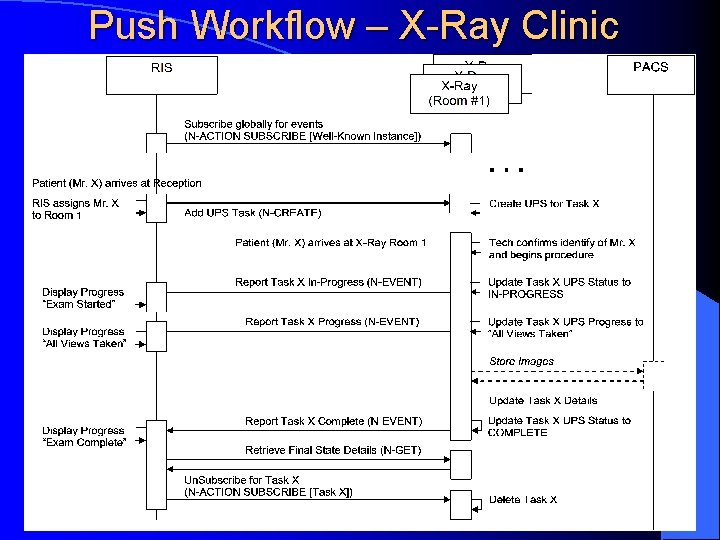
Push Workflow – X-Ray Clinic
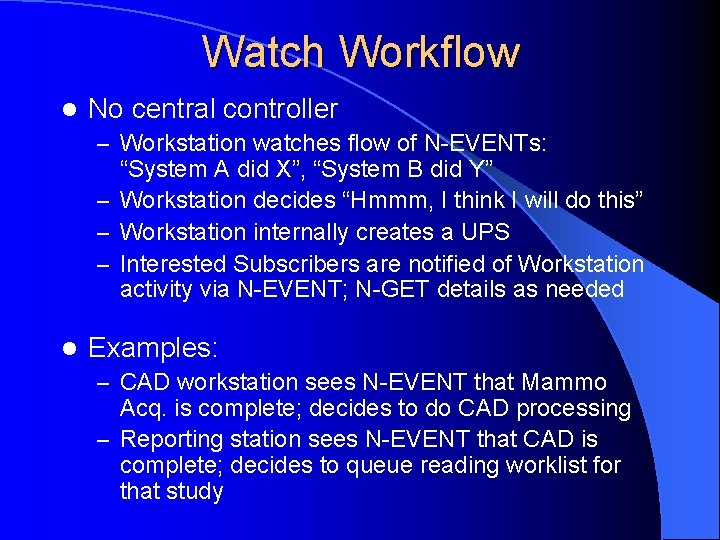
Watch Workflow l No central controller – Workstation watches flow of N-EVENTs: “System A did X”, “System B did Y” – Workstation decides “Hmmm, I think I will do this” – Workstation internally creates a UPS – Interested Subscribers are notified of Workstation activity via N-EVENT; N-GET details as needed l Examples: – CAD workstation sees N-EVENT that Mammo Acq. is complete; decides to do CAD processing – Reporting station sees N-EVENT that CAD is complete; decides to queue reading worklist for that study
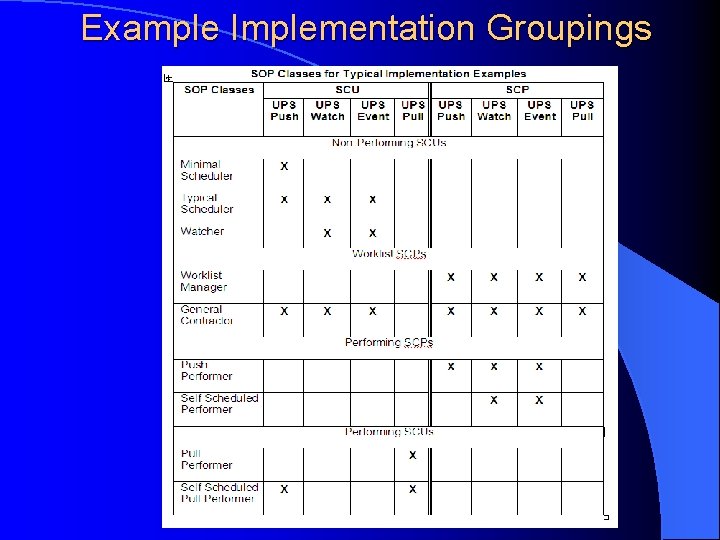
Example Implementation Groupings
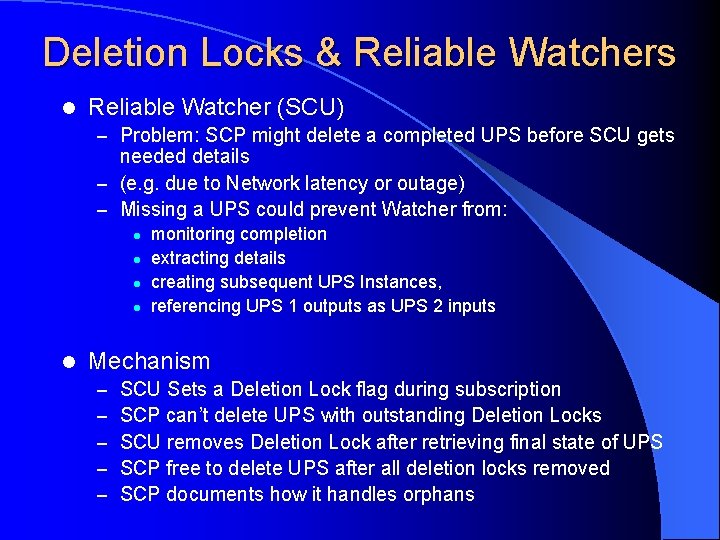
Deletion Locks & Reliable Watchers l Reliable Watcher (SCU) – Problem: SCP might delete a completed UPS before SCU gets needed details – (e. g. due to Network latency or outage) – Missing a UPS could prevent Watcher from: l l l monitoring completion extracting details creating subsequent UPS Instances, referencing UPS 1 outputs as UPS 2 inputs Mechanism – – – SCU Sets a Deletion Lock flag during subscription SCP can’t delete UPS with outstanding Deletion Locks SCU removes Deletion Lock after retrieving final state of UPS SCP free to delete UPS after all deletion locks removed SCP documents how it handles orphans
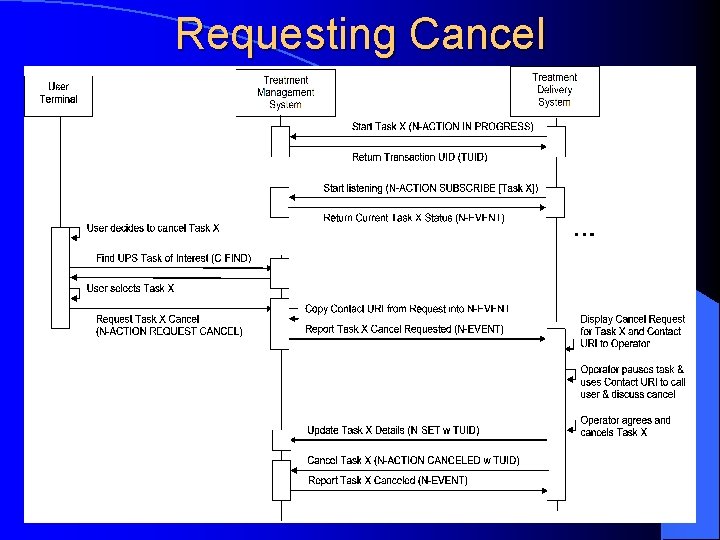
Requesting Cancel
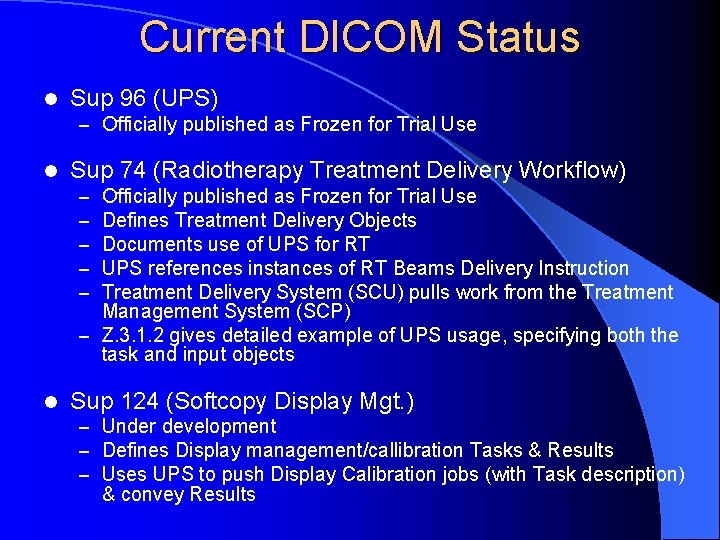
Current DICOM Status l Sup 96 (UPS) – Officially published as Frozen for Trial Use l Sup 74 (Radiotherapy Treatment Delivery Workflow) Officially published as Frozen for Trial Use Defines Treatment Delivery Objects Documents use of UPS for RT UPS references instances of RT Beams Delivery Instruction Treatment Delivery System (SCU) pulls work from the Treatment Management System (SCP) – Z. 3. 1. 2 gives detailed example of UPS usage, specifying both the task and input objects – – – l Sup 124 (Softcopy Display Mgt. ) – Under development – Defines Display management/callibration Tasks & Results – Uses UPS to push Display Calibration jobs (with Task description) & convey Results
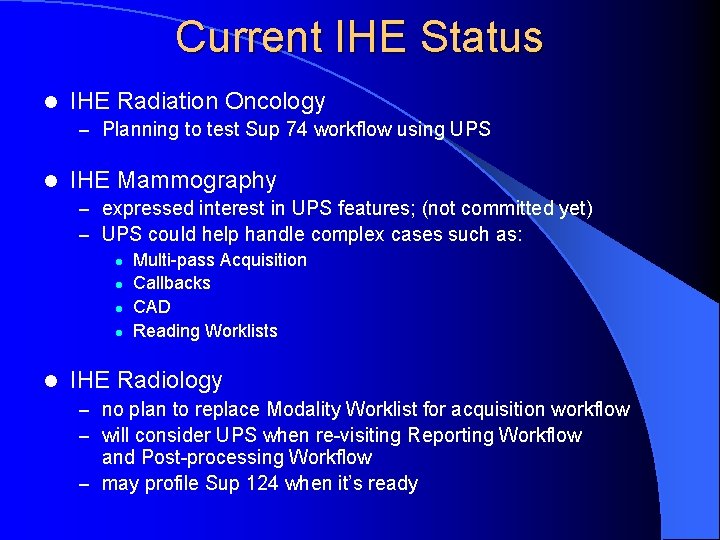
Current IHE Status l IHE Radiation Oncology – Planning to test Sup 74 workflow using UPS l IHE Mammography – expressed interest in UPS features; (not committed yet) – UPS could help handle complex cases such as: l Multi-pass Acquisition l Callbacks l CAD l Reading Worklists l IHE Radiology – no plan to replace Modality Worklist for acquisition workflow – will consider UPS when re-visiting Reporting Workflow and Post-processing Workflow – may profile Sup 124 when it’s ready
Questions? www. dclunie. com > DICOM Status > Sup 96
- Slides: 29