
Firewalls Brooke Thorpe COSC 101 Section 7 Overview

Firewalls Brooke Thorpe COSC 101 -Section 7

Overview • What is a Firewall? • Common Misconceptions • Firewall Techniques • Hardware vs. Software • Video on How to Install a Firewall • Commonly Known Firewalls

What is a Firewall? • System designed to prevent unauthorized access to or from a private network • Will check messages entering and leaving and block those that do not meet the specified security criteria • Considered the first line of defense in protecting private information • Can be Hardware or Software
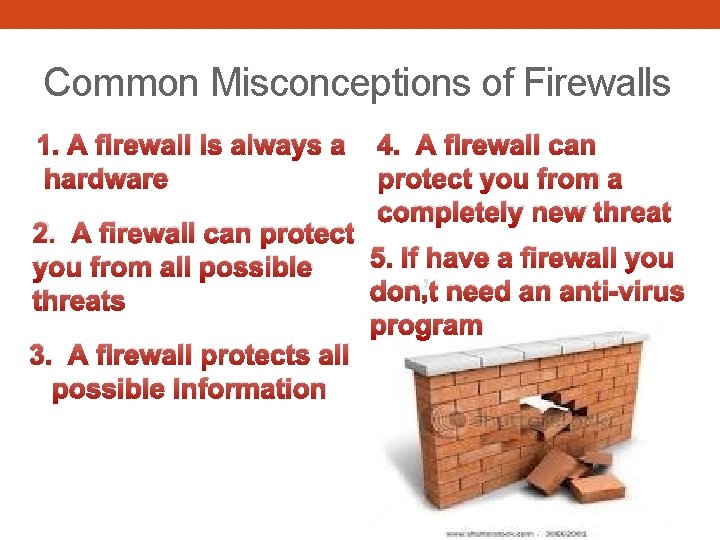
Common Misconceptions of Firewalls 1. A firewall is always a hardware 4. A firewall can protect you from a completely new threat 2. A firewall can protect 5. If have a firewall you from all possible don’t need an anti-virus threats program 3. A firewall protects all possible Information

Firewall Techniques • Packet Filter • Accepts or rejects packets based on the rules defined by the user • Application Gateway • Security to specific applications • Circuit-level Gateway • Applies security mechanisms when a TCP connection is established • Proxy Server • Intercepts messages entering and leaving the network
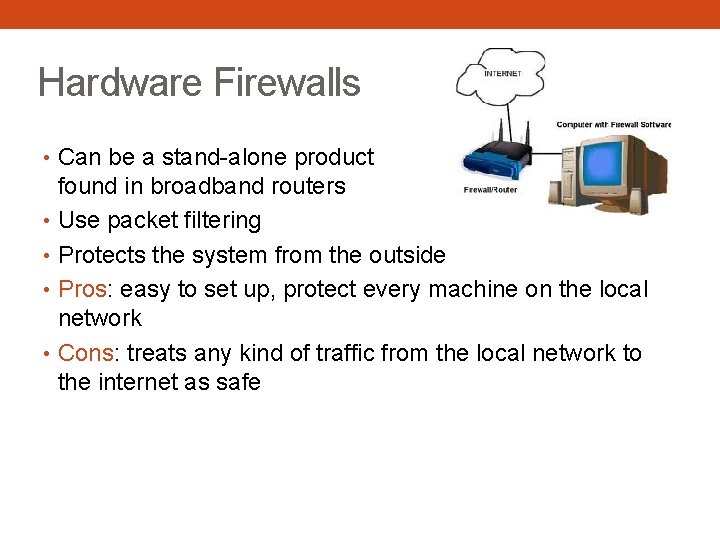
Hardware Firewalls • Can be a stand-alone product but typically found in broadband routers • Use packet filtering • Protects the system from the outside • Pros: easy to set up, protect every machine on the local network • Cons: treats any kind of traffic from the local network to the internet as safe

Software Firewalls • Installed on your computer • Can block or allow a program’s ability to send and receive data • Pros: knows what program is trying to access the internet and if it is malicious or not • Cons: only protect the machine installed on
How to Install a Firewall
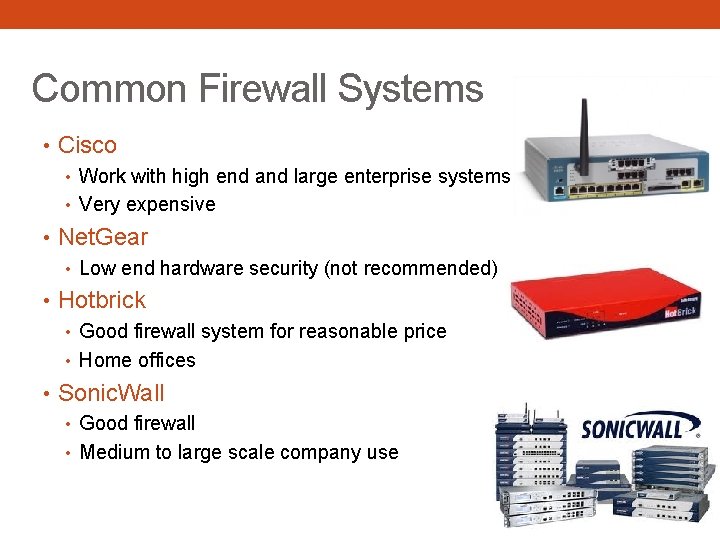
Common Firewall Systems • Cisco • Work with high end and large enterprise systems • Very expensive • Net. Gear • Low end hardware security (not recommended) • Hotbrick • Good firewall system for reasonable price • Home offices • Sonic. Wall • Good firewall • Medium to large scale company use
Conclusion • A firewall is one way you can keep your computer and its contents safe but should not be your only line of defense • Firewalls can be hardware or software but often work best together • Firewalls use many different types of techniques to keep information safe • Installing a firewall is easy and it is also easy to obtain
Bibliography • "The Differences and Features of Hardware & Software Firewalls - Webopedia. com. " Webopedia: Online Computer Dictionary for Computer and Internet Terms and Definitions. Web. 01 Dec. 2011. <http: //www. webopedia. com/Did. You. Know/Hardware _Software/2004/firewall_types. asp>. • "Firewall Brands. " Ethical Hacking for Beginners. Web. 01 Dec. 2011. <http: //www. computersecurity. cc/firewallbrands. html>. • "Firewall Debate: Hardware vs. Software. " The Online Tech Resource for Small Business Owners and Managers - Small Business Computing. Web. 01 Dec. 2011. <http: //www. smallbusinesscomputing. com/webmaster/article. php/3103431/Firewall-Debate. Hardware-vs-Software. htm>. • "Firewall Myths Exposed - Keep Your System and Firewall Secure With the Truth. " Find Science & Technology Articles, Education Lesson Plans, Tech Tips, Computer Hardware & Software Reviews, News and More at Bright Hub. Web. 01 Dec. 2011. <http: //www. brighthub. com/computing/enterprise-security/articles/8257. aspx>. • "How to Use the Windows Firewall - You. Tube. " You. Tube - Broadcast Yourself. Web. 05 Dec. 2011. <http: //www. youtube. com/watch? v=RDGQY 8 wv 9 EY>. • "What Is Firewall? - A Word Definition From the Webopedia Computer Dictionary. " Webopedia: Online Computer Dictionary for Computer and Internet Terms and Definitions. Web. 01 Dec. 2011. <http: //www. webopedia. com/TERM/F/firewall. html>.
- Slides: 11