
Firestone and Ford Starting in the early 1990
- Slides: 8
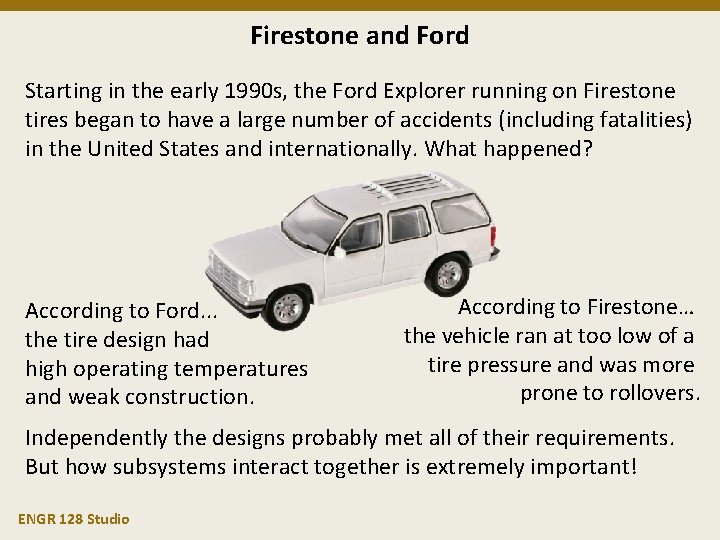
Firestone and Ford Starting in the early 1990 s, the Ford Explorer running on Firestone tires began to have a large number of accidents (including fatalities) in the United States and internationally. What happened? According to Ford. . . the tire design had high operating temperatures and weak construction. According to Firestone… the vehicle ran at too low of a tire pressure and was more prone to rollovers. Independently the designs probably met all of their requirements. But how subsystems interact together is extremely important! ENGR 128 Studio
Design Studio – Week 9 Today you will: • Package and deliver your circuit design from Logic. ly • Assist in integrating and testing the overall class design • Observe the circuit design for P and Q in PLC ladder logic Assignments: • Exercise worksheet for digital circuit integration and test ENGR 128 Studio
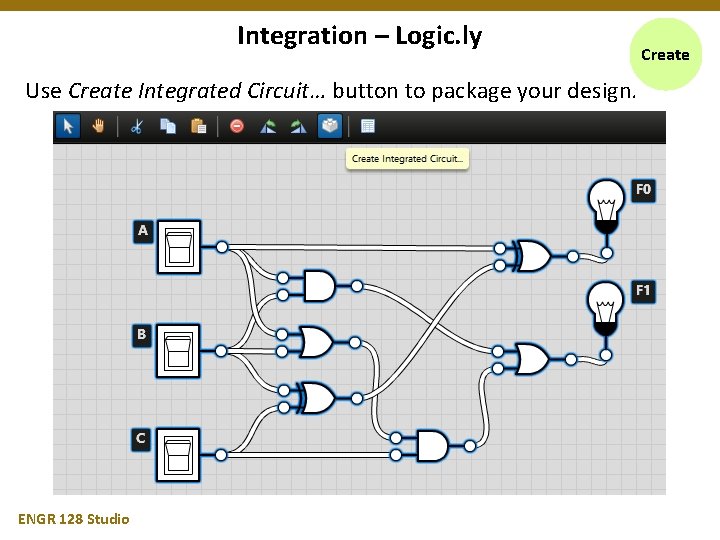
Integration – Logic. ly Use Create Integrated Circuit… button to package your design. ENGR 128 Studio Create
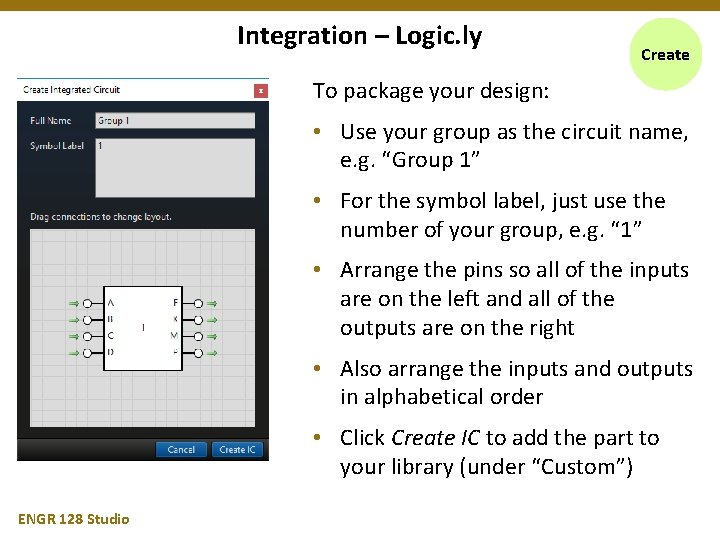
Integration – Logic. ly Create To package your design: • Use your group as the circuit name, e. g. “Group 1” • For the symbol label, just use the number of your group, e. g. “ 1” • Arrange the pins so all of the inputs are on the left and all of the outputs are on the right • Also arrange the inputs and outputs in alphabetical order • Click Create IC to add the part to your library (under “Custom”) ENGR 128 Studio
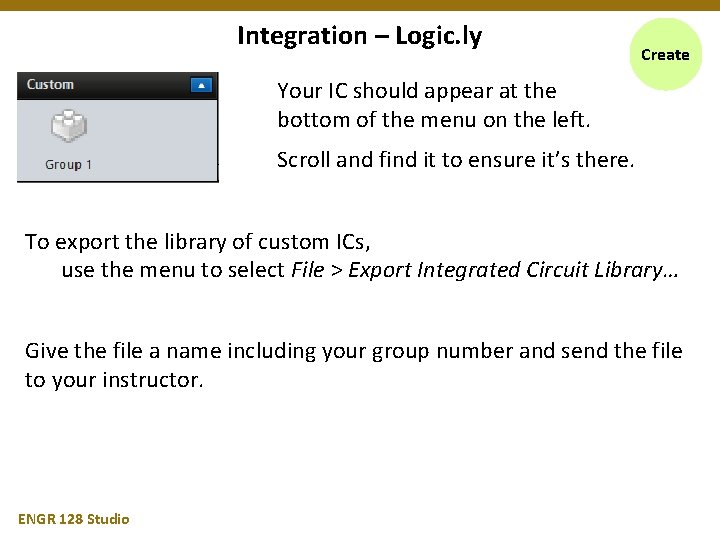
Integration – Logic. ly Create Your IC should appear at the bottom of the menu on the left. Scroll and find it to ensure it’s there. To export the library of custom ICs, use the menu to select File > Export Integrated Circuit Library… Give the file a name including your group number and send the file to your instructor. ENGR 128 Studio
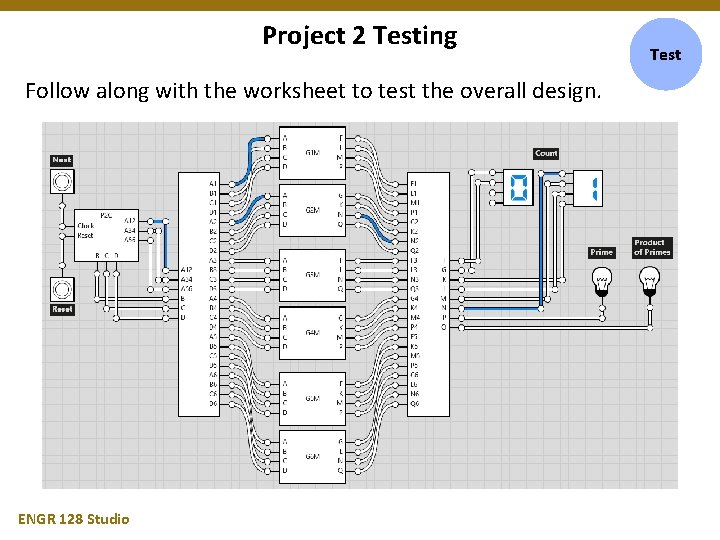
Project 2 Testing Follow along with the worksheet to test the overall design. ENGR 128 Studio Test
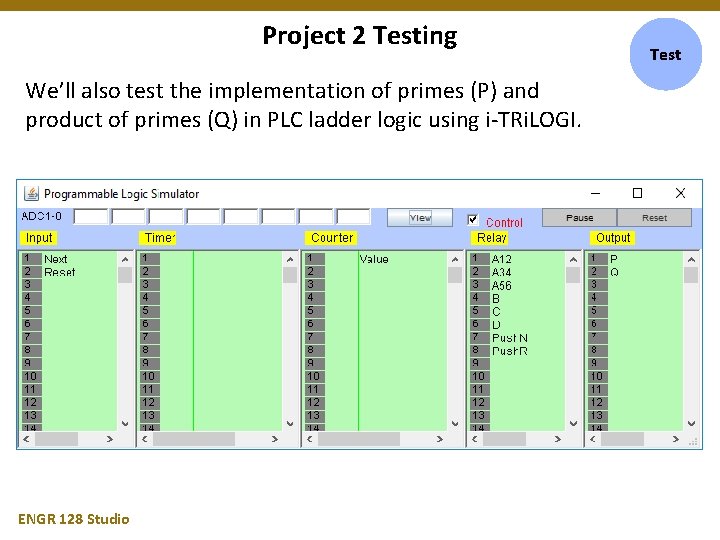
Project 2 Testing We’ll also test the implementation of primes (P) and product of primes (Q) in PLC ladder logic using i-TRi. LOGI. ENGR 128 Studio Test
Week 9 Assignments Exercise Complete the Week 9 worksheet handed out earlier. • Follow the instructions test and analyze the overall circuit. • Submit the completed worksheet before leaving today. Next week we will have Exam 2 during Studio. The following week we will begin our final project! Questions after Studio? Email your instructor or go to office hours. ENGR 128 Studio