
Finding Resources Print and Internet The first thing
- Slides: 9
Finding Resources: Print and Internet
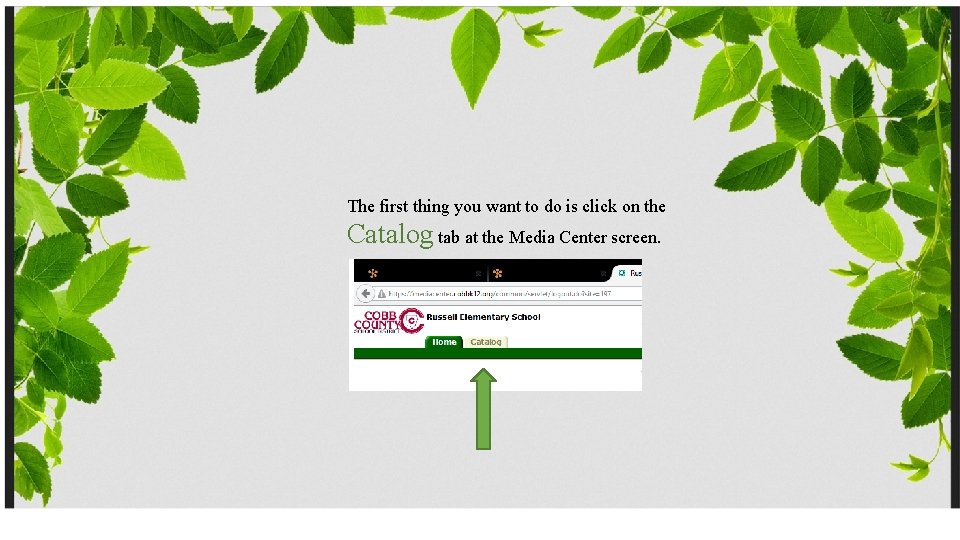
The first thing you want to do is click on the Catalog tab at the Media Center screen.
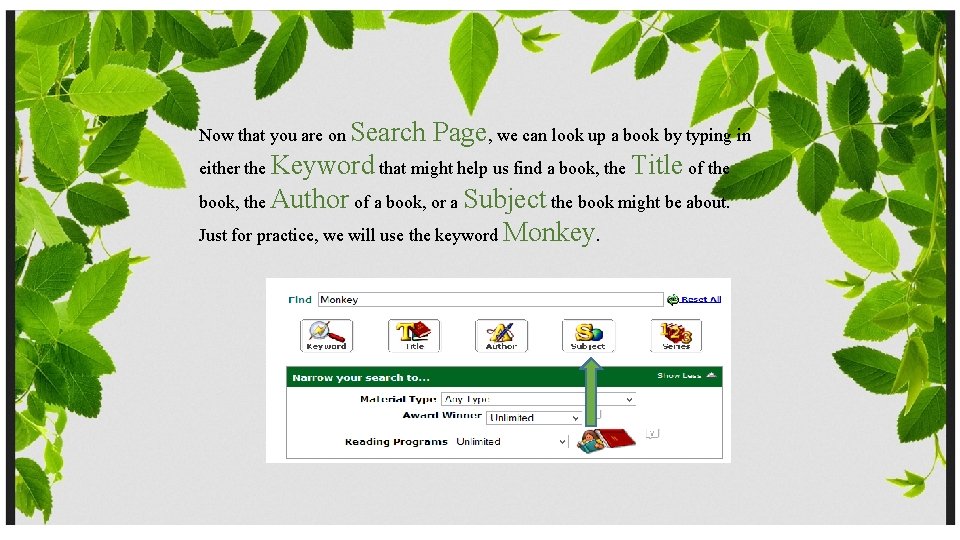
Now that you are on Search Page, we can look up a book by typing in either the Keyword that might help us find a book, the Title of the book, the Author of a book, or a Subject the book might be about. Just for practice, we will use the keyword Monkey.
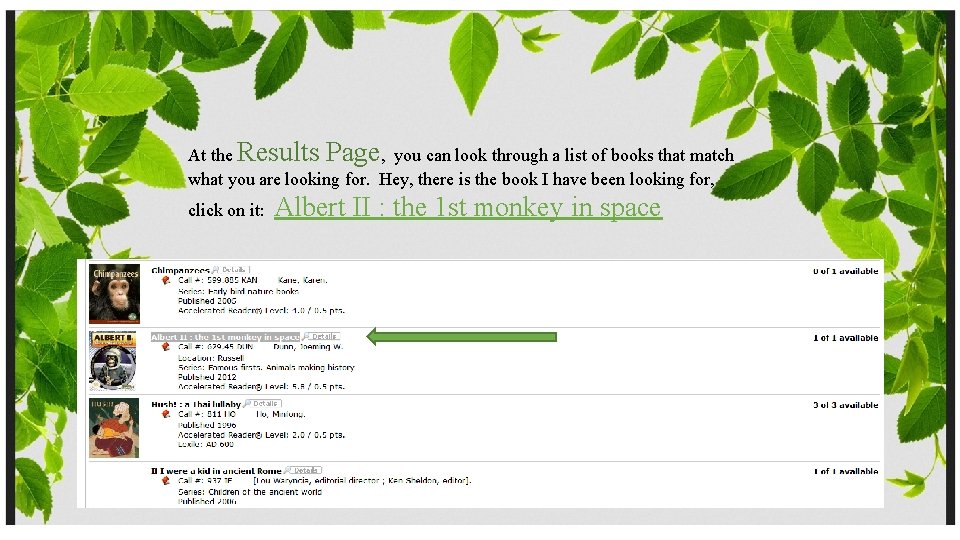
At the Results Page, you can look through a list of books that match what you are looking for. Hey, there is the book I have been looking for, click on it: Albert II : the 1 st monkey in space
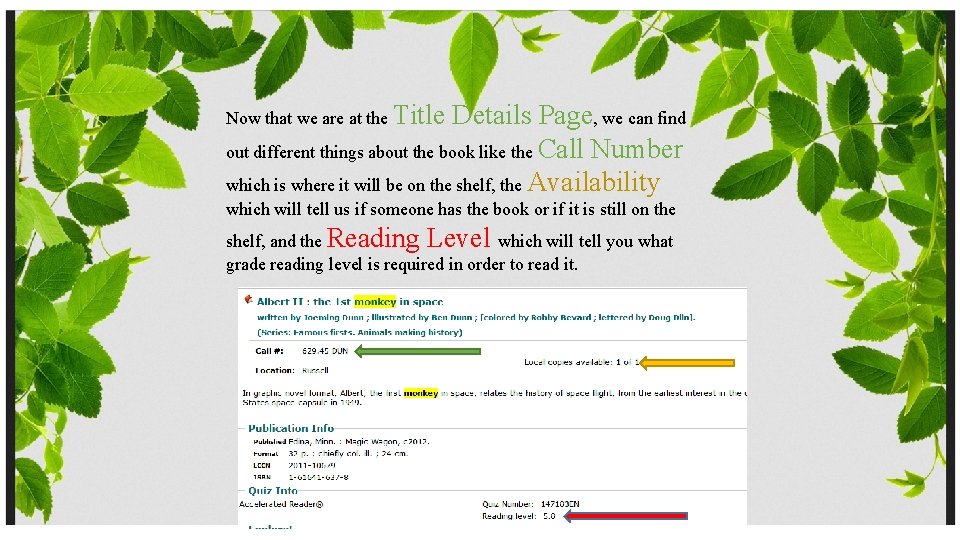
Now that we are at the Title Details Page, we can find out different things about the book like the Call Number which is where it will be on the shelf, the Availability which will tell us if someone has the book or if it is still on the shelf, and the Reading Level which will tell you what grade reading level is required in order to read it.
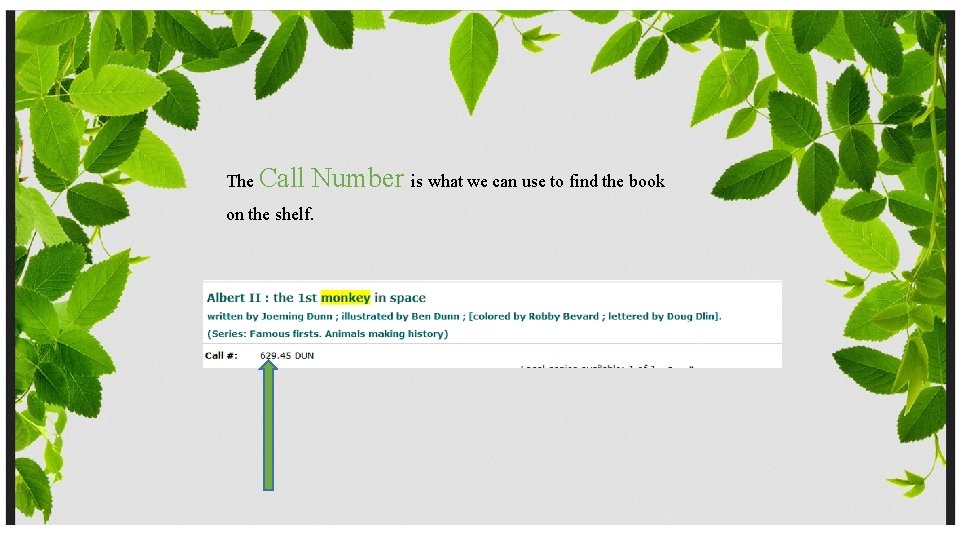
The Call Number is what we can use to find the book on the shelf.
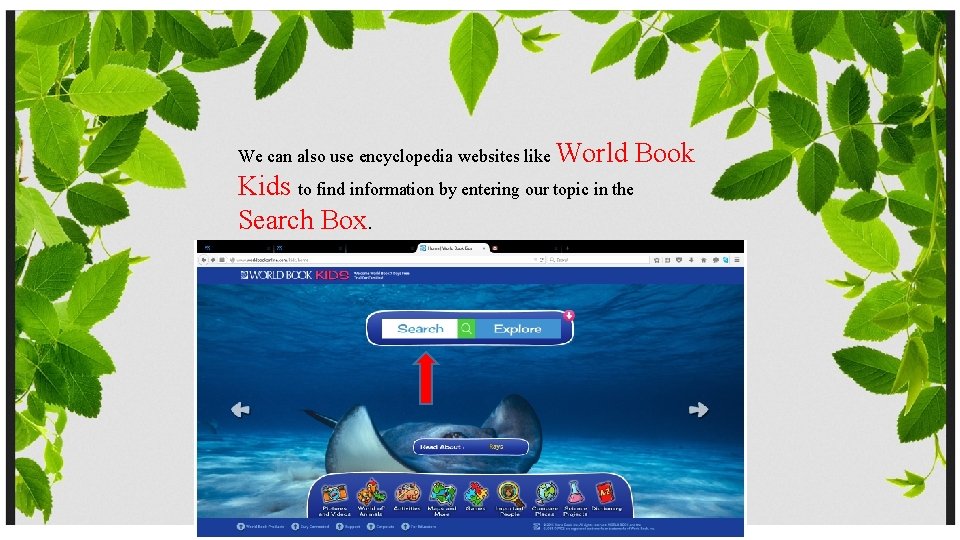
We can also use encyclopedia websites like World Kids to find information by entering our topic in the Search Box. Book
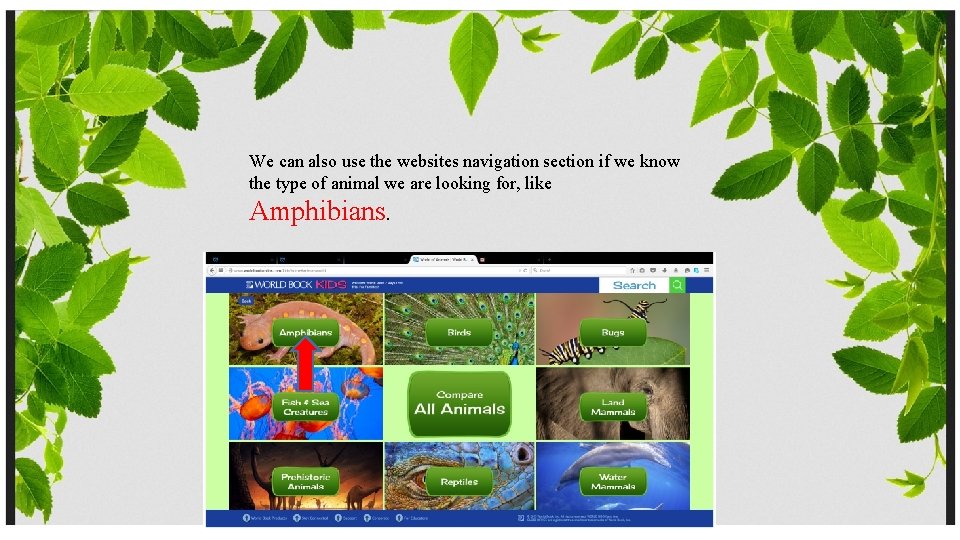
We can also use the websites navigation section if we know the type of animal we are looking for, like Amphibians.
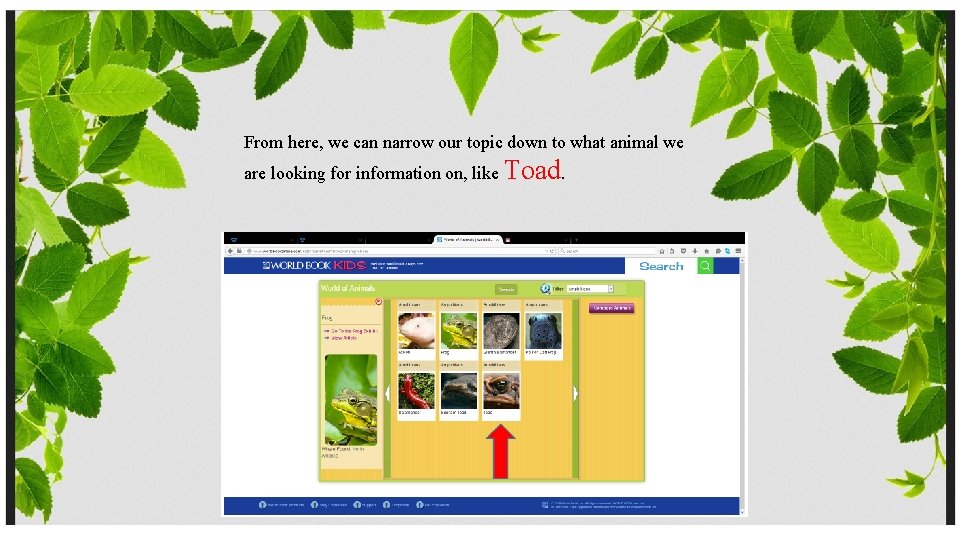
From here, we can narrow our topic down to what animal we are looking for information on, like Toad.