
Finding Red Pixels Prof Ramin Zabih http cs

Finding Red Pixels Prof. Ramin Zabih http: //cs 100 r. cs. cornell. edu
Administrivia § You should all have access to the lab and passwords for the computers § Section tomorrow (Wed) will cover more about handling images in Matlab § Assignment 1 will be out tomorrow, due in a week 2
Finding red pixels in Matlab § We will spend the first part of CS 100 R trying to track a red lightstick – On the way we will cover important CS themes • Fundamental algorithms • Good programming style § Main idea: begin by identifying the parts of the picture that are bright red – Today we will start doing this in Matlab – CS 100 R assignment 1: code this 3
Images in Matlab § Matlab is a language focused on arrays – Sometimes referred to as a “matrix” § All programming languages support arrays – The elements of an array are called “cells” § Matlab will be taught mostly by example – Programming by example is very powerful § We will focus heavily on 1 D and 2 D arrays – Especially 2 D arrays, i. e. images 4
![Basic Matlab examples A = [11 18 63] A(2) – A(1) A(2) > A(1)](http://slidetodoc.com/presentation_image_h2/3ec1b95ad3cfc23532d945dcdeece505/image-5.jpg "Basic Matlab examples A = [11 18 63] A(2) – A(1) A(2) > A(1)")
Basic Matlab examples A = [11 18 63] A(2) – A(1) A(2) > A(1) == A(2) A(1) = A(1) + 1; A(2) = A(2) + 1; A(3) = A(3) + 1; 5

Avoiding duplicate code § Programming languages are designed to make this easy – It’s a huge theme in CS language design – Most new programming techniques are justified by this • Object-oriented programming, higher-order procedures, functional programming, etc. § Why is it a bad idea to duplicate code? – Suppose we increment every cell of an array by 1 (as shown in the previous example) • What goes wrong? 6
Code duplication is bad § Hard to understand – It’s vital that humans can read your code • The person you rescue by writing readable code might turn out to be: yourself! • Automatically figuring out what a program does turns out to be incredibly hard - If it were easy, no computer viruses would exist § Hard to modify – A conceptually small change (like adding 2 to each array cell instead of 1) is a pain § Programmer’s “intent” is obscured 7
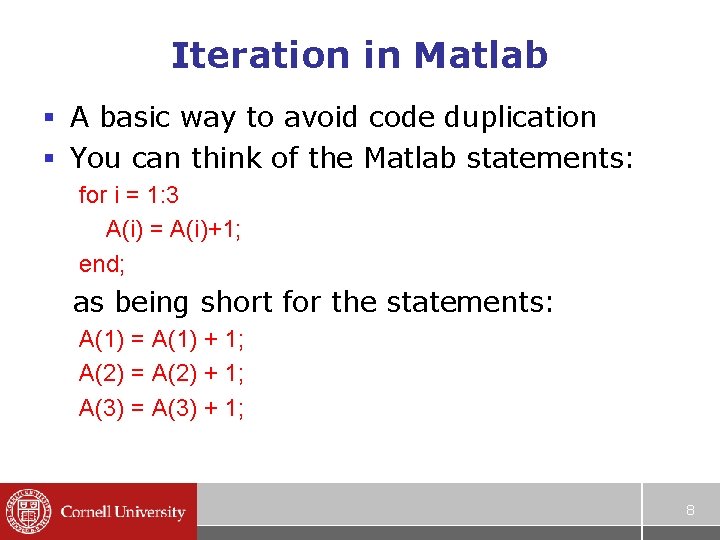
Iteration in Matlab § A basic way to avoid code duplication § You can think of the Matlab statements: for i = 1: 3 A(i) = A(i)+1; end; as being short for the statements: A(1) = A(1) + 1; A(2) = A(2) + 1; A(3) = A(3) + 1; 8
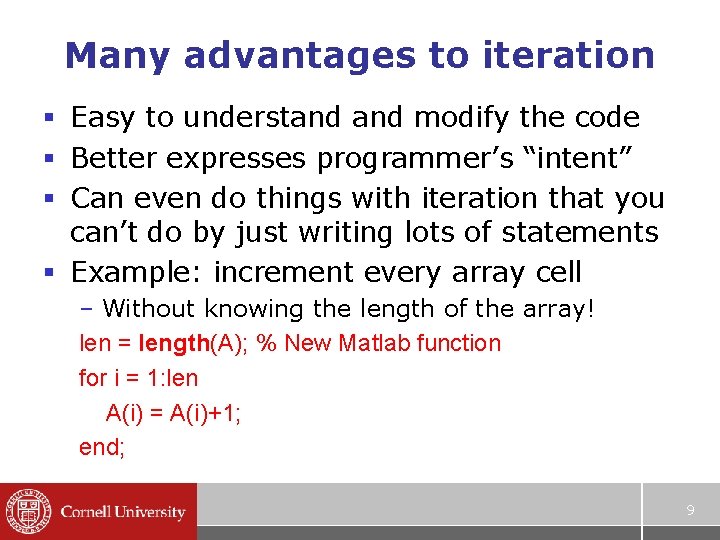
Many advantages to iteration § Easy to understand modify the code § Better expresses programmer’s “intent” § Can even do things with iteration that you can’t do by just writing lots of statements § Example: increment every array cell – Without knowing the length of the array! len = length(A); % New Matlab function for i = 1: len A(i) = A(i)+1; end; 9
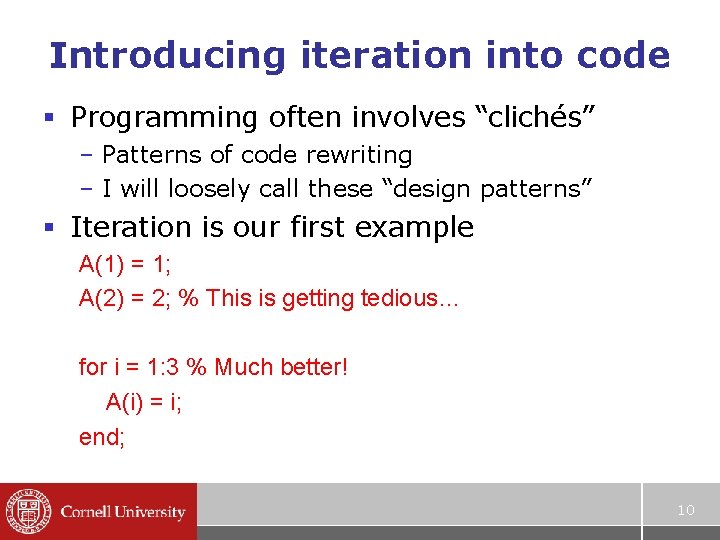
Introducing iteration into code § Programming often involves “clichés” – Patterns of code rewriting – I will loosely call these “design patterns” § Iteration is our first example A(1) = 1; A(2) = 2; % This is getting tedious… for i = 1: 3 % Much better! A(i) = i; end; 10
- Slides: 10