
FINDING CALM Locating Open Education Resources Introductions Name

- Slides: 24
FINDING CALM Locating Open Education Resources
Introductions • Name • Department • Course(s) you teach
Guess? $ $405. 25 What’s the new, hardcover price of the most expensive textbook ordered in spring ‘ 19?
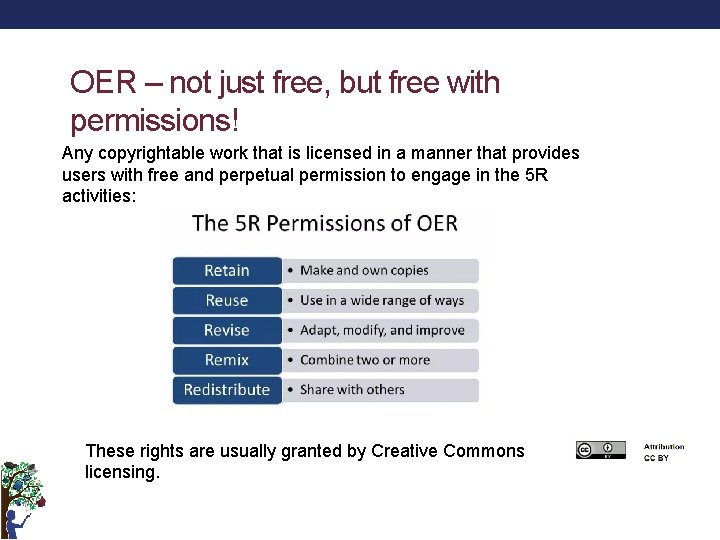
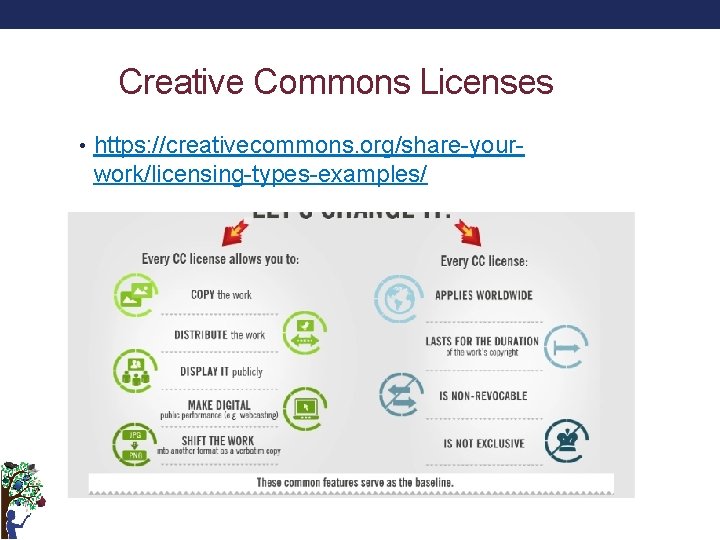
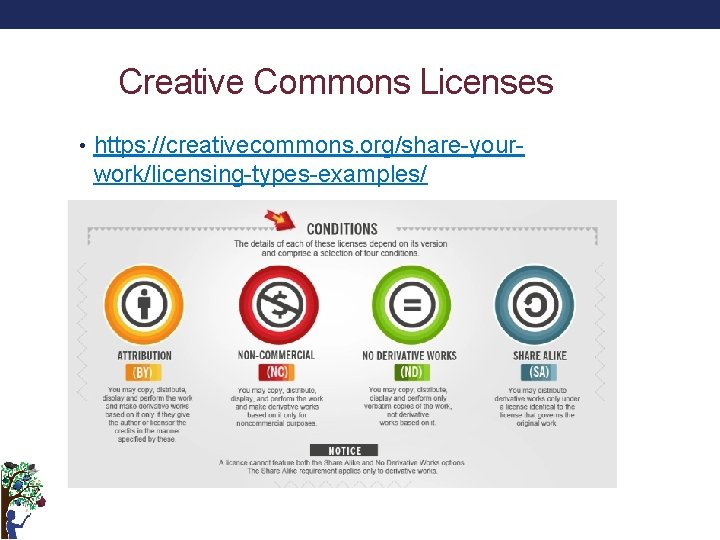
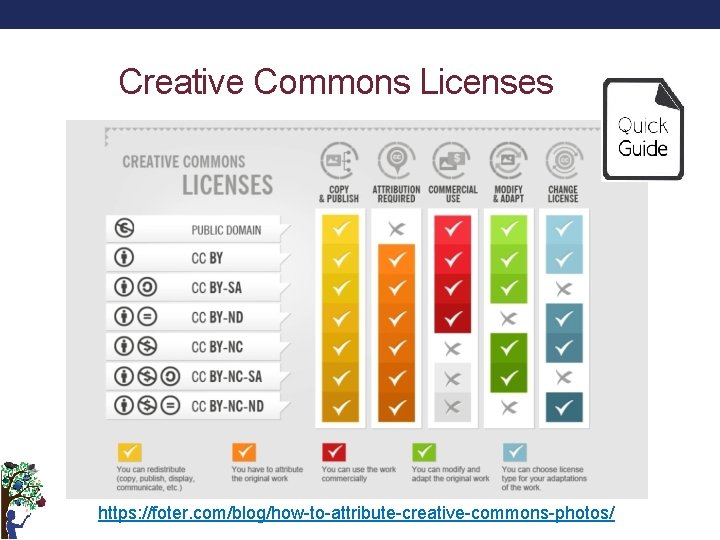
OER – not just free, but free with permissions! Any copyrightable work that is licensed in a manner that provides users with free and perpetual permission to engage in the 5 R activities: These rights are usually granted by Creative Commons licensing.
Creative Commons Licenses • https: //creativecommons. org/share-your- work/licensing-types-examples/
Creative Commons Licenses • https: //creativecommons. org/share-your- work/licensing-types-examples/
Creative Commons Licenses https: //foter. com/blog/how-to-attribute-creative-commons-photos/
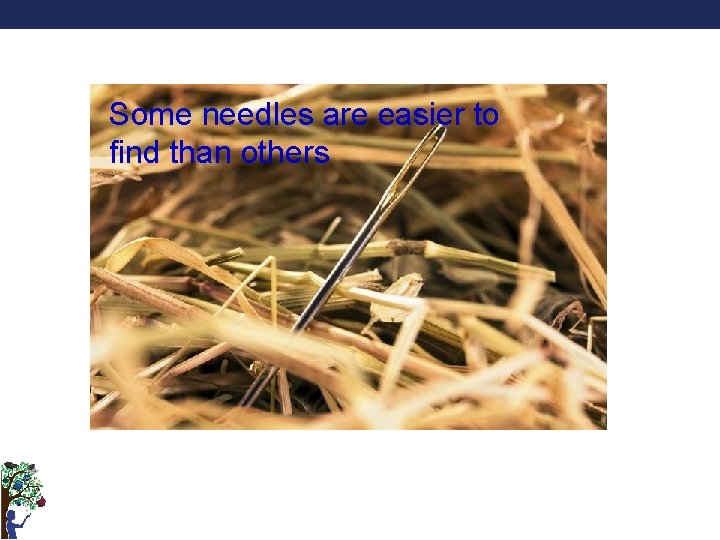
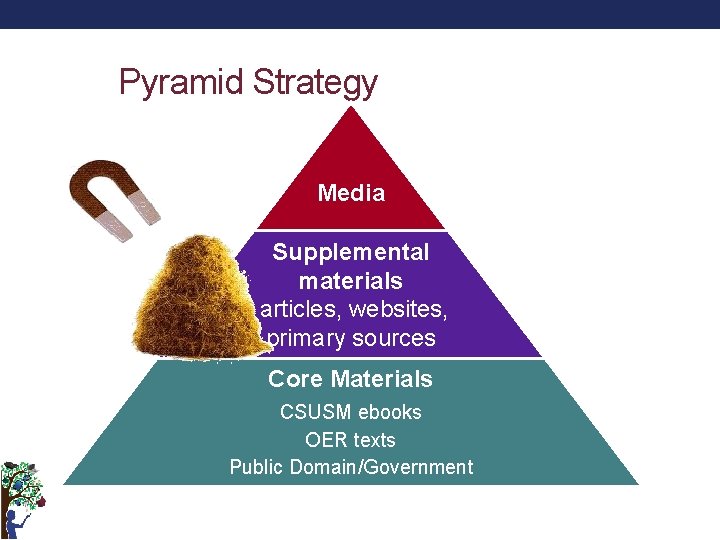
Some needles are easier to find than others
Pyramid Strategy Media Supplemental materials articles, websites, primary sources Core Materials CSUSM ebooks OER texts Public Domain/Government
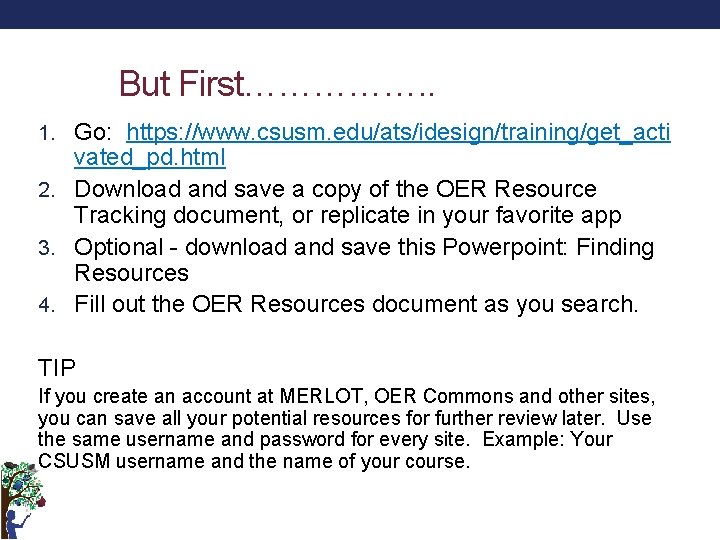
But First……………. . 1. Go: https: //www. csusm. edu/ats/idesign/training/get_acti vated_pd. html 2. Download and save a copy of the OER Resource Tracking document, or replicate in your favorite app 3. Optional - download and save this Powerpoint: Finding Resources 4. Fill out the OER Resources document as you search. TIP If you create an account at MERLOT, OER Commons and other sites, you can save all your potential resources for further review later. Use the same username and password for every site. Example: Your CSUSM username and the name of your course.
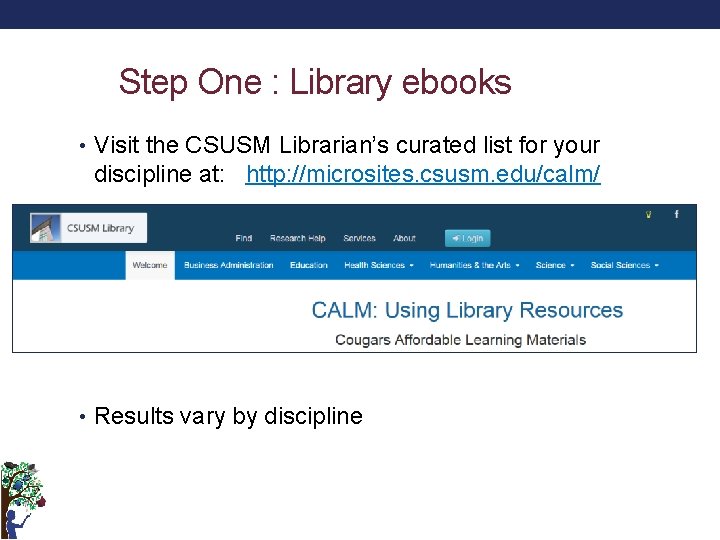
Step One : Library ebooks • Visit the CSUSM Librarian’s curated list for your discipline at: http: //microsites. csusm. edu/calm/ • Results vary by discipline
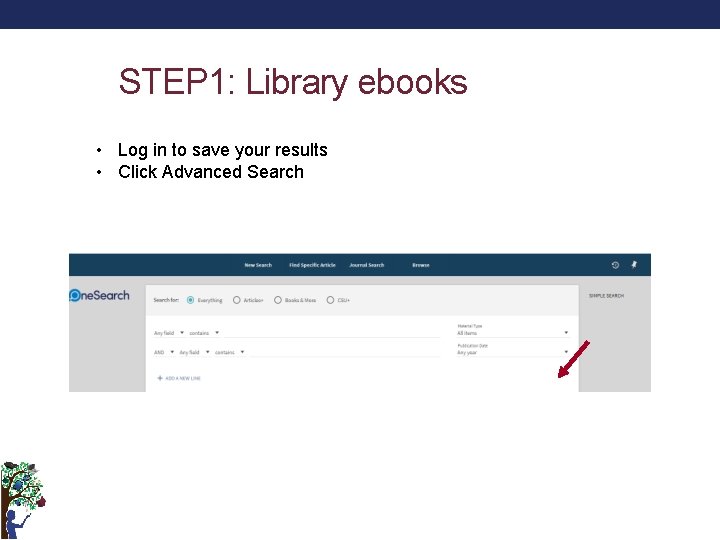
STEP 1: Library ebooks • Log in to save your results • Click Advanced Search
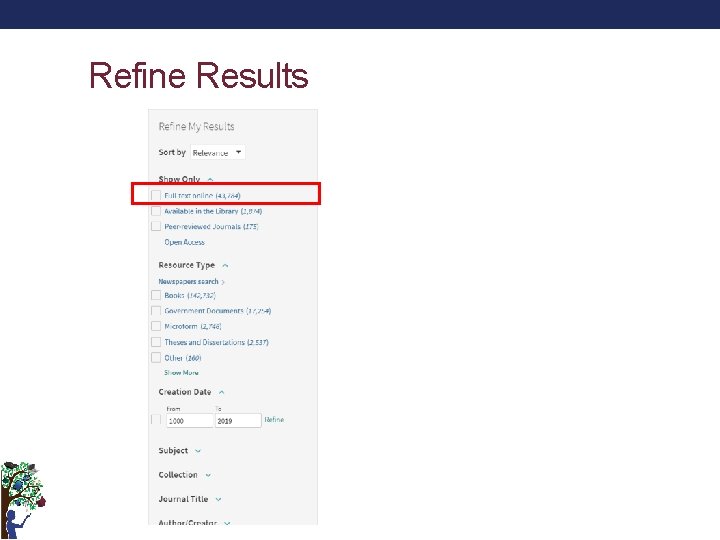
Refine Results
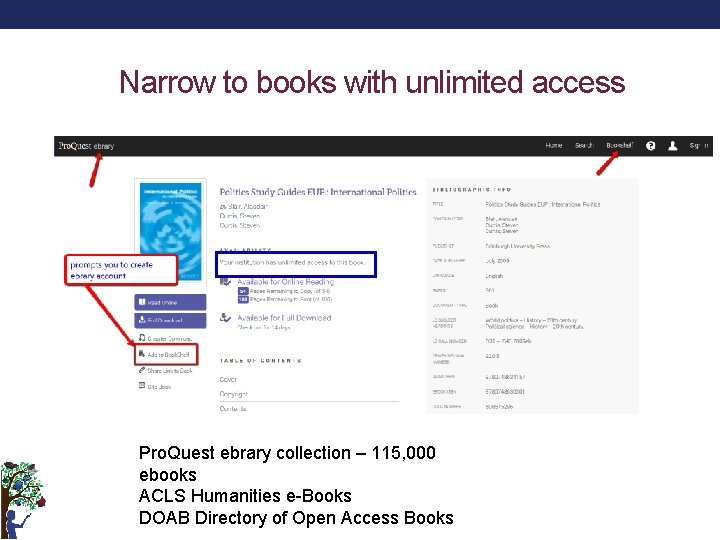
Narrow to books with unlimited access Pro. Quest ebrary collection – 115, 000 ebooks ACLS Humanities e-Books DOAB Directory of Open Access Books
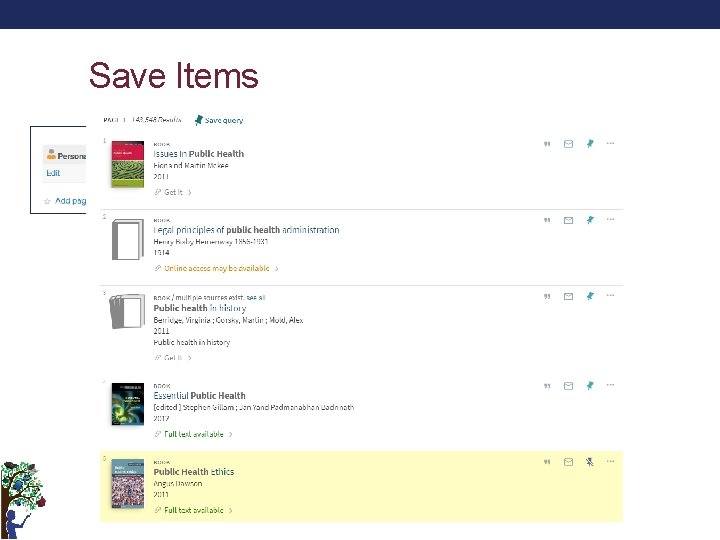
Save Items
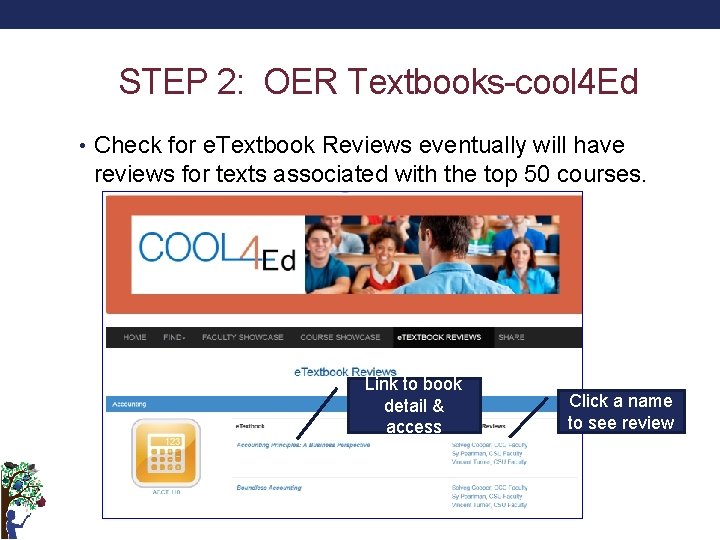
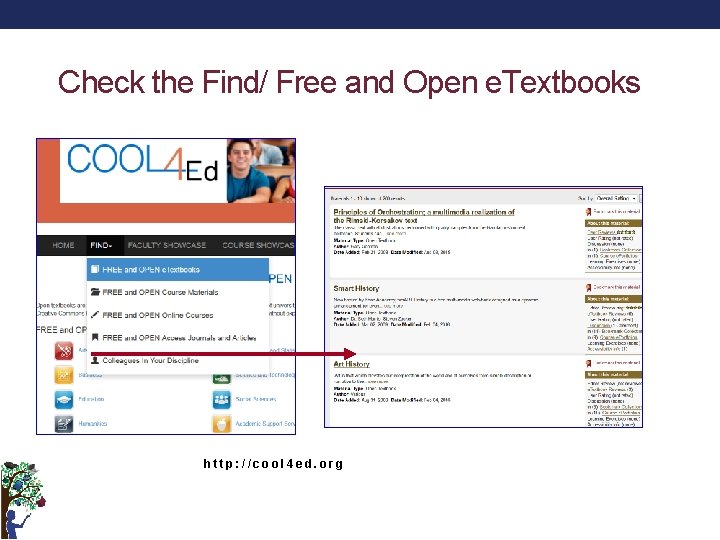
STEP 2: OER Textbooks-cool 4 Ed • Check for e. Textbook Reviews eventually will have reviews for texts associated with the top 50 courses. Link to book detail & access Click a name to see review
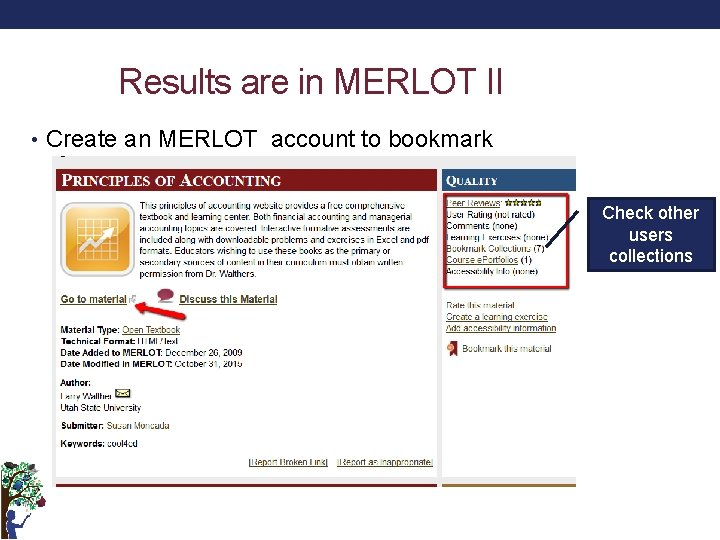
Results are in MERLOT II • Create an MERLOT account to bookmark Check other users collections
Check the Find/ Free and Open e. Textbooks http: //cool 4 ed. org
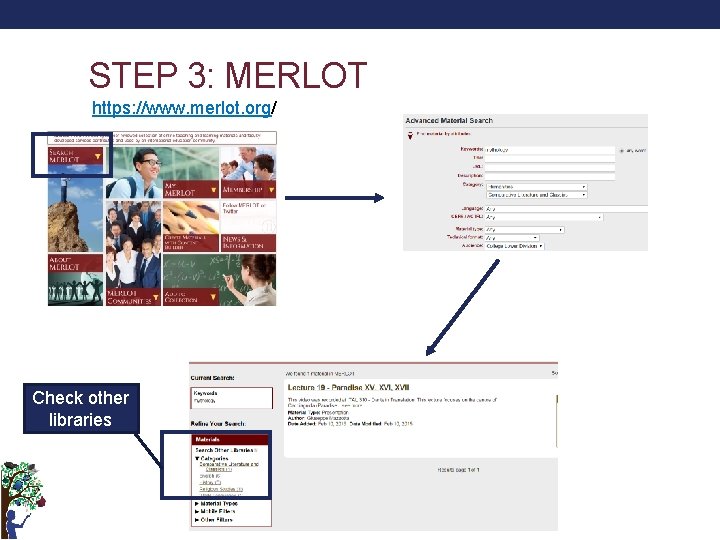
STEP 3: MERLOT https: //www. merlot. org/ Check other libraries
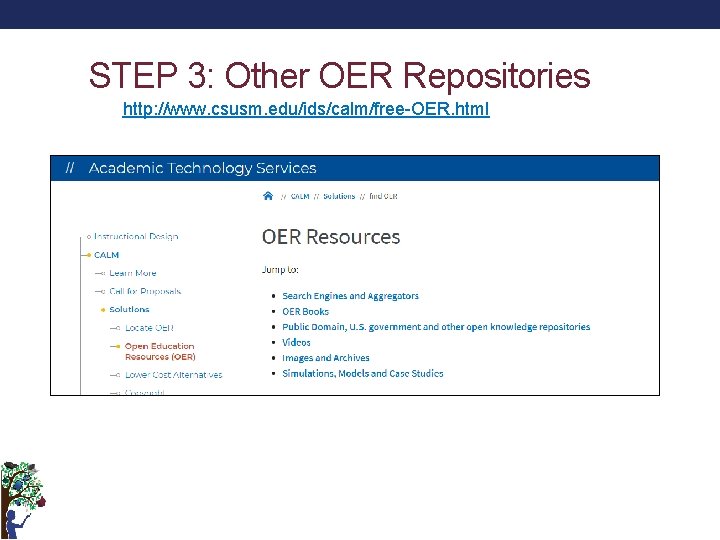
STEP 3: Other OER Repositories http: //www. csusm. edu/ids/calm/free-OER. html
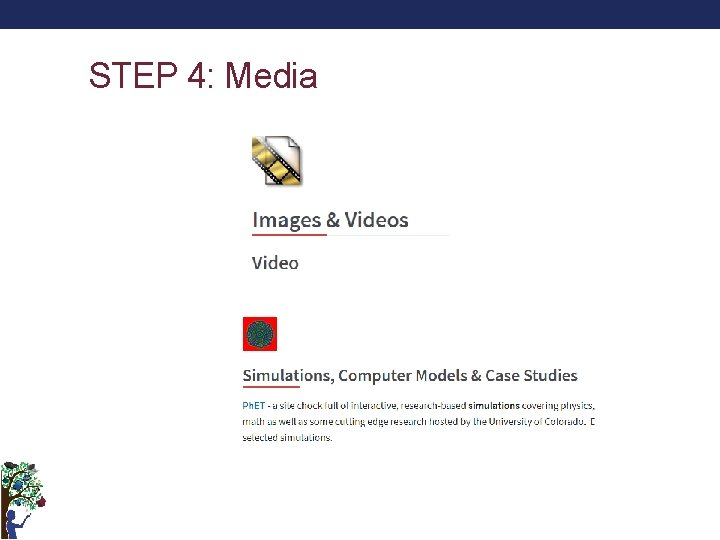
STEP 4: Media
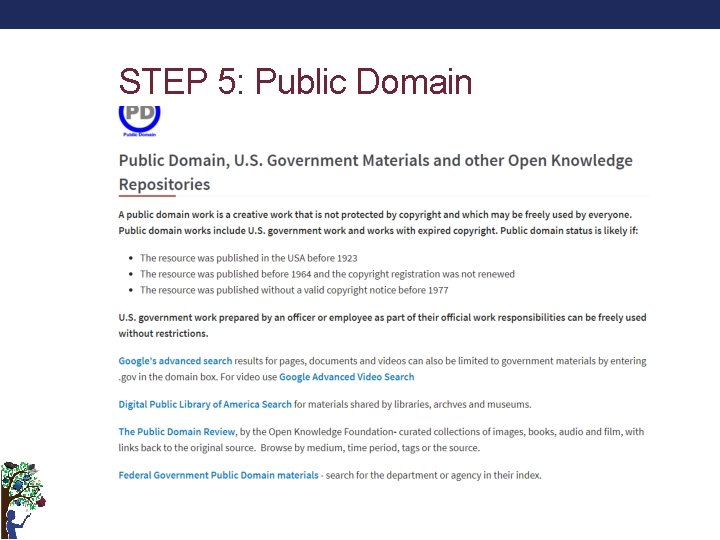
STEP 5: Public Domain
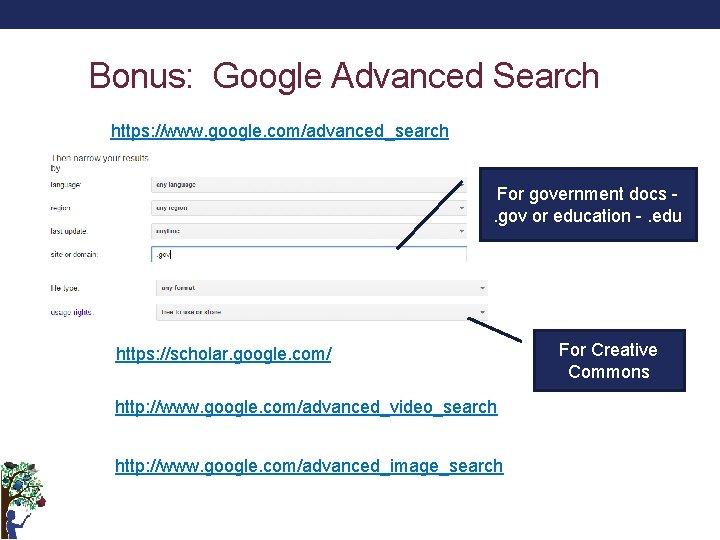
Bonus: Google Advanced Search https: //www. google. com/advanced_search For government docs - . gov or education -. edu https: //scholar. google. com/ http: //www. google. com/advanced_video_search http: //www. google. com/advanced_image_search For Creative Commons
Thank you!