
Finance Program Chart of AccountsFINS 9 2 Project
- Slides: 22
Finance Program Chart of Accounts/FINS 9. 2 Project September, 2016
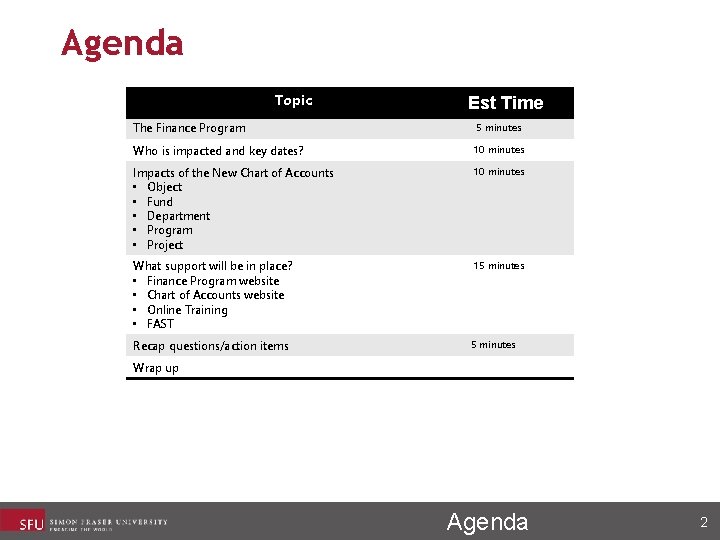
Agenda Topic Est Time The Finance Program 5 minutes Who is impacted and key dates? 10 minutes Impacts of the New Chart of Accounts • Object • Fund • Department • Program • Project 10 minutes What support will be in place? • Finance Program website • Chart of Accounts website • Online Training • FAST 15 minutes Recap questions/action items 5 minutes Wrap up Agenda 2
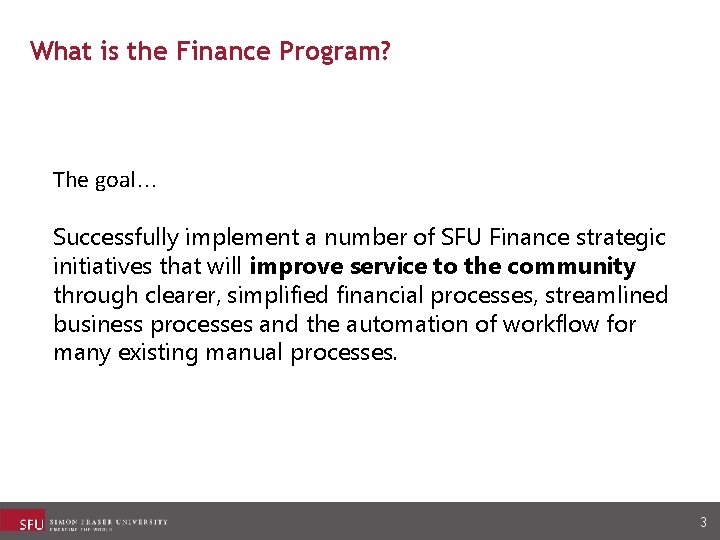
What is the Finance Program? The goal… Successfully implement a number of SFU Finance strategic initiatives that will improve service to the community through clearer, simplified financial processes, streamlined business processes and the automation of workflow for many existing manual processes. 3
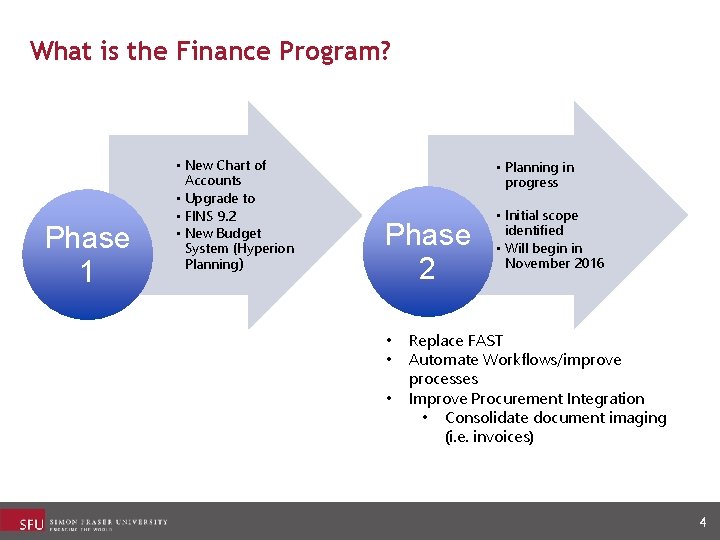
What is the Finance Program? Phase 1 • New Chart of Accounts • Upgrade to • FINS 9. 2 • New Budget System (Hyperion Planning) • Planning in progress Phase 2 • • Initial scope identified • Will begin in November 2016 Replace FAST Automate Workflows/improve processes Improve Procurement Integration • Consolidate document imaging (i. e. invoices) 4
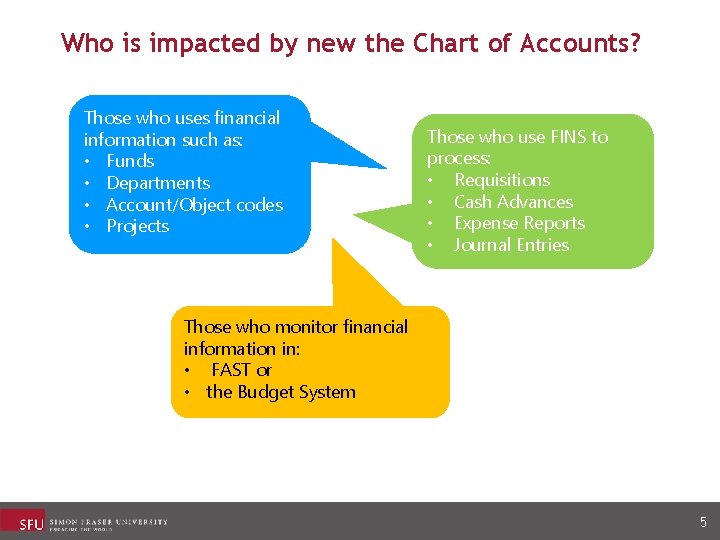
Who is impacted by new the Chart of Accounts? Those who uses financial information such as: • Funds • Departments • Account/Object codes • Projects Those who use FINS to process: • Requisitions • Cash Advances • Expense Reports • Journal Entries Those who monitor financial information in: • FAST or • the Budget System 5
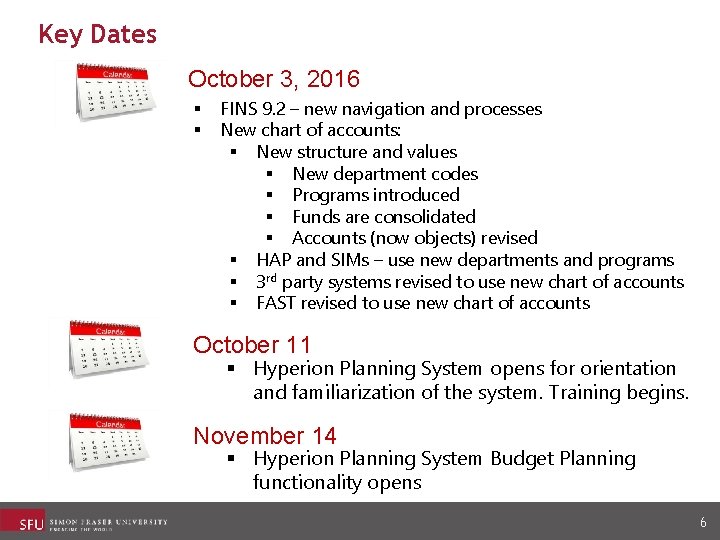
Key Dates October 3, 2016 § § FINS 9. 2 – new navigation and processes New chart of accounts: § New structure and values § New department codes § Programs introduced § Funds are consolidated § Accounts (now objects) revised § HAP and SIMs – use new departments and programs § 3 rd party systems revised to use new chart of accounts § FAST revised to use new chart of accounts October 11 § Hyperion Planning System opens for orientation and familiarization of the system. Training begins. November 14 § Hyperion Planning System Budget Planning functionality opens 6
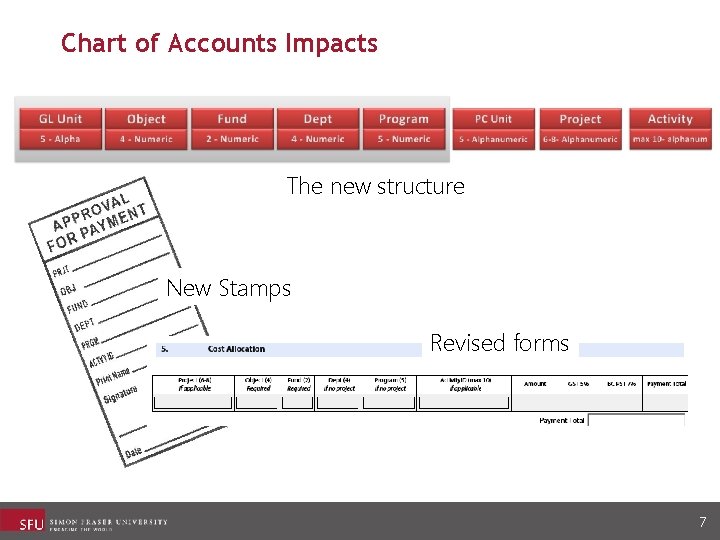
Chart of Accounts Impacts The new structure New Stamps Revised forms 7
New Object Codes What’s Changing? • The number of object codes are being rationalized and reduced • Object codes are being renumbered • Object codes defined See the Top 50 Translated Object Codes Quick Reference Sheet 8
Fund Codes What’s Changing? • Some funds are being merged: • Funds 11 and 12 • Ancillary funds consolidated in Fund 40 • The endowment-funded projects of Fund 23 and 24 are being combined into a new fund: Fund 62 Endowment Support 9
Departments What’s Changing? • Department codes now 4 digits • Departments are true organizational units • Some departments are being converted into Programs 10
Our new Department Codes Code Description 6010 6020 6030 6050 6060 6070 6110 6210 6660 6675 6680 6705 6710 6715 6720 6725 6760 6770 6785 6790 6795 VPR Administration VPR Major Projects Office VP Research Centre/Facilities VPR Research Services Office Ethics Policy Admin VPR Innovation Office VPR Animal Care SFU International Library Administration Library Systems Library Equipment Operations Library Acquisitions Serials Library Cataloguing Library Access Services Library ILL and Media Library Learning Instruction Library Research Commons Library Student Learn Commons Library Special Collections Library Collections 100 Rebate Library Collections Reg Rebate BC ELN Operation BC ELN Cost Recovery e. HLbc Cost Recovery m a x e ple Insert your codes 1. Go to the COA website: http: //www. sfu. ca/finance/COA-Landing-pg. html 2. Go to Department Listing: Locate your department and copy and paste the department codes to this slide 3. Delete the ‘example’ and ‘Insert your codes’ text boxes. 11
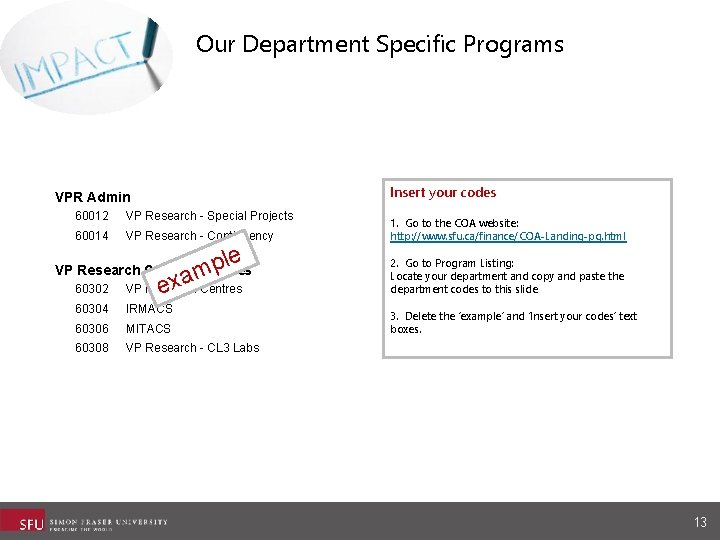
Programs What’s Changing? • New chartfield to further segment information. • Used where departments are the organizational units, programs are the services that they deliver 12
Our Department Specific Programs Insert your codes VPR Admin 60012 VP Research - Special Projects 60014 VP Research - Contingency le p m VP Research Centre/Facilities exa 60302 VP Research Centres 60304 IRMACS 60306 MITACS 60308 VP Research - CL 3 Labs 1. Go to the COA website: http: //www. sfu. ca/finance/COA-Landing-pg. html 2. Go to Program Listing: Locate your department and copy and paste the department codes to this slide 3. Delete the ‘example’ and ‘Insert your codes’ text boxes. 13
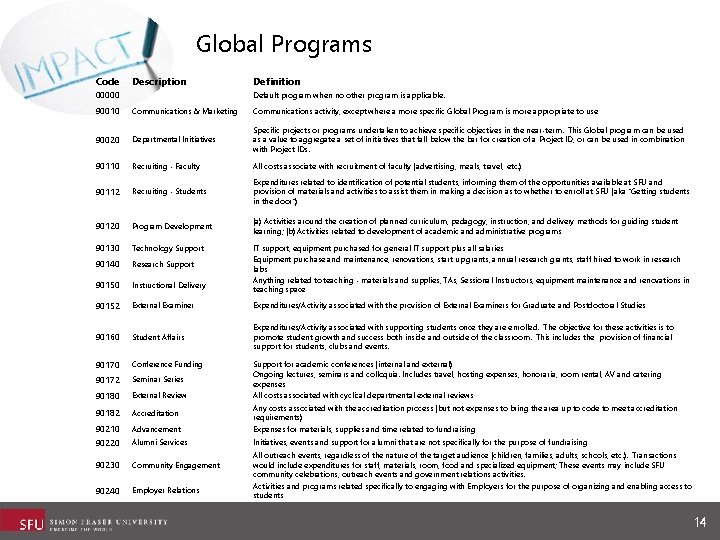
Global Programs Code Description 00000 Definition Default program when no other program is applicable. 90010 Communications & Marketing Communications activity, except where a more specific Global Program is more appropriate to use 90020 Departmental Initiatives Specific projects or programs undertaken to achieve specific objectives in the near-term. This Global program can be used as a value to aggregate a set of initiatives that fall below the bar for creation of a Project ID, or can be used in combination with Project IDs. 90110 Recruiting - Faculty All costs associate with recruitment of faculty (advertising, meals, travel, etc. ) 90112 Recruiting - Students Expenditures related to identification of potential students, informing them of the opportunities available at SFU and provision of materials and activities to assist them in making a decision as to whether to enroll at SFU (aka "Getting students in the door") 90120 Program Development (a) Activities around the creation of planned curriculum, pedagogy, instruction, and delivery methods for guiding student learning; (b) Activities related to development of academic and administrative programs 90130 Technology Support 90140 Research Support 90150 Instructional Delivery 90152 External Examiner Expenditures/Activity associated with the provision of External Examiners for Graduate and Postdoctoral Studies 90160 Student Affairs Expenditures/Activity associated with supporting students once they are enrolled. The objective for these activities is to promote student growth and success both inside and outside of the classroom. This includes the provision of financial support for students, clubs and events. 90170 Conference Funding 90172 Seminar Series 90180 External Review 90182 Accreditation 90210 90220 Advancement Any costs associated with the accreditation process (but not expenses to bring the area up to code to meet accreditation requirements) Expenses for materials, supplies and time related to fundraising Alumni Services Initiatives, events and support for alumni that are not specifically for the purpose of fundraising 90230 Community Engagement 90240 Employer Relations IT support, equipment purchased for general IT support plus all salaries Equipment purchase and maintenance, renovations, start up grants, annual research grants, staff hired to work in research labs Anything related to teaching - materials and supplies, TAs, Sessional Instructors, equipment maintenance and renovations in teaching space Support for academic conferences (internal and external) Ongoing lectures, seminars and colloquia. Includes travel, hosting expenses, honoraria, room rental, AV and catering expenses All costs associated with cyclical departmental external reviews All outreach events, regardless of the nature of the target audience (children, families, adults, schools, etc. ). Transactions would include expenditures for staff, materials, room, food and specialized equipment; These events may include SFU community celebrations, outreach events and government relations activities. Activities and programs related specifically to engaging with Employers for the purpose of organizing and enabling access to students 14
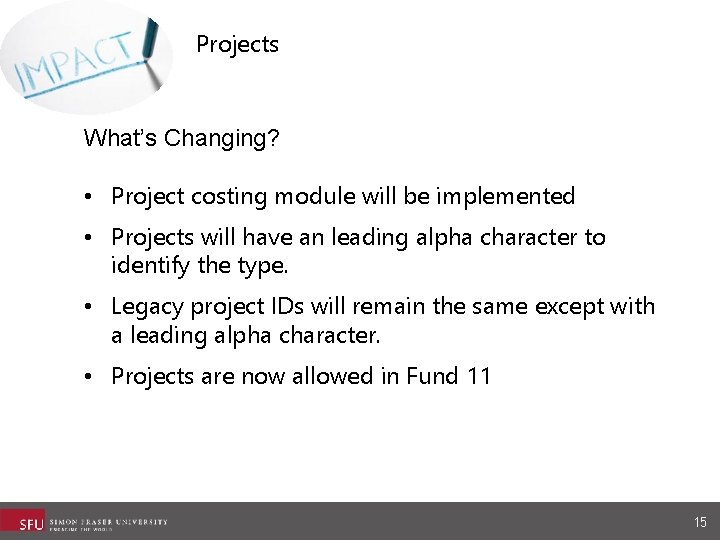
Projects What’s Changing? • Project costing module will be implemented • Projects will have an leading alpha character to identify the type. • Legacy project IDs will remain the same except with a leading alpha character. • Projects are now allowed in Fund 11 15
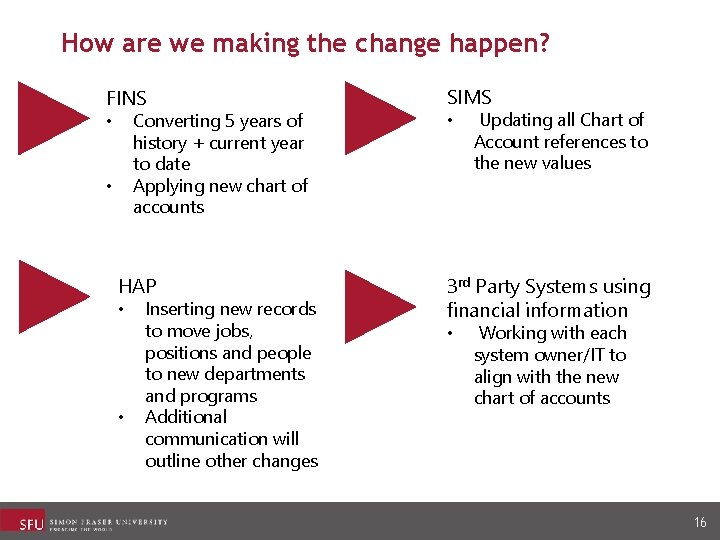
How are we making the change happen? FINS Converting 5 years of history + current year to date Applying new chart of accounts • • HAP • • Inserting new records to move jobs, positions and people to new departments and programs Additional communication will outline other changes SIMS • Updating all Chart of Account references to the new values 3 rd Party Systems using financial information • Working with each system owner/IT to align with the new chart of accounts 16
What support will be in place? • Finance Program website • Chart of Accounts website • BETA FAST • Online training • Go Live Response Team 17
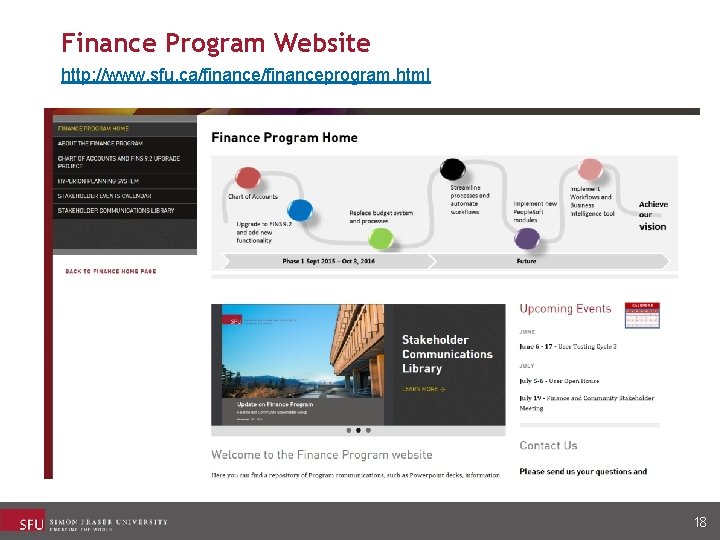
Finance Program Website http: //www. sfu. ca/financeprogram. html 18
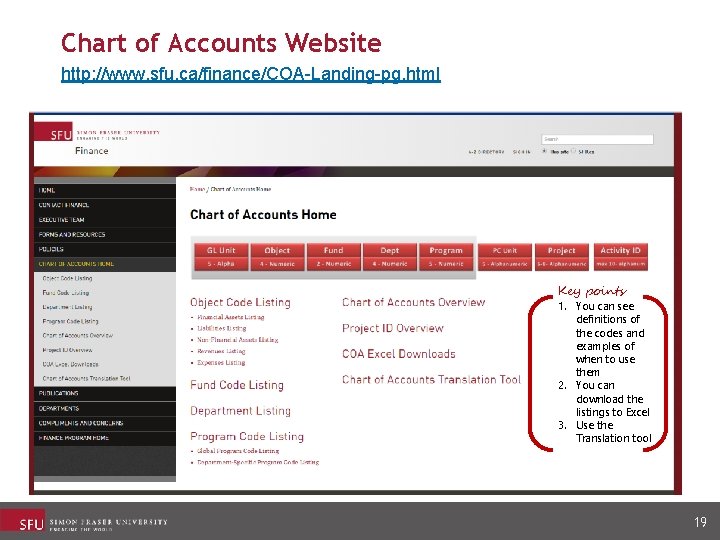
Chart of Accounts Website http: //www. sfu. ca/finance/COA-Landing-pg. html Key points 1. You can see definitions of the codes and examples of when to use them 2. You can download the listings to Excel 3. Use the Translation tool 19
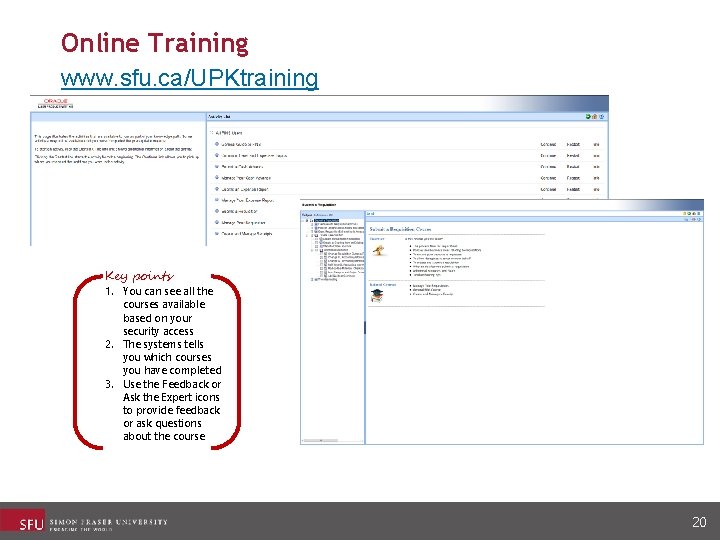
Online Training www. sfu. ca/UPKtraining Key points 1. You can see all the courses available based on your security access 2. The systems tells you which courses you have completed 3. Use the Feedback or Ask the Expert icons to provide feedback or ask questions about the course 20
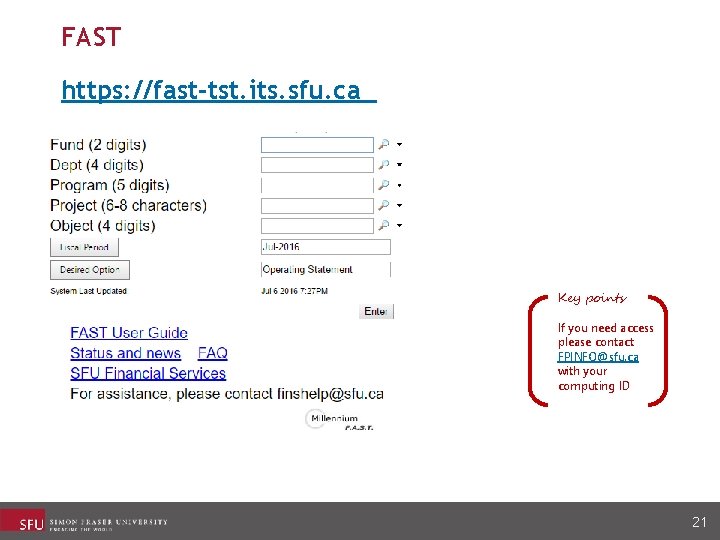
FAST https: //fast-tst. its. sfu. ca Key points If you need access please contact FPINFO@sfu. ca with your computing ID 21
Discussion/Parking Lot 22