
Filtering and Color To filter a color image
- Slides: 31
Filtering and Color • To filter a color image, simply filter each of R, G and B separately • Re-scaling and truncating are more difficult to implement: – Adjusting each channel separately may change color significantly – Adjusting intensity while keeping hue and saturation may be best, although some loss of saturation is probably OK
Compositing • Compositing combines components from two or more images to make a new image • The basis for film special effects (even before computers) – Create digital imagery and composite it into live action • Important part of animation – even hand animation – Background change more slowly than foregrounds, so composite foreground elements onto constant background
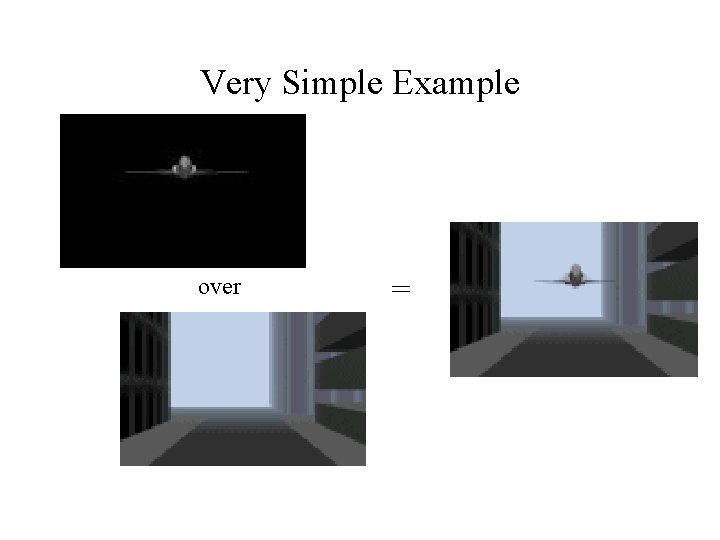
Very Simple Example over =
Mattes • A matte is an image that shows which parts of another image are foreground objects • Term dates from film editing and cartoon production • To composite with a matte: – Take foreground pixels over white parts of the matte and copy them into the background image
Alpha • Basic idea: Encode opacity information in the image • Add an extra channel, the alpha channel, to each image – alpha = 1 implies full opacity at a pixel – alpha = 0 implies completely clear pixels • Images are now in RGBA format, and typically 32 bits per pixel (8 bits for alpha)
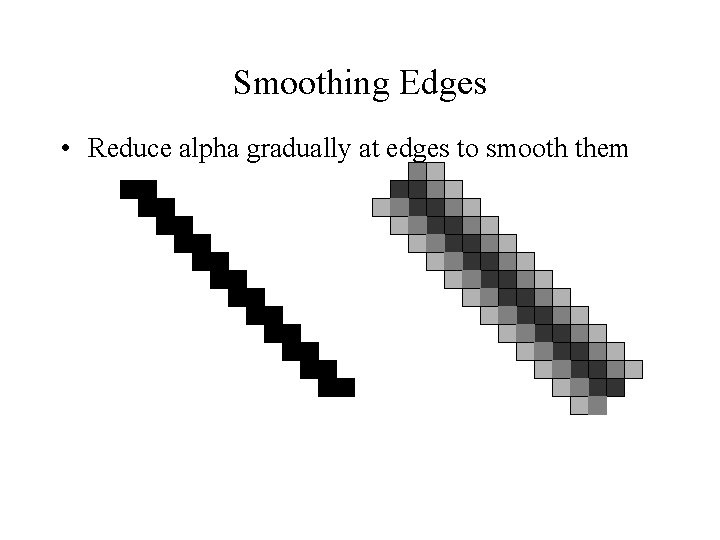
Smoothing Edges • Reduce alpha gradually at edges to smooth them
Pre-Multiplied Alpha • Instead of storing (R, G, B, ), store ( R, G, B, ) • The compositing operations in the next several slides are easier with pre-multiplied alpha • To display and do color conversions, must extract RGB by dividing out – =0 is always black – Some loss of precision as gets small, but generally not a problem
Alpha and Translucent Objects • If the image is of a translucent object, then represents the amount of the background that is blocked • When combining two translucent objects: – – (1 - a)(1 - b) of the background shows through both a(1 - b) passes through B but is blocked by A b(1 - a) passes through A but is blocked by B a b of the background is blocked by both
Alpha and Opaque Objects • Assume a pixel represents the color of a small area – Typically a square, but not necessarily • Interpret to represent the fraction of the pixel area covered by an object • Question: When we combine two images, how much of the pixel is covered? – What should the new be?
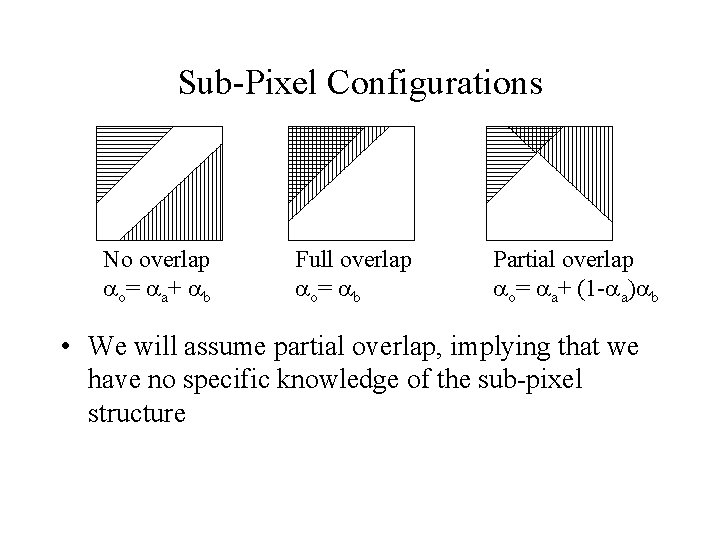
Sub-Pixel Configurations No overlap o= a+ b Full overlap o= b Partial overlap o= a+ (1 - a) b • We will assume partial overlap, implying that we have no specific knowledge of the sub-pixel structure
Compositing Assumptions • We will combine two images, f and g, to get a third composite image – Not necessary that one be foreground and background – Background can remain unspecified • Both images are the same size and use the same color representation • Multiple images can be combined in stages, operating on two at a time
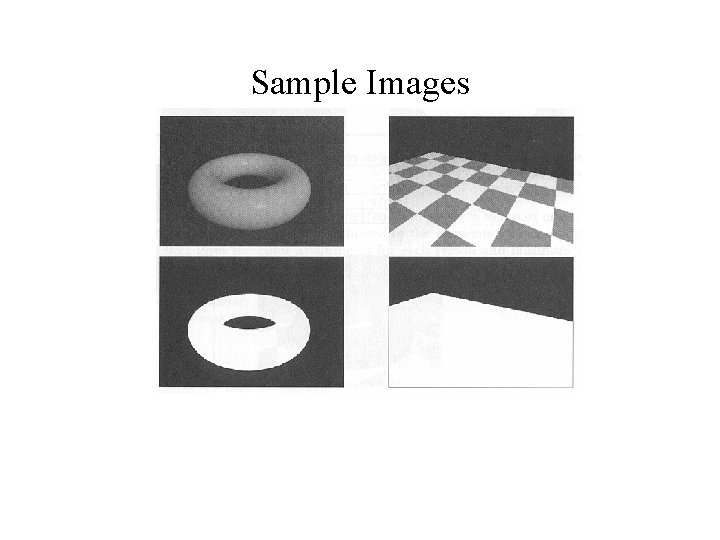
Sample Images
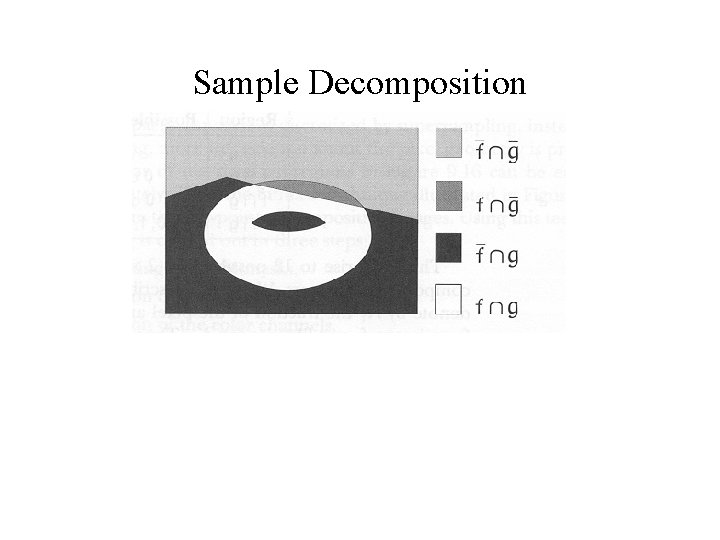
Image Decomposition • The composite image can be broken into regions – – Parts covered by f only Parts covered by g only Parts covered by f and g Parts covered by neither f nor g • Same goes for sub-pixels in places where 1
Sample Decomposition
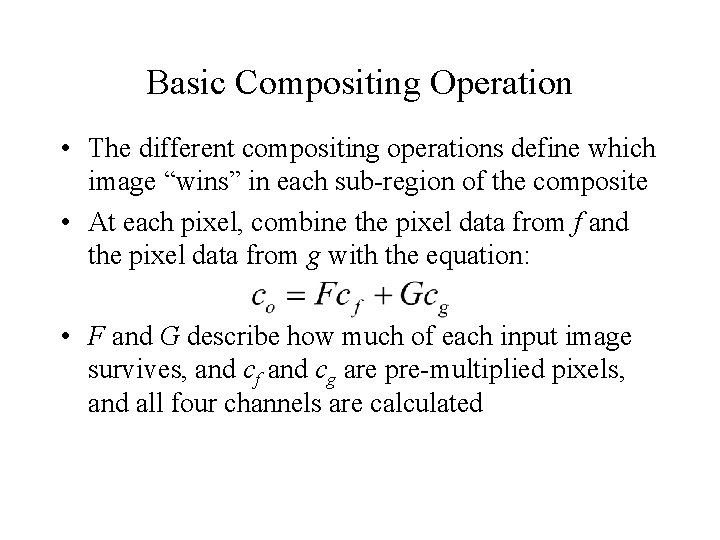
Basic Compositing Operation • The different compositing operations define which image “wins” in each sub-region of the composite • At each pixel, combine the pixel data from f and the pixel data from g with the equation: • F and G describe how much of each input image survives, and cf and cg are pre-multiplied pixels, and all four channels are calculated
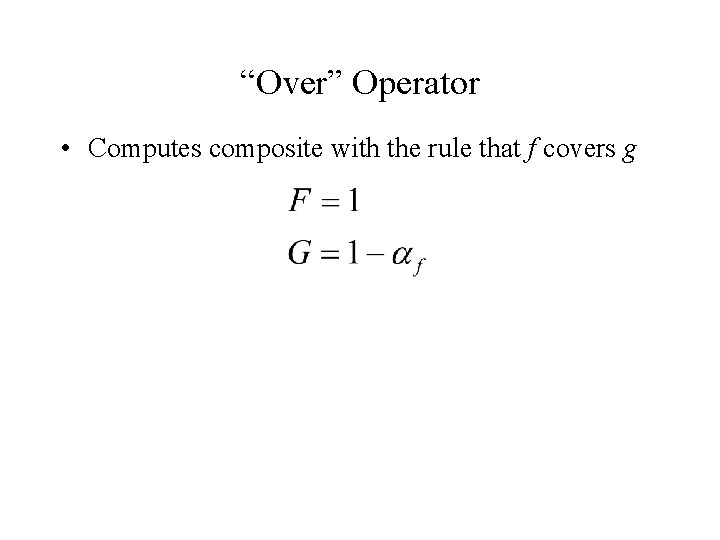
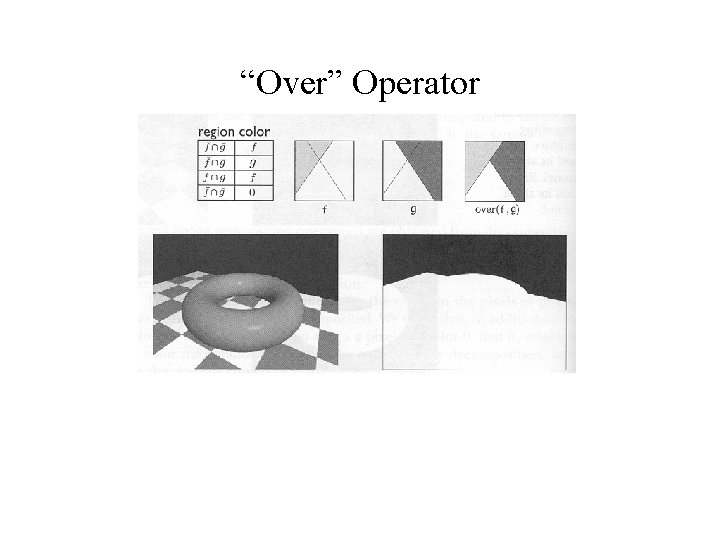
“Over” Operator • Computes composite with the rule that f covers g
“Over” Operator
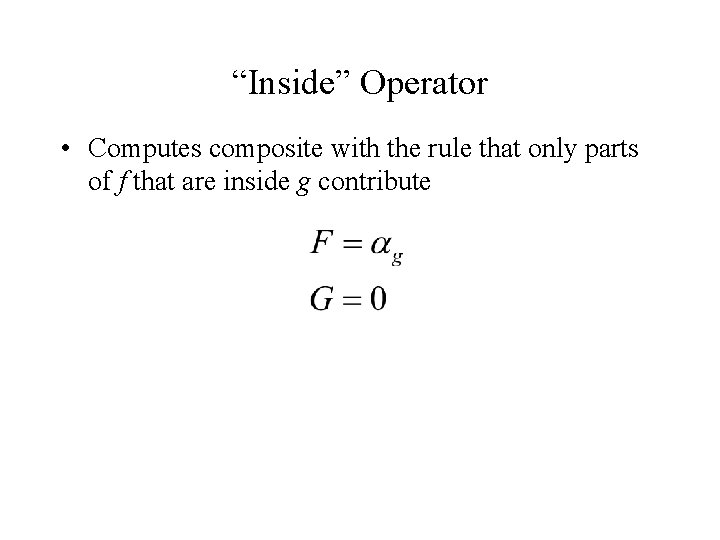
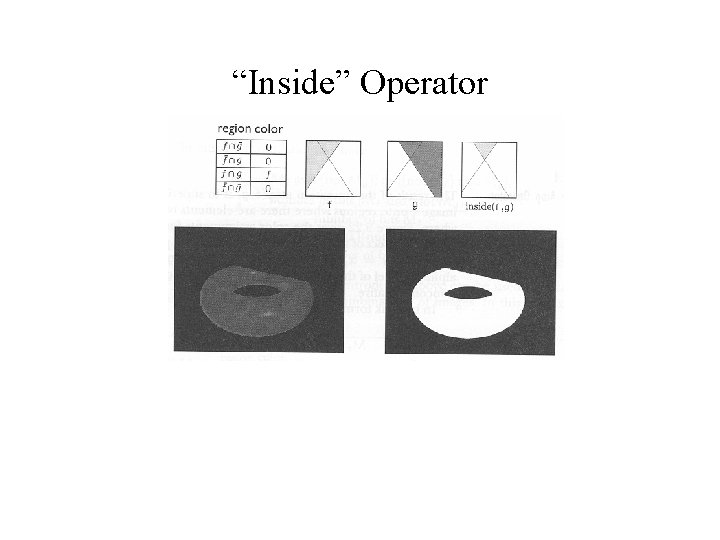
“Inside” Operator • Computes composite with the rule that only parts of f that are inside g contribute
“Inside” Operator
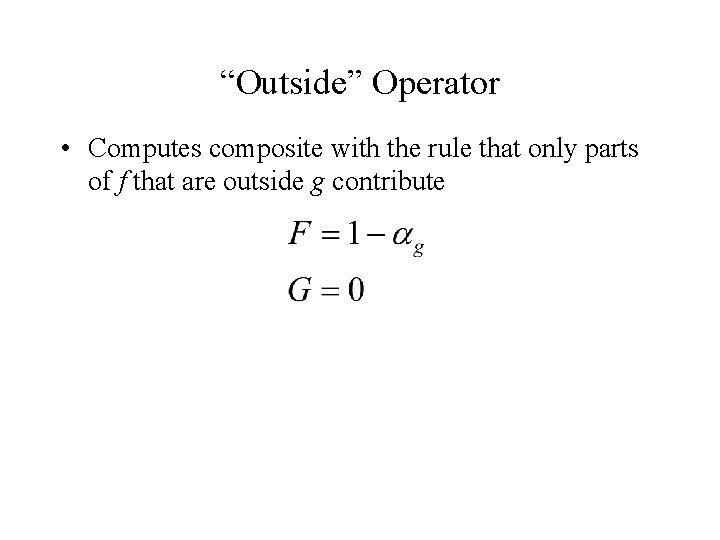
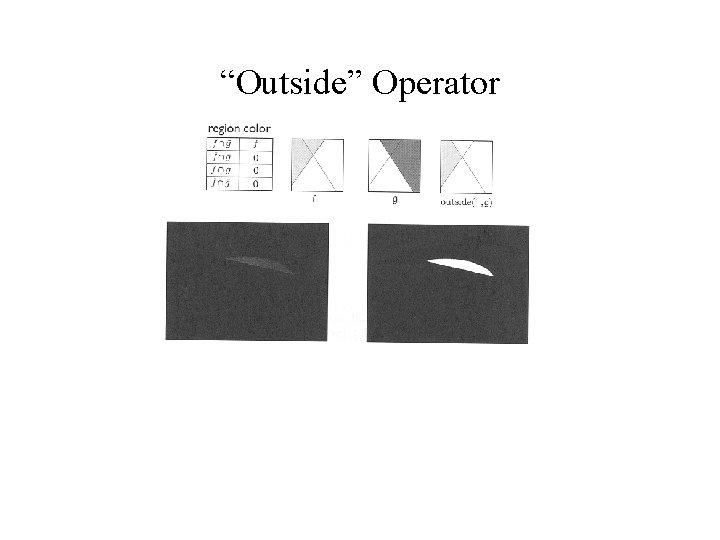
“Outside” Operator • Computes composite with the rule that only parts of f that are outside g contribute
“Outside” Operator
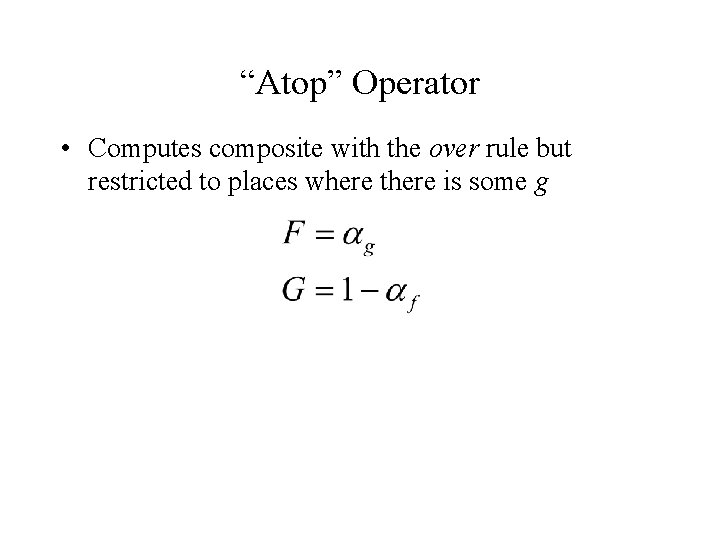
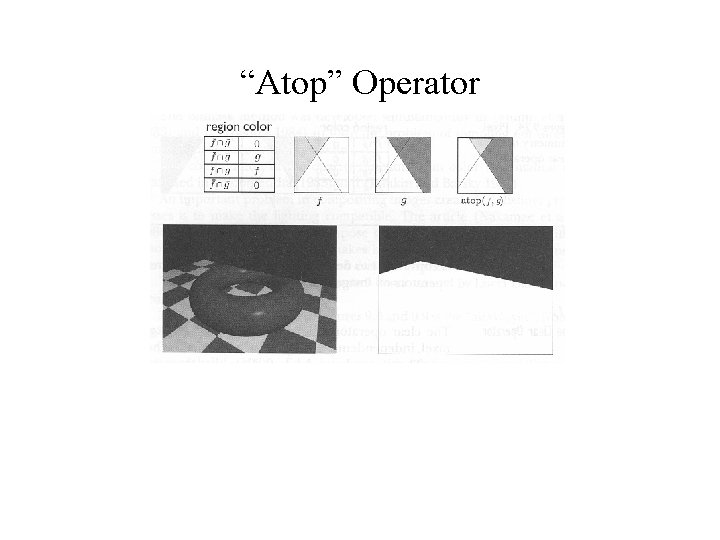
“Atop” Operator • Computes composite with the over rule but restricted to places where there is some g
“Atop” Operator
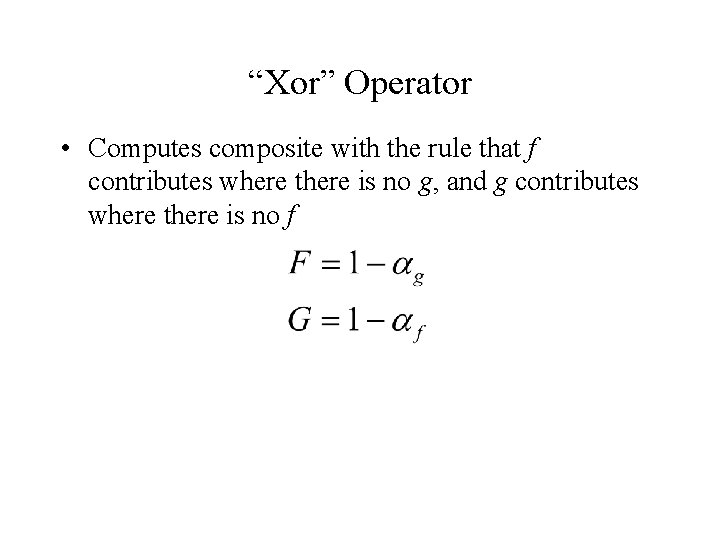
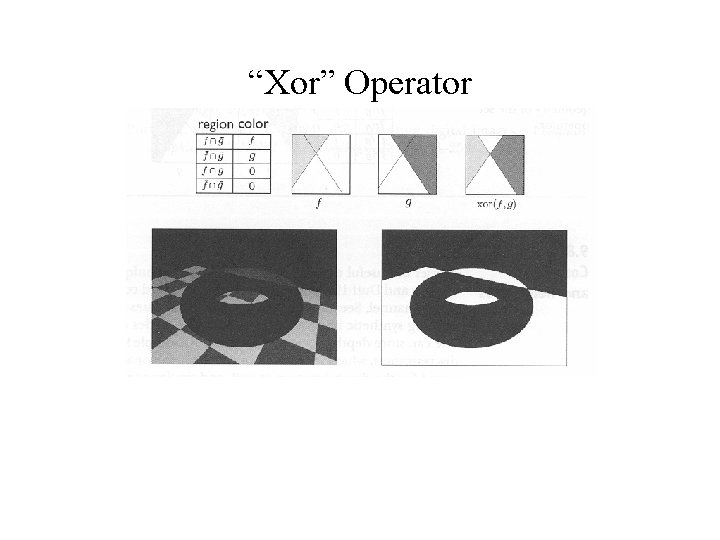
“Xor” Operator • Computes composite with the rule that f contributes where there is no g, and g contributes where there is no f
“Xor” Operator
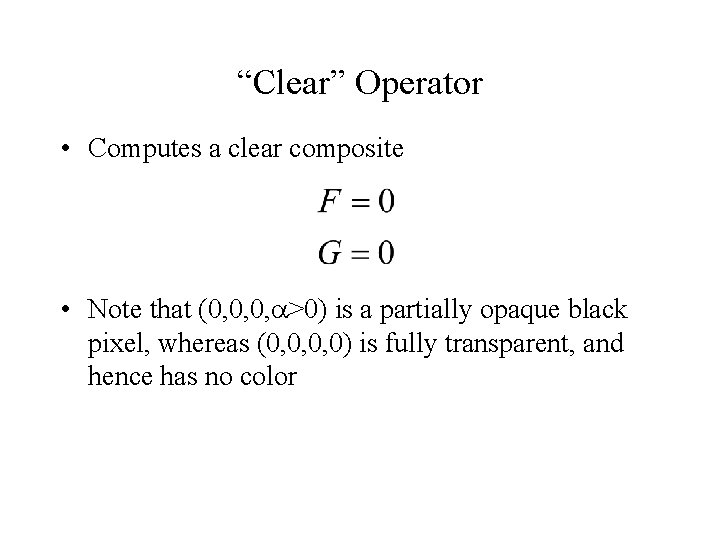
“Clear” Operator • Computes a clear composite • Note that (0, 0, 0, >0) is a partially opaque black pixel, whereas (0, 0, 0, 0) is fully transparent, and hence has no color
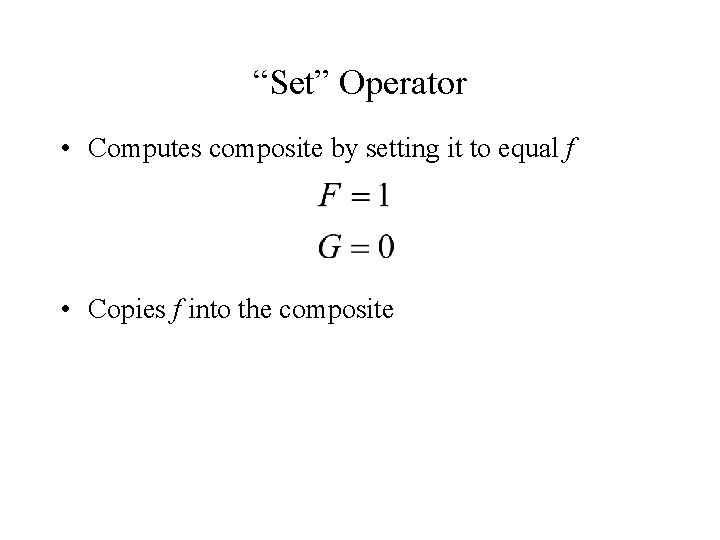
“Set” Operator • Computes composite by setting it to equal f • Copies f into the composite
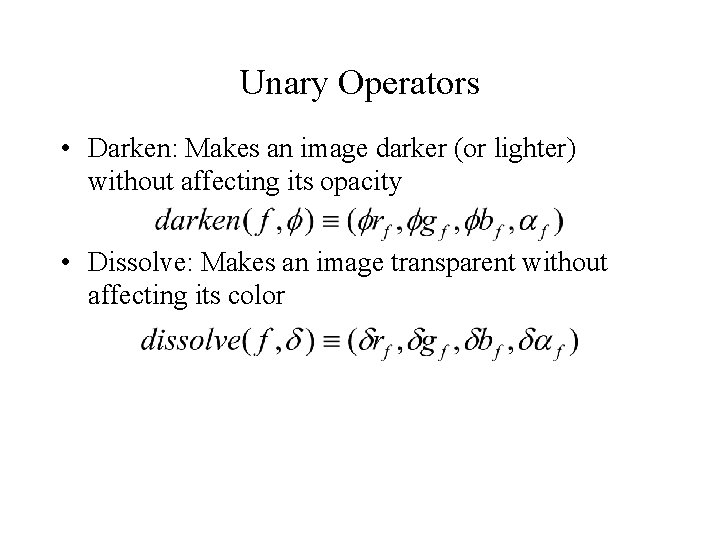
Unary Operators • Darken: Makes an image darker (or lighter) without affecting its opacity • Dissolve: Makes an image transparent without affecting its color
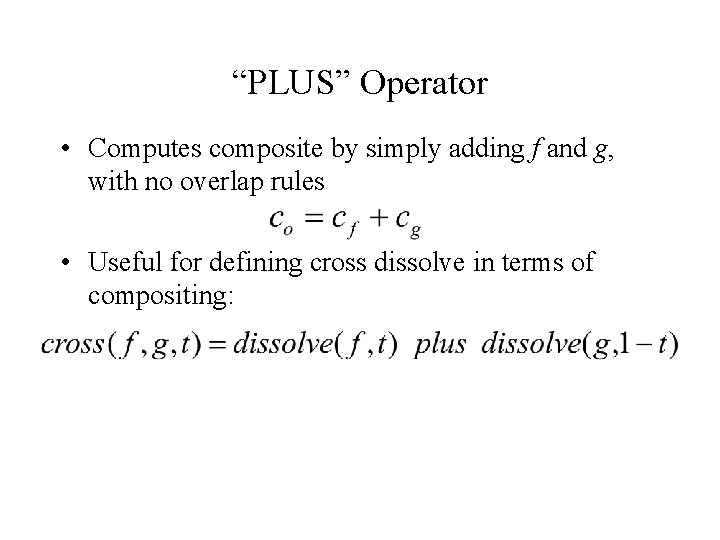
“PLUS” Operator • Computes composite by simply adding f and g, with no overlap rules • Useful for defining cross dissolve in terms of compositing:
Obtaining Values • Hand generate (paint a grayscale image) • Automatically create by segmenting an image into foreground background: – Blue-screening is the analog method • Remarkably complex to get right – “Lasso” is the Photoshop operation • With synthetic imagery, use a special background color that does not occur in the foreground – Brightest blue is common
Compositing With Depth • Can store pixel “depth” instead of alpha • Then, compositing can truly take into account foreground and background • Generally only possible with synthetic imagery – Image Based Rendering is an area of graphics that, in part, tries to composite photographs taking into account depth