
Filter Manager Overview 2004 Microsoft Corporation All rights
- Slides: 47
Filter Manager Overview © 2004 Microsoft Corporation. All rights reserved. 1
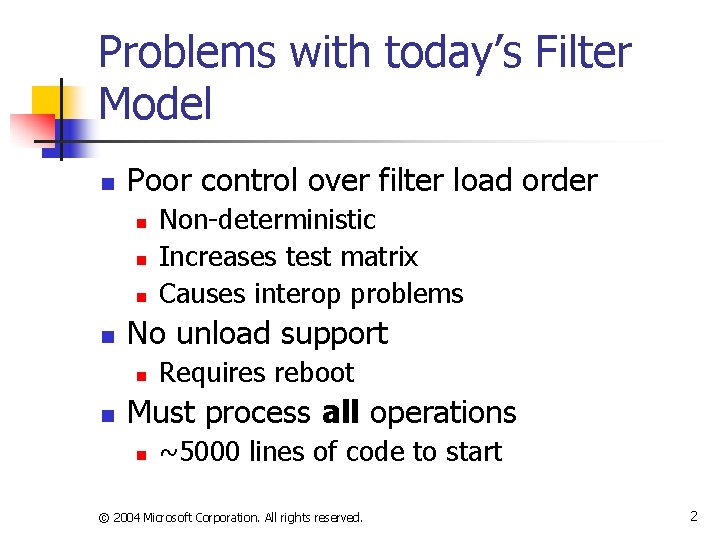
Problems with today’s Filter Model n Poor control over filter load order n n No unload support n n Non-deterministic Increases test matrix Causes interop problems Requires reboot Must process all operations n ~5000 lines of code to start © 2004 Microsoft Corporation. All rights reserved. 2
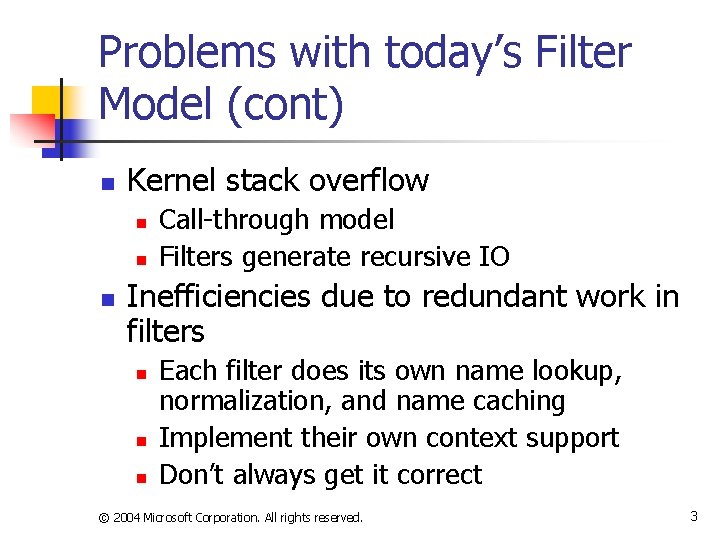
Problems with today’s Filter Model (cont) n Kernel stack overflow n n n Call-through model Filters generate recursive IO Inefficiencies due to redundant work in filters n n n Each filter does its own name lookup, normalization, and name caching Implement their own context support Don’t always get it correct © 2004 Microsoft Corporation. All rights reserved. 3
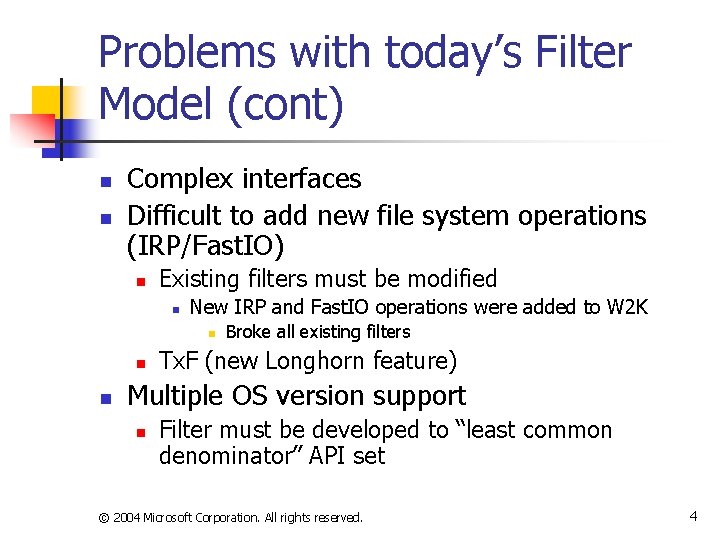
Problems with today’s Filter Model (cont) n n Complex interfaces Difficult to add new file system operations (IRP/Fast. IO) n Existing filters must be modified n New IRP and Fast. IO operations were added to W 2 K n n n Broke all existing filters Tx. F (new Longhorn feature) Multiple OS version support n Filter must be developed to “least common denominator” API set © 2004 Microsoft Corporation. All rights reserved. 4
The Filter Manager addresses all of these Issues © 2004 Microsoft Corporation. All rights reserved. 5
What is the Filter Manager n n n Legacy file system filter Reduces the complexity of IO system through new interfaces and library routines Has kernel and user-mode interfaces © 2004 Microsoft Corporation. All rights reserved. 6
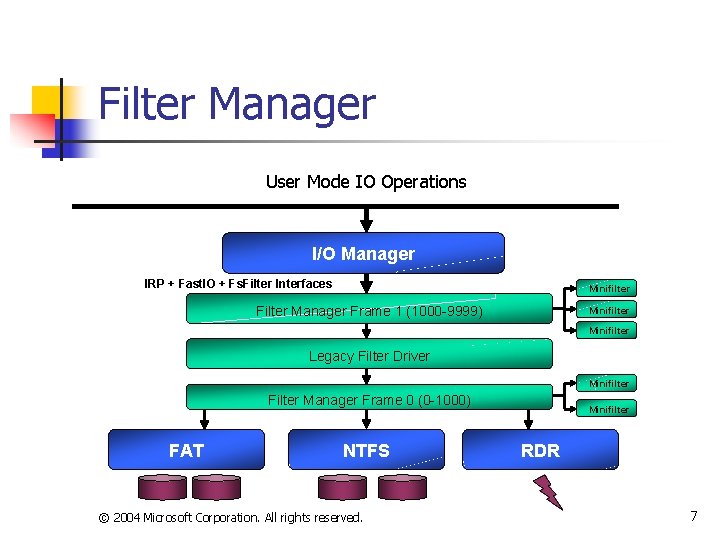
Filter Manager User Mode IO Operations I/O Manager IRP + Fast. IO + Fs. Filter Interfaces Minifilter Filter Manager Frame 1 (1000 -9999) Minifilter Legacy Filter Driver Minifilter Filter Manager Frame 0 (0 -1000) FAT NTFS © 2004 Microsoft Corporation. All rights reserved. Minifilter RDR 7
Definition of Terms n Legacy Filter n n A file system filter developed to the current Filter model Minifilter n A file system filter developed to the Filter Manager model © 2004 Microsoft Corporation. All rights reserved. 8
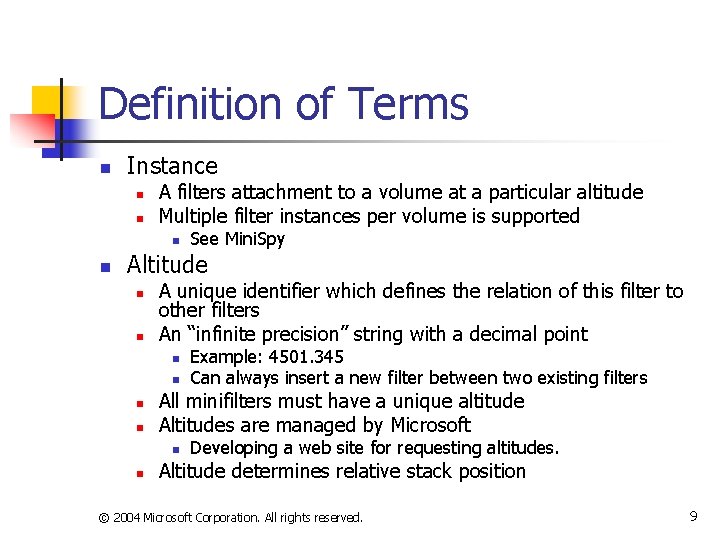
Definition of Terms n Instance n n A filters attachment to a volume at a particular altitude Multiple filter instances per volume is supported n n See Mini. Spy Altitude n n A unique identifier which defines the relation of this filter to other filters An “infinite precision” string with a decimal point n n All minifilters must have a unique altitude Altitudes are managed by Microsoft n n Example: 4501. 345 Can always insert a new filter between two existing filters Developing a web site for requesting altitudes. Altitude determines relative stack position © 2004 Microsoft Corporation. All rights reserved. 9
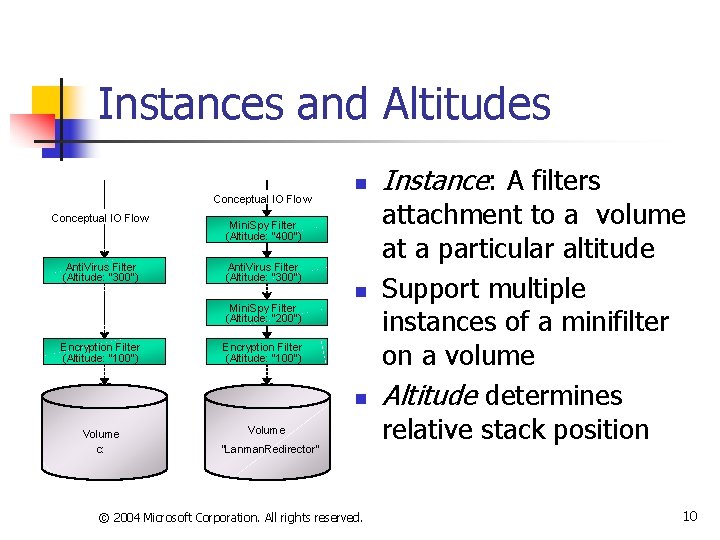
Instances and Altitudes Conceptual IO Flow Anti. Virus Filter (Altitude: “ 300”) n Mini. Spy Filter (Altitude: “ 400”) Anti. Virus Filter (Altitude: “ 300”) n Mini. Spy Filter (Altitude: “ 200”) Encryption Filter (Altitude: “ 100”) n Volume c: Volume “Lanman. Redirector” © 2004 Microsoft Corporation. All rights reserved. Instance: A filters attachment to a volume at a particular altitude Support multiple instances of a minifilter on a volume Altitude determines relative stack position 10
Definition of Terms n Frame n n Multiple filter manager attachments to a file system stack to support proper interop with legacy filters Each frame defines an altitude range © 2004 Microsoft Corporation. All rights reserved. 11
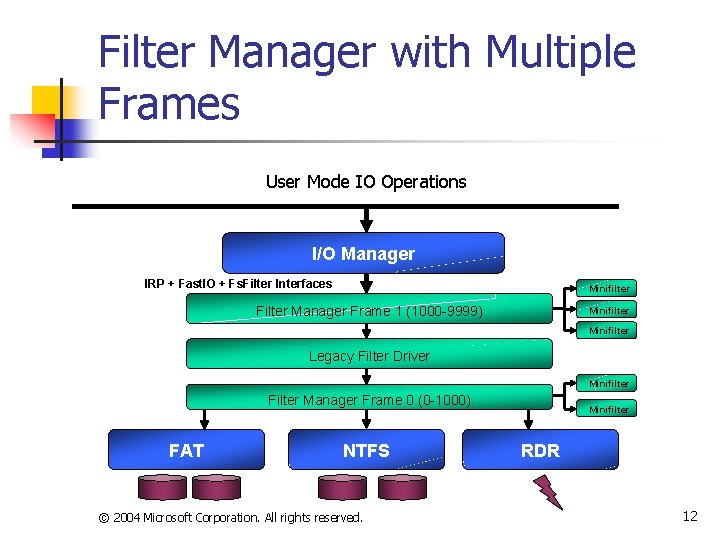
Filter Manager with Multiple Frames User Mode IO Operations I/O Manager IRP + Fast. IO + Fs. Filter Interfaces Minifilter Filter Manager Frame 1 (1000 -9999) Minifilter Legacy Filter Driver Minifilter Filter Manager Frame 0 (0 -1000) FAT NTFS © 2004 Microsoft Corporation. All rights reserved. Minifilter RDR 12
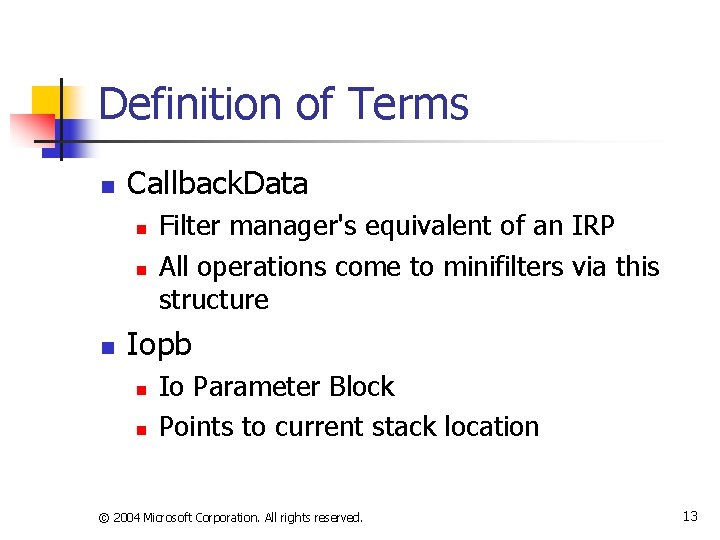
Definition of Terms n Callback. Data n n n Filter manager's equivalent of an IRP All operations come to minifilters via this structure Iopb n n Io Parameter Block Points to current stack location © 2004 Microsoft Corporation. All rights reserved. 13
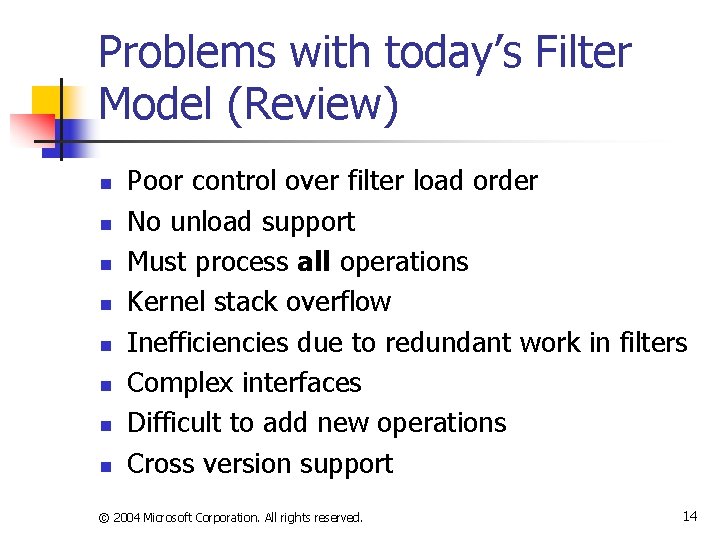
Problems with today’s Filter Model (Review) n n n n Poor control over filter load order No unload support Must process all operations Kernel stack overflow Inefficiencies due to redundant work in filters Complex interfaces Difficult to add new operations Cross version support © 2004 Microsoft Corporation. All rights reserved. 14
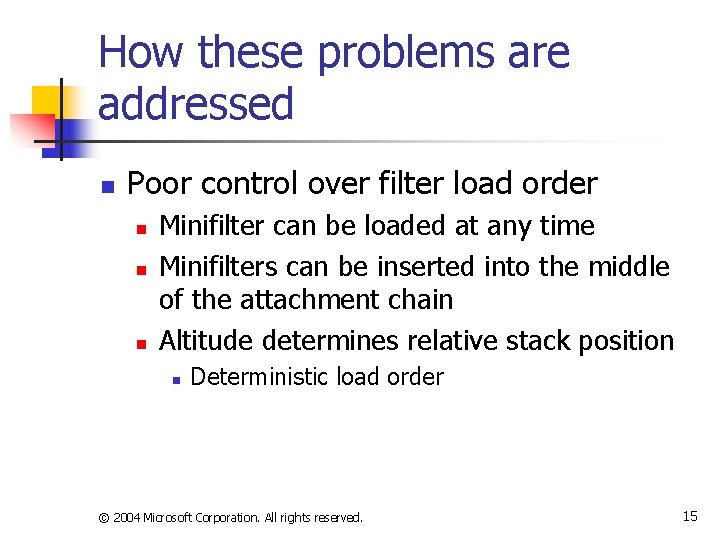
How these problems are addressed n Poor control over filter load order n n n Minifilter can be loaded at any time Minifilters can be inserted into the middle of the attachment chain Altitude determines relative stack position n Deterministic load order © 2004 Microsoft Corporation. All rights reserved. 15
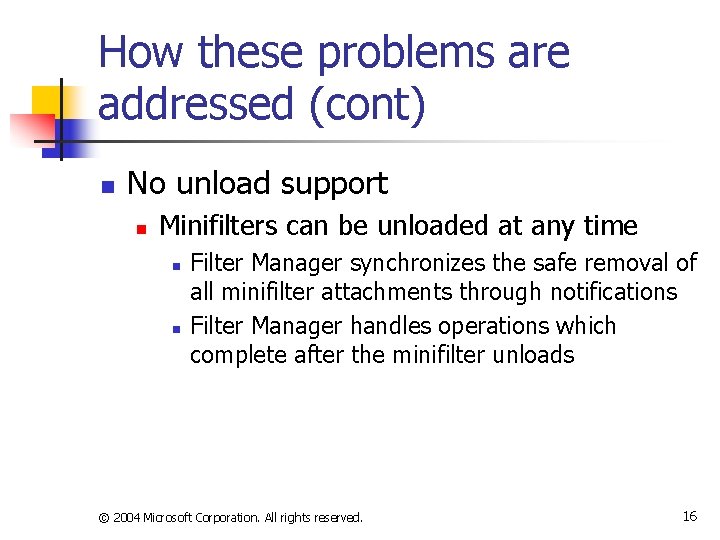
How these problems are addressed (cont) n No unload support n Minifilters can be unloaded at any time n n Filter Manager synchronizes the safe removal of all minifilter attachments through notifications Filter Manager handles operations which complete after the minifilter unloads © 2004 Microsoft Corporation. All rights reserved. 16
How these problems are addressed (cont) n Must process all operations n n n Minifilter registers only for operations in which it is interested Can uniquely register for pre- or post. Operation callbacks Can ignore certain classes of Operations n n Paging IO Cached IO © 2004 Microsoft Corporation. All rights reserved. 17
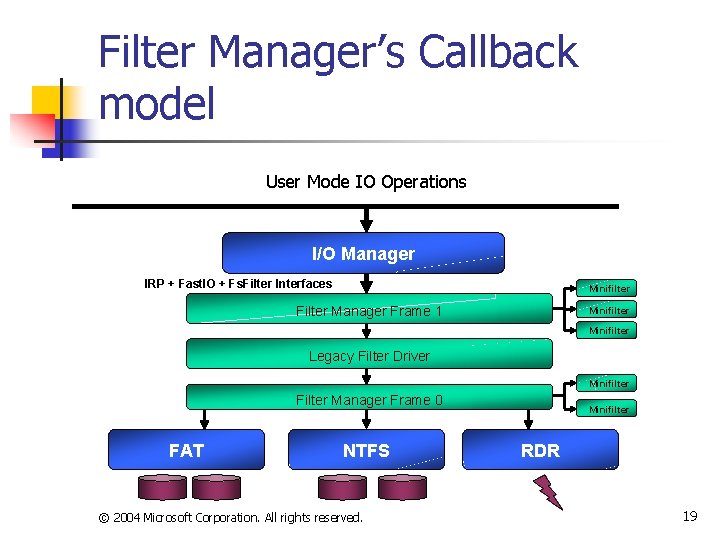
How these problems are addressed (cont) n Kernel stack overflows n n Filter Manager uses a “callback” model instead of a “call-through” model Supports non re-entrant filter initiated i/o n n IO will only be seen by filters below your filter Filter Manager is optimized to reduce the amount of stack it consumes © 2004 Microsoft Corporation. All rights reserved. 18
Filter Manager’s Callback model User Mode IO Operations I/O Manager IRP + Fast. IO + Fs. Filter Interfaces Minifilter Filter Manager Frame 1 Minifilter Legacy Filter Driver Minifilter Filter Manager Frame 0 FAT NTFS © 2004 Microsoft Corporation. All rights reserved. Minifilter RDR 19
How these problems are addressed (cont) n Inefficiencies due to redundant work in filters n Filter Manager provided infrastructure n n n Name generation is time consuming Filter Manager caches file names for use by multiple filters Filter Manager is optimized to support multi -processor systems © 2004 Microsoft Corporation. All rights reserved. 20
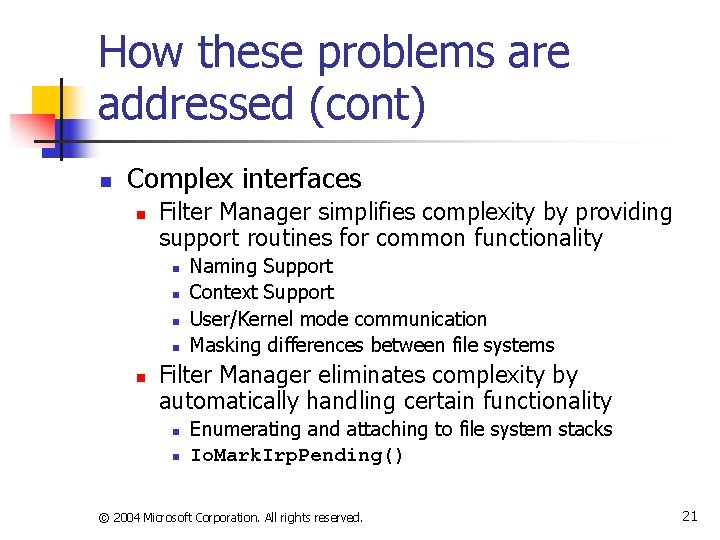
How these problems are addressed (cont) n Complex interfaces n Filter Manager simplifies complexity by providing support routines for common functionality n n n Naming Support Context Support User/Kernel mode communication Masking differences between file systems Filter Manager eliminates complexity by automatically handling certain functionality n n Enumerating and attaching to file system stacks Io. Mark. Irp. Pending() © 2004 Microsoft Corporation. All rights reserved. 21
How these problems are addressed (cont) n Difficult to add new operations n n Only filter manager needs to be updated to support new operations Minifilters only register for those operations they are interested in © 2004 Microsoft Corporation. All rights reserved. 22
How these problems are addressed (cont) n Multiple OS version support n Filter Manager supports running of minifilters on down level OS’s n n Can register for operations that don’t exist Can programmatically determine which APIs exist n n Flt. Get. Routine. Address() Structures are designed to be extensible n n Registration structure has a version number Structures contain a size field © 2004 Microsoft Corporation. All rights reserved. 23
Additional Filter Manager Features © 2004 Microsoft Corporation. All rights reserved. 24
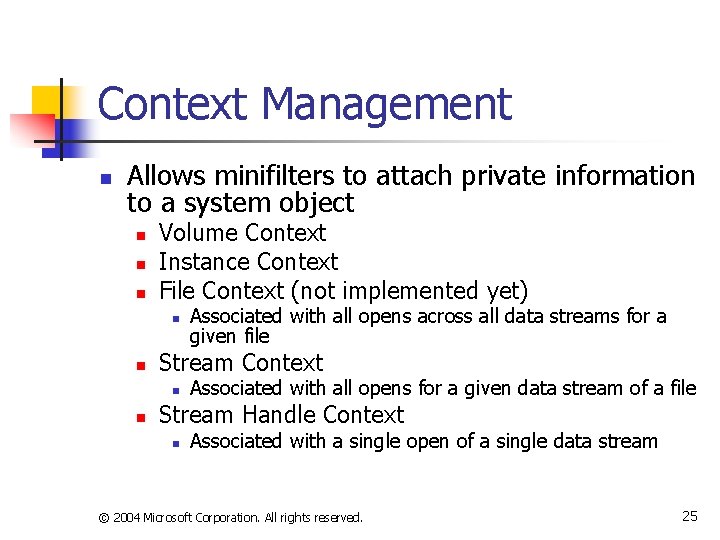
Context Management n Allows minifilters to attach private information to a system object n n n Volume Context Instance Context File Context (not implemented yet) n n Stream Context n n Associated with all opens across all data streams for a given file Associated with all opens for a given data stream of a file Stream Handle Context n Associated with a single open of a single data stream © 2004 Microsoft Corporation. All rights reserved. 25
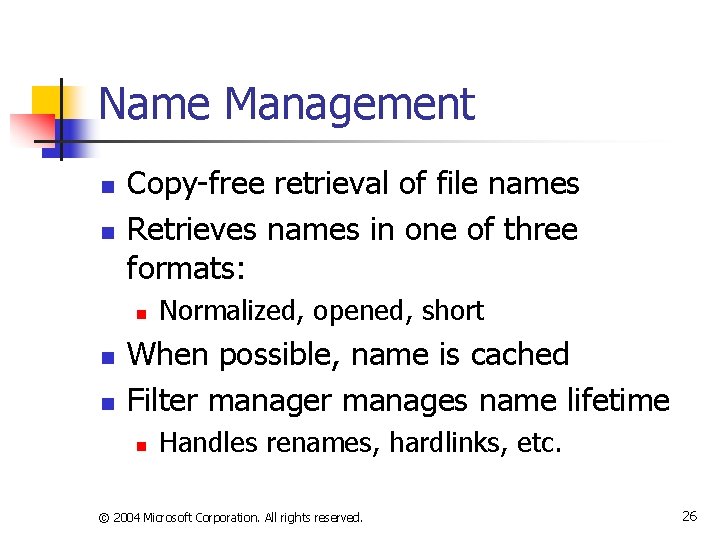
Name Management n n Copy-free retrieval of file names Retrieves names in one of three formats: n n n Normalized, opened, short When possible, name is cached Filter manages name lifetime n Handles renames, hardlinks, etc. © 2004 Microsoft Corporation. All rights reserved. 26
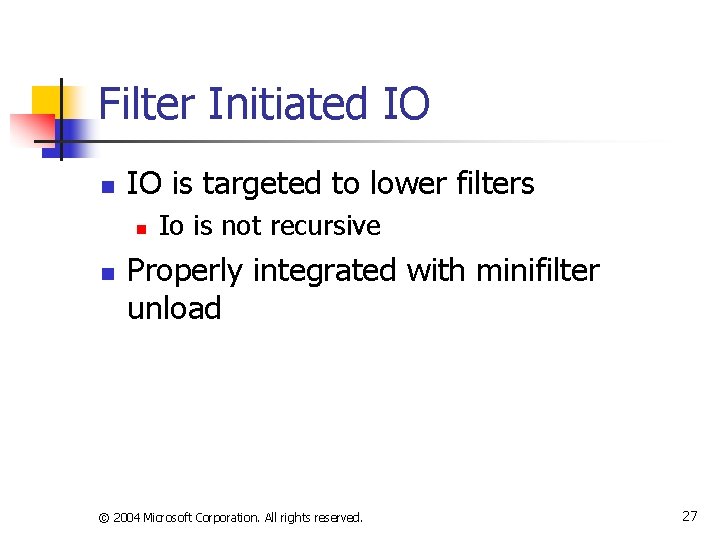
Filter Initiated IO n IO is targeted to lower filters n n Io is not recursive Properly integrated with minifilter unload © 2004 Microsoft Corporation. All rights reserved. 27
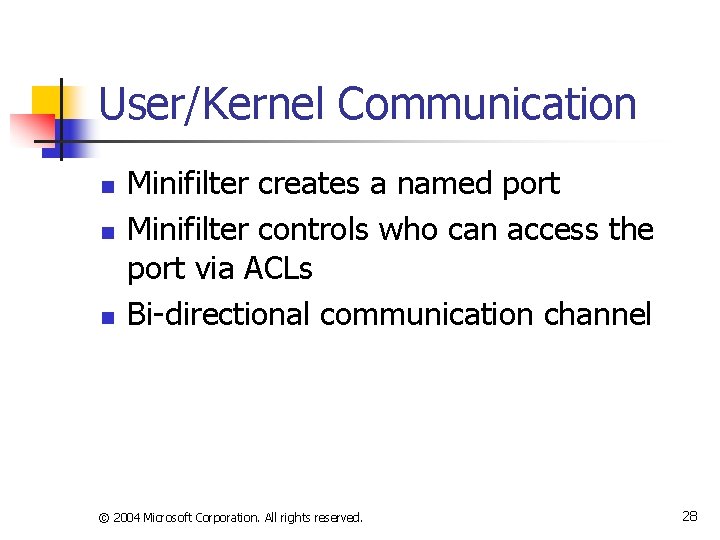
User/Kernel Communication n Minifilter creates a named port Minifilter controls who can access the port via ACLs Bi-directional communication channel © 2004 Microsoft Corporation. All rights reserved. 28
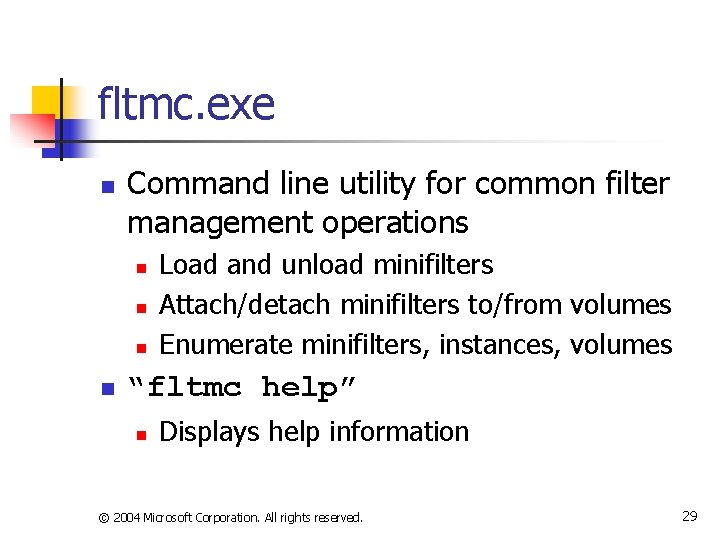
fltmc. exe n Command line utility for common filter management operations n n Load and unload minifilters Attach/detach minifilters to/from volumes Enumerate minifilters, instances, volumes “fltmc help” n Displays help information © 2004 Microsoft Corporation. All rights reserved. 29
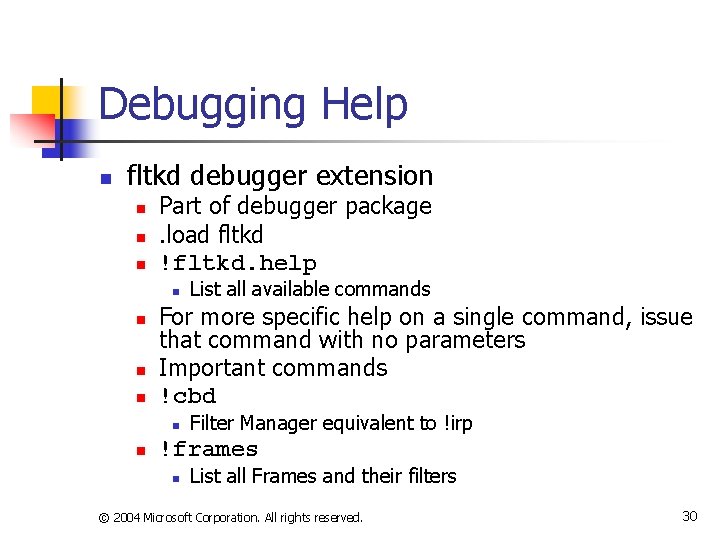
Debugging Help n fltkd debugger extension n Part of debugger package. load fltkd !fltkd. help n n For more specific help on a single command, issue that command with no parameters Important commands !cbd n n List all available commands Filter Manager equivalent to !irp !frames n List all Frames and their filters © 2004 Microsoft Corporation. All rights reserved. 30
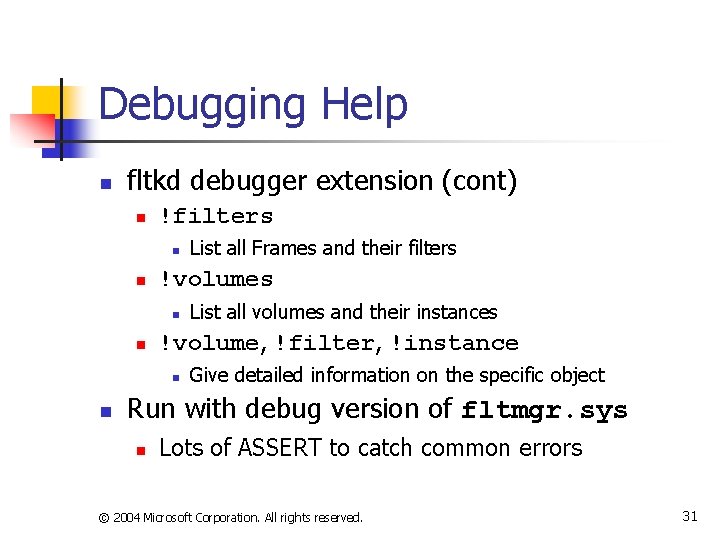
Debugging Help n fltkd debugger extension (cont) n !filters n n !volumes n n List all volumes and their instances !volume, !filter, !instance n n List all Frames and their filters Give detailed information on the specific object Run with debug version of fltmgr. sys n Lots of ASSERT to catch common errors © 2004 Microsoft Corporation. All rights reserved. 31
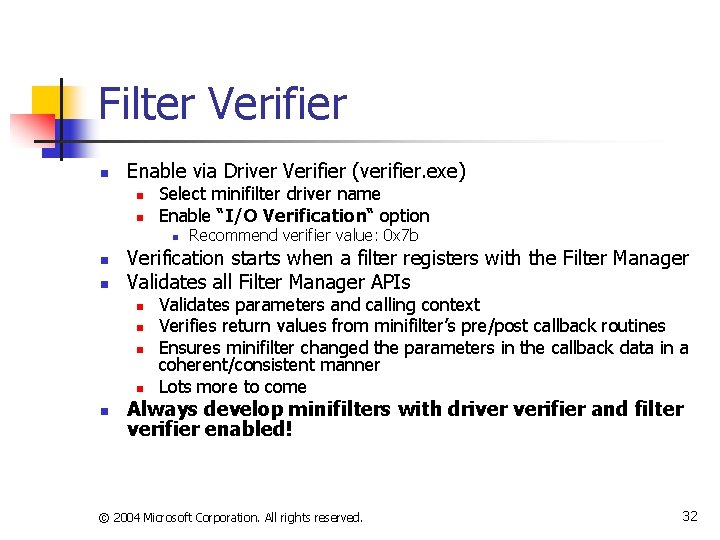
Filter Verifier n Enable via Driver Verifier (verifier. exe) n n Select minifilter driver name Enable “I/O Verification“ option n Verification starts when a filter registers with the Filter Manager Validates all Filter Manager APIs n n n Recommend verifier value: 0 x 7 b Validates parameters and calling context Verifies return values from minifilter’s pre/post callback routines Ensures minifilter changed the parameters in the callback data in a coherent/consistent manner Lots more to come Always develop minifilters with driver verifier and filter verifier enabled! © 2004 Microsoft Corporation. All rights reserved. 32
Thoughts about the Filter Manager n It is much simpler to start developing a filter. n n Eliminates ~5000 lines of infrastructure code It is still just as hard to complete a production quality filter due to the complexity of the IO system © 2004 Microsoft Corporation. All rights reserved. 33
Filter Manager Changes/Enhancements © 2004 Microsoft Corporation. All rights reserved. 34
Filter Manager Changes (May 2004) n Modified APIs n User/Kernel Communication n n Added: PFLT_PORT for port handles Added: Flt. Close. Client. Port() Added: Flt. Close. Communiciation. Port() Flt. Cancel. File. Open() n n Removed: Flt. Close. Port() Io. Cancel. File. Open() bug has been fixed Flt. Perform. Asynchronous. Io() n Can now be used on FSCTL operations © 2004 Microsoft Corporation. All rights reserved. 35
Filter Manager Changes (May 2004) n Following fields were modified to be a CONST n n n FLT_CALLBACK_DATA. Thread FLT_CALLBACK_DATA. Iopb FLT_RELATED_OBJECTS. * © 2004 Microsoft Corporation. All rights reserved. 36
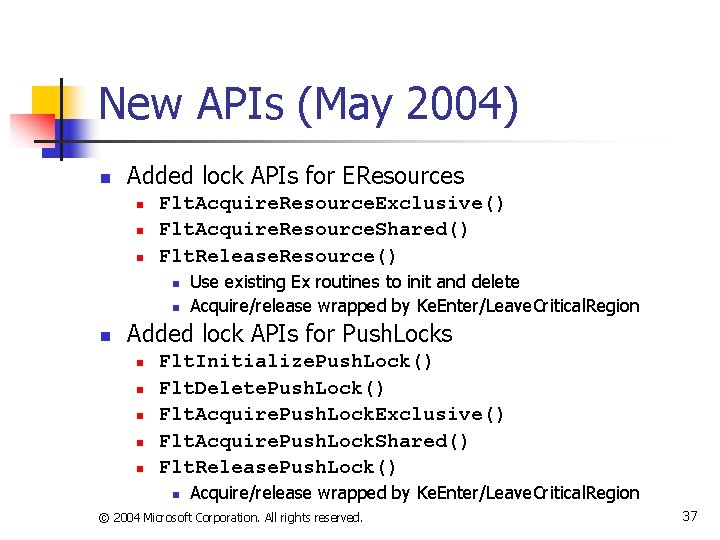
New APIs (May 2004) n Added lock APIs for EResources n n n Flt. Acquire. Resource. Exclusive() Flt. Acquire. Resource. Shared() Flt. Release. Resource() n n n Use existing Ex routines to init and delete Acquire/release wrapped by Ke. Enter/Leave. Critical. Region Added lock APIs for Push. Locks n n n Flt. Initialize. Push. Lock() Flt. Delete. Push. Lock() Flt. Acquire. Push. Lock. Exclusive() Flt. Acquire. Push. Lock. Shared() Flt. Release. Push. Lock() n Acquire/release wrapped by Ke. Enter/Leave. Critical. Region © 2004 Microsoft Corporation. All rights reserved. 37
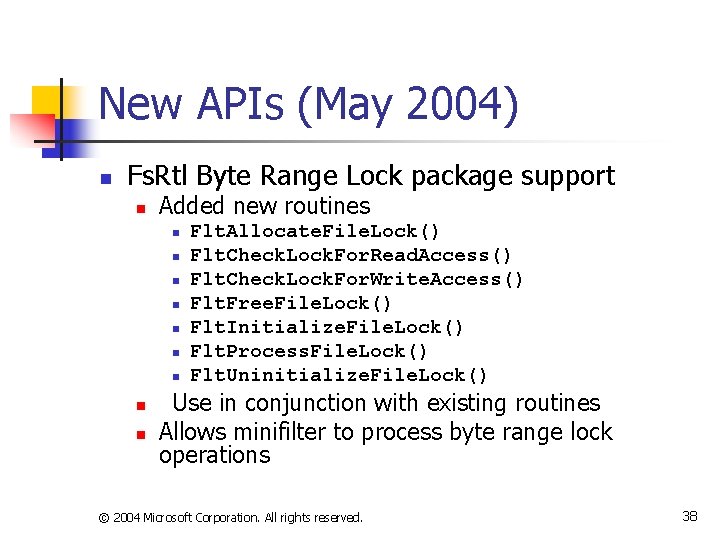
New APIs (May 2004) n Fs. Rtl Byte Range Lock package support n Added new routines n n n n n Flt. Allocate. File. Lock() Flt. Check. Lock. For. Read. Access() Flt. Check. Lock. For. Write. Access() Flt. Free. File. Lock() Flt. Initialize. File. Lock() Flt. Process. File. Lock() Flt. Uninitialize. File. Lock() Use in conjunction with existing routines Allows minifilter to process byte range lock operations © 2004 Microsoft Corporation. All rights reserved. 38
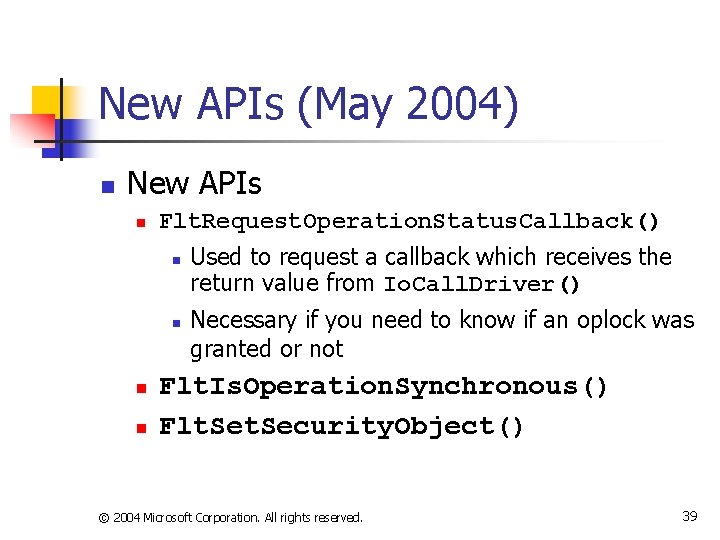
New APIs (May 2004) n New APIs n Flt. Request. Operation. Status. Callback() n n Used to request a callback which receives the return value from Io. Call. Driver() Necessary if you need to know if an oplock was granted or not Flt. Is. Operation. Synchronous() Flt. Security. Object() © 2004 Microsoft Corporation. All rights reserved. 39
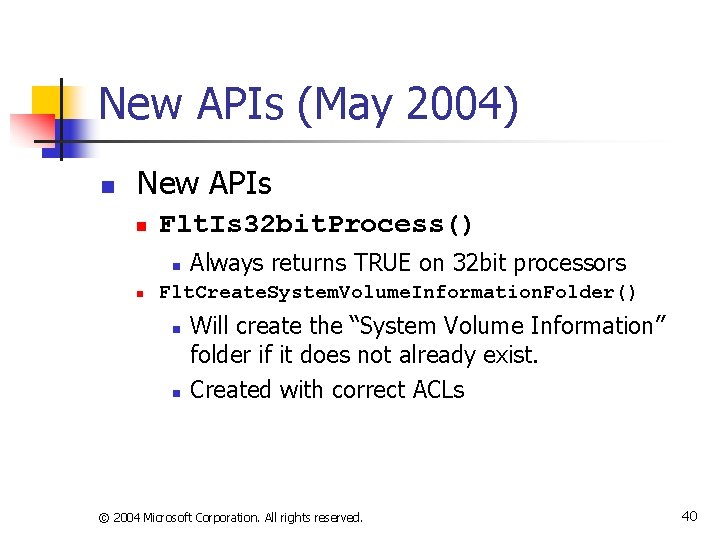
New APIs (May 2004) n New APIs n Flt. Is 32 bit. Process() n n Always returns TRUE on 32 bit processors Flt. Create. System. Volume. Information. Folder() n n Will create the “System Volume Information” folder if it does not already exist. Created with correct ACLs © 2004 Microsoft Corporation. All rights reserved. 40
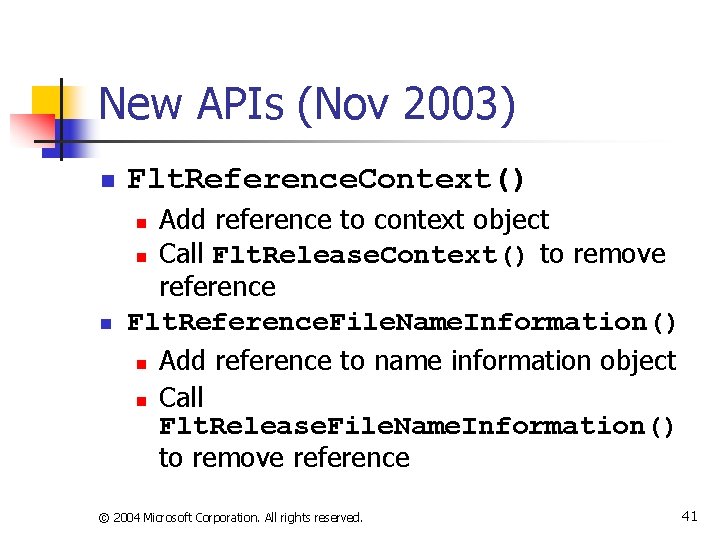
New APIs (Nov 2003) n Flt. Reference. Context() Add reference to context object n Call Flt. Release. Context() to remove reference Flt. Reference. File. Name. Information() n Add reference to name information object n Call Flt. Release. File. Name. Information() to remove reference n n © 2004 Microsoft Corporation. All rights reserved. 41
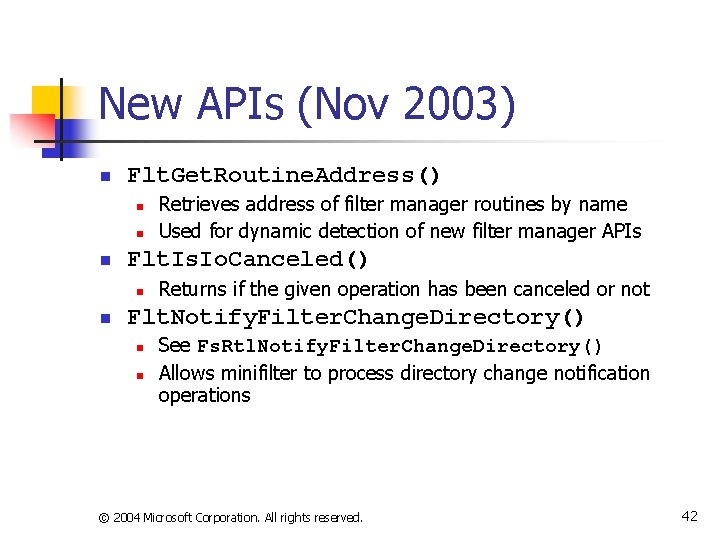
New APIs (Nov 2003) n Flt. Get. Routine. Address() n n n Flt. Is. Io. Canceled() n n Retrieves address of filter manager routines by name Used for dynamic detection of new filter manager APIs Returns if the given operation has been canceled or not Flt. Notify. Filter. Change. Directory() n n See Fs. Rtl. Notify. Filter. Change. Directory() Allows minifilter to process directory change notification operations © 2004 Microsoft Corporation. All rights reserved. 42
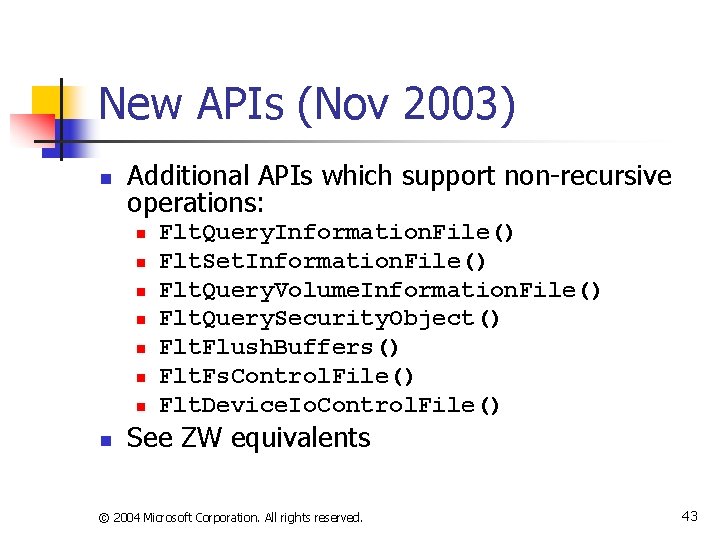
New APIs (Nov 2003) n Additional APIs which support non-recursive operations: n n n n Flt. Query. Information. File() Flt. Set. Information. File() Flt. Query. Volume. Information. File() Flt. Query. Security. Object() Flt. Flush. Buffers() Flt. Fs. Control. File() Flt. Device. Io. Control. File() See ZW equivalents © 2004 Microsoft Corporation. All rights reserved. 43
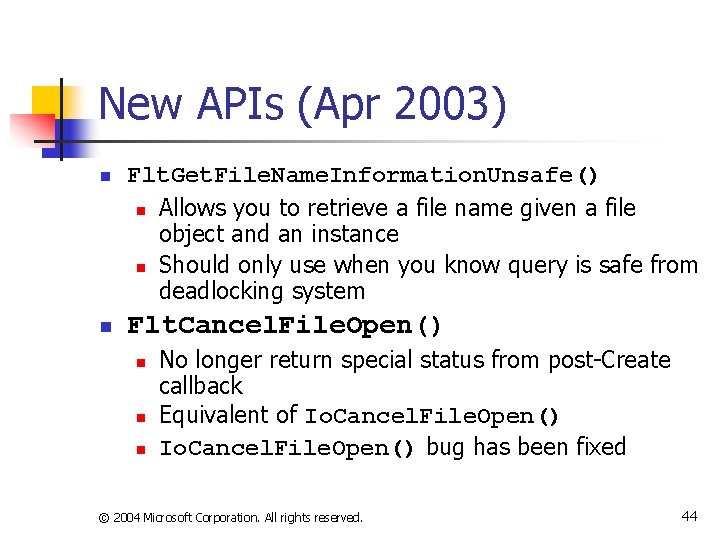
New APIs (Apr 2003) n n Flt. Get. File. Name. Information. Unsafe() n Allows you to retrieve a file name given a file object and an instance n Should only use when you know query is safe from deadlocking system Flt. Cancel. File. Open() n n n No longer return special status from post-Create callback Equivalent of Io. Cancel. File. Open() bug has been fixed © 2004 Microsoft Corporation. All rights reserved. 44
New APIs (Apr 2003) n Flt. Is. Volume. Writable() n Flt. Enumerate. Volume. Information() n Flt. Get. Requestor. Process() and Flt. Get. Requestor. Process. Id() n Work the same as their Io equivalents, but take a FLT_CALLBACK_DATA structure © 2004 Microsoft Corporation. All rights reserved. 45
Three New Minifilter Samples (May 2004) n Metadata. Manager n n Ctx n n Shows what a minifilter needs to do to manage a private metadata file Handles volume lock/unlock Handles volume mount/dismount including surprise removal Shows how to use Instance, Stream, and Stream. Handle contexts CDO n n Shows how to write a minifilter which needs to have a control device object Shows how to handle filter load/unload requests © 2004 Microsoft Corporation. All rights reserved. 46
Release Plan n n Already in XP SP 2 Already in Srv 03 SP 1 Already in Longhorn Running prototype for W 2 K n Working on final approval for a QFE which runs on W 2 K SP 4 © 2004 Microsoft Corporation. All rights reserved. 47