
Files and Streams part 2 Based on slides
Files and Streams (part 2) -Based on slides from Deitel & Associates, Inc. - Revised by T. A. Yang 1
Outline • Text files • Binary files • Related Java classes: java. io. File. Reader (for reading streams of characters) java. io. File. Writer (for writing streams of characters) java. io. File (for handling file attributes, folders, etc. ) java. io. Input. Stream (for reading streams of raw bytes) java. io. File. Input. Stream java. io. Object. Input. Stream java. io. Output. Stream (for writing streams of raw bytes) java. io. File. Output. Stream java. io. Object. Output. Stream 2
3
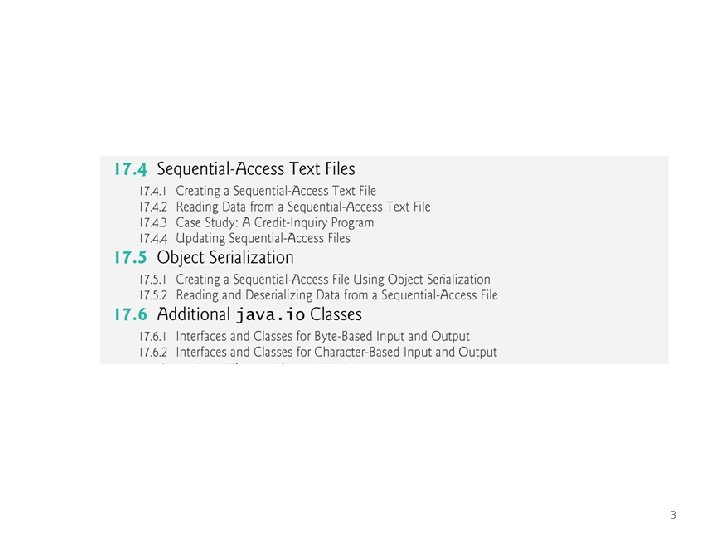
17. 4 Sequential-Access Text Files • Sequential-access files store records in order by the record-key field. • Text files are human-readable files. • However, Java imposes no structure on a file. ‾ Notions such as records do not exist as part of the Java language. ‾ You must structure files to meet the requirements of your applications. 4
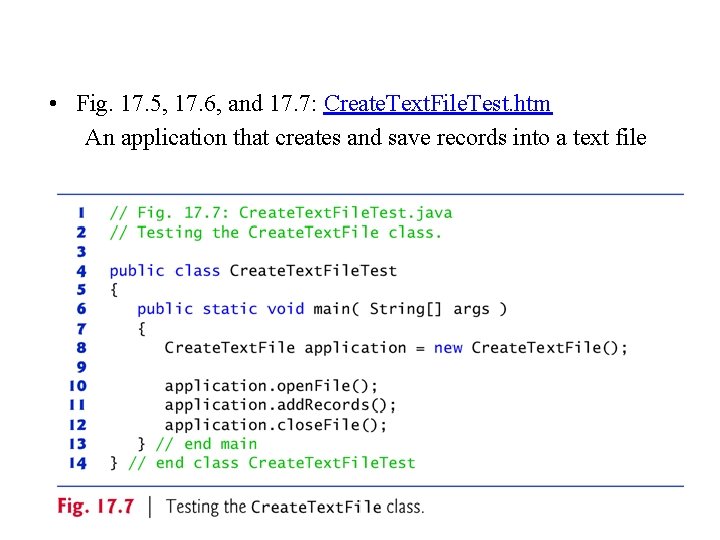
• Fig. 17. 5, 17. 6, and 17. 7: Create. Text. File. Test. htm An application that creates and save records into a text file 5

• Sample output screen • Use command type clients. txt to display the content of a file. 6
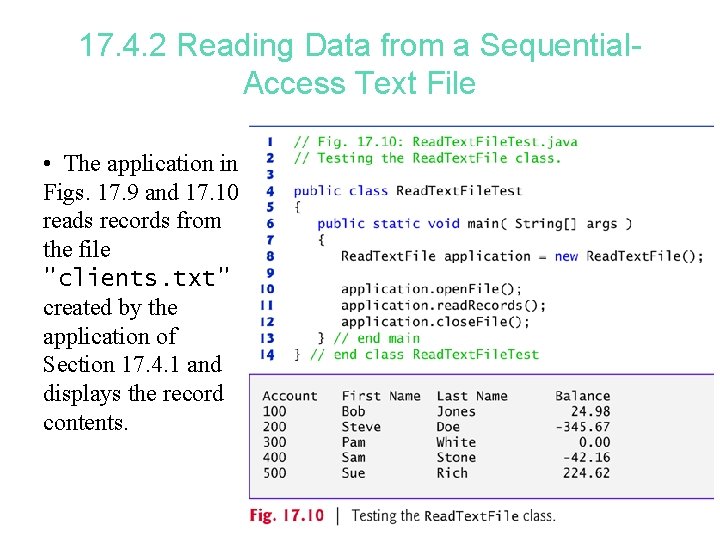
17. 4. 2 Reading Data from a Sequential. Access Text File • The application in Figs. 17. 9 and 17. 10 reads records from the file "clients. txt" created by the application of Section 17. 4. 1 and displays the record contents. 7
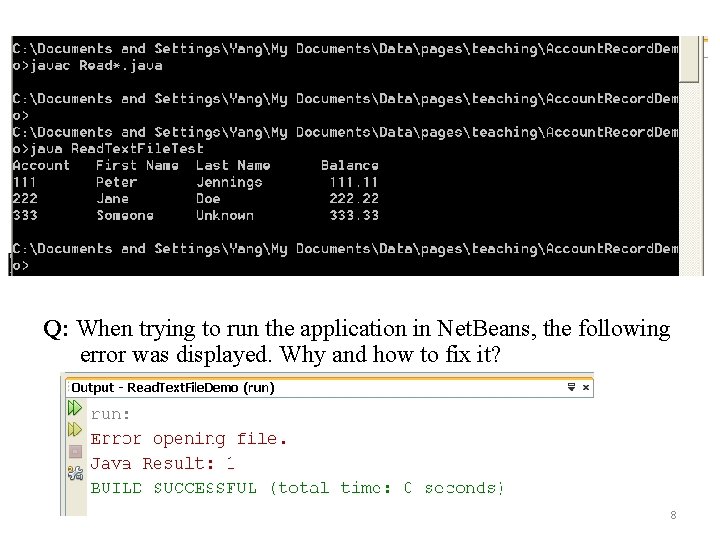
Q: When trying to run the application in Net. Beans, the following error was displayed. Why and how to fix it? 8
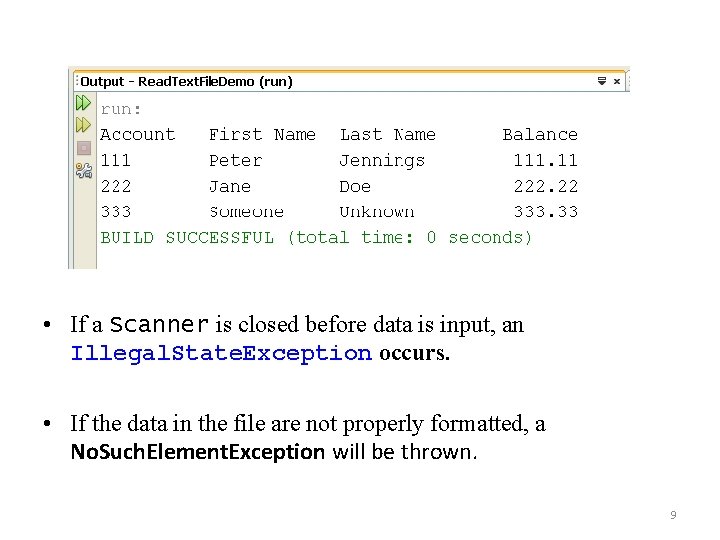
• If a Scanner is closed before data is input, an Illegal. State. Exception occurs. • If the data in the file are not properly formatted, a No. Such. Element. Exception will be thrown. 9
17. 4. 3 Case Study: A Credit-Inquiry Program • To retrieve data sequentially from a file, programs start from the beginning of the file and read all the data consecutively until the desired information is found. • It might be necessary to process the file sequentially several times (from the beginning of the file) during the execution of a program. • Class Scanner does not allow repositioning to the beginning of the file. – The program must close the file and reopen it. 10
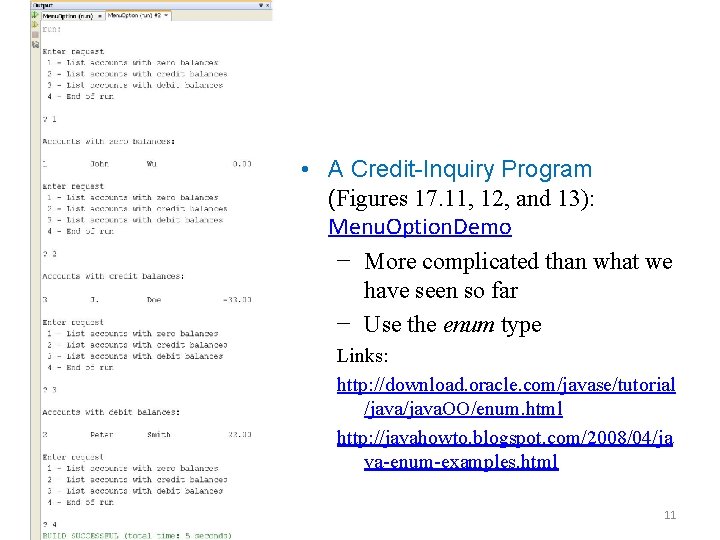
• A Credit-Inquiry Program (Figures 17. 11, 12, and 13): Menu. Option. Demo − More complicated than what we have seen so far − Use the enum type Links: http: //download. oracle. com/javase/tutorial /java. OO/enum. html http: //javahowto. blogspot. com/2008/04/ja va-enum-examples. html 11
Updating a Sequential File ? • The data in many sequential files cannot be modified without the risk of destroying other data in the file. • If the name “White” needed to be changed to “Worthington, ” the old name cannot simply be overwritten, because the new name requires more space. • Fields in a text file — and hence records — can vary in size. • Records in a sequential-access file are not usually updated in place. Instead, the entire file is usually rewritten. • Rewriting the entire file is uneconomical to update just one record, but reasonable if a substantial number of records need to be updated. • Mater file versus transaction files: the merge operation 12
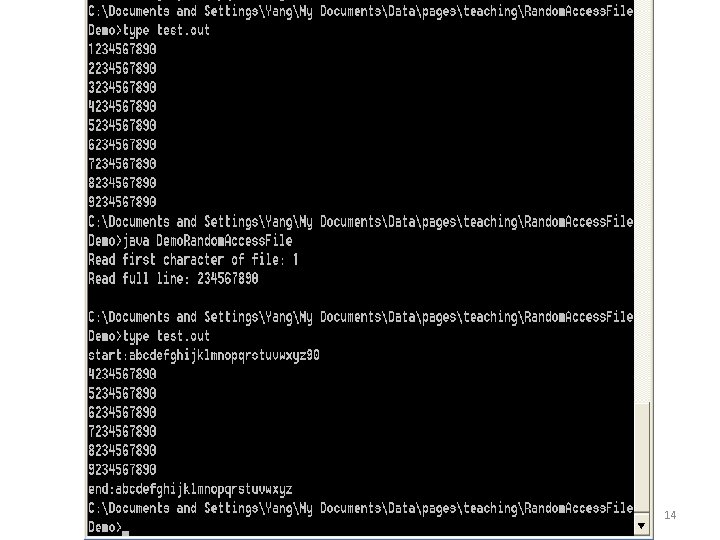
The Random. Access. File class • To create a random access file, use the class java. io. Random. Access. File. − The seek( ) method allows repositioning of the file. Pointer. • Example: Random. Access. File. Demo of using Random. Access. File class to create a file for both read and write operations • Exercise: Examine the content of the file test. out before and after running the application (next page), and explain why the content of the file was changed that way. 13
14
17. 5 Object Serialization • To read an entire object from or write an entire object to a file, Java provides object serialization. http: //java. sun. com/developer/technical. Articles/Programming/serialization/ – Object serialization is the process of saving an object's state to a sequence of bytes, as well as the process of rebuilding those bytes into a live object at some future time. – The Java Serialization API provides a standard mechanism for developers to handle object serialization. • A serialized object is represented as a sequence of bytes that includes the object’s data and its type information. • After a serialized object has been written into a file, it can be read from the file and deserialized to recreate the object in memory. 15

• Classes Object. Input. Stream and Object. Output. Stream, which respectively implement the Object. Input and Object. Output interfaces, enable entire objects to be read from or written to a stream. • To use serialization with files, initialize Object. Input. Stream and Object. Output. Stream objects with File. Input. Stream and File. Output. Stream objects, respectively. • A demo application: Object. Input. Output. Demo. java // demo of saving some objects into a file using Object. Output. Stream and retrieving them bask using Object. Input. Stream 16
• Object. Output interface method write. Object takes an Object as an argument and writes its information to an Output. Stream. • A class that implements Object. Ouput (such as Object. Output. Stream) declares this method and ensures that the object being output implements Serializable. • Object. Input interface method read. Object reads and returns a reference to an Object from an Input. Stream. – After an object has been read, its reference can be cast to the object’s actual type. 17
17. 5. 1 Creating a Sequential-Access File Using Object Serialization • Objects of classes that implement interface Serializable can be serialized and deserialized with Object. Output. Streams and Object. Input. Streams. • Interface Serializable is a tagging interface. – It does not contain methods. • A class that implements Serializable is tagged as being a Serializable object. • An Object. Output. Stream will not output an object unless it is a Serializable object. 18
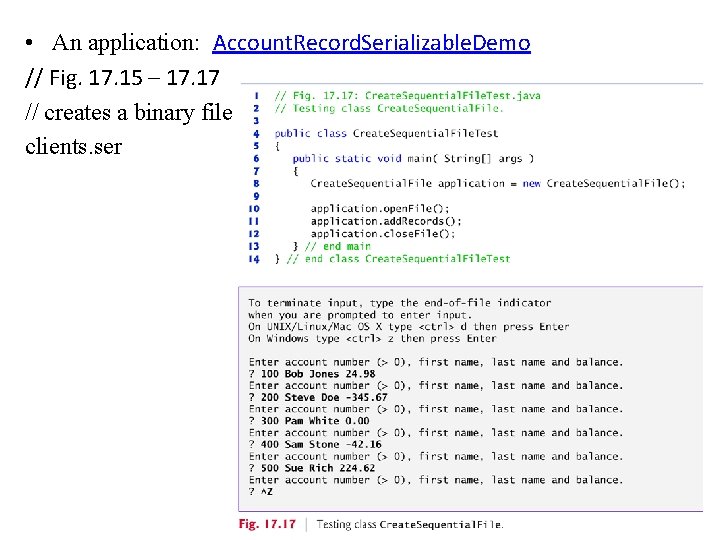
• An application: Account. Record. Serializable. Demo // Fig. 17. 15 – 17. 17 // creates a binary file clients. ser 19
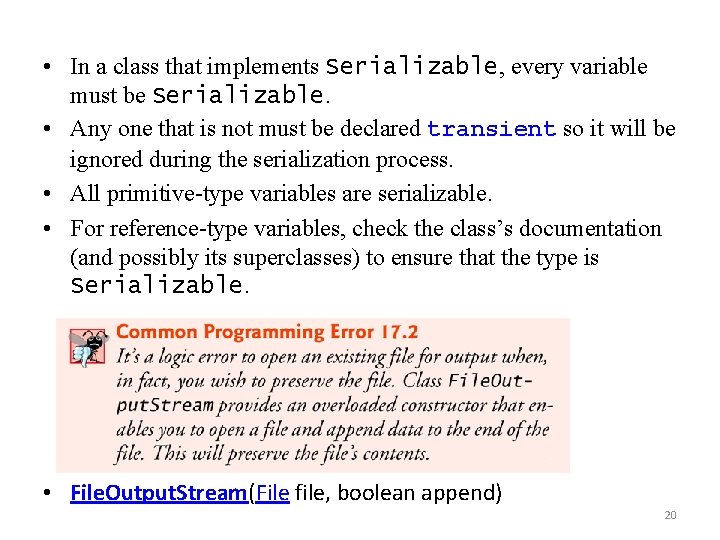
• In a class that implements Serializable, every variable must be Serializable. • Any one that is not must be declared transient so it will be ignored during the serialization process. • All primitive-type variables are serializable. • For reference-type variables, check the class’s documentation (and possibly its superclasses) to ensure that the type is Serializable. • File. Output. Stream(File file, boolean append) 20
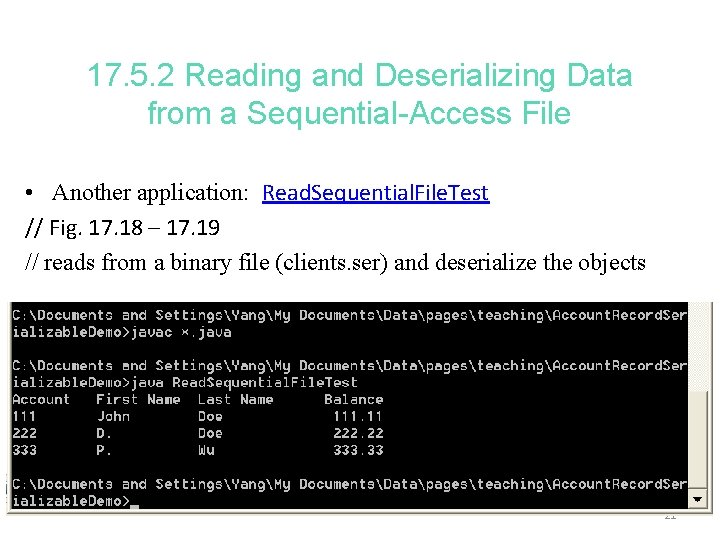
17. 5. 2 Reading and Deserializing Data from a Sequential-Access File • Another application: Read. Sequential. File. Test // Fig. 17. 18 – 17. 19 // reads from a binary file (clients. ser) and deserialize the objects 21
• Object. Input. Stream method read. Object reads an Object from a file. • Method read. Object throws an EOFException if an attempt is made to read beyond the end of the file. • Method read. Object throws a Class. Not. Found. Exception if the class for the object being read cannot be located. 22
- Slides: 22