
Files and Streams Chapter 18 Dr John Abraham
Files and Streams Chapter 18 Dr. John Abraham Professor UTPANAM
Data Hierarchy • • • Bits Characters (ASCII or unicode) Fields Records File
Files and Streams • File as a sequential stream of bytes. • Each file ends with an End of File Marker • Windows keeps track of total number of bytes in a file. • When a file is opened an object is created and a stream is associated with the object. • Each program automatically gets 3 objects, console. out, console. in and console. error.
File Processing Classes in. NET framework • The System. IO namespace includes stream classes such as – Stream. Reader (for text input) – Stream. Writer (for text output) – File. Stream for both input and output to file – Memory. Stream enables the transfer of data directly to and from memory – Buffered. Stream uses buffering to transfer data to and from a stream
Classes File and Directory • Files are organized in directories • Class Directory provides capabilities for manipulating directories. • File Class methods – Append. Text, Copy, Create. Text, Delete, Exists, Get. Creation. Time, Get. Last. Access. Time, Get. Last. Write. Time, Move, Open. Read, Open. Text, Open. Write – Show Program
Using LINQ with files • Show program here and explain
Directory Class Methods • Create. Directory, Delete, Exists, Get. Directories, Get. Files, Get. Creation. Time, Get. Last. Access. Time, Get. Last. Write. Time, Move
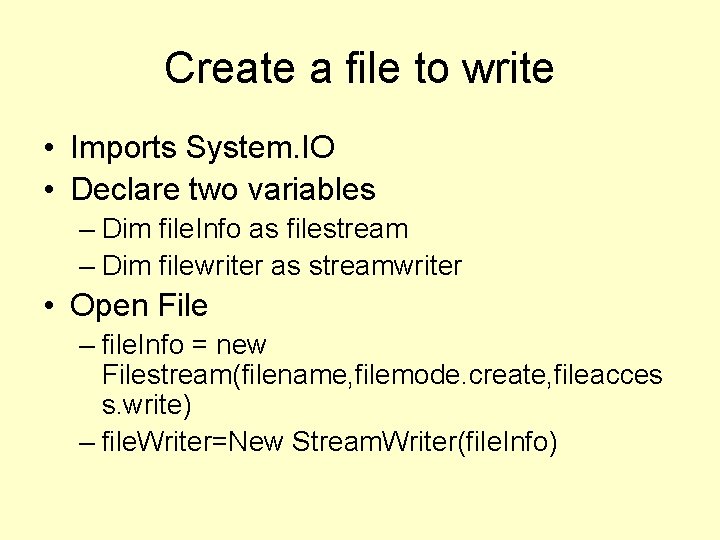
Create a file to write • Imports System. IO • Declare two variables – Dim file. Info as filestream – Dim filewriter as streamwriter • Open File – file. Info = new Filestream(filename, filemode. create, fileacces s. write) – file. Writer=New Stream. Writer(file. Info)
Write to file • Filewriter. writeline(“text”)
Close file • Filewriter. close()
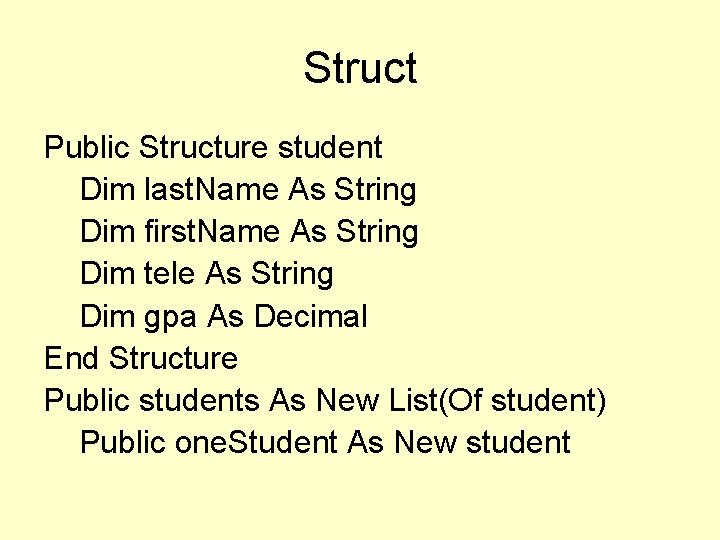
Struct Public Structure student Dim last. Name As String Dim first. Name As String Dim tele As String Dim gpa As Decimal End Structure Public students As New List(Of student) Public one. Student As New student
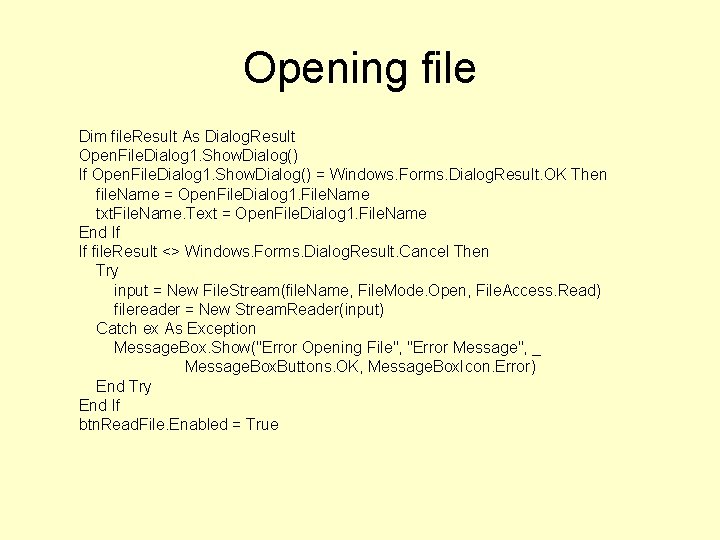
Opening file Dim file. Result As Dialog. Result Open. File. Dialog 1. Show. Dialog() If Open. File. Dialog 1. Show. Dialog() = Windows. Forms. Dialog. Result. OK Then file. Name = Open. File. Dialog 1. File. Name txt. File. Name. Text = Open. File. Dialog 1. File. Name End If If file. Result <> Windows. Forms. Dialog. Result. Cancel Then Try input = New File. Stream(file. Name, File. Mode. Open, File. Access. Read) filereader = New Stream. Reader(input) Catch ex As Exception Message. Box. Show("Error Opening File", "Error Message", _ Message. Box. Buttons. OK, Message. Box. Icon. Error) End Try End If btn. Read. File. Enabled = True
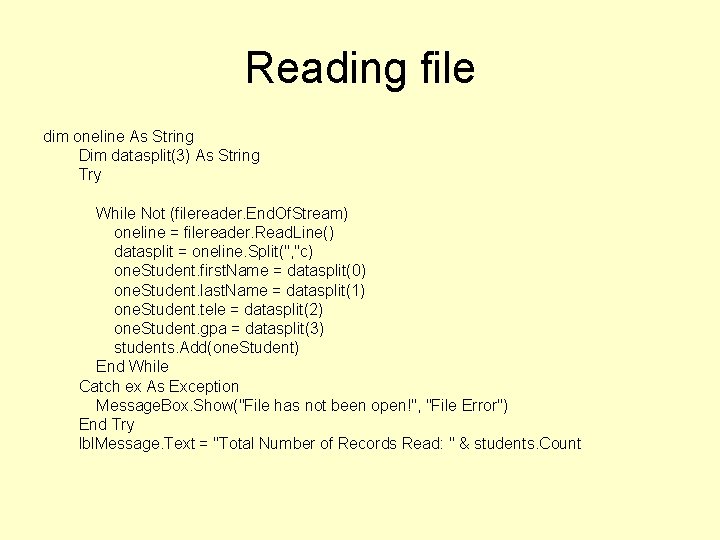
Reading file dim oneline As String Dim datasplit(3) As String Try While Not (filereader. End. Of. Stream) oneline = filereader. Read. Line() datasplit = oneline. Split(", "c) one. Student. first. Name = datasplit(0) one. Student. last. Name = datasplit(1) one. Student. tele = datasplit(2) one. Student. gpa = datasplit(3) students. Add(one. Student) End While Catch ex As Exception Message. Box. Show("File has not been open!", "File Error") End Try lbl. Message. Text = "Total Number of Records Read: " & students. Count
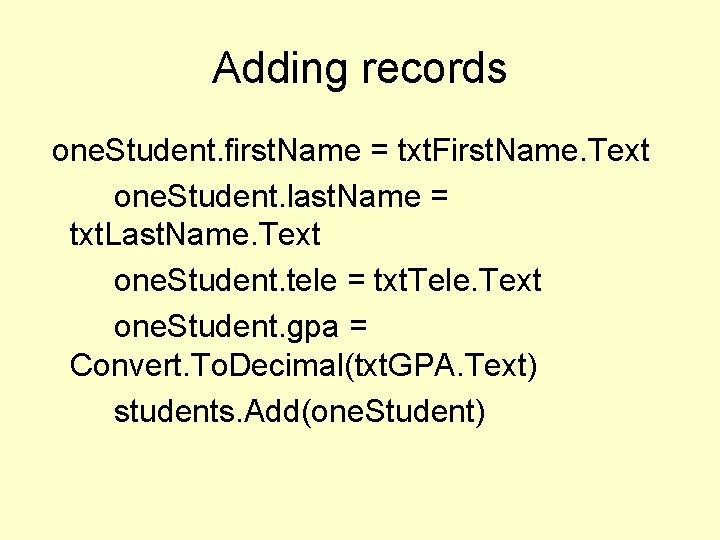
Adding records one. Student. first. Name = txt. First. Name. Text one. Student. last. Name = txt. Last. Name. Text one. Student. tele = txt. Tele. Text one. Student. gpa = Convert. To. Decimal(txt. GPA. Text) students. Add(one. Student)
- Slides: 14