
Filelocker Simplifying Secure File Transfers Presented by Brett
Filelocker: Simplifying Secure File Transfers Presented by: Brett Davis, IT Security Engineer Copyright William Brett Davis, 2010. This work is the intellectual property of the author. Permission is granted for this material to be shared for non-commercial, educational purposes, provided that this copyright statement appears on the reproduced materials and notice is given that the copying is by permission of the author. To disseminate otherwise or to republish requires written permission from the author. 1
Agenda § Initial needs § Filelocker v 1 (currently in production) § Lessons learned and feedback § Filelocker v 2 (going to beta soon) § Future Action Items/Plans for v 2. 5 § Questions 2
Currently… § How do you send sensitive information? • PGP? • S/MIME? • Encrypted Zip? » Out of band password transmission? • Sneaker-net? § How about larger files? ? ? 3
Project Initiating Problems § Faculty and staff would unknowingly use regular email to send sensitive data to others § Implementing email security campus wide is expensive or complex (but usually both) § Security personnel needed a secure means to communicate back and forth and with end users § E-mail is inefficient for sending large files - especially to multiple users § People unknowingly sending infected files § Lack of ability to (easily) authenticate senders of files via email § Auditing 4
and zombies § Sensitive data would hang around on the network for much too long. • We still the effects of this today when someone plugs in an old workstation or server » Oh what secrets the undead have to tell 5
Filelocker v 1 6
Uploads in Action! Drawback: Did not allow virus scans and encryption! 7
Sharing and Searching 8
Feedback § It’s nice but… Needs a way to let people outside Purdue upload Needs groups Needs bigger files Mandatory encryption Can it be used to distribute AV and other security related software? • Can students use it? » If so, can’t they use it to share music!? ! OH NO!!!! • • • 9

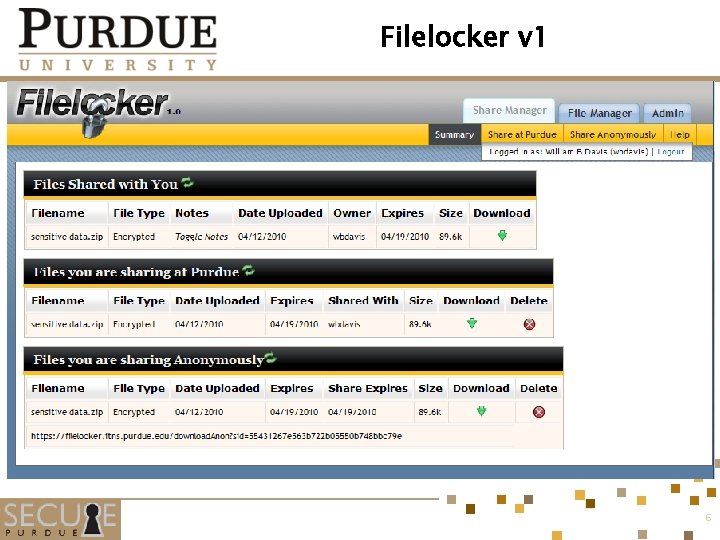
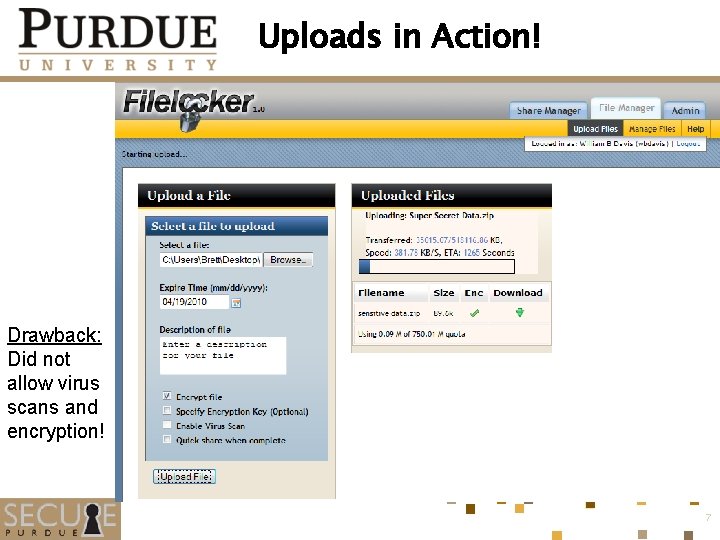
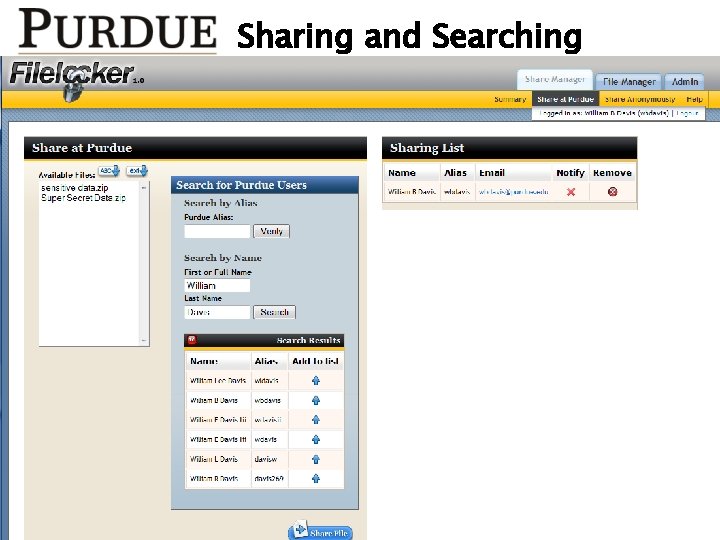
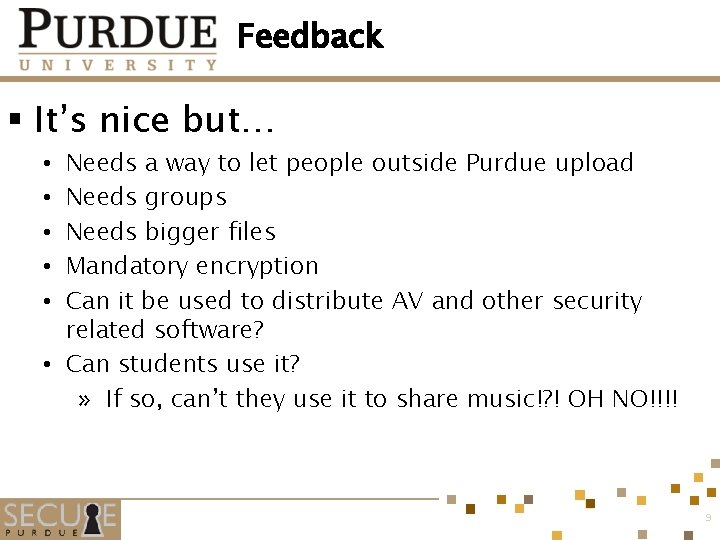
So Filelocker v 2 now has § Groups § Larger file upload capacity (arbitrarily large now, max can be set in config) § Upload requests (allows people outside Purdue to upload to Filelocker) § Mandatory encryption § A provision to check file md 5 hashes against known copyrighted material – just need to find a database § Ability to scan encrypted files § Among other core and UI upgrades (better OOP, more intuitive interface) 10
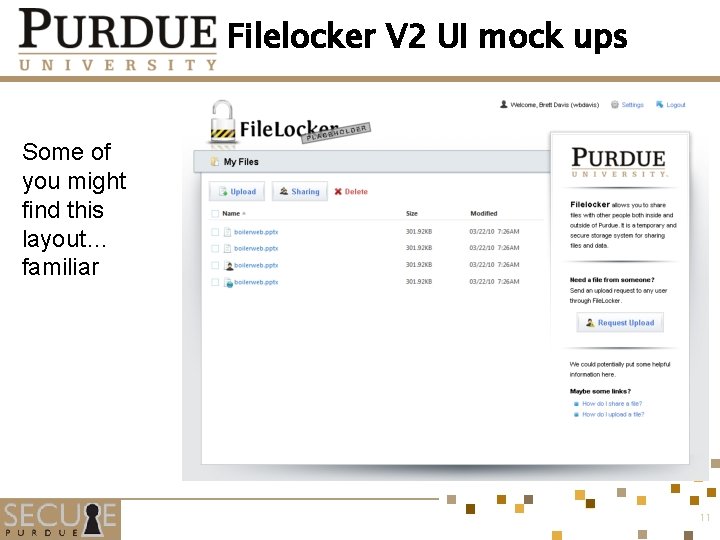
Filelocker V 2 UI mock ups Some of you might find this layout… familiar 11

Upload options 12
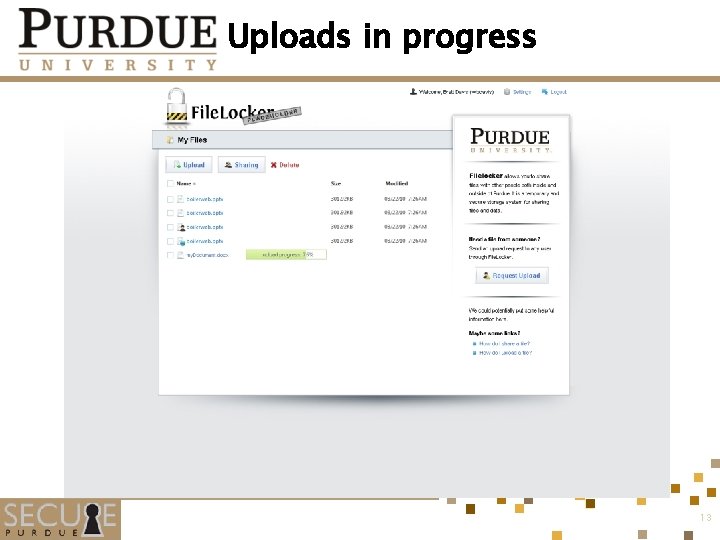
Uploads in progress 13
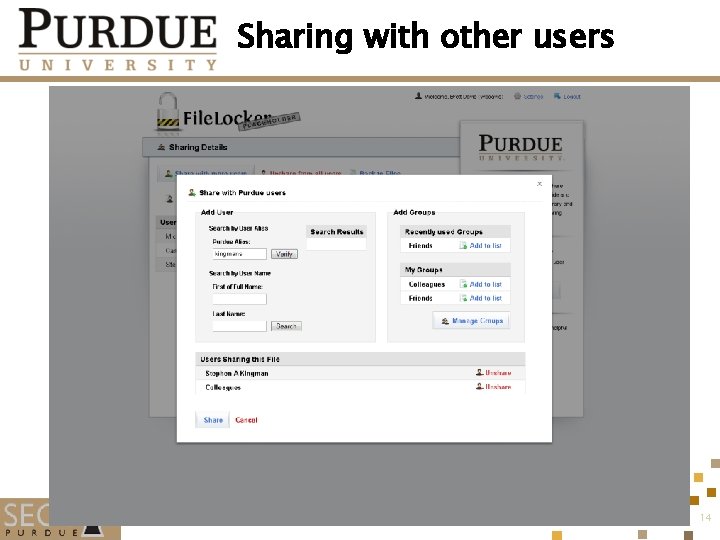
Sharing with other users 14
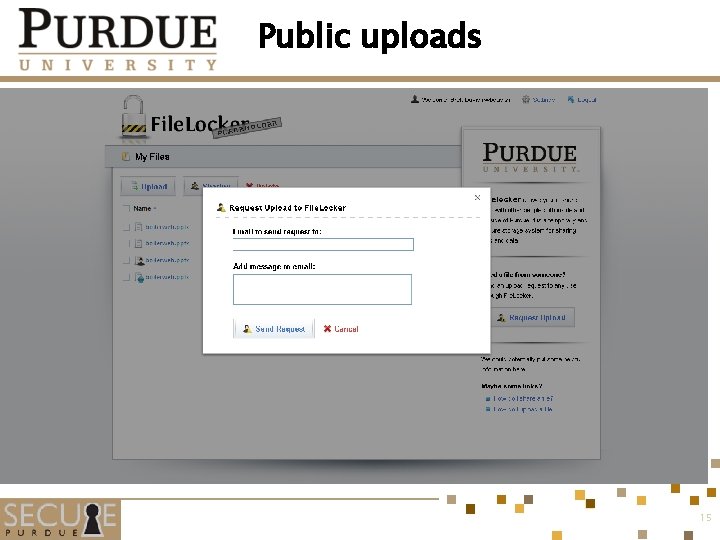
Public uploads 15

Public Sharing 16
Technologies used § Core is written in Python (Cherry. Py for the web server) § My. SQL database § j. Query and some other JQ plugins (all open source) on the front end to manage concurrent uploads 17
Security Specifics § SSL used to encrypt files in transit § Files are spooled to disk • Virus Scan • MD 5 calculation and lookup • Encrypted using AES-128 • Temp file is securely deleted § Auto-encrypted files store keys in database (which should be on a different server than the file server) • Files are not at risk if only the file server or only the db server is compromised § Files and users have a max lifetime – purged after x days 18
In the works for 2. 5 § SMB server support (users can link FL to an SMB share – serve files directly from it) • Caveat: No file encryption and credentials for share must be stored by FL! § Secure Messaging (Think Facebook style messages) § Mobile (i. Phone, Blackberry) apps § Login federation and ability to “connect” Filelocker instances at different organizations § Desktop application to emulate network drive (maybe…) 19

§ Can anyone see something like this being adopted at your institution? 20
Where we are now § Beta testing to start mid-May § If anyone is interested in testing at their own site – please send me an email at wbdavis@purdue. edu § The core of Filelocker will be open sourced soon (since I know you were going to ask) 21
§ Suggestions? § Questions? § Have any of you approached secure file sharing in a different way? 22
- Slides: 22