
File system implementation Virtual File Systems easily change
- Slides: 17
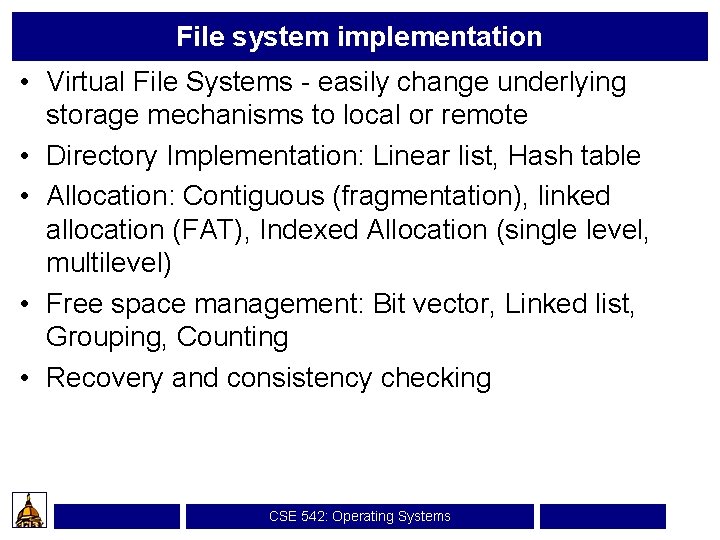
File system implementation • Virtual File Systems - easily change underlying storage mechanisms to local or remote • Directory Implementation: Linear list, Hash table • Allocation: Contiguous (fragmentation), linked allocation (FAT), Indexed Allocation (single level, multilevel) • Free space management: Bit vector, Linked list, Grouping, Counting • Recovery and consistency checking CSE 542: Operating Systems
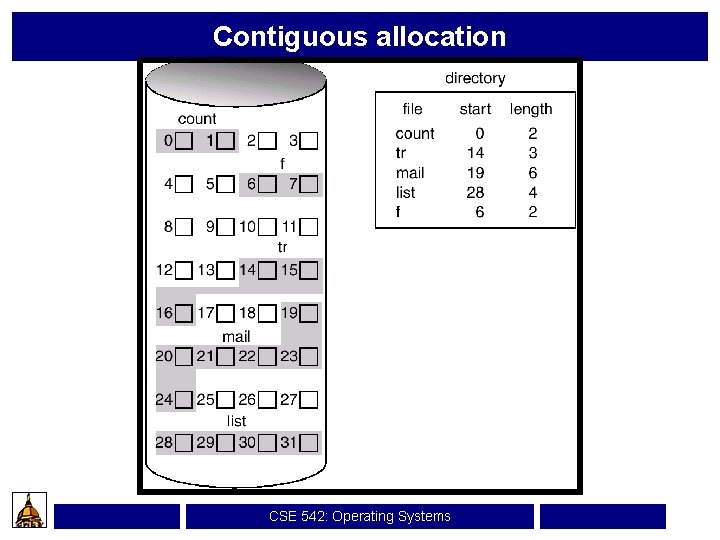
Contiguous allocation CSE 542: Operating Systems
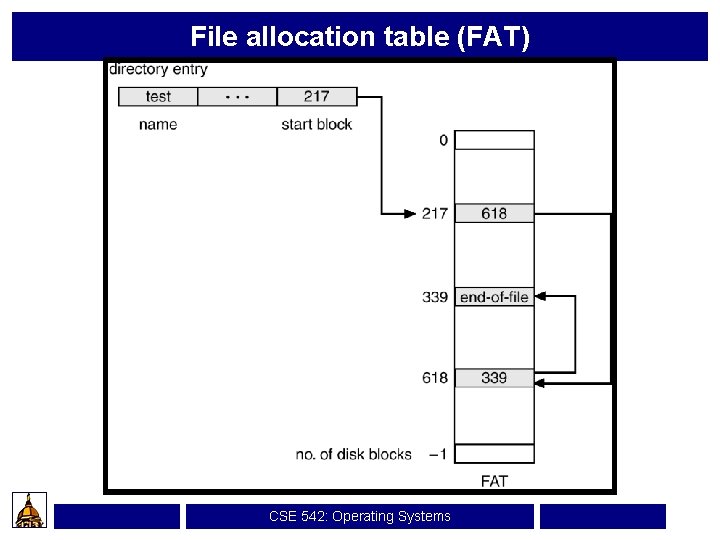
File allocation table (FAT) CSE 542: Operating Systems
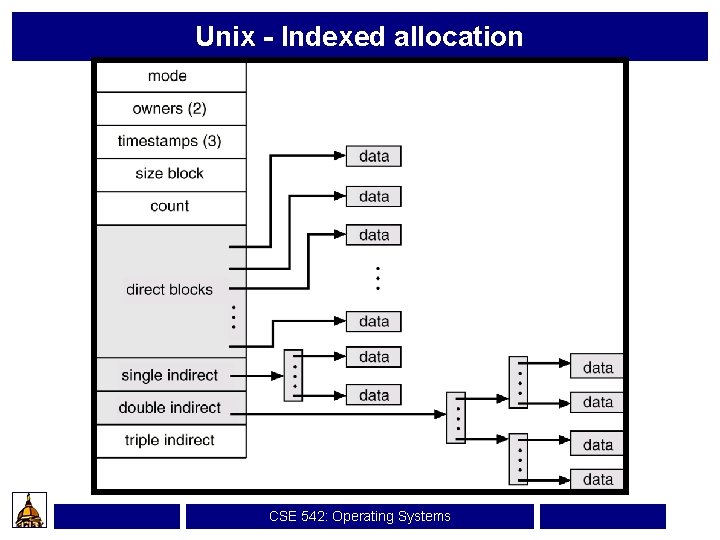
Unix - Indexed allocation CSE 542: Operating Systems
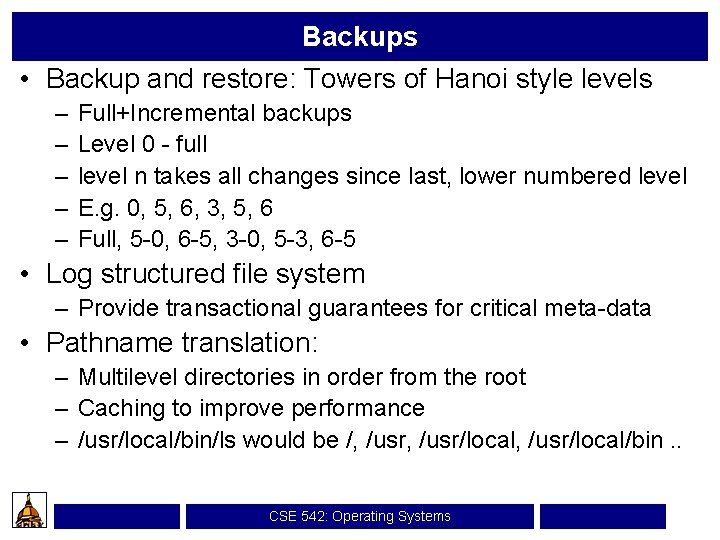
Backups • Backup and restore: Towers of Hanoi style levels – – – Full+Incremental backups Level 0 - full level n takes all changes since last, lower numbered level E. g. 0, 5, 6, 3, 5, 6 Full, 5 -0, 6 -5, 3 -0, 5 -3, 6 -5 • Log structured file system – Provide transactional guarantees for critical meta-data • Pathname translation: – Multilevel directories in order from the root – Caching to improve performance – /usr/local/bin/ls would be /, /usr/local, /usr/local/bin. . CSE 542: Operating Systems
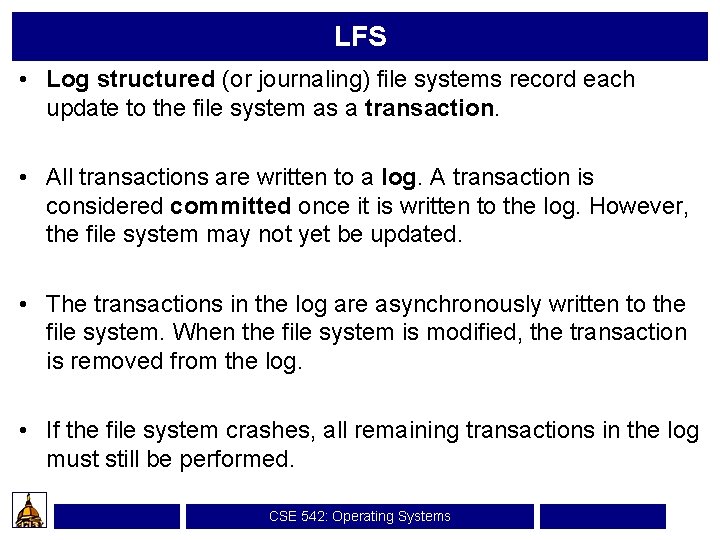
LFS • Log structured (or journaling) file systems record each update to the file system as a transaction. • All transactions are written to a log. A transaction is considered committed once it is written to the log. However, the file system may not yet be updated. • The transactions in the log are asynchronously written to the file system. When the file system is modified, the transaction is removed from the log. • If the file system crashes, all remaining transactions in the log must still be performed. CSE 542: Operating Systems
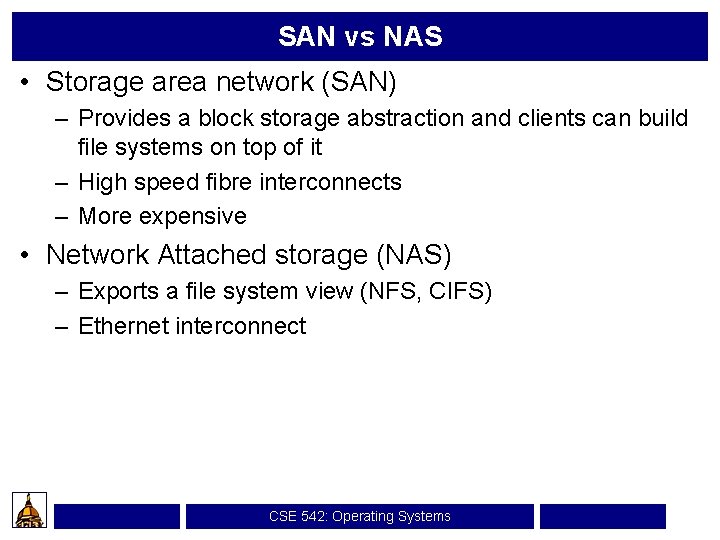
SAN vs NAS • Storage area network (SAN) – Provides a block storage abstraction and clients can build file systems on top of it – High speed fibre interconnects – More expensive • Network Attached storage (NAS) – Exports a file system view (NFS, CIFS) – Ethernet interconnect CSE 542: Operating Systems
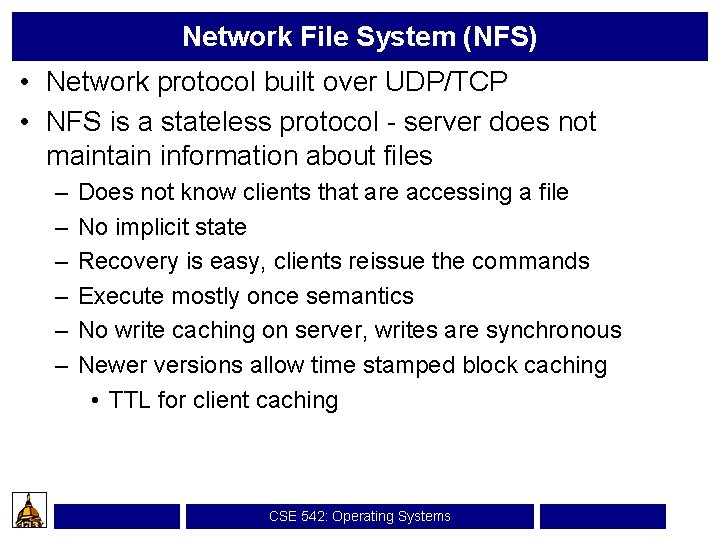
Network File System (NFS) • Network protocol built over UDP/TCP • NFS is a stateless protocol - server does not maintain information about files – – – Does not know clients that are accessing a file No implicit state Recovery is easy, clients reissue the commands Execute mostly once semantics No write caching on server, writes are synchronous Newer versions allow time stamped block caching • TTL for client caching CSE 542: Operating Systems
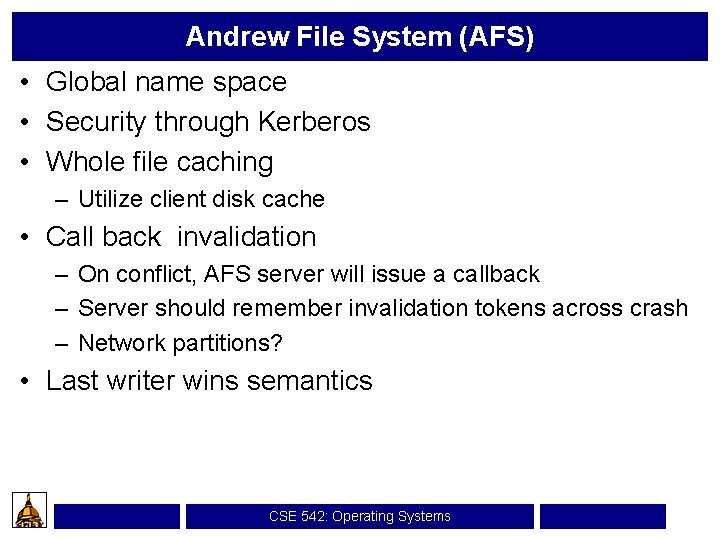
Andrew File System (AFS) • Global name space • Security through Kerberos • Whole file caching – Utilize client disk cache • Call back invalidation – On conflict, AFS server will issue a callback – Server should remember invalidation tokens across crash – Network partitions? • Last writer wins semantics CSE 542: Operating Systems
Trace driven analysis of the UNIX file system • Rather old, but seminal. Influenced much of file system design for a long time • Studies like these are extremely important to understand how typical users are using a file system so that you can tune for performance CSE 542: Operating Systems
• The key is to trace the “typical user population”. – Academics do not have access to commercial work loads – Chicken and Egg syndrome: Users perform certain tasks because current systems perform poorly. • E. g. users may backup their work into a separate file every so often because of poor consistency guarantees. • UNIX vi editor saves files by deleting old file, creating a new file with the same name, writing all the data and then closing. If the system crashes after creating and write, before close, data is left in buffers which are lost, leading to a 0 byte file. It happened a lot and so programs create backup files often. CSE 542: Operating Systems
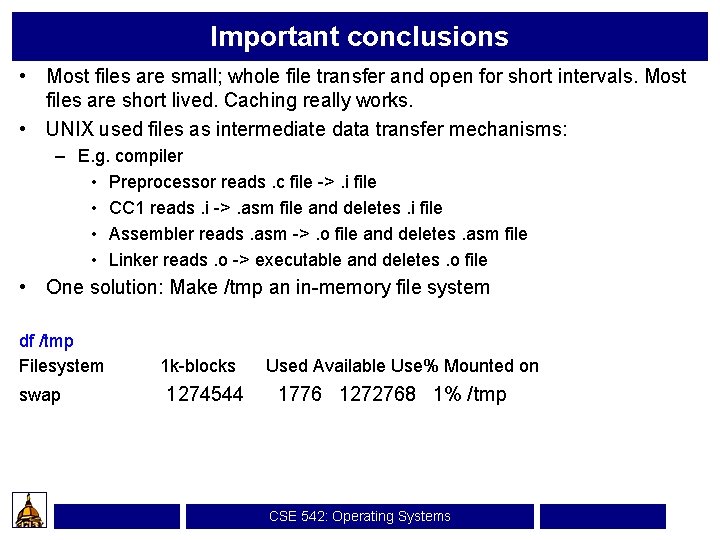
Important conclusions • Most files are small; whole file transfer and open for short intervals. Most files are short lived. Caching really works. • UNIX used files as intermediate data transfer mechanisms: – E. g. compiler • Preprocessor reads. c file ->. i file • CC 1 reads. i ->. asm file and deletes. i file • Assembler reads. asm ->. o file and deletes. asm file • Linker reads. o -> executable and deletes. o file • One solution: Make /tmp an in-memory file system df /tmp Filesystem swap 1 k-blocks 1274544 Used Available Use% Mounted on 1776 1272768 1% /tmp CSE 542: Operating Systems
Most files are read sequentially • UNIX provides no support for structured files • Applications that provide structured access (data bases) use raw file interface and by-pass operating systems • Solution: – Read-ahead to improve performance CSE 542: Operating Systems
Most file accesses are to the same directory • UNIX has a hierarchical file system structure • Typical academic users compile, word process from one directory and so all accesses are to a single directory • File systems such as Coda, AFS have notions of volumes, cells that capture this • Does this apply to Windows? CSE 542: Operating Systems
Most files are small • On a departmental machine with 8 MB of main memory, what else do you expect • Is it true now with our Netscape, xemacs, IE, Power point etc? • Relatively, it may still be true. On a 60 GB hard disk, 1 MB file may be “small” CSE 542: Operating Systems
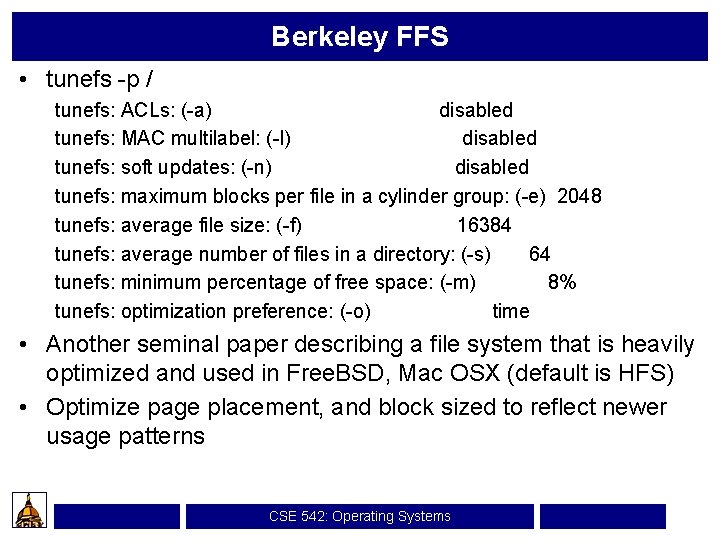
Berkeley FFS • tunefs -p / tunefs: ACLs: (-a) disabled tunefs: MAC multilabel: (-l) disabled tunefs: soft updates: (-n) disabled tunefs: maximum blocks per file in a cylinder group: (-e) 2048 tunefs: average file size: (-f) 16384 tunefs: average number of files in a directory: (-s) 64 tunefs: minimum percentage of free space: (-m) 8% tunefs: optimization preference: (-o) time • Another seminal paper describing a file system that is heavily optimized and used in Free. BSD, Mac OSX (default is HFS) • Optimize page placement, and block sized to reflect newer usage patterns CSE 542: Operating Systems
LFS • Files are only written to logs, there is no traditional file system backing up the LFS • Write performance is much improved, especially for small files CSE 542: Operating Systems