
File Organizations and Indexes ISYS 464 Data Storage
- Slides: 35
File Organizations and Indexes ISYS 464
Data Storage • Disk-based database: non-volatile – Solid state disk, SSD (flash drive) – Hard disk drive (HDD) • In-memory database: – volatile, non-volatile RAM • Hybrid database
Disadvantages of SSD • Solid-state disk life is limited • Data loss is irrecoverable • Small capacity
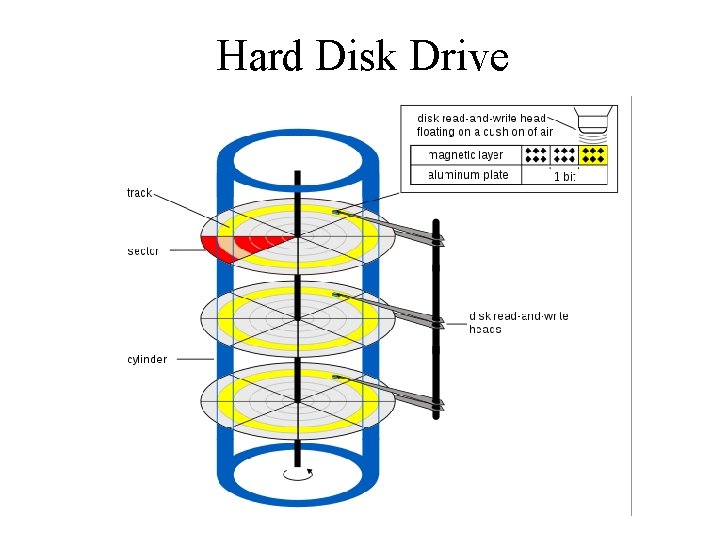
Hard Disk Drive
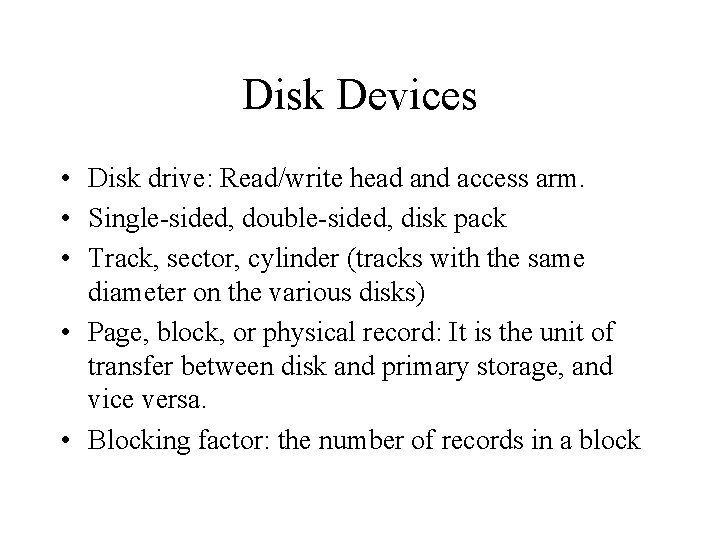
Disk Devices • Disk drive: Read/write head and access arm. • Single-sided, double-sided, disk pack • Track, sector, cylinder (tracks with the same diameter on the various disks) • Page, block, or physical record: It is the unit of transfer between disk and primary storage, and vice versa. • Blocking factor: the number of records in a block
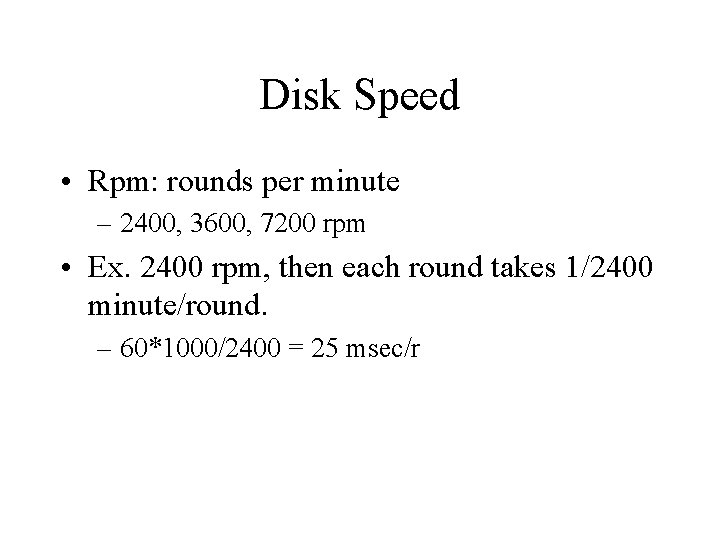
Disk Speed • Rpm: rounds per minute – 2400, 3600, 7200 rpm • Ex. 2400 rpm, then each round takes 1/2400 minute/round. – 60*1000/2400 = 25 msec/r
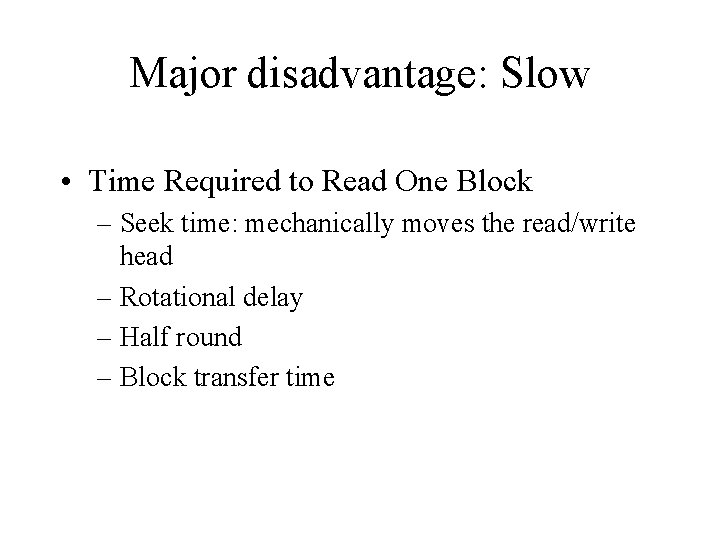
Major disadvantage: Slow • Time Required to Read One Block – Seek time: mechanically moves the read/write head – Rotational delay – Half round – Block transfer time
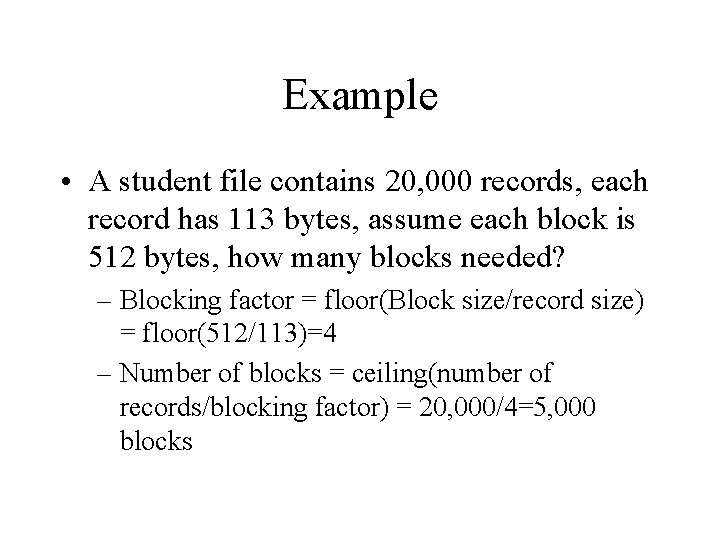
Example • A student file contains 20, 000 records, each record has 113 bytes, assume each block is 512 bytes, how many blocks needed? – Blocking factor = floor(Block size/record size) = floor(512/113)=4 – Number of blocks = ceiling(number of records/blocking factor) = 20, 000/4=5, 000 blocks
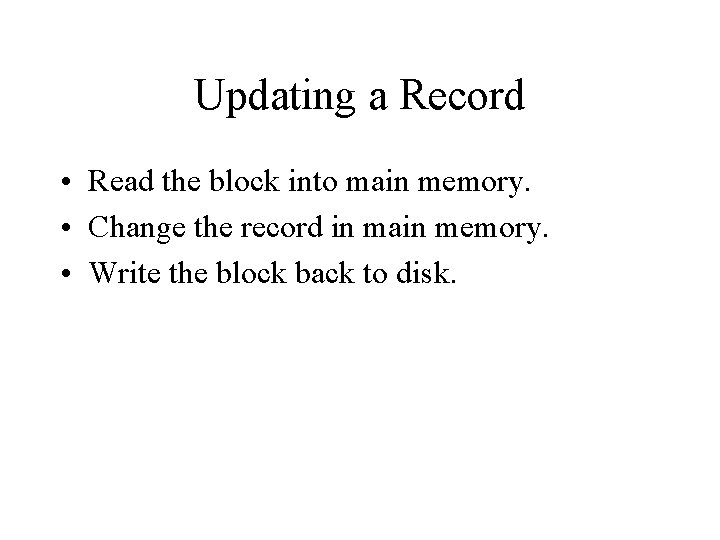
Updating a Record • Read the block into main memory. • Change the record in main memory. • Write the block back to disk.
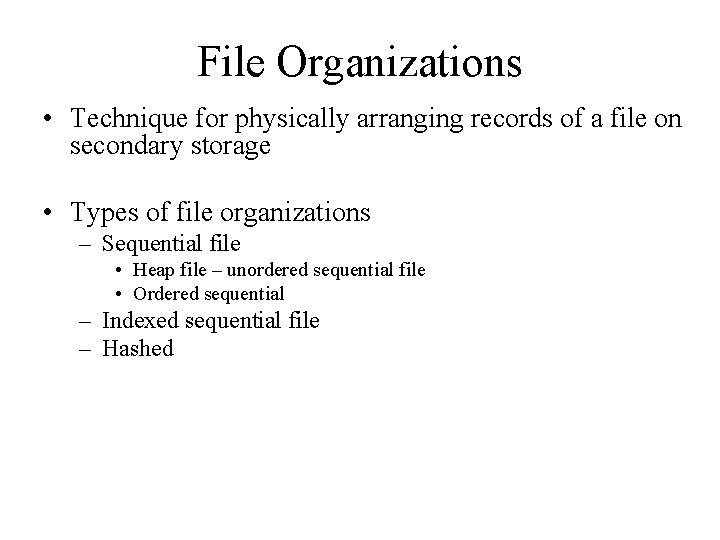
File Organizations • Technique for physically arranging records of a file on secondary storage • Types of file organizations – Sequential file • Heap file – unordered sequential file • Ordered sequential – Indexed sequential file – Hashed
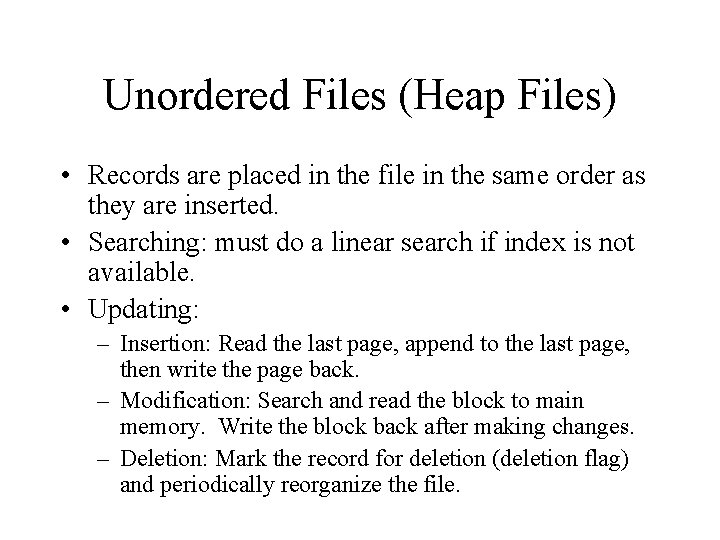
Unordered Files (Heap Files) • Records are placed in the file in the same order as they are inserted. • Searching: must do a linear search if index is not available. • Updating: – Insertion: Read the last page, append to the last page, then write the page back. – Modification: Search and read the block to main memory. Write the block back after making changes. – Deletion: Mark the record for deletion (deletion flag) and periodically reorganize the file.
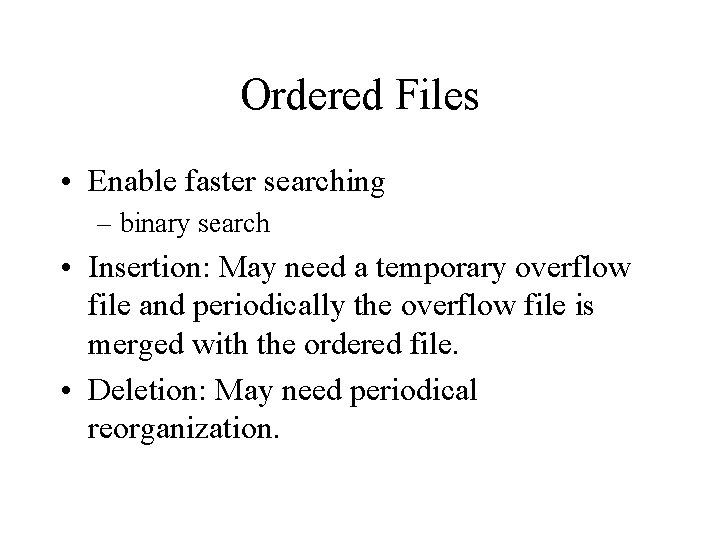
Ordered Files • Enable faster searching – binary search • Insertion: May need a temporary overflow file and periodically the overflow file is merged with the ordered file. • Deletion: May need periodical reorganization.
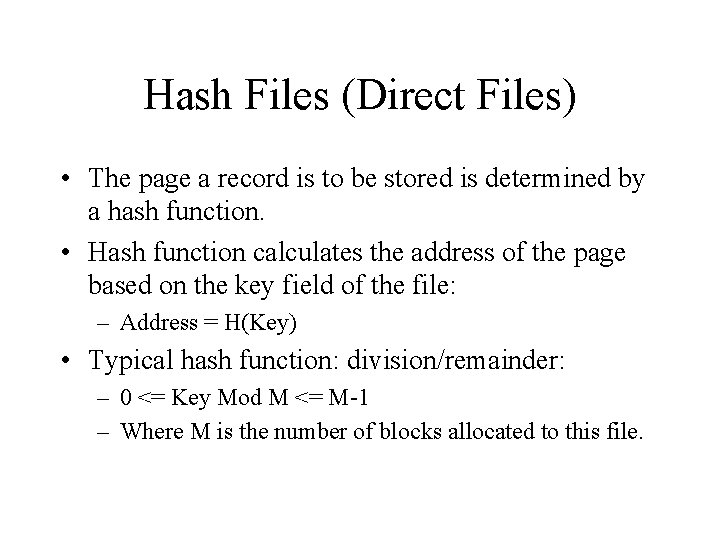
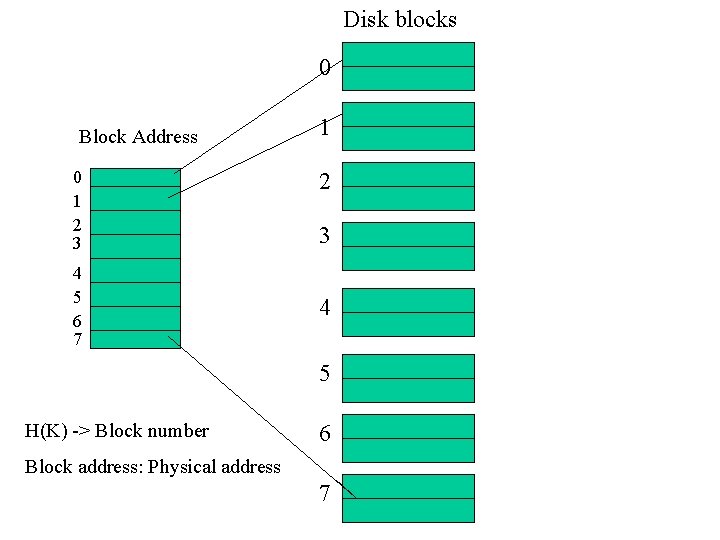
Hash Files (Direct Files) • The page a record is to be stored is determined by a hash function. • Hash function calculates the address of the page based on the key field of the file: – Address = H(Key) • Typical hash function: division/remainder: – 0 <= Key Mod M <= M-1 – Where M is the number of blocks allocated to this file.
Disk blocks 0 Block Address 0 1 2 3 4 5 6 7 1 2 3 4 5 H(K) -> Block number 6 Block address: Physical address 7
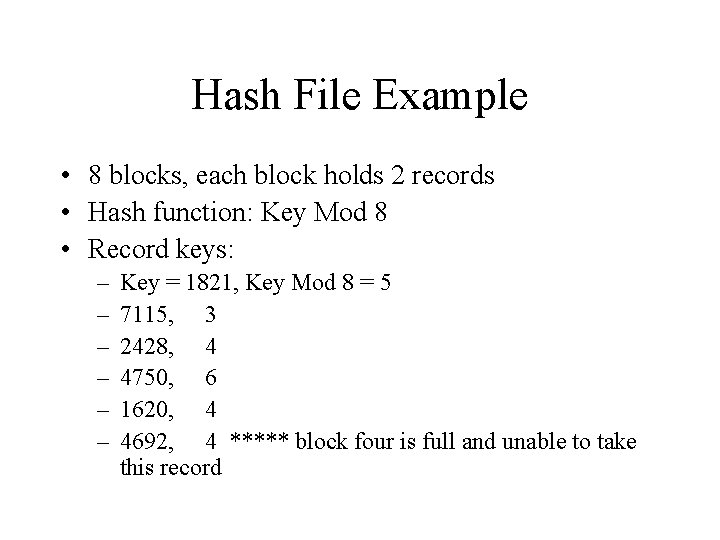
Hash File Example • 8 blocks, each block holds 2 records • Hash function: Key Mod 8 • Record keys: – – – Key = 1821, Key Mod 8 = 5 7115, 3 2428, 4 4750, 6 1620, 4 4692, 4 ***** block four is full and unable to take this record
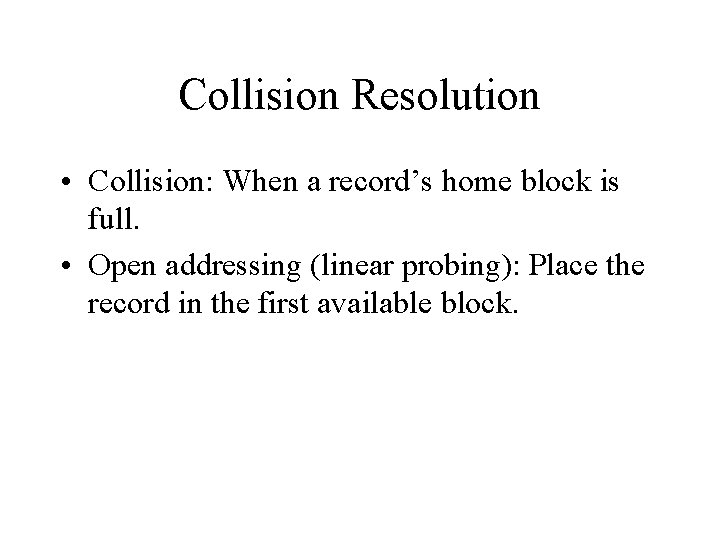
Collision Resolution • Collision: When a record’s home block is full. • Open addressing (linear probing): Place the record in the first available block.
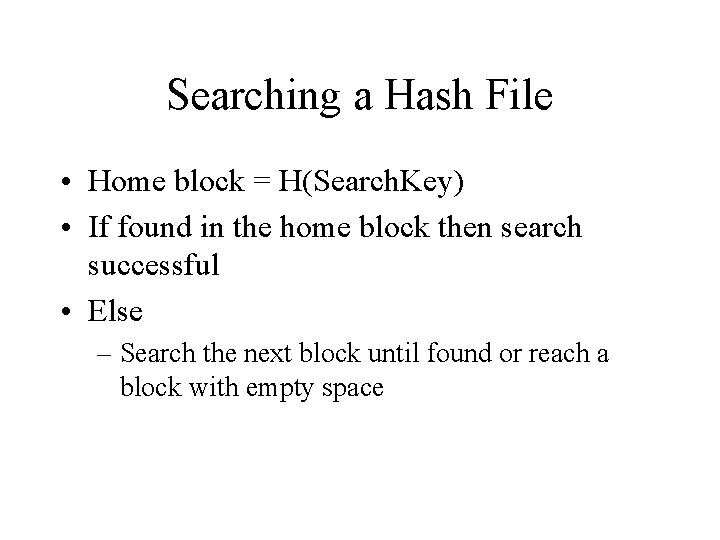
Searching a Hash File • Home block = H(Search. Key) • If found in the home block then search successful • Else – Search the next block until found or reach a block with empty space
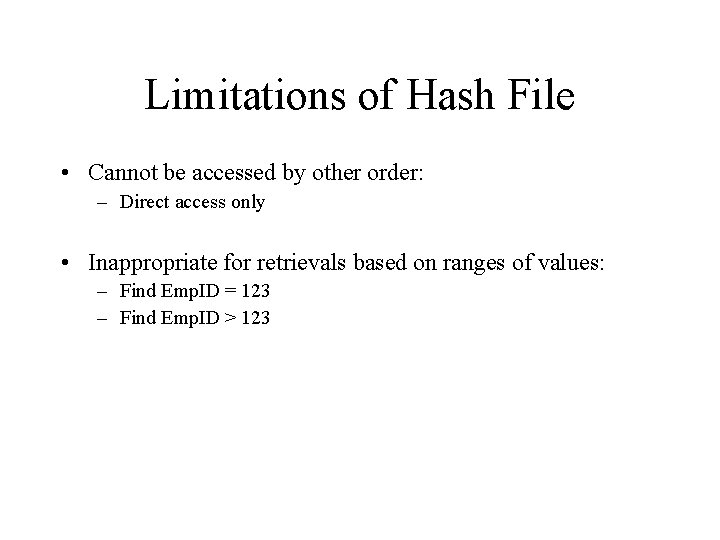
Limitations of Hash File • Cannot be accessed by other order: – Direct access only • Inappropriate for retrievals based on ranges of values: – Find Emp. ID = 123 – Find Emp. ID > 123
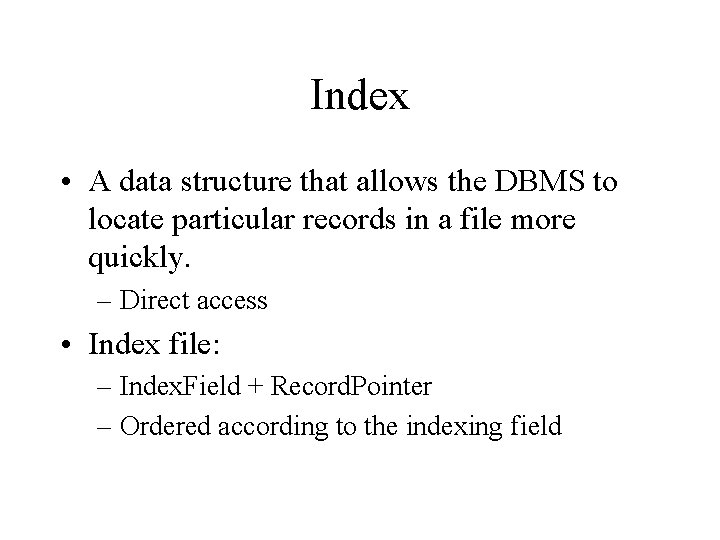
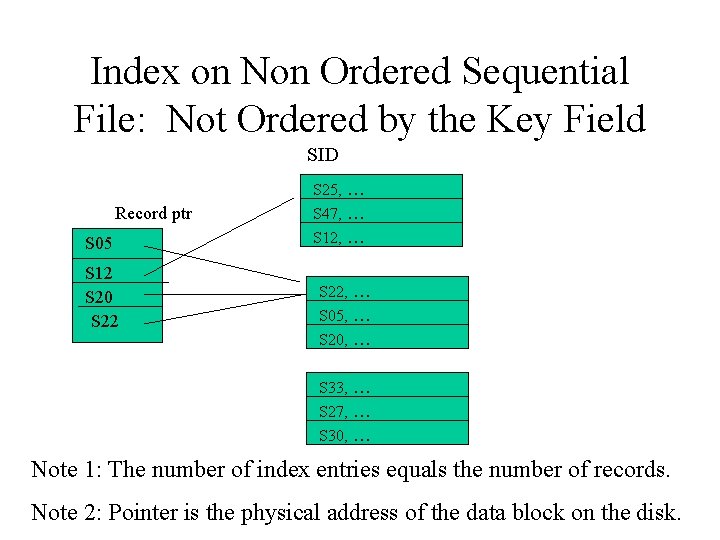
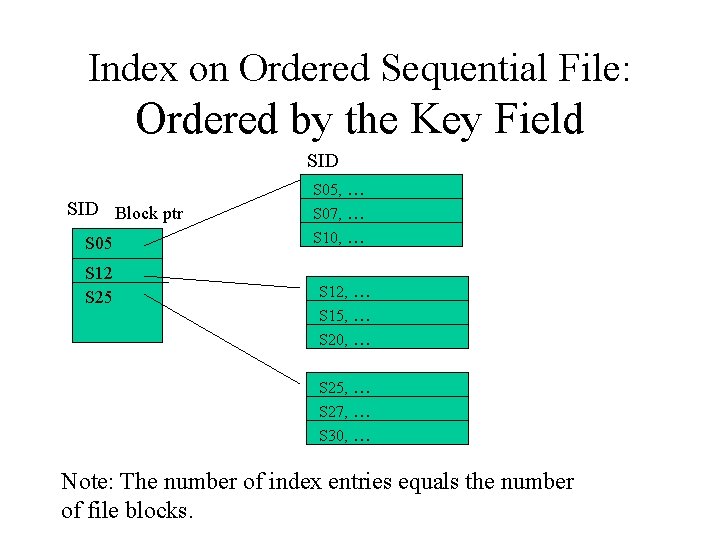
Index • A data structure that allows the DBMS to locate particular records in a file more quickly. – Direct access • Index file: – Index. Field + Record. Pointer – Ordered according to the indexing field
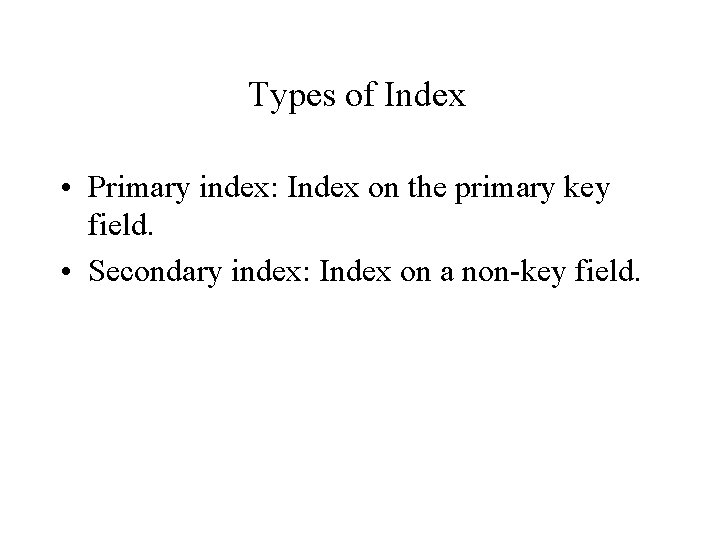
Types of Index • Primary index: Index on the primary key field. • Secondary index: Index on a non-key field.
Index on Non Ordered Sequential File: Not Ordered by the Key Field SID Record ptr S 05 S 12 S 20 S 22 S 25, … S 47, … S 12, … S 22, … S 05, … S 20, … S 33, … S 27, … S 30, … Note 1: The number of index entries equals the number of records. Note 2: Pointer is the physical address of the data block on the disk.
Index on Ordered Sequential File: Ordered by the Key Field SID Block ptr S 05 S 12 S 25 S 05, … S 07, … S 10, … S 12, … S 15, … S 20, … S 25, … S 27, … S 30, … Note: The number of index entries equals the number of file blocks.
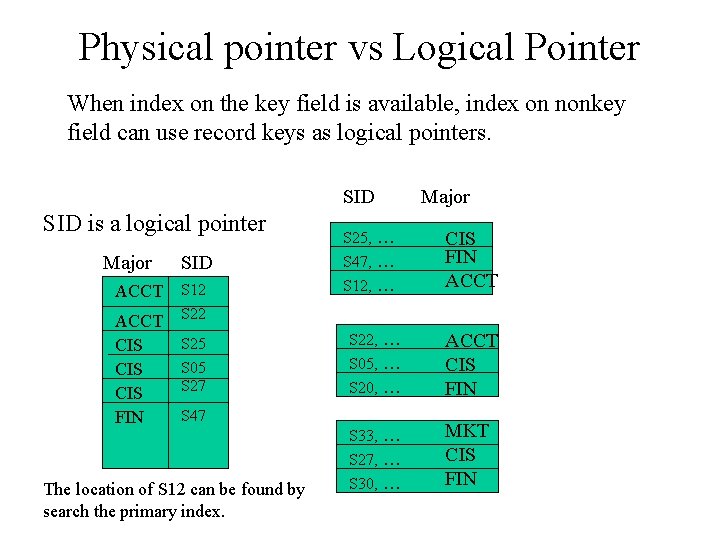
Physical pointer vs Logical Pointer When index on the key field is available, index on nonkey field can use record keys as logical pointers. SID is a logical pointer Major ACCT CIS CIS FIN SID S 12 S 25 S 05 S 27 S 25, … S 47, … S 12, … CIS FIN ACCT S 22, … S 05, … S 20, … ACCT CIS FIN S 33, … S 27, … S 30, … MKT CIS FIN S 47 The location of S 12 can be found by search the primary index. Major
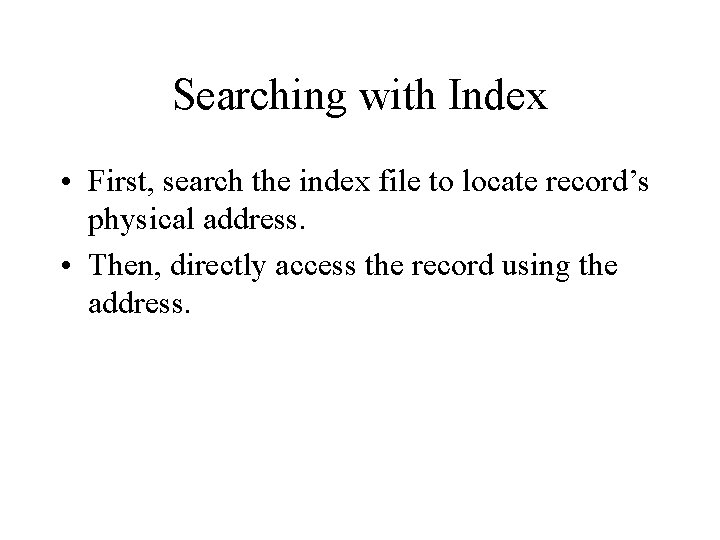
Searching with Index • First, search the index file to locate record’s physical address. • Then, directly access the record using the address.
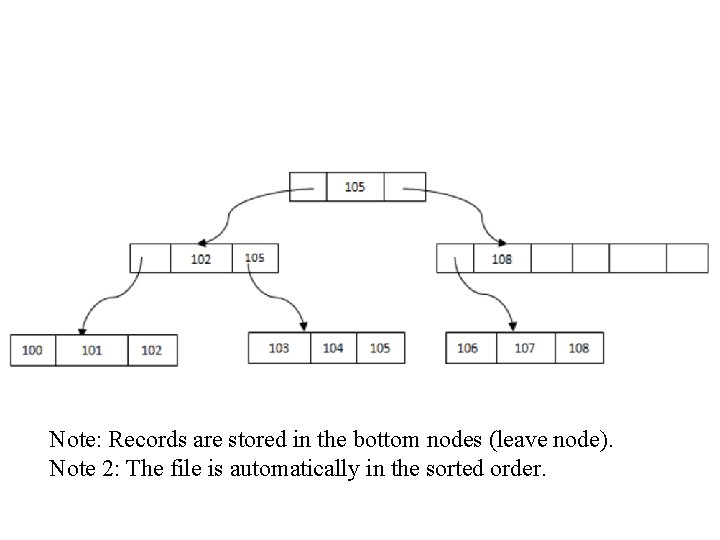
B+ Tree: Indexed and Ordered Sequential File • B+ Tree is an advanced method of indexed sequential file organization. It uses the same concept of key-index, but in a tree like structure. B+ tree stores all the records only at the leaf node.
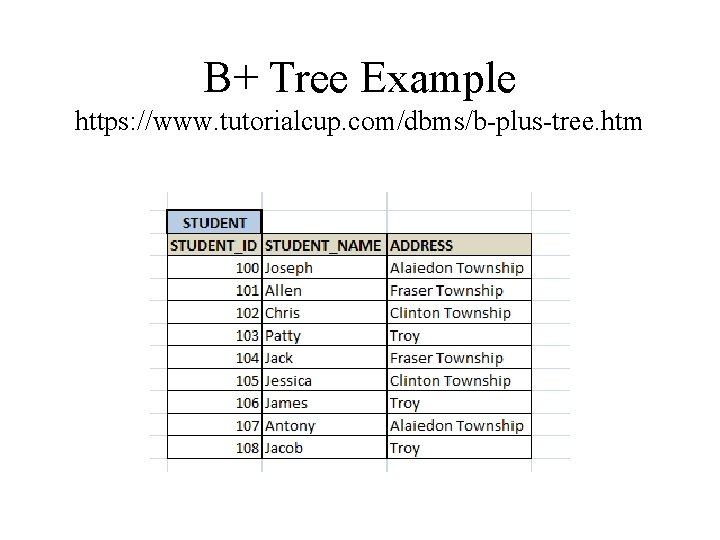
B+ Tree Example https: //www. tutorialcup. com/dbms/b-plus-tree. htm
Note: Records are stored in the bottom nodes (leave node). Note 2: The file is automatically in the sorted order.
• Too many indexes will slow down update operations. • Simple reason: DBMS must update indexes.
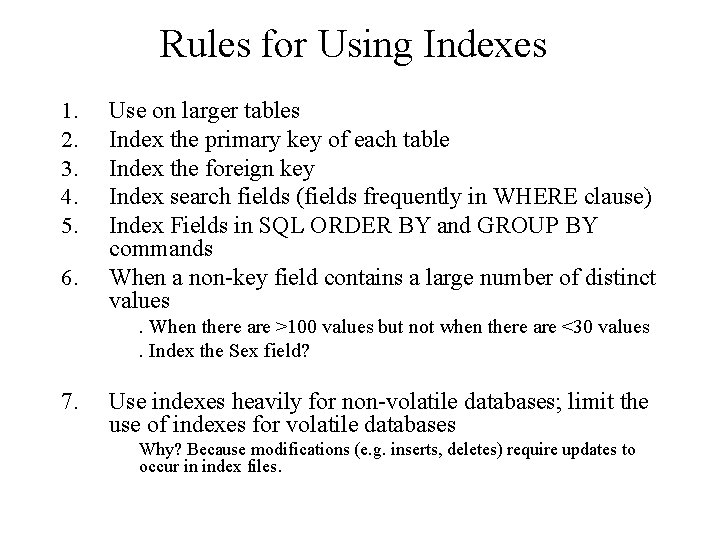
Rules for Using Indexes 1. 2. 3. 4. 5. 6. Use on larger tables Index the primary key of each table Index the foreign key Index search fields (fields frequently in WHERE clause) Index Fields in SQL ORDER BY and GROUP BY commands When a non-key field contains a large number of distinct values. When there are >100 values but not when there are <30 values. Index the Sex field? 7. Use indexes heavily for non-volatile databases; limit the use of indexes for volatile databases Why? Because modifications (e. g. inserts, deletes) require updates to occur in index files.
In-Memory Database https: //www. ionos. com/digitalguide/hosting/technicalmatters/in-memory-databases/ • A database management system that stores its data collections directly in computer’s RAM. • The key advantage: – significantly faster access speeds. Stored data is then available very quickly when needed.
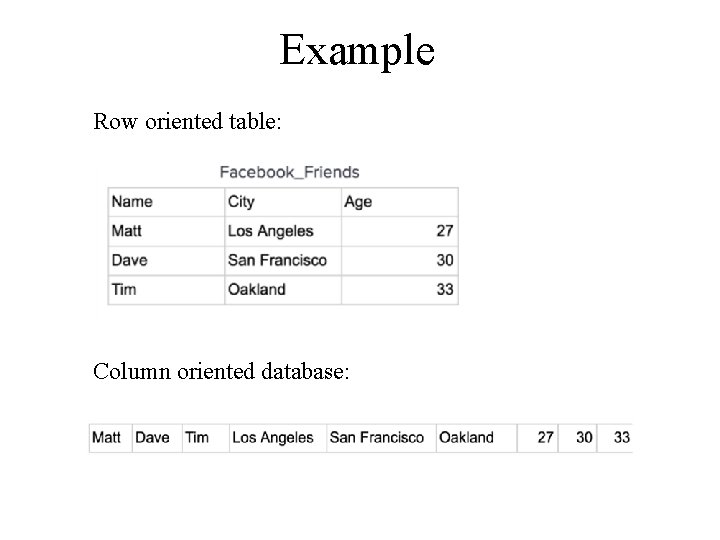
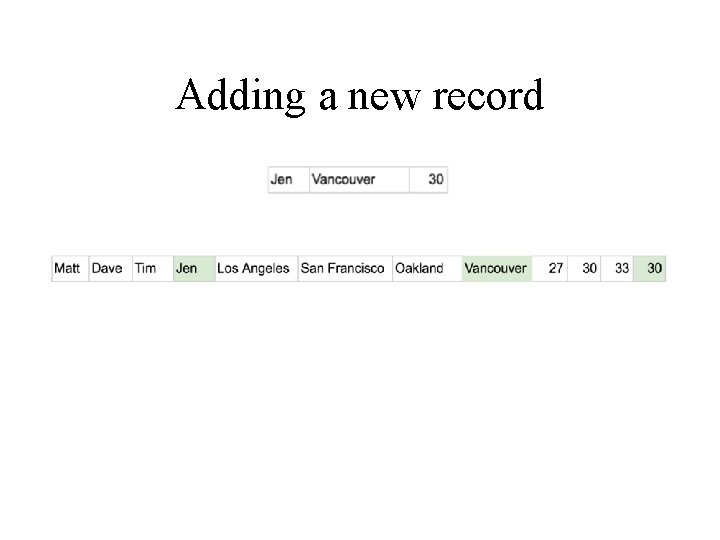
Column Oriented Databases (also known as columnar or C-store) https: //dataschool. com/data-modeling-101/row-vs-column-oriented-databases • A table is stored one column at a time in order row by row: /
Example Row oriented table: Column oriented database:
Adding a new record
To prevent data loss • Snapshot files: A snapshot is a copy of the database consistent at a specific time. • Transaction log: Used in combination with the snapshots, the transaction protocol can help restore a system after a crash. • Replication: storing an exact copy of the database on a conventional hard disk. • Non-volatile RAM memory: a non-volatile RAM memory.
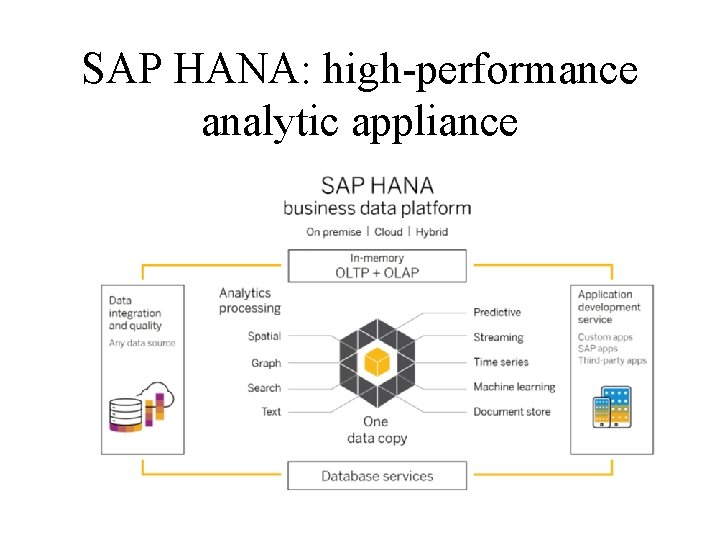
SAP HANA: high-performance analytic appliance