
File Management Organization Lecture 5 Chapter 1 Basic
File Management & Organization
Lecture 5 Chapter 1 Basic Organization Methods (Sequential indexed files) 2
Contents of Lecture: • Basic file organizations 3. Sequential indexed files v. Index v. Primary Index v. Secondary Index v. Basic Operations On simple Index • Homework number (1)
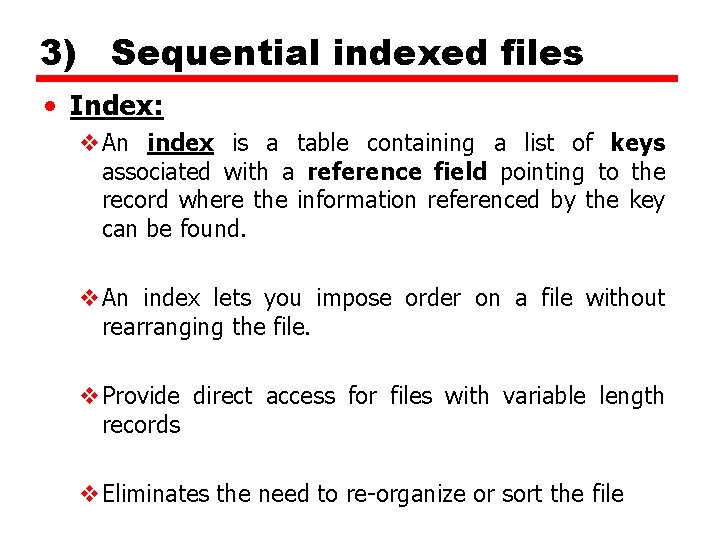
3) Sequential indexed files • Index: v. An index is a table containing a list of keys associated with a reference field pointing to the record where the information referenced by the key can be found. v. An index lets you impose order on a file without rearranging the file. v. Provide direct access for files with variable length records v. Eliminates the need to re-organize or sort the file
3) Sequential indexed files • Index: v. There is two type of index: – Simple/ Primary index. – Multiple/Secondary indexes. v. An index is a list of pairs (key, reference), sorted by key. – Reference: relative record address / block address. – Key: Primary / Secondary
Primary Index: • Contains a primary key and a pointer to a record in the file. • Each entry in the primary index identifies uniquely a single record. • Support binary search on the primary key.
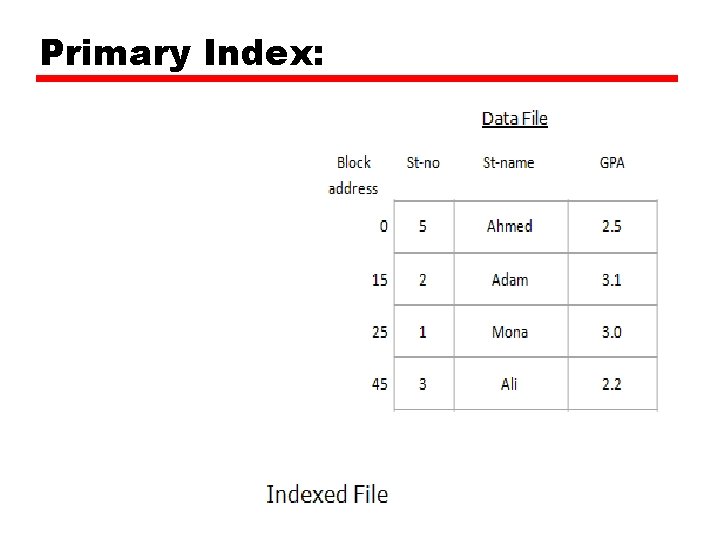
Primary Index:
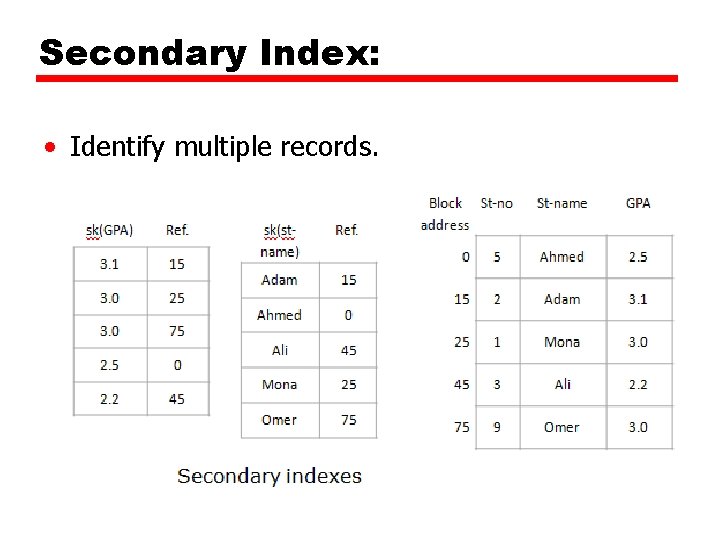
Secondary Index: • Identify multiple records.
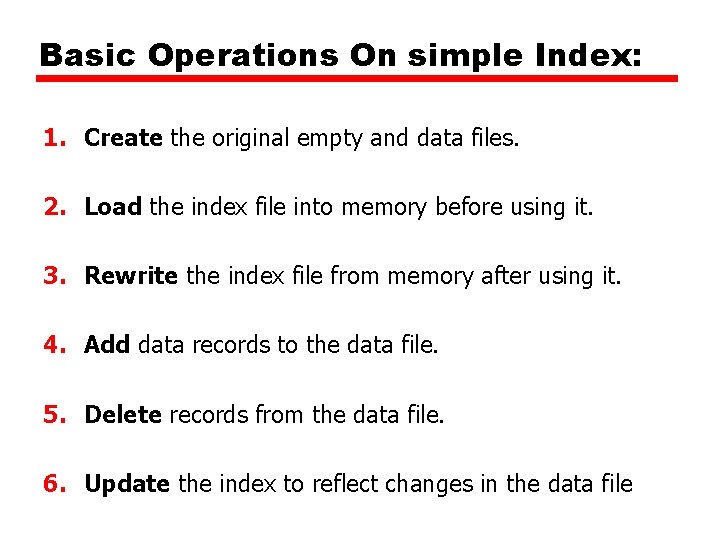
Basic Operations On simple Index: 1. Create the original empty and data files. 2. Load the index file into memory before using it. 3. Rewrite the index file from memory after using it. 4. Add data records to the data file. 5. Delete records from the data file. 6. Update the index to reflect changes in the data file
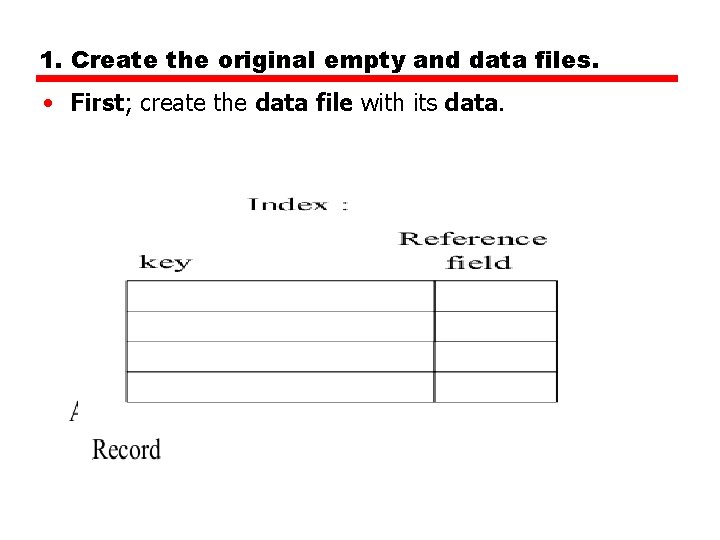
1. Create the original empty and data files. • First; create the data file with its data. • Then; create an empty index file with primary key —For example primary key can be: primary key = record ID only —or combination of two or more records contain primary key in data file —in above example: —Then create an empty index file.
2. Load the index file into memory before using it. • The index is represented as an array of records. • The loading into memory can be done sequentially, reading a large number of index records (which are short) at once.
3. Rewrite the index file from memory after using it. • If the index changed the new data must be rewriting.
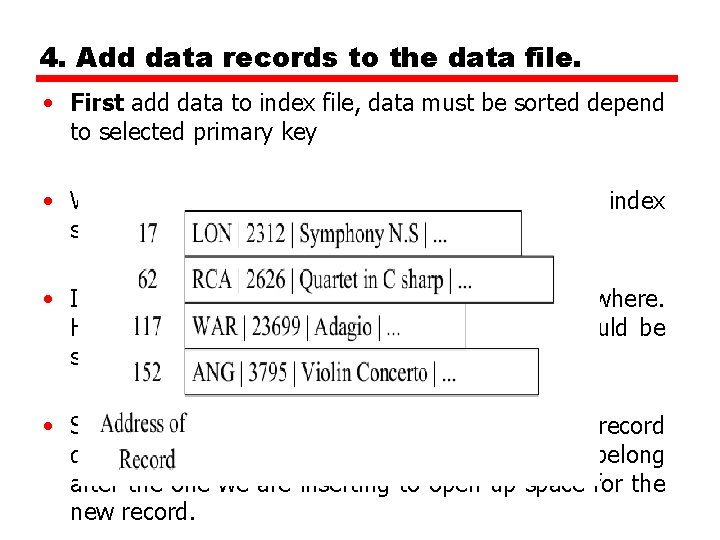
4. Add data records to the data file. • First add data to index file, data must be sorted depend to selected primary key • When we add a record, both the data file and the index should be updated. • In the data file, the record can be added anywhere. However, the byte-offset of the new record should be saved. • Since the index is sorted, the location of the new record does matter: we have to shift all the records that belong after the one we are inserting to open up space for the new record.
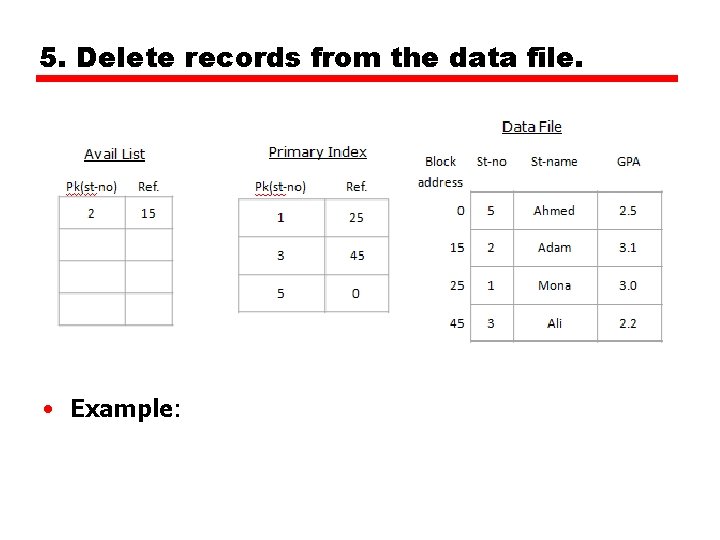
5. Delete records from the data file. • We must delete the corresponding entry from the index • The deleted record entry is inserted into AVAIL LIST (index for available records) • Logical deletion • Example:
6. Update the index to reflect changes in the data file There are two cases to consider: v changes the value of the key field: —Treat this as a deletion followed by an insertion v Does not affect the key field —If record size is unchanged, just modify the data record. —If record size changes treat this as a delete/insert sequence.
Homework number (1): . . CS-Lec-5. docx
- Slides: 16