
File Management in C popo What is a

- Slides: 20
File Management in C popo
What is a File? • A file is a collection of related data that a computers treats as a single unit. • Computers store files to secondary storage so that the contents of files remain permanently when a computer shuts down. • When a computer reads a file, it copies the file from the storage device to memory; when it writes to a file, it transfers data from memory to the storage device. popo
Files • File – place on disc where group of related data is stored – E. g. your C programs, executables • Basic file operations – – – Naming Opening Reading Writing Closing popo
Filename • String of characters that make up a valid filename for OS • May contain two parts – Primary – Optional period with extension • Examples: a. out, prog. c, temp, text. out popo
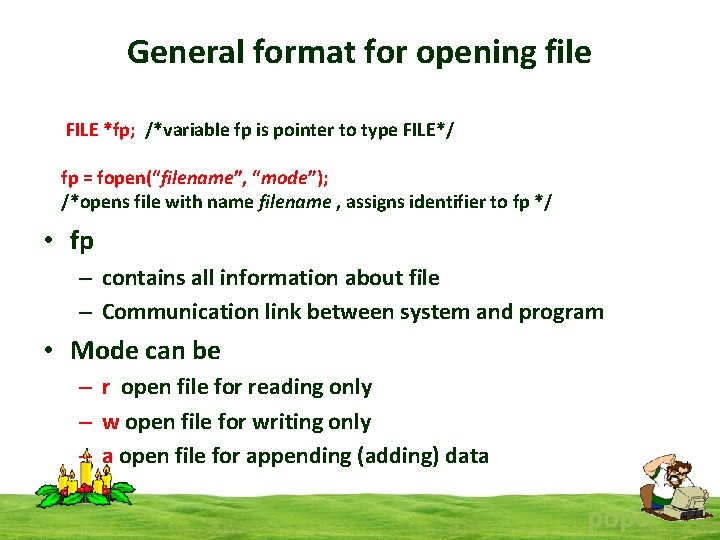
General format for opening file FILE *fp; /*variable fp is pointer to type FILE*/ fp = fopen(“filename”, “mode”); /*opens file with name filename , assigns identifier to fp */ • fp – contains all information about file – Communication link between system and program • Mode can be – r open file for reading only – w open file for writing only – a open file for appending (adding) data popo
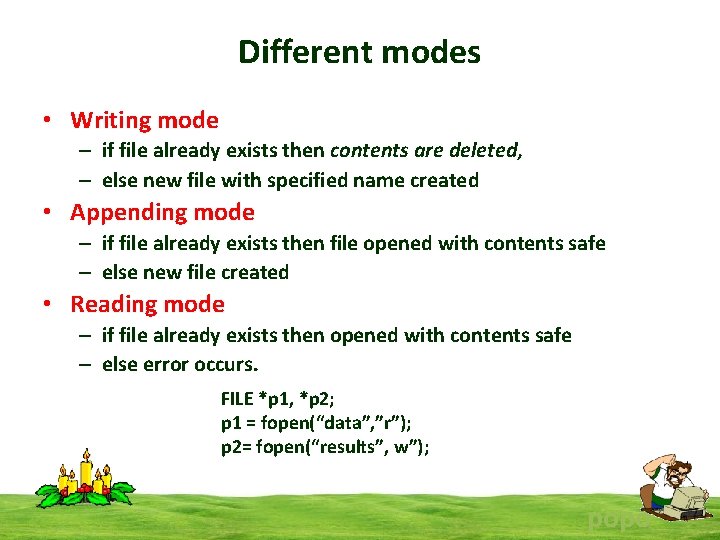
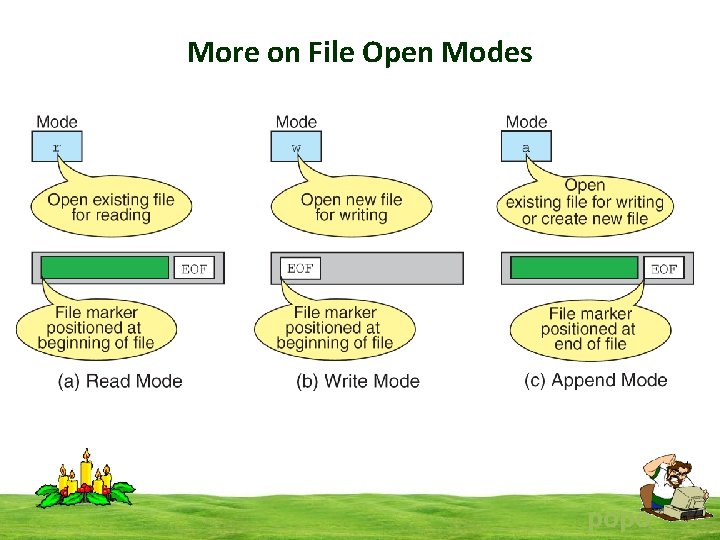
Different modes • Writing mode – if file already exists then contents are deleted, – else new file with specified name created • Appending mode – if file already exists then file opened with contents safe – else new file created • Reading mode – if file already exists then opened with contents safe – else error occurs. FILE *p 1, *p 2; p 1 = fopen(“data”, ”r”); p 2= fopen(“results”, w”); popo
More on File Open Modes popo
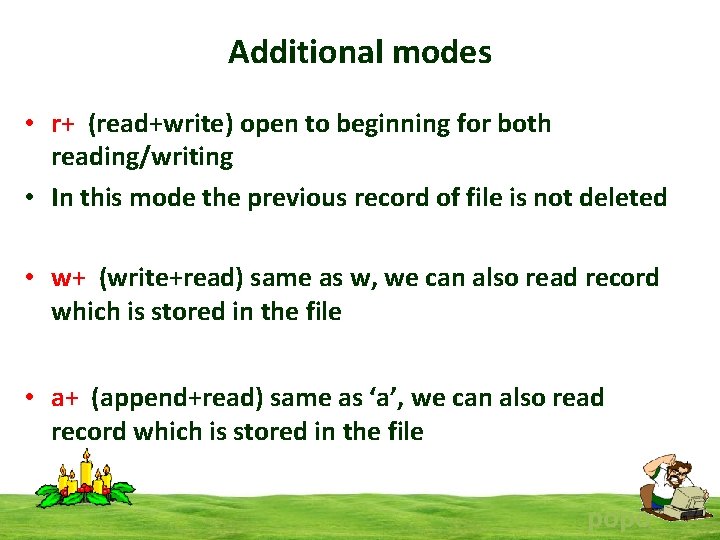
Additional modes • r+ (read+write) open to beginning for both reading/writing • In this mode the previous record of file is not deleted • w+ (write+read) same as w, we can also read record which is stored in the file • a+ (append+read) same as ‘a’, we can also read record which is stored in the file popo
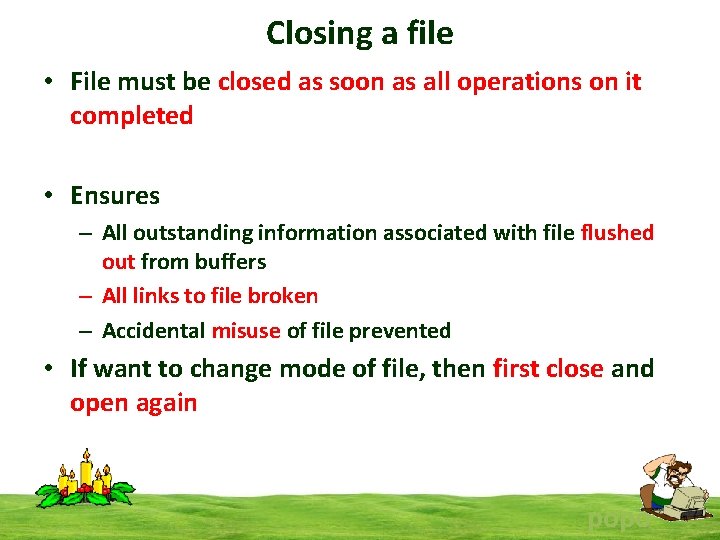
Closing a file • File must be closed as soon as all operations on it completed • Ensures – All outstanding information associated with file flushed out from buffers – All links to file broken – Accidental misuse of file prevented • If want to change mode of file, then first close and open again popo
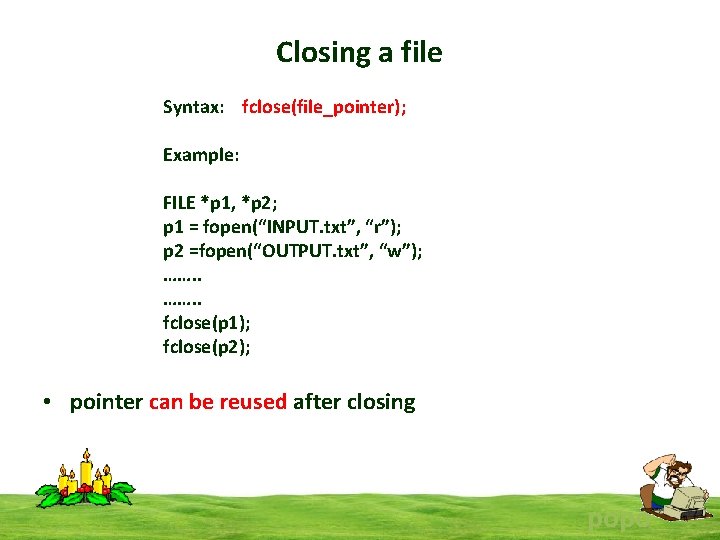
Closing a file Syntax: fclose(file_pointer); Example: FILE *p 1, *p 2; p 1 = fopen(“INPUT. txt”, “r”); p 2 =fopen(“OUTPUT. txt”, “w”); ……. . fclose(p 1); fclose(p 2); • pointer can be reused after closing popo
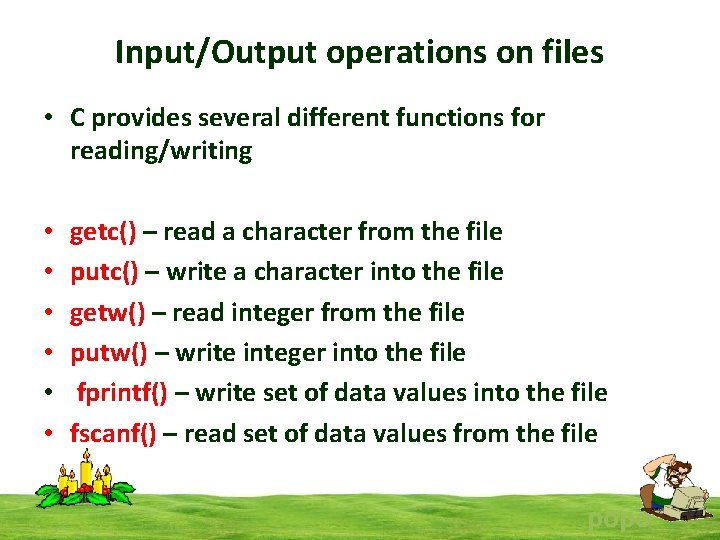
Input/Output operations on files • C provides several different functions for reading/writing • • • getc() – read a character from the file putc() – write a character into the file getw() – read integer from the file putw() – write integer into the file fprintf() – write set of data values into the file fscanf() – read set of data values from the file popo
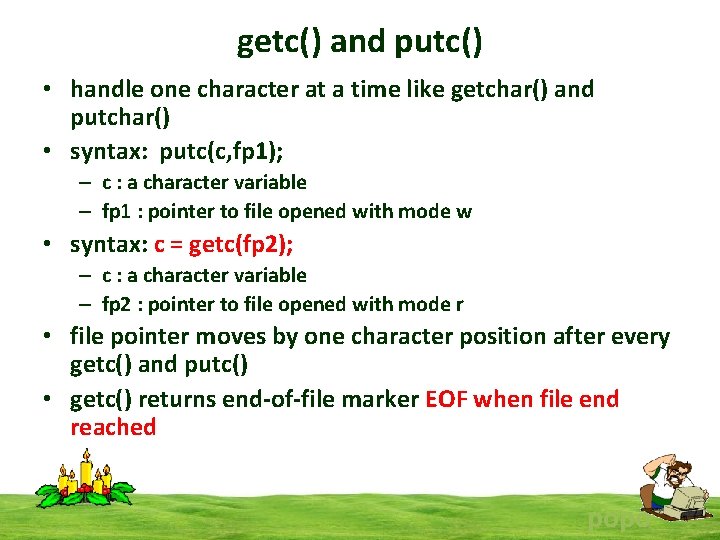
getc() and putc() • handle one character at a time like getchar() and putchar() • syntax: putc(c, fp 1); – c : a character variable – fp 1 : pointer to file opened with mode w • syntax: c = getc(fp 2); – c : a character variable – fp 2 : pointer to file opened with mode r • file pointer moves by one character position after every getc() and putc() • getc() returns end-of-file marker EOF when file end reached popo
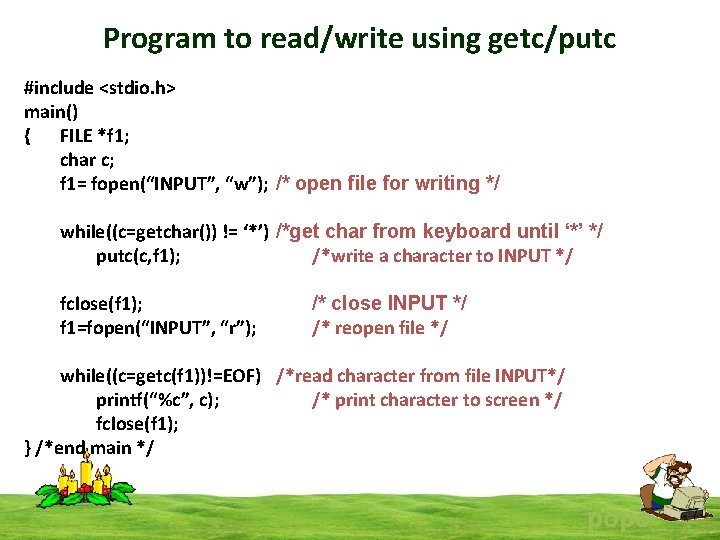
Program to read/write using getc/putc #include <stdio. h> main() { FILE *f 1; char c; f 1= fopen(“INPUT”, “w”); /* open file for writing */ while((c=getchar()) != ‘*’) /*get char from keyboard until ‘*’ */ putc(c, f 1); /*write a character to INPUT */ fclose(f 1); f 1=fopen(“INPUT”, “r”); /* close INPUT */ /* reopen file */ while((c=getc(f 1))!=EOF) /*read character from file INPUT*/ printf(“%c”, c); /* print character to screen */ fclose(f 1); } /*end main */ popo
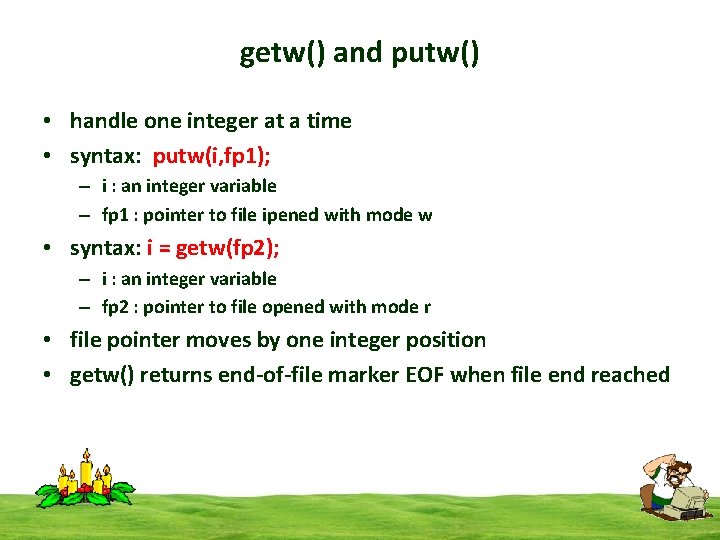
getw() and putw() • handle one integer at a time • syntax: putw(i, fp 1); – i : an integer variable – fp 1 : pointer to file ipened with mode w • syntax: i = getw(fp 2); – i : an integer variable – fp 2 : pointer to file opened with mode r • file pointer moves by one integer position • getw() returns end-of-file marker EOF when file end reached
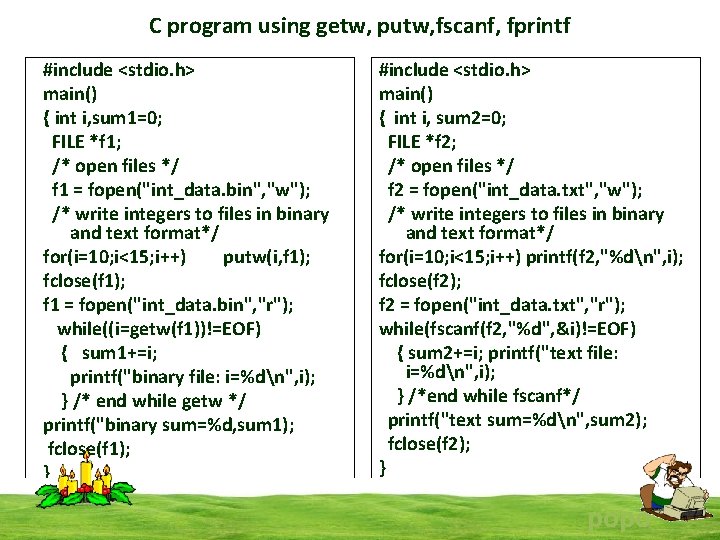
C program using getw, putw, fscanf, fprintf #include <stdio. h> main() { int i, sum 1=0; FILE *f 1; /* open files */ f 1 = fopen("int_data. bin", "w"); /* write integers to files in binary and text format*/ for(i=10; i<15; i++) putw(i, f 1); fclose(f 1); f 1 = fopen("int_data. bin", "r"); while((i=getw(f 1))!=EOF) { sum 1+=i; printf("binary file: i=%dn", i); } /* end while getw */ printf("binary sum=%d, sum 1); fclose(f 1); } #include <stdio. h> main() { int i, sum 2=0; FILE *f 2; /* open files */ f 2 = fopen("int_data. txt", "w"); /* write integers to files in binary and text format*/ for(i=10; i<15; i++) printf(f 2, "%dn", i); fclose(f 2); f 2 = fopen("int_data. txt", "r"); while(fscanf(f 2, "%d", &i)!=EOF) { sum 2+=i; printf("text file: i=%dn", i); } /*end while fscanf*/ printf("text sum=%dn", sum 2); fclose(f 2); } popo
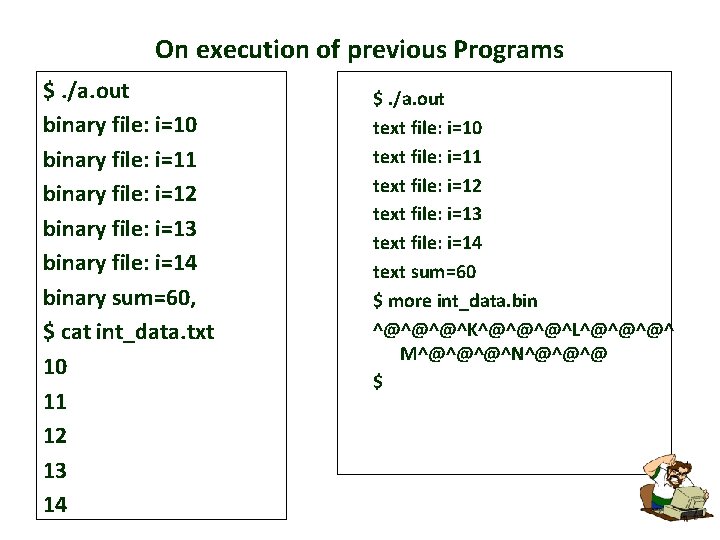
On execution of previous Programs $. /a. out binary file: i=10 binary file: i=11 binary file: i=12 binary file: i=13 binary file: i=14 binary sum=60, $ cat int_data. txt 10 11 12 13 14 $. /a. out text file: i=10 text file: i=11 text file: i=12 text file: i=13 text file: i=14 text sum=60 $ more int_data. bin ^@^@^@^K^@^@^@^L^@^@^@^ M^@^@^@^N^@^@^@ $
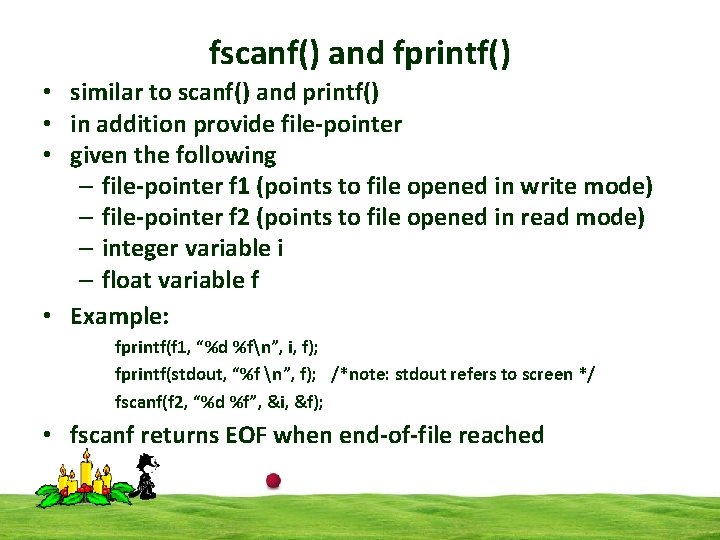
fscanf() and fprintf() • similar to scanf() and printf() • in addition provide file-pointer • given the following – file-pointer f 1 (points to file opened in write mode) – file-pointer f 2 (points to file opened in read mode) – integer variable i – float variable f • Example: fprintf(f 1, “%d %fn”, i, f); fprintf(stdout, “%f n”, f); /*note: stdout refers to screen */ fscanf(f 2, “%d %f”, &i, &f); • fscanf returns EOF when end-of-file reached
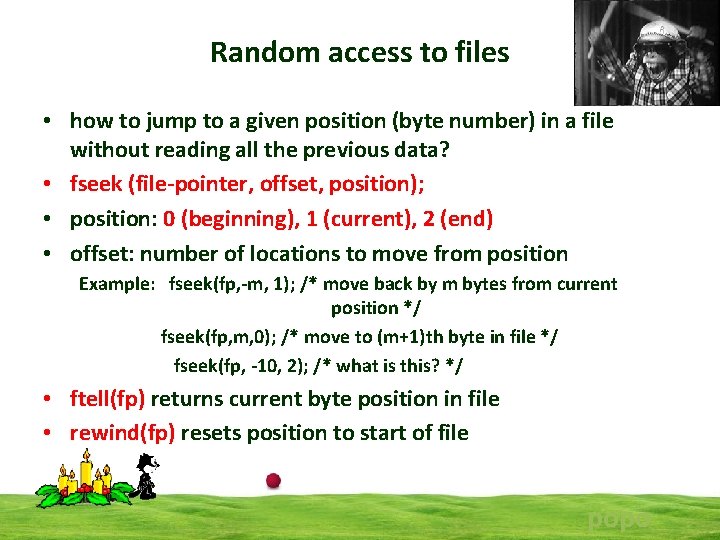
Random access to files • how to jump to a given position (byte number) in a file without reading all the previous data? • fseek (file-pointer, offset, position); • position: 0 (beginning), 1 (current), 2 (end) • offset: number of locations to move from position Example: fseek(fp, -m, 1); /* move back by m bytes from current position */ fseek(fp, m, 0); /* move to (m+1)th byte in file */ fseek(fp, -10, 2); /* what is this? */ • ftell(fp) returns current byte position in file • rewind(fp) resets position to start of file popo
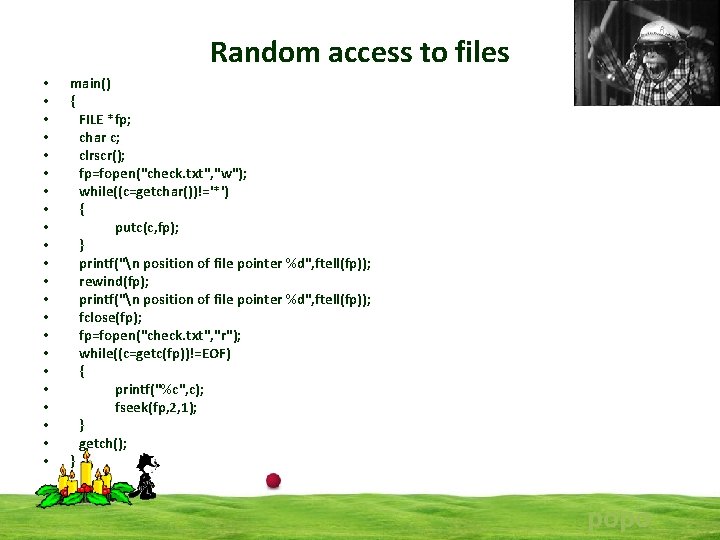
Random access to files • • • • • • main() { FILE *fp; char c; clrscr(); fp=fopen("check. txt", "w"); while((c=getchar())!='*') { putc(c, fp); } printf("n position of file pointer %d", ftell(fp)); rewind(fp); printf("n position of file pointer %d", ftell(fp)); fclose(fp); fp=fopen("check. txt", "r"); while((c=getc(fp))!=EOF) { printf("%c", c); fseek(fp, 2, 1); } getch(); } popo