
File Management Dropbox and File Naming De Worm

File Management Dropbox and File Naming
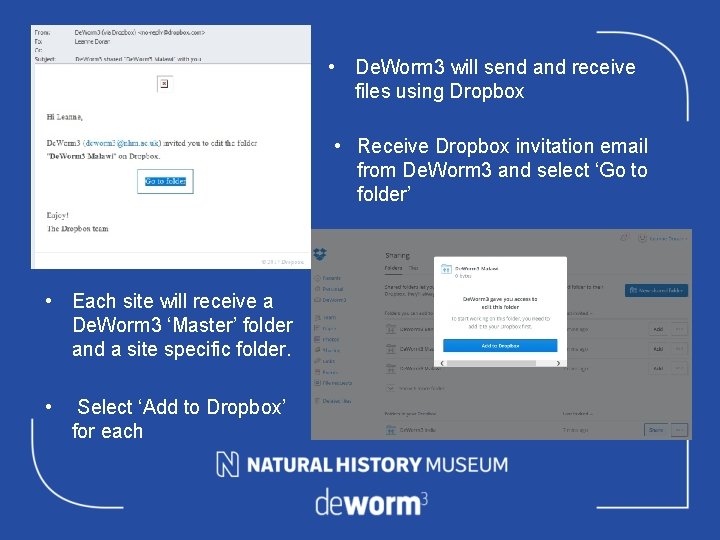
• De. Worm 3 will send and receive files using Dropbox • Receive Dropbox invitation email from De. Worm 3 and select ‘Go to folder’ • Each site will receive a De. Worm 3 ‘Master’ folder and a site specific folder. • Select ‘Add to Dropbox’ for each
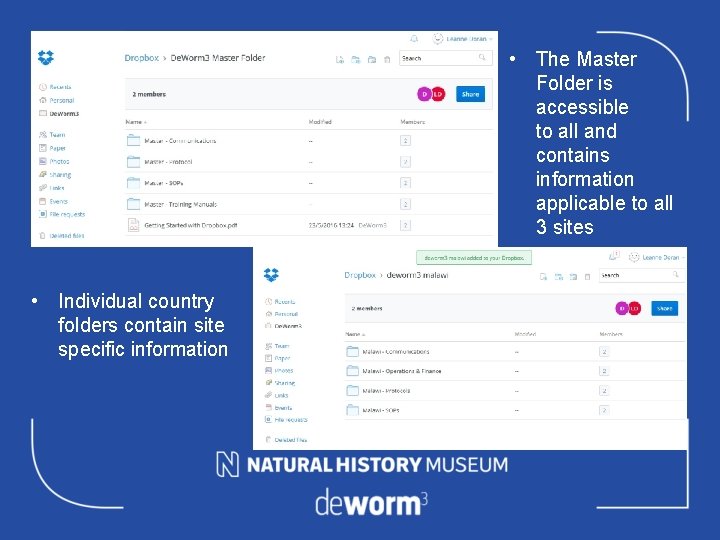
• The Master Folder is accessible to all and contains information applicable to all 3 sites • Individual country folders contain site specific information
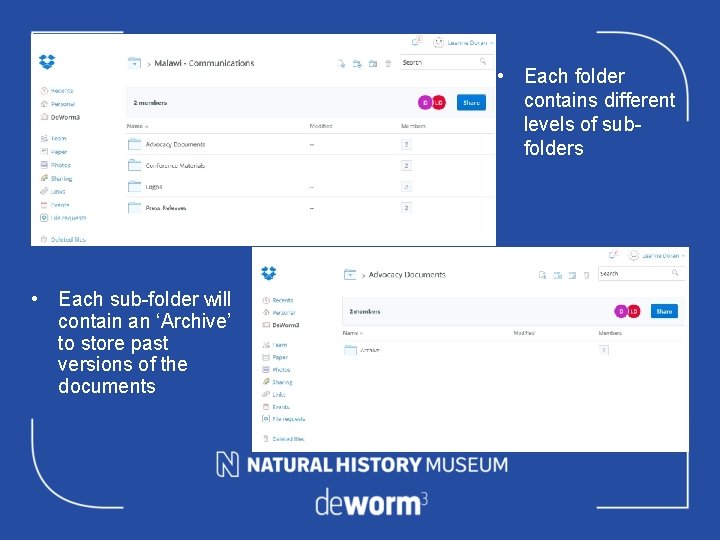
• Each folder contains different levels of subfolders • Each sub-folder will contain an ‘Archive’ to store past versions of the documents
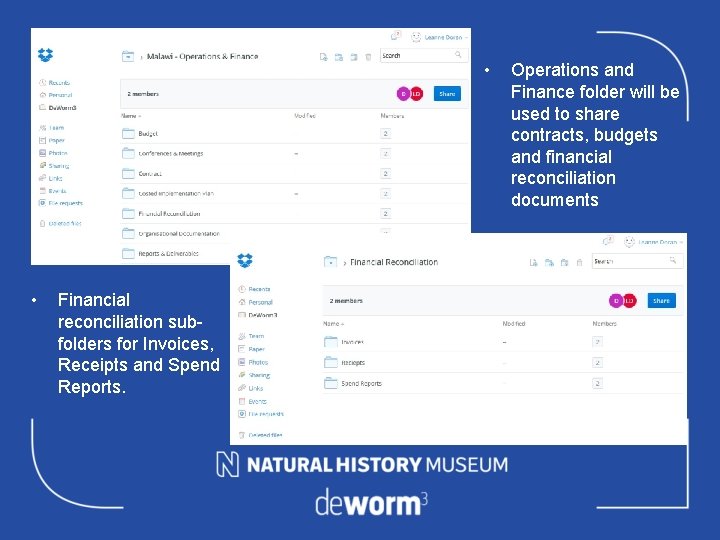
• • Financial reconciliation subfolders for Invoices, Receipts and Spend Reports. Operations and Finance folder will be used to share contracts, budgets and financial reconciliation documents
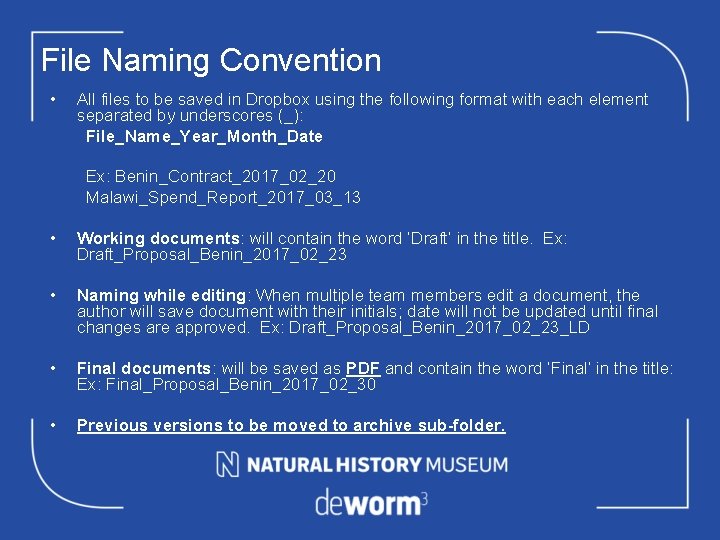
File Naming Convention • All files to be saved in Dropbox using the following format with each element separated by underscores (_): File_Name_Year_Month_Date Ex: Benin_Contract_2017_02_20 Malawi_Spend_Report_2017_03_13 • Working documents: will contain the word ‘Draft’ in the title. Ex: Draft_Proposal_Benin_2017_02_23 • Naming while editing: When multiple team members edit a document, the author will save document with their initials; date will not be updated until final changes are approved. Ex: Draft_Proposal_Benin_2017_02_23_LD • Final documents: will be saved as PDF and contain the word ‘Final’ in the title: Ex: Final_Proposal_Benin_2017_02_30 • Previous versions to be moved to archive sub-folder.

- Slides: 7