
FILE HANDLING CICS Training Class06 Types of VSAM

- Slides: 17
FILE HANDLING CICS Training Class-06
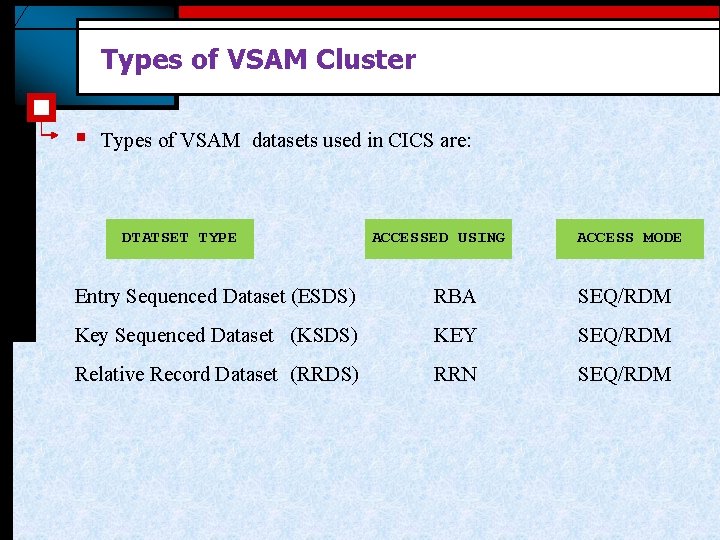
Types of VSAM Cluster § Types of VSAM datasets used in CICS are: DTATSET TYPE ACCESSED USING ACCESS MODE Entry Sequenced Dataset (ESDS) RBA SEQ/RDM Key Sequenced Dataset (KSDS) KEY SEQ/RDM Relative Record Dataset (RRDS) RRN SEQ/RDM
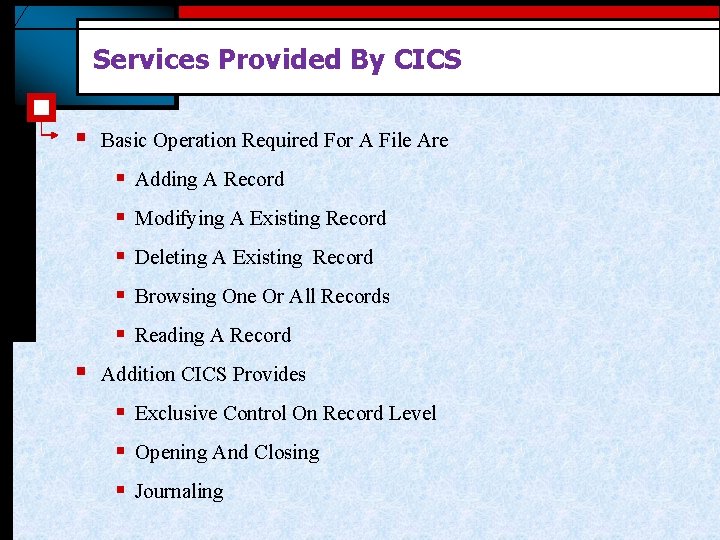
Services Provided By CICS § Basic Operation Required For A File Are § Adding A Record § Modifying A Existing Record § Deleting A Existing Record § Browsing One Or All Records § Reading A Record § Addition CICS Provides § Exclusive Control On Record Level § Opening And Closing § Journaling
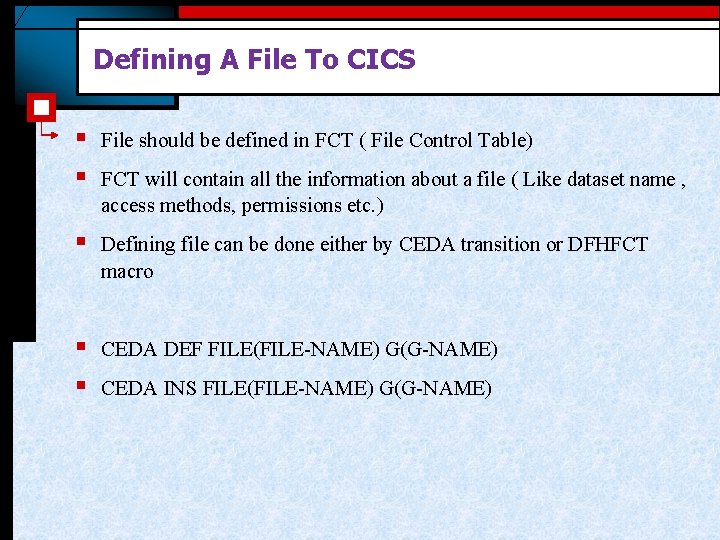
Defining A File To CICS § § File should be defined in FCT ( File Control Table) § Defining file can be done either by CEDA transition or DFHFCT macro § § CEDA DEF FILE(FILE-NAME) G(G-NAME) FCT will contain all the information about a file ( Like dataset name , access methods, permissions etc. ) CEDA INS FILE(FILE-NAME) G(G-NAME)
File Handling In Program § § § File should not be defined in program Program should not open or close a file Records can be inserted updated or deleted
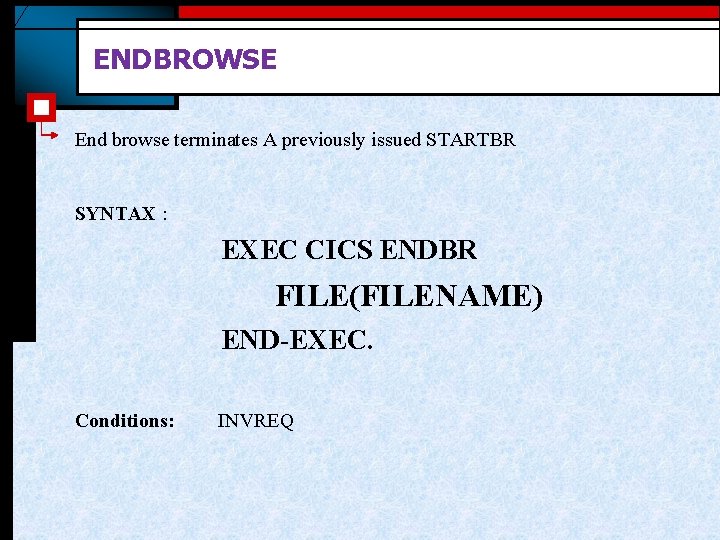
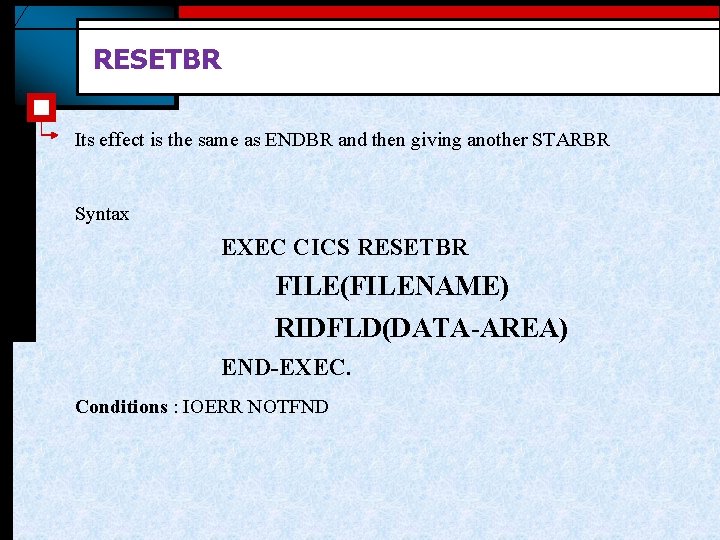
Sequential Read § § Sequential read is done by Browse Operation § Next and previous records can be read as required using READNEXT and READPREV. § § § End the browse operation at last Using ENDBR Established the pointer to the first record to read using STARTBR Browse can be re-positioned USING RESETBR During browse operation records cannot be updated
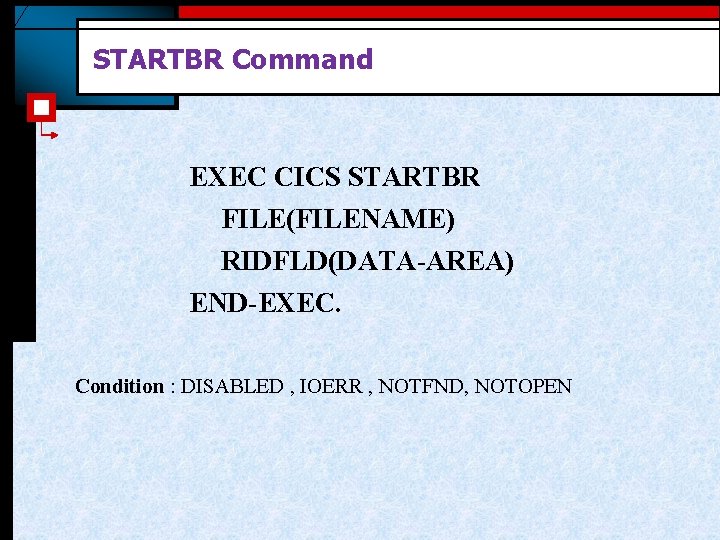
STARTBR Command EXEC CICS STARTBR FILE(FILENAME) RIDFLD(DATA-AREA) END-EXEC. Condition : DISABLED , IOERR , NOTFND, NOTOPEN
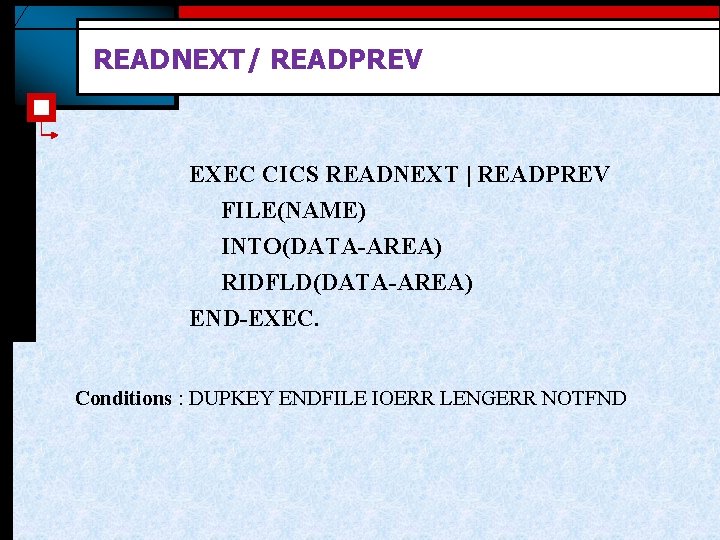
READING AFTER STARTBR § Sequentially The Next And Previous Record Can Be Read By A READNEXT Or READPREV § The First READNEXT Or READPREV Will Read The Record Where The STARTBR Has Positioned The File Pointer § READNEXT Followed By READPREV Or Vice Versa Operation Will Always Read The Same Record
READNEXT/ READPREV EXEC CICS READNEXT | READPREV FILE(NAME) INTO(DATA-AREA) RIDFLD(DATA-AREA) END-EXEC. Conditions : DUPKEY ENDFILE IOERR LENGERR NOTFND
ENDBROWSE End browse terminates A previously issued STARTBR SYNTAX : EXEC CICS ENDBR FILE(FILENAME) END-EXEC. Conditions: INVREQ
RESETBR Its effect is the same as ENDBR and then giving another STARBR Syntax EXEC CICS RESETBR FILE(FILENAME) RIDFLD(DATA-AREA) END-EXEC. Conditions : IOERR NOTFND
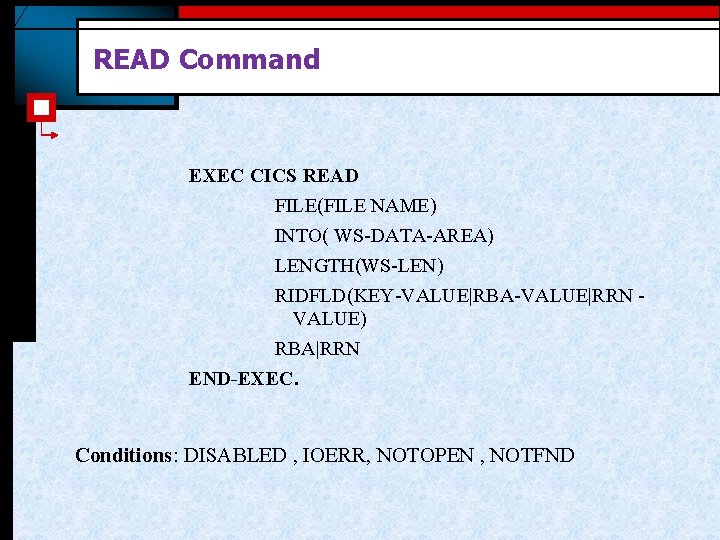
READ Command EXEC CICS READ FILE(FILE NAME) INTO( WS-DATA-AREA) LENGTH(WS-LEN) RIDFLD(KEY-VALUE|RBA-VALUE|RRN VALUE) RBA|RRN END-EXEC. Conditions: DISABLED , IOERR, NOTOPEN , NOTFND
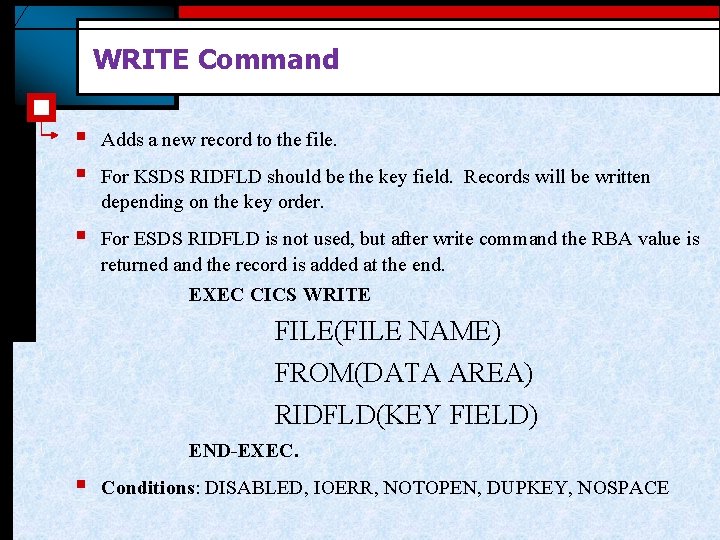
WRITE Command § § Adds a new record to the file. § For ESDS RIDFLD is not used, but after write command the RBA value is returned and the record is added at the end. For KSDS RIDFLD should be the key field. Records will be written depending on the key order. EXEC CICS WRITE FILE(FILE NAME) FROM(DATA AREA) RIDFLD(KEY FIELD) END-EXEC. § Conditions: DISABLED, IOERR, NOTOPEN, DUPKEY, NOSPACE
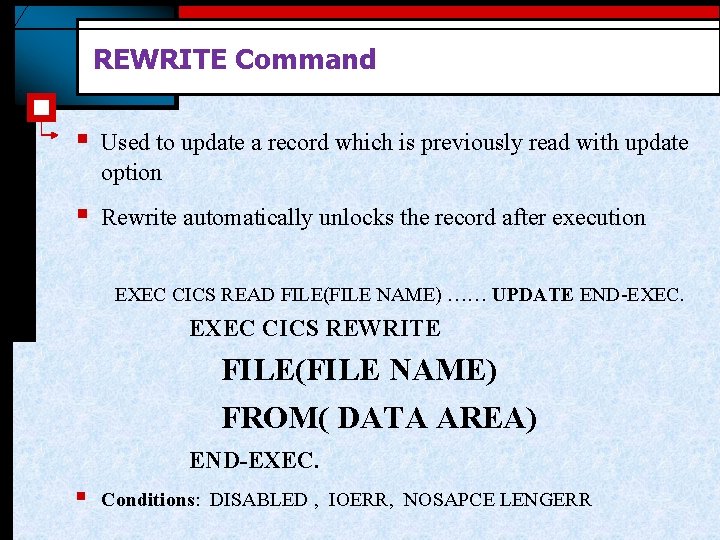
REWRITE Command § Used to update a record which is previously read with update option § Rewrite automatically unlocks the record after execution EXEC CICS READ FILE(FILE NAME) …… UPDATE END-EXEC. EXEC CICS REWRITE FILE(FILE NAME) FROM( DATA AREA) END-EXEC. § Conditions: DISABLED , IOERR, NOSAPCE LENGERR
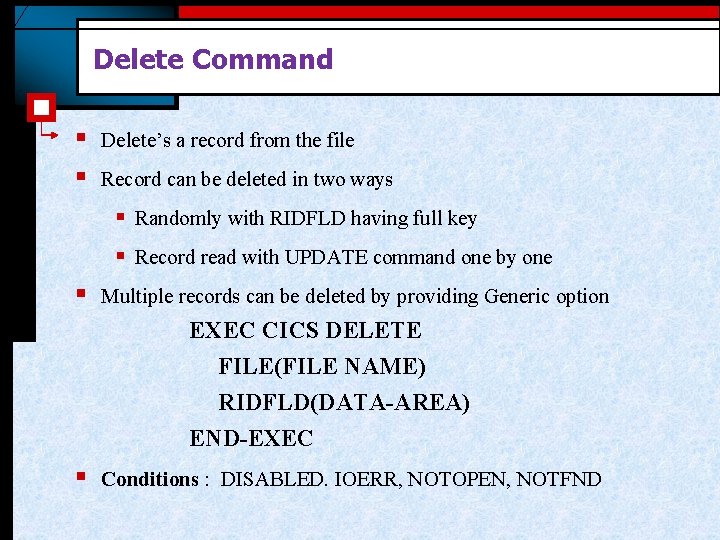
Delete Command § § Delete’s a record from the file Record can be deleted in two ways § Randomly with RIDFLD having full key § Record read with UPDATE command one by one § Multiple records can be deleted by providing Generic option EXEC CICS DELETE FILE(FILE NAME) RIDFLD(DATA-AREA) END-EXEC § Conditions : DISABLED. IOERR, NOTOPEN, NOTFND
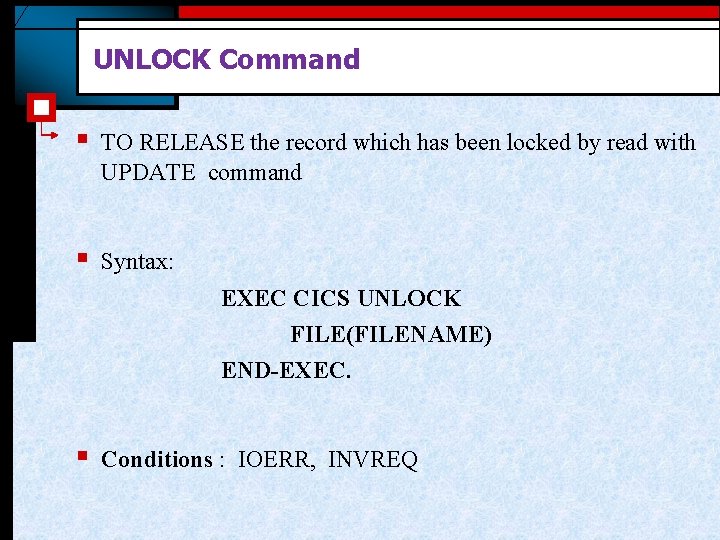
UNLOCK Command § TO RELEASE the record which has been locked by read with UPDATE command § Syntax: EXEC CICS UNLOCK FILE(FILENAME) END-EXEC. § Conditions : IOERR, INVREQ
Thank You Polsani Anil Kumar