
Figuring Out the Ball World Why use a
Figuring Out the Ball. World • Why use a Rectangle instead of a Point to represent the Ball’s location? • Modify the color of the ball to be green. • Modify the ball to be much larger and to move much faster. • Modify the simulation so that it runs much longer. • Modify the shape of the window to be 100 X 800. • Modify the Ball so the it initial moves in a random direction and with random magnitude. – (Hint: Use the static double Math. random() in the Java package Math. It returns a random in the range [0. 0 – 1. 0).
The Role of Inheritance in Java Graphics “Don’t call us. We’ll call you. ” Without inheritance, we would have to understand many details of how windows work and how they interact with the operating system. • Some of those details are over our heads at this point. We don’t know enough OOP or Java yet. • Even if we could understand them (and we will eventually), we don’t care about them.
The Role of Inheritance in Java Graphics With inheritance, a Ball. World can act as a “regular” Frame when we don’t care about the details and as a special kind of Frame when we do. But there is more to it than that. Not only does Ball. World inherit a lot of individual methods that we use — but many of the methods in Frame call the methods we implement in Ball. World!
Example: Frame manipulation Your Ball. World should be able to handle: • Frame relocation • Frame resizing • Minimizing/Maximizing • Etc…. But wait, _I_ didn’t write any code to handle this…
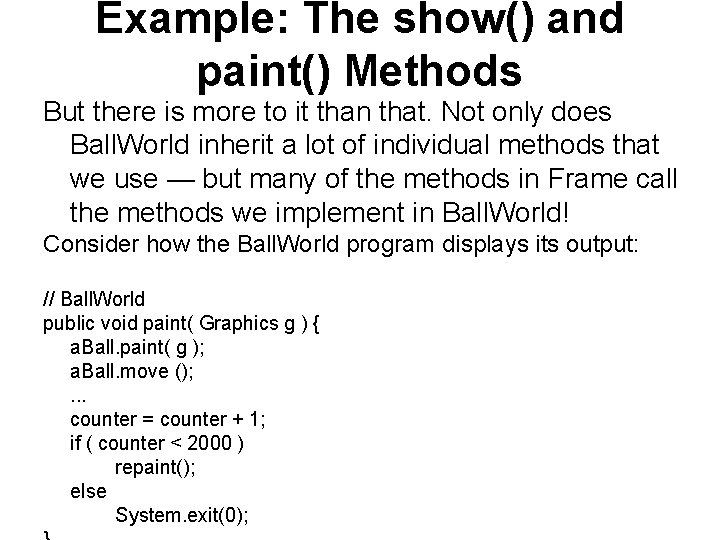
Example: The show() and paint() Methods But there is more to it than that. Not only does Ball. World inherit a lot of individual methods that we use — but many of the methods in Frame call the methods we implement in Ball. World! Consider how the Ball. World program displays its output: // Ball. World public void paint( Graphics g ) { a. Ball. paint( g ); a. Ball. move (); . . . counter = counter + 1; if ( counter < 2000 ) repaint(); else System. exit(0);
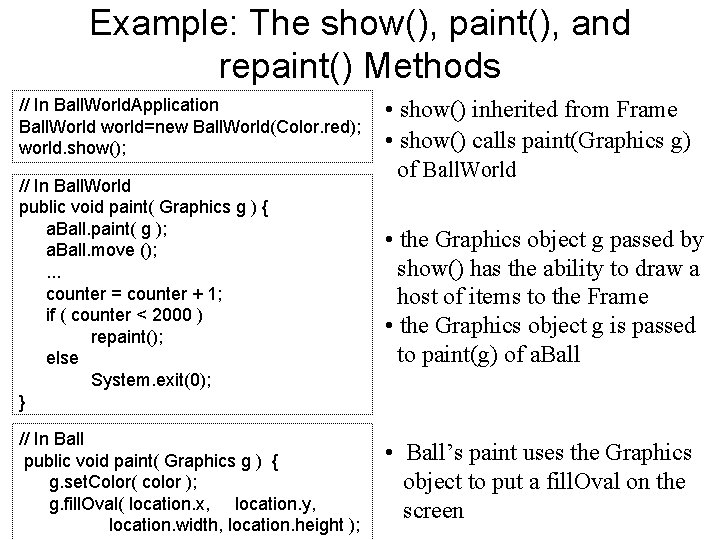
Example: The show(), paint(), and repaint() Methods // In Ball. World. Application Ball. World world=new Ball. World(Color. red); world. show(); // In Ball. World public void paint( Graphics g ) { a. Ball. paint( g ); a. Ball. move (); . . . counter = counter + 1; if ( counter < 2000 ) repaint(); else System. exit(0); } // In Ball public void paint( Graphics g ) { g. set. Color( color ); g. fill. Oval( location. x, location. y, location. width, location. height ); • show() inherited from Frame • show() calls paint(Graphics g) of Ball. World • the Graphics object g passed by show() has the ability to draw a host of items to the Frame • the Graphics object g is passed to paint(g) of a. Ball • Ball’s paint uses the Graphics object to put a fill. Oval on the screen
“Don’t call us. We’ll call you. ” This is a simple example of. . . multiple objects collaborating to solve a problem It is also an even better example of. . . writing a program by filling in the details (e. g. , paint()) of another program (e. g. , Frame) that already does a lot of work The Java AWT is also an example of a framework, a group of classes that work together to provide generic solutions in an application domain, which programmers can extend to provide specific solutions.
- Slides: 7