
Fiery FS 300 Pro Whats New Presenters name





- Slides: 32
Fiery FS 300 Pro What’s New? Presenter’s name Title
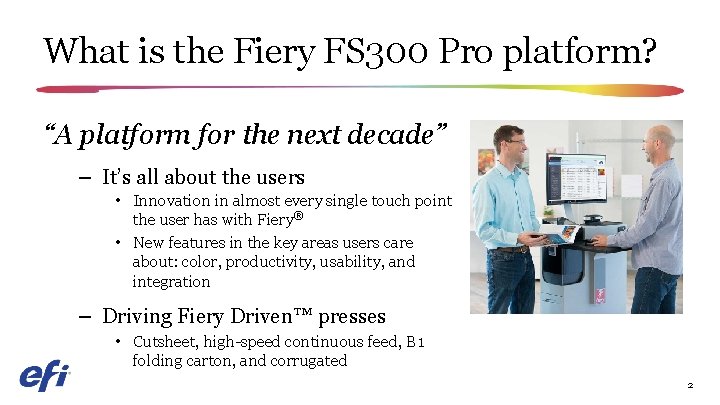
What is the Fiery FS 300 Pro platform? “A platform for the next decade” – It’s all about the users • Innovation in almost every single touch point the user has with Fiery® • New features in the key areas users care about: color, productivity, usability, and integration – Driving Fiery Driven™ presses • Cutsheet, high-speed continuous feed, B 1 folding carton, and corrugated 2
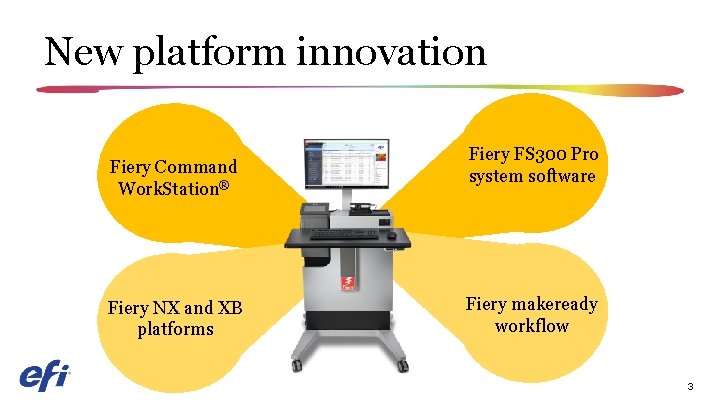
New platform innovation Fiery Command Work. Station® Fiery NX and XB platforms Fiery FS 300 Pro system software Fiery makeready workflow 3
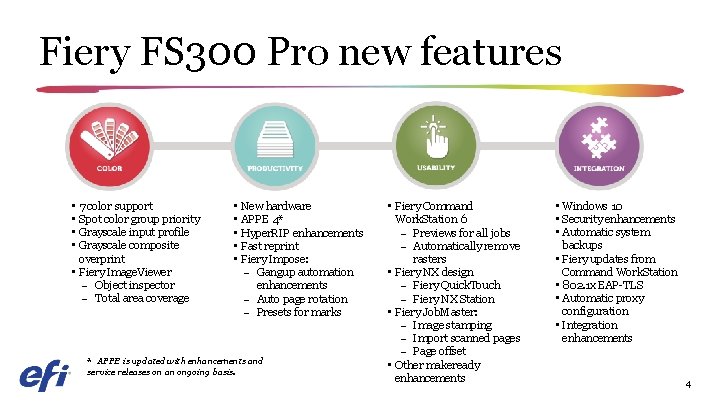
Fiery FS 300 Pro new features • 7 color support • Spot color group priority • Grayscale input profile • Grayscale composite overprint • Fiery Image. Viewer – Object inspector – Total area coverage • New hardware • APPE 4* • Hyper. RIP enhancements • Fast reprint • Fiery Impose: – Gangup automation enhancements – Auto page rotation – Presets for marks * APPE is updated with enhancements and service releases on an ongoing basis. • Fiery Command Work. Station 6 – Previews for all jobs – Automatically remove rasters • Fiery NX design – Fiery Quick. Touch – Fiery NX Station • Fiery Job. Master: – Image stamping – Import scanned pages – Page offset • Other makeready enhancements • Windows 10 • Security enhancements • Automatic system backups • Fiery updates from Command Work. Station • 802. 1 x EAP-TLS • Automatic proxy configuration • Integration enhancements 4
Fiery Command Work. Station 6 The most intuitive print job management interface for Fiery servers 5
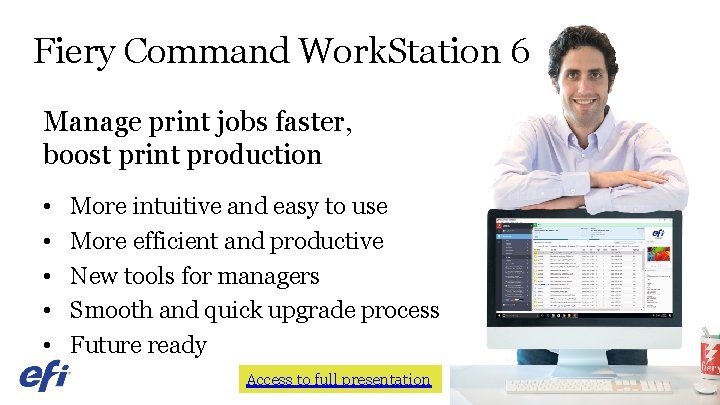
Fiery Command Work. Station 6 Manage print jobs faster, boost print production • • • More intuitive and easy to use More efficient and productive New tools for managers Smooth and quick upgrade process Future ready Access to full presentation 6
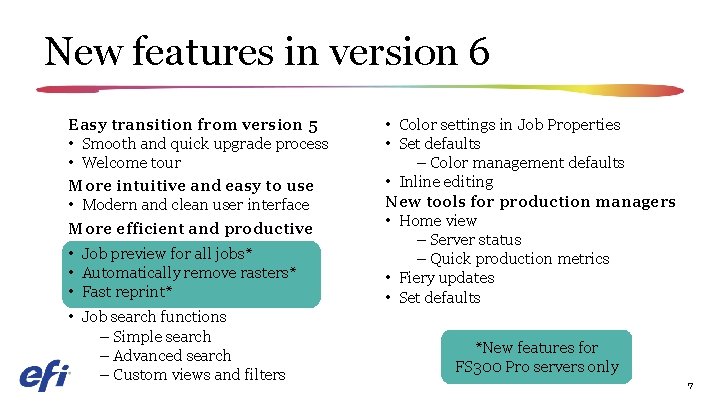
New features in version 6 Easy transition from version 5 • Smooth and quick upgrade process • Welcome tour More intuitive and easy to use • Modern and clean user interface More efficient and productive • Job preview for all jobs* • Automatically remove rasters* • Fast reprint* • Job search functions – Simple search – Advanced search – Custom views and filters • Color settings in Job Properties • Set defaults – Color management defaults • Inline editing New tools for production managers • Home view – Server status – Quick production metrics • Fiery updates • Set defaults *New features for FS 300 Pro servers only 7
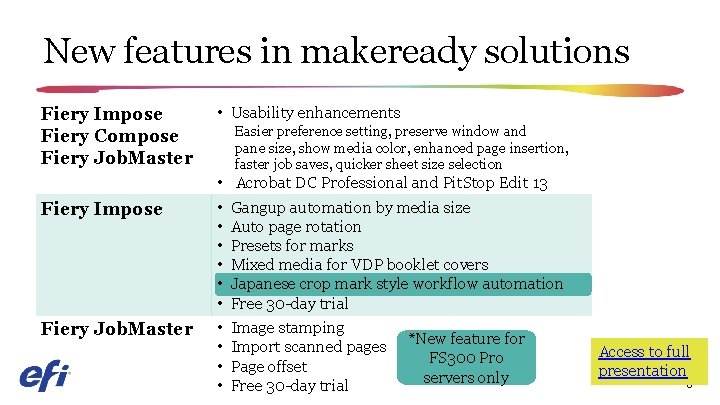
New features in makeready solutions Fiery Impose Fiery Compose Fiery Job. Master Fiery Impose Fiery Job. Master • Usability enhancements Easier preference setting, preserve window and pane size, show media color, enhanced page insertion, faster job saves, quicker sheet size selection • • • Acrobat DC Professional and Pit. Stop Edit 13 Gangup automation by media size Auto page rotation Presets for marks Mixed media for VDP booklet covers Japanese crop mark style workflow automation Free 30 -day trial Image stamping Import scanned pages Page offset Free 30 -day trial *New feature for FS 300 Pro servers only Access to full presentation 8
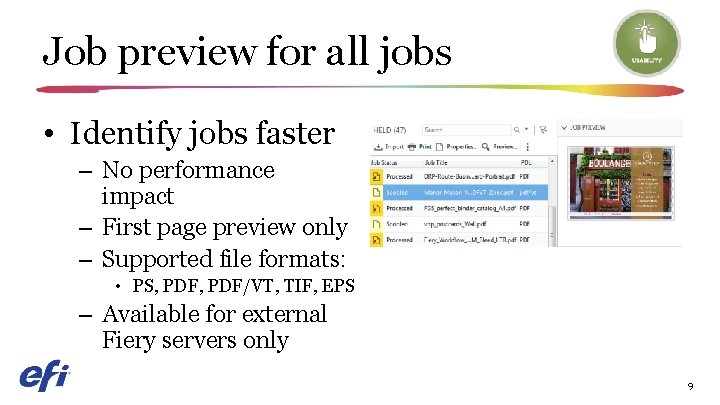
Job preview for all jobs • Identify jobs faster – No performance impact – First page preview only – Supported file formats: • PS, PDF/VT, TIF, EPS – Available for external Fiery servers only 9
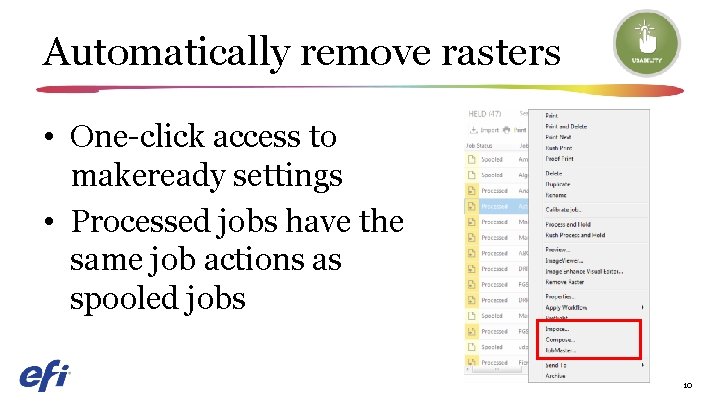
Automatically remove rasters • One-click access to makeready settings • Processed jobs have the same job actions as spooled jobs 10
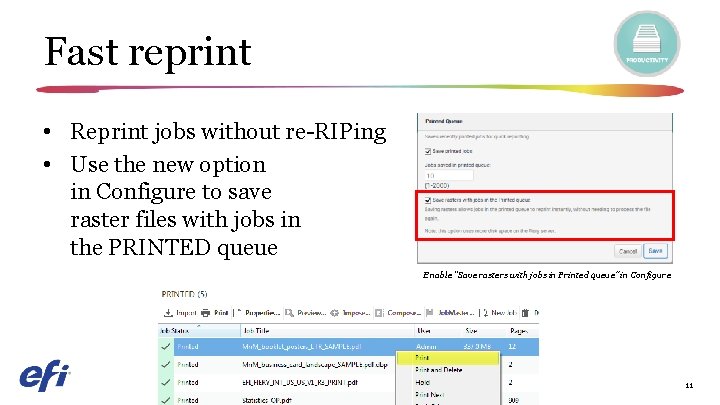
Fast reprint • Reprint jobs without re-RIPing • Use the new option in Configure to save raster files with jobs in the PRINTED queue Enable “Save rasters with jobs in Printed queue” in Configure 11
Fiery NX and XB platforms 12
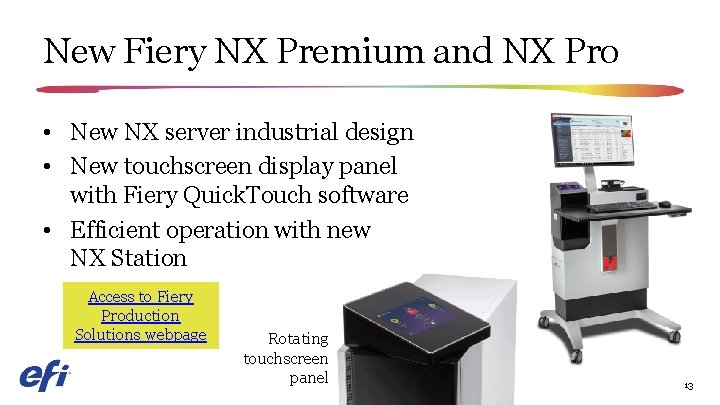
New Fiery NX Premium and NX Pro • New NX server industrial design • New touchscreen display panel with Fiery Quick. Touch software • Efficient operation with new NX Station Access to Fiery Production Solutions webpage Rotating touchscreen panel 13
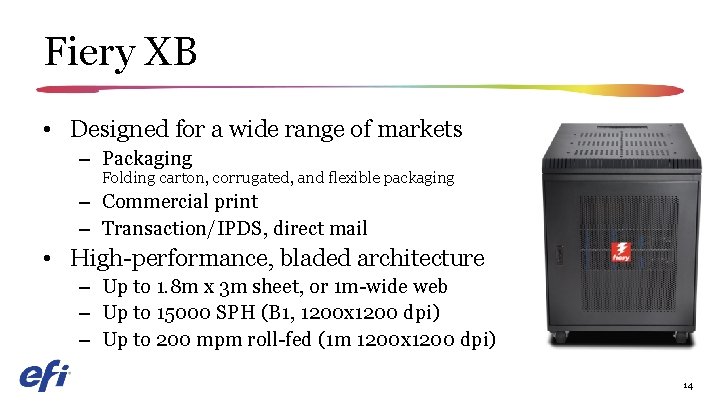
Fiery XB • Designed for a wide range of markets – Packaging Folding carton, corrugated, and flexible packaging – Commercial print – Transaction/IPDS, direct mail • High-performance, bladed architecture – Up to 1. 8 m x 3 m sheet, or 1 m-wide web – Up to 15000 SPH (B 1, 1200 x 1200 dpi) – Up to 200 mpm roll-fed (1 m 1200 x 1200 dpi) 14
Fiery FS 300 Pro system software Print businesses stay competitive with unmatched productivity, color quality, and integration 15
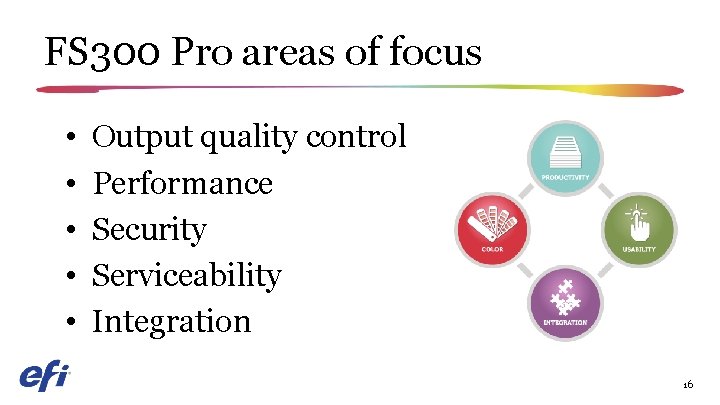
FS 300 Pro areas of focus • • • Output quality control Performance Security Serviceability Integration 16
Output quality control • Fiery Spot-On™ – Spot color group priority • Fiery Image. Viewer – Object Inspector – Total Area Coverage 17
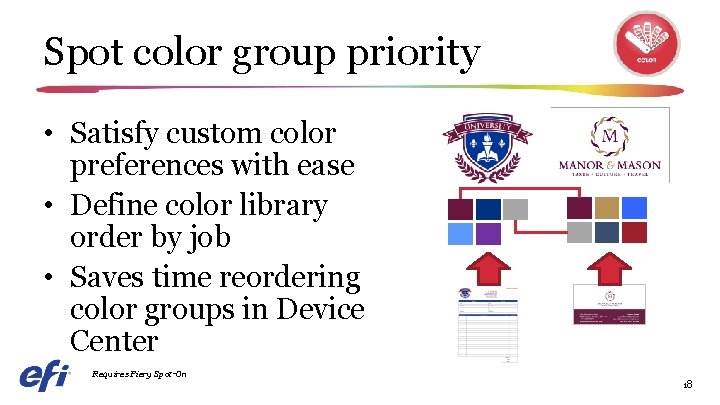
Spot color group priority • Satisfy custom color preferences with ease • Define color library order by job • Saves time reordering color groups in Device Center Requires Fiery Spot-On 18
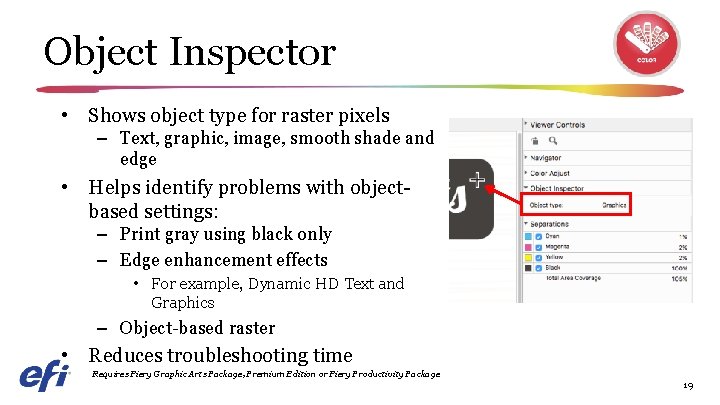
Object Inspector • Shows object type for raster pixels – Text, graphic, image, smooth shade and edge • Helps identify problems with objectbased settings: – Print gray using black only – Edge enhancement effects • For example, Dynamic HD Text and Graphics – Object-based raster • Reduces troubleshooting time Requires Fiery Graphic Arts Package, Premium Edition or Fiery Productivity Package 19
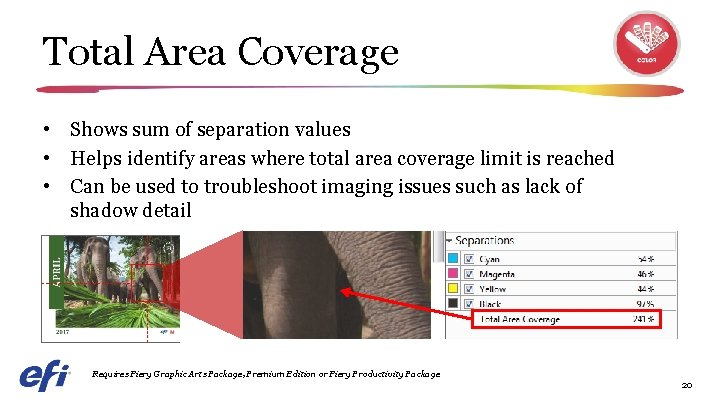
Total Area Coverage • Shows sum of separation values • Helps identify areas where total area coverage limit is reached • Can be used to troubleshoot imaging issues such as lack of shadow detail Requires Fiery Graphic Arts Package, Premium Edition or Fiery Productivity Package 20
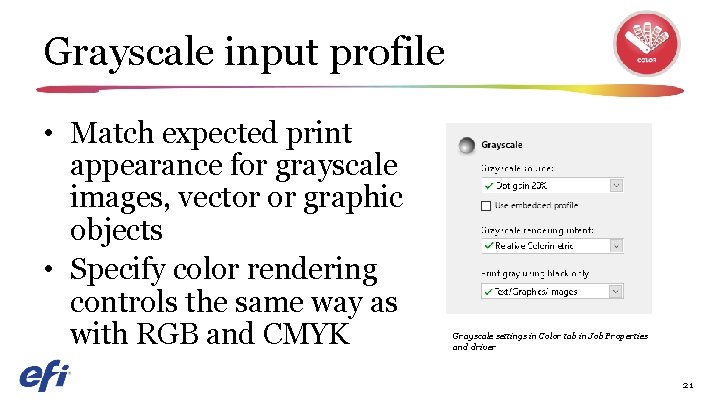
Grayscale input profile • Match expected print appearance for grayscale images, vector or graphic objects • Specify color rendering controls the same way as with RGB and CMYK Grayscale settings in Color tab in Job Properties and driver 21
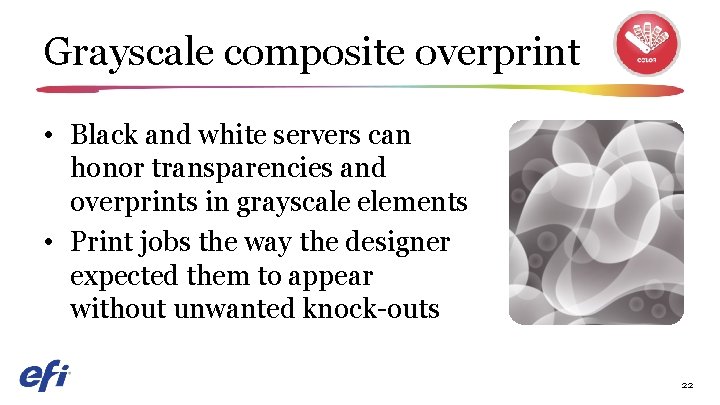
Grayscale composite overprint • Black and white servers can honor transparencies and overprints in grayscale elements • Print jobs the way the designer expected them to appear without unwanted knock-outs 22
Performance enhancements • Hyper. RIP optimizations • Fast reprint • Next-generation hardware – NX Pro and Premium servers – XB servers See Hyper. RIP video Process jobs 55% faster 23
File formats supported in single-job mode File type Plain Duplex XObjects / Form Caching Mixed Media Control Bar Print range Page/Record Imposition Postflight Direct Queue CPSI workflow PDF Yes Yes Yes No No Yes PS Yes Yes Yes No No No Quick. Doc Merge Yes Yes Yes No No No PDF/VT Yes Yes Yes NO No No Yes PPML Yes Yes Yes No No No VPS Yes Yes Yes No No No VIPP Yes Yes Yes No No No Free. Form Master No No No Free. Form Variable Yes Yes Yes TIF No No No EPS No No No PDF Yes Yes Yes No No Yes PDF/VT Yes Yes Yes No No No No No FS 200 FS 300 Pro table APPE workflow PCL 24
File formats supported in single-job mode File type Plain Duplex XObjects / Form Caching Mixed Media Control Bar Print range Page/Record Imposition Postflight Direct Queue CPSI workflow PDF Yes Yes Yes No No Yes PS Yes Yes Yes No No No Quick. Doc Merge Yes Yes Yes No No No PDF/VT Yes Yes Yes No No Yes PPML Yes Yes Yes No No No VPS Yes Yes Yes No No No VIPP Yes Yes Yes No No No Free. Form Master No No No Free. Form Variable Yes Yes Yes TIF No No No EPS No No No PDF Yes Yes Yes No No Yes PDF/VT Yes Yes Yes No No No No No FS 300 Pro table APPE workflow PCL 25
Security enhancements • Windows 10 Io. T Enterprise – Malicious application protection with Windows Defender Smart. Screen – Man-in-the-middle protection with SMB hardening and enterprise certificate pinning – Malware and antivirus protection with Windows Defender and Windows Data Execution Prevention 26
Serviceability improvements Minimize production interruptions • Fiery updates – Easily keep Fiery servers up to date • Automatic system backups • Fast recovery after a restore 27
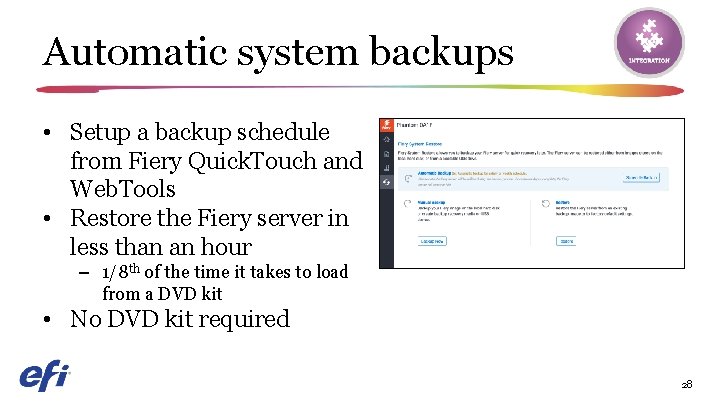
Automatic system backups • Setup a backup schedule from Fiery Quick. Touch and Web. Tools • Restore the Fiery server in less than an hour – 1/8 th of the time it takes to load from a DVD kit • No DVD kit required 28
Integration enhancements • New APIs and usability improvements easily integrate in-house applications in Fiery API v 4 • New JDF-enabled Fiery features Fiery JDF v 1. 5 – EFI Auto. Count – EFI Quick Print Suite – Kodak Prinergy 8. 1 29
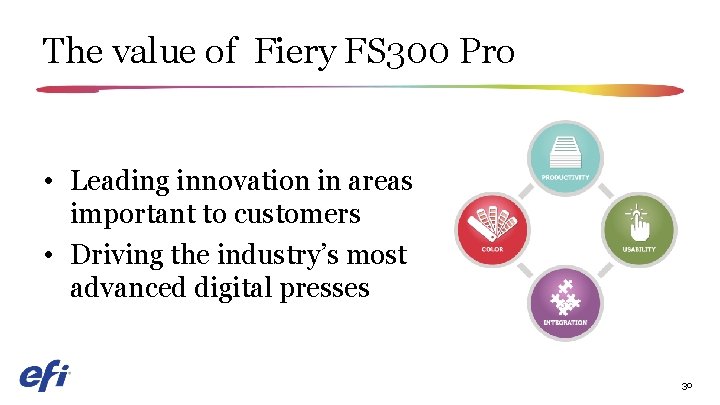
The value of Fiery FS 300 Pro • Leading innovation in areas important to customers • Driving the industry’s most advanced digital presses 30
Public release • EFI Press release: – Europe and US: September 11 th EFI press release Press articles What They Think Print Show Daily Deutscher Drucker Print. Week Australian Printer Digital Printer 31