
Femap API Introduction by B A PierreLuc Messier
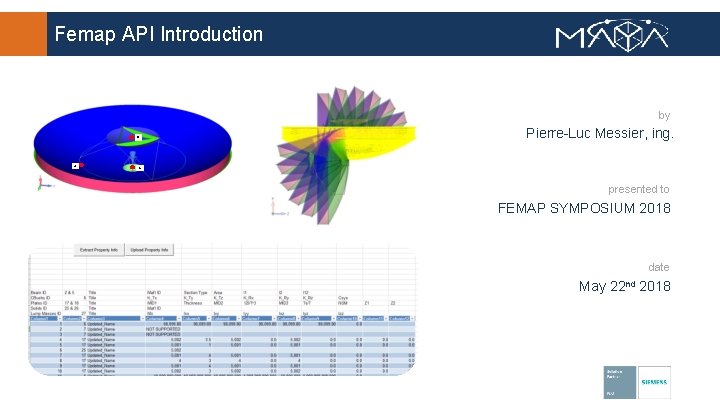
Femap API Introduction by B A Pierre-Luc Messier, ing. C presented to FEMAP SYMPOSIUM 2018 date May 22 nd 2018
Agenda • • • API Overview API vs Program File Why use API? API Programming Interface The Type Library Resources Demo 1: Create user commands and keyboard shortcuts Demo 2: Drive Femap from Excel (extract from Femap to Excel, modify in Excel, then update to Femap) Example 1: Path Length calculation on an antenna dish Example 2: Calculate in-plane displacements 2
Overview - Application Programming Interface (API) Femap provides a robust set of finite element modeling and post-processing functionality. Femap API lets you customize Femap to meet your specific needs. Femap API is an OLE/COM-based programming interface to Femap. It contains hundreds of functions that can be called from Visual Basic, VBA, C, or C++. This allows Femap to become a powerful integration program for third party solutions (Excel, Word, Matlab, Solid. Edge, Catia, . . . ) and significantly increases the portability of data into and out of the program. Many useful programs are delivered with Femap in an ever expanding library that can be found in the Custom Tools toolbar. Code is provided! 3
Overview - Femap API “Our goal is to use Femap and its API to eventually automate the model development process, reducing the time by half through the use of templates, automation and improved access to CAD information. ” Glenn Harris, EADS Astrium Satellites UK 4
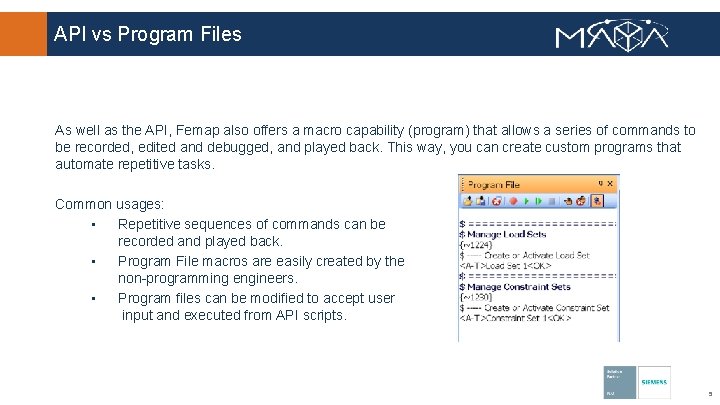
API vs Program Files As well as the API, Femap also offers a macro capability (program) that allows a series of commands to be recorded, edited and debugged, and played back. This way, you can create custom programs that automate repetitive tasks. Common usages: • Repetitive sequences of commands can be recorded and played back. • Program File macros are easily created by the non-programming engineers. • Program files can be modified to accept user input and executed from API scripts. 5
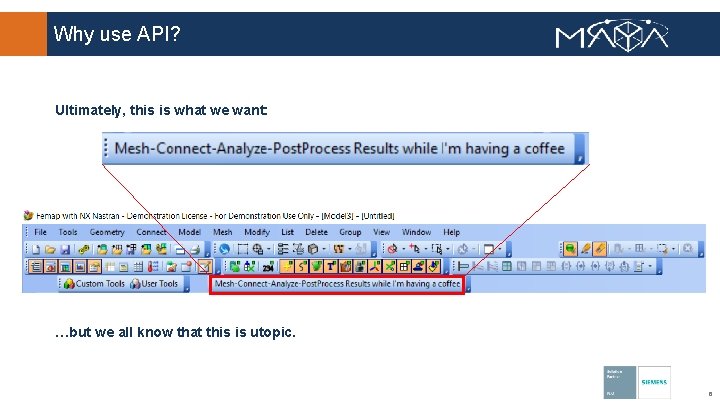
Why use API? Ultimately, this is what we want: …but we all know that this is utopic. 6
Why use API? Real benefits: • Automate routine tasks • Interact with model data in ways that are not natively available • Provide “canned” analysis routines • Ensure consistency in analysis methods between engineers by providing a consistent method • Enhance the functionality of FEMAP by creating add-in applications • Automate generation of analysis reports • Reduce the learning curve for newer users • Integrate FEMAP with existing methods • Modify results data • Create nodes from a CSV file • Create a custom meshing algorithm • FEMAP Add-ins can also be created that behave like standard dockable panes 7

API Programming Interface Full-featured BASIC programming environment inside the UI • Intelli. Sense function descriptor auto completion • Step through interactive program debugging • Syntax Highlighting • Object Browser Debugging – Additional toolbar 8
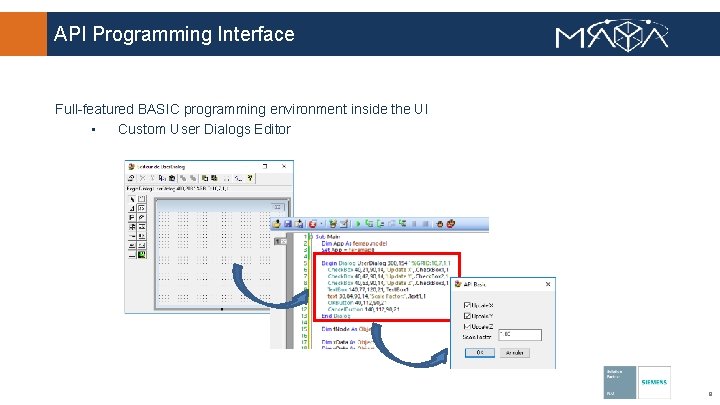
API Programming Interface Full-featured BASIC programming environment inside the UI • Custom User Dialogs Editor 9
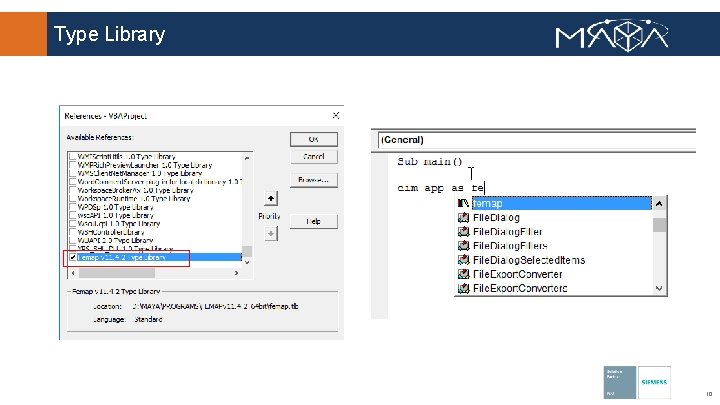
Type Library 10
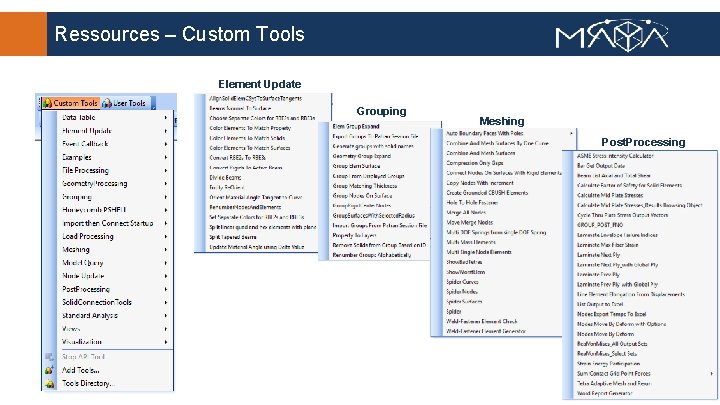
Ressources – Custom Tools Element Update Grouping Meshing Post. Processing
Resources – Custom Tools All Custom Tool commands are documented in Femap. Install. Dir/pdf/Custom. Tools. pdf Most useful tools • Element Update - Divide Beam • Grouping - Group expand • Meshing - Hole to Hole Fastener • Model Query - Multi Dependent Rigid Check • Post. Processing - Nodes Move by Deform with Options • View - View Swap 12
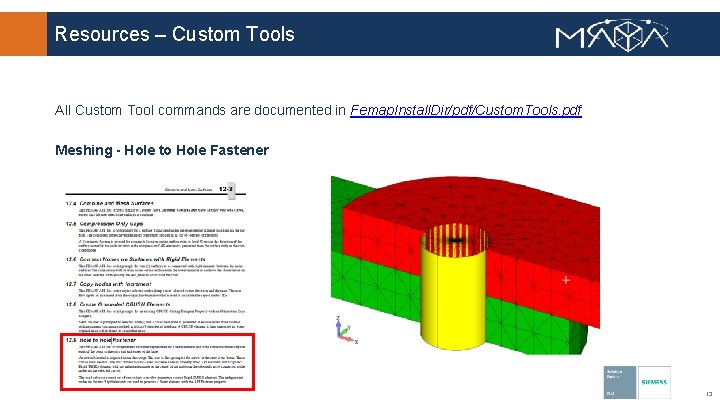
Resources – Custom Tools All Custom Tool commands are documented in Femap. Install. Dir/pdf/Custom. Tools. pdf Meshing - Hole to Hole Fastener 13
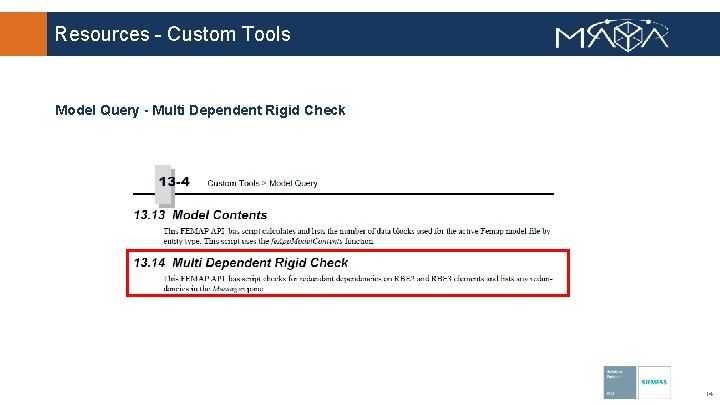
Resources - Custom Tools Model Query - Multi Dependent Rigid Check 14
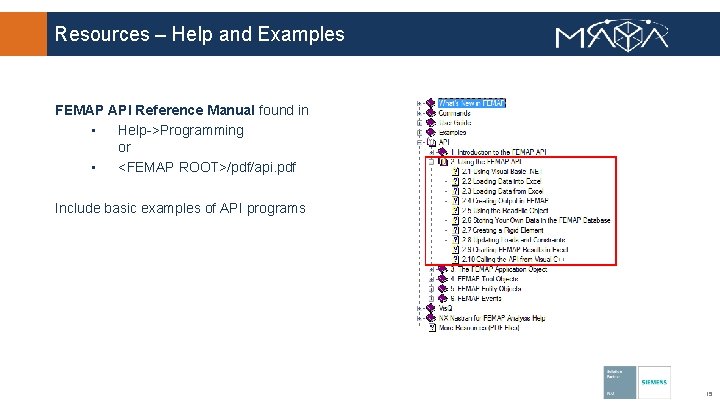
Resources – Help and Examples FEMAP API Reference Manual found in • Help->Programming or • <FEMAP ROOT>/pdf/api. pdf Include basic examples of API programs 15
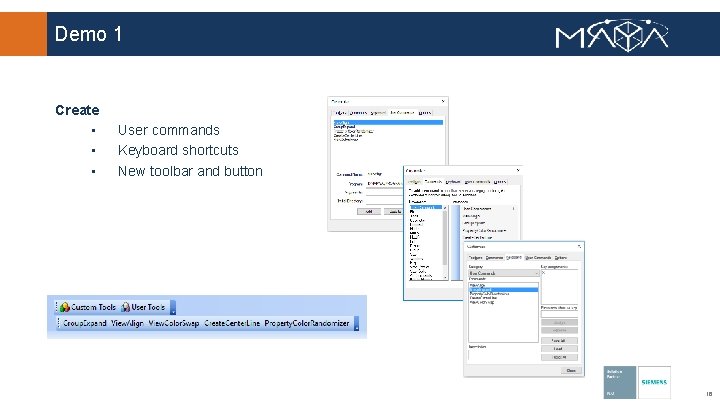
Demo 1 Create • • • User commands Keyboard shortcuts New toolbar and button 16
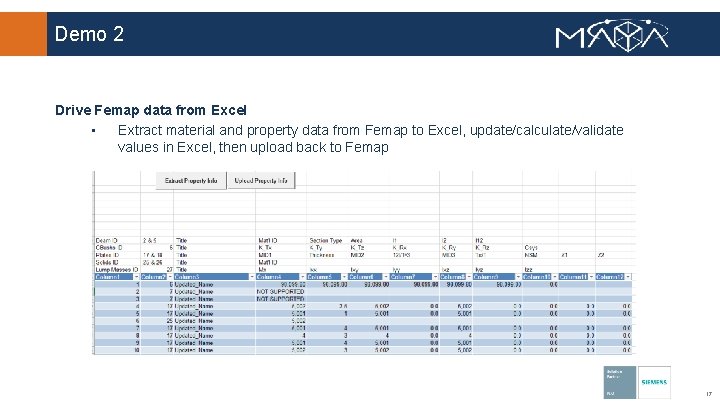
Demo 2 Drive Femap data from Excel • Extract material and property data from Femap to Excel, update/calculate/validate values in Excel, then upload back to Femap 17
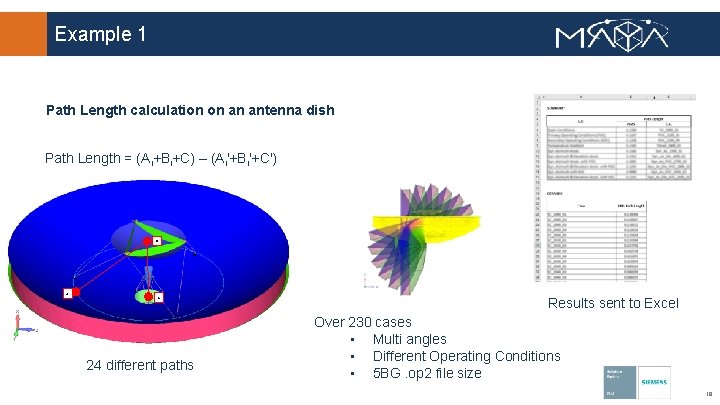
Example 1 Path Length calculation on an antenna dish Path Length = (Ai+Bi+C) – (Ai'+Bi'+C') B A C 24 different paths Results sent to Excel Over 230 cases • Multi angles • Different Operating Conditions • 5 BG. op 2 file size 18
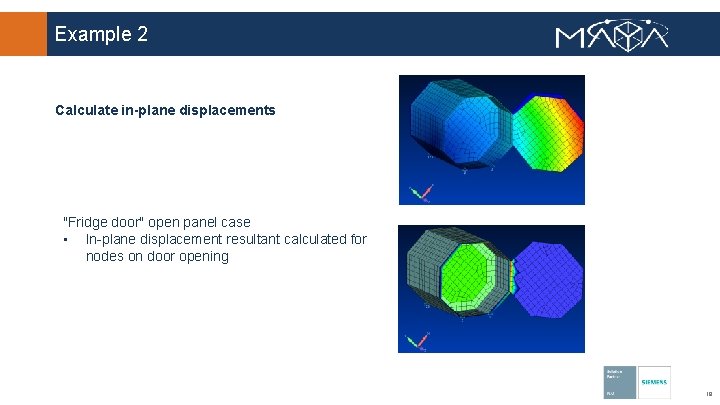
Example 2 Calculate in-plane displacements "Fridge door" open panel case • In-plane displacement resultant calculated for nodes on door opening 19
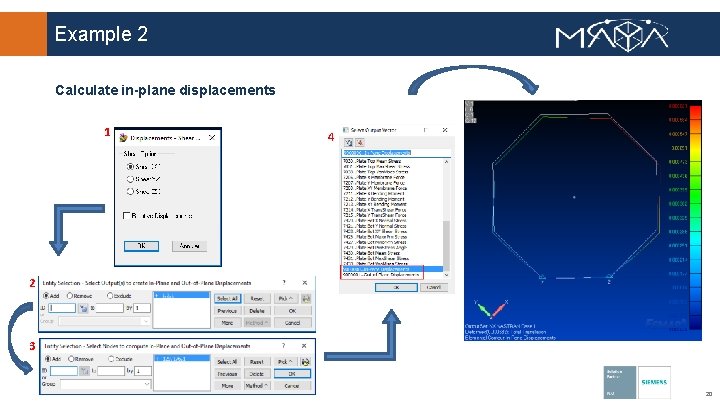
Example 2 Calculate in-plane displacements 1 4 2 3 20
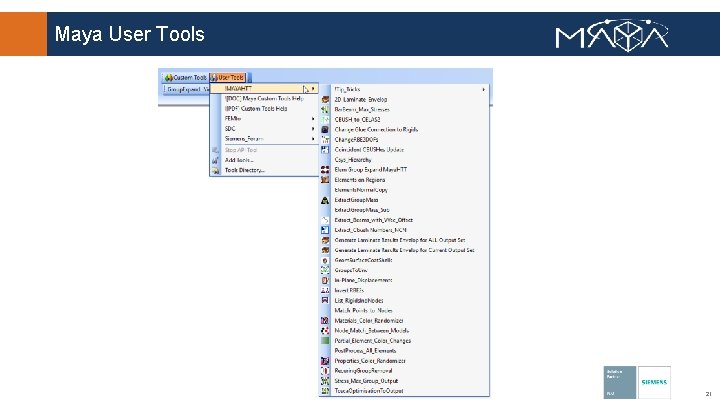
Maya User Tools 21
Summary • • API Overview vs Program File Interface Resources - Custom Tools The API lets you customize FEMAP to meet your specific needs 3 day API training available 22
- Slides: 22