
Federal WorkStudy LIAISON TRAINING MAY 2019 Quick Notes


- Slides: 34
Federal Work-Study LIAISON TRAINING MAY 2019
Quick Notes • Position Requests will be determined next week • 19/20 job descriptions can be submitted within coming weeks • Copy and save current job descriptions to resubmit later
What is Federal Work-Study (FWS)? • FWS is a federal campus-based program that provides part-time job opportunities to students • FWS is considered need-based financial aid • Students must demonstrate a certain amount of unmet need to qualify • Unmet need= Estimated Financial Need – Estimated Financial Assistance • FWS provides advantages to students and hiring departments • Wages earned via FWS do not count in the EFC calculation on the FAFSA. • Wages are partially subsidized by the Department of Education • UGA departments pay 25% of wages, while the Department of Education pays 75% of the FWS employee’s wages • 25% departmental match CANNOT come from a federally-funded account
Student Eligibility • FWS employees must be enrolled at least halftime while classes are in session • 6 hours for undergraduates (fall, spring and summer) • 5 hours for graduates (fall and spring) • 3 hours for graduates during the summer semester • FWS employees cannot work more than 20 hours per week • This includes ALL on-campus jobs a student may have • FWS employees cannot work during scheduled class or exam time* • *If a class or exam has been cancelled or the FWS employee is otherwise not required to attend, the FWS employee may work during scheduled class/exam time if she provides verifiable documentation to that effect PRIOR to reporting for work • FWS employees must be otherwise eligible as determined by the Office of Student Financial Aid
Considerations • FWS employees must maintain eligibility throughout the semester and academic year • Must maintain halftime enrollment • Must maintain adequate unmet need • All financial resources, including scholarships and waivers, must be reported to the Office of Student Financial Aid • Common Scenario: • A FWS employee is awarded an outside scholarship a few months into the spring semester. The scholarship amount is greater than the remaining unmet need, therefore she no longer qualifies for FWS. The FWS employee must stop working (as a FWS classification) effective immediately • FWS awards are not guaranteed and are contingent upon fund availability • FWS employees cannot hold more than 1 FWS job at a time
Considerations • The duration of a typical FWS job is the fall and spring semesters of the academic year • Dates of work eligibility for the semester are always the first day of class through the last day of finals • E. g. spring 2019 • January 9 th – May 8 th • FWS employees are allowed to work during breaks/holidays within semesters • E. g. spring break • FWS employees are NOT allowed to work during breaks not within semesters • E. g. Christmas/winter break • FWS employees should not exceed their maximum semester awards • It is incumbent upon the department to ensure the FWS employee does exceed the award • Office of Student Financial Aid’s official policy is that any wages earned in excess of the award not related to the late addition of a financial aid resource are covered 100% by departmental funds
Award Amounts and Wage Rates • For the 2019 -2020 academic year • Minimum FWS award: $2, 000 ($1, 000 per semester) • Maximum FWS award: $5, 000 ($2, 500 per semester) • Wage rates fall within pay ranges determined by job categorization • Entry: $8. 00 -$9. 00 per hour • Intermediate: $9. 00 -$10. 00 per hour • Specialized $10. 00 -$11. 25* per hour • * any rate above $11. 25 per hour must be approved by FWS Assistant Director • Categorizations are requested by the hiring department and approved by FWS Assistant Director • Please visit the FWS Liaison Guidebook for more information regarding job categorizations and wage ranges
Wage Rates • Effective starting with the 2019 -2020 academic year FWS departments may pay FWS employees any pay rate falling within the applicable FWS position level pay range, provided the FWS department also pays any departmental non-FWS student employees in similar positions a comparable rate. For more information regarding pay ranges, please refer to the Liaison Guidebook.
Liaison and Supervisor Roles
Role of Liaison • The liaison is the primary contact person for the department • Will receive all FWS correspondence and disseminate accordingly • One liaison per department • Ensures departmental compliance with FWS policies and procedures • Responsibilities found here • Must be university, non-student employee • More information at the Liaison Page
Role of Supervisor • The supervisor ensures work is performed in compliance with FWS policies and procedures • Responsibilities found here • Multiple supervisors per department • Must be university, non-student employee
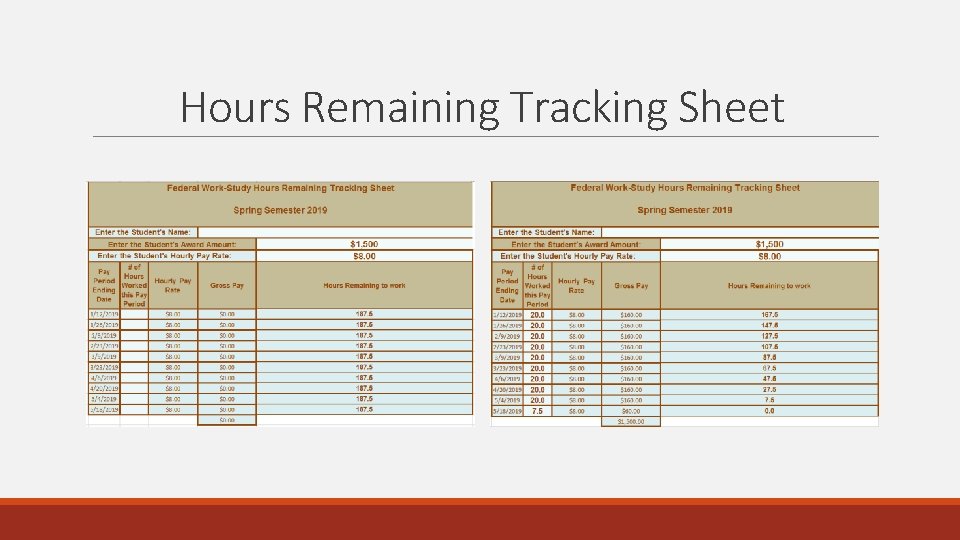
Useful Information • Useful information found at the Liaison Homepage includes: • • • FWS Liaison Guidebook Training presentations Hours Remaining Tracking Sheet FWS Sign in/Out Timesheet (OPTIONAL) Student Evaluation Form (OPTIONAL) Liaison, Supervisor and Student Responsibilities
Hours Remaining Tracking Sheet
Website Information and Navigation
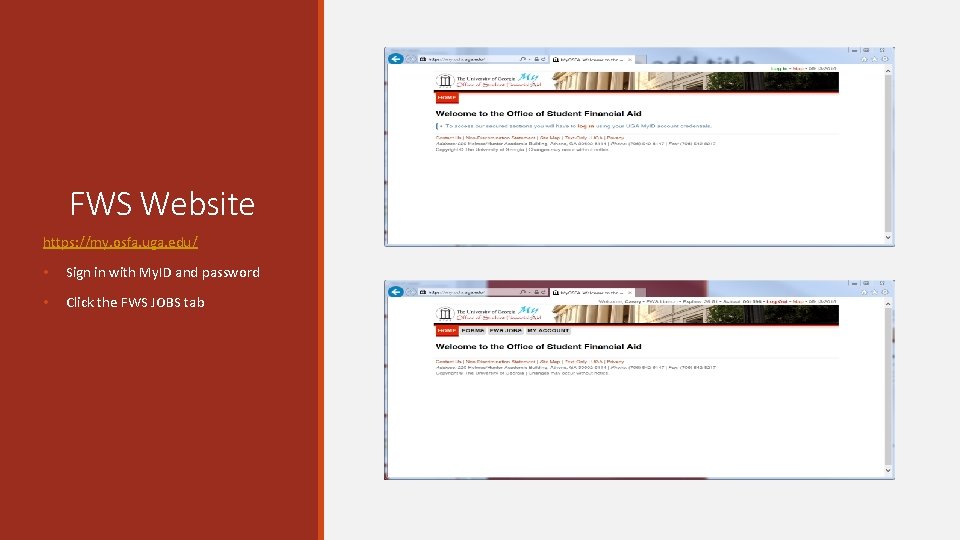
FWS Website https: //my. osfa. uga. edu/ • Sign in with My. ID and password • Click the FWS JOBS tab
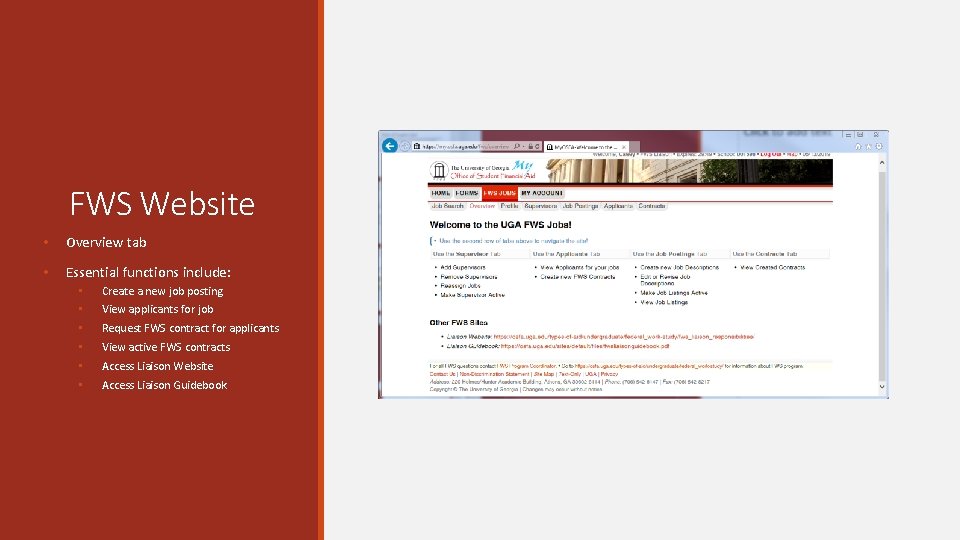
FWS Website • Overview tab • Essential functions include: • Create a new job posting • View applicants for job • Request FWS contract for applicants • View active FWS contracts • Access Liaison Website • Access Liaison Guidebook
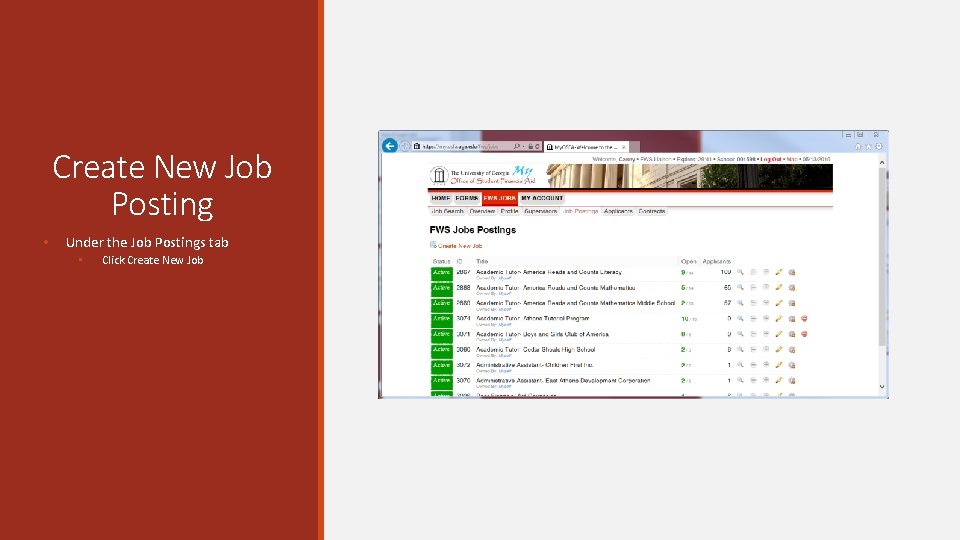
Create New Job Posting • Under the Job Postings tab • Click Create New Job
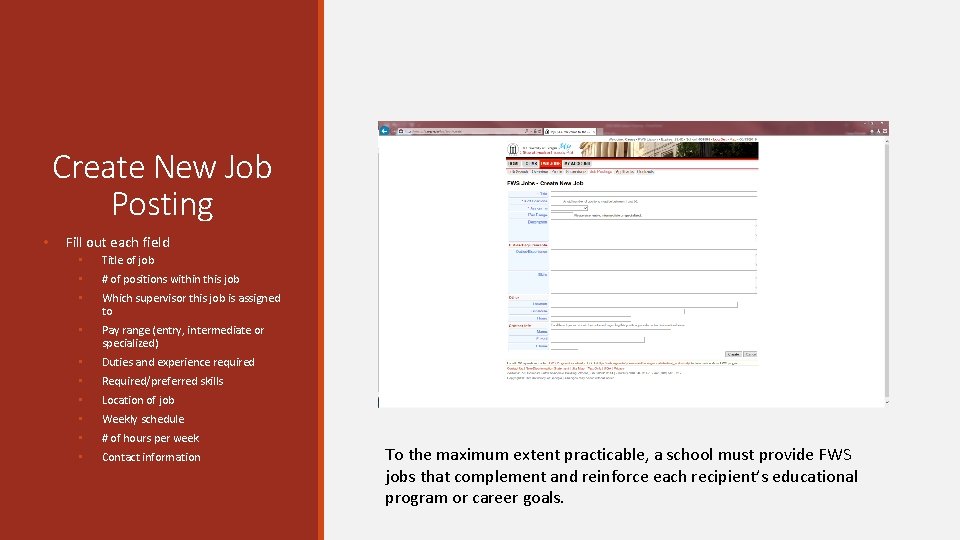
Create New Job Posting • Fill out each field • Title of job • # of positions within this job • Which supervisor this job is assigned to • Pay range (entry, intermediate or specialized) • Duties and experience required • Required/preferred skills • Location of job • Weekly schedule • # of hours per week • Contact information To the maximum extent practicable, a school must provide FWS jobs that complement and reinforce each recipient’s educational program or career goals.
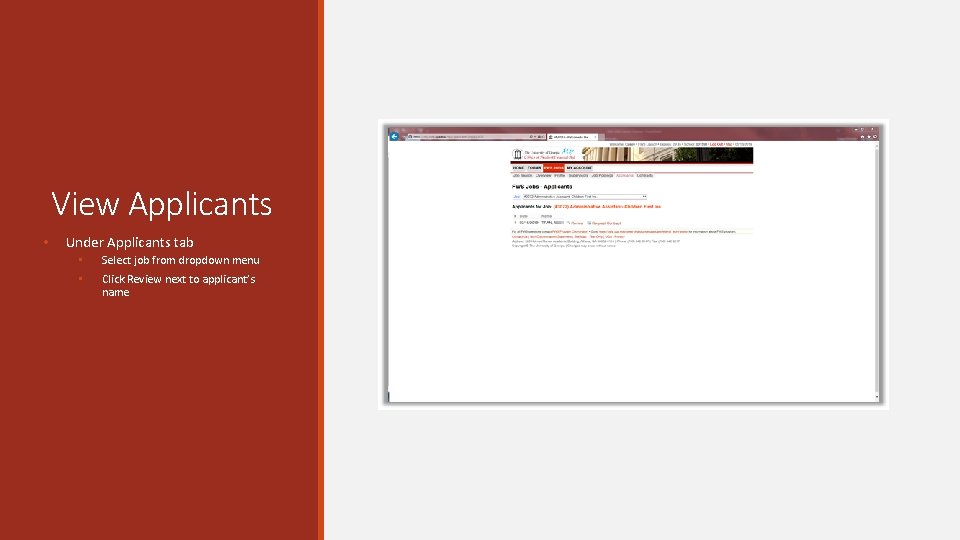
View Applicants • Under Applicants tab • Select job from dropdown menu • Click Review next to applicant’s name
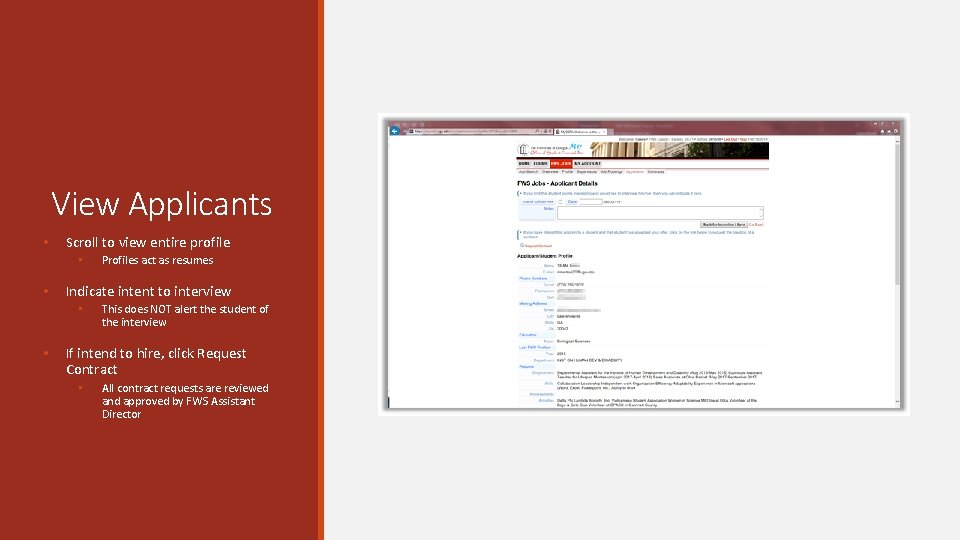
View Applicants • Scroll to view entire profile • • Indicate intent to interview • • Profiles act as resumes This does NOT alert the student of the interview If intend to hire, click Request Contract • All contract requests are reviewed and approved by FWS Assistant Director
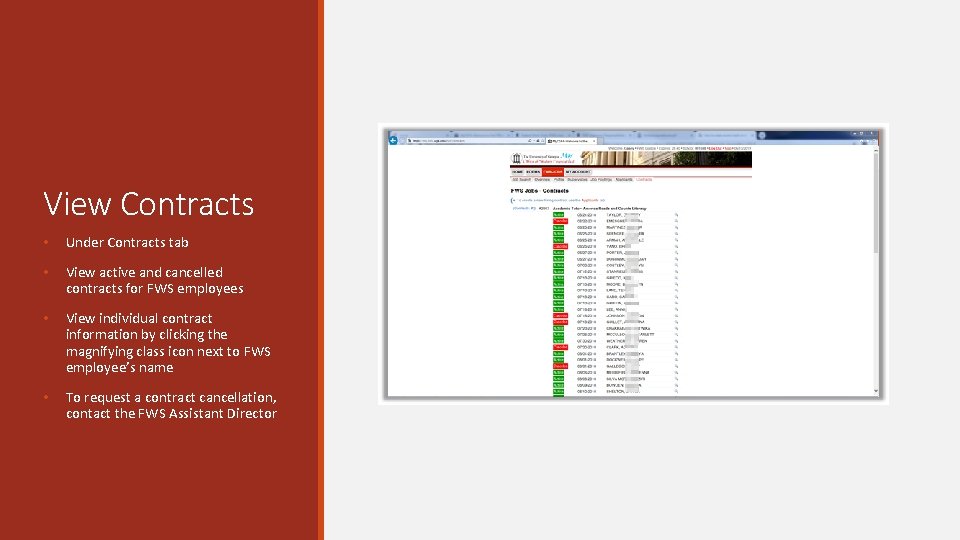
View Contracts • Under Contracts tab • View active and cancelled contracts for FWS employees • View individual contract information by clicking the magnifying class icon next to FWS employee’s name • To request a contract cancellation, contact the FWS Assistant Director
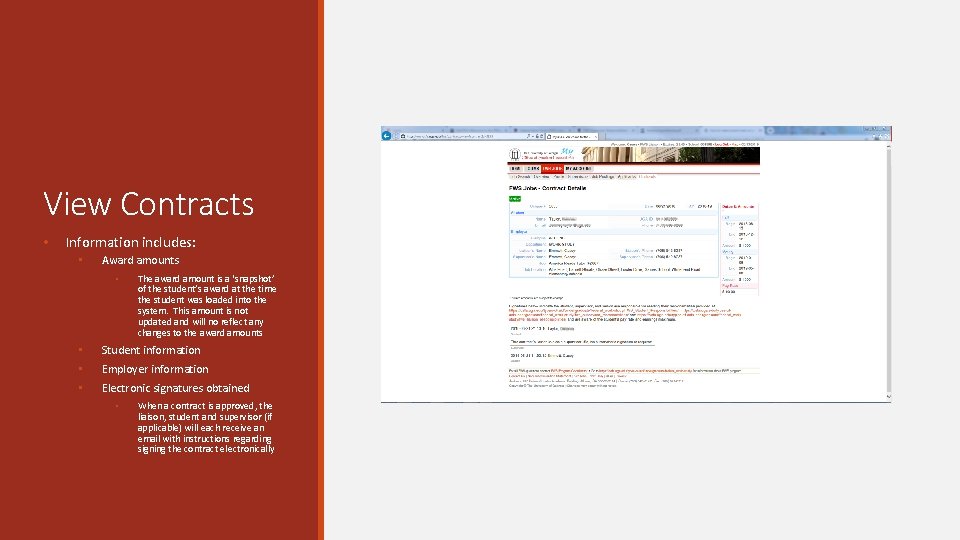
View Contracts • Information includes: • Award amounts • The award amount is a ‘snapshot’ of the student’s award at the time the student was loaded into the system. This amount is not updated and will no reflect any changes to the award amounts • Student information • Employer information • Electronic signatures obtained • When a contract is approved, the liaison, student and supervisor (if applicable) will each receive an email with instructions regarding signing the contract electronically
One. Source
One. Source Main Procedures • FWS employees are hired twice • FWS procedure • UGAJobs procedure • Direct Hire • Position funding must be manually entered in One. USG Connect • 75% FWS/25% Departmental • One. USG Connect • oneusgsupport@uga. edu • 706 -542 -0202 • UGA Financial/Budget Management System • onesource@uga. edu • 706 -542 -0202 • UGAJobs • hrweb@uga. edu • 706 -542 -2222
UGAJobs • Create position for employee • Each FWS employee needs a position, or “seat”, to be placed into • Create posting • Generates a link which is sent to student when intended to hire • Student “applies” for positon • “Providing payroll information” • Create Hiring Proposal • Helpful links: • Post a UGA Staff Position • Personnel Action System Matrix • UGAJobs Position Management Resource Manual
Switching from FWS to STUWK • FWS employees are Pay Group 18 W • Regular student employees are Pay Group 18 T • To change employee from FWS to STUWK, create a new “seat” • New “seat” will have 100% departmental funding • Employee can be in 2 seats, but only paid for 1 • Must ensure time is recorded under correct “seat” • E. g. employee is sitting in FWS seat. During the winter break, employee moves to STUWK seat. Winter break ends, so employee moves back to FWS seat.
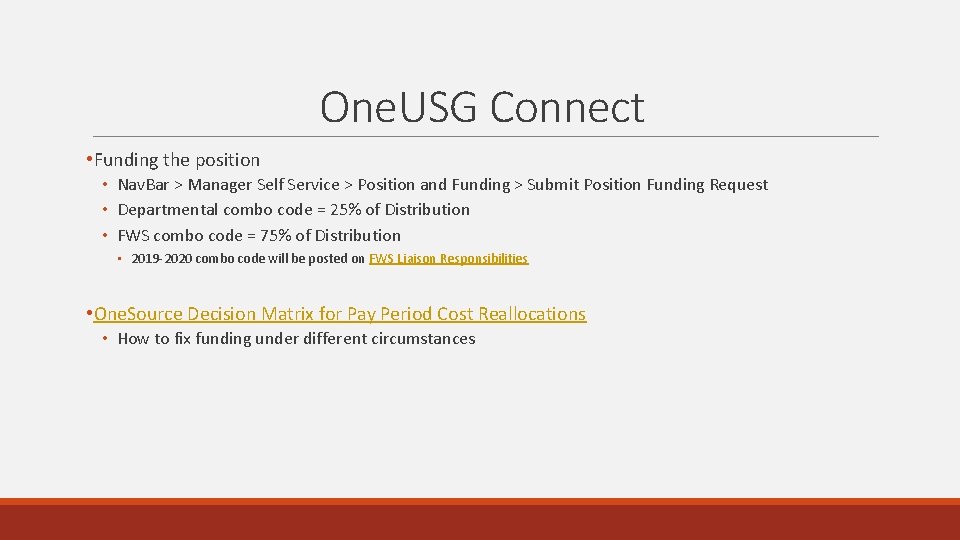
One. USG Connect • Funding the position • Nav. Bar > Manager Self Service > Position and Funding > Submit Position Funding Request • Departmental combo code = 25% of Distribution • FWS combo code = 75% of Distribution • 2019 -2020 combo code will be posted on FWS Liaison Responsibilities • One. Source Decision Matrix for Pay Period Cost Reallocations • How to fix funding under different circumstances
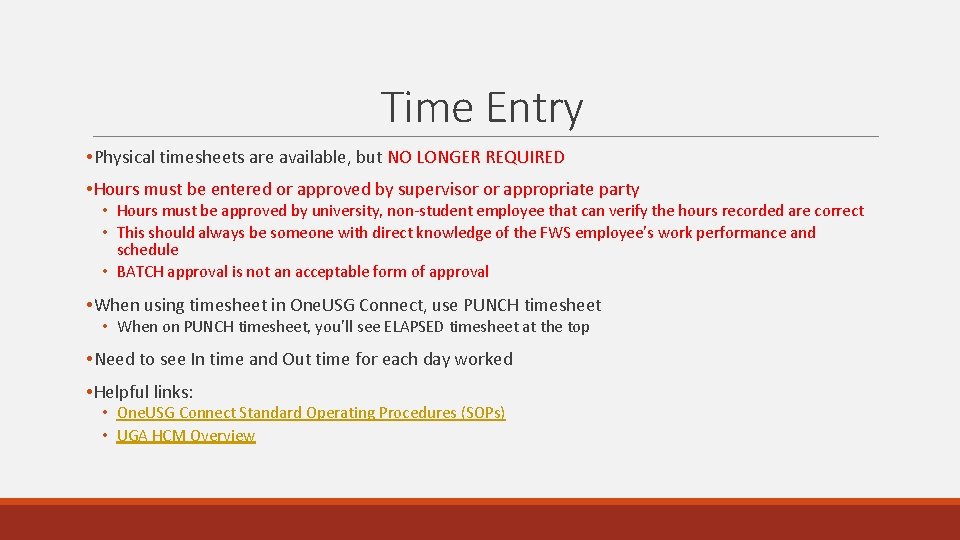
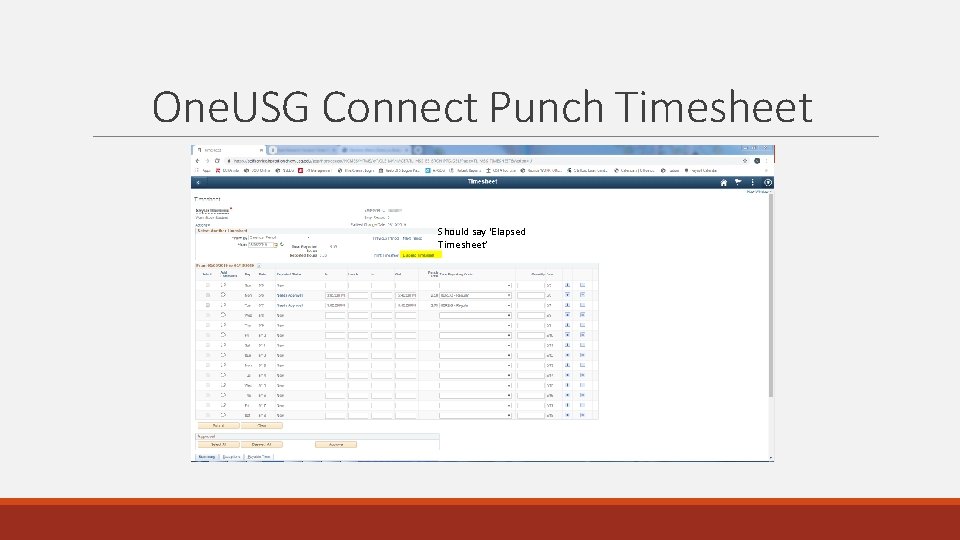
Time Entry • Physical timesheets are available, but NO LONGER REQUIRED • Hours must be entered or approved by supervisor or appropriate party • Hours must be approved by university, non-student employee that can verify the hours recorded are correct • This should always be someone with direct knowledge of the FWS employee’s work performance and schedule • BATCH approval is not an acceptable form of approval • When using timesheet in One. USG Connect, use PUNCH timesheet • When on PUNCH timesheet, you’ll see ELAPSED timesheet at the top • Need to see In time and Out time for each day worked • Helpful links: • One. USG Connect Standard Operating Procedures (SOPs) • UGA HCM Overview
One. USG Connect Punch Timesheet Should say ‘Elapsed Timesheet’
Audit Information
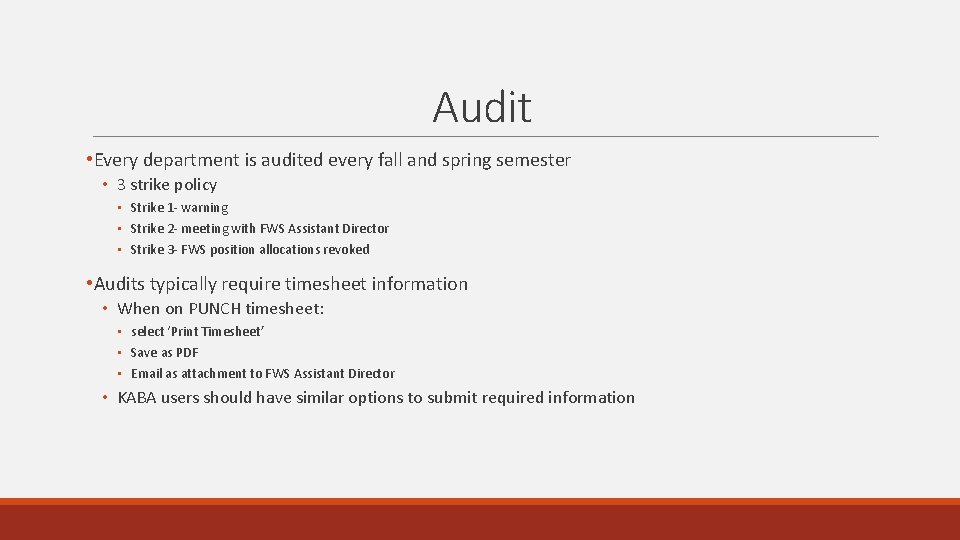
Audit • Every department is audited every fall and spring semester • 3 strike policy • Strike 1 - warning • Strike 2 - meeting with FWS Assistant Director • Strike 3 - FWS position allocations revoked • Audits typically require timesheet information • When on PUNCH timesheet: • select ‘Print Timesheet’ • Save as PDF • Email as attachment to FWS Assistant Director • KABA users should have similar options to submit required information
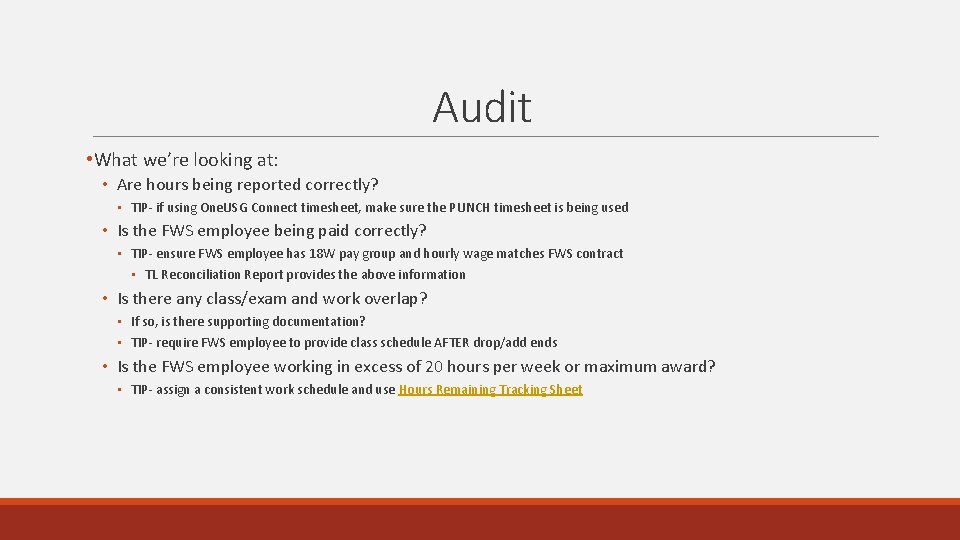
Audit • What we’re looking at: • Are hours being reported correctly? • TIP- if using One. USG Connect timesheet, make sure the PUNCH timesheet is being used • Is the FWS employee being paid correctly? • TIP- ensure FWS employee has 18 W pay group and hourly wage matches FWS contract • TL Reconciliation Report provides the above information • Is there any class/exam and work overlap? • If so, is there supporting documentation? • TIP- require FWS employee to provide class schedule AFTER drop/add ends • Is the FWS employee working in excess of 20 hours per week or maximum award? • TIP- assign a consistent work schedule and use Hours Remaining Tracking Sheet
Contact Information • Casey Emmett, Assistant Director of Federal Work-Study Fund Management • ugafws@uga. edu • 706 -542 -4855 • 220 Holmes/Hunter Academic Building, Athens, GA 30602 -6114
Questions?