
Features that make a map Title Legend Scale
- Slides: 8
Features that make a map • • Title Legend Scale Projection Graticule/North Arrow Data Labels Houzhai Catchment
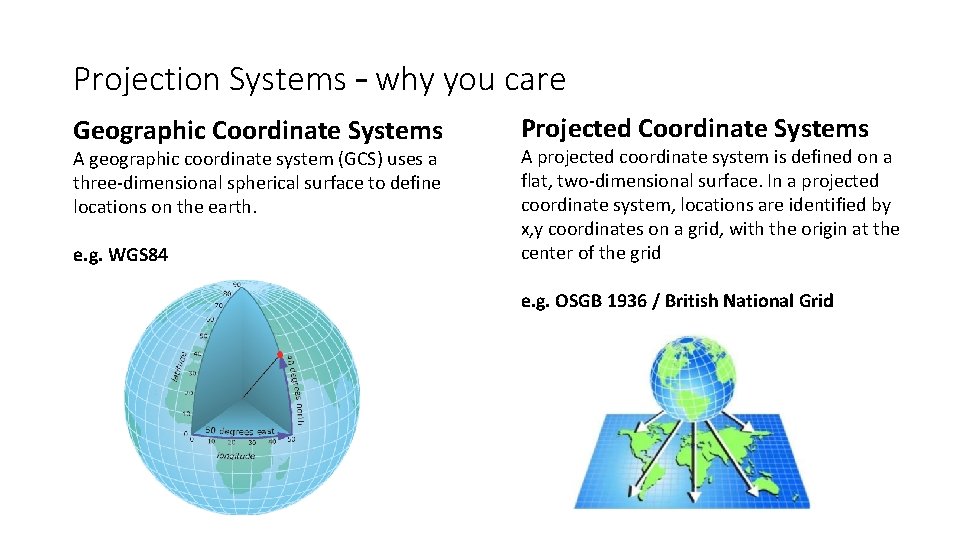
Projection Systems – why you care Geographic Coordinate Systems A geographic coordinate system (GCS) uses a three-dimensional spherical surface to define locations on the earth. e. g. WGS 84 Projected Coordinate Systems A projected coordinate system is defined on a flat, two-dimensional surface. In a projected coordinate system, locations are identified by x, y coordinates on a grid, with the origin at the center of the grid e. g. OSGB 1936 / British National Grid
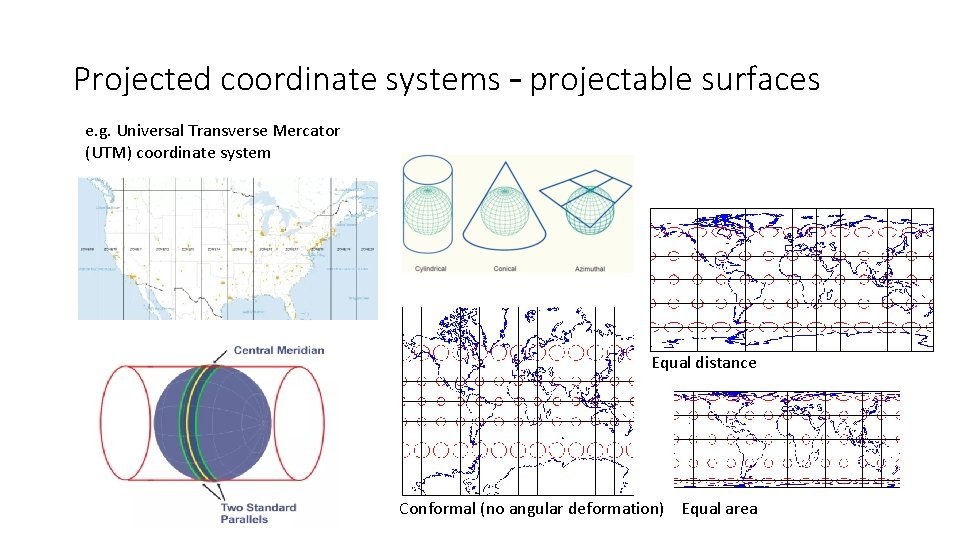
Projected coordinate systems – projectable surfaces e. g. Universal Transverse Mercator (UTM) coordinate system Equal distance Conformal (no angular deformation) Equal area
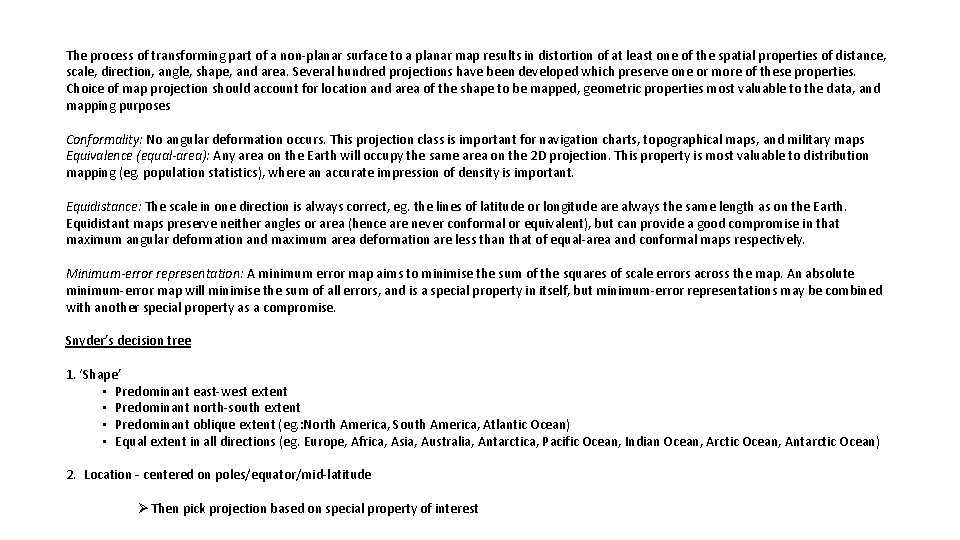
The process of transforming part of a non-planar surface to a planar map results in distortion of at least one of the spatial properties of distance, scale, direction, angle, shape, and area. Several hundred projections have been developed which preserve one or more of these properties. Choice of map projection should account for location and area of the shape to be mapped, geometric properties most valuable to the data, and mapping purposes Conformality: No angular deformation occurs. This projection class is important for navigation charts, topographical maps, and military maps Equivalence (equal-area): Any area on the Earth will occupy the same area on the 2 D projection. This property is most valuable to distribution mapping (eg. population statistics), where an accurate impression of density is important. Equidistance: The scale in one direction is always correct, eg. the lines of latitude or longitude are always the same length as on the Earth. Equidistant maps preserve neither angles or area (hence are never conformal or equivalent), but can provide a good compromise in that maximum angular deformation and maximum area deformation are less than that of equal-area and conformal maps respectively. Minimum-error representation: A minimum error map aims to minimise the sum of the squares of scale errors across the map. An absolute minimum-error map will minimise the sum of all errors, and is a special property in itself, but minimum-error representations may be combined with another special property as a compromise. Snyder’s decision tree 1. ‘Shape’ • Predominant east-west extent • Predominant north-south extent • Predominant oblique extent (eg. : North America, South America, Atlantic Ocean) • Equal extent in all directions (eg. Europe, Africa, Asia, Australia, Antarctica, Pacific Ocean, Indian Ocean, Arctic Ocean, Antarctic Ocean) 2. Location – centered on poles/equator/mid-latitude Ø Then pick projection based on special property of interest
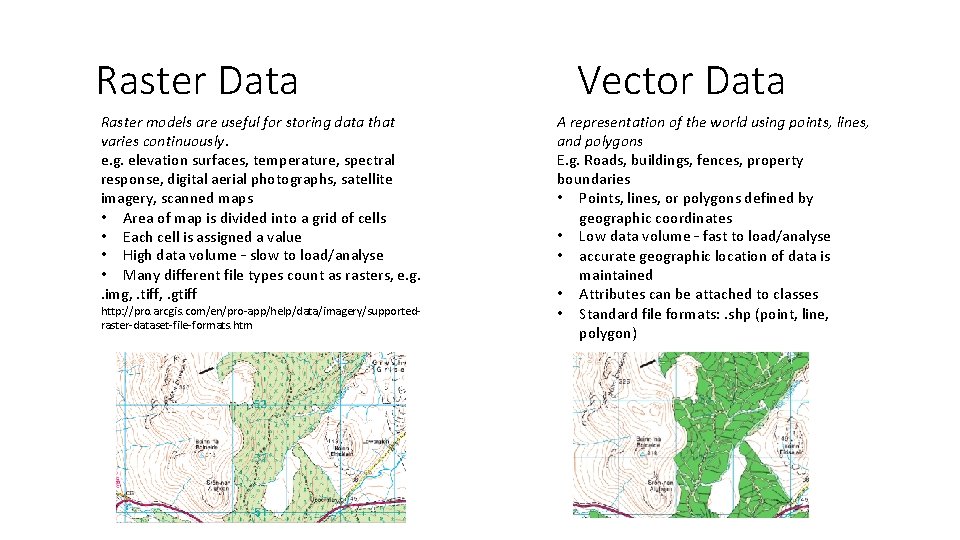
Raster Data Raster models are useful for storing data that varies continuously. e. g. elevation surfaces, temperature, spectral response, digital aerial photographs, satellite imagery, scanned maps • Area of map is divided into a grid of cells • Each cell is assigned a value • High data volume – slow to load/analyse • Many different file types count as rasters, e. g. . img, . tiff, . gtiff http: //pro. arcgis. com/en/pro-app/help/data/imagery/supportedraster-dataset-file-formats. htm Vector Data A representation of the world using points, lines, and polygons E. g. Roads, buildings, fences, property boundaries • Points, lines, or polygons defined by geographic coordinates • Low data volume – fast to load/analyse • accurate geographic location of data is maintained • Attributes can be attached to classes • Standard file formats: . shp (point, line, polygon)
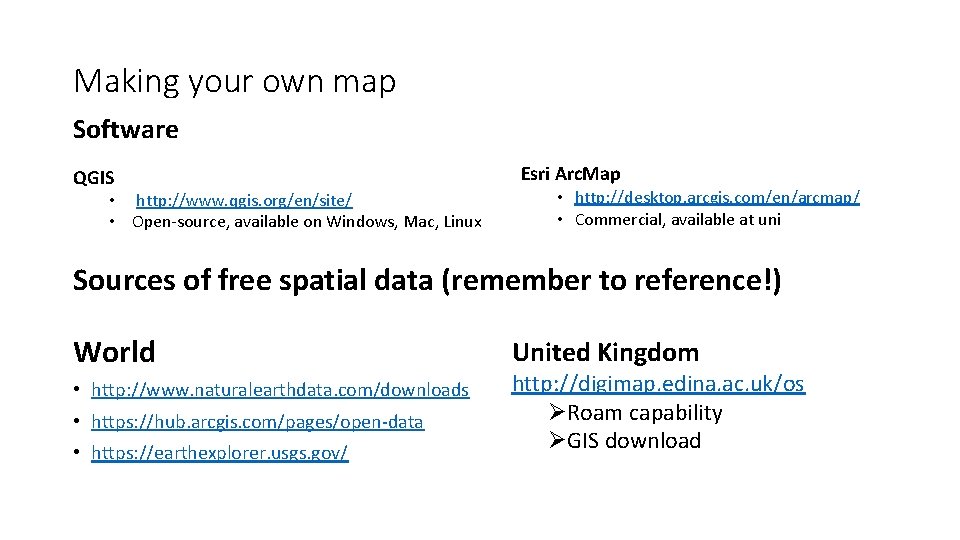
Making your own map Software QGIS • http: //www. qgis. org/en/site/ • Open-source, available on Windows, Mac, Linux Esri Arc. Map • http: //desktop. arcgis. com/en/arcmap/ • Commercial, available at uni Sources of free spatial data (remember to reference!) World • http: //www. naturalearthdata. com/downloads • https: //hub. arcgis. com/pages/open-data • https: //earthexplorer. usgs. gov/ United Kingdom http: //digimap. edina. ac. uk/os ØRoam capability ØGIS download
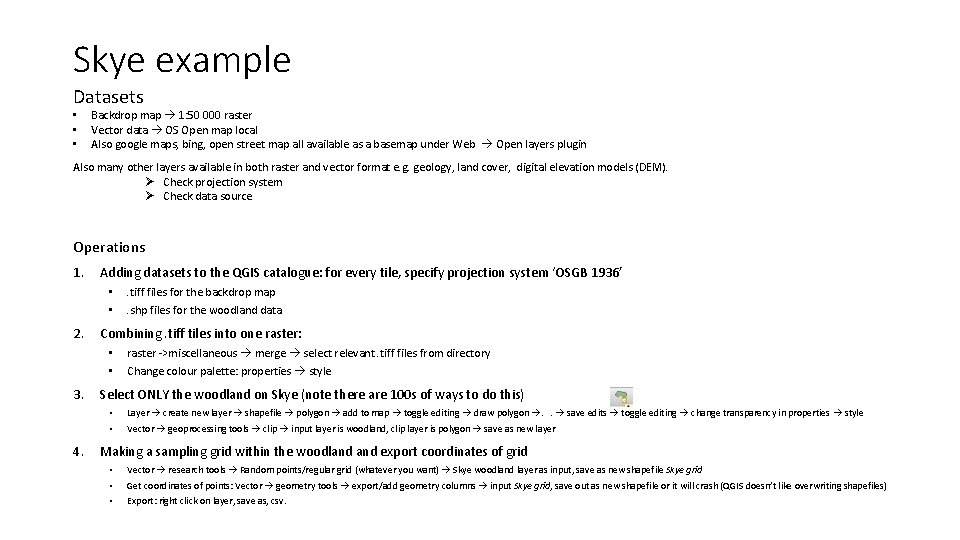
Skye example Datasets • • • Backdrop map 1: 50 000 raster Vector data OS Open map local Also google maps, bing, open street map all available as a basemap under Web Open layers plugin Also many other layers available in both raster and vector format e. g. geology, land cover, digital elevation models (DEM). Ø Check projection system Ø Check data source Operations 1. Adding datasets to the QGIS catalogue: for every tile, specify projection system ‘OSGB 1936’ • • 2. Combining. tiff tiles into one raster: • • 3. 4. . tiff files for the backdrop map. shp files for the woodland data raster ->miscellaneous merge select relevant. tiff files from directory Change colour palette: properties style Select ONLY the woodland on Skye (note there are 100 s of ways to do this) • Layer create new layer shapefile polygon add to map toggle editing draw polygon . . save edits toggle editing change transparency in properties style • Vector geoprocessing tools clip input layer is woodland, clip layer is polygon save as new layer Making a sampling grid within the woodland export coordinates of grid • Vector research tools Random points/regular grid (whatever you want) Skye woodland layer as input, save as new shapefile Skye grid • Get coordinates of points: Vector geometry tools export/add geometry columns input Skye grid, save out as new shapefile or it will crash (QGIS doesn’t like overwriting shapefiles) • Export: right click on layer, save as, csv.
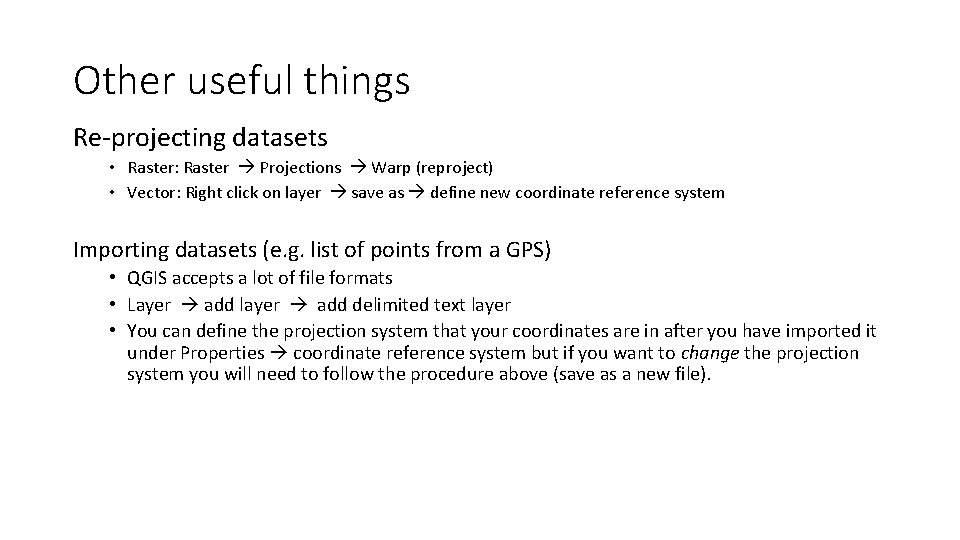
Other useful things Re-projecting datasets • Raster: Raster Projections Warp (reproject) • Vector: Right click on layer save as define new coordinate reference system Importing datasets (e. g. list of points from a GPS) • QGIS accepts a lot of file formats • Layer add layer add delimited text layer • You can define the projection system that your coordinates are in after you have imported it under Properties coordinate reference system but if you want to change the projection system you will need to follow the procedure above (save as a new file).