
Falling Dominos Lotus Notes Domino Security Chris Goggans
- Slides: 44
Falling Dominos Lotus Notes & Domino Security Chris Goggans Patrick Guenther Kevin Mc. Peake Wouter Aukema July 2000 1
What is Lotus Notes? • Secure Groupware Platform • Email, Application, Web & Database connectivity services • Application Development Platform • @Formula language, Lotus. Script, Javascript, Java, C/C++ API July 2000 3
How big is Lotus Notes? • Over 60 million corporate users • Majority on 4. 6 • Minority on 5. 0 July 2000 4
Who Uses Notes? • Utilities • Power Companies • Telcos • Government • Legislature • Military • Intelligence Agencies • Multinationals • • Manufacturing Pharmaceuticals Petrochemical Defense Contractors • Finance • Law Firms • Accounting • Banks • Insurance July 2000 5
Why they use Notes • Security Features • Public Key Infrastructure – Authentication – Encryption • Access control levels – – Server Database Document Field • Meets DMS requirements July 2000 6
We will demonstrate • New Security Vulnerabilities – Execution Control Lists – Password hash attack (HTTP & ID File) • These attacks can be used to gain complete control of a Domino / Notes network within minutes by assuming various valid user identities on the network, and obfuscating an attacker’s tracks July 2000 10
Introduction to Notes Vulnerabilities • Categorization • • Vandalism Theft Fraud Information Warfare • We will concentrate on Info. War July 2000 11
Common Notes Security Problems • #1 Security problem - Misconfiguration and / or default installation security settings are used – ACL – Names & Address book (Domino Directory) settings – Server ID passwords – ECL • Several security advisories already available July 2000 12
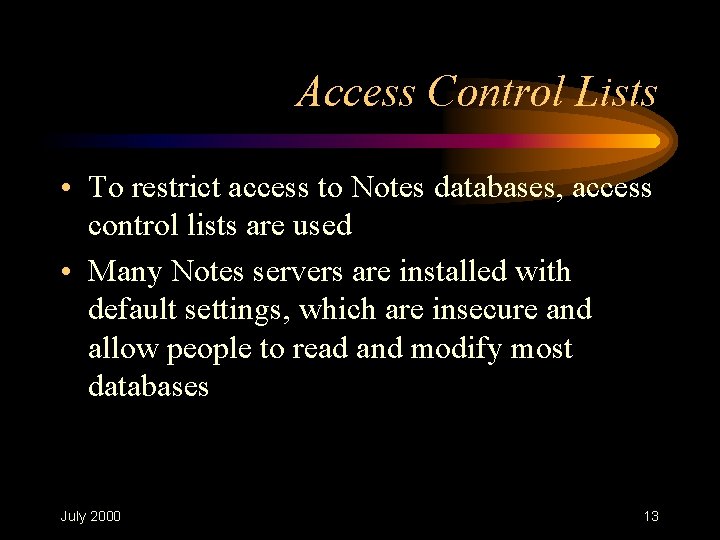
Access Control Lists • To restrict access to Notes databases, access control lists are used • Many Notes servers are installed with default settings, which are insecure and allow people to read and modify most databases July 2000 13
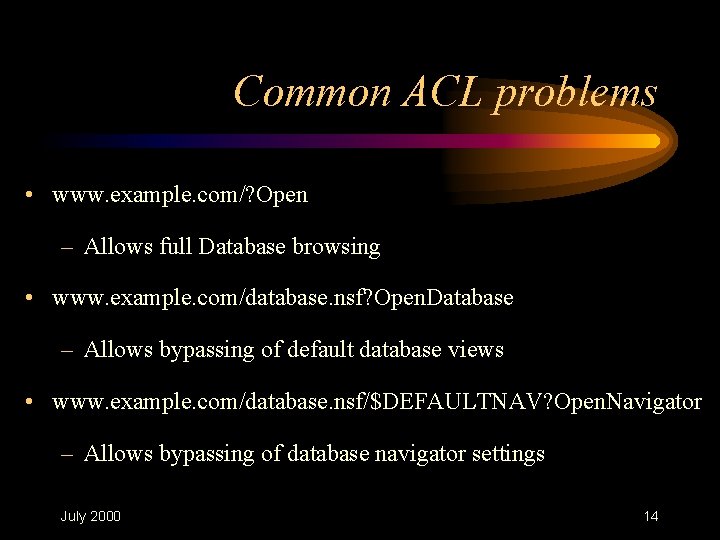
Common ACL problems • www. example. com/? Open – Allows full Database browsing • www. example. com/database. nsf? Open. Database – Allows bypassing of default database views • www. example. com/database. nsf/$DEFAULTNAV? Open. Navigator – Allows bypassing of database navigator settings July 2000 14
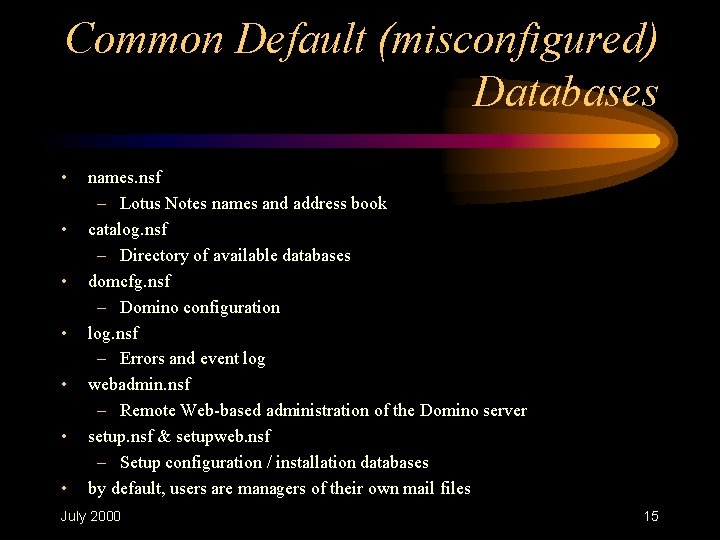
Common Default (misconfigured) Databases • • names. nsf – Lotus Notes names and address book catalog. nsf – Directory of available databases domcfg. nsf – Domino configuration log. nsf – Errors and event log webadmin. nsf – Remote Web-based administration of the Domino server setup. nsf & setupweb. nsf – Setup configuration / installation databases by default, users are managers of their own mail files July 2000 15
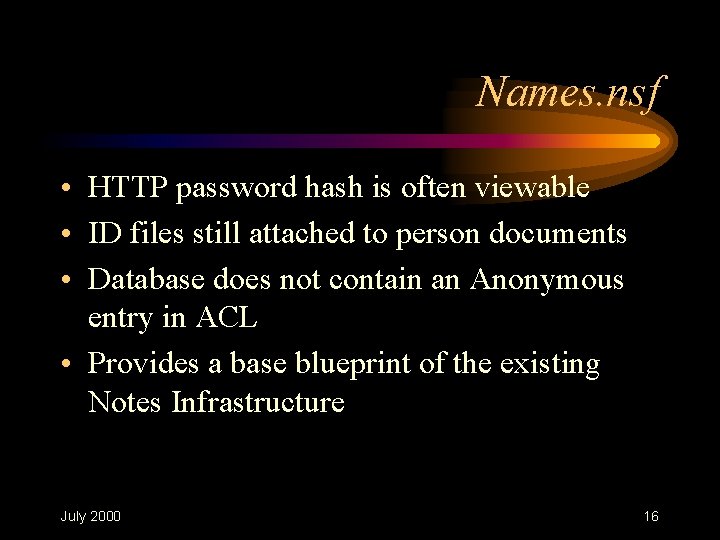
Names. nsf • HTTP password hash is often viewable • ID files still attached to person documents • Database does not contain an Anonymous entry in ACL • Provides a base blueprint of the existing Notes Infrastructure July 2000 16
Catalog. nsf • Contains a complete catalog of every database on each server • Often does not contain an Anonymous Entry in the ACL July 2000 17
Domcfg. nsf • The Domino Configuration database used in the installation & configuration of a Domino Web server • Often contains Manager access entry for Default user in the ACL and does not contain an entry for Anonymous July 2000 18
Log. nsf • Often the ACL is incorrectly set, allowing for Web users to view all relevant information to the operation of a Domino server • Can be overwritten with erroneous data, allowing an attack to cover his/her tracks July 2000 19
Notes Server ID file • To allow auto-restart of Notes servers, the SERVER. ID file is actually recommended to not be password protected • If host level security allows this file to be retrieved, it can be used locally from a client to unlock any database July 2000 20
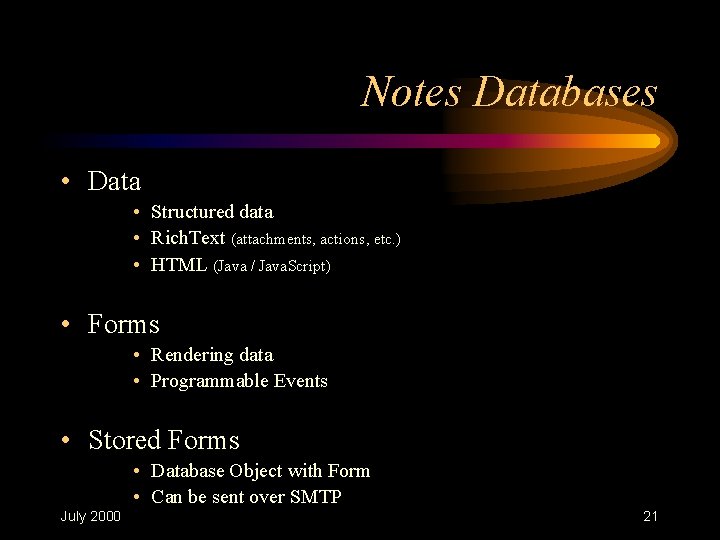
Notes Databases • Data • Structured data • Rich. Text (attachments, actions, etc. ) • HTML (Java / Java. Script) • Forms • Rendering data • Programmable Events • Stored Forms • Database Object with Form • Can be sent over SMTP July 2000 21
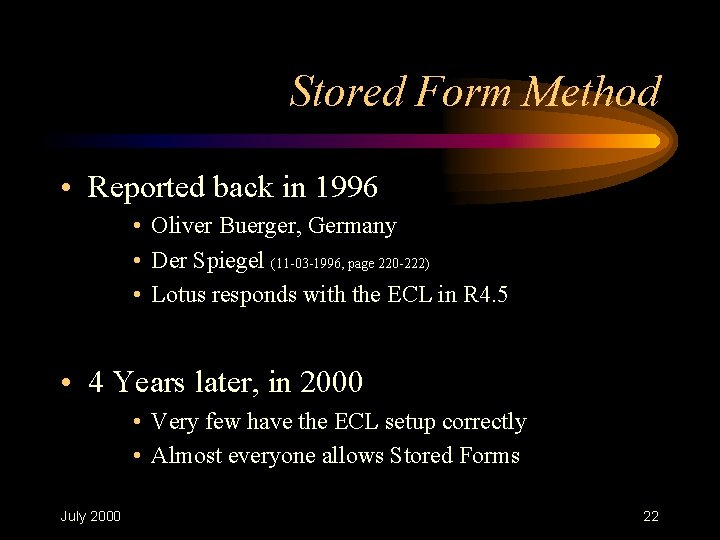
Stored Form Method • Reported back in 1996 • Oliver Buerger, Germany • Der Spiegel (11 -03 -1996, page 220 -222) • Lotus responds with the ECL in R 4. 5 • 4 Years later, in 2000 • Very few have the ECL setup correctly • Almost everyone allows Stored Forms July 2000 22
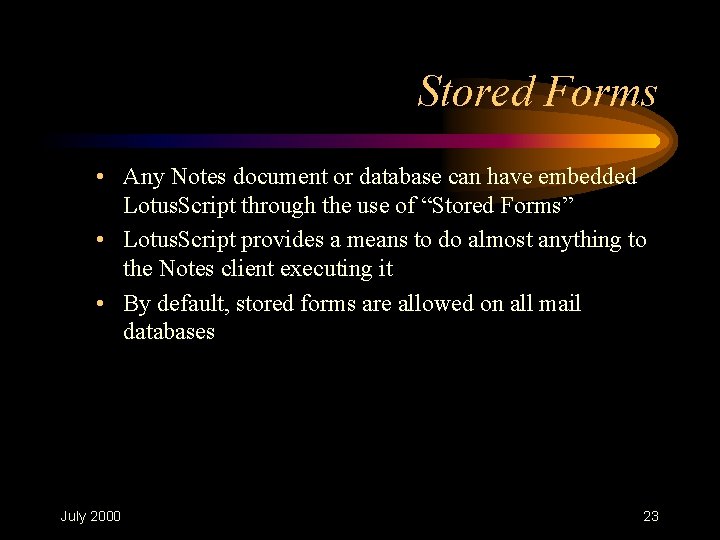
Stored Forms • Any Notes document or database can have embedded Lotus. Script through the use of “Stored Forms” • Lotus. Script provides a means to do almost anything to the Notes client executing it • By default, stored forms are allowed on all mail databases July 2000 23
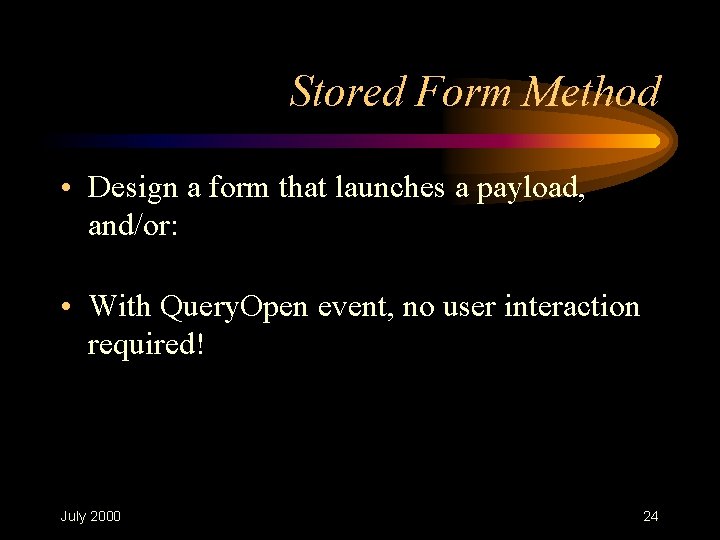
Stored Form Method • Design a form that launches a payload, and/or: • With Query. Open event, no user interaction required! July 2000 24
Demonstration July 2000 25
Stored Form Attacks • Observations – No user interaction was required – No warnings presented before execution – Because ECL was not properly configured • Tighten up the ECL • Disable Stored Forms July 2000 26
Execution Control Lists • To combat the problem with stored forms Lotus implemented Execution Control Lists in version 4. 5 • ECL’s allowed users and administrators to activate controls on what “foreign” code could be executed depending on Notes “Signatures” – Trusted Signature • Which functions to allow – Default • for Signatures not specified in ECL – No Signature • for unsigned code July 2000 27
Common ECL Problems • Very Few Administrators and Users understand ECL concepts • ECL settings are stored in obscure location • Until release 5. 0. 2 - default settings allowed “WORLD” access July 2000 28
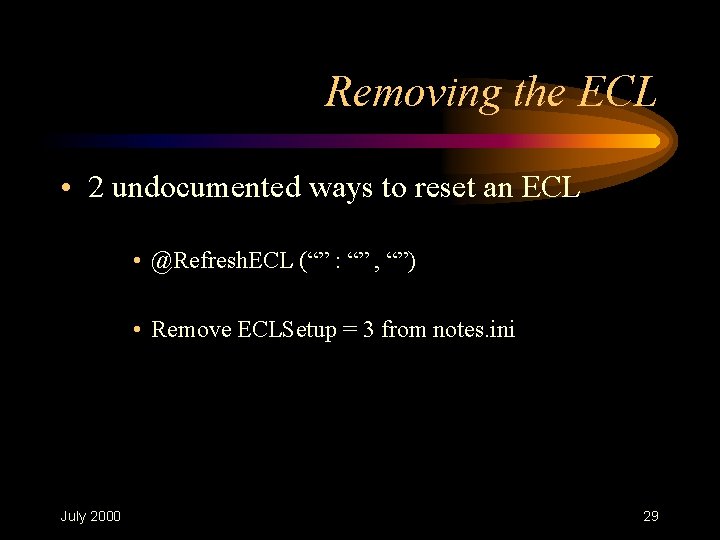
Removing the ECL • 2 undocumented ways to reset an ECL • @Refresh. ECL (“” : “” , “”) • Remove ECLSetup = 3 from notes. ini July 2000 29
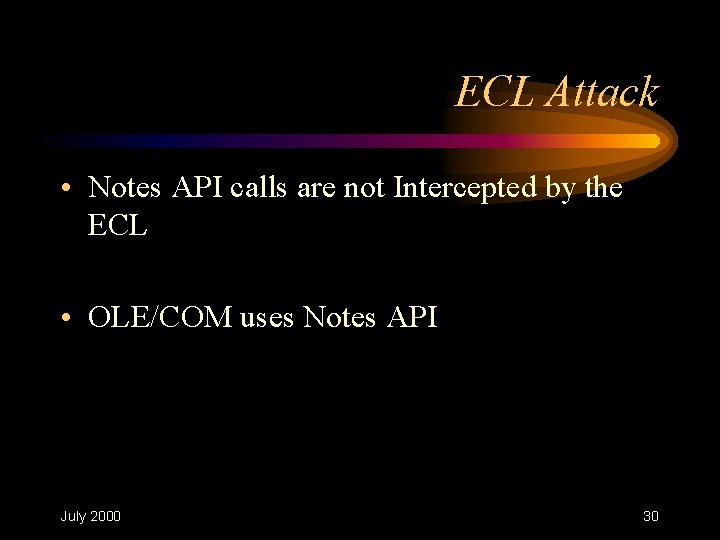
ECL Attack • Notes API calls are not Intercepted by the ECL • OLE/COM uses Notes API July 2000 30
Demonstration July 2000 31
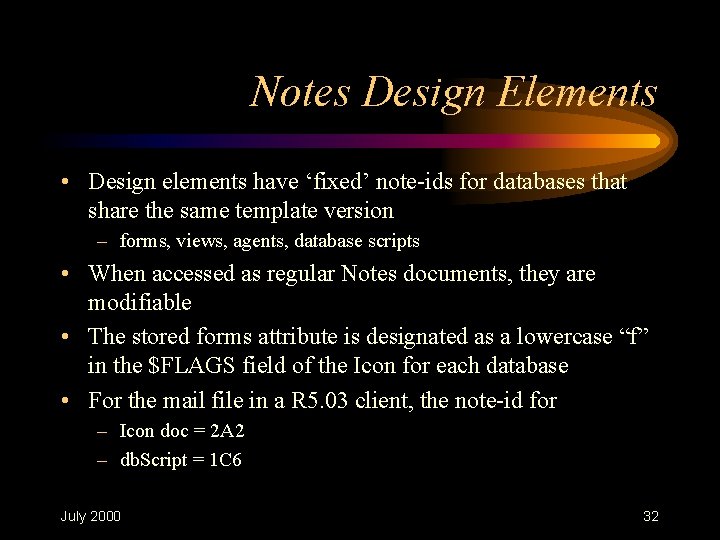
Notes Design Elements • Design elements have ‘fixed’ note-ids for databases that share the same template version – forms, views, agents, database scripts • When accessed as regular Notes documents, they are modifiable • The stored forms attribute is designated as a lowercase “f” in the $FLAGS field of the Icon for each database • For the mail file in a R 5. 03 client, the note-id for – Icon doc = 2 A 2 – db. Script = 1 C 6 July 2000 32
ECL Attacks • Observations – ECL’s do not intercept API calls – Payloads execute on full behalf of the Notes user – Notes client is not being used July 2000 33
ECL Attacks • Recommendations – OLE: Remove from Registry • Notes. Session • Notes. UIWorkspace – Press F 5 prior to launching attachments – Use the Internal Notes Viewer July 2000 34
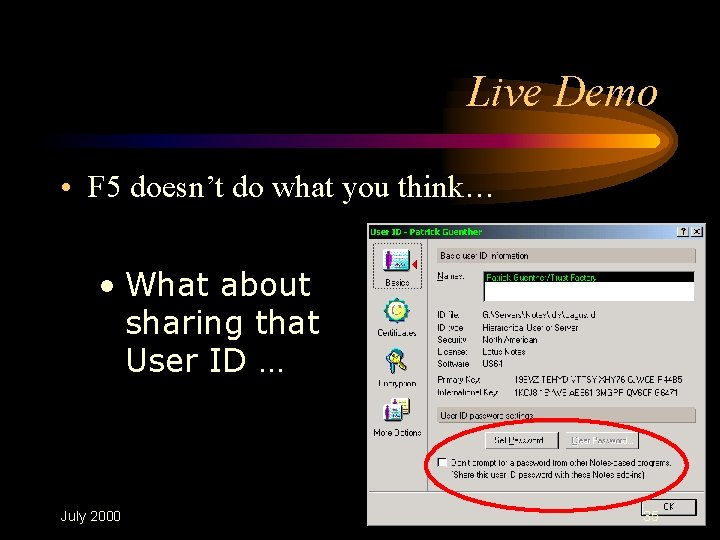
Live Demo • F 5 doesn’t do what you think… • What about sharing that User ID … July 2000 35
Conclusion • Observations • Once an API program has acquired access, it remains cached • The User ID sharing is a flag in the Notes Memory Process • Vulnerability • The flag can be changed from an external program. • F 5 limited to the Notes client only • Note • API programs can only access what the Notes Client accessed before. July 2000 36
Recommendation • Instead of using F 5 or auto-lock, kill your notes client July 2000 37
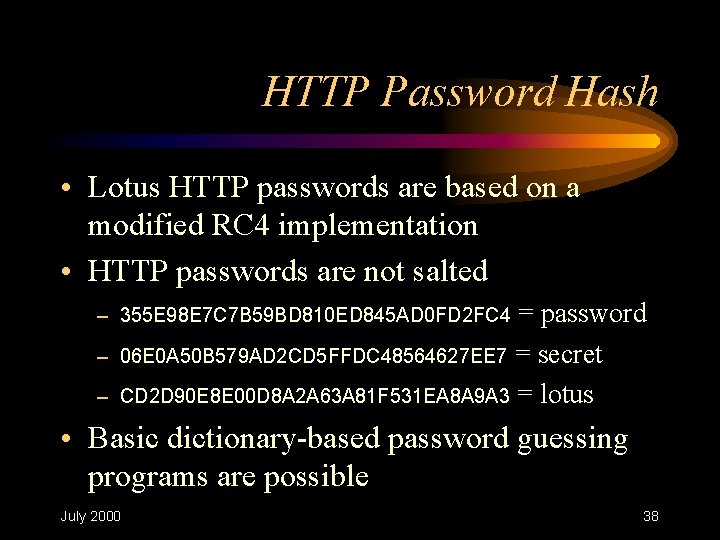
HTTP Password Hash • Lotus HTTP passwords are based on a modified RC 4 implementation • HTTP passwords are not salted = password 06 E 0 A 50 B 579 AD 2 CD 5 FFDC 48564627 EE 7 = secret CD 2 D 90 E 8 E 00 D 8 A 2 A 63 A 81 F 531 EA 8 A 9 A 3 = lotus – 355 E 98 E 7 C 7 B 59 BD 810 ED 845 AD 0 FD 2 FC 4 – – • Basic dictionary-based password guessing programs are possible July 2000 38
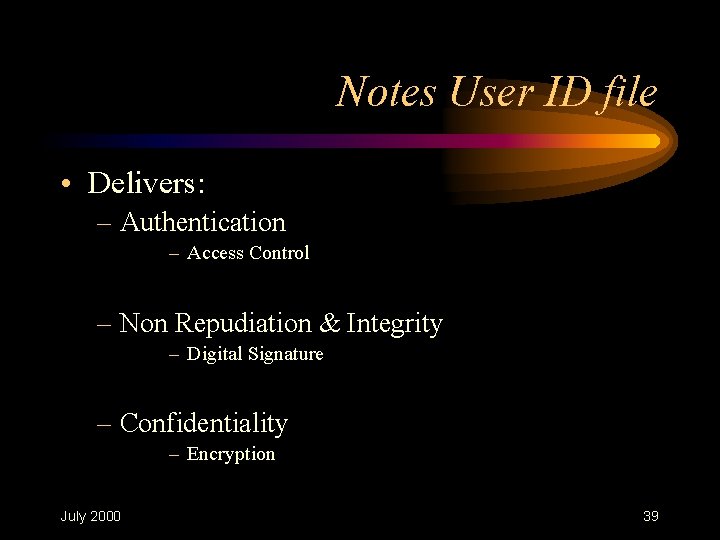
Notes User ID file • Delivers: – Authentication – Access Control – Non Repudiation & Integrity – Digital Signature – Confidentiality – Encryption July 2000 39
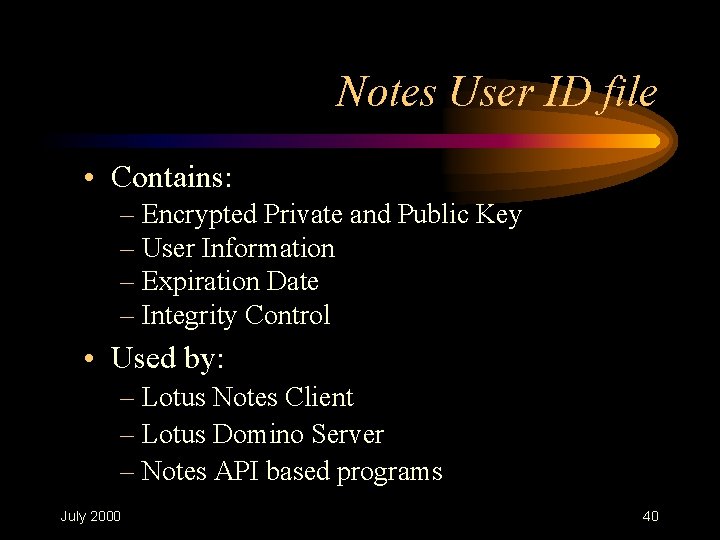
Notes User ID file • Contains: – Encrypted Private and Public Key – User Information – Expiration Date – Integrity Control • Used by: – Lotus Notes Client – Lotus Domino Server – Notes API based programs July 2000 40
Lotus Notes Client • ID file related features: – Blocks brute-force attacks – Digest checked in server NAB – Auto logoff & F 5 -based lockout – User ID sharing (API-programs) July 2000 41
Notes Identity Theft • Within your Organization – At your own workstation – Within your Notes network • Outside your Organization – With your web browser – Through hostile code July 2000 42
Demonstration July 2000 43
Conclusion • F 5 does not clear your private information • Because the ID file and its password hash are available, your ID file can be validated, 1. Without its password 2. By other people July 2000 44
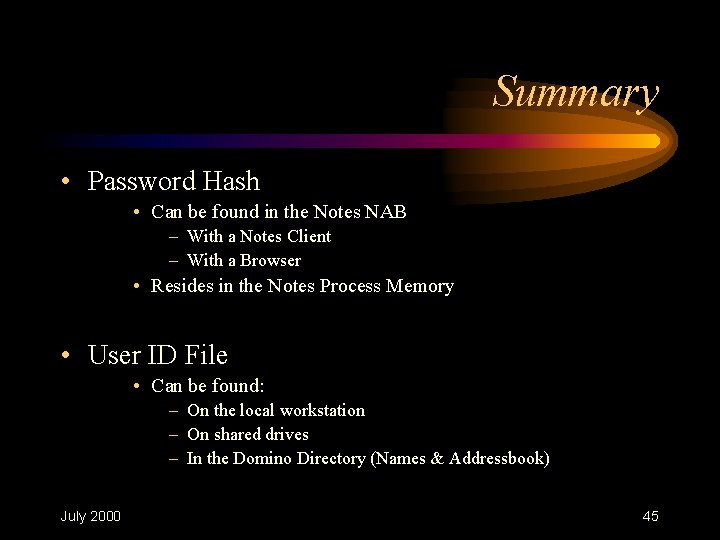
Summary • Password Hash • Can be found in the Notes NAB – With a Notes Client – With a Browser • Resides in the Notes Process Memory • User ID File • Can be found: – On the local workstation – On shared drives – In the Domino Directory (Names & Addressbook) July 2000 45
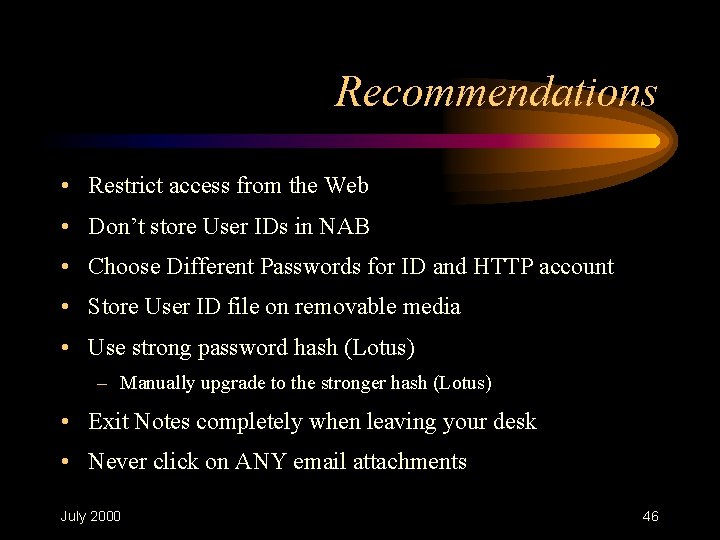
Recommendations • Restrict access from the Web • Don’t store User IDs in NAB • Choose Different Passwords for ID and HTTP account • Store User ID file on removable media • Use strong password hash (Lotus) – Manually upgrade to the stronger hash (Lotus) • Exit Notes completely when leaving your desk • Never click on ANY email attachments July 2000 46
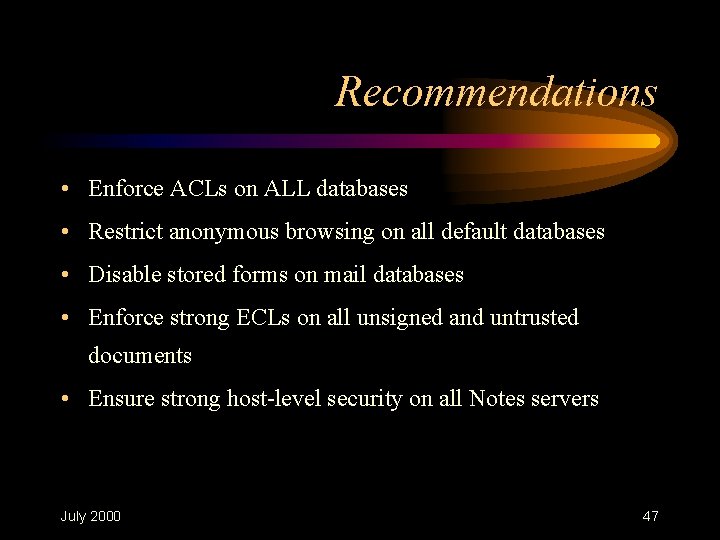
Recommendations • Enforce ACLs on ALL databases • Restrict anonymous browsing on all default databases • Disable stored forms on mail databases • Enforce strong ECLs on all unsigned and untrusted documents • Ensure strong host-level security on all Notes servers July 2000 47
For More Information • http: //www. trust-factory. com • http: //www. sdi-group. com • http: //www. lotus. com July 2000 48