
Facility Monitoring System FMSNet Po E Ethernet HPC


- Slides: 17
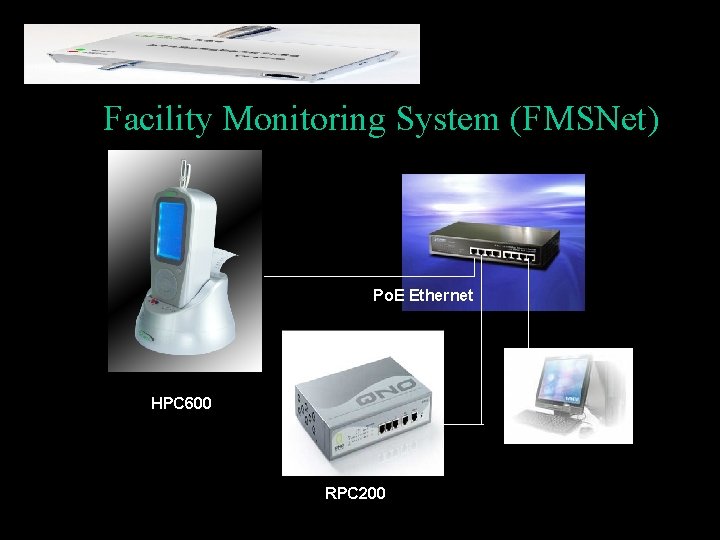
Facility Monitoring System (FMSNet) Po. E Ethernet HPC 600 RPC 200
Introduction FMSNet is a remote control software developed by Hal Technology (Hal. Tech) to support Hal Technology’s clean facility monitoring devices or instruments. Hal. Tech provide unique configurations of facility monitoring systems for 7/24 continuous monitoring clean environments. Power over Ethernet provides the ability to detect attached powered devices (PD) and deliver 48 VDC to the PD via existing CAT 5 cabling. The Po. E devices are fully compliant with the IEEE 802. 3 af power over Ethernet standard. By default, the Po. E switches discover and provide power to IEEE-compliant PDs.
Hal. Tech’s Solutions for Cleanroom Facility Monitoring n n n Hal-HPC 600 six-channel handheld hybrid particle counter can be operated in a multi-point internet/Ethernet wired system without need of extra vacuum sources. Hal-RPC 200 two-channel remote particle counter can be operated in a multi-point internet/ethernet wired system with Power_over_Ethernet support Hal-RPC 201 two-channel remote particle counter can be operated in a multi-point serial communication system
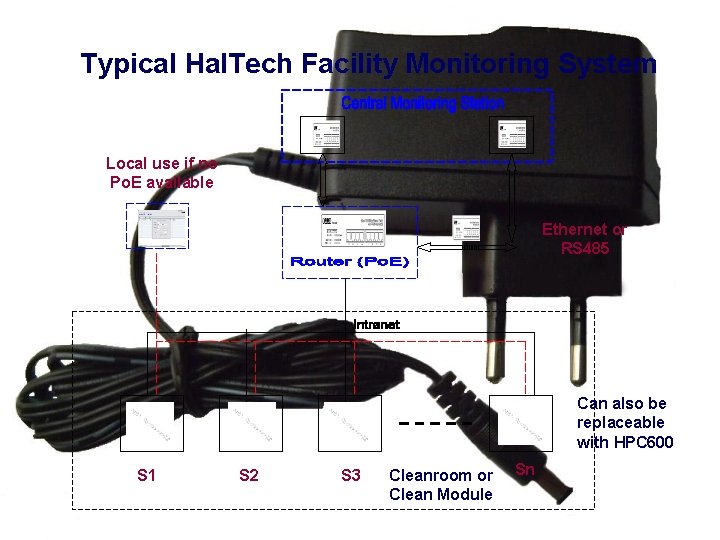
Typical Hal. Tech Facility Monitoring System Local use if no Po. E available Ethernet or RS 485 Can also be replaceable with HPC 600 S 1 S 2 S 3 Cleanroom or Clean Module Sn
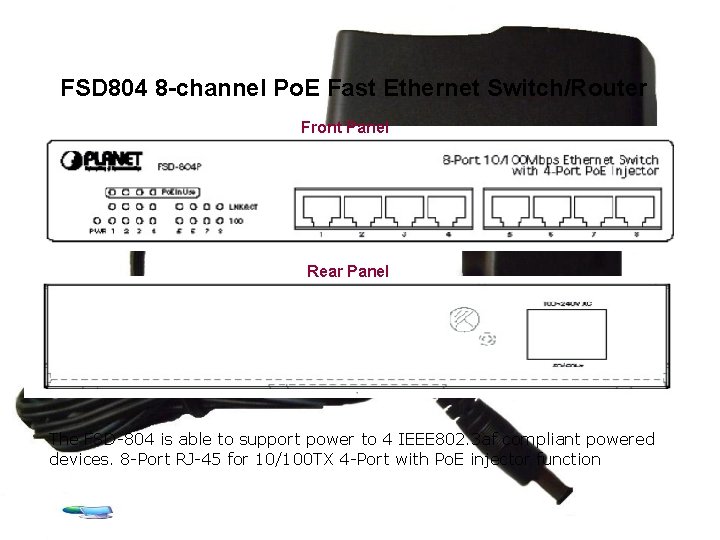
FSD 804 8 -channel Po. E Fast Ethernet Switch/Router Front Panel Rear Panel The FSD-804 is able to support power to 4 IEEE 802. 3 af compliant powered devices. 8 -Port RJ-45 for 10/100 TX 4 -Port with Po. E injector function
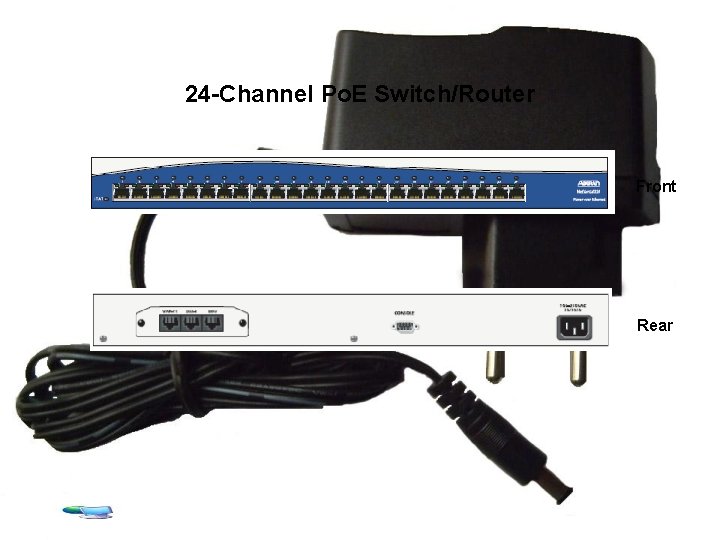
24 -Channel Po. E Switch/Router Front Rear
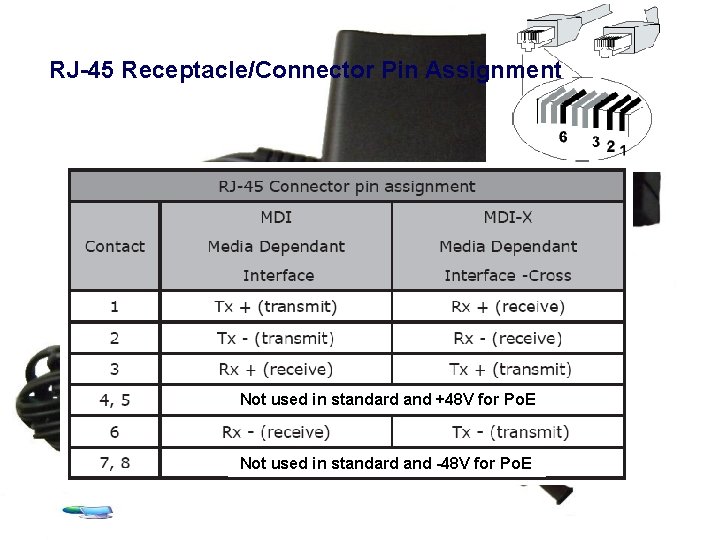
RJ-45 Receptacle/Connector Pin Assignment Not used in standard and +48 V for Po. E Not used in standard and -48 V for Po. E
Advantages of Hal. Tech System Solution • Unique Ethernet communication system with convenient power • Simple system configuration and easy installation • Flexible and scalable system • No extra power supply needed with Po. E option • Alarm setting and notifications • Compatibility with major manufacturers
Overview of FMSNet Software
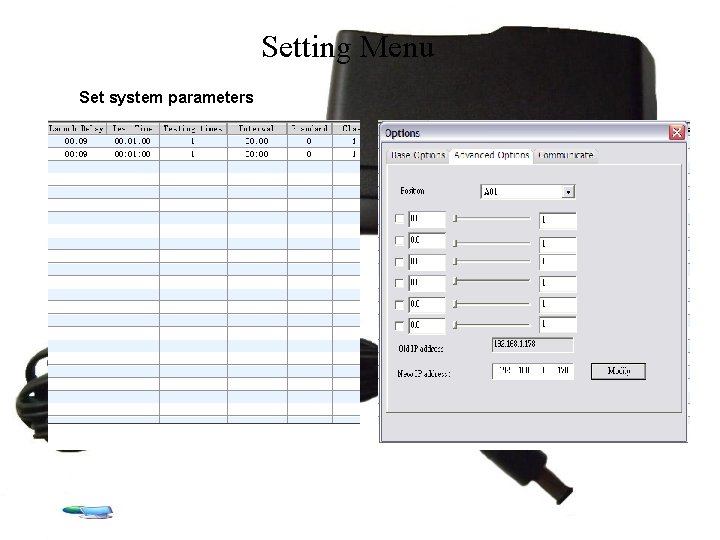
Setting Menu Set system parameters
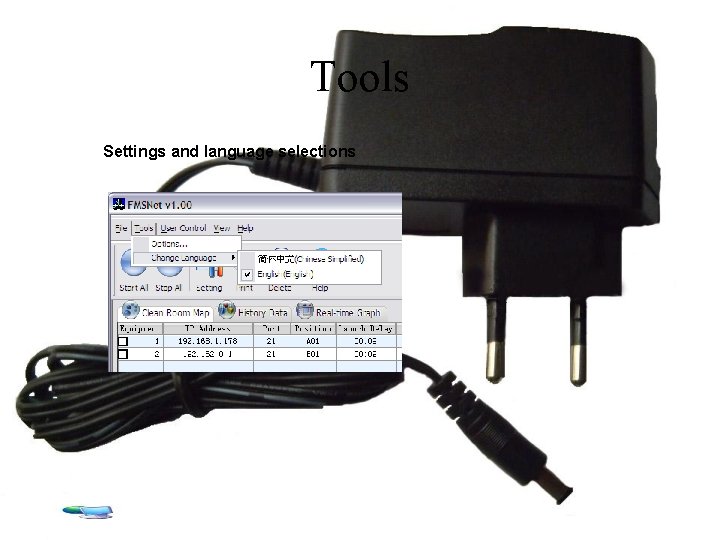
Tools Settings and language selections
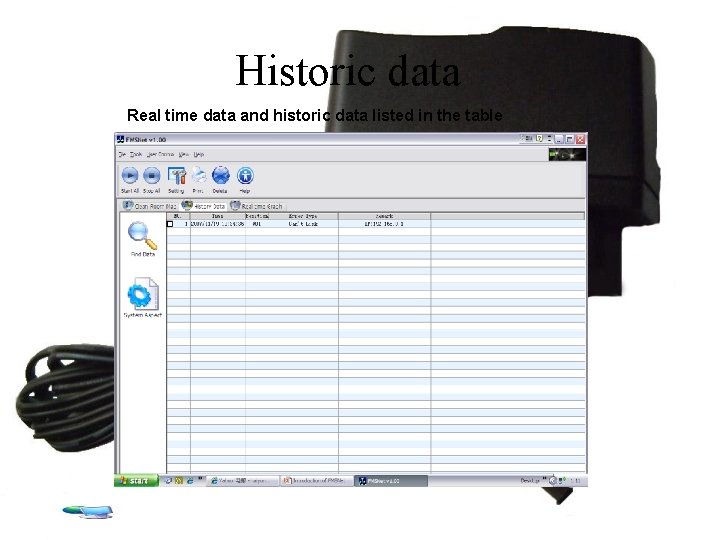
Historic data Real time data and historic data listed in the table
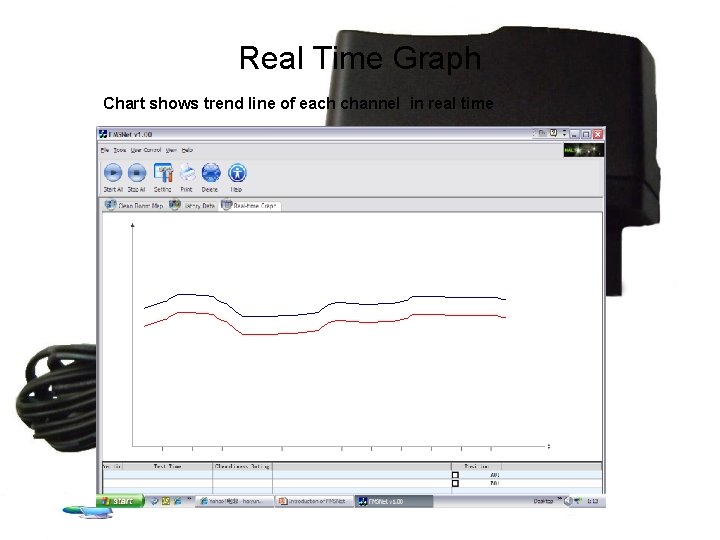
Real Time Graph Chart shows trend line of each channel in real time
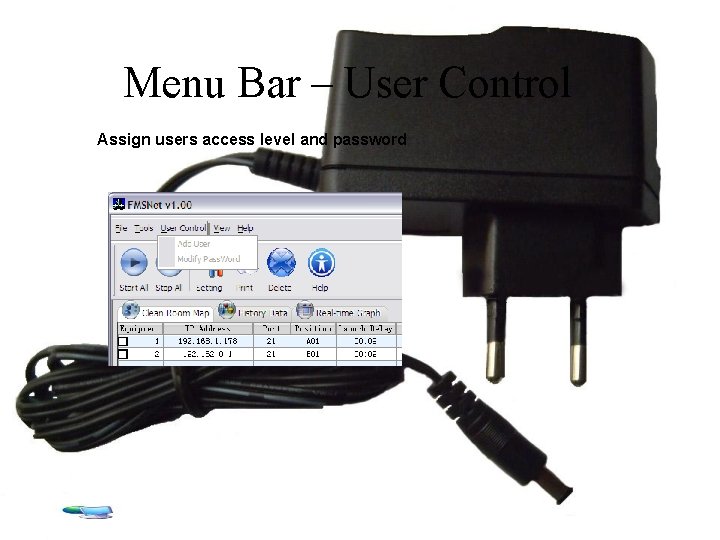
Menu Bar – User Control Assign users access level and password
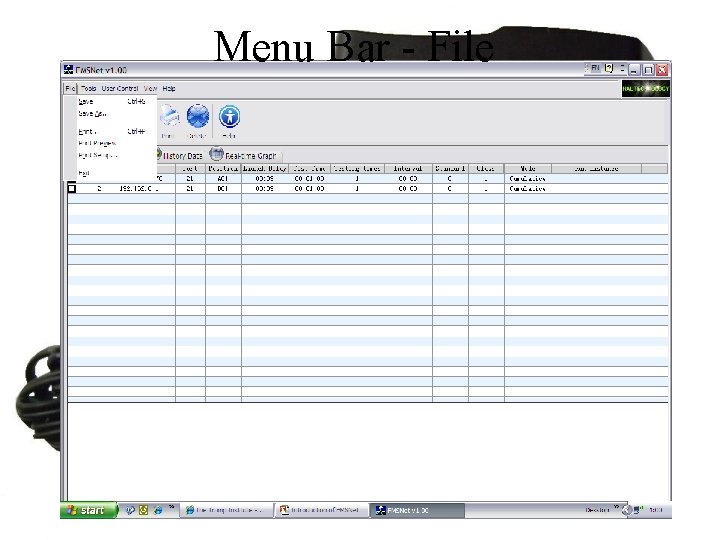
Menu Bar - File
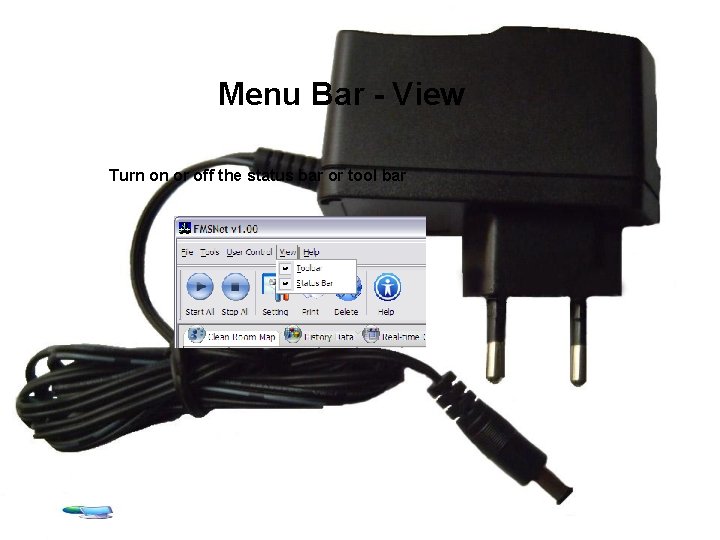
Menu Bar - View Turn on or off the status bar or tool bar
Address: 625 E Carroll Avenue Glendora, CA 91741 Phone: (510) 579 -8540 Fax: (626) 236 -9246 URL:http: //www. haltechnologies. com E-mail:info@haltechnologies. com