
F Aero Diffusion Technical Specifications Arty Scent Table
F Aero Diffusion Technical Specifications Arty. Scent®
Table of Contents I) Introduction p. 3 II) Technology p. 5 III) Precautions p. 6 IV) General Maintenance p. 7 V) Programming p. 8 VI) Installation p. 13 VII) Specifications p. 14 Aero Diffusion Technical Specifications 2014 2
Introduction Aero Diffusion Technology® can be applied by 3 different devices that cover every need. The devices have been designed in order to respond to the demands of any project or area. They are fully programmed and ergonomical. Aero Diffusion Technical Specifications 2014 3
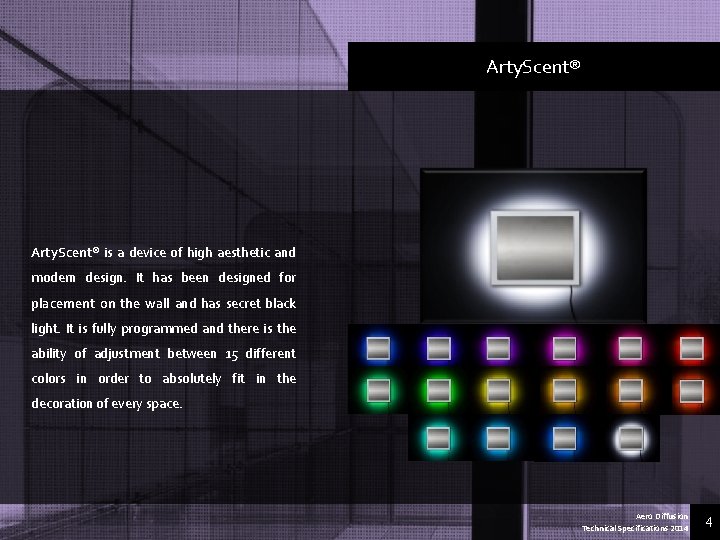
Arty. Scent® is a device of high aesthetic and modern design. It has been designed for placement on the wall and has secret black light. It is fully programmed and there is the ability of adjustment between 15 different colors in order to absolutely fit in the decoration of every space. Aero Diffusion Technical Specifications 2014 4
Technology Aero Diffusion appliances of Spring Air thanks to the patented diffusion system that they use, they can ensure the conversion of the liquid fragrance into ultra fine droplets , distributing them at an average of 1. 000 nanometers (1 micrometer μm) in diameter. What can be characterized as being unique concerning the Aero Diffusion Technology® is the small droplet diameter and the extra light weight of the droplet that can ensure uniform scent distribution. In performance terms, Aero technology droplets convert liquid into vapor very fast. This ensures the absence of residues on surfaces within the scented area. Very important parameter is that the scent effect, which is created, cause very low concentration of fragrance in the air, usually less than 1 PPM which is below the international standards for allergic response. The perfect diffusion of the fragrance into the area can be achieved with the complete programming of the devices. Each device can be programmed for every day separately into two different zones. Thus, given that capability, the aromatization of each space is feasible. Aero Diffusion Technical Specifications 2014 5
Arty. Scent® Appliance Precautions 1. The appliance must be operated in an upright or vertical position and firmly attached to a vertical surface such as a wall or a duct. 2. The appliance should NOT be used with the door in the open position. The door is opened only to perform a cartridge or program change. 3. NEVER put your nose to the output of Arty. Scent®. Within 12 inches of the output, the fragrance is highly concentrated. The improper inhalation of high concentrations of fragrance may cause irritation in eyes and respiratory. 4. The appliance is built to be plugged into an 110 VAC or 220 VAC power outlet. The UL and CE compliant power supply converts power to 12 V DC to power the appliance. 5. Unplug before cleaning Aero Diffusion Technical Specifications 2014 6
General Maintenance Changing the Cartridge 1. Unlock and open the door to access the cartridge: The door should be opened only to perform a cartridge or programming change. When in use, the doom must be locked. 2. Detach metal hose connector from the cartridge output port (located on the top of the cartridge head). This is done by unscrewing the metal connector from the cartridge output port and pulling out. 3. Remove air nozzle (located on the top of the cartridge head) 4. Remove old cartridge from appliance enclosure 5. Insert air nozzle on the new cartridge 6. Install new cartridge, place and tighten metal hose connector firmly on cartridge output port 7. Close the door and the device to secure Aero Diffusion Technical Specifications 2014 7
Programming Day & Time programming 1) We press CLOCK and the indication HOUR is displayed. Using the + button we set HOUR 2) We press and the indication MINUTES is displayed. Using the + button we set MINUTES 3) We press. The days of the week will be shown on the screen. Using the move the cursor to the current day + button we 4) We press SET and the day & time programming has been completed Aero Diffusion Technical Specifications 2014 8
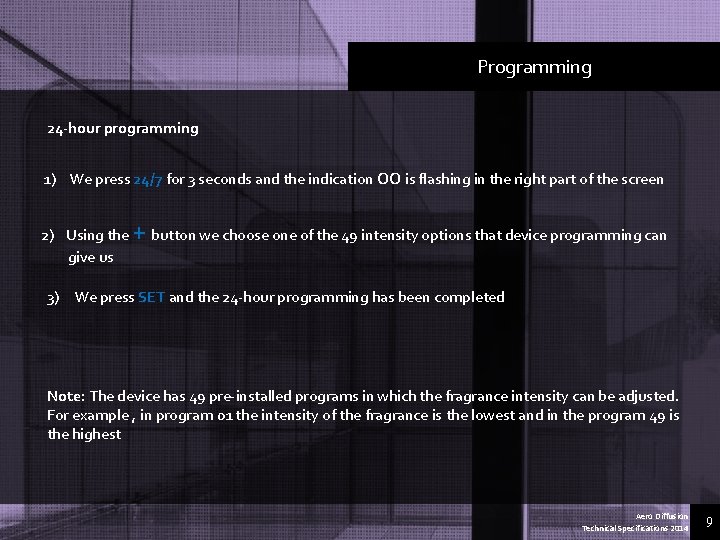
Programming 24 -hour programming 1) We press 24/7 for 3 seconds and the indication 00 is flashing in the right part of the screen 2) Using the give us 3) + button we choose one of the 49 intensity options that device programming can We press SET and the 24 -hour programming has been completed Note: The device has 49 pre-installed programs in which the fragrance intensity can be adjusted. For example , in program 01 the intensity of the fragrance is the lowest and in the program 49 is the highest Aero Diffusion Technical Specifications 2014 9
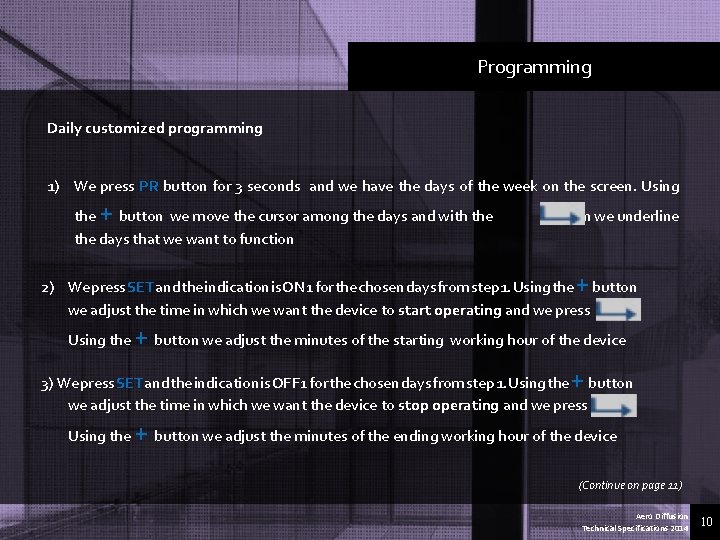
Programming Daily customized programming 1) We press PR button for 3 seconds and we have the days of the week on the screen. Using + the button we move the cursor among the days and with the days that we want to function button we underline + 2) We press SET and the indication is ON 1 for the chosen days from step 1. Using the button we adjust the time in which we want the device to start operating and we press Using the + button we adjust the minutes of the starting working hour of the device + 3) We press SET and the indication is OFF 1 for the chosen days from step 1. Using the button we adjust the time in which we want the device to stop operating and we press Using the + button we adjust the minutes of the ending working hour of the device (Continue on page 11) Aero Diffusion Technical Specifications 2014 10
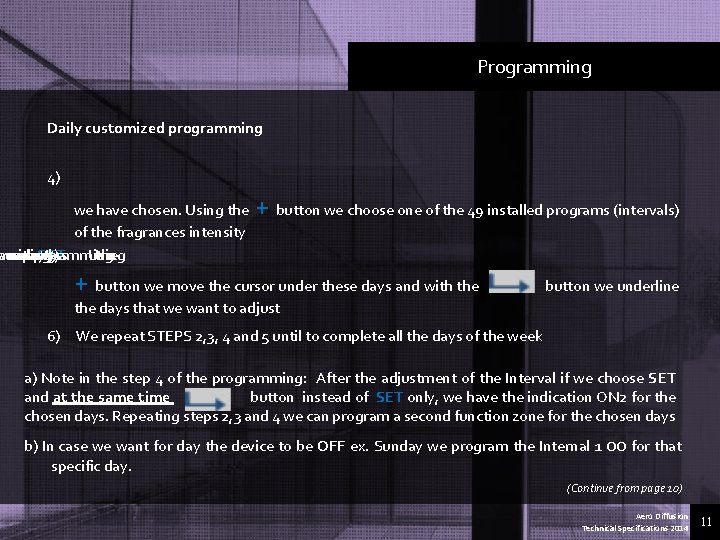
Programming Daily customized programming 4) we have chosen. Using the of the fragrances intensity maining he ave we and screen need days on that programming. press SET We 5) Using the + button we choose one of the 49 installed programs (intervals) + button we move the cursor under these days and with the button we underline the days that we want to adjust 6) We repeat STEPS 2, 3, 4 and 5 until to complete all the days of the week a) Note in the step 4 of the programming: After the adjustment of the Interval if we choose SET and at the same time button instead of SET only, we have the indication ON 2 for the chosen days. Repeating steps 2, 3 and 4 we can program a second function zone for the chosen days b) In case we want for day the device to be OFF ex. Sunday we program the Internal 1 00 for that specific day. (Continue from page 10) Aero Diffusion Technical Specifications 2014 11
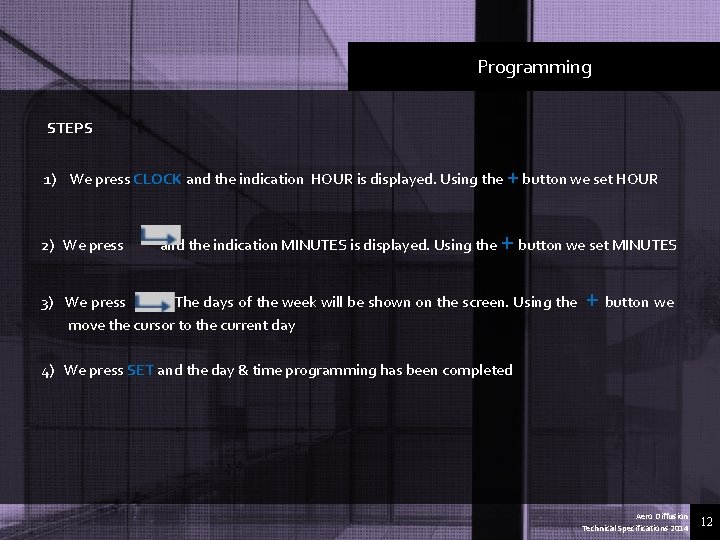
Programming STEPS 1) We press CLOCK and the indication HOUR is displayed. Using the + button we set HOUR 2) We press and the indication MINUTES is displayed. Using the + button we set MINUTES 3) We press. The days of the week will be shown on the screen. Using the move the cursor to the current day + button we 4) We press SET and the day & time programming has been completed Aero Diffusion Technical Specifications 2014 12
Installation 1. We place the device’s bracket on the wall horizontally. 2. We mark the four support points of the bracket. 3. With a drill of 6 mm, we open the holes in the four spotted points. 4. After that, we place the wall anchors into the holes. 5. We press the wall anchors into the holes, in order to fit well. 6. With the drill we screw the metal base on the wall. 7. We adjust the device in the four key-holes of the metal base in order to be placed accordingly. 8. Connect the machinery with a power supply of 220 V. Patented Spring Air Aero Diffusion Technical Specifications 2014 13
Specifications Arty. Scent® Technical Characteristics Reference Type Diameter of particles Power Input Frequency Protection Internal Power Back-up battery Performance Control Dimensions Height x width x depth Weight with full container Cartridge Reservoir Disposable/Recyclable Arty. Scent® Cold Evaporation Diffusion device 300 nm to 1μ micron 100 - 240 VAC at 0. 6 A 50/60 Hz Switching power supply 12 VDC at 1. 5 A Lithium 3 V, #CR 2032 Up to 500 m² subject to air flow conditions Programmable start & stop times Programmable output 1 to 49 28 cm x 13 cm 4, 800 kgs 500 ml Patented Spring Air Aero Diffusion Technical Specifications 2014 14
Revolutionary solutions for different needs…
- Slides: 15