
Extracting Terminology Using Wordfast Plus Tools Tutorial Exercises

- Slides: 21
Extracting Terminology Using Wordfast Plus Tools Tutorial & Exercises
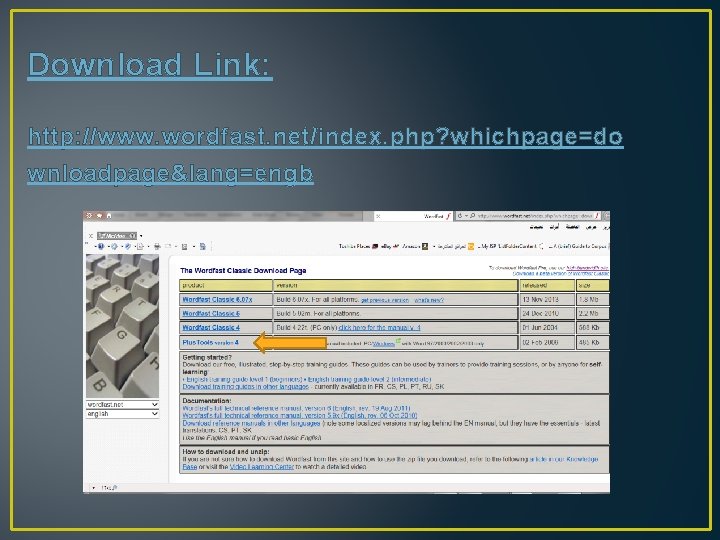
Download Link: http: //www. wordfast. net/index. php? whichpage=do wnloadpage&lang=engb
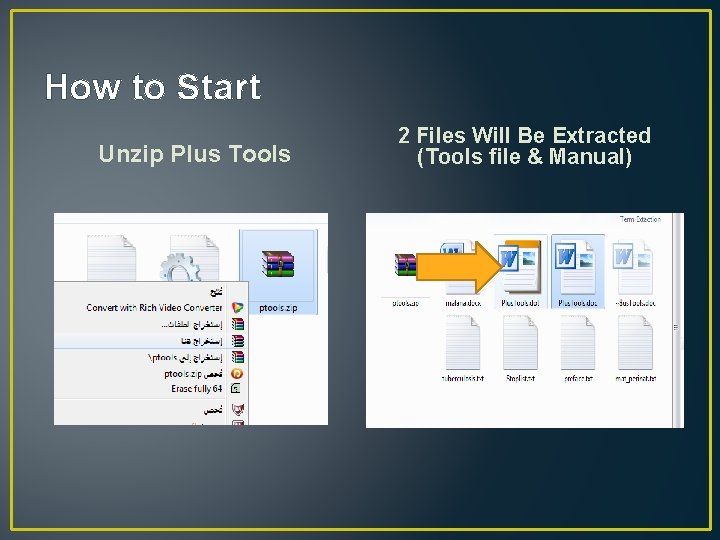
How to Start Unzip Plus Tools 2 Files Will Be Extracted (Tools file & Manual)
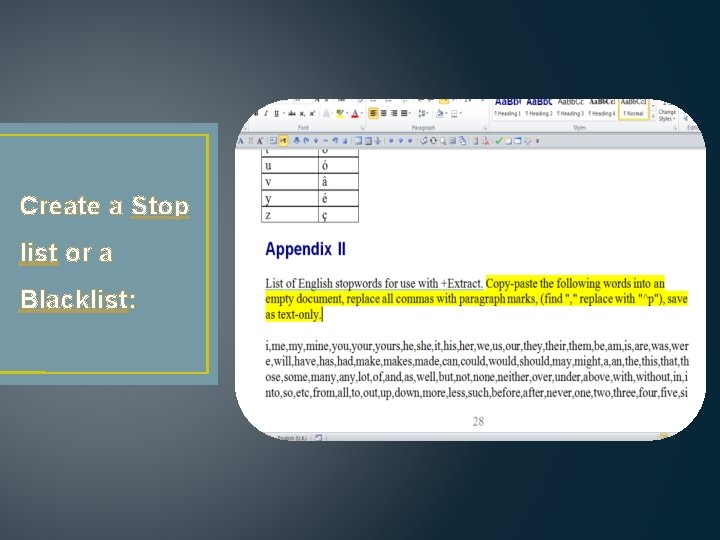
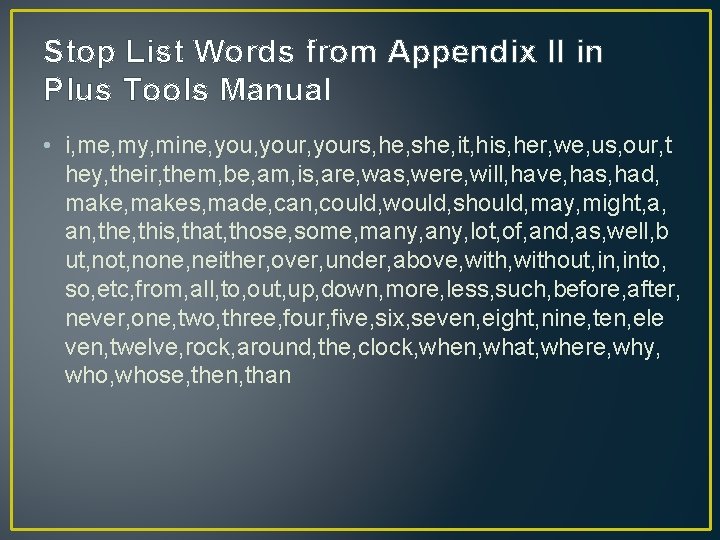
Create a Stop list or a Blacklist:
Stop List Words from Appendix II in Plus Tools Manual • i, me, my, mine, your, yours, he, she, it, his, her, we, us, our, t hey, their, them, be, am, is, are, was, were, will, have, has, had, makes, made, can, could, would, should, may, might, a, an, the, this, that, those, some, many, lot, of, and, as, well, b ut, none, neither, over, under, above, without, into, so, etc, from, all, to, out, up, down, more, less, such, before, after, never, one, two, three, four, five, six, seven, eight, nine, ten, ele ven, twelve, rock, around, the, clock, when, what, where, why, whose, then, than
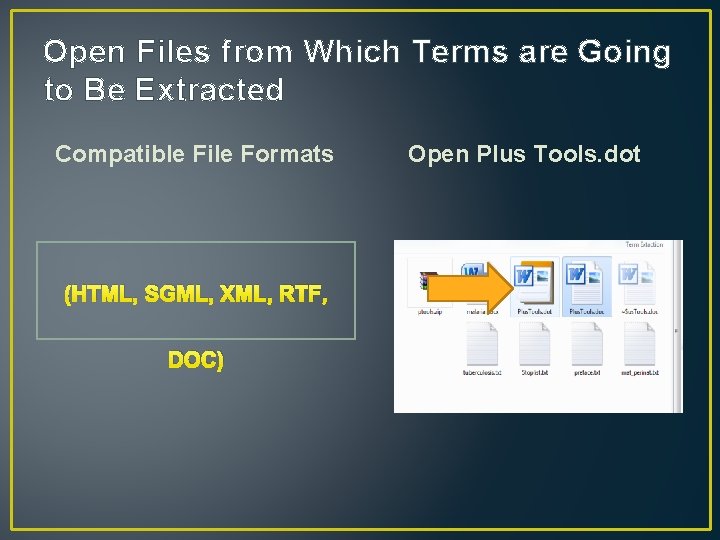
Open Files from Which Terms are Going to Be Extracted Compatible File Formats (HTML, SGML, XML, RTF, DOC) Open Plus Tools. dot
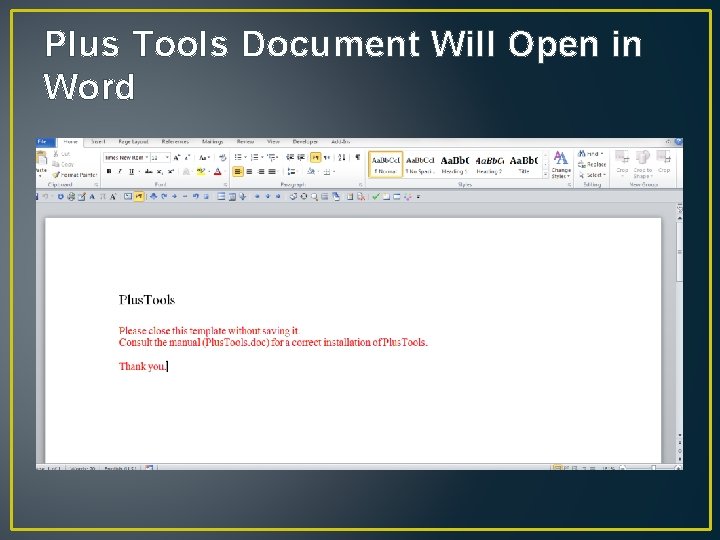
Plus Tools Document Will Open in Word
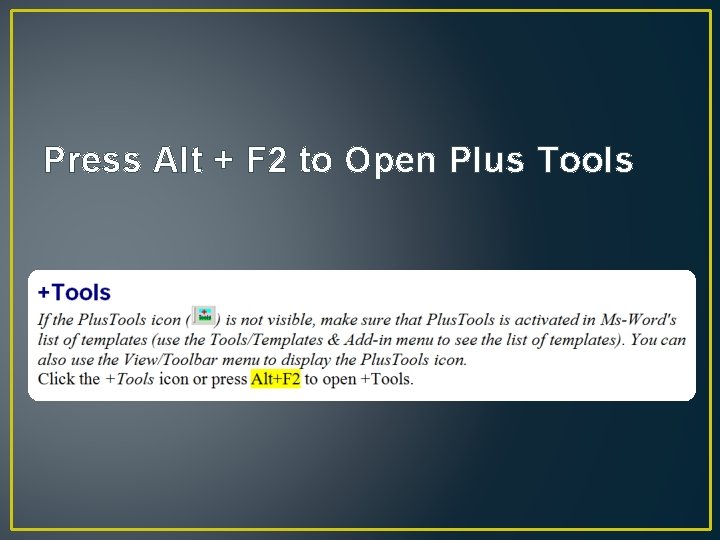
Press Alt + F 2 to Open Plus Tools
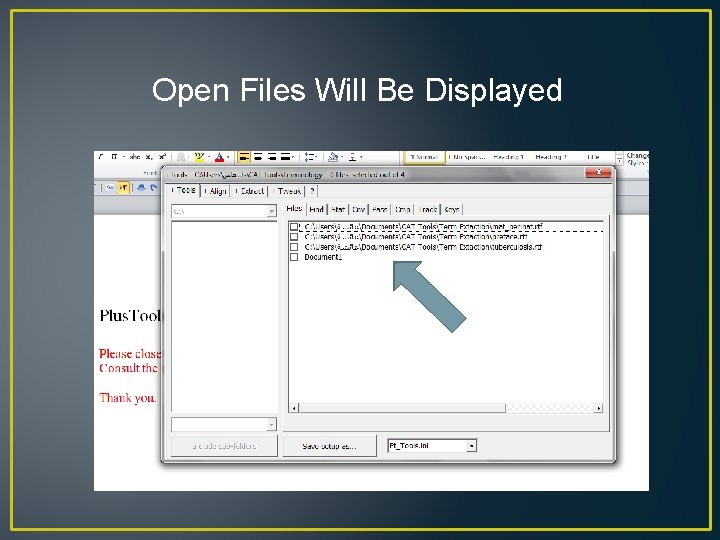
Open Files Will Be Displayed
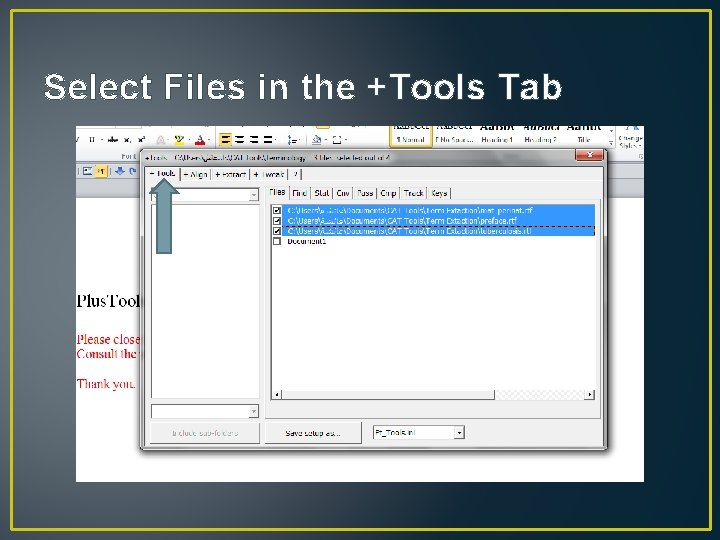
Select Files in the +Tools Tab
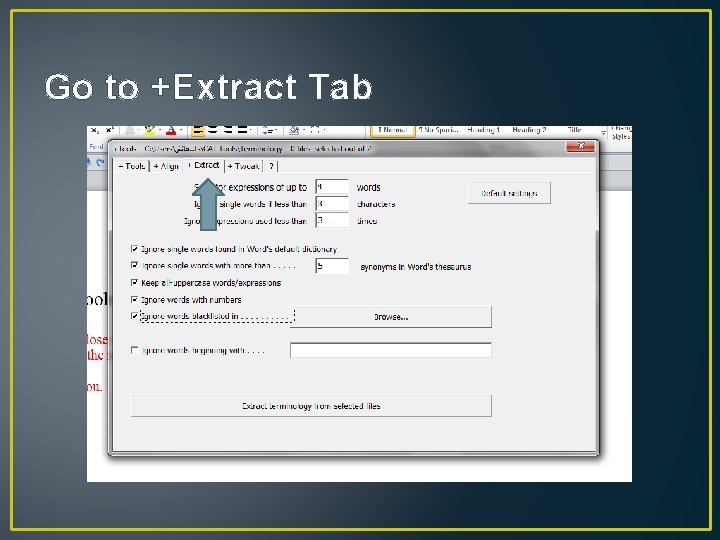
Go to +Extract Tab
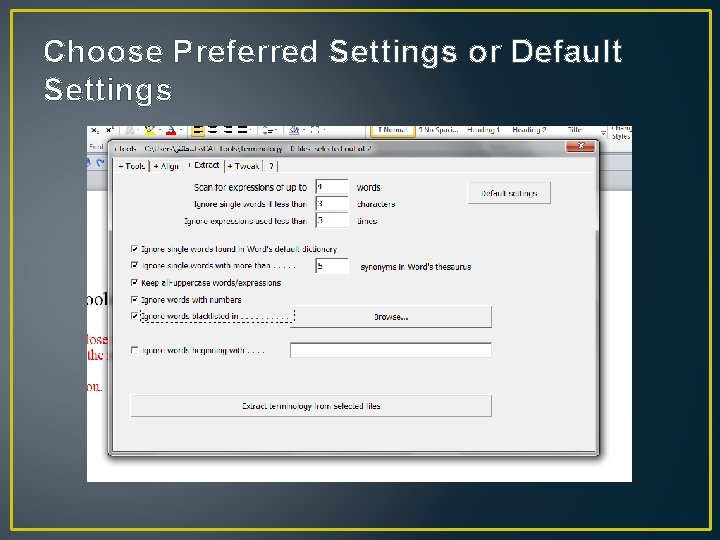
Choose Preferred Settings or Default Settings
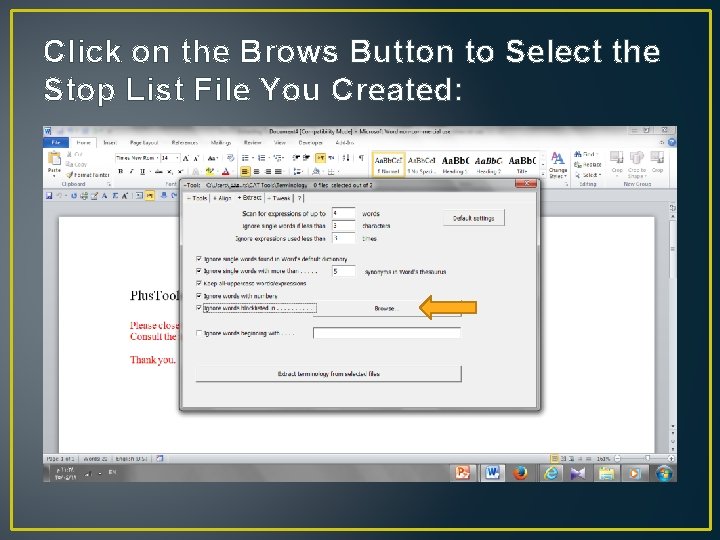
Click on the Brows Button to Select the Stop List File You Created:
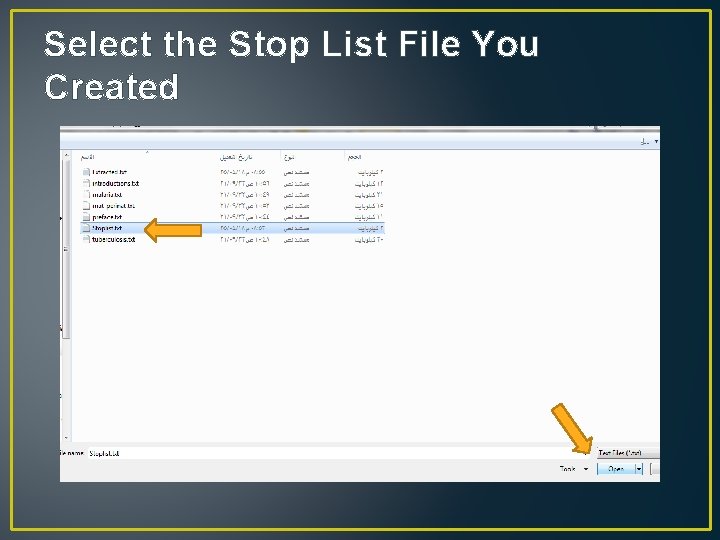
Select the Stop List File You Created
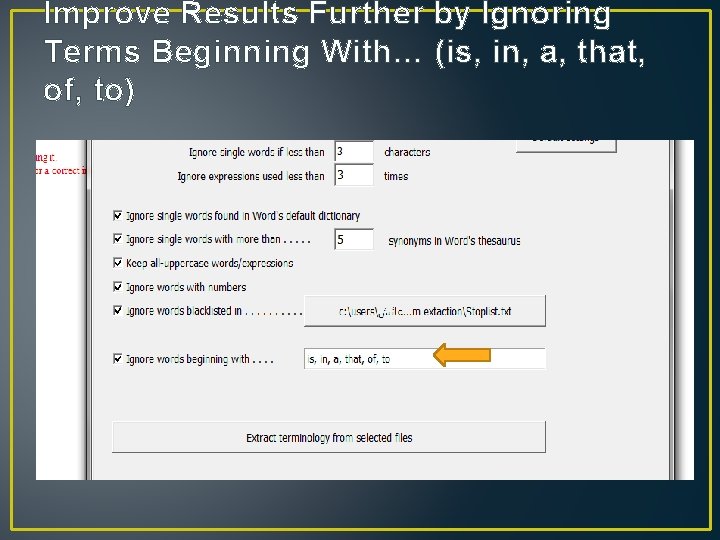
Improve Results Further by Ignoring Terms Beginning With… (is, in, a, that, of, to)
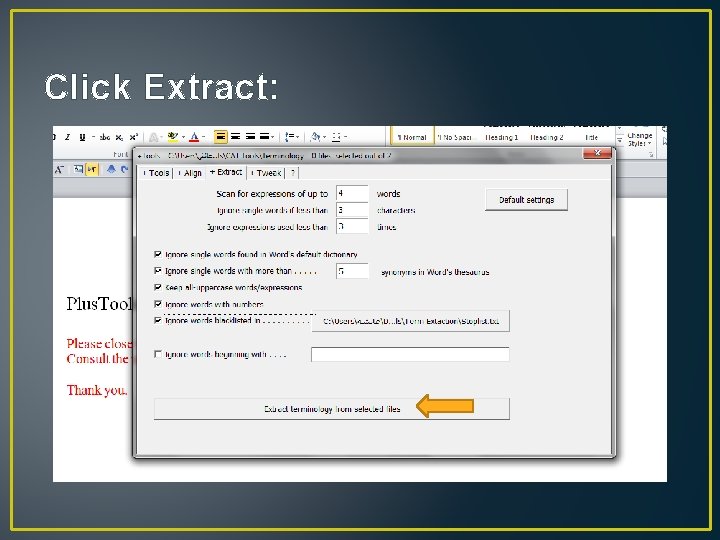
Click Extract:
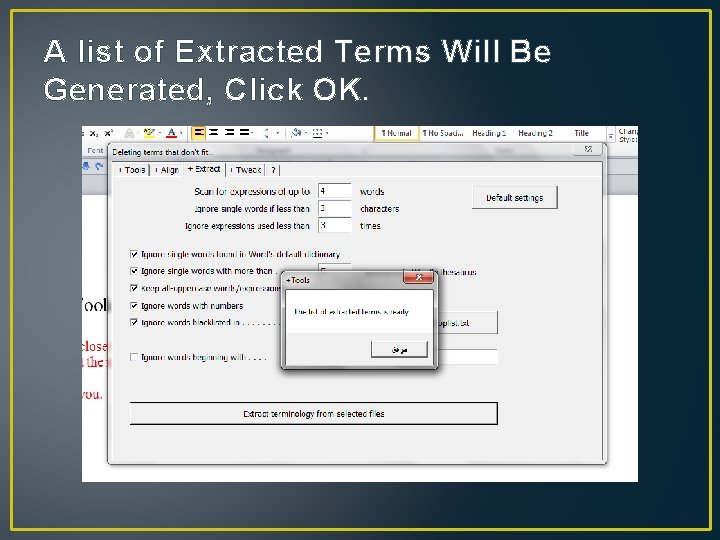
A list of Extracted Terms Will Be Generated, Click OK.
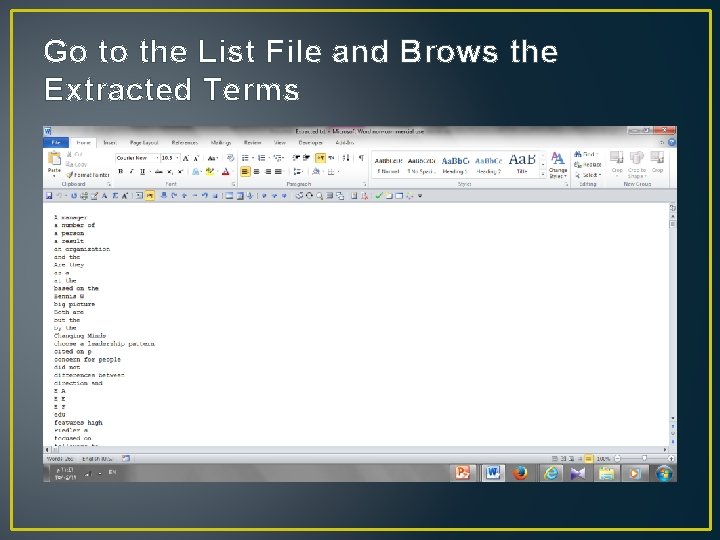
Go to the List File and Brows the Extracted Terms
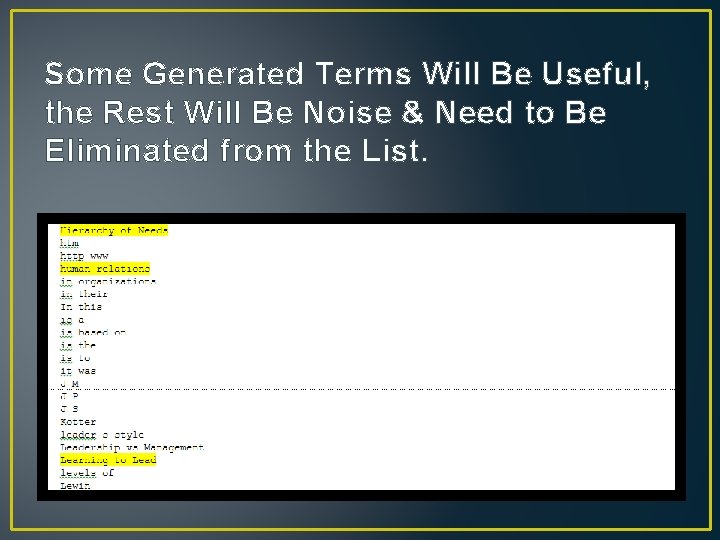
Some Generated Terms Will Be Useful, the Rest Will Be Noise & Need to Be Eliminated from the List.
Homework v Use the Files Provided By Your Instructor (Tuberculosis) to Create a Glossary of Terms. v Print your answers and give them in a “hardcopy” to your instructor by next class. v Write your full name, ID number, and section. v Late assignments not accepted.
Thank You