
Extend Your Web Server Whats New in IIS


Extend Your Web Server: What's New in IIS and the Microsoft Web Platform David Lowe Group Product Manager Microsoft Corporation
Agenda IIS and the Microsoft Web Platform IIS 7. 5 Enhancements in R 2 IIS and ASP. NET on Server Core in R 2 Remotely Managing IIS in R 2 IIS Extensions for Development and Deployment

The Microsoft Web Platform is the software of choice when building web solutions or applications for your business, large or small. Whether you’re looking to create your company’s global web presence, building applications for your small business, or just getting started on the web, Microsoft has the solutions for you. Trusted by Fortune 500’s, used by millions of individuals. Built to work with YOU in mind
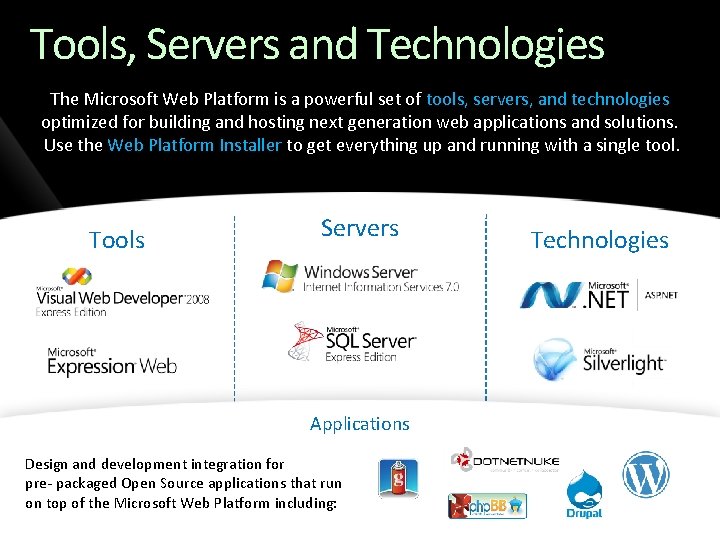
Tools, Servers and Technologies The Microsoft Web Platform is a powerful set of tools, servers, and technologies optimized for building and hosting next generation web applications and solutions. Use the Web Platform Installer to get everything up and running with a single tool. Tools Servers Applications Design and development integration for pre- packaged Open Source applications that run on top of the Microsoft Web Platform including: Technologies
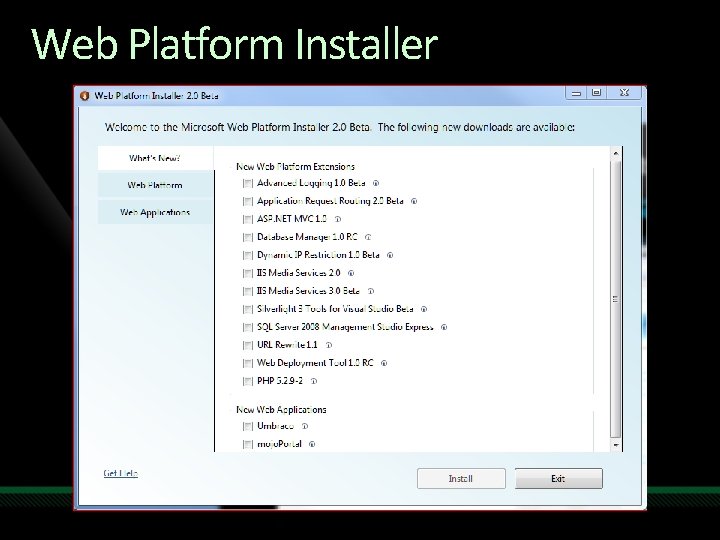
Web Platform Installer
Demo Web Platform Installer V 2. 0
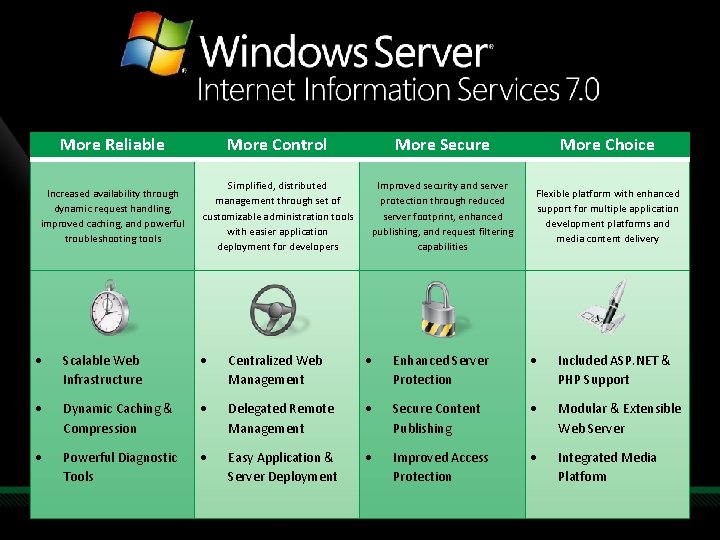
More Reliable More Control More Secure More Choice Increased availability through dynamic request handling, improved caching, and powerful troubleshooting tools Simplified, distributed management through set of customizable administration tools with easier application deployment for developers Improved security and server protection through reduced server footprint, enhanced publishing, and request filtering capabilities Flexible platform with enhanced support for multiple application development platforms and media content delivery Scalable Web Infrastructure Centralized Web Management Enhanced Server Protection Included ASP. NET & PHP Support Dynamic Caching & Compression Delegated Remote Management Secure Content Publishing Modular & Extensible Web Server Powerful Diagnostic Tools Easy Application & Server Deployment Improved Access Protection Integrated Media Platform
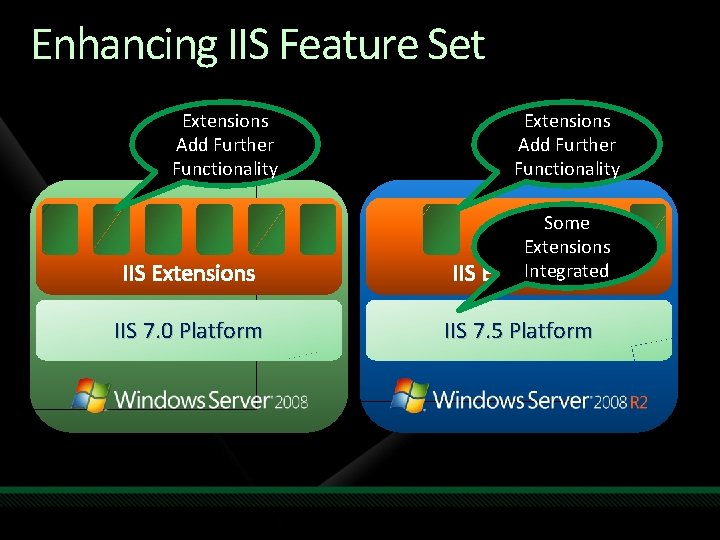
Enhancing IIS Feature Set Extensions Add Further Functionality IIS Extensions IIS 7. 0 Platform Extensions Add Further Functionality Some Extensions Integrated IIS Extensions IIS 7. 5 Platform
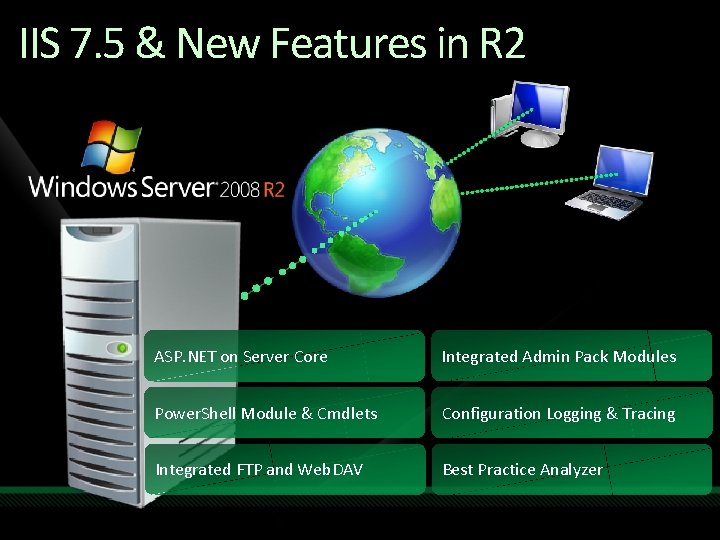
IIS 7. 5 & New Features in R 2 ASP. NET on Server Core Integrated Admin Pack Modules Power. Shell Module & Cmdlets Configuration Logging & Tracing Integrated FTP and Web. DAV Best Practice Analyzer
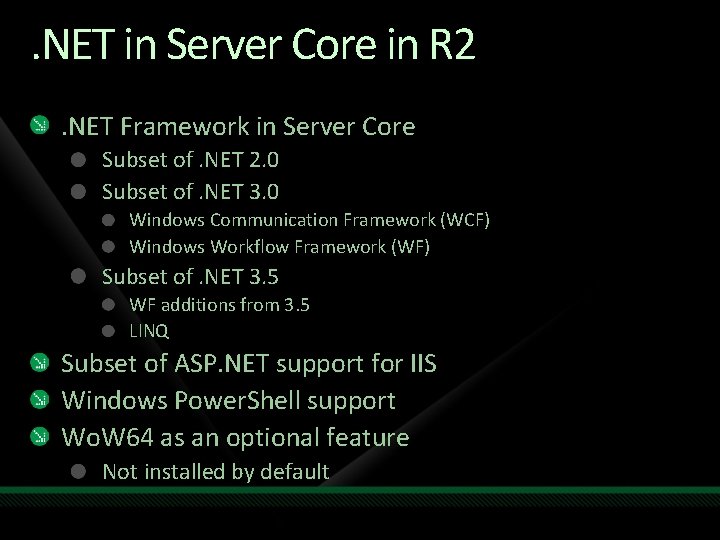
. NET in Server Core in R 2. NET Framework in Server Core Subset of. NET 2. 0 Subset of. NET 3. 0 Windows Communication Framework (WCF) Windows Workflow Framework (WF) Subset of. NET 3. 5 WF additions from 3. 5 LINQ Subset of ASP. NET support for IIS Windows Power. Shell support Wo. W 64 as an optional feature Not installed by default
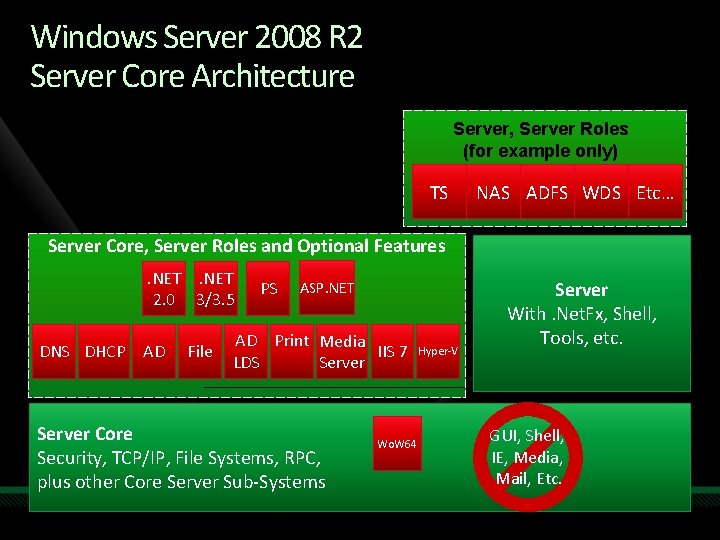
Windows Server 2008 R 2 Server Core Architecture Server, Server Roles (for example only) TS NAS ADFS WDS Etc… Server Core, Server Roles and Optional Features. NET 2. 0 3/3. 5 DNS DHCP AD File PS ASP. NET AD Print Media IIS 7 LDS Server Core Security, TCP/IP, File Systems, RPC, plus other Core Server Sub-Systems Wo. W 64 Hyper-V Server With. Net. Fx, Shell, Tools, etc. GUI, Shell, IE, Media, Mail, Etc.
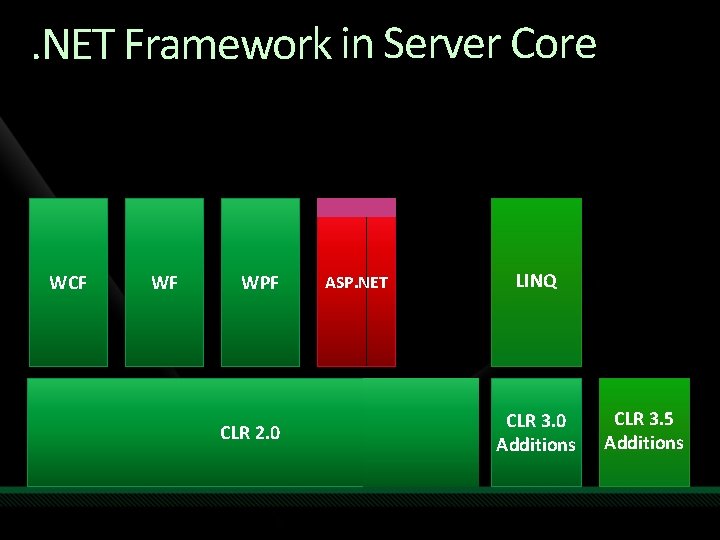
. NET Framework in Server Core WCF WF WPF CLR 2. 0 ASP. NET LINQ CLR 3. 0 Additions CLR 3. 5 Additions
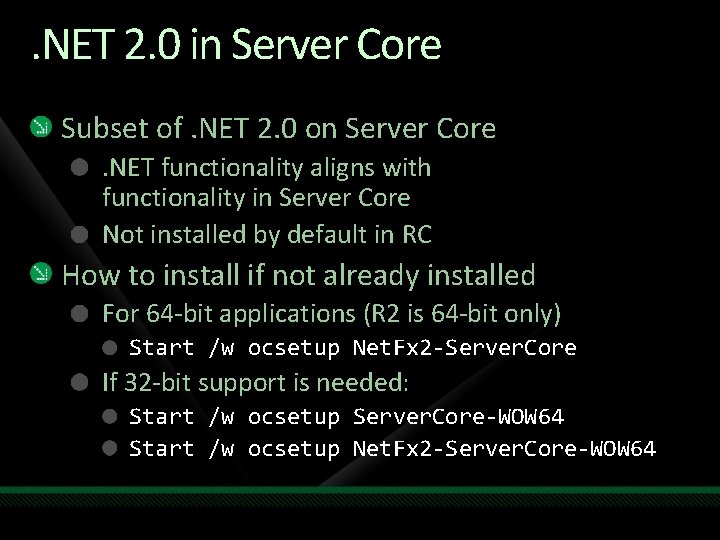
. NET 2. 0 in Server Core Subset of. NET 2. 0 on Server Core. NET functionality aligns with functionality in Server Core Not installed by default in RC How to install if not already installed For 64 -bit applications (R 2 is 64 -bit only) Start /w ocsetup Net. Fx 2 -Server. Core If 32 -bit support is needed: Start /w ocsetup Server. Core-WOW 64 Start /w ocsetup Net. Fx 2 -Server. Core-WOW 64
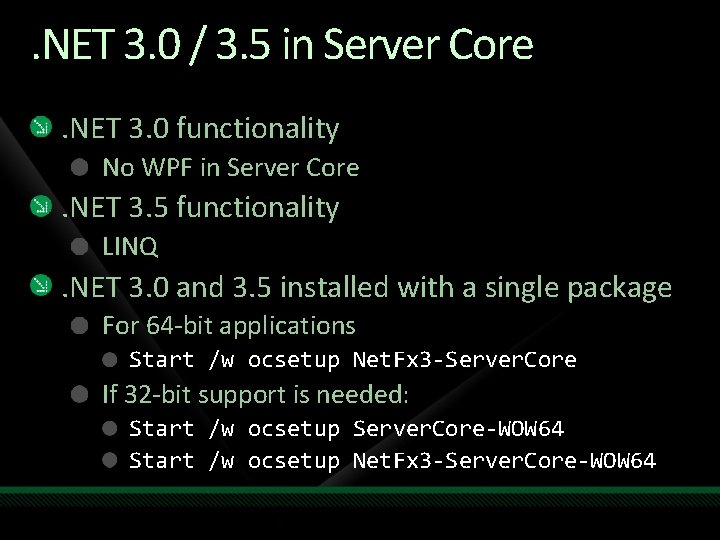
. NET 3. 0 / 3. 5 in Server Core. NET 3. 0 functionality No WPF in Server Core . NET 3. 5 functionality LINQ . NET 3. 0 and 3. 5 installed with a single package For 64 -bit applications Start /w ocsetup Net. Fx 3 -Server. Core If 32 -bit support is needed: Start /w ocsetup Server. Core-WOW 64 Start /w ocsetup Net. Fx 3 -Server. Core-WOW 64
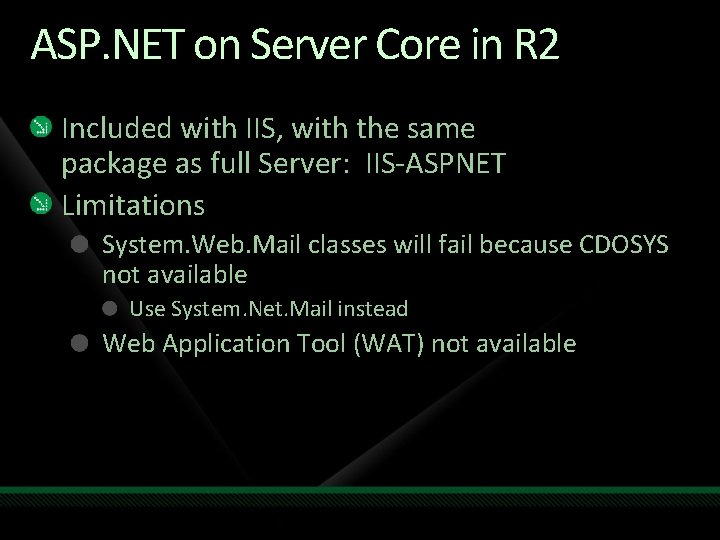
ASP. NET on Server Core in R 2 Included with IIS, with the same package as full Server: IIS-ASPNET Limitations System. Web. Mail classes will fail because CDOSYS not available Use System. Net. Mail instead Web Application Tool (WAT) not available
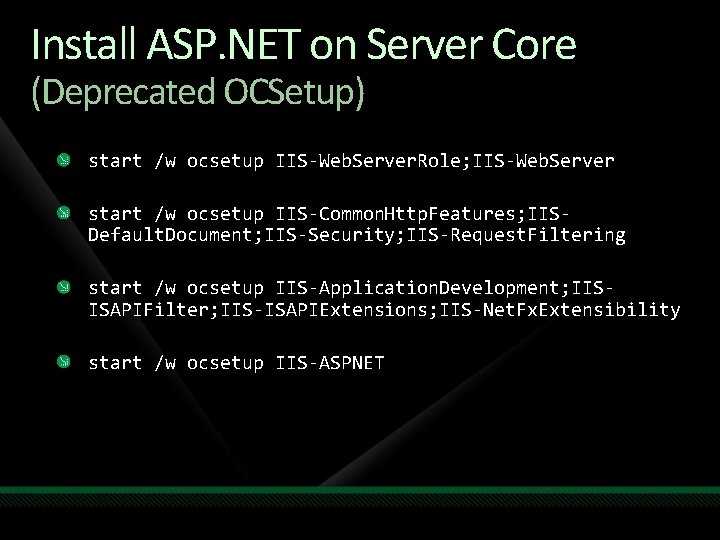
Install ASP. NET on Server Core (Deprecated OCSetup) start /w ocsetup IIS-Web. Server. Role; IIS-Web. Server start /w ocsetup IIS-Common. Http. Features; IISDefault. Document; IIS-Security; IIS-Request. Filtering start /w ocsetup IIS-Application. Development; IISISAPIFilter; IIS-ISAPIExtensions; IIS-Net. Fx. Extensibility start /w ocsetup IIS-ASPNET
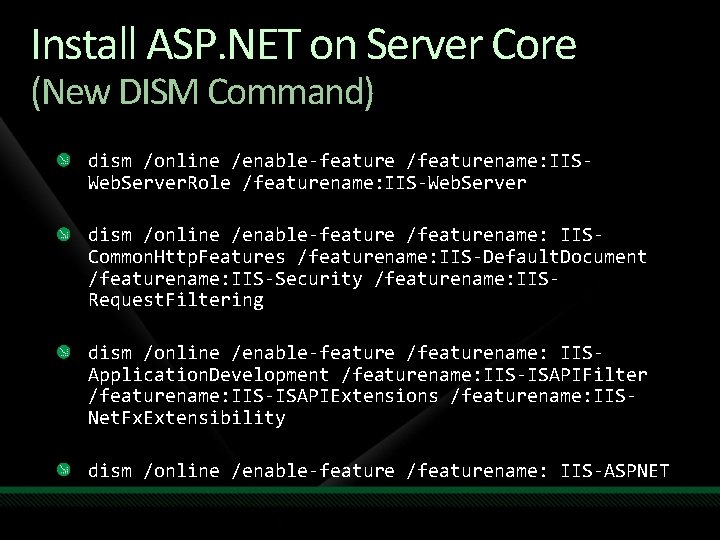
Install ASP. NET on Server Core (New DISM Command) dism /online /enable-feature /featurename: IISWeb. Server. Role /featurename: IIS-Web. Server dism /online /enable-feature /featurename: IISCommon. Http. Features /featurename: IIS-Default. Document /featurename: IIS-Security /featurename: IISRequest. Filtering dism /online /enable-feature /featurename: IISApplication. Development /featurename: IIS-ISAPIFilter /featurename: IIS-ISAPIExtensions /featurename: IISNet. Fx. Extensibility dism /online /enable-feature /featurename: IIS-ASPNET
Demo ASP. NET on Server Core
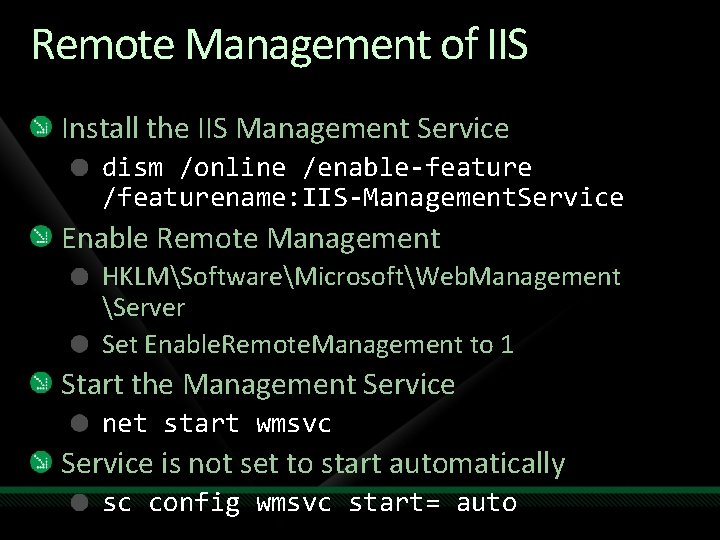
Remote Management of IIS Install the IIS Management Service dism /online /enable-feature /featurename: IIS-Management. Service Enable Remote Management HKLMSoftwareMicrosoftWeb. Management Server Set Enable. Remote. Management to 1 Start the Management Service net start wmsvc Service is not set to start automatically sc config wmsvc start= auto
Demo Remote Management of Server Core
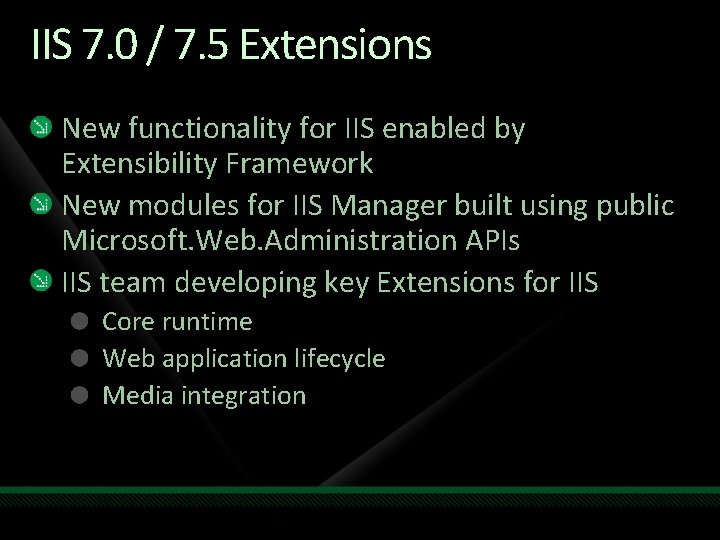
IIS 7. 0 / 7. 5 Extensions New functionality for IIS enabled by Extensibility Framework New modules for IIS Manager built using public Microsoft. Web. Administration APIs IIS team developing key Extensions for IIS Core runtime Web application lifecycle Media integration
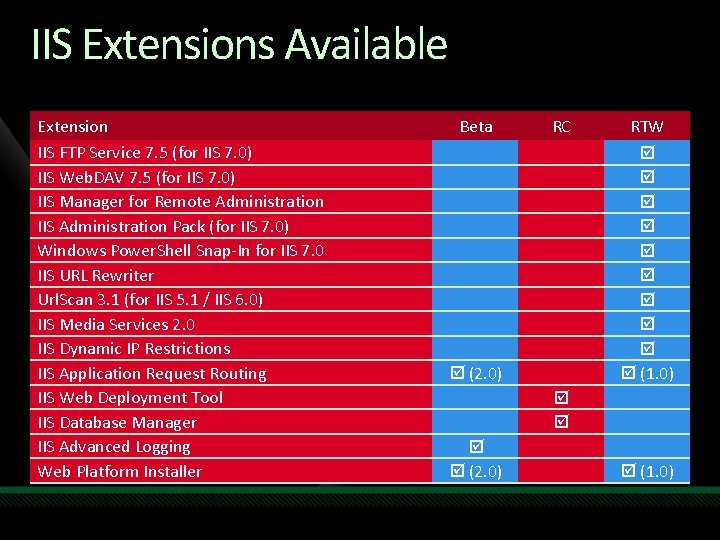
IIS Extensions Available Extension IIS FTP Service 7. 5 (for IIS 7. 0) IIS Web. DAV 7. 5 (for IIS 7. 0) IIS Manager for Remote Administration IIS Administration Pack (for IIS 7. 0) Windows Power. Shell Snap-In for IIS 7. 0 IIS URL Rewriter Url. Scan 3. 1 (for IIS 5. 1 / IIS 6. 0) IIS Media Services 2. 0 IIS Dynamic IP Restrictions IIS Application Request Routing IIS Web Deployment Tool IIS Database Manager IIS Advanced Logging Web Platform Installer Beta RC RTW (1. 0) (2. 0) (1. 0)
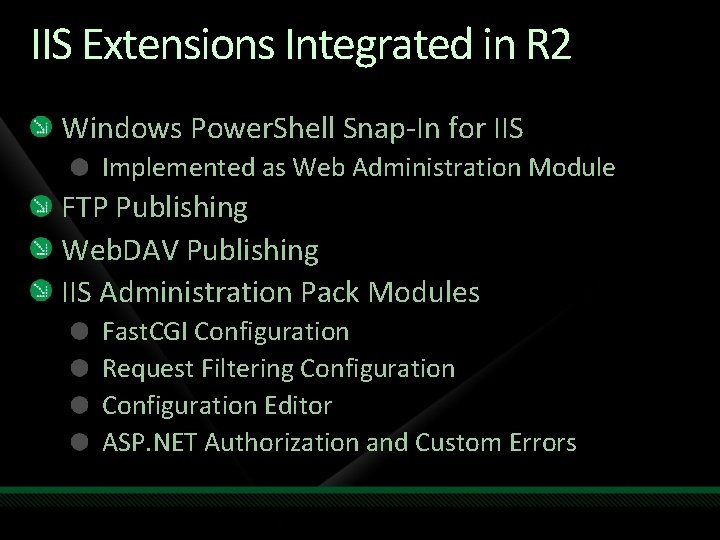
IIS Extensions Integrated in R 2 Windows Power. Shell Snap-In for IIS Implemented as Web Administration Module FTP Publishing Web. DAV Publishing IIS Administration Pack Modules Fast. CGI Configuration Request Filtering Configuration Editor ASP. NET Authorization and Custom Errors
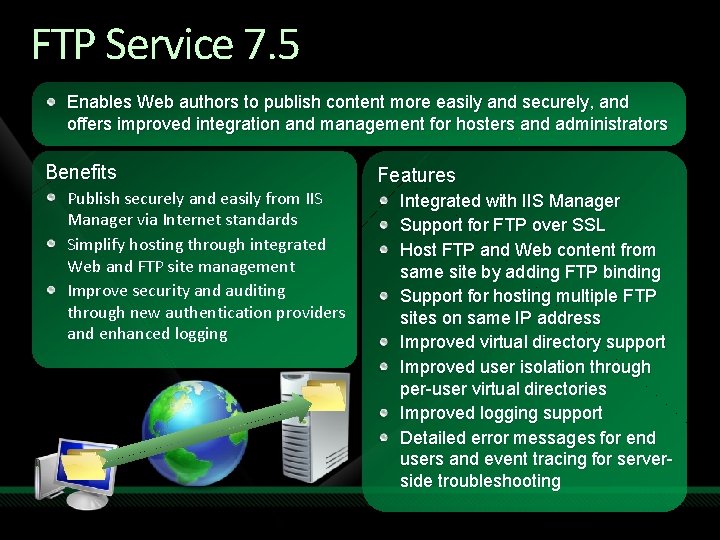
FTP Service 7. 5 Enables Web authors to publish content more easily and securely, and offers improved integration and management for hosters and administrators Benefits Publish securely and easily from IIS Manager via Internet standards Simplify hosting through integrated Web and FTP site management Improve security and auditing through new authentication providers and enhanced logging Features Integrated with IIS Manager Support for FTP over SSL Host FTP and Web content from same site by adding FTP binding Support for hosting multiple FTP sites on same IP address Improved virtual directory support Improved user isolation through per-user virtual directories Improved logging support Detailed error messages for end users and event tracing for serverside troubleshooting
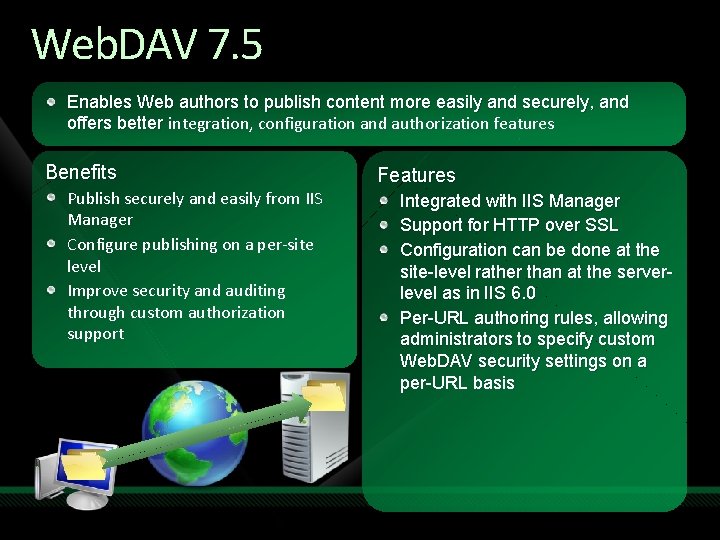
Web. DAV 7. 5 Enables Web authors to publish content more easily and securely, and offers better integration, configuration and authorization features Benefits Publish securely and easily from IIS Manager Configure publishing on a per-site level Improve security and auditing through custom authorization support Features Integrated with IIS Manager Support for HTTP over SSL Configuration can be done at the site-level rather than at the serverlevel as in IIS 6. 0 Per-URL authoring rules, allowing administrators to specify custom Web. DAV security settings on a per-URL basis
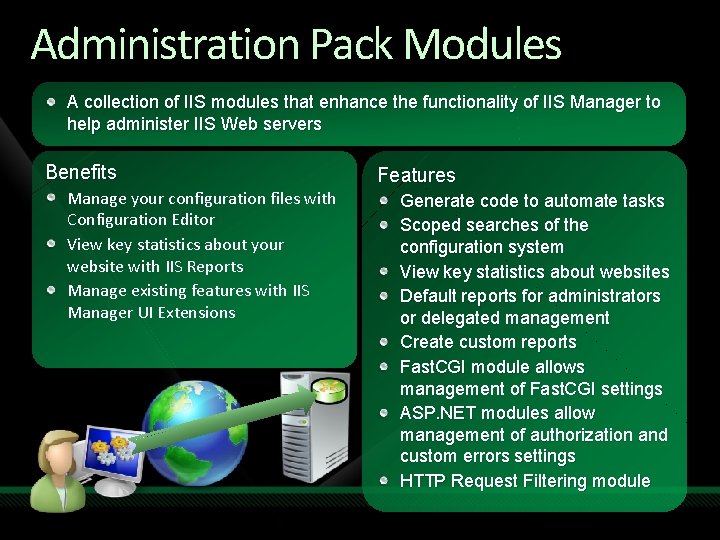
Administration Pack Modules A collection of IIS modules that enhance the functionality of IIS Manager to help administer IIS Web servers Benefits Manage your configuration files with Configuration Editor View key statistics about your website with IIS Reports Manage existing features with IIS Manager UI Extensions Features Generate code to automate tasks Scoped searches of the configuration system View key statistics about websites Default reports for administrators or delegated management Create custom reports Fast. CGI module allows management of Fast. CGI settings ASP. NET modules allow management of authorization and custom errors settings HTTP Request Filtering module
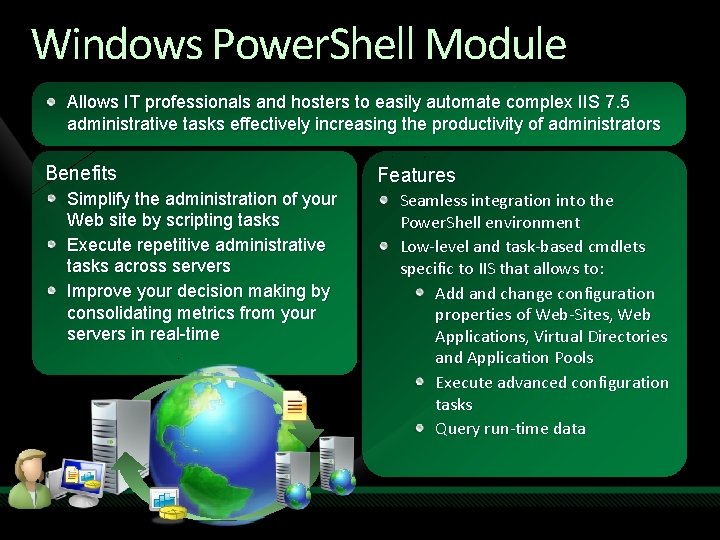
Windows Power. Shell Module Allows IT professionals and hosters to easily automate complex IIS 7. 5 administrative tasks effectively increasing the productivity of administrators Benefits Simplify the administration of your Web site by scripting tasks Execute repetitive administrative tasks across servers Improve your decision making by consolidating metrics from your servers in real-time Features Seamless integration into the Power. Shell environment Low-level and task-based cmdlets specific to IIS that allows to: Add and change configuration properties of Web-Sites, Web Applications, Virtual Directories and Application Pools Execute advanced configuration tasks Query run-time data
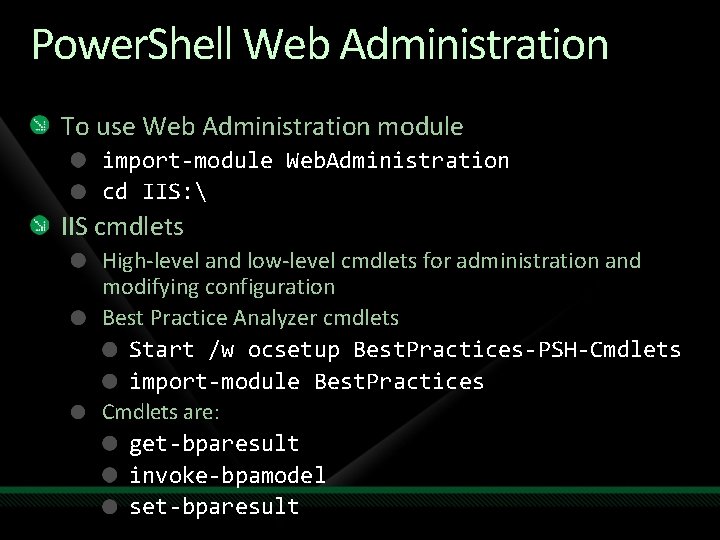
Power. Shell Web Administration To use Web Administration module import-module Web. Administration cd IIS: IIS cmdlets High-level and low-level cmdlets for administration and modifying configuration Best Practice Analyzer cmdlets Start /w ocsetup Best. Practices-PSH-Cmdlets import-module Best. Practices Cmdlets are: get-bparesult invoke-bpamodel set-bparesult
Demo Windows Power. Shell Web Administration on Server Core
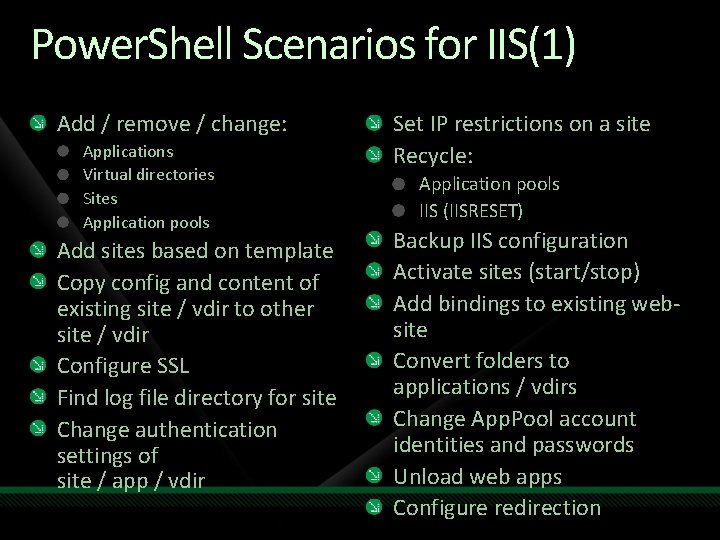
Power. Shell Scenarios for IIS(1) Add / remove / change: Applications Virtual directories Sites Application pools Add sites based on template Copy config and content of existing site / vdir to other site / vdir Configure SSL Find log file directory for site Change authentication settings of site / app / vdir Set IP restrictions on a site Recycle: Application pools IIS (IISRESET) Backup IIS configuration Activate sites (start/stop) Add bindings to existing website Convert folders to applications / vdirs Change App. Pool account identities and passwords Unload web apps Configure redirection
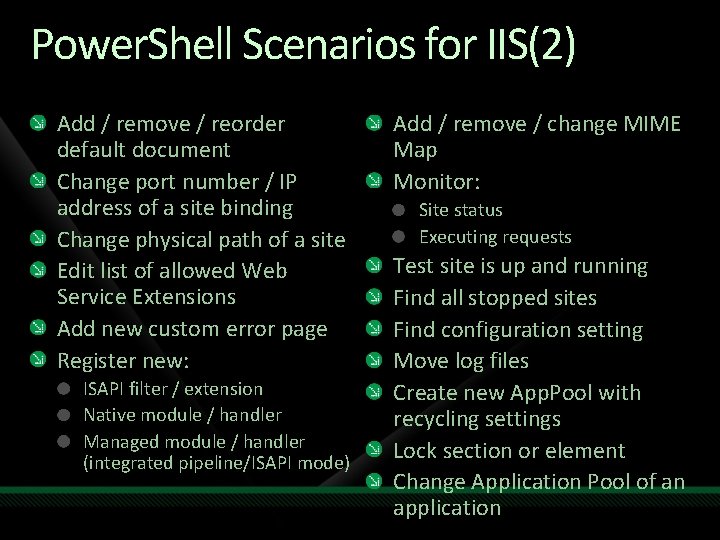
Power. Shell Scenarios for IIS(2) Add / remove / reorder default document Change port number / IP address of a site binding Change physical path of a site Edit list of allowed Web Service Extensions Add new custom error page Register new: ISAPI filter / extension Native module / handler Managed module / handler (integrated pipeline/ISAPI mode) Add / remove / change MIME Map Monitor: Site status Executing requests Test site is up and running Find all stopped sites Find configuration setting Move log files Create new App. Pool with recycling settings Lock section or element Change Application Pool of an application
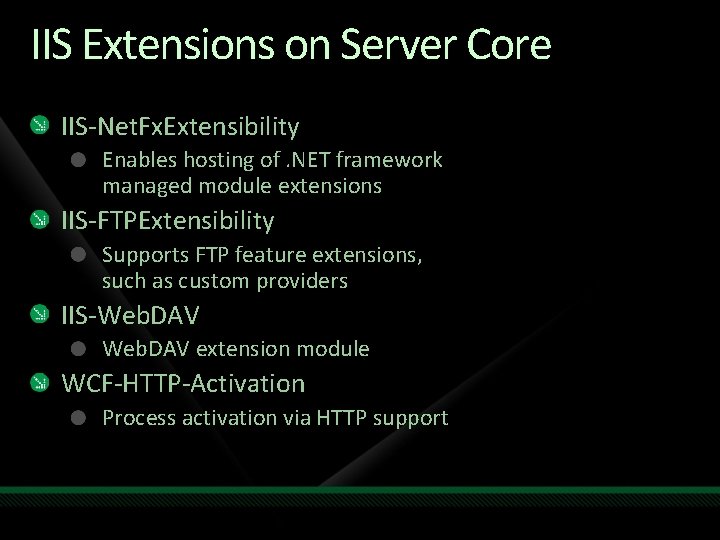
IIS Extensions on Server Core IIS-Net. Fx. Extensibility Enables hosting of. NET framework managed module extensions IIS-FTPExtensibility Supports FTP feature extensions, such as custom providers IIS-Web. DAV extension module WCF-HTTP-Activation Process activation via HTTP support
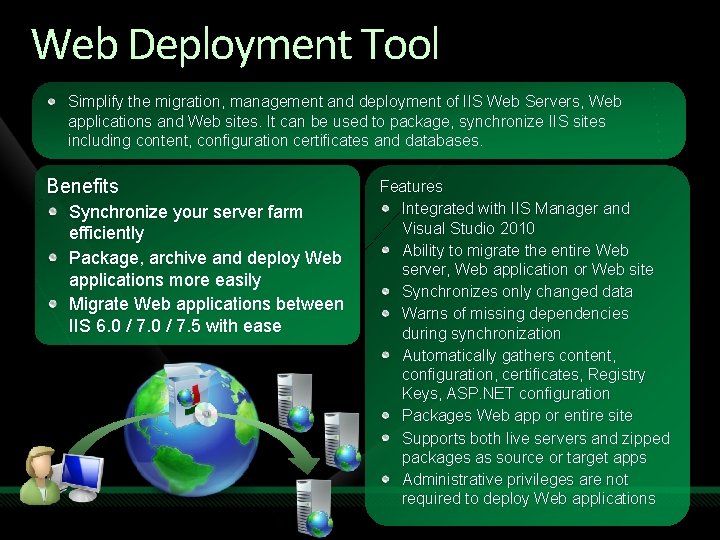
Web Deployment Tool Simplify the migration, management and deployment of IIS Web Servers, Web applications and Web sites. It can be used to package, synchronize IIS sites including content, configuration certificates and databases. Benefits Synchronize your server farm efficiently Package, archive and deploy Web applications more easily Migrate Web applications between IIS 6. 0 / 7. 5 with ease Features Integrated with IIS Manager and Visual Studio 2010 Ability to migrate the entire Web server, Web application or Web site Synchronizes only changed data Warns of missing dependencies during synchronization Automatically gathers content, configuration, certificates, Registry Keys, ASP. NET configuration Packages Web app or entire site Supports both live servers and zipped packages as source or target apps Administrative privileges are not required to deploy Web applications
demo Web Deployment Tool
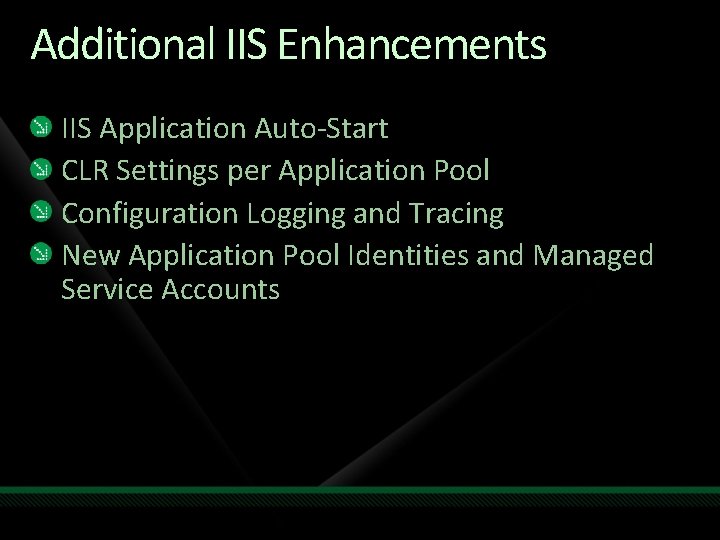
Additional IIS Enhancements IIS Application Auto-Start CLR Settings per Application Pool Configuration Logging and Tracing New Application Pool Identities and Managed Service Accounts
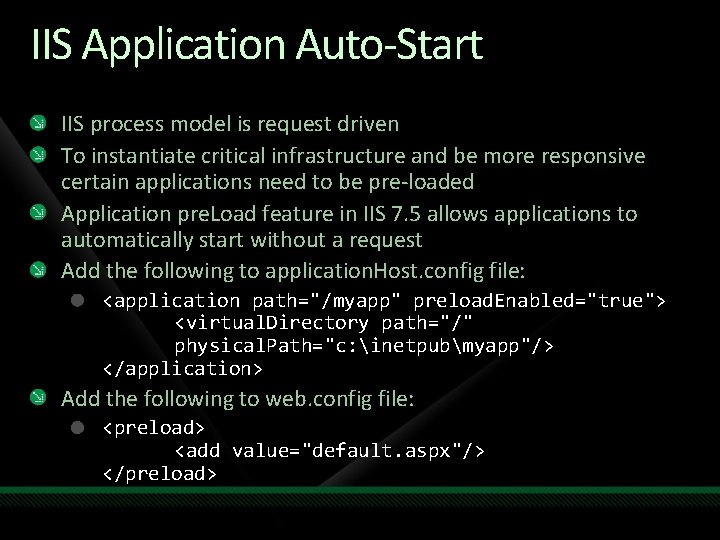
IIS Application Auto-Start IIS process model is request driven To instantiate critical infrastructure and be more responsive certain applications need to be pre-loaded Application pre. Load feature in IIS 7. 5 allows applications to automatically start without a request Add the following to application. Host. config file: <application path="/myapp" preload. Enabled="true"> <virtual. Directory path="/" physical. Path="c: inetpubmyapp"/> </application> Add the following to web. config file: <preload> <add value="default. aspx"/> </preload>
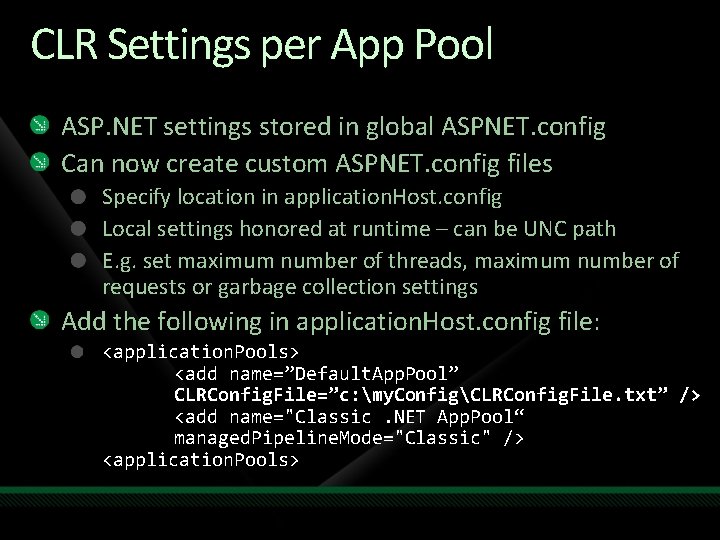
CLR Settings per App Pool ASP. NET settings stored in global ASPNET. config Can now create custom ASPNET. config files Specify location in application. Host. config Local settings honored at runtime – can be UNC path E. g. set maximum number of threads, maximum number of requests or garbage collection settings Add the following in application. Host. config file: <application. Pools> <add name=”Default. App. Pool” CLRConfig. File=”c: my. ConfigCLRConfig. File. txt” /> <add name="Classic. NET App. Pool“ managed. Pipeline. Mode="Classic" /> <application. Pools>
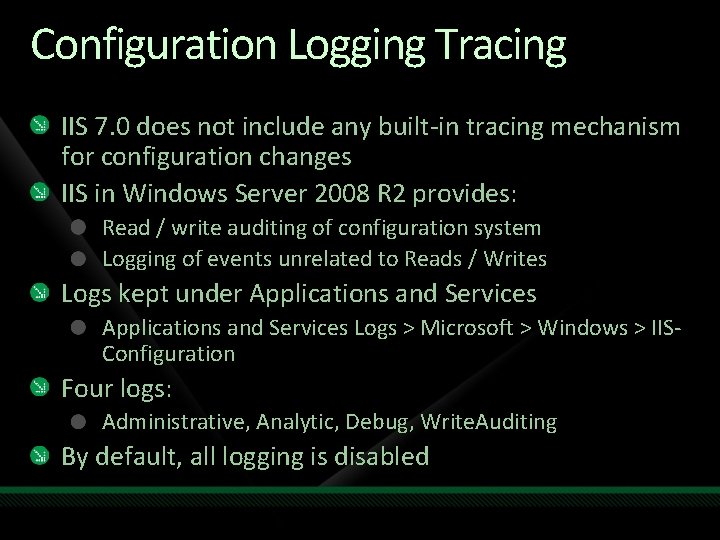
Configuration Logging Tracing IIS 7. 0 does not include any built-in tracing mechanism for configuration changes IIS in Windows Server 2008 R 2 provides: Read / write auditing of configuration system Logging of events unrelated to Reads / Writes Logs kept under Applications and Services Logs > Microsoft > Windows > IISConfiguration Four logs: Administrative, Analytic, Debug, Write. Auditing By default, all logging is disabled
Application Pool Identities All application pools run as Network. Service Enables token kidnapping scenarios IIS in R 2 (and backported to IIS 7. 0) will allow use of new “App. Pool” identity IIS in R 2 will also allow domain accounts for running services without management of passwords – Managed Service Accounts Identity type in IIS in R 2 will be set by default to 4 (App Pool Identity) versus 2 (Network Service) – NOT in IIS 7. 0 / WS 08
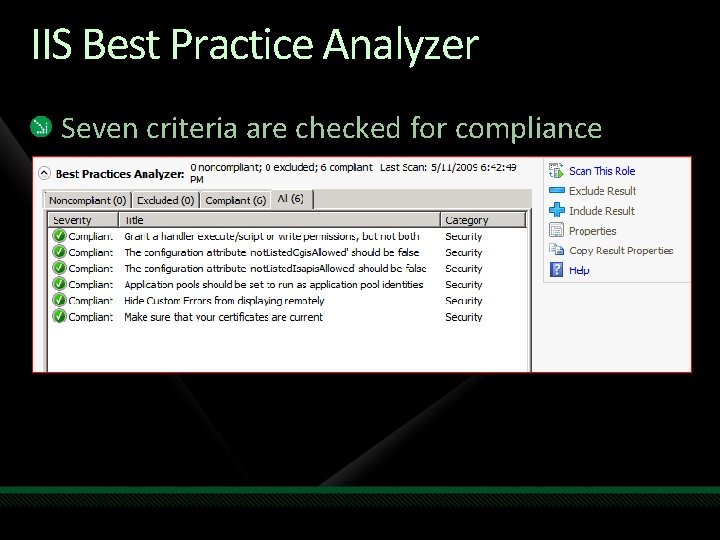
IIS Best Practice Analyzer Seven criteria are checked for compliance 1 -7

demo Best Practices Analyzer
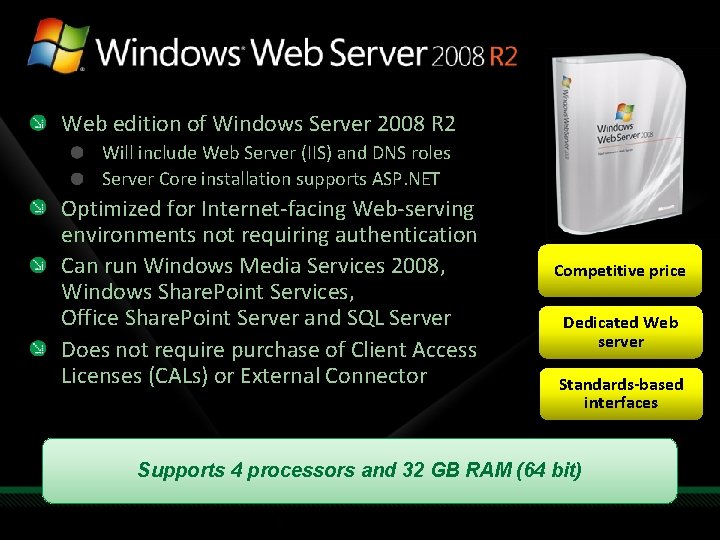
Web edition of Windows Server 2008 R 2 Will include Web Server (IIS) and DNS roles Server Core installation supports ASP. NET Optimized for Internet-facing Web-serving environments not requiring authentication Can run Windows Media Services 2008, Windows Share. Point Services, Office Share. Point Server and SQL Server Does not require purchase of Client Access Licenses (CALs) or External Connector Competitive price Dedicated Web server Standards-based interfaces Supports 4 processors and 32 GB RAM (64 bit)
Summary IIS is enhanced as IIS 7. 5 in R 2 Mostly integration of IIS Extensions. NET on Server Core is biggest change IIS team continues to invest in Extensions
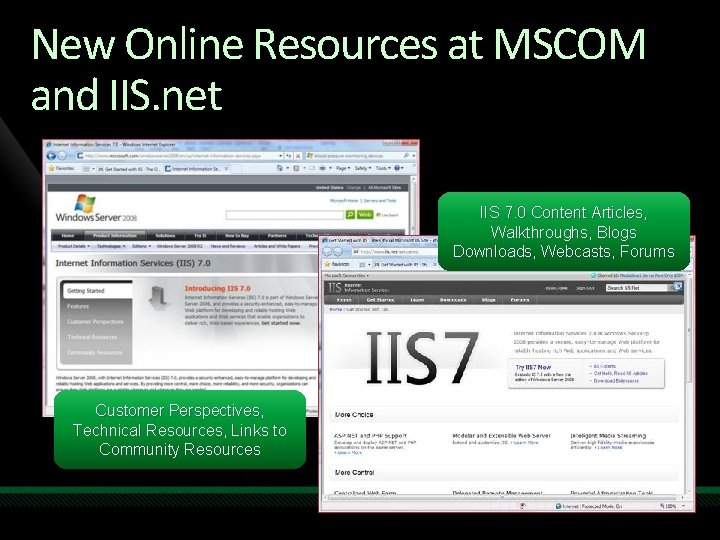
New Online Resources at MSCOM and IIS. net IIS 7. 0 Content Articles, Walkthroughs, Blogs Downloads, Webcasts, Forums Customer Perspectives, Technical Resources, Links to Community Resources

question & answer
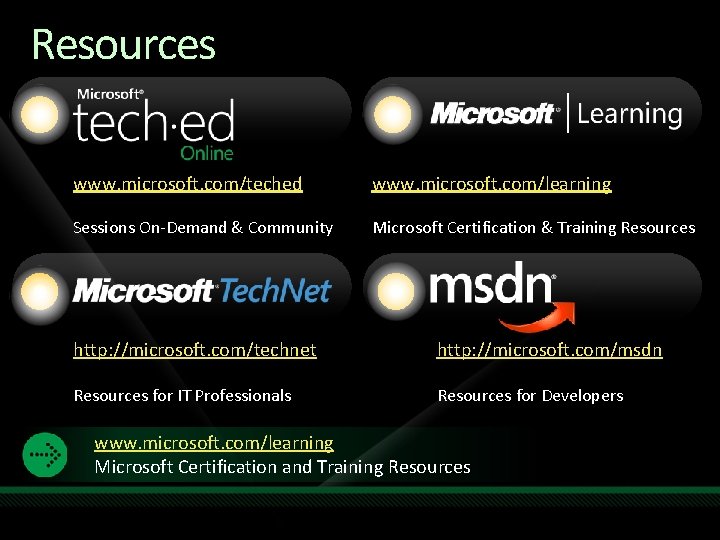
Resources www. microsoft. com/teched www. microsoft. com/learning Sessions On-Demand & Community Microsoft Certification & Training Resources http: //microsoft. com/technet http: //microsoft. com/msdn Resources for IT Professionals Resources for Developers www. microsoft. com/learning Microsoft Certification and Training Resources
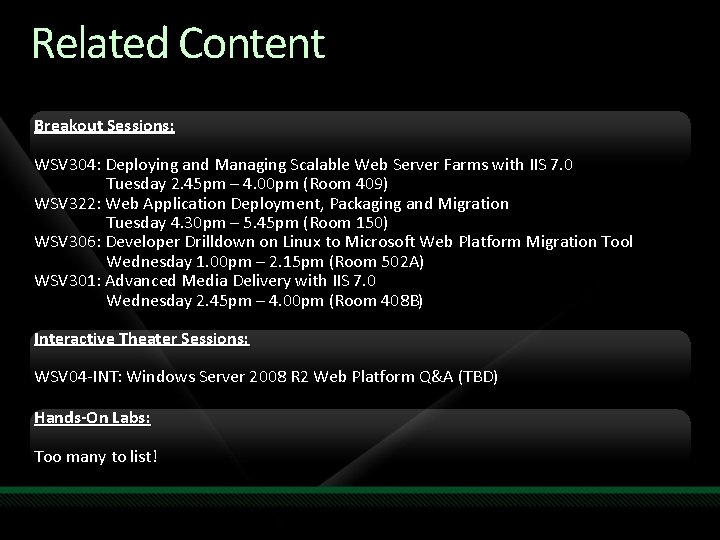
Related Content Breakout Sessions: WSV 304: Deploying and Managing Scalable Web Server Farms with IIS 7. 0 Tuesday 2. 45 pm – 4. 00 pm (Room 409) WSV 322: Web Application Deployment, Packaging and Migration Tuesday 4. 30 pm – 5. 45 pm (Room 150) WSV 306: Developer Drilldown on Linux to Microsoft Web Platform Migration Tool Wednesday 1. 00 pm – 2. 15 pm (Room 502 A) WSV 301: Advanced Media Delivery with IIS 7. 0 Wednesday 2. 45 pm – 4. 00 pm (Room 408 B) Interactive Theater Sessions: WSV 04 -INT: Windows Server 2008 R 2 Web Platform Q&A (TBD) Hands-On Labs: Too many to list!

Complete an evaluation on Comm. Net and enter to win!

© 2009 Microsoft Corporation. All rights reserved. Microsoft, Windows Vista and other product names are or may be registered trademarks and/or trademarks in the U. S. and/or other countries. The information herein is for informational purposes only and represents the current view of Microsoft Corporation as of the date of this presentation. Because Microsoft must respond to changing market conditions, it should not be interpreted to be a commitment on the part of Microsoft, and Microsoft cannot guarantee the accuracy of any information provided after the date of this presentation. MICROSOFT MAKES NO WARRANTIES, EXPRESS, IMPLIED OR STATUTORY, AS TO THE INFORMATION IN THIS PRESENTATION.
- Slides: 50