
Export datamodel from Dynamics AX Export Application Object
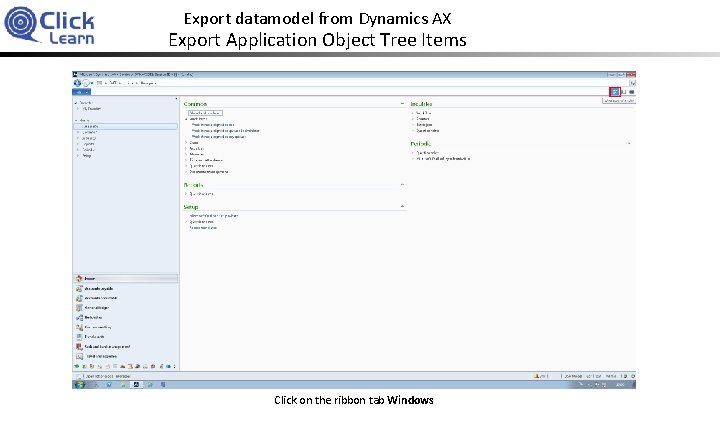
Export datamodel from Dynamics AX Export Application Object Tree Items Click on the ribbon tab Windows
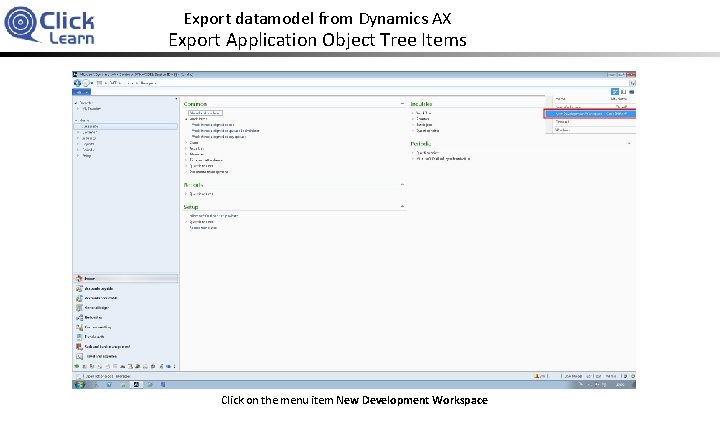
Export datamodel from Dynamics AX Export Application Object Tree Items Click on the menu item New Development Workspace
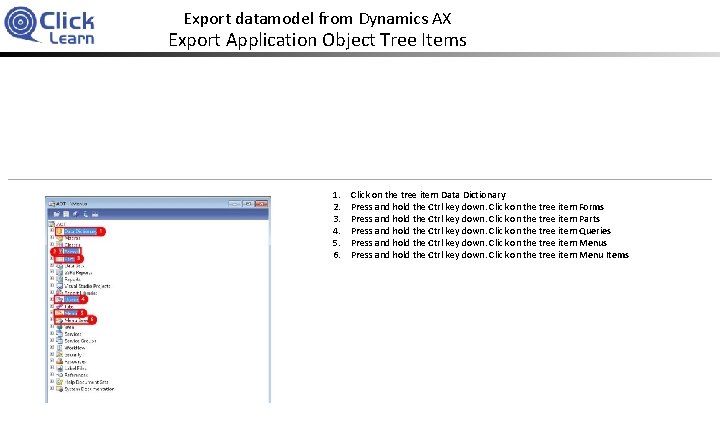
Export datamodel from Dynamics AX Export Application Object Tree Items 1. 2. 3. 4. 5. 6. Click on the tree item Data Dictionary Press and hold the Ctrl key down. Click on the tree item Forms Press and hold the Ctrl key down. Click on the tree item Parts Press and hold the Ctrl key down. Click on the tree item Queries Press and hold the Ctrl key down. Click on the tree item Menu Items
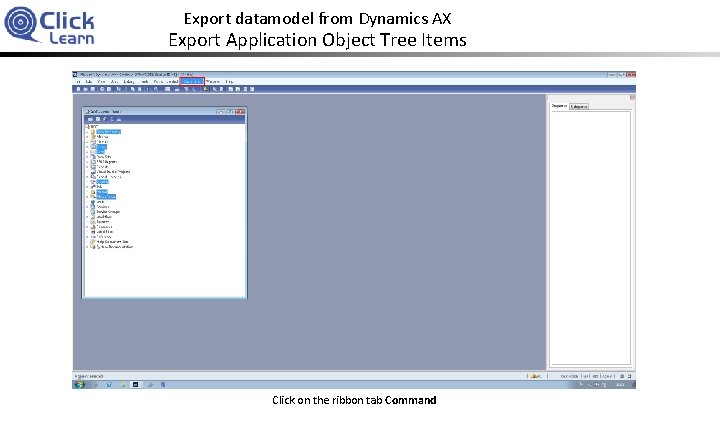
Export datamodel from Dynamics AX Export Application Object Tree Items Click on the ribbon tab Command

Export datamodel from Dynamics AX Export Application Object Tree Items Click on the menu item Export
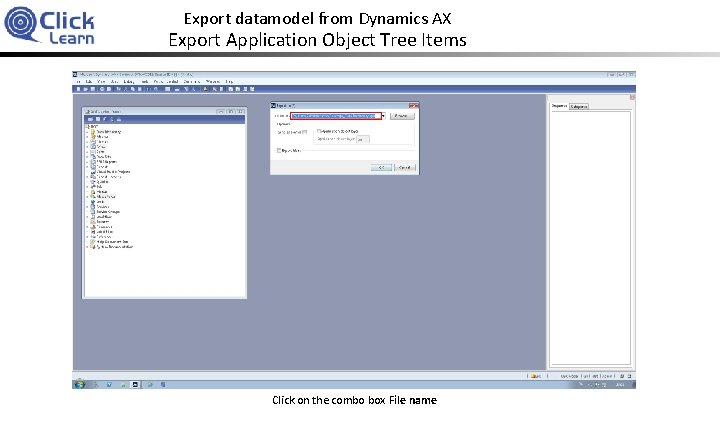
Export datamodel from Dynamics AX Export Application Object Tree Items Click on the combo box File name

Export datamodel from Dynamics AX Export Application Object Tree Items Enter Click. Learn. xpo
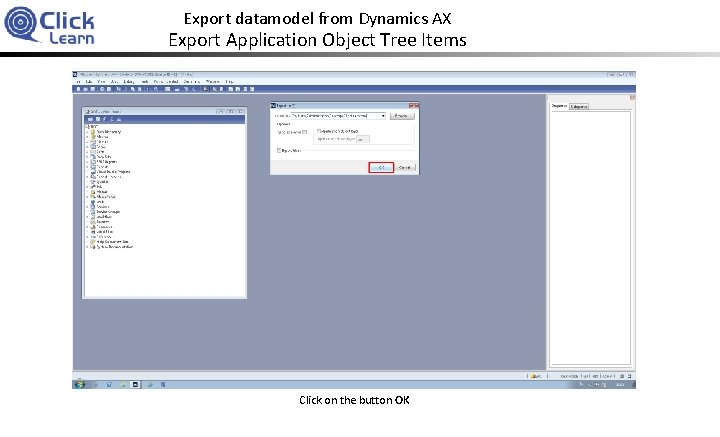
Export datamodel from Dynamics AX Export Application Object Tree Items Click on the button OK
Export datamodel from Dynamics AX Export Application Object Tree Items Wait for the export to finish.
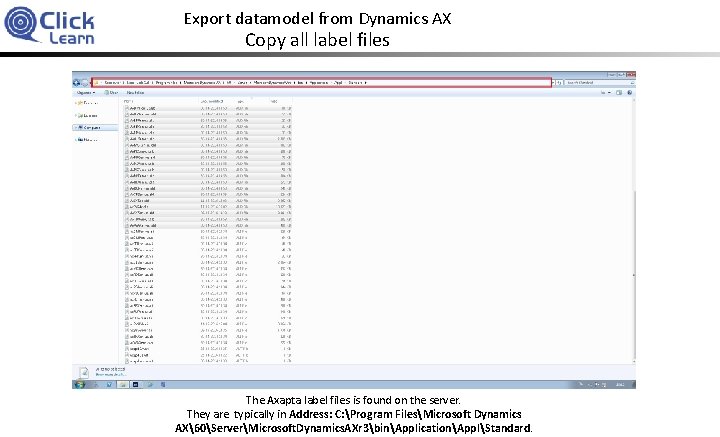
Export datamodel from Dynamics AX Copy all label files The Axapta label files is found on the server. They are typically in Address: C: Program FilesMicrosoft Dynamics AX60ServerMicrosoft. Dynamics. AXr 3binApplicationApplStandard.
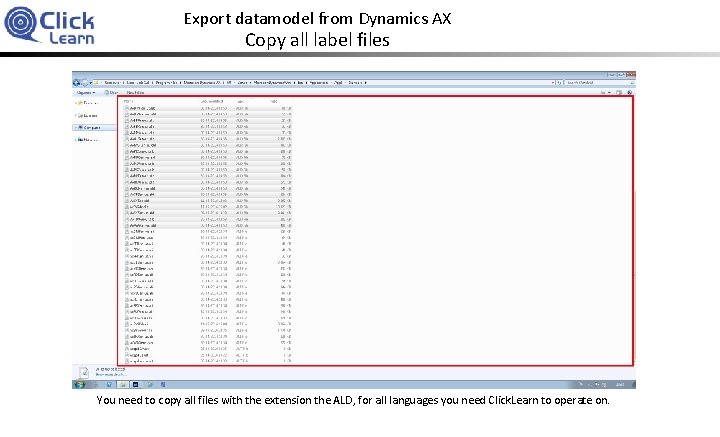
Export datamodel from Dynamics AX Copy all label files You need to copy all files with the extension the ALD, for all languages you need Click. Learn to operate on.
Export datamodel from Dynamics AX Create ZIP file for Click. Learn You need to copy the exported XPO file and the copied ALD files to one folder.
Export datamodel from Dynamics AX Create ZIP file for Click. Learn Then select all the files in the folder to send it to a ZIP file.
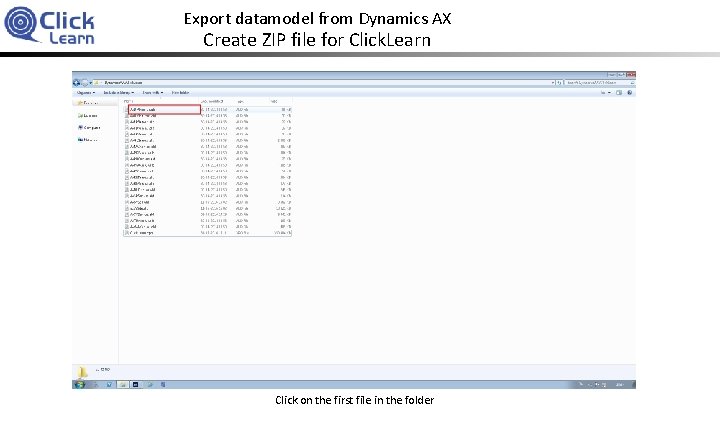
Export datamodel from Dynamics AX Create ZIP file for Click. Learn Click on the first file in the folder
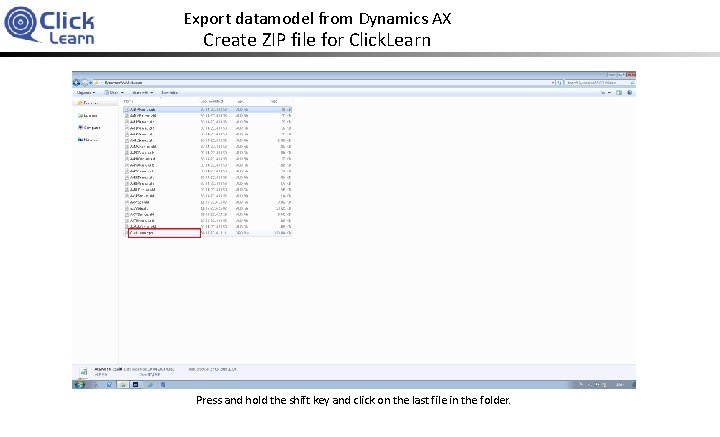
Export datamodel from Dynamics AX Create ZIP file for Click. Learn Press and hold the shift key and click on the last file in the folder.
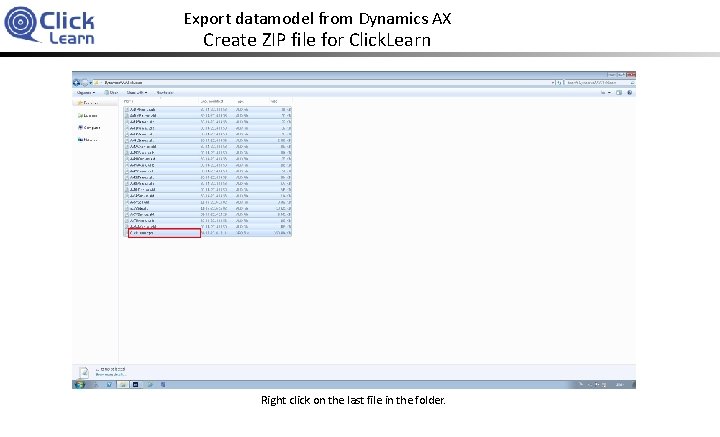
Export datamodel from Dynamics AX Create ZIP file for Click. Learn Right click on the last file in the folder.
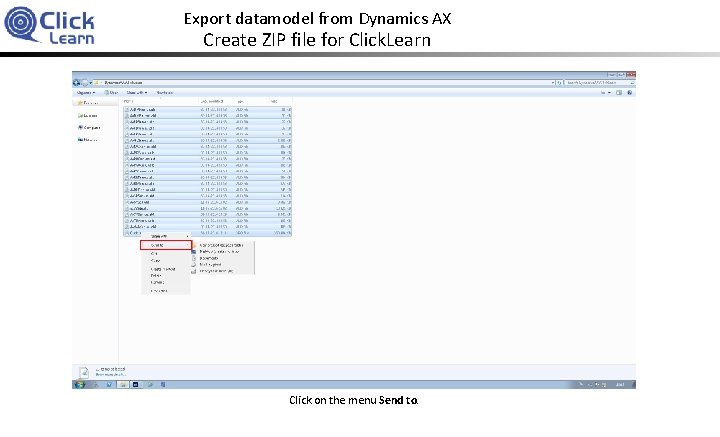
Export datamodel from Dynamics AX Create ZIP file for Click. Learn Click on the menu Send to.
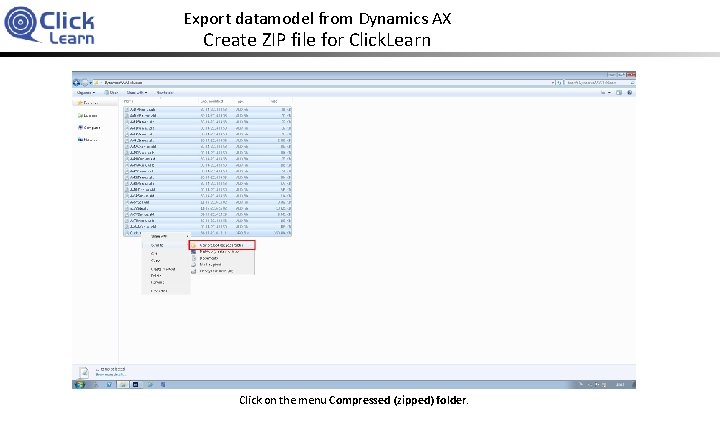
Export datamodel from Dynamics AX Create ZIP file for Click. Learn Click on the menu Compressed (zipped) folder.
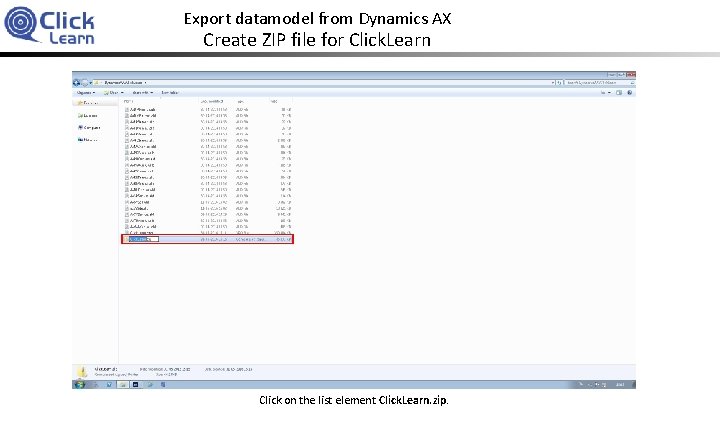
Export datamodel from Dynamics AX Create ZIP file for Click. Learn Click on the list element Click. Learn. zip.
Export datamodel from Dynamics AX Create ZIP file for Click. Learn You may rename the ZIP file.
- Slides: 20