
Expo Open Source Framework For Universal React Native




- Slides: 22
Expo Open Source Framework For Universal React Native Applications
Content 1. What is Expo? 2. Get Started 3. Expo Tools 4. Advantages and Disadvantages of Expo
1. What is Expo? Expo is a framework and a platform for universal React applications. It is a set of tools and services built around React Native and native platforms that help you develop, build, deploy, and quickly iterate on i. OS, Android, and web apps from the same Javascript/Type. Script codebase.
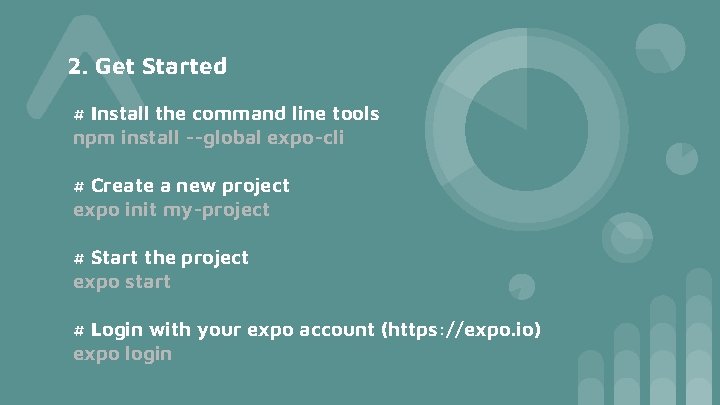
2. Get Started # Install the command line tools npm install --global expo-cli # Create a new project expo init my-project # Start the project expo start # Login with your expo account (https: //expo. io) expo login
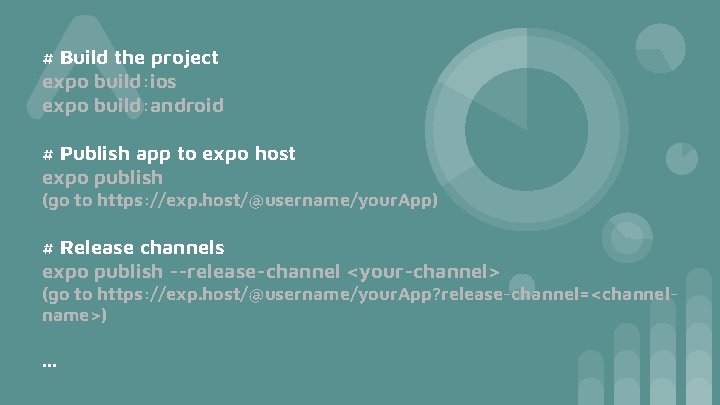
# Build the project expo build: ios expo build: android # Publish app to expo host expo publish (go to https: //exp. host/@username/your. App) # Release channels expo publish --release-channel <your-channel> (go to https: //exp. host/@username/your. App? release-channel=<channelname>) . . .
3. Expo Tools - Expo Client for Android and i. OS - Expo Cli Command line environment - Expo Snack React Native in browser - Expo SDK libraries
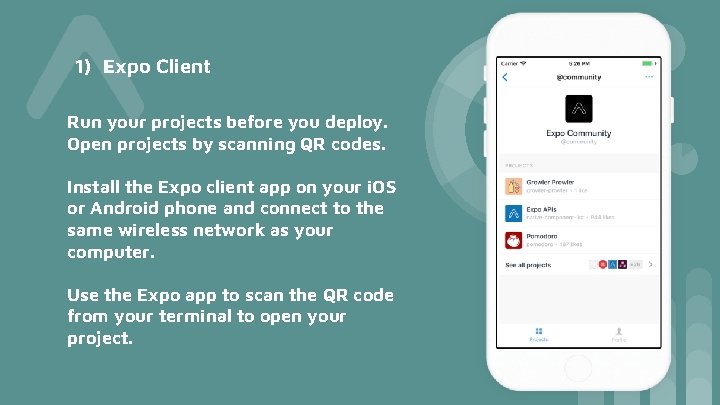
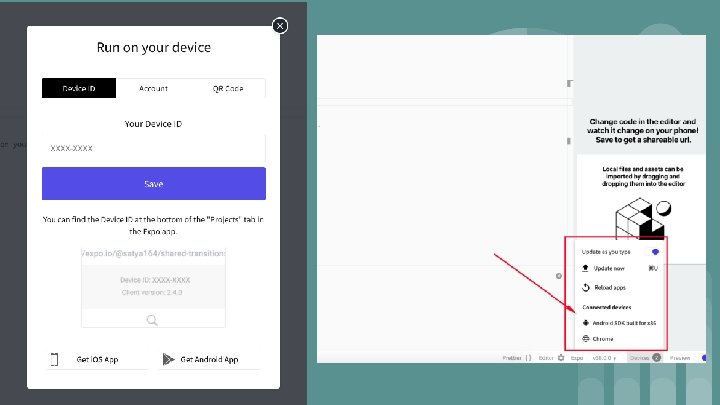
1) Expo Client Run your projects before you deploy. Open projects by scanning QR codes. Install the Expo client app on your i. OS or Android phone and connect to the same wireless network as your computer. Use the Expo app to scan the QR code from your terminal to open your project.
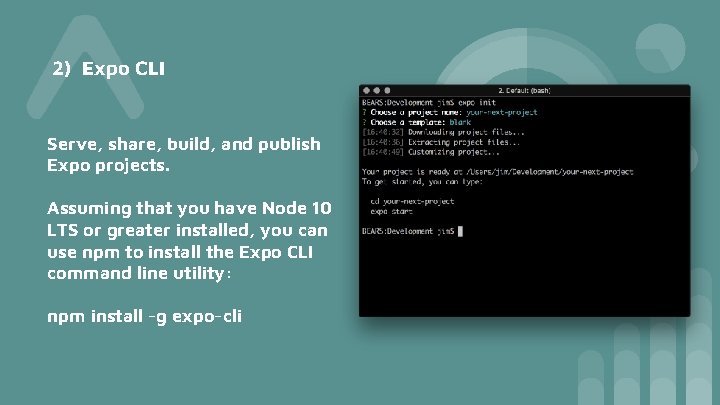
2) Expo CLI Serve, share, build, and publish Expo projects. Assuming that you have Node 10 LTS or greater installed, you can use npm to install the Expo CLI command line utility: npm install -g expo-cli
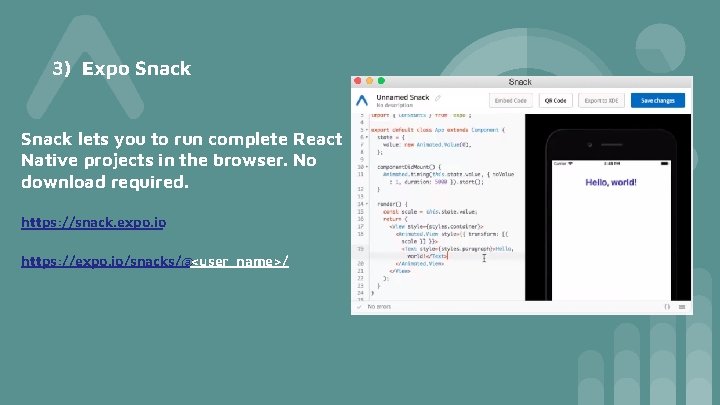
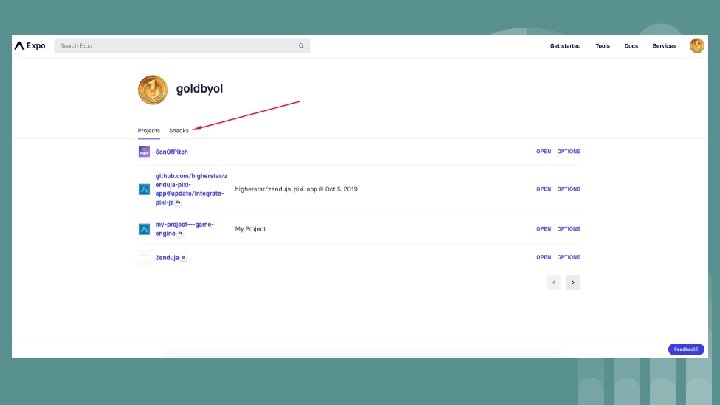
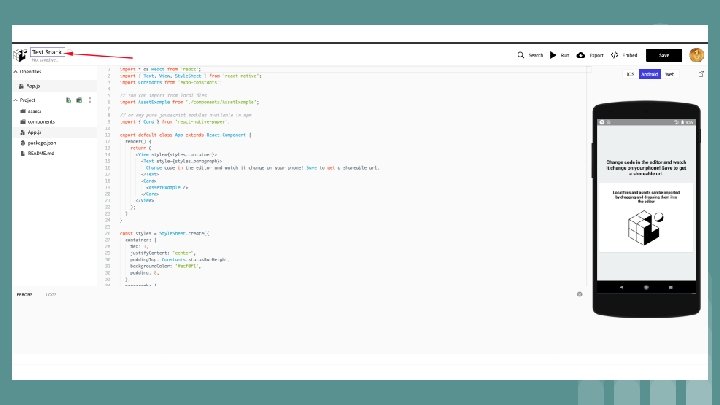
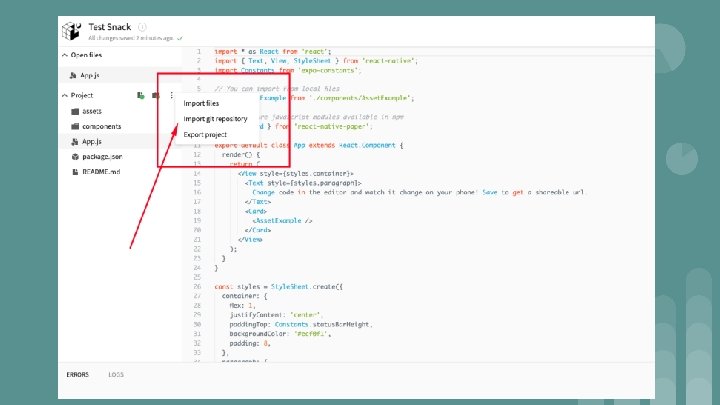
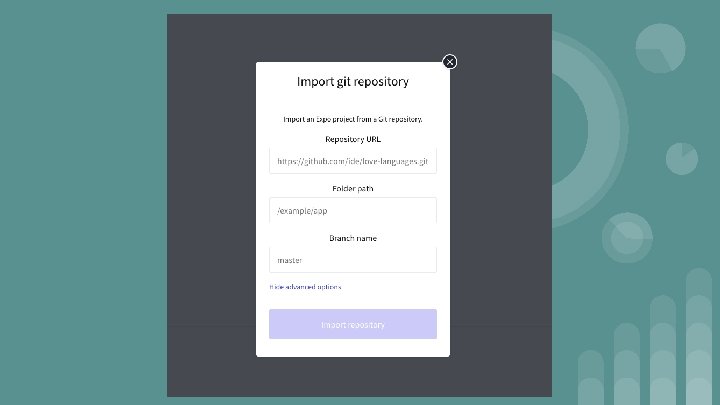
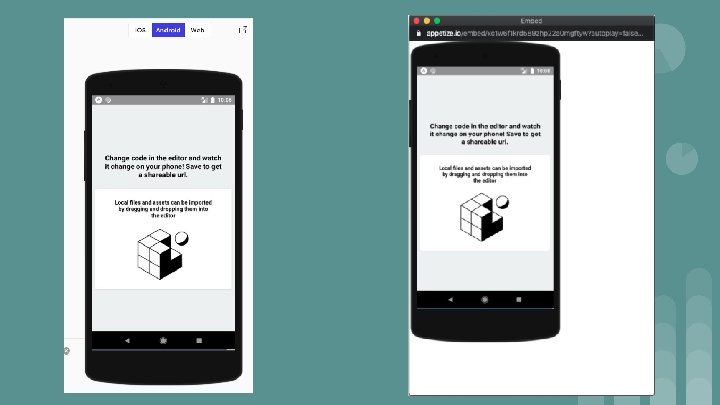
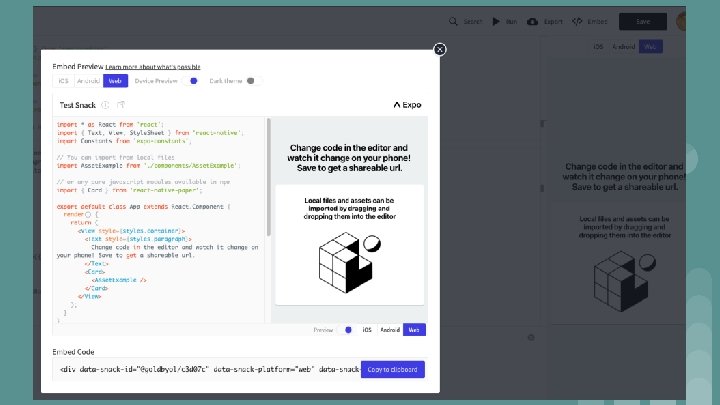
3) Expo Snack lets you to run complete React Native projects in the browser. No download required. https: //snack. expo. io https: //expo. io/snacks/@<user_name>/
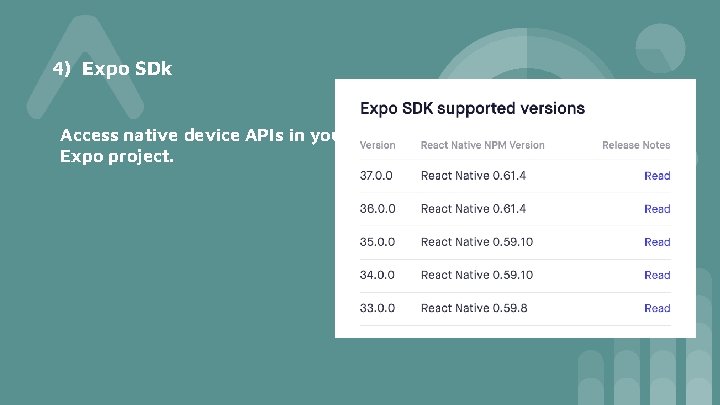
4) Expo SDk Access native device APIs in your Expo project.
4. Advantages and Disadvantages of Expo 1) Advantages - - Fast and simple project installation (in just several minutes) A convenient utility Expo CLI that opens in a browser and helps to check the app status, devices it runs on, scan QR code or send the link via email to open the app in Expo client, switch the production / development mode and publish your app on Expo server. Expo client is an app that is installed from Google Play and Apple Store on your phone. It allows opening projects during development without build via XCode or Android Studio. With Expo client, you can send your app to others for review, which is very useful when testing as you can see all changes in code in Expo client without creating apk or ipa files.
- - - Expo SDK offers the collection of ready solutions, such as working with the device accelerometer, camera, notifications, geolocation, etc. You can see them in the section SDK API Reference. Expo team regularly updates SDK with new solutions. Over the Air - very handy Expo feature for updating your app over the air without repeated deployment on Google Play or Apple Store. When users open your app, it will automatically update new changes in Java. Script code. You can develop apps for ios without mac. OS with ios device and test them with Expo client Automatic management of certificates and app signatures
2) Disadvantages - You can’t add native modules written in Objective-C, Swift, Java, Kotlin You can’t use packages with native languages that require linking The app has a big size as it is built with all Expo SDK solutions, even those you don’t use. An application with Hello World weighs 25 MB Often everything works well in Expo client during testing, but certain problems may occur in a standalone app.
Thank you a lot