
Exploring Visual Programming Stagecast Creator Tutorial Activity II
- Slides: 8
Exploring Visual Programming Stagecast Creator Tutorial, Activity II: Kids Smoking Cigarettes and Cigars on the Playground Visual Programming Group Center for Human-Computer Interaction Virginia Tech This tutorial is a draft of materials being developed as part of behavioral research underway in the Computer Science Department at Virginia Tech. It is provided on an "as-is" basis; however, we welcome comments and suggestions. Please direct any feedback to lcolson@vt. edu.
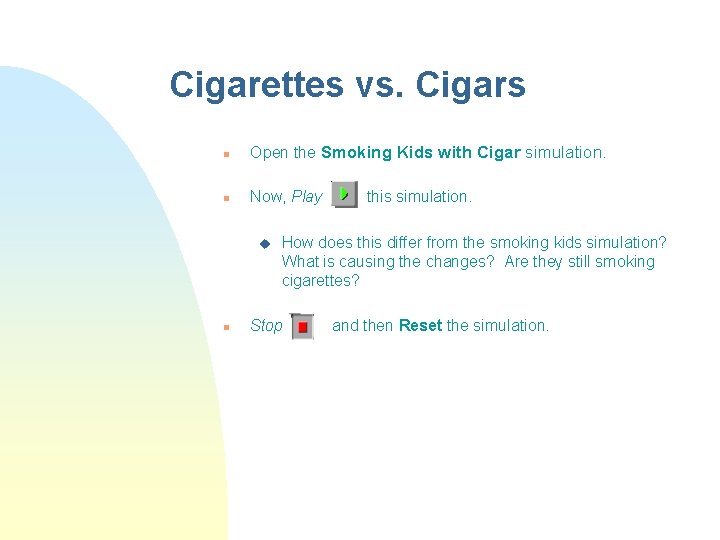
Cigarettes vs. Cigars n Open the Smoking Kids with Cigar simulation. n Now, Play u n this simulation. How does this differ from the smoking kids simulation? What is causing the changes? Are they still smoking cigarettes? Stop and then Reset the simulation.
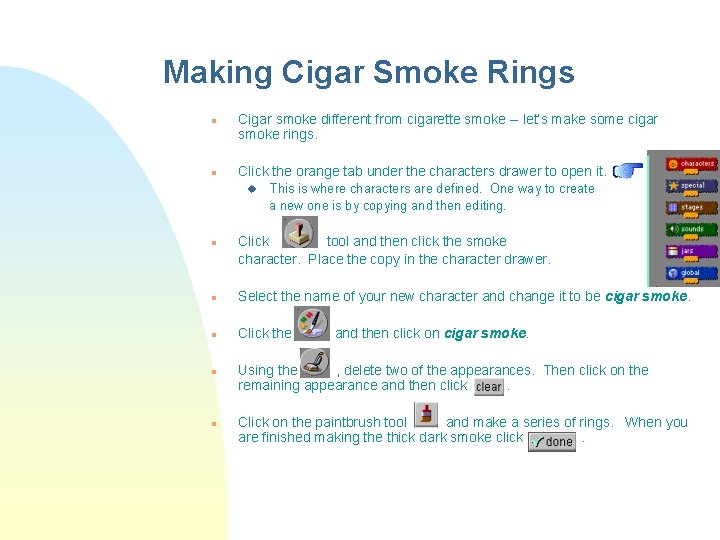
Making Cigar Smoke Rings n n Cigar smoke different from cigarette smoke -- let’s make some cigar smoke rings. Click the orange tab under the characters drawer to open it. u n This is where characters are defined. One way to create a new one is by copying and then editing. Click tool and then click the smoke character. Place the copy in the character drawer. n Select the name of your new character and change it to be cigar smoke. n Click the n n and then click on cigar smoke. Using the , delete two of the appearances. Then click on the remaining appearance and then click. Click on the paintbrush tool and make a series of rings. When you are finished making the thick dark smoke click.
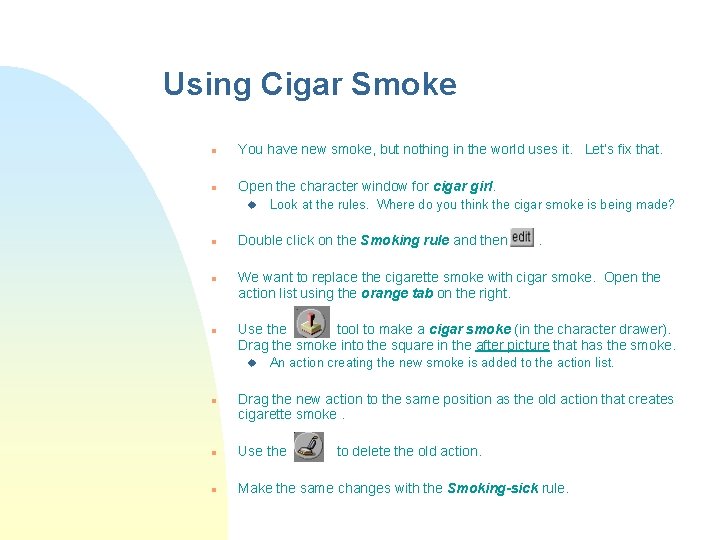
Using Cigar Smoke n You have new smoke, but nothing in the world uses it. Let’s fix that. n Open the character window for cigar girl. u n n n Double click on the Smoking rule and then . We want to replace the cigarette smoke with cigar smoke. Open the action list using the orange tab on the right. Use the tool to make a cigar smoke (in the character drawer). Drag the smoke into the square in the after picture that has the smoke. u n Look at the rules. Where do you think the cigar smoke is being made? An action creating the new smoke is added to the action list. Drag the new action to the same position as the old action that creates cigarette smoke. n Use the to delete the old action. n Make the same changes with the Smoking-sick rule.
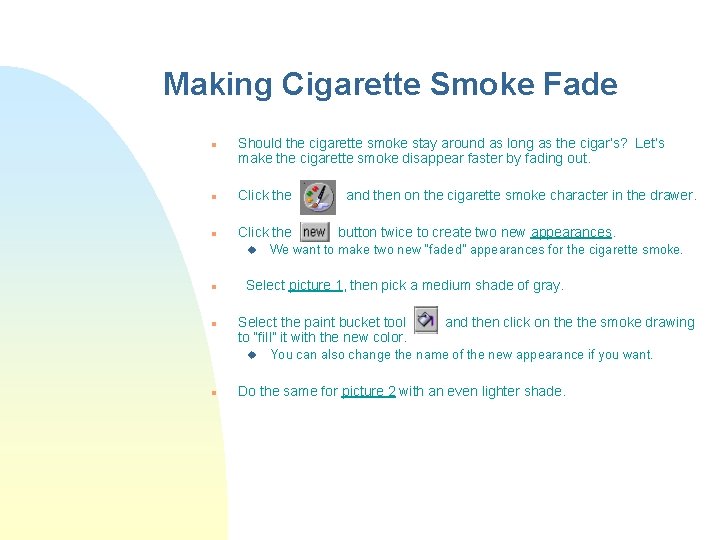
Making Cigarette Smoke Fade n Should the cigarette smoke stay around as long as the cigar’s? Let’s make the cigarette smoke disappear faster by fading out. n Click the u n n button twice to create two new appearances. We want to make two new “faded” appearances for the cigarette smoke. Select picture 1, then pick a medium shade of gray. Select the paint bucket tool to “fill” it with the new color. u n and then on the cigarette smoke character in the drawer. and then click on the smoke drawing You can also change the name of the new appearance if you want. Do the same for picture 2 with an even lighter shade.
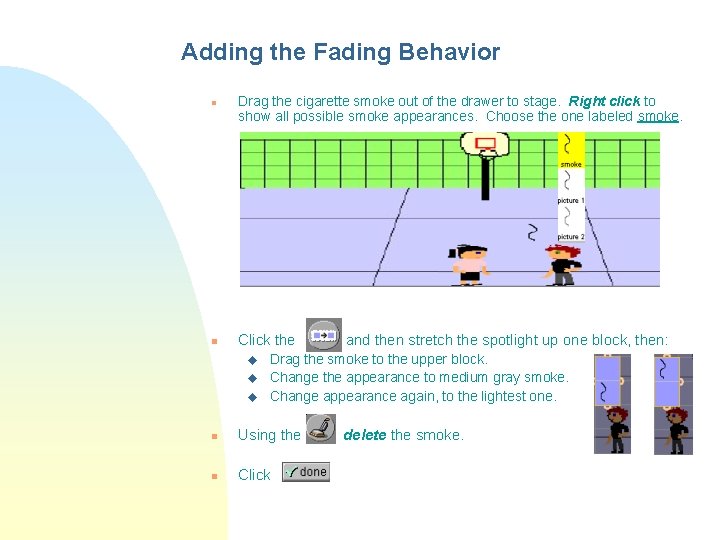
Adding the Fading Behavior n n Drag the cigarette smoke out of the drawer to stage. Right click to show all possible smoke appearances. Choose the one labeled smoke. Click the u u u and then stretch the spotlight up one block, then: Drag the smoke to the upper block. Change the appearance to medium gray smoke. Change appearance again, to the lightest one. n Using the n Click delete the smoke.
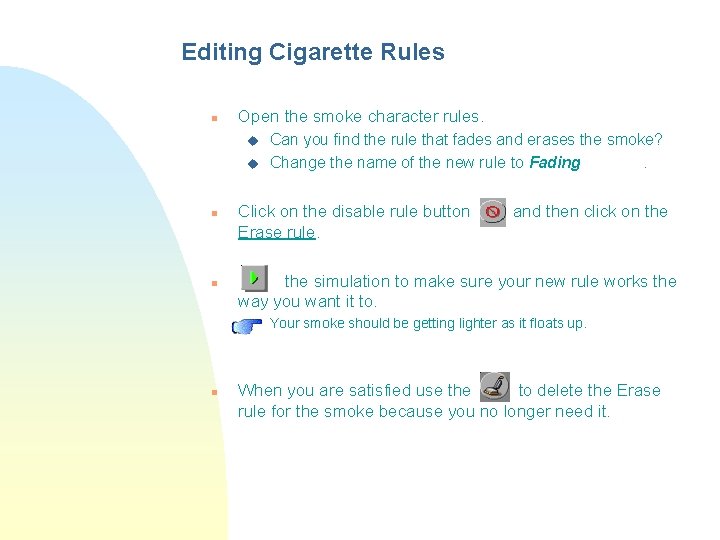
Editing Cigarette Rules n Open the smoke character rules. u u n n Click on the disable rule button Erase rule. and then click on the simulation to make sure your new rule works the way you want it to. u n Can you find the rule that fades and erases the smoke? Change the name of the new rule to Fading. Your smoke should be getting lighter as it floats up. When you are satisfied use the to delete the Erase rule for the smoke because you no longer need it.
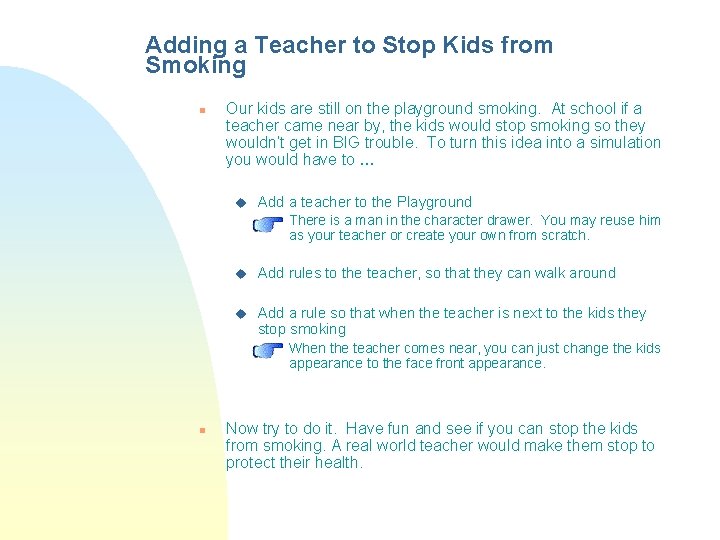
Adding a Teacher to Stop Kids from Smoking n Our kids are still on the playground smoking. At school if a teacher came near by, the kids would stop smoking so they wouldn’t get in BIG trouble. To turn this idea into a simulation you would have to … u Add a teacher to the Playground F u Add rules to the teacher, so that they can walk around u Add a rule so that when the teacher is next to the kids they stop smoking F n There is a man in the character drawer. You may reuse him as your teacher or create your own from scratch. When the teacher comes near, you can just change the kids appearance to the face front appearance. Now try to do it. Have fun and see if you can stop the kids from smoking. A real world teacher would make them stop to protect their health.