
Exploring Microsoft Word 2000 Chapter 3 Enhancing a
- Slides: 18
Exploring Microsoft Word 2000 Chapter 3 Enhancing a Document: The Web and Other Resources By Robert T. Grauer Maryann Barber Exploring Microsoft Office XP- Microsoft Word Chapter 3 1
Objectives (1 of 2) ¡ Describe resources in the Microsoft Clip Gallery; insert clip art and/or a photograph into a document ¡ Use Format Picture to wrap text around an image; describe tools on the Picture toolbar ¡ Use Word. Art to insert decorative text into a document; describe tools on the Word. Art toolbar ¡ Use the Drawing toolbar to create and modify lines and objects 2 Exploring Microsoft Office XP- Microsoft Word Chapter 3
Objectives (2 of 2) ¡ Download resources from the Internet for inclusion in a document; insert a footnote or endnote to cite a reference ¡ Insert a hyperlink into a document; save a document as a Web page ¡ Use wizards and templates to create a document; list several wizards provided with Microsoft Word ¡ Define mail merge; use Mail Merge Wizard to create form letters 3 Exploring Microsoft Office XP- Microsoft Word Chapter 3
Overview ¡ Enhancing a document ¡ Microsoft Media Gallery ¡ Insert Symbol Microsoft Word. Art Drawing toolbar Internet resources Copyright ¡ ¡ ¡ Use Wizards and templates ¡ Mail Merge 4 Exploring Microsoft Office XP- Microsoft Word Chapter 3
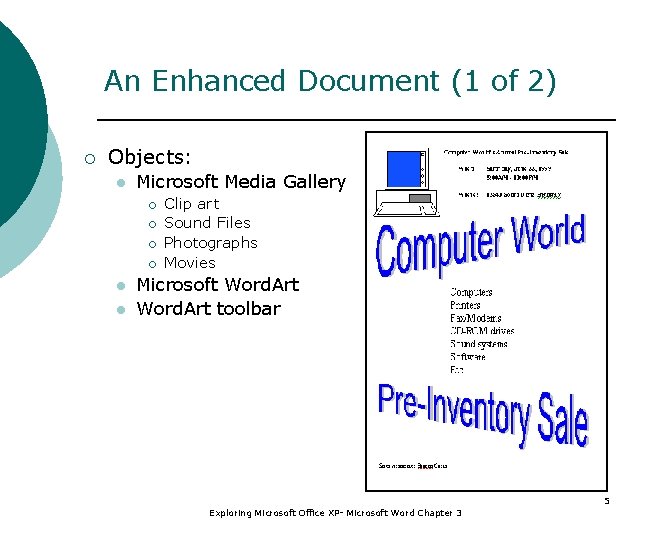
An Enhanced Document (1 of 2) ¡ Objects: l Microsoft Media Gallery ¡ ¡ l l Clip art Sound Files Photographs Movies Microsoft Word. Art toolbar 5 Exploring Microsoft Office XP- Microsoft Word Chapter 3
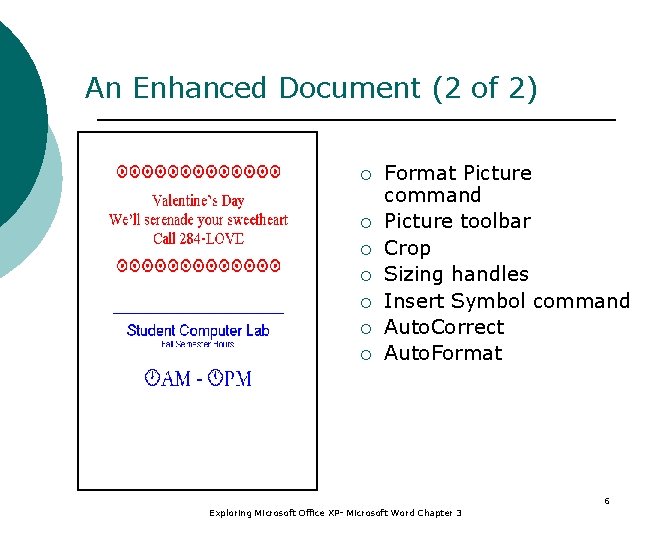
An Enhanced Document (2 of 2) ¡ ¡ ¡ ¡ Format Picture command Picture toolbar Crop Sizing handles Insert Symbol command Auto. Correct Auto. Format 6 Exploring Microsoft Office XP- Microsoft Word Chapter 3
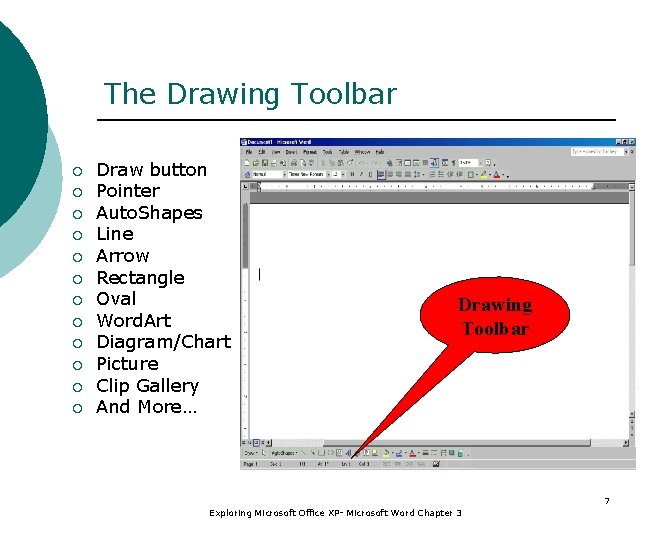
The Drawing Toolbar ¡ ¡ ¡ Draw button Pointer Auto. Shapes Line Arrow Rectangle Oval Word. Art Diagram/Chart Picture Clip Gallery And More… Drawing Toolbar 7 Exploring Microsoft Office XP- Microsoft Word Chapter 3
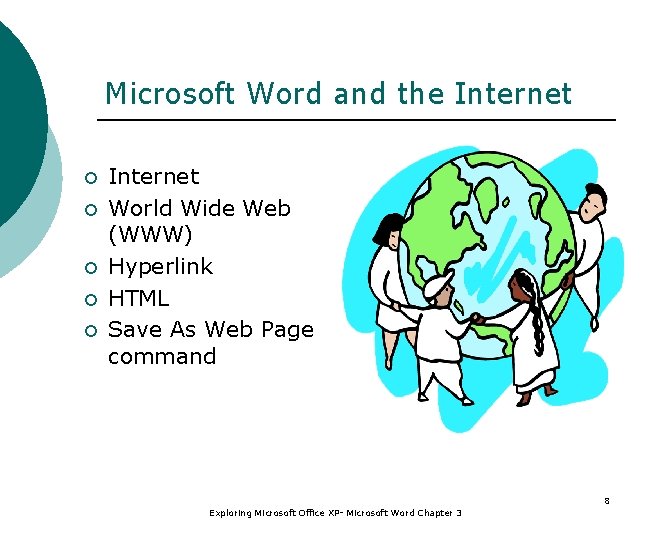
Microsoft Word and the Internet ¡ ¡ ¡ Internet World Wide Web (WWW) Hyperlink HTML Save As Web Page command 8 Exploring Microsoft Office XP- Microsoft Word Chapter 3
Copyright Protection Copyright ¡ Public domain ¡ Fair use exclusion ¡ Footnote ¡ Endnote ¡ Insert Footnote command ¡ 9 Exploring Microsoft Office XP- Microsoft Word Chapter 3
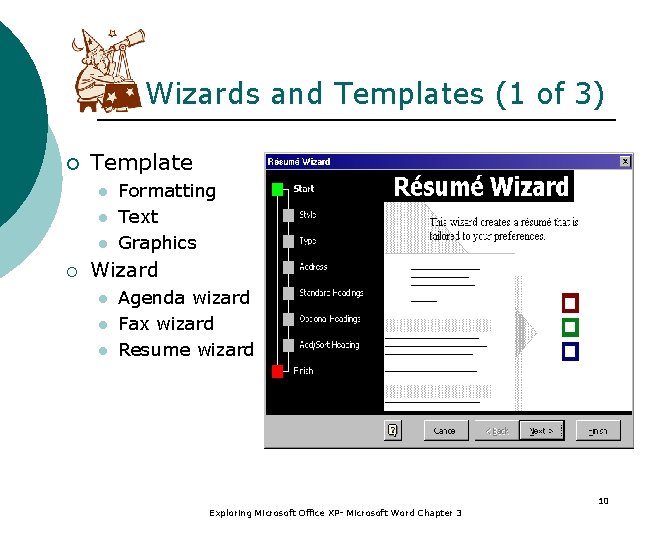
Wizards and Templates (1 of 3) ¡ Template l l l ¡ Formatting Text Graphics Wizard l l l Agenda wizard Fax wizard Resume wizard 10 Exploring Microsoft Office XP- Microsoft Word Chapter 3
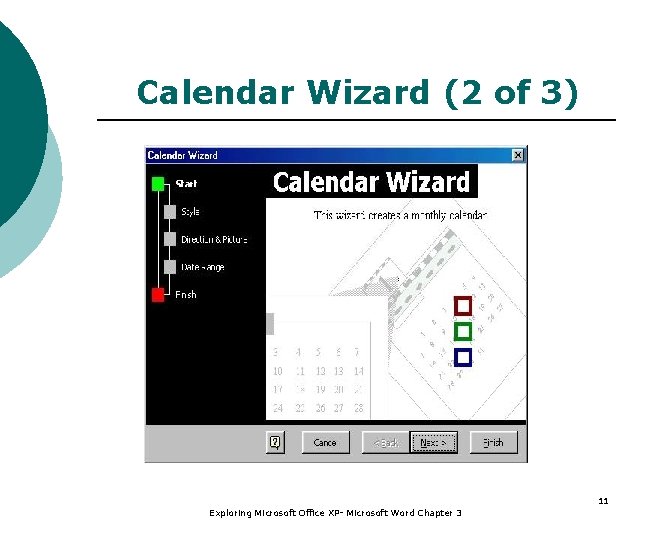
Calendar Wizard (2 of 3) 11 Exploring Microsoft Office XP- Microsoft Word Chapter 3
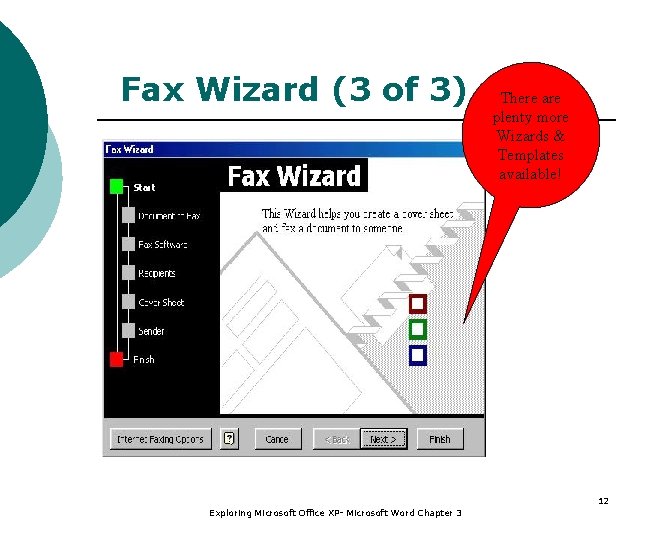
Fax Wizard (3 of 3) There are plenty more Wizards & Templates available! 12 Exploring Microsoft Office XP- Microsoft Word Chapter 3
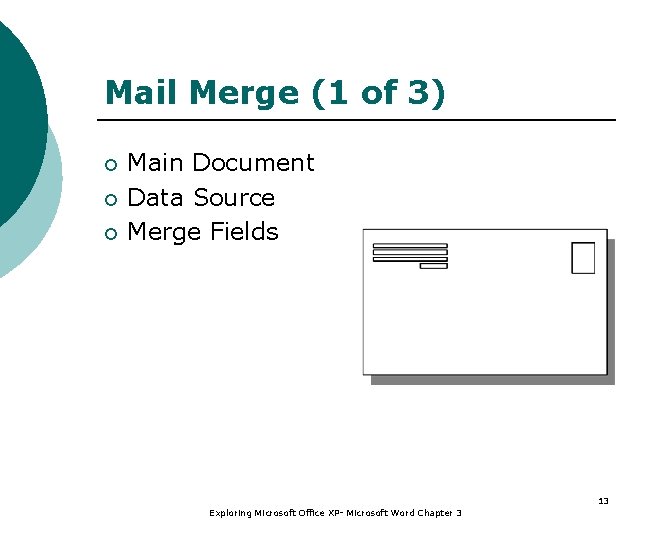
Mail Merge (1 of 3) ¡ ¡ ¡ Main Document Data Source Merge Fields 13 Exploring Microsoft Office XP- Microsoft Word Chapter 3
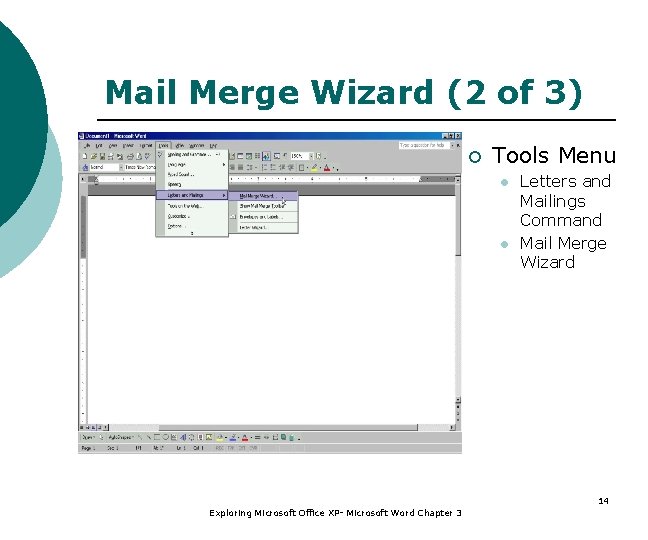
Mail Merge Wizard (2 of 3) ¡ Tools Menu l l Letters and Mailings Command Mail Merge Wizard 14 Exploring Microsoft Office XP- Microsoft Word Chapter 3
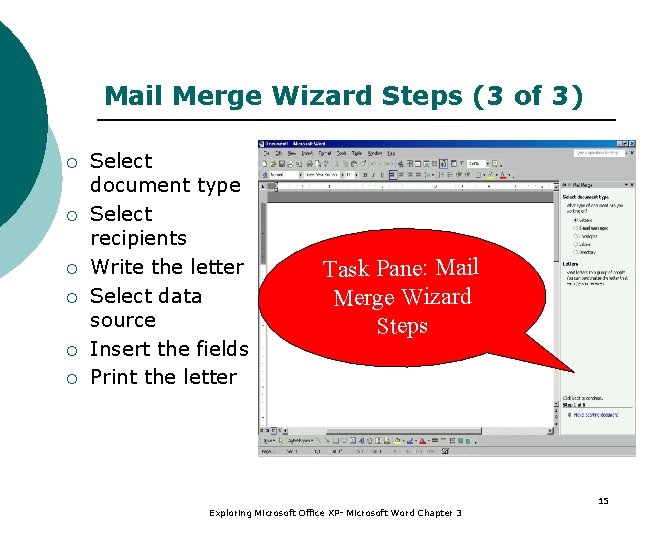
Mail Merge Wizard Steps (3 of 3) ¡ ¡ ¡ Select document type Select recipients Write the letter Select data source Insert the fields Print the letter Task Pane: Mail Merge Wizard Steps 15 Exploring Microsoft Office XP- Microsoft Word Chapter 3
Summary (1 of 3) ¡ Media Gallery contains: Images l Photographs l Sound files l Motion clips l ¡ Word. Art creates decorative text 16 Exploring Microsoft Office XP- Microsoft Word Chapter 3
Summary (2 of 3) Insert Symbol command to add special characters ¡ Internet: global network of networks ¡ Web contains hypertext and hypermedia documents ¡ Insert Hyperlinks ¡ Respect copyrights when using Internet resources ¡ 17 Exploring Microsoft Office XP- Microsoft Word Chapter 3
Summary (3 of 3) Public domain vs. copyrighted resources ¡ Footnote vs. endnotes ¡ Template – formatted, partially complete document ¡ Wizard - interactive program uses your answers to create a custom template ¡ Mail Merge ¡ 18 Exploring Microsoft Office XP- Microsoft Word Chapter 3