
Exploring Microsoft Excel 97 Chapter 2 Gaining Proficiency





- Slides: 14
Exploring Microsoft Excel 97 Chapter 2 Gaining Proficiency: Copying, Formatting, and Isolating Assumptions Exploring Excel 97 Chapter 2 Office graphic copyright by Microsoft Corp.
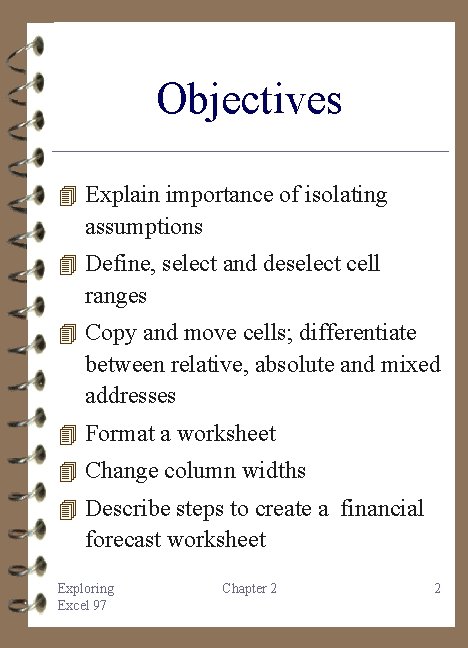
Objectives 4 Explain importance of isolating assumptions 4 Define, select and deselect cell ranges 4 Copy and move cells; differentiate between relative, absolute and mixed addresses 4 Format a worksheet 4 Change column widths 4 Describe steps to create a financial forecast worksheet Exploring Excel 97 Chapter 2 2
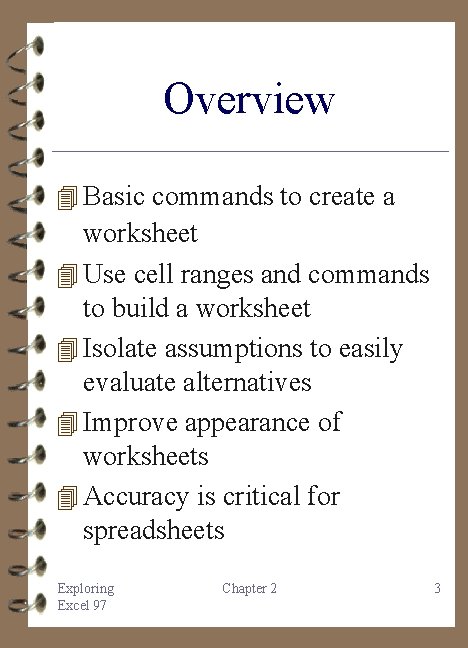
Overview 4 Basic commands to create a worksheet 4 Use cell ranges and commands to build a worksheet 4 Isolate assumptions to easily evaluate alternatives 4 Improve appearance of worksheets 4 Accuracy is critical for spreadsheets Exploring Excel 97 Chapter 2 3
Getting around the Worksheet 4 A rectangular group of cells is a range 4 Copy duplicates contents of a cell from a source range to a destination range 4 Three types of addresses: absolute, relative and mixed 4 Move transfer contents of a cell Exploring Excel 97 Chapter 2 4
Creating a Workbook Hands-On Exercise 1 4 Create a New Workbook 4 Save the Workbook 4 Enter Student Data and Literal 4 4 4 Information Enter Exam Weights Compute the Semester Average Copy the Semester Average Compute Class Averages What If? Change Exam Weights Exploring Excel 97 Chapter 2 5
Formatting 4 Column widths 4 Row Heights 4 Numeric Format 4 Alignment 4 Fonts 4 Borders, Patterns, and Shading Exploring Excel 97 Chapter 2 6
Numeric Formats General Number Currency Accounting Date Time Percentage Fraction Scientific Text Special Custom Exploring Excel 97 Chapter 2 7
Excel 97 Screen Exploring Excel 97 Chapter 2 8
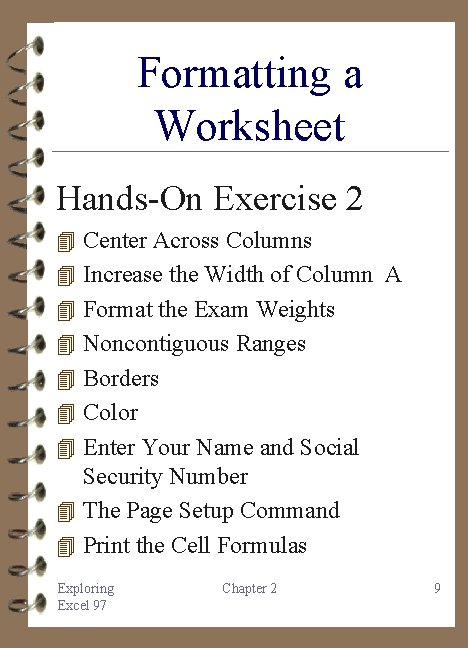
Formatting a Worksheet Hands-On Exercise 2 4 Center Across Columns 4 Increase the Width of Column A 4 Format the Exam Weights 4 Noncontiguous Ranges 4 Borders 4 Color 4 Enter Your Name and Social Security Number 4 The Page Setup Command 4 Print the Cell Formulas Exploring Excel 97 Chapter 2 9
A Financial Forecast 4 Always isolate assumptions and initial conditions 4 Creating a financial forecast is a common task 4 Be aware that by isolating that is separating initial conditions you spreadsheet will be more valuable when changes occur Exploring Excel 97 Chapter 2 10
A Financial Forecast Hands-On Exercise 3 4 Enter the Formulas for Year One 4 Enter the Formulas for Year Two 4 Copy the Formulas to the Remaining Years 4 Format the Spreadsheet 4 Print the Completed Spreadsheet Exploring Excel 97 Chapter 2 11
Chapter 2 Summary 4 All commands operate on a cell or cell range 4 Formulas may be copied or moved 4 Absolute reference remains constant 4 Relative address is adjusted for new locations 4 Format by select-then-do 4 Tool for Decision Making Exploring Excel 97 Chapter 2 12
Practice with Excel 1. Coaches Realty 2. Sales Invoice 3. Birthday Probability Problem 4. Multiplication Table 5. Payroll for Employees Exploring Excel 97 Chapter 2 13
Case Studies 4 Establishing a Budget 4 The Entrepreneur 4 Break-even Analysis 4 The Corporate Balance Sheet 4 The Office Assistant 4 The Spreadsheet Audit Exploring Excel 97 Chapter 2 14