
Exploring Microsoft Access 97 Chapter 3 Information From
- Slides: 19
Exploring Microsoft Access 97 Chapter 3 Information From the Database: Reports and Queries Exploring Access 97 Chapter 3 Office graphic copyright by Microsoft Corp.
Objectives (1 of 2) 4 Describe types of reports 4 Describe views in Report window 4 Describe similarities between forms and reports with respect to controls 4 List sections in a report and explain purpose 4 Differentiate between a query and a table Exploring Access 97 Chapter 3 2
Objectives (2 of 2) 4 Use design grid to create and modify a query 4 Explain multiple criteria rows and implement AND and OR conditions 4 Describe views in Query window Exploring Access 97 Chapter 3 3
Overview 4 Information is data arranged in a useful format 4 Convert data to information with queries and reports 4 Understand concepts for reports and queries building on knowledge of tables and forms Exploring Access 97 Chapter 3 4
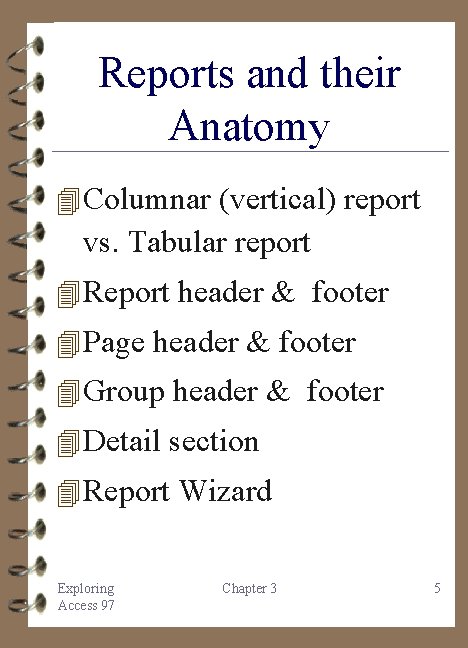
Reports and their Anatomy 4 Columnar (vertical) report vs. Tabular report 4 Report header & footer 4 Page header & footer 4 Group header & footer 4 Detail section 4 Report Wizard Exploring Access 97 Chapter 3 5
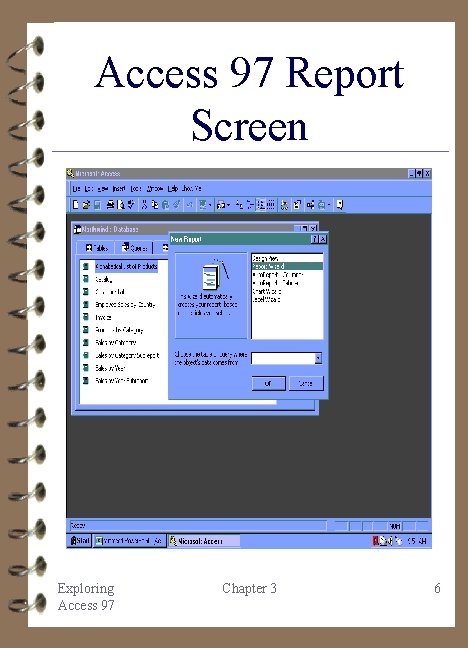
Access 97 Report Screen Exploring Access 97 Chapter 3 6
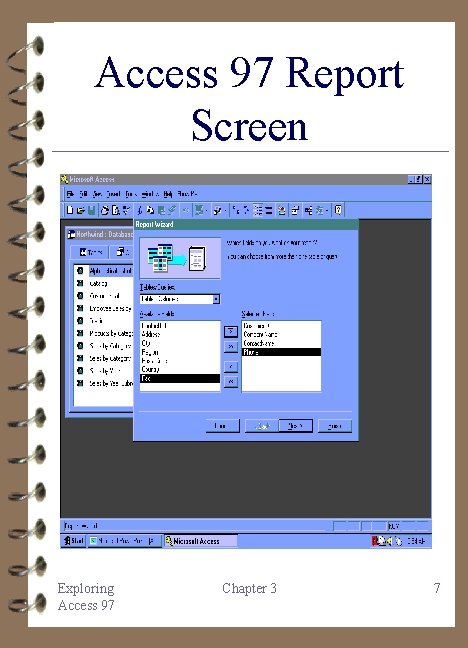
Access 97 Report Screen Exploring Access 97 Chapter 3 7
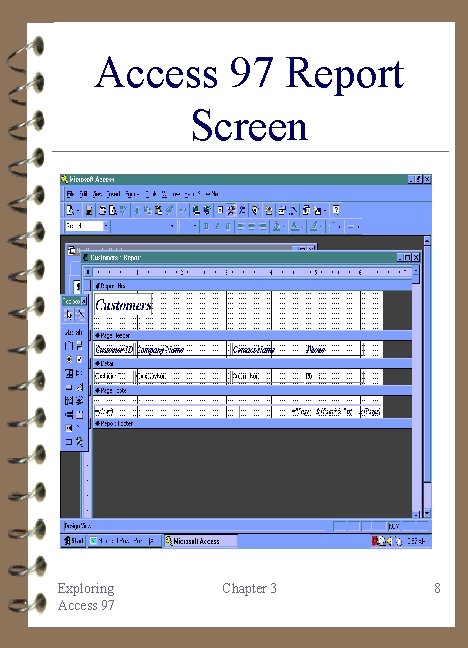
Access 97 Report Screen Exploring Access 97 Chapter 3 8
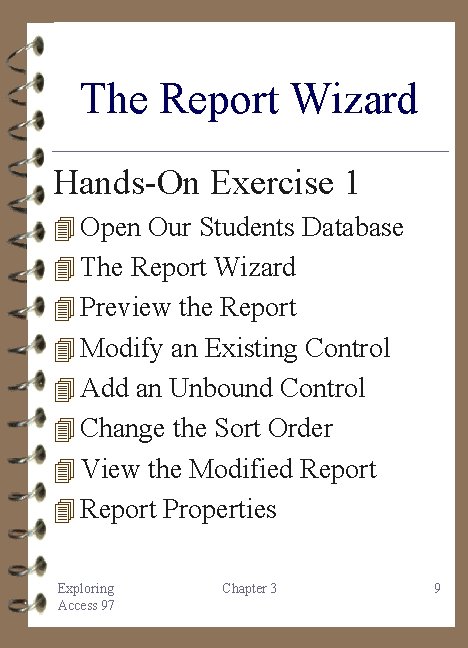
The Report Wizard Hands-On Exercise 1 4 Open Our Students Database 4 The Report Wizard 4 Preview the Report 4 Modify an Existing Control 4 Add an Unbound Control 4 Change the Sort Order 4 View the Modified Report 4 Report Properties Exploring Access 97 Chapter 3 9
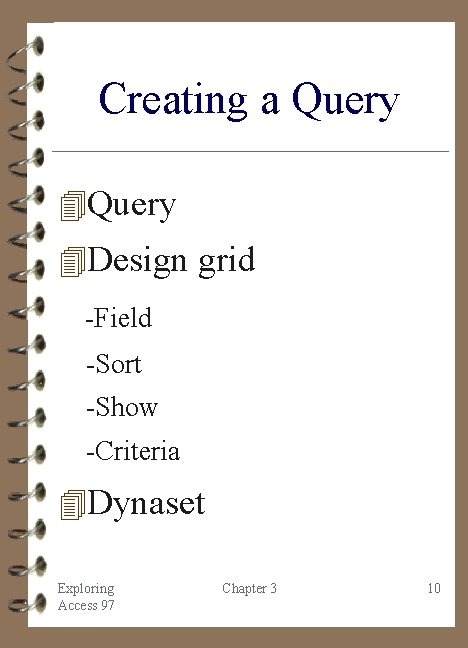
Creating a Query 4 Design grid -Field -Sort -Show -Criteria 4 Dynaset Exploring Access 97 Chapter 3 10
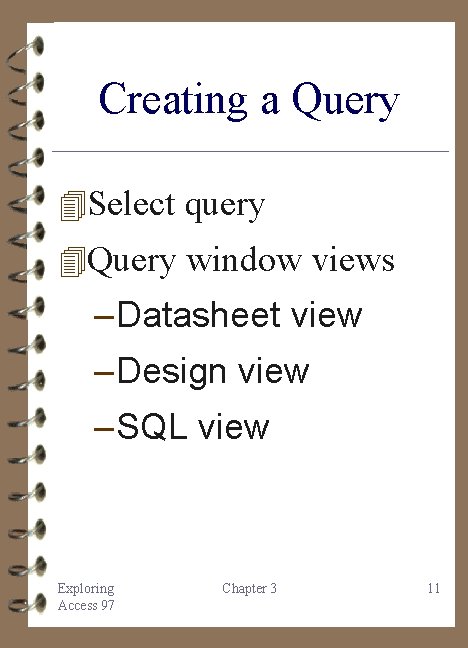
Creating a Query 4 Select query 4 Query window views – Datasheet view – Design view – SQL view Exploring Access 97 Chapter 3 11
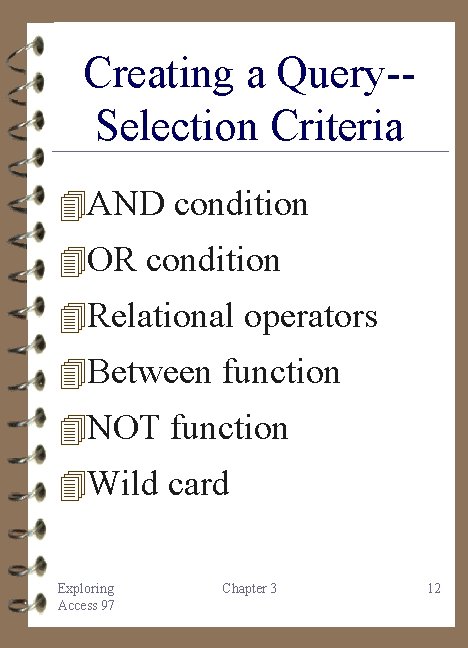
Creating a Query-Selection Criteria 4 AND condition 4 OR condition 4 Relational operators 4 Between function 4 NOT function 4 Wild card Exploring Access 97 Chapter 3 12
Creating a Select Query Hands-On Exercise 2 4 Open the Existing Database 4 Add the Students Table 4 Create the Query 4 Specify the Criteria 4 Run the Query 4 Modify the Query 4 Create a Report 4 View the Report Exploring Access 97 Chapter 3 13
Grouping Records 4 Use report anatomy to group records 4 Grouping allows calculations like – Count function – Sum function – Min function – Max function – Average function Exploring Access 97 Chapter 3 14
Grouping Records Hands-On Exercise 3 4 Create the Query 4 Add a Calculated Control 4 Run the Query 4 Modify the Query 4 Rerun the Query 4 The Report Wizard 4 Sorting and Grouping 4 Create the Group Footer 4 Create the Report Footer 4 View the Report 4 Exit Access Exploring Access 97 Chapter 3 15
Chapter 3 Summary (1 of 2) 4 Data refers to facts about a record 4 Information is data that is arranged in a useful format 4 Report prints and displays information from a database 4 Reports created through Report Wizard Exploring Access 97 Chapter 3 16
Chapter 3 Summary (2 of 2) 4 Reports are based on a table or a query 4 Query selects information to display 4 Grouping records in a field for summaries Exploring Access 97 Chapter 3 17
Practice with Access 1. Students database 2. Employee database 3. USA database 4. Bookstore database 5. Super Bowl database 6. Microsoft on the Web Exploring Access 97 Chapter 3 18
Case Studies 4 The Fortune 500 4 The United States of America 4 The Super Bowl 4 Mail Merge 4 Compacting Vs. Compressing Exploring Access 97 Chapter 3 19