
explore engage elevate Meeting will begin shortly Welcome
explore engage elevate Meeting will begin shortly
Welcome! explore Microsoft Dynamics CRM User Group (CRMUG®) Fox Valley Wisconsin engage elevate Chapter Meeting Tweet today’s meeting: #CRMUGchapter [STATE ABBREVIATION] (ex: #CRMUGMI)
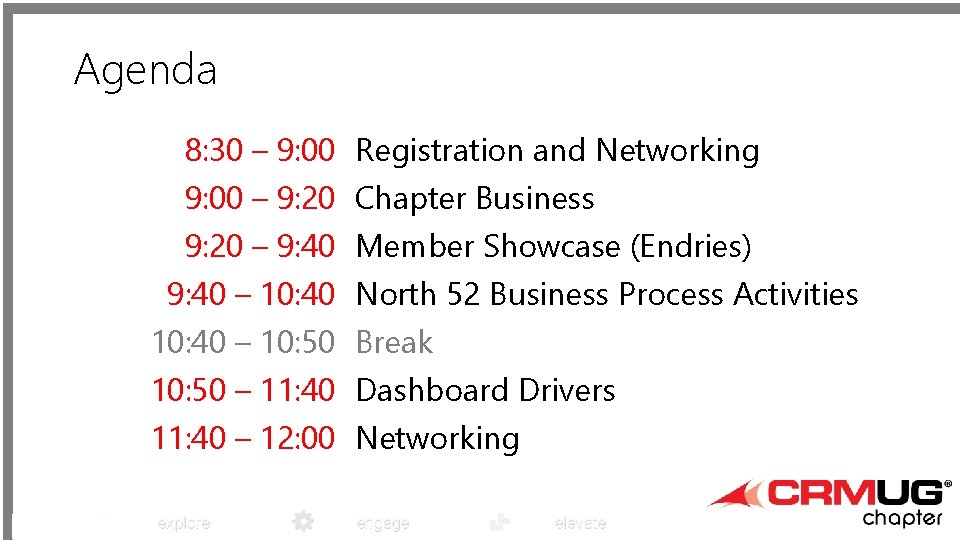
Agenda 8: 30 – 9: 00 Registration and Networking 9: 00 – 9: 20 Chapter Business 9: 20 – 9: 40 Member Showcase (Endries) 9: 40 – 10: 40 North 52 Business Process Activities 10: 40 – 10: 50 Break 10: 50 – 11: 40 Dashboard Drivers 11: 40 – 12: 00 Networking explore engage elevate
Get to Know Your CRM Peers Introductions • • • Name Company (describe Company/Industry) Your role in the company What version are you on? What do you hope to accomplish by attending the user group? explore engage elevate
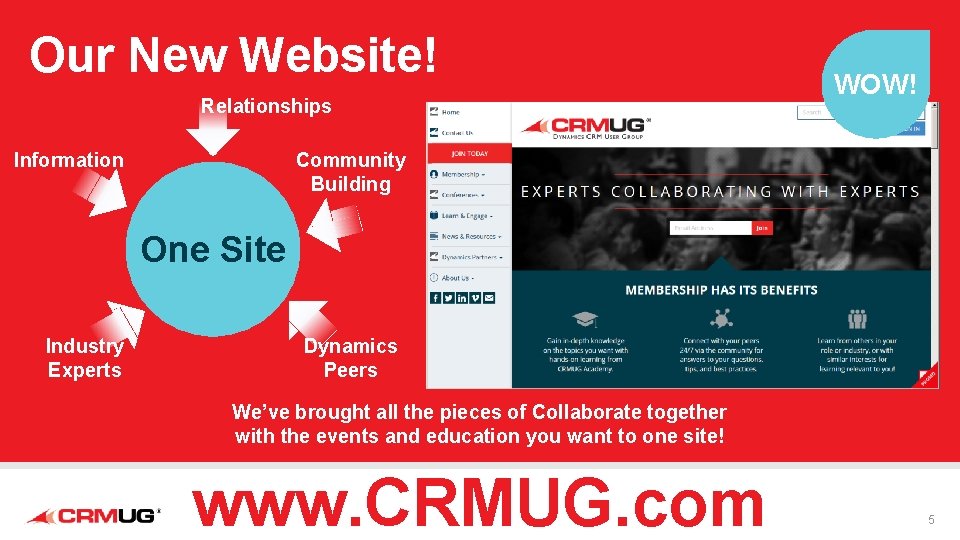
Our New Website! Relationships Information WOW! Community Building One Site Industry Experts Dynamics Peers We’ve brought all the pieces of Collaborate together with the events and education you want to one site! www. CRMUG. com 5
October 12 -16, 2015 Reno-Tahoe Don’t miss the largest CRM customer conference that has ever existed! www. crmugsummit. com/reno explore engage elevate 6
Chapter Leadership Be a part of something really great FACT: The most successful chapters have strong leadership teams. BENEFIT: Ignite Leadership Training available ONLY to chapter leaders. Develop your professional skills – public speaking, leadership, communication, organization, conflict resolution, and many more skills. I WANT YOU FOR CHAPTER LEADERSHIP explore IMPACT: Chapter Leaders have significant reach within the Dynamics CRM Community. Leaders are respected for their hard work and devotion to helping individuals and organizations attending meetings. Roles: Chair, Co-Chair, VP of Membership, VP of Communication, VP of Programming Take Action: Contact your chapter leader or email CRMUG Chapter Director, Onika Allen, onika@crmug. com engage elevate
Next Meeting? • Date: June 12, 2015 • Time: 8: 30 -noon • Place: Fox Valley Extension • Topics: Data Quality Strategies explore engage elevate
explore Member Showcase Sharon Eickert engage elevate

March 13, 2015 CRMUG Prepared Exclusively for: All information included in this presentation, both in writing and verbal, is confidential for Herman Miller use only. © 2014 Endries International Inc. www. endries. com
Agenda • About Us • Current Status of CRM • Favorite Module • ISV – how we use them • Tips and Tricks • Where do we go for answers © 2014 Endries International Inc. www. endries. com
© 2014 Endries International Inc. www. endries. com
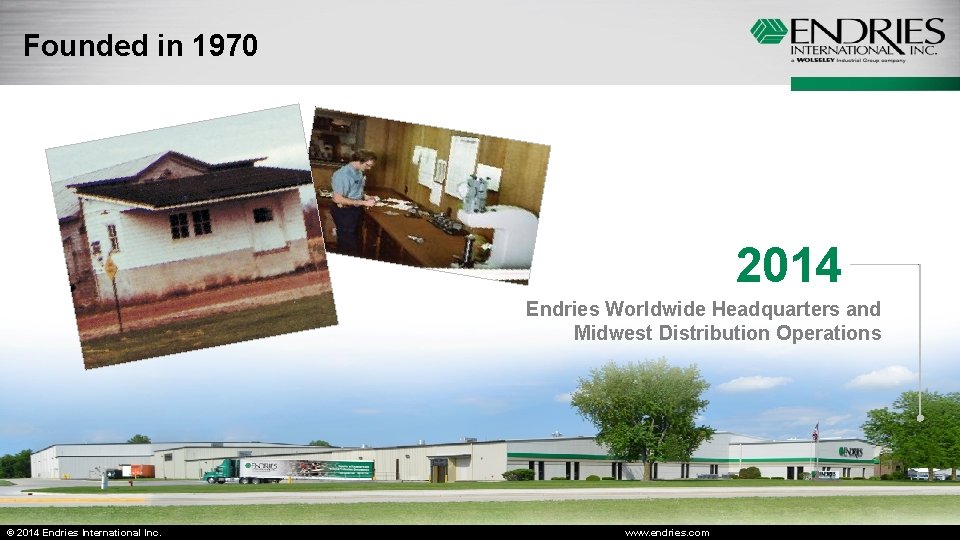
Founded in 1970 2014 Endries Worldwide Headquarters and Midwest Distribution Operations © 2014 Endries International Inc. www. endries. com
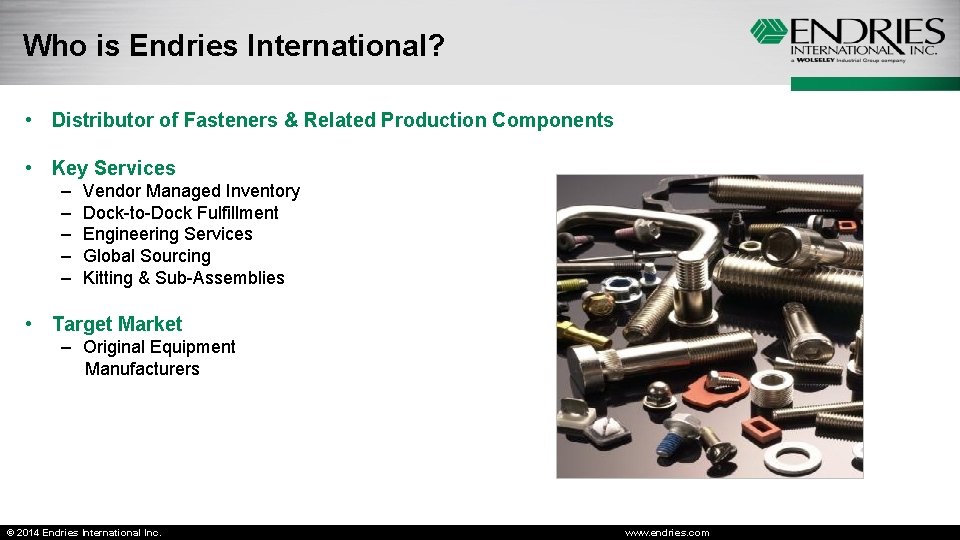
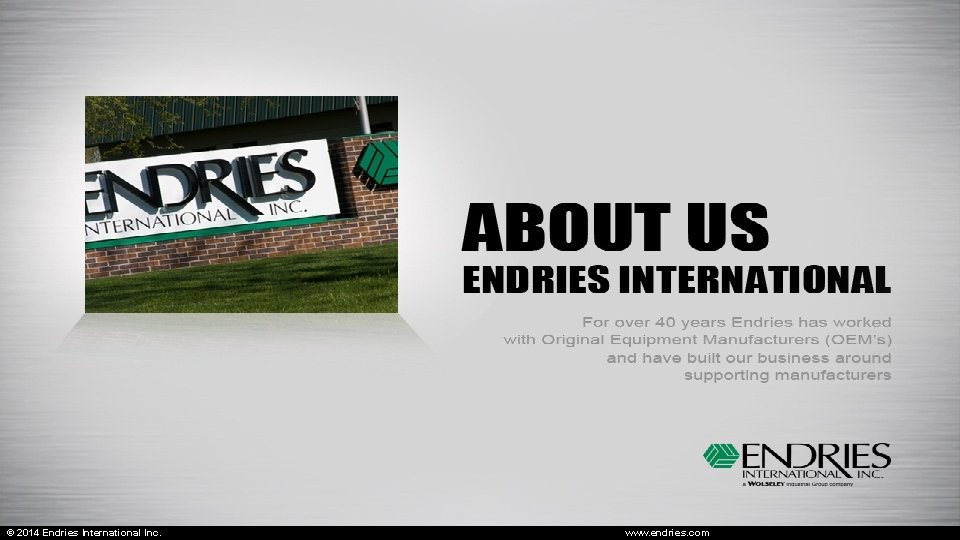
Who is Endries International? • Distributor of Fasteners & Related Production Components • Key Services – – – Vendor Managed Inventory Dock-to-Dock Fulfillment Engineering Services Global Sourcing Kitting & Sub-Assemblies • Target Market – Original Equipment Manufacturers © 2014 Endries International Inc. www. endries. com
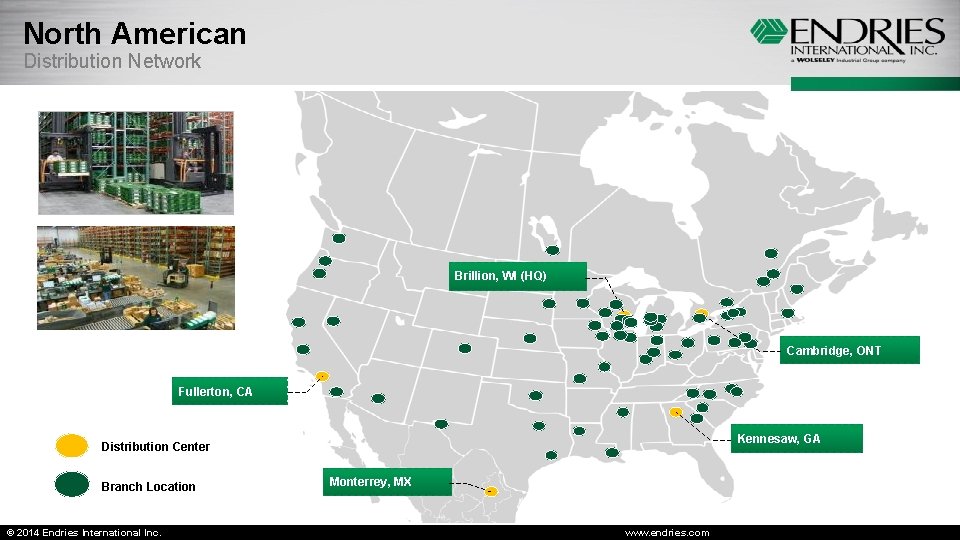
North American Distribution Network Brillion, WI (HQ) Cambridge, ONT Fullerton, CA Kennesaw, GA Distribution Center Branch Location © 2014 Endries International Inc. Monterrey, MX www. endries. com
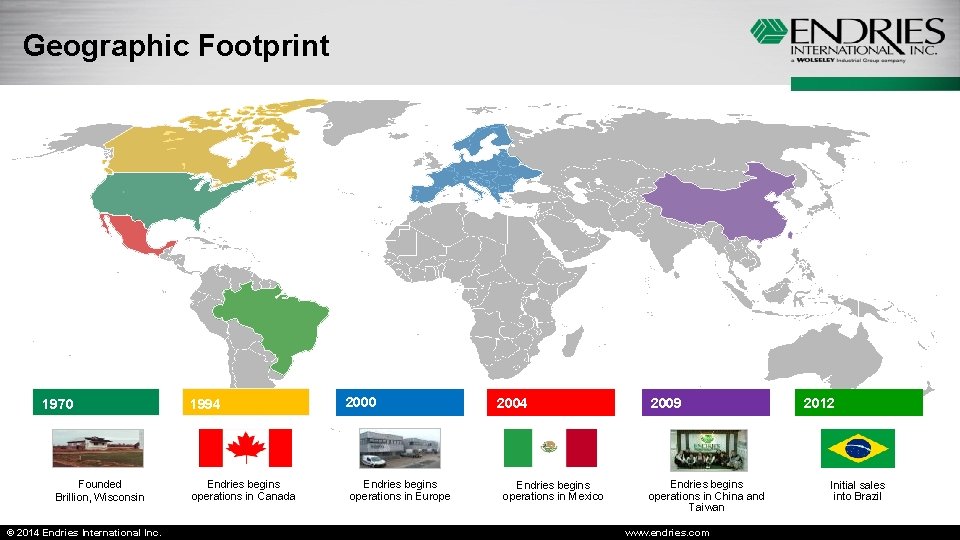
Geographic Footprint 1970 Founded Brillion, Wisconsin © 2014 Endries International Inc. 1994 Endries begins operations in Canada 2000 Endries begins operations in Europe 2004 Endries begins operations in Mexico 2009 Endries begins operations in China and Taiwan www. endries. com 2012 Initial sales into Brazil
Current Status of CRM • We are currently running CRM 2011 • Number of users – licensed for 200 • How Long – started in 2007 • CRM was originally introduced to the company with version 3. 0 and moved quickly to 4. 0. We are currently targeting CRM 2013 for our organization for fall of this year. • The support areas of our business are the ones really driving our use – Purchasing, Engineering, Quality, Warehouse, Accounting. © 2014 Endries International Inc. www. endries. com
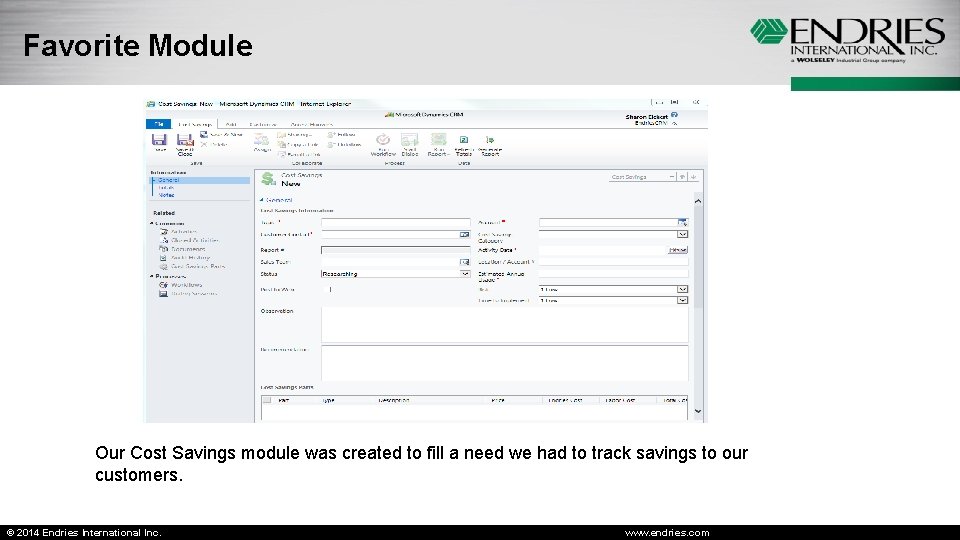
Favorite Module Our Cost Savings module was created to fill a need we had to track savings to our customers. © 2014 Endries International Inc. www. endries. com
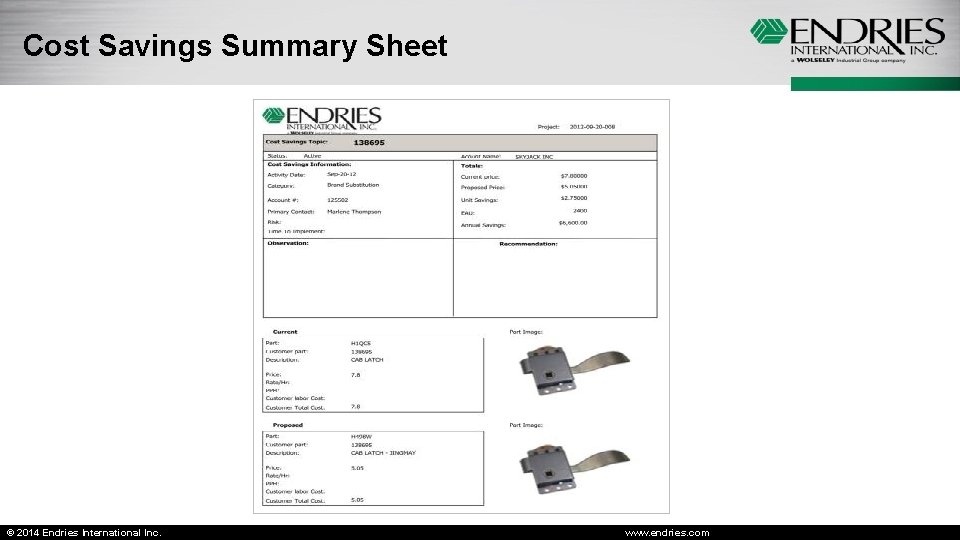
Cost Savings Summary Sheet © 2014 Endries International Inc. www. endries. com
© 2014 Endries International Inc. www. endries. com
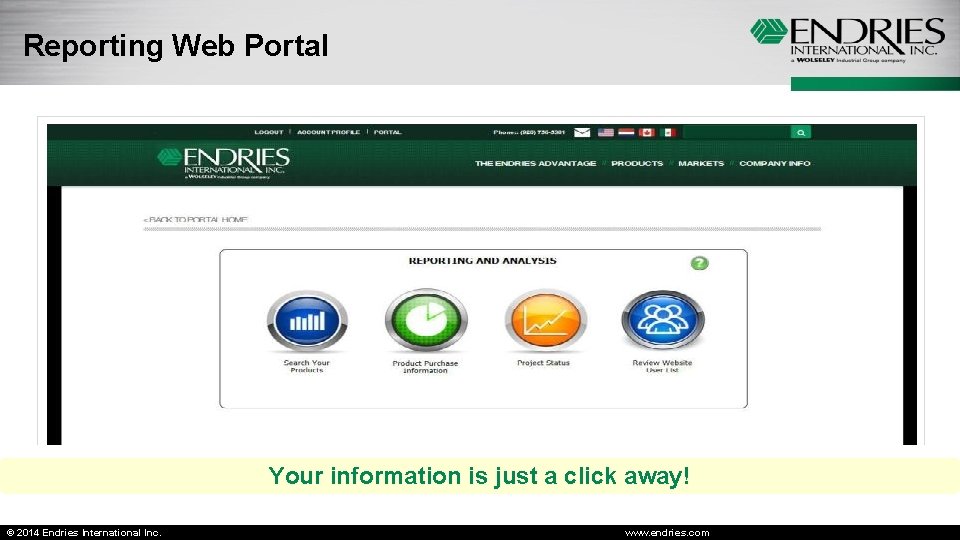
Reporting Web Portal Your information is just a click away! © 2014 Endries International Inc. www. endries. com
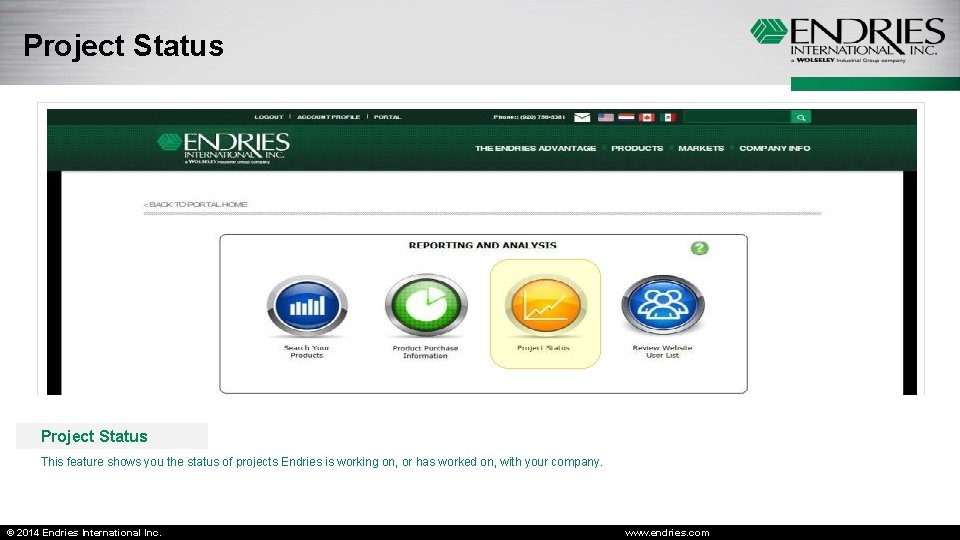
Project Status This feature shows you the status of projects Endries is working on, or has worked on, with your company. © 2014 Endries International Inc. www. endries. com
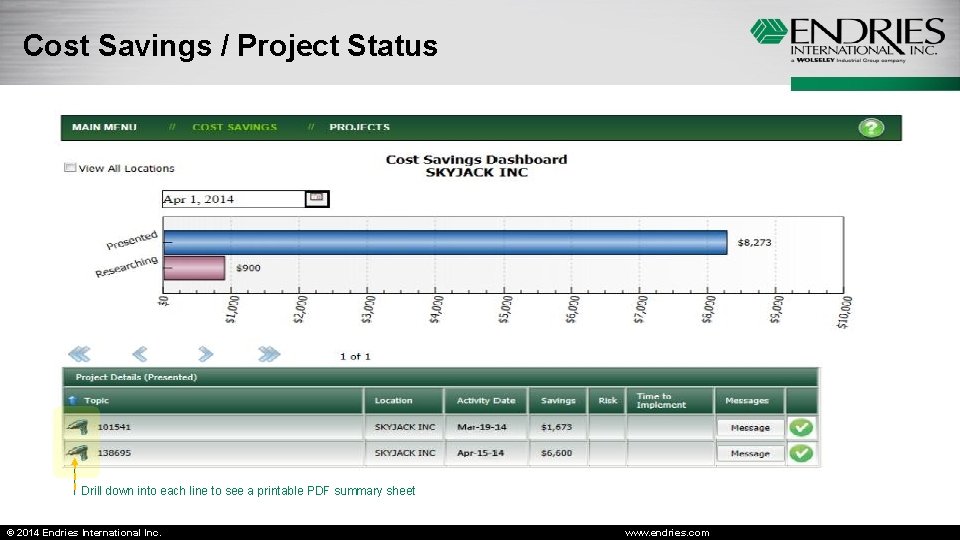
Cost Savings / Project Status Drill down into each line to see a printable PDF summary sheet © 2014 Endries International Inc. www. endries. com
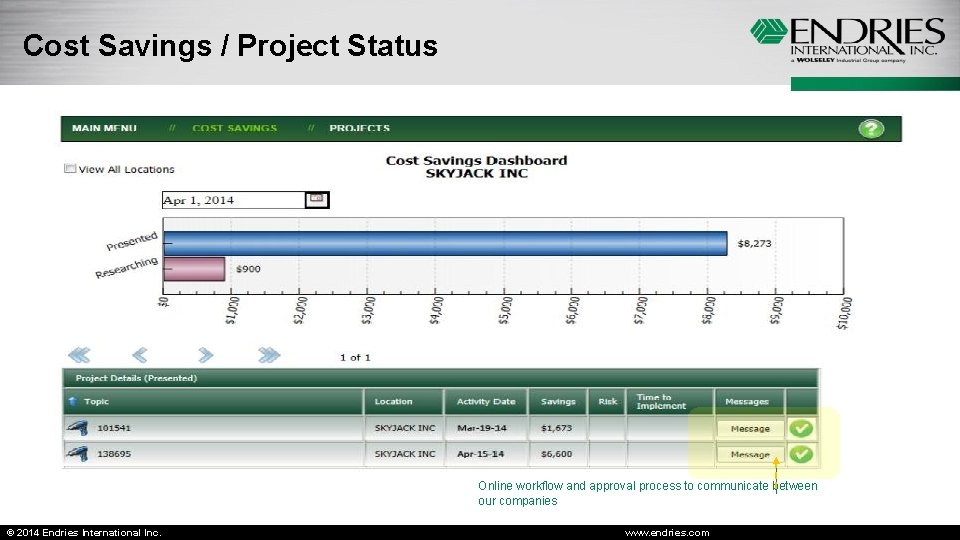
Cost Savings / Project Status Online workflow and approval process to communicate between our companies © 2014 Endries International Inc. www. endries. com
ISV – how we use them • • Upgrades Training sessions Custom design and implementation Troubleshooting We have worked with Wipfli in the past and are currently partnered with Ledgeview. We don’t have the resources to do some of the things we would like to and that is where they come in. The saying “Do what you do best and let someone else do the rest” carries the weight in our organization. They have been great partners and someone we can go to for help. © 2014 Endries International Inc. www. endries. com
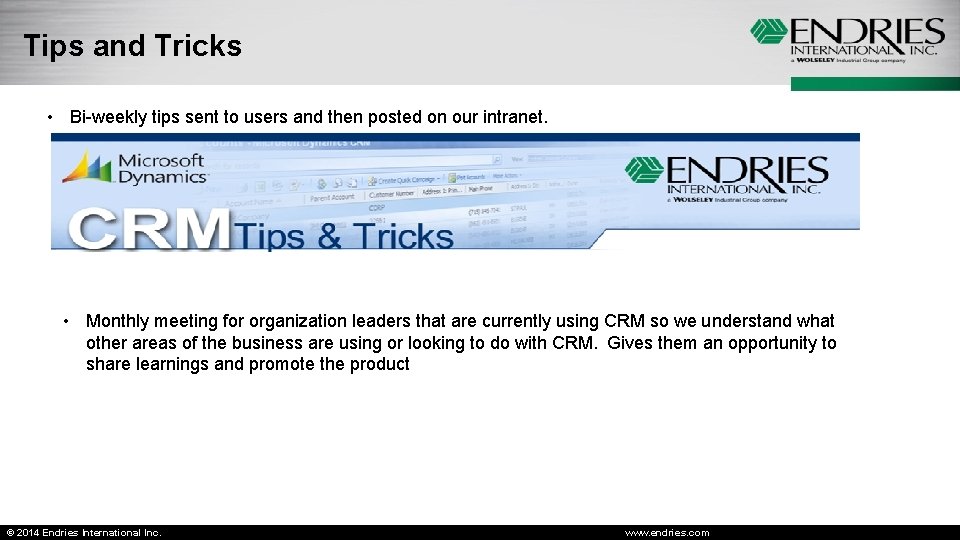
Tips and Tricks • Bi-weekly tips sent to users and then posted on our intranet. • Monthly meeting for organization leaders that are currently using CRM so we understand what other areas of the business are using or looking to do with CRM. Gives them an opportunity to share learnings and promote the product © 2014 Endries International Inc. www. endries. com
Where do we go for answers • • We will typically try the google searches. You. Tube videos – Richard Knudson Microsoft site There are several good blogs out there that I review – CRMUG – Ledgeview – Powerobjects • We have our support from our ISV partner © 2014 Endries International Inc. www. endries. com
Sharon Eickert Endries International © 2014 Endries International Inc. www. endries. com
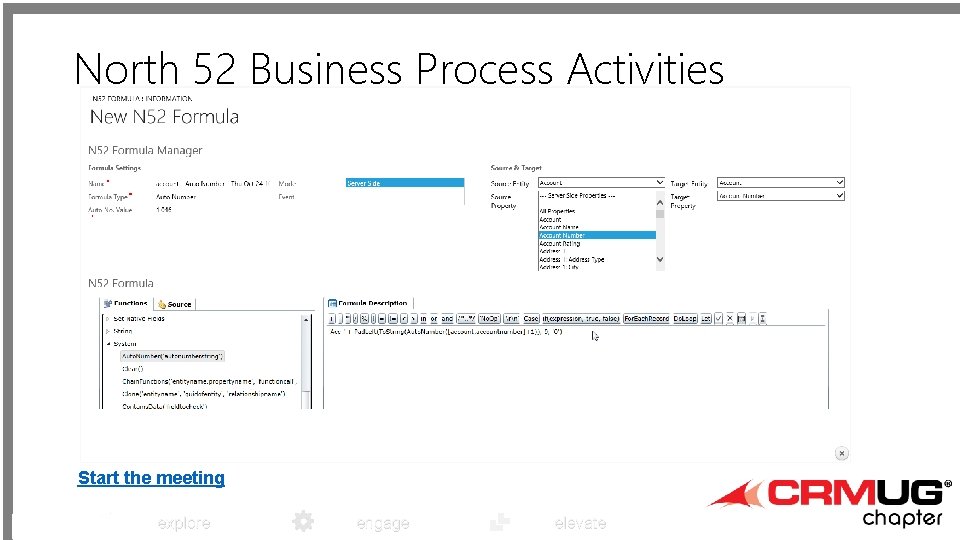
North 52 Business Process Activities Start the meeting explore engage elevate
explore engage elevate BREAK
explore engage elevate Dashboards Jenn Manteufel Navitus Health Solutions ASA III
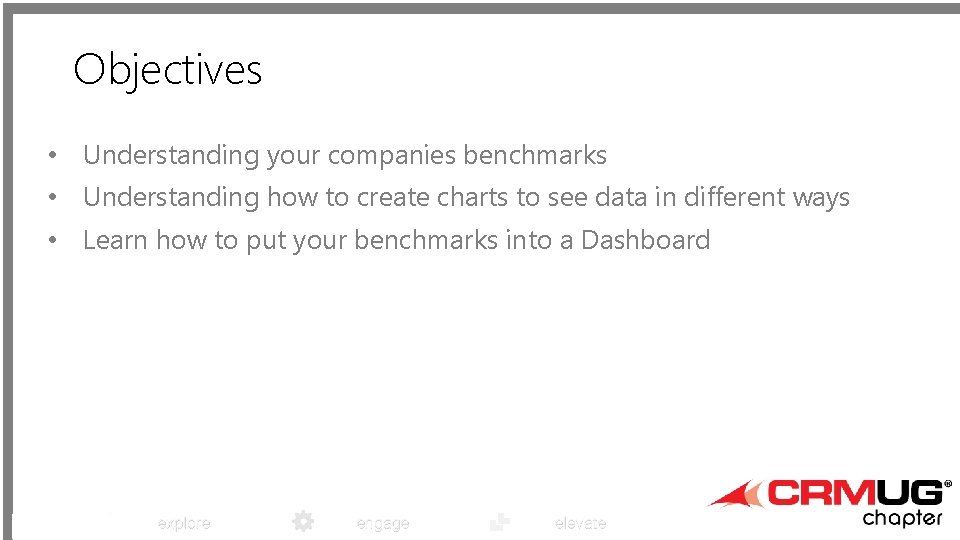
Objectives • Understanding your companies benchmarks • Understanding how to create charts to see data in different ways • Learn how to put your benchmarks into a Dashboard explore engage elevate
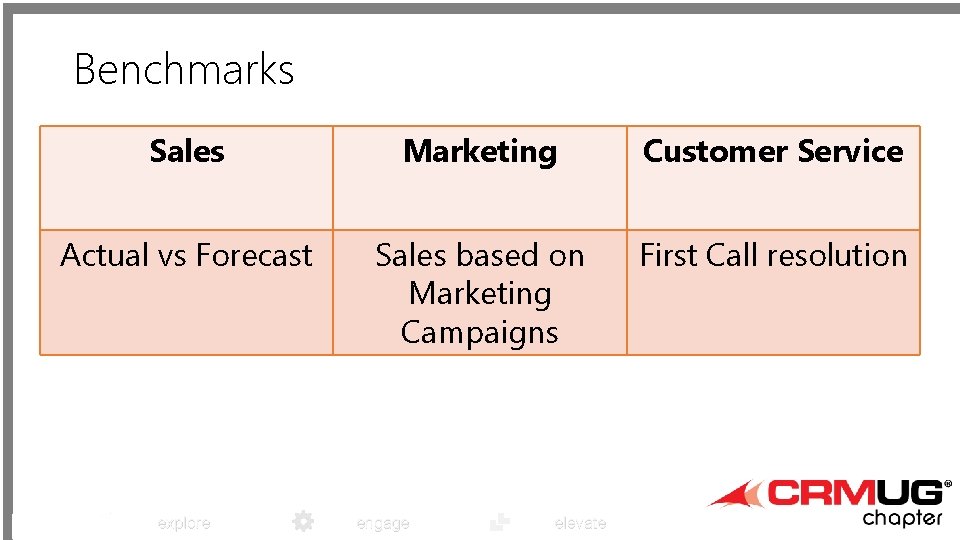
Benchmarks Sales Marketing Customer Service Actual vs Forecast Sales based on Marketing Campaigns First Call resolution explore engage elevate
Planning • The first step is planning: • Is my Dashboard being created for a specific group of people? • What are their needs, what are their benchmarks, what are they trying to achieve? • Can I accomplish what they are looking for? explore engage elevate
Evaluating • Is the data stored in CRM? • Can I get to everything they are looking for? • Is the data being tracked consistently? Do you have defined processes to meet benchmarks? explore engage elevate
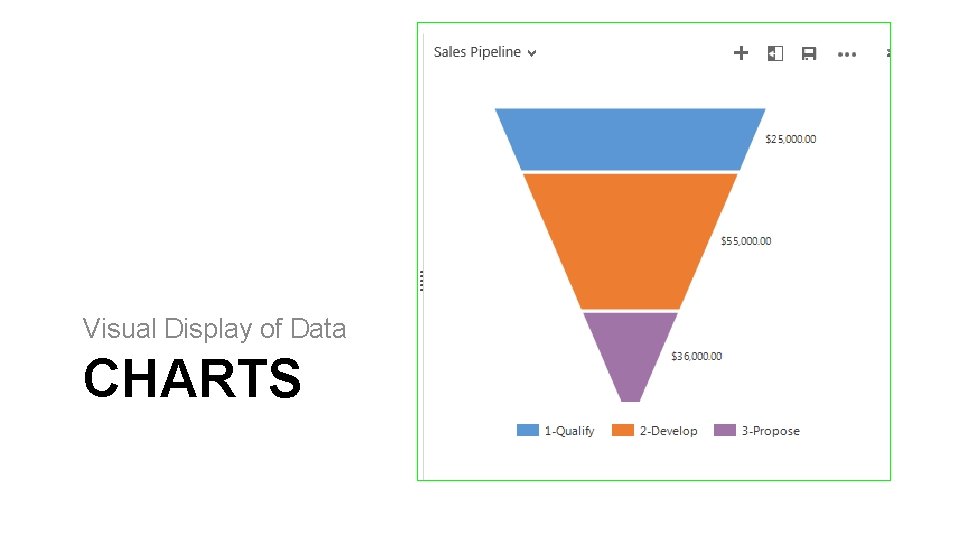
Visual Display of Data CHARTS
Using Charts • Charts can be used in 2 different ways: • A chart can be used on a Dashboard, it’s always the same chart reflected • A chart can also be used from the entity, this allows you to change your views and see your chart change with each data set explore engage elevate
Chart Basics • Planning is important for charts • Charts are perfect for counts or revenue • A chart will only display fields from that specified entity or fields from Advanced Find • Depending on the fields your using, the display may be unreadable or may not work well with Charts explore engage elevate
Preparing Charts 1) 2) 3) 4) Are you trying to display the data the same way for each view or do you need multiple charts? Are you setting up system charts or personal charts, if personal make sure you share each chart with all individuals that should have access Understand naming conventions Feel free to create many charts, giving you the ability to see the same data in different ways explore engage elevate
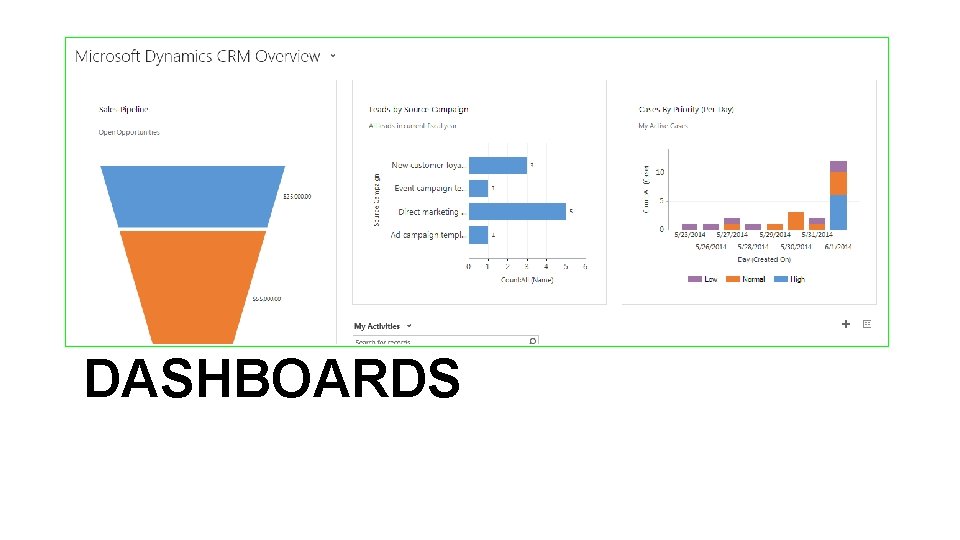
DASHBOARDS
Dashboards • Before creating your Dashboard you should have: • Advanced Find queries created and saved • Charts created and saved • If personal views and personal charts share all explore engage elevate
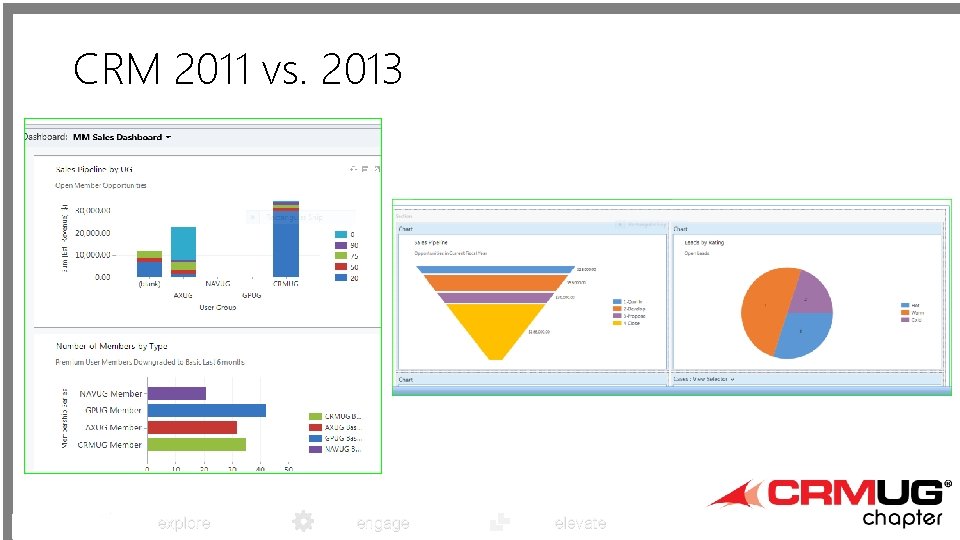
CRM 2011 vs. 2013 explore engage elevate
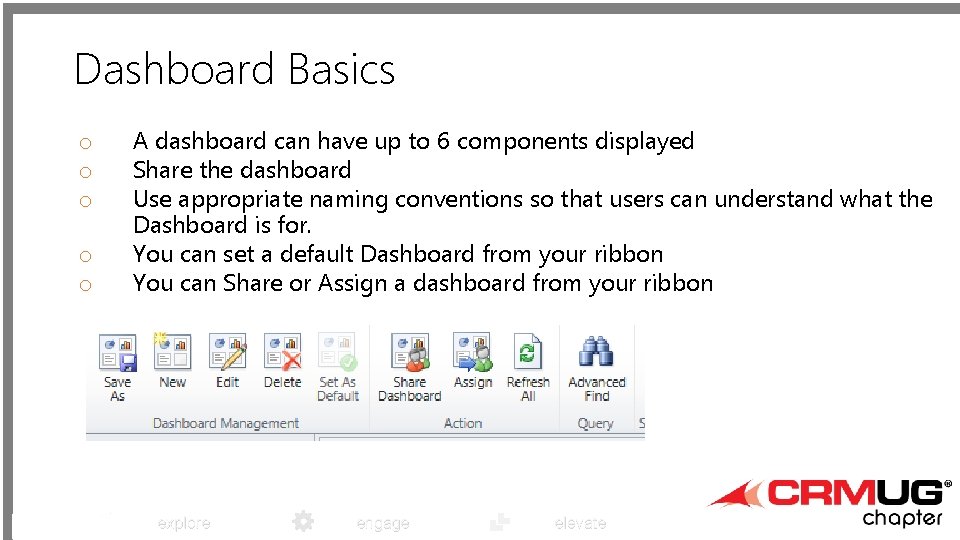
Dashboard Basics o o o A dashboard can have up to 6 components displayed Share the dashboard Use appropriate naming conventions so that users can understand what the Dashboard is for. You can set a default Dashboard from your ribbon You can Share or Assign a dashboard from your ribbon explore engage elevate
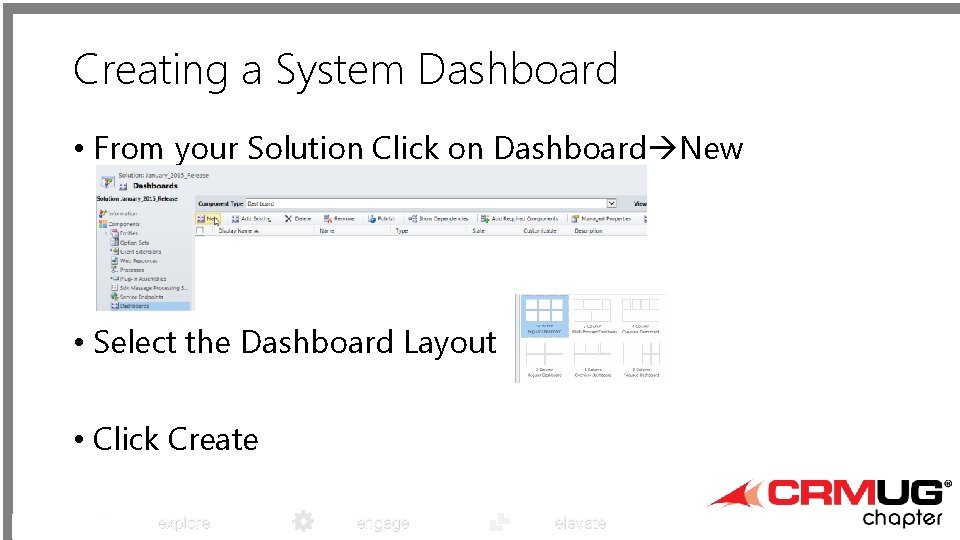
Creating a System Dashboard • From your Solution Click on Dashboard New • Select the Dashboard Layout • Click Create explore engage elevate
Adding to a Dashboard • Chart • List (AFV) • Web Resource • Announcements • Reports (Code. Plex Tool) • Activity Feeds • Iframe • URL to external Site • Report explore engage elevate
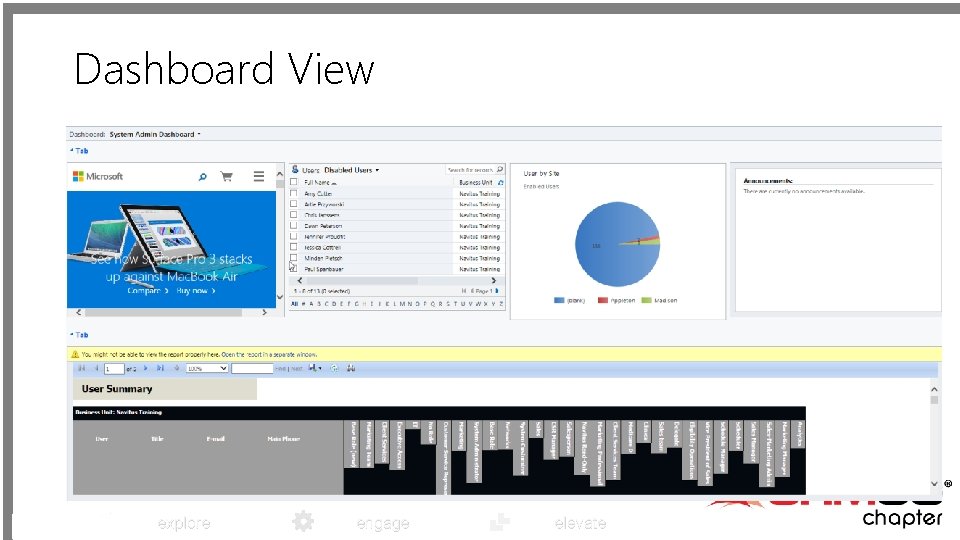
Dashboard View explore engage elevate
Summary • • • Charts are a nice visual feature Adopt Dashboards, you will stop being asked for data! Find the best way to get the best data out there Always manage and always update Have a champion from each department that will drive need explore engage elevate
explore Q&A Networking Session engage elevate
- Slides: 48