
Executable Part This is an important part of
Executable Part • This is an important part of a program • This is a list of statements executed by the machine • The statements are of two kinds: – Those perform operations on the variables – control statements: specify the sequence of statement execution • The operations are determined by the types of variables operated upon. • A programming language provide a rich set of data types for representation of information and manipulation • It also provides a rich set of control statements
Program Operations • Programs discussed so far have three basic operations and control flow – – Assignment Expression Evaluation Reading and Writing Sequential Flow of Control
Assignment • Specified by assignment statement, eg. Prod = x * y Tot = Tot + hours * 60 • It has two parts: – – A LHS which is usually a variable A RHS which is, in general, a mathematical expression
Expressions • Expressions typically appear on the RHS • Fortran Expressions remarkably close to std. Math. expressions common in scientific domain • Major high level feature introduced by early Fortran that gives its the name Fortran (Formula Translation) • Expressions typically involve variables, constants and operators, eg. (Principle * Year * Rate) /100 (arithmetic expressions) "Mr. " name // initial // sur_name (character expressions) • 100, Mr are Integer and character constants - called Literals

Expression Types • Variables are typed • Data types specify operators that operate on the data values eg. – REAL specifies +, *(multiplication), / (division), * * (exponentiation), - (minus) – CHARACTER allows // (concatenation) • Only these operators can appear in expressions • Expressions evaluate to a value of definite data type, eg. first expression above is REAL , second is CHARACTER type
Type Conformance • LHS variable has a type • RHS expression – involve operations defined by the types of variables on the RHS also has a type, eg. • Type of x+y is REAL (or INTEGER) when the types of x, y are REAL (INTEGER) • In general, types of LHS variable and the value of the RHS expression should be the same • This restriction relaxed among the group of numeric types (Real, Integer). • More on this later
Execution • Execution of an assignments consists of the following steps: – Evaluate the RHS expression to get a value – Assign (i. e. , store) the value of this expression to the (the corresponding memory location of) the LHS variable.
Evaluation • It is similar to mathematical expression evaluation • Any variable in an expression stands for the value stored in the corresponding location • Operations are performed on these values • Complex control flow is abstracted in an expression • Use of parenthesis and implicit precedence rules • More on this later
Assignment • Assignment updates the memory location corresponding to the lhs variable • Variables retain values until updated • Stored values in variables are accessed by using the variables on the rhs in later assignment statements • Beware! Two different interpretations for variables – Lhs occurrence refers to the memory location – Rhs occurrence refers to the value stored
Left and Right Values • Consider the statement x=x+y • The x on the lhs refers to the memory location corresponding to x • The x on rhs refers to the value stored in x • These two values are referred as lvalues and rvalues
Run-Time Errors • Expression evaluation may result in errors – Overflow and underflow – Divide by zero • Evaluation results may be unpredictable – Reference to un-initialized variables on the rhs – Lhs variable may be undefined • So checks have to be made before assignment statement execution • Explicit and implicit checks possible • More on this later
Assignment not equal to equality • The notation = used for assignment is bad and misleading • It resembles conventional equality symbol but different • Example: x = y and x = x + y • • New symbol for new concepts PASCAL is sensible; it uses : = for assignment Fortran needs standard equality symbol too == more on this later
Arithmetic Expression Evaluation • How to evaluate a*b/c • Two possibilities: – a*b and then divide by c or – b/c and then multiply by a • The results are different • Unique evaluation order should be specified • Use paranthesis, like (a*b)/c or a*(b/c) • An implicit order of evaluation, called PRECEDENCE ORDER is assumed using which sub expressions are evaluated in unique order
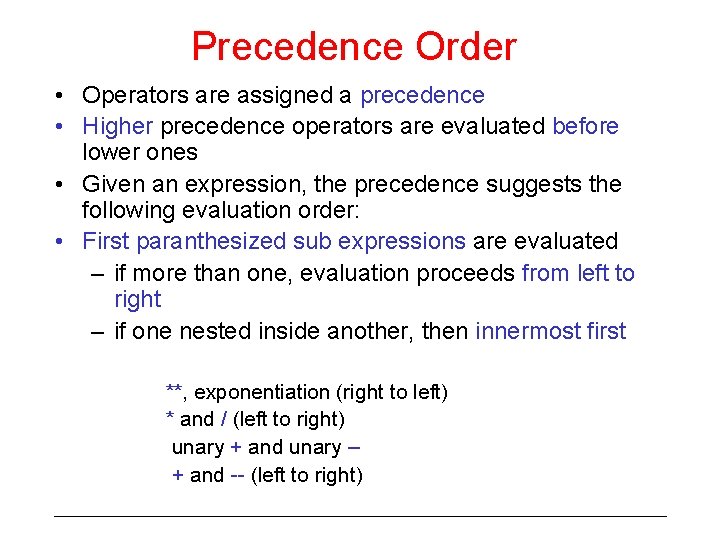
Precedence Order • Operators are assigned a precedence • Higher precedence operators are evaluated before lower ones • Given an expression, the precedence suggests the following evaluation order: • First paranthesized sub expressions are evaluated – if more than one, evaluation proceeds from left to right – if one nested inside another, then innermost first **, exponentiation (right to left) * and / (left to right) unary + and unary – + and -- (left to right)
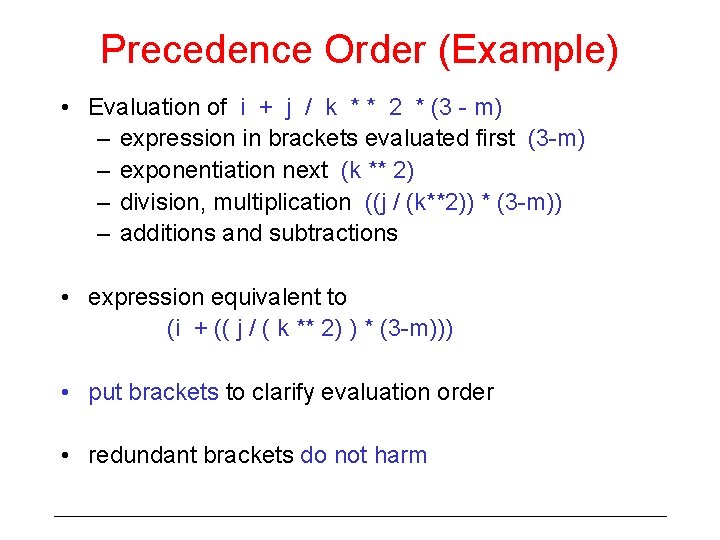
Precedence Order (Example) • Evaluation of i + j / k * * 2 * (3 - m) – expression in brackets evaluated first (3 -m) – exponentiation next (k ** 2) – division, multiplication ((j / (k**2)) * (3 -m)) – additions and subtractions • expression equivalent to (i + (( j / ( k ** 2) ) * (3 -m))) • put brackets to clarify evaluation order • redundant brackets do not harm
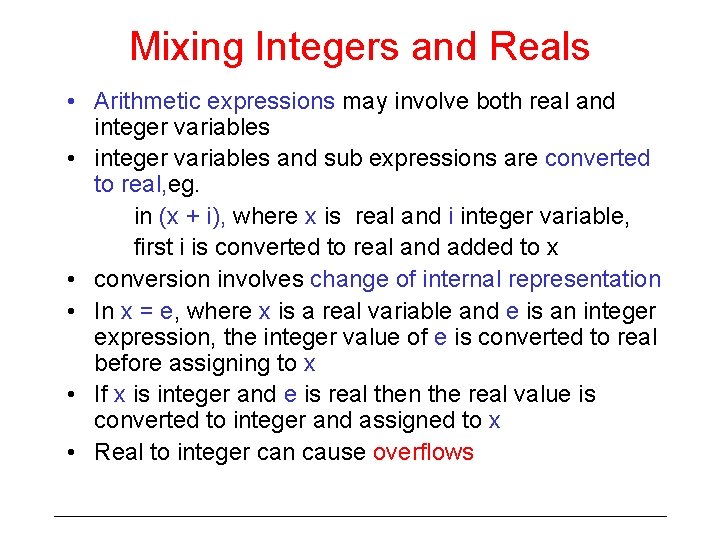
Mixing Integers and Reals • Arithmetic expressions may involve both real and integer variables • integer variables and sub expressions are converted to real, eg. in (x + i), where x is real and i integer variable, first i is converted to real and added to x • conversion involves change of internal representation • In x = e, where x is a real variable and e is an integer expression, the integer value of e is converted to real before assigning to x • If x is integer and e is real then the real value is converted to integer and assigned to x • Real to integer can cause overflows
Explicit Conversion • The conversion above is implicit and cause surprise • Better not to mix integer and reals • If cannot be avoided, use explicit conversions • Fortran provides a lot of intrinsic functions for explicit conversions
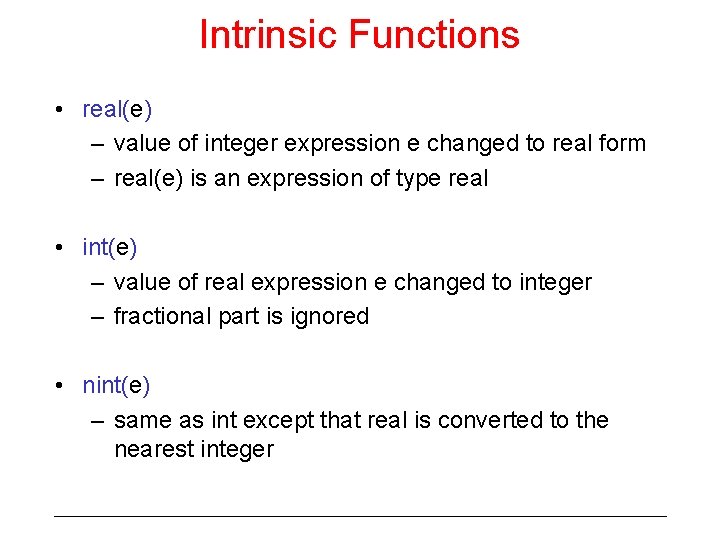
Intrinsic Functions • real(e) – value of integer expression e changed to real form – real(e) is an expression of type real • int(e) – value of real expression e changed to integer – fractional part is ignored • nint(e) – same as int except that real is converted to the nearest integer
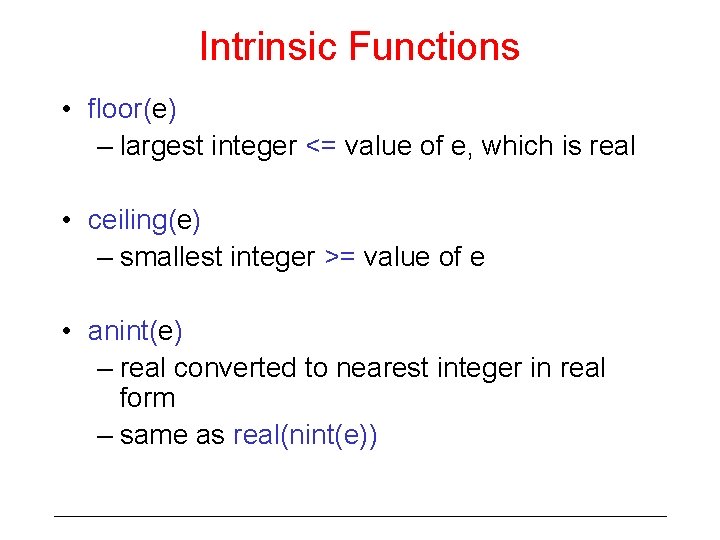
Intrinsic Functions • floor(e) – largest integer <= value of e, which is real • ceiling(e) – smallest integer >= value of e • anint(e) – real converted to nearest integer in real form – same as real(nint(e))
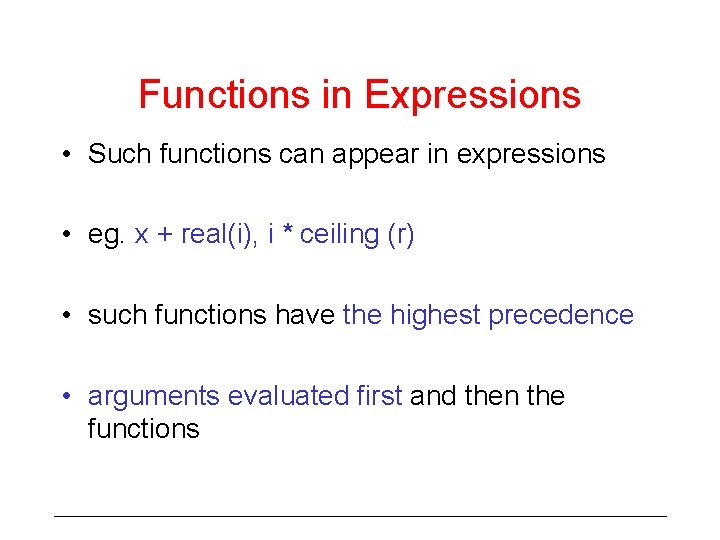
Functions in Expressions • Such functions can appear in expressions • eg. x + real(i), i * ceiling (r) • such functions have the highest precedence • arguments evaluated first and then the functions
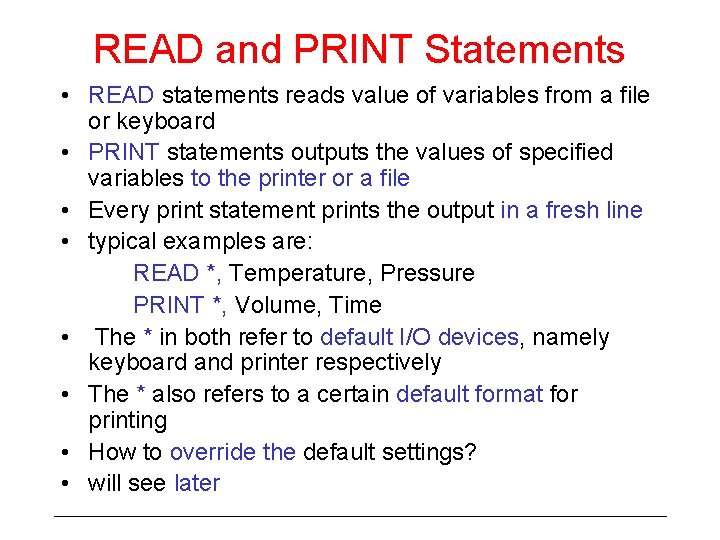
READ and PRINT Statements • READ statements reads value of variables from a file or keyboard • PRINT statements outputs the values of specified variables to the printer or a file • Every print statement prints the output in a fresh line • typical examples are: READ *, Temperature, Pressure PRINT *, Volume, Time • The * in both refer to default I/O devices, namely keyboard and printer respectively • The * also refers to a certain default format for printing • How to override the default settings? • will see later
Sequential Control Flow • Programs seen so far contained one or more assignment statements and READ and PRINT statements • Each statement appears in a fresh line • Assignment, READ/PRINT statements direct the control to flow to the following statement. • Hence these statements are executed in the order in which present • Order is important; result may vary if order is changed • There are statements which change the normal sequential flow which we will see later
- Slides: 22