
Excel Spreadsheet Introduction and Terminology Quick Access toolbar
Excel Spreadsheet Introduction and Terminology
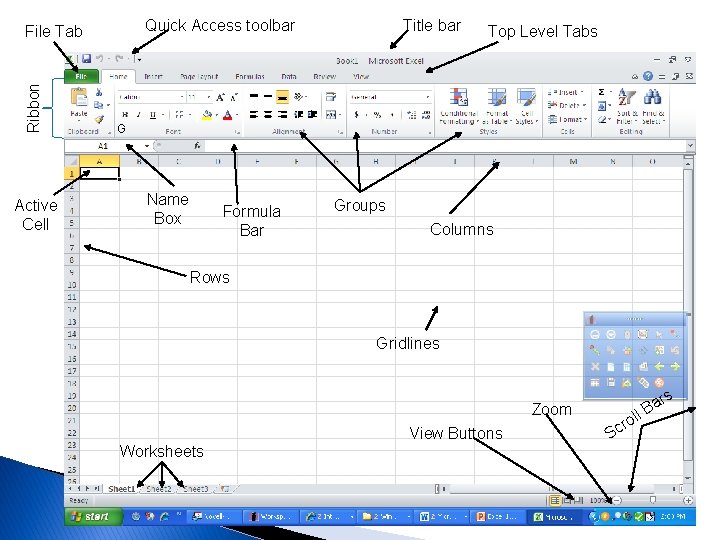
Quick Access toolbar Ribbon File Tab Active Cell Title bar Top Level Tabs G Name Box Formula Bar Groups Columns Rows Gridlines Zoom View Buttons Worksheets Sc ro a ll B rs
Spreadsheets � Applications that track, analyze, and chart numeric information � Used for business, industry, education, and individuals to make financial decisions � Accounting documents � Microsoft Excel is an electronic spreadsheet program � Spreadsheets are also called worksheets ◦ Collection of worksheets is called a workbook
The four major parts of Excel are: 1. 2. 3. 4. Workbooks and worksheets Charts Tables Web Support
#1 Workbooks and Worksheets � � Workbooks are a collection of worksheets Worksheets allow users to enter, calculate, manipulate and analyze data such as numbers and text. When Excel starts, a new blank document is created called Book 1 (workbook) A workbook contains 3 worksheets (individual pages) by default
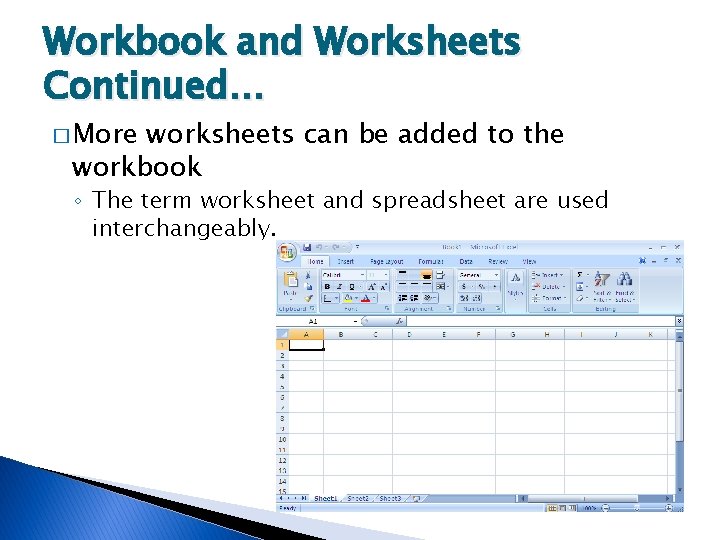
Workbook and Worksheets Continued… � More worksheets can be added to the workbook ◦ The term worksheet and spreadsheet are used interchangeably.
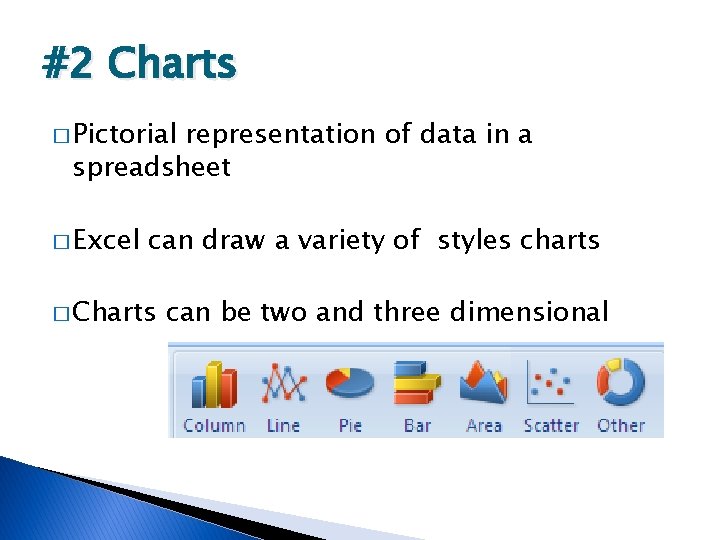
#2 Charts � Pictorial representation of data in a spreadsheet � Excel can draw a variety of styles charts � Charts can be two and three dimensional

#3 Tables � Tables organize and store data within worksheets. � Once a user enters data into a spreadsheet, an Excel table can sort the data, search for specific data and select data that satisfies a criteria
#4 Web Support � Web support allows users to save Excel worksheets or part of a worksheet in HTML format, so a user can view and manipulate the worksheet using a browser.
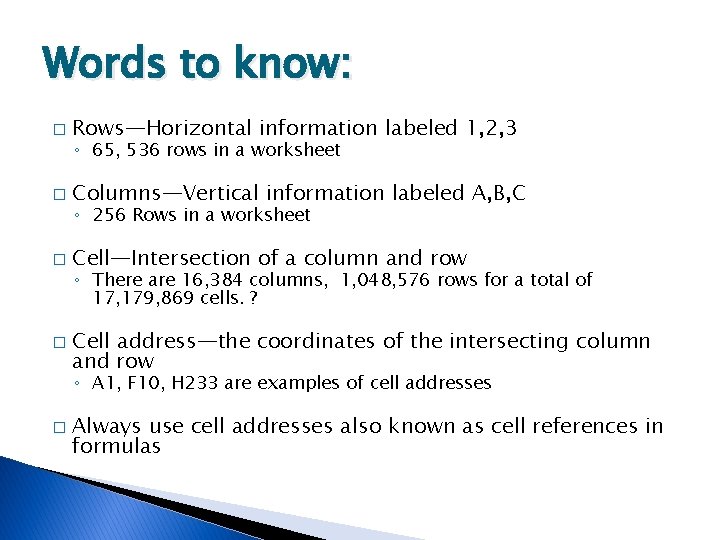
Words to know: � Rows—Horizontal information labeled 1, 2, 3 � Columns—Vertical information labeled A, B, C � Cell—Intersection of a column and row � ◦ 65, 536 rows in a worksheet ◦ 256 Rows in a worksheet ◦ There are 16, 384 columns, 1, 048, 576 rows for a total of 17, 179, 869 cells. ? Cell address—the coordinates of the intersecting column and row ◦ A 1, F 10, H 233 are examples of cell addresses � Always use cell addresses also known as cell references in formulas
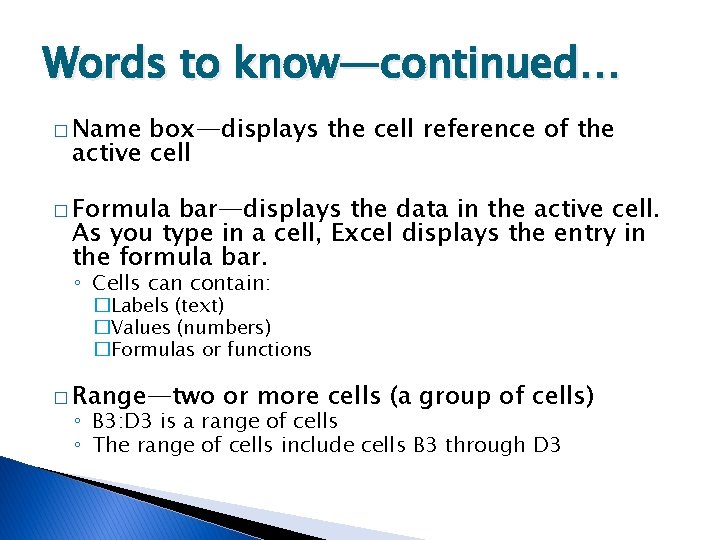
Words to know—continued… � Name box—displays the cell reference of the active cell � Formula bar—displays the data in the active cell. As you type in a cell, Excel displays the entry in the formula bar. ◦ Cells can contain: �Labels (text) �Values (numbers) �Formulas or functions � Range—two or more cells (a group of cells) ◦ B 3: D 3 is a range of cells ◦ The range of cells include cells B 3 through D 3
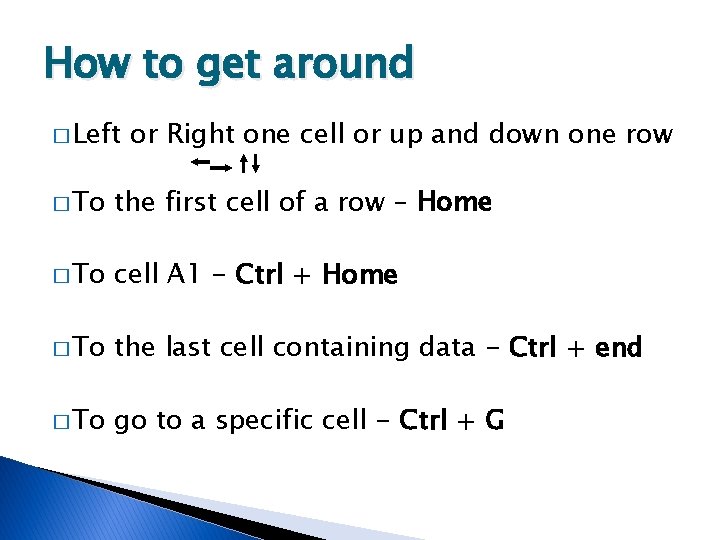
How to get around � Left or Right one cell or up and down one row � To the first cell of a row – Home � To cell A 1 - Ctrl + Home � To the last cell containing data - Ctrl + end � To go to a specific cell - Ctrl + G
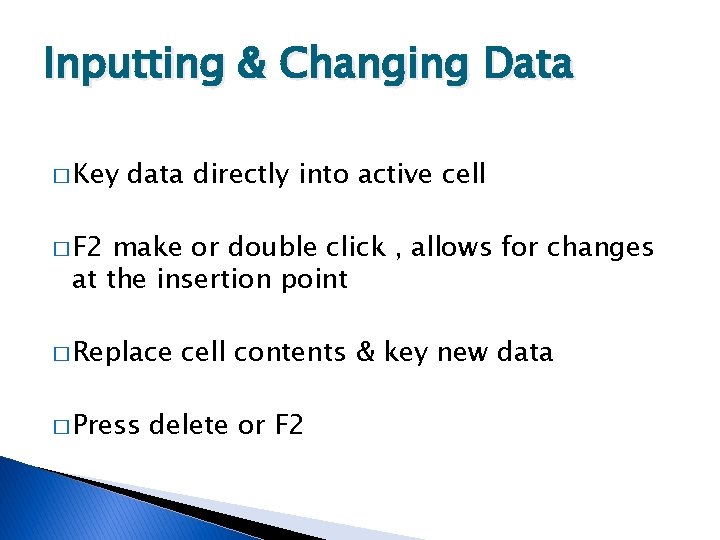
Inputting & Changing Data � Key data directly into active cell � F 2 make or double click , allows for changes at the insertion point � Replace � Press cell contents & key new data delete or F 2

Headers & Footers � Insert Tab > Header & Footer button
Be sure to save � Excel � Save files save with an. xlsx file extension Excel files to ◦ Computer Tech > Excel folder
- Slides: 15